
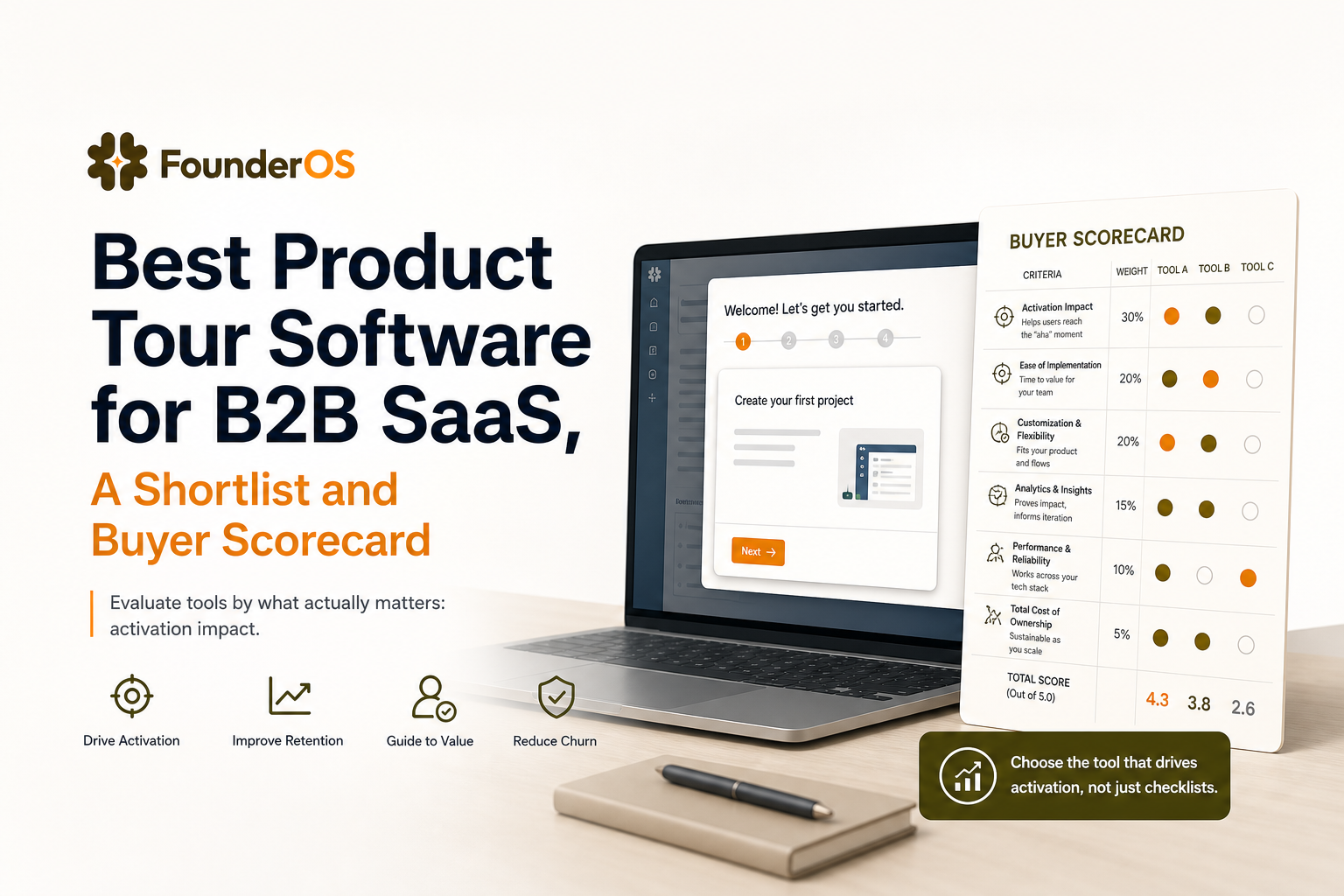
Best Product Tour Software for B2B SaaS, A Shortlist and Buyer Scorecard
Choosing the best product tour software is less about who has the prettiest tooltips and more about which tool reliably moves activation, reduces time-to-value, and stays maintainable as your product changes.
- Define “best” by activation lift and time-to-value, not tour completion rates.
- Use a weighted 10-criteria scorecard to compare tools without guesswork.
- Validate your final two options with a 7-day test plan and clear success metrics.
What “Best Product Tour Software” Actually Means for B2B SaaS Activation
In B2B SaaS, “best” rarely means “most templates.” It means your onboarding flows consistently push new users to an “aha” moment with minimal engineering time and minimal long-term upkeep. A tour that gets a 70% completion rate but does not change activation is just a well-designed distraction.
Use an activation-first definition of “best”
To evaluate product tours like a growth operator, define success with three outcomes:
- Activation lift: measurable increase in the number of users reaching your activation event (for example, “created first project,” “connected data source,” or “invited teammate”).
- Time-to-value: reduced time from signup to the first meaningful outcome.
- Maintainability: your team can update flows weekly as UI changes, without breaking steps or waiting on releases.
The hidden failure mode: tours that optimize for completion
Most teams accidentally optimize for the wrong metric because it is the easiest one to see. Completion is a proxy, not a business outcome. The best product tour software makes it easy to connect “saw step 3” to “activated within 7 days,” and to diagnose drop-off by step so you can fix the real bottleneck.
A practical benchmark to keep you honest
Before you shortlist anything, write down two benchmarks you will use across every tool trial:
- Activation rate delta: target a measurable lift (even a small one, like +3 to +7 percentage points) for a defined segment.
- Time-to-launch: how long it takes to ship one production-ready flow (not a demo) including targeting, QA, and analytics.
The Buyer Scorecard, 10 Criteria to Rank Product Tour Tools Without Guesswork
This scorecard is designed for B2B SaaS teams that want the best product tour software for activation impact. Use it as a weighted checklist, then score each tool 1 to 5 per criterion. The goal is not “perfect scores,” it is clarity on tradeoffs.
How to score
- Score: 1 (weak) to 5 (excellent).
- Weight: multiply by weight to get a weighted score.
- Rule: any tool scoring 2 or below on targeting or analytics should not make your final two.
The 10 criteria (with suggested weights)
- No-code builder quality (Weight 15): Can non-engineers build multi-step flows, branch logic, and reusable patterns without CSS hacks?
- Targeting and segmentation (Weight 15): Can you target by role, plan, lifecycle stage, and in-app behavior with AND/OR logic?
- Trigger flexibility (Weight 10): URL, element click, feature usage, time delays, and event-based triggers.
- Analytics tied to outcomes (Weight 15): Step drop-off, completion, and correlation to activation/retention events.
- Experimentation support (Weight 10): A/B testing, holdouts, or at least clean ways to compare cohorts.
- Localization and accessibility (Weight 8): Multi-language support, RTL if needed, keyboard navigation, and readable contrast.
- UI change resilience (Weight 8): How often do steps break when selectors change? Is there a robust element picking system?
- Governance and approvals (Weight 7): Roles, permissions, audit trail, and workspace separation.
- Performance and privacy posture (Weight 6): Impact on app load, data collection control, and compliance readiness.
- Pricing fit and scaling (Weight 6): Costs at your MAU and team size, plus whether key features are locked behind tiers.
What surprised our team when scoring tools
What surprised our team was how often “no-code” breaks down at the last mile: targeting logic and analytics wiring typically require the most time, not the UI builder itself. That is why the weights above heavily favor segmentation and outcome analytics.
Best Product Tour Software Shortlist by Use Case and Team Stage
Below is a practical shortlist of “best” options based on activation impact, not just tour completion. These categories map to common B2B SaaS realities: early-stage teams that need speed, growth teams that need targeting and measurement, and mature orgs that need governance.
1) Founder OS for fast, measurable onboarding without engineering cycles
Who it’s for: Founders and lean growth teams that want to ship interactive onboarding quickly, then measure how it affects activation without stitching together multiple systems.
Why it makes the shortlist: Founder OS combines a no-code onboarding flow builder with product analytics and user segmentation, so you can build guided tours, set triggers and conditions, and then track completion and drop-off by step alongside activation impact. In our experience working with early B2B SaaS teams, the biggest win is reducing “time-to-first-live-flow” because you can iterate weekly as the product changes.
Limitations to watch: If you need deep enterprise governance or complex multi-workspace approvals, confirm the permissioning model in a trial. Also validate how localization is handled if you ship in multiple languages.
Ideal scenario: You want one platform to guide users to value, segment audiences, and measure whether onboarding moves activation, not just engagement.
2) Pendo for enterprise-grade product experience programs
Who it’s for: Larger B2B SaaS orgs running coordinated in-app messaging, onboarding, and product insights across multiple teams.
Key strengths: Strong governance, broad in-app guidance capabilities, and mature analytics for product engagement. It is often used when multiple stakeholders need a shared system of record for product experience.
Limitations to watch: Cost and implementation overhead can be high. Make sure your team will actually use the advanced capabilities, or you risk paying for complexity you do not operationalize.
Ideal scenario: You have a dedicated product ops or growth function and need scale, permissions, and cross-team coordination.
3) Appcues for polished onboarding patterns and lifecycle messaging
Who it’s for: Growth and product teams that want a strong library of UI patterns (modals, tooltips, checklists) with solid targeting and a focus on lifecycle messaging.
Key strengths: Mature flow building experience and good support for common onboarding patterns. Typically a strong fit when you want to standardize onboarding UX across a product.
Limitations to watch: Validate the depth of outcome analytics you need. If your activation event lives in a separate analytics stack, confirm the integration and reporting workflow.
Ideal scenario: You need reliable in-app experiences and want your team to ship changes without engineering tickets.
4) Userpilot for behavior-based targeting and iterative optimization
Who it’s for: Teams that want to personalize onboarding based on behavior and run frequent iterations to improve activation.
Key strengths: Strong targeting and segmentation workflows, plus practical analytics for optimizing flows over time.
Limitations to watch: As with any tool, ensure your UI-change resilience is acceptable for your release cadence. Test how often steps break in your app.
Ideal scenario: You plan to build multiple flows per persona and optimize them monthly based on behavior data.
5) Intercom Product Tours for teams already standardized on Intercom
Who it’s for: Teams that already use Intercom for support and messaging and want lightweight tours without adding a new vendor.
Key strengths: Simple setup and a familiar environment if your team lives in Intercom. Good for basic walkthroughs paired with support automation.
Limitations to watch: May be less flexible for complex branching onboarding or advanced experimentation, depending on your needs.
Ideal scenario: You want “good enough” tours quickly and prefer vendor consolidation.
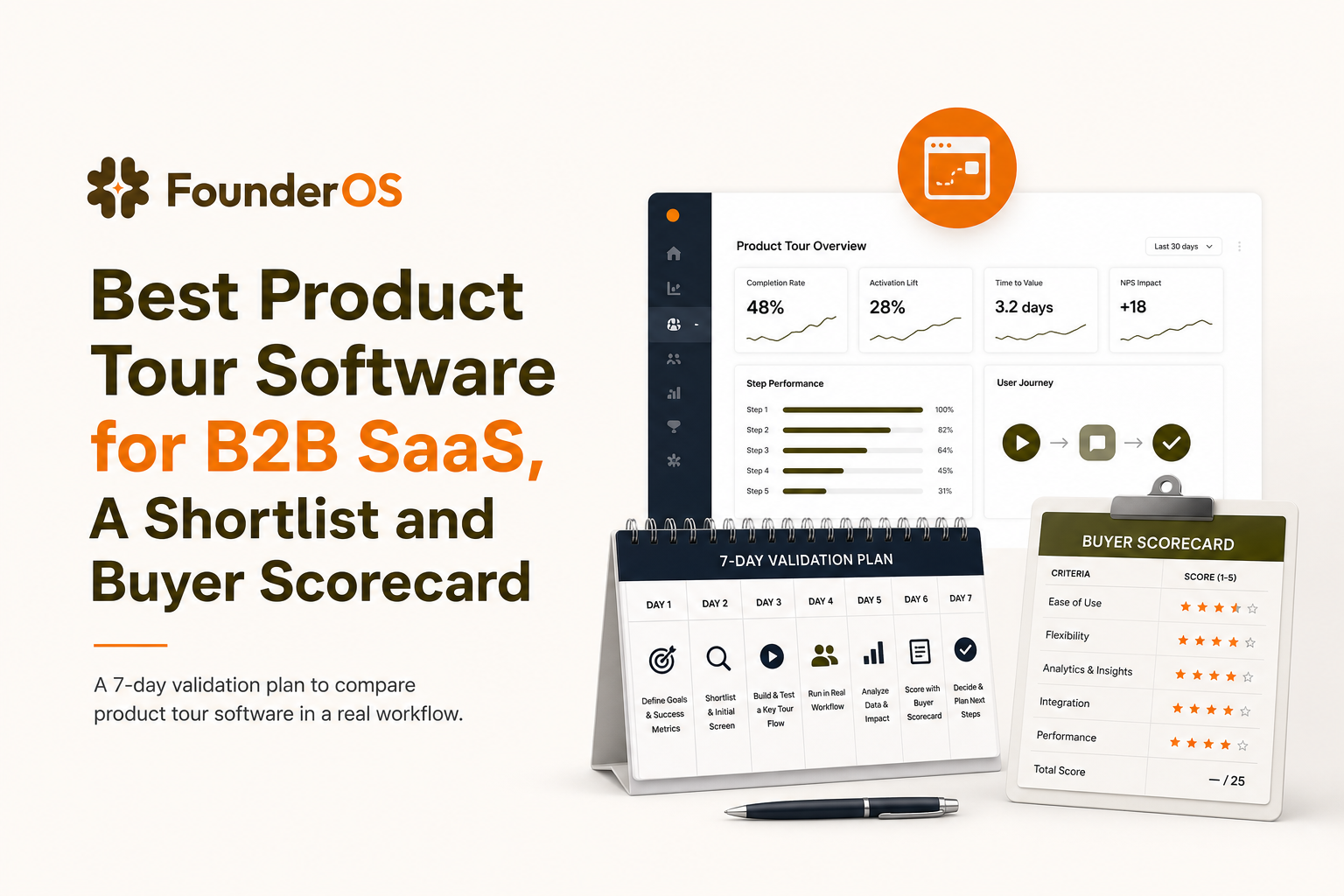
How to Validate Your Final 2 Tools in 7 Days Before You Commit
Once you have a shortlist, the fastest way to pick the best product tour software for your product is a structured 7-day evaluation. The goal is to answer one question: “Can we ship a real activation flow, target it correctly, and measure impact without heroics?”
Day 1: Define the activation event and the test segment
- Pick one activation event (example: “created first dashboard”).
- Pick one segment (example: new signups on self-serve plan, first 7 days).
- Define success: activation rate lift and time-to-value improvement.
Days 2 to 3: Build one production flow with branching
Build a flow that includes at least one branch, such as “if user has not connected integration X, show step; otherwise skip.” This forces you to test real-world targeting and conditions, not a linear demo tour.
Day 4: QA for UI resilience and edge cases
- Test on different screen sizes and browsers.
- Test with different roles and permissions in your app.
- Intentionally change one UI element (or test on a staging UI) to see how fragile selectors are.
Day 5: Instrument measurement and set a holdout
At minimum, you need a clean comparison between users who saw the flow and users who did not. If the tool supports holdouts, use them. If not, create a simple cohort split in your analytics stack. When we tested this approach, even a basic 10% holdout was enough to reveal whether a “high completion” tour was actually neutral on activation.
Days 6 to 7: Launch to a small cohort and review outcomes
- Launch to 10% to 20% of the target segment.
- Review step drop-off and time-to-value.
- Identify one bottleneck step and iterate once (change copy, reorder steps, or add a skip condition).
If you cannot confidently answer “what step caused drop-off and did activation move?” after 7 days, that tool is unlikely to be your long-term best product tour software.
| Evaluation artifact | What to produce | Pass criteria |
|---|---|---|
| Activation definition | 1 event + 1 segment + baseline | Everyone agrees on the metric and timeframe |
| Production onboarding flow | Multi-step flow with 1 branch | Built without engineering and published cleanly |
| Targeting logic | AND/OR conditions + exclusions | No obvious misfires in QA and first launch |
| Measurement | Drop-off by step + activation impact view | You can explain what changed and why |
| Iteration loop | 1 improvement shipped after review | Iteration takes hours, not weeks |
FAQ about choosing product tour software
If you want to test an activation-first approach without engineering overhead, Founder OS includes a no-code onboarding builder plus analytics and segmentation so you can ship, measure, and iterate quickly. Start small with one flow, validate impact in 7 days, then scale what works.
Written by Ivy Tran
Founder of FounderOS, sharing practical insights on SaaS growth, product analytics, and user activation.
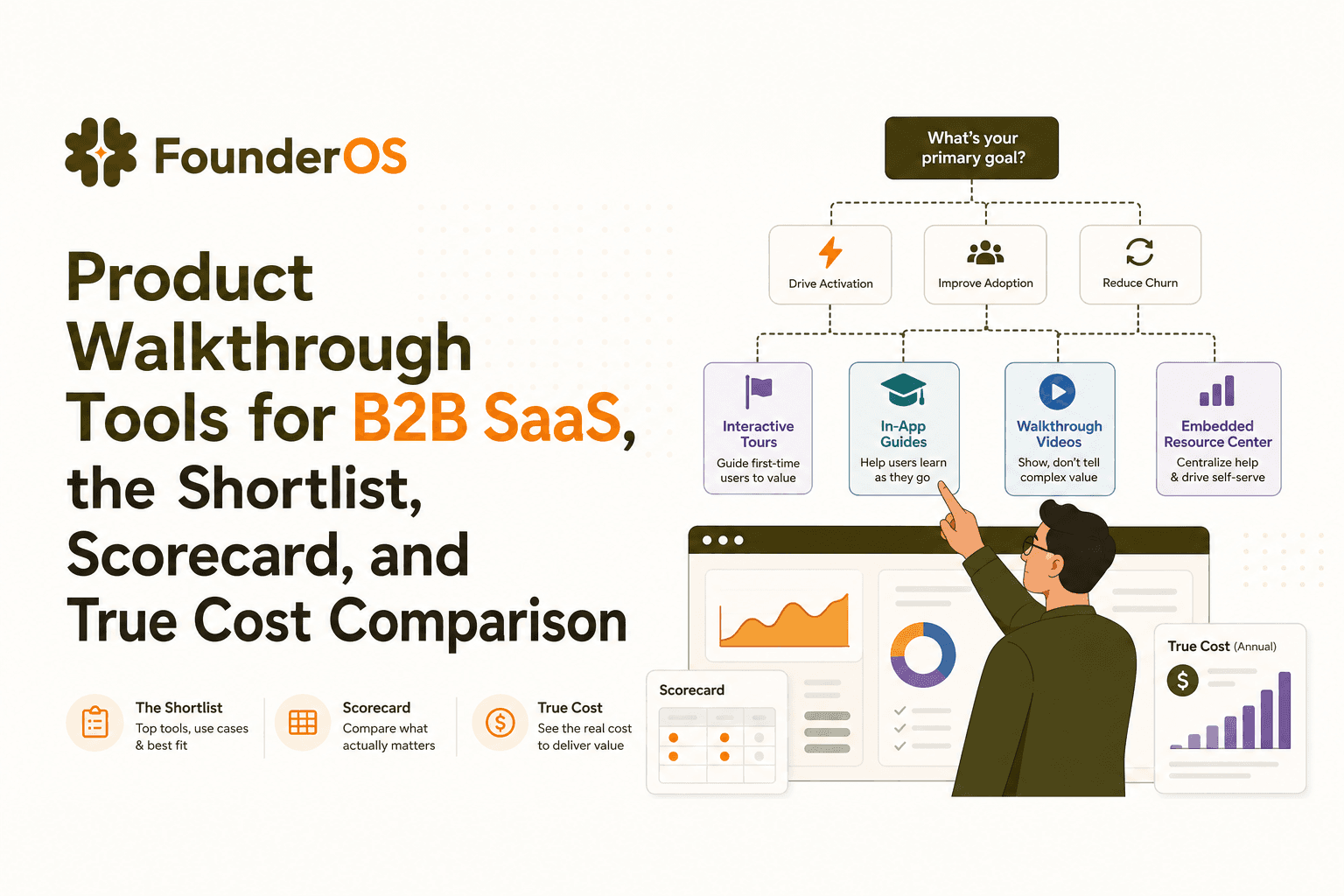
Product Walkthrough Tools for B2B SaaS, the Shortlist, Scorecard, and True Cost Comparison
Compare product walkthrough tools for B2B SaaS with a shortlist, success scorecard, and true cost scenarios for 2k, 10k, and 50k users.

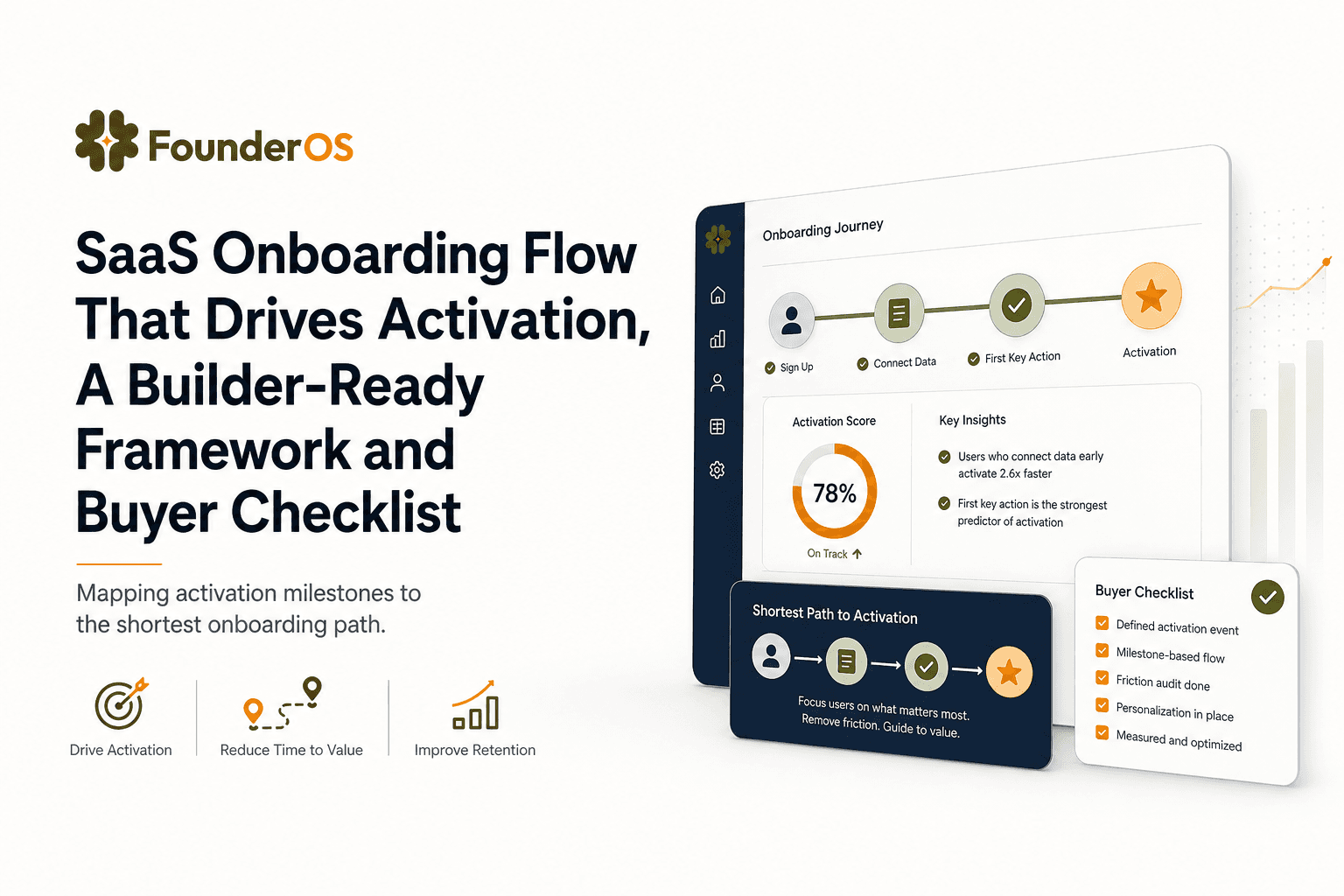
SaaS Onboarding Flow That Drives Activation, A Builder-Ready Framework and Buyer Checklist
Build a saas onboarding flow that drives activation with segments, triggers, tracking, and a buyer checklist for no-code flow builders.

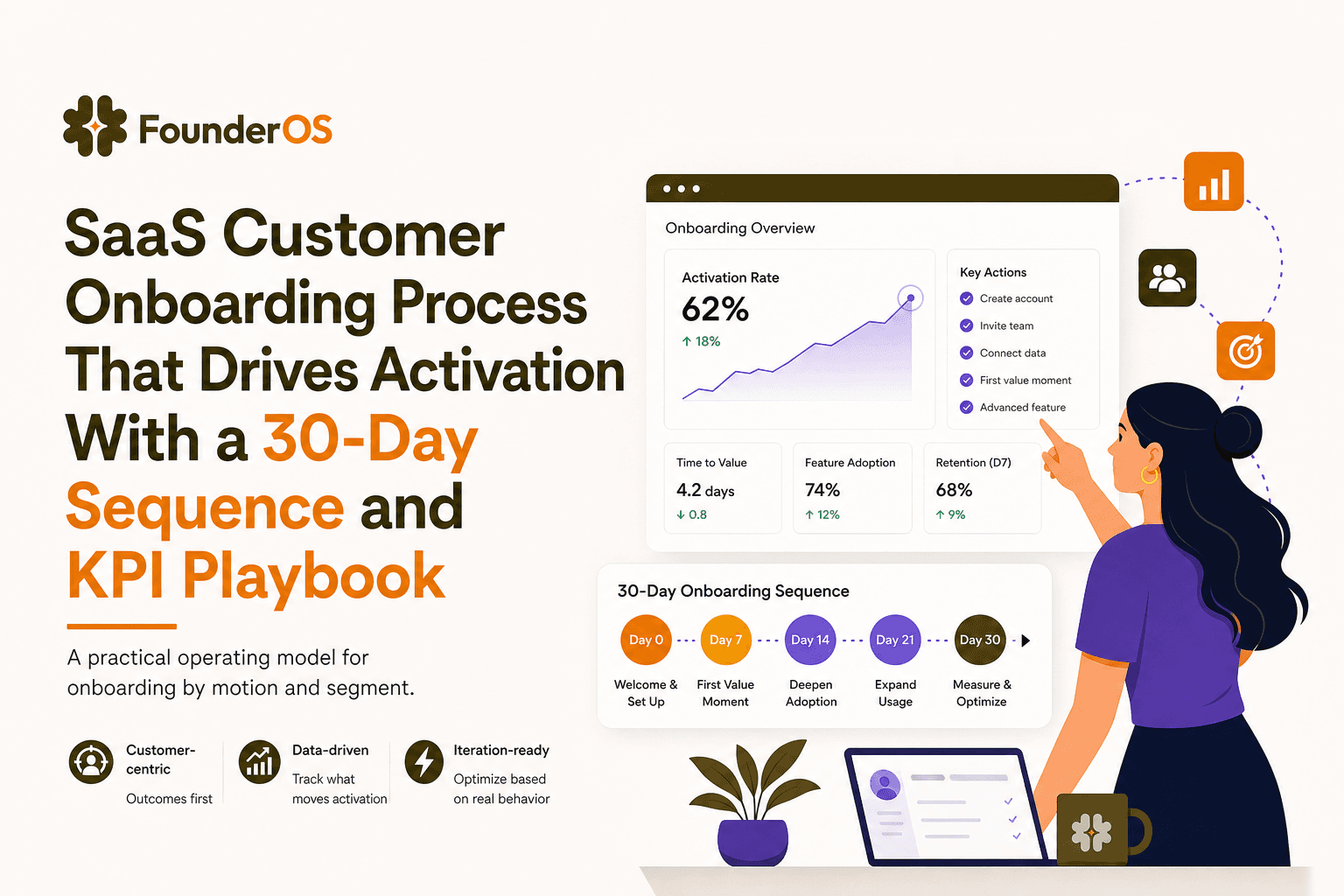
SaaS Customer Onboarding Process That Drives Activation With a 30-Day Sequence and KPI Playbook
Build a saas customer onboarding process with a 30-day sequence, triggers, RACI ownership, and KPI formulas to reach activation faster.
