
Behavior Triggers for In-App Onboarding That Move Activation, Not Just Tour Completion
Most in-app onboarding fails because behavior triggers are treated like UI rules ("show tooltip on page X") instead of activation rules ("help this user reach their first value moment"). If you want predictable activation, you need triggers that map to milestones, adapt to context, and can be validated by impact, not by whether a tour was completed.
- Define success as activation progress (milestones and time-to-value), then design behavior triggers to move users to the next milestone.
- Use a trigger taxonomy (event, time, state, risk) and a decision tree so you trigger the right help at the right moment, for the right segment.
- Measure trigger quality with incrementality (holdouts), segment splits, and guardrails to avoid trigger spam and false wins from completion rates.
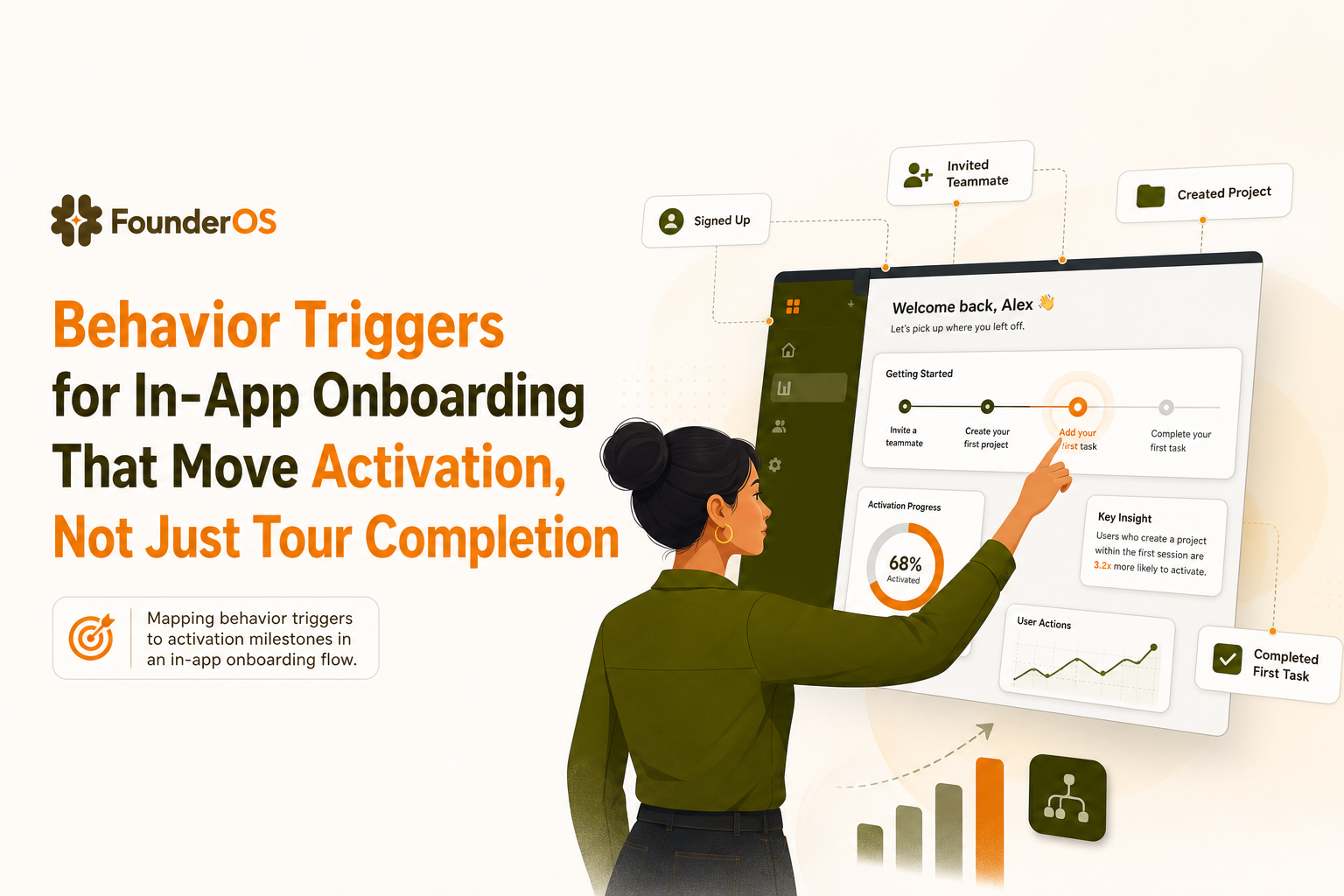
Behavior triggers that matter are activation milestones, not UI clicks
The core problem is misalignment: teams optimize for “tour completion” because it is easy to track, while the business needs activation (users reaching an “aha” moment). A completed tour can still mean a user is confused, unconvinced, or unable to set up the product.
Define activation as a milestone ladder
Start by writing your activation ladder as 3 to 6 observable milestones. Make them product-specific and measurable in events, not feelings. Example ladder for a typical B2B SaaS:
- M0: Account created (signup completed)
- M1: First setup completed (connected an integration, imported data, created first workspace)
- M2: First meaningful action (created first project, sent first campaign, invited teammate)
- M3: First value realized (viewed first report, got first lead, shipped first automation)
- M4: Habit signal (returned within 7 days and repeated a core action)
Map each milestone to the “moment of need”
For each milestone, define the moment when help is most effective. This is where behavior triggers belong. A simple mapping template:
- Milestone: M1 connect data source
- Typical friction: user does not know what to connect first, or lacks admin access
- Best moment to intervene: user visits settings or integration page, or fails connection
- Trigger: “integration_connect_failed” OR “visited /integrations twice without success”
- Intervention: short checklist + contextual tooltip + fallback to support
We initially assumed the best trigger was “first visit to /dashboard,” but data reviews showed many users hit the dashboard before they had any data, so the guidance landed too early and got ignored.
A simple success metric hierarchy
To keep triggers honest, measure outcomes in this order:
- Primary: milestone conversion rate (M1 to M2, M2 to M3)
- Secondary: time-to-milestone (median hours or days)
- Diagnostics: step drop-off, dismiss rate, re-open rate
If a flow increases completion but does not move milestone conversion, it is entertainment, not onboarding.
A practical trigger taxonomy for SaaS onboarding flows
You can design most onboarding behavior triggers using four categories. The taxonomy matters because each category has different failure modes and different measurement expectations.
1) Event-based triggers (best for intent and immediate context)
Definition: Fire when a user does (or fails to do) a specific action.
- Use when: the user is already “in motion” and you want to reduce friction.
- Examples:
- After “created_project” but before “invited_teammate,” prompt collaboration setup.
- On “export_clicked” without permissions, show role request path.
- After “search_no_results,” suggest filters or a sample dataset.
Common mistake: triggering on low-signal clicks (opening a menu) instead of high-signal actions (attempting a core task).
2) Time-based triggers (best for pacing and re-engagement)
Definition: Fire after a time window since signup, last session, or last milestone.
- Use when: you need cadence, reminders, or progressive disclosure.
- Examples:
- 24 hours after signup with no M1 completion, show a “pick your goal” modal.
- 7 days after M2, prompt the next advanced feature that leads to M3.
Guardrail: time-based triggers should be suppressed if the user is actively progressing, otherwise you interrupt momentum.
3) State-based triggers (best for readiness and personalization)
Definition: Fire when user or account attributes reach a condition.
- Use when: a flow only makes sense when prerequisites are true.
- Examples:
- Only show “invite teammates” when role = admin and workspace_created = true.
- Only show “set up SSO” when plan = enterprise_trial.
This is where user segmentation stops being a dashboard exercise and becomes an onboarding control system.
4) Risk-based triggers (best for preventing churn and support load)
Definition: Fire when behavior predicts failure, confusion, or drop-off.
- Use when: you can detect “struggle signals” early.
- Examples:
- Repeated errors in a setup step (3+ failures in 10 minutes).
- High rage-click pattern on a disabled button (proxy: multiple clicks without resulting event).
- User visits pricing page during trial without reaching M2.
In our experience working with early-stage B2B SaaS teams, risk-based behavior triggers reduce support tickets most when they point to a single “next action” instead of a long tour.
How to choose the right trigger, a decision framework
If you are debating between multiple behavior triggers, use a decision tree based on four variables: intent, friction, user maturity, and context. This prevents the common pattern of “trigger everything everywhere.”
Step 1: Classify intent (high, medium, low)
- High intent: user attempts a core action (create, connect, publish, invite, deploy).
- Medium intent: user explores supporting pages (settings, templates, docs).
- Low intent: user is browsing with no clear next action.
High intent moments should use event-based triggers with minimal UI. If you need a framework for detecting intent, see how to identify high intent users in saas.
Step 2: Identify friction type (knowledge, access, motivation)
- Knowledge friction: user does not know what to do next.
- Access friction: permissions, missing data, admin approval needed.
- Motivation friction: user is unsure it is worth doing.
Match the intervention to the friction:
- Knowledge: tooltip, short checklist, 3-step micro tour.
- Access: role request flow, “ask admin” prompt, alternate path.
- Motivation: show value proof (sample output, benchmark, preview report) before asking for setup.
Step 3: Gate by maturity (new user vs returning vs power user)
Use different behavior triggers depending on how far the user is on the milestone ladder. A returning user who already hit M3 should not see beginner tours again. What surprised our team was how often “repeat onboarding” was caused by missing suppression rules, not by bad content.
Step 4: Choose trigger strength and format
Pick the lightest UI that can do the job:
- Tooltip: single decision, single action.
- Speech bubble sequence: 2 to 4 steps for a single task.
- Modal: only when you need a choice, confirmation, or a reset.
- Survey: when you need to branch logic based on user goal.
If you need a structured way to build a measurable flow, a guided product tour blueprint can help you keep steps tight and outcome-driven.
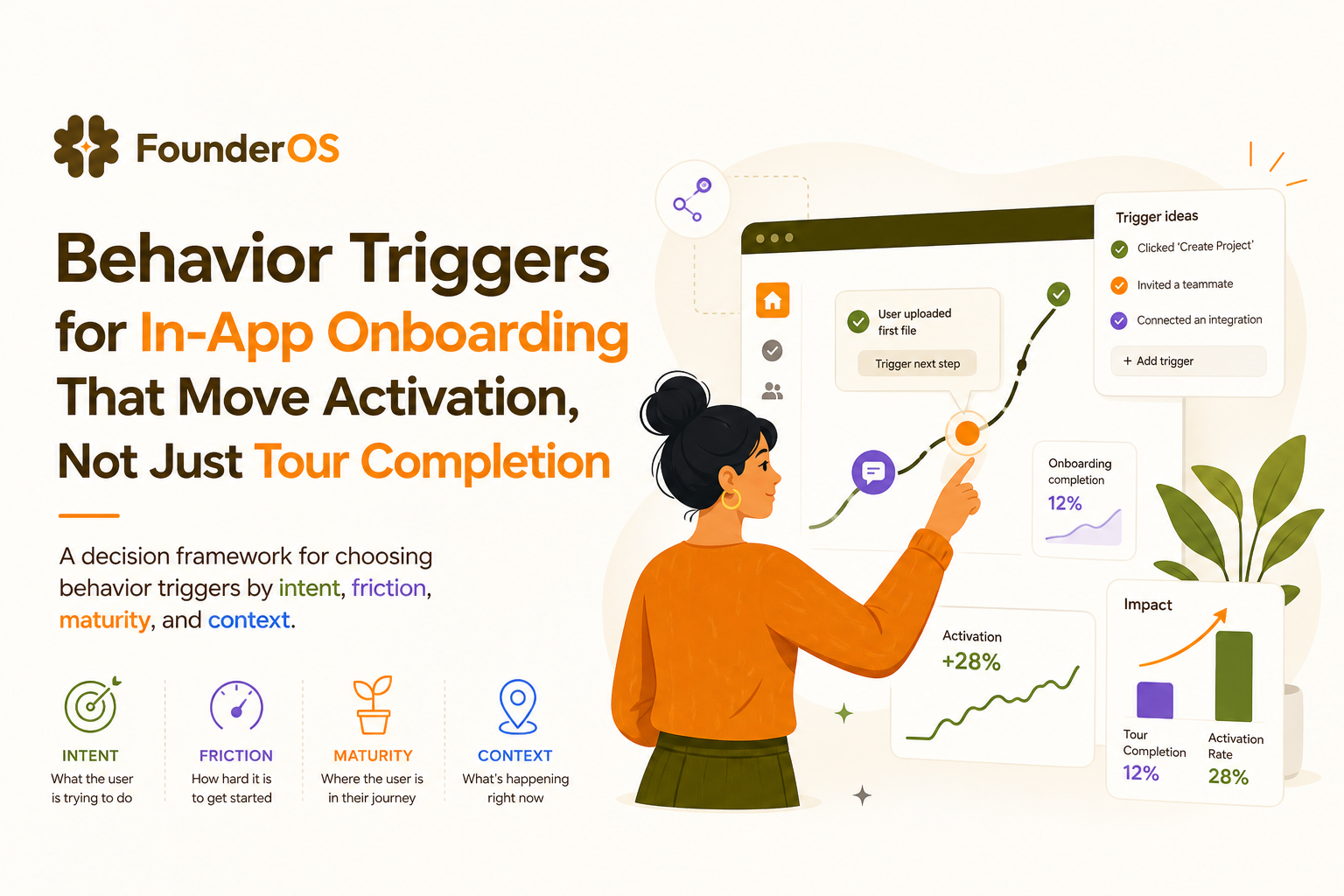
Build triggered flows by industry, 5 patterns you can reuse
Below are reusable patterns where behavior triggers map cleanly to activation milestones. Each includes a concrete in-app example and the metric to validate impact.
1) Horizontal project management and collaboration tools
- Milestone: M2 first project created, M3 first teammate invited
- Trigger: “created_project” AND teammates_count = 0 after 10 minutes
- Flow: tooltip on “Invite” button + 2-step bubble sequence explaining roles
- Validate: invite conversion within 24 hours; time-to-invite
2) Sales and CRM tools
- Milestone: M1 import contacts, M3 first pipeline report viewed
- Trigger: visited /contacts twice without “import_completed”
- Flow: modal offering 3 import options (CSV, Google, API) then contextual checklist
- Validate: import completion rate; first report view rate
3) Data and analytics products
- Milestone: M1 connect source, M3 first dashboard/report generated
- Trigger: “connection_success” then user lands on empty dashboard
- Flow: speech bubble anchored to “Create report” with a template selector
- Validate: report_created within same session; reduction in “dashboard_bounce”
4) DevTools and API-first SaaS
- Milestone: M1 API key created, M2 first successful request
- Trigger: API key created AND no “api_request_success” within 30 minutes
- Flow: inline snippet + copy button + error-specific tooltip on common failure codes
- Validate: first_successful_request rate; time-to-first-request
5) Security and compliance tools
- Milestone: M1 connect org, M2 first policy configured, M3 first finding resolved
- Trigger: findings_count > 0 AND no “finding_resolved” within 48 hours
- Flow: prioritized checklist (“resolve 1 high severity finding”) plus role-based routing
- Validate: first resolution rate; reduction in time-to-first-resolution
Measure trigger quality, incrementality, segments, and guardrails
Behavior triggers are only “good” if they create incremental activation. That means you need a measurement design that can separate correlation from causation.
Use holdouts to prove incrementality
For any meaningful onboarding change, keep a small holdout group (typically 5 to 15%) that does not see the flow. Then compare milestone conversion and time-to-milestone. This is the same logic used in product experiments; it avoids the trap of celebrating higher completion rates that would have happened anyway.
When we tested a 10% holdout on an M1 setup flow, the completion rate looked great in both groups, but only the exposed group improved M2 conversion, which told us the trigger timing was doing real work.
Split results by segment, not just overall averages
Always cut results by at least:
- Acquisition source (paid, organic, partner) because intent differs.
- Role (admin vs member) because permissions differ.
- Company size because setup complexity differs.
This is where event and profile data matter. If you are only tracking pageviews, you cannot tell whether behavior triggers help the right users or simply annoy everyone equally.
Set guardrails to prevent trigger spam
Common guardrails we use:
- Frequency cap: max 1 modal per session, max 3 prompts per day.
- Suppression: if milestone achieved, permanently suppress related flows.
- Conflict rules: never show two flows in the same area simultaneously.
- Exit criteria: if dismissed twice, switch to a lighter hint or stop.
For a behavior-adaptive approach, you can borrow ideas from an onboarding checklist that changes based on what the user has already done.
Implement this week, a no-code setup checklist using Founder OS
You can implement behavior triggers quickly if you treat it as a measurement-first workflow: define milestones, instrument events, segment users, then ship flows with clear suppression and holdouts.
Step-by-step implementation checklist
- Write your activation ladder (3 to 6 milestones) and choose one milestone to improve first.
- Instrument the minimum viable events needed to detect: milestone achieved, attempt, failure, and time since last progress. Use an event analytics approach that ties events to outcomes.
- Create 3 core segments: (a) pre-milestone, (b) stuck (risk signals), (c) post-milestone. Add role and plan where relevant.
- Design one flow per milestone using the lightest UI format that can unblock the next action, and add suppression rules so users do not see it again after success.
- Set trigger conditions using AND/OR logic (for example: event-based attempt + state-based prerequisites + risk-based failure count).
- Publish with a holdout and commit to reading results on milestone conversion and time-to-milestone, not just completion.
What “done” looks like in 7 days
- One milestone has a clear baseline (conversion rate and median time).
- One triggered flow is live with frequency caps and suppression.
- A holdout comparison exists, and results are segmented by role or source.
If you want to build this without engineering cycles, Founder OS combines product tracking, user profile and segmentation, and a no-code onboarding flow builder so you can set behavior triggers by URL, segment, behavior, and attributes, then measure impact on activation in the same place.
| Trigger type | Best used for | Example behavior trigger | Primary metric to judge success | Common pitfall |
|---|---|---|---|---|
| Event-based | In-the-moment help | Attempted “connect_integration” then “connect_failed” | M1 completion rate, time-to-M1 | Triggering on low-signal clicks |
| Time-based | Pacing and nudges | 24 hours since signup with no M1 | Re-activation to M1, time-to-M1 | Interrupting active users |
| State-based | Readiness gating | role=admin AND workspace_created=true | Milestone conversion by segment | Missing suppression rules |
| Risk-based | Preventing drop-off | 3+ errors in setup step in 10 minutes | Recovery rate, support deflection | Over-triggering and fatigue |
FAQ about behavior triggers in onboarding
If you are ready to turn behavior triggers into measurable activation gains, Founder OS can help you instrument the right events, segment users, and ship no-code onboarding flows with precise conditions, then track milestone impact instead of guessing from tour completion.
Written by Ivy Tran
Founder of FounderOS, sharing practical insights on SaaS growth, product analytics, and user activation.
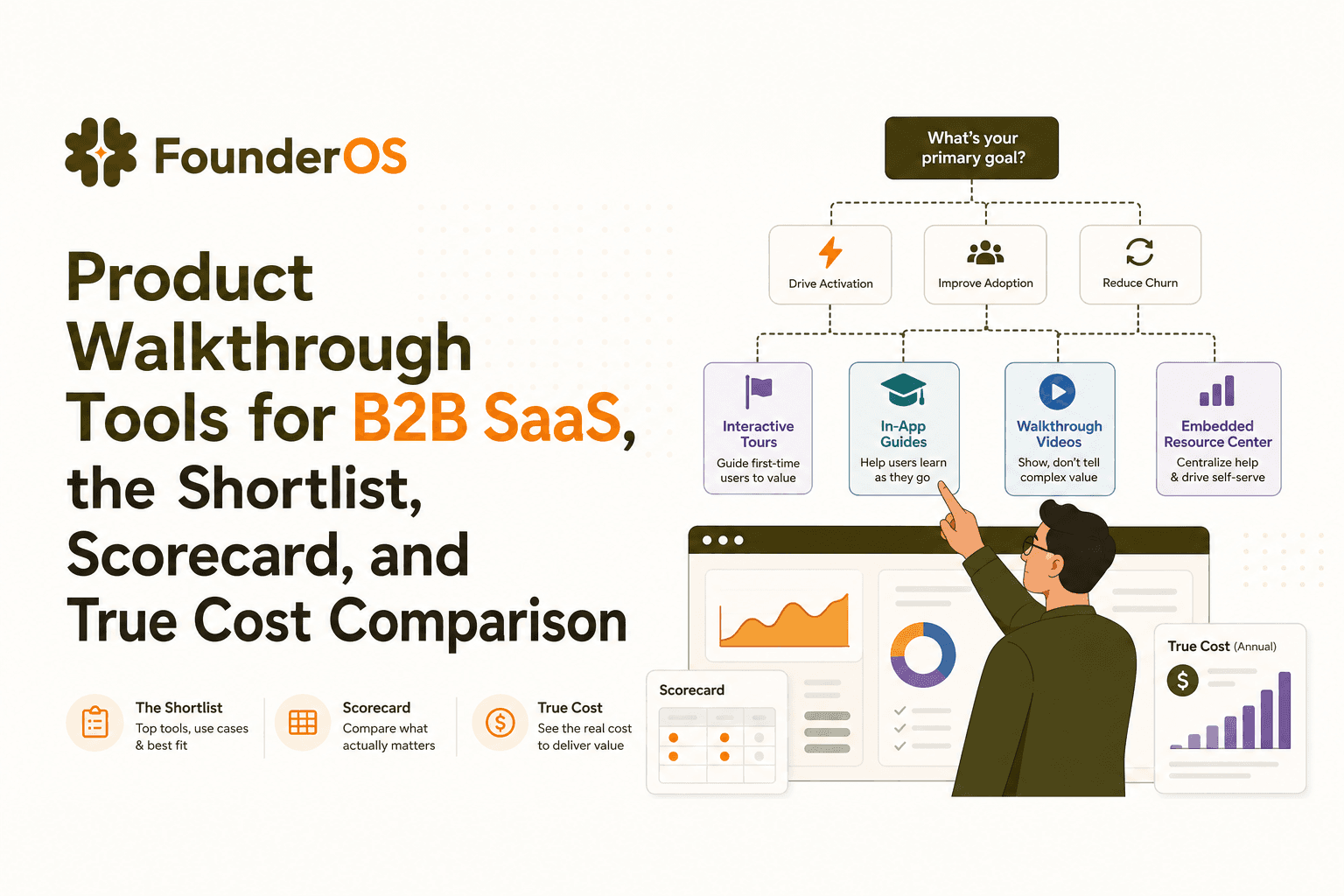
Product Walkthrough Tools for B2B SaaS, the Shortlist, Scorecard, and True Cost Comparison
Compare product walkthrough tools for B2B SaaS with a shortlist, success scorecard, and true cost scenarios for 2k, 10k, and 50k users.

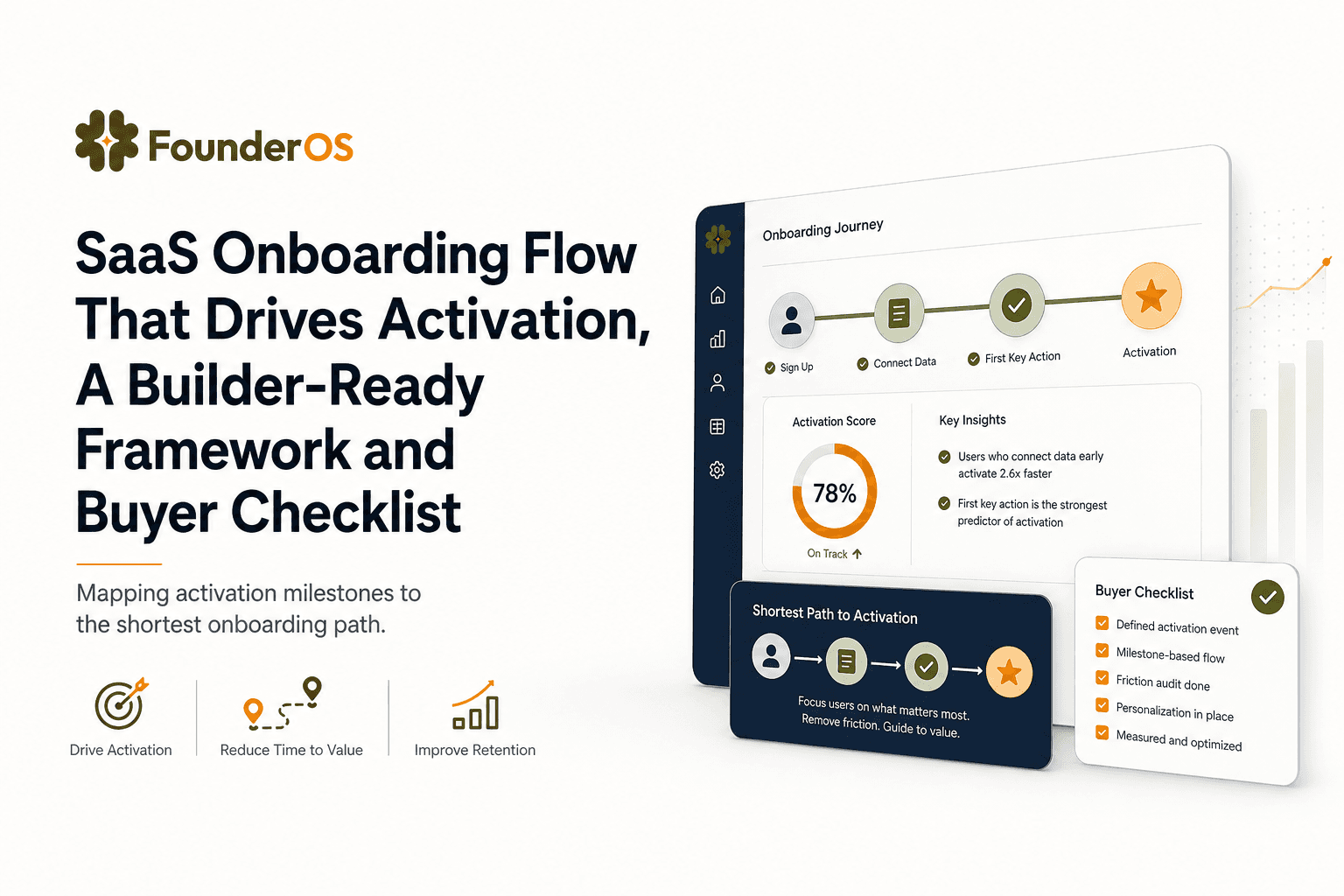
SaaS Onboarding Flow That Drives Activation, A Builder-Ready Framework and Buyer Checklist
Build a saas onboarding flow that drives activation with segments, triggers, tracking, and a buyer checklist for no-code flow builders.

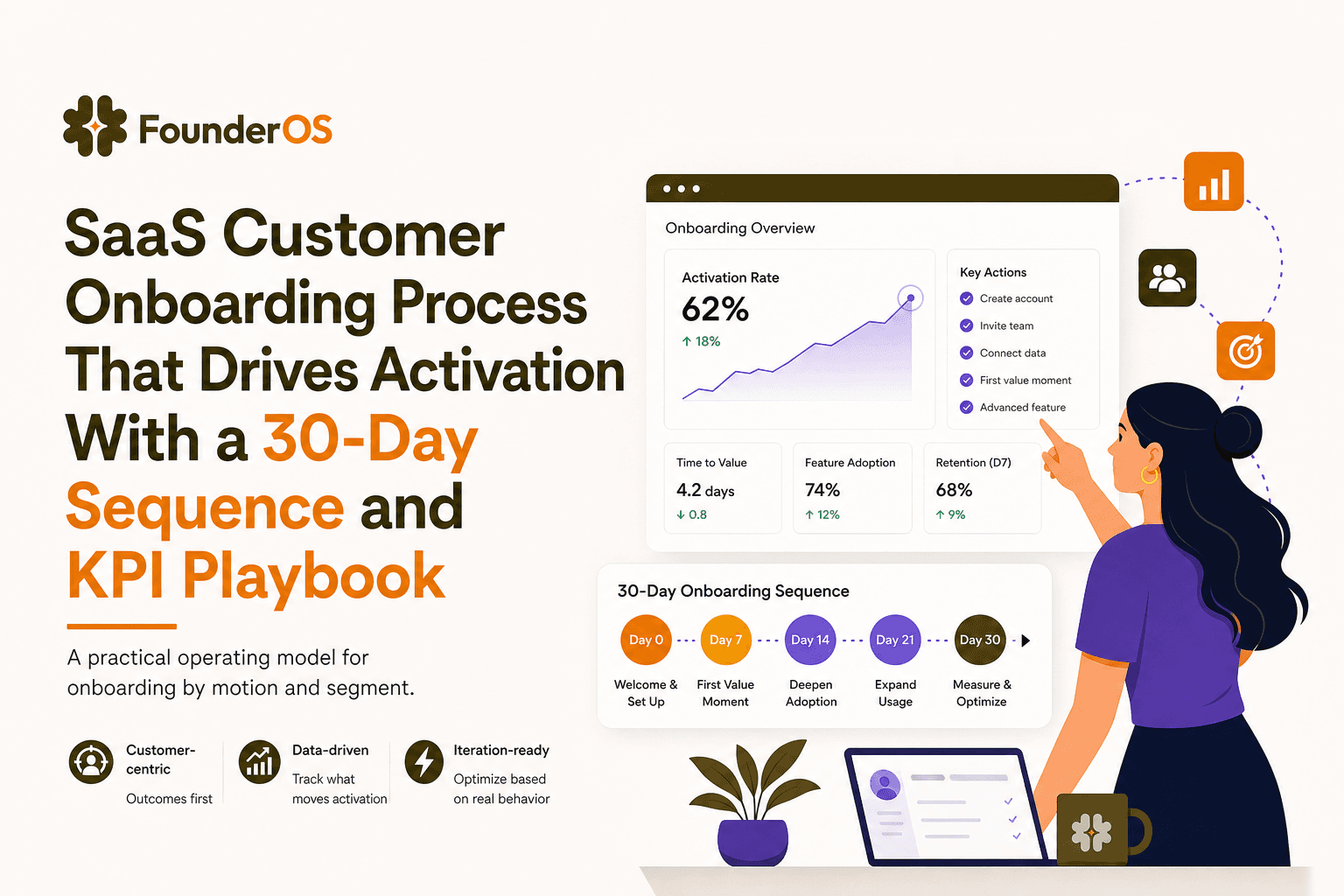
SaaS Customer Onboarding Process That Drives Activation With a 30-Day Sequence and KPI Playbook
Build a saas customer onboarding process with a 30-day sequence, triggers, RACI ownership, and KPI formulas to reach activation faster.
