
User Segmentation That Drives Growth, Not Dashboards - A Practical Framework for SaaS Teams
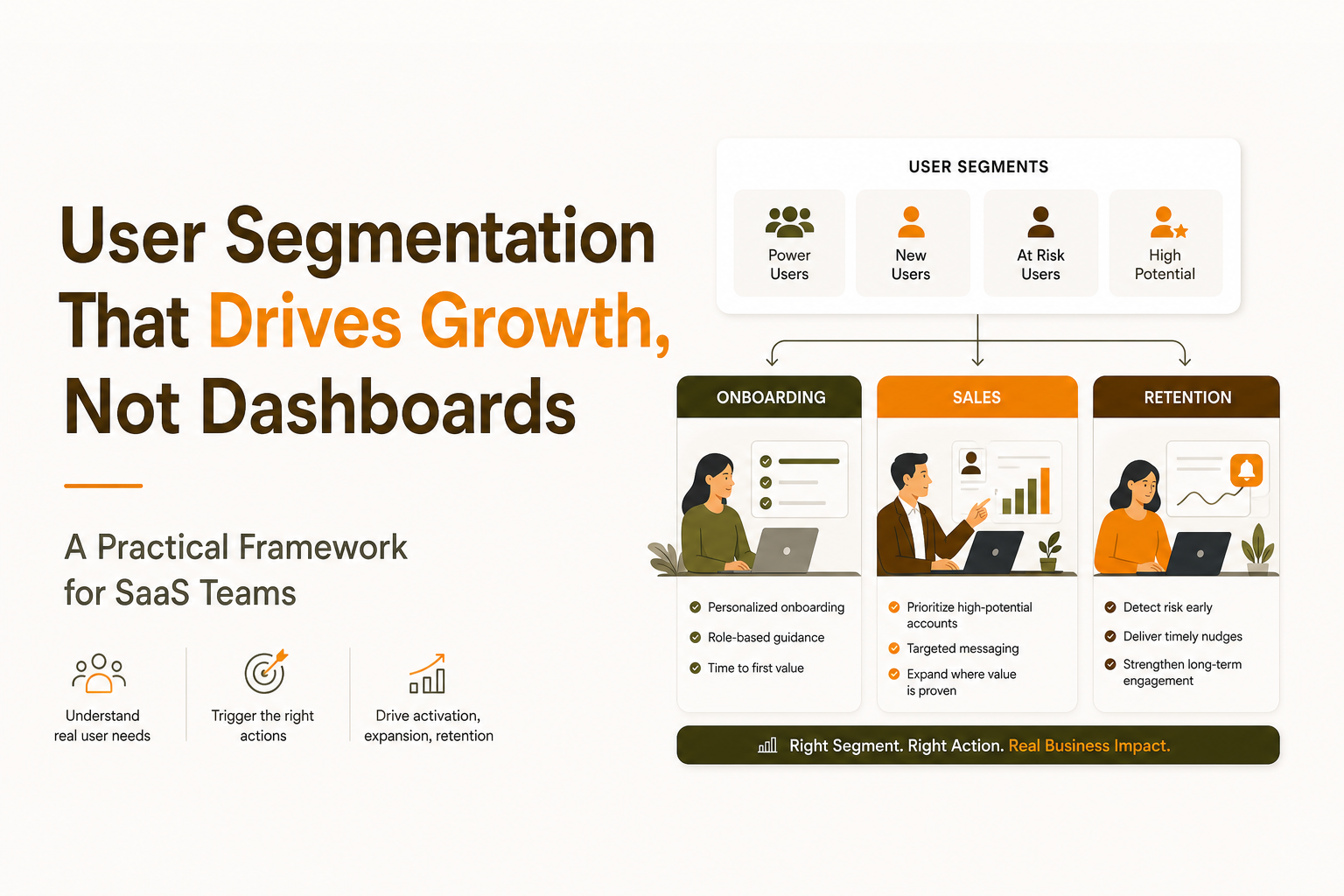
User segmentation only works when it changes what your team does next: the onboarding you show, the lifecycle message you send, or the sales outreach you prioritize. If your segments live only in dashboards, you will accumulate dozens of labels that feel analytical but never affect activation, expansion, or churn.
- Use a minimal set of 5 segments tied to clear actions, not a long list of “interesting cohorts.”
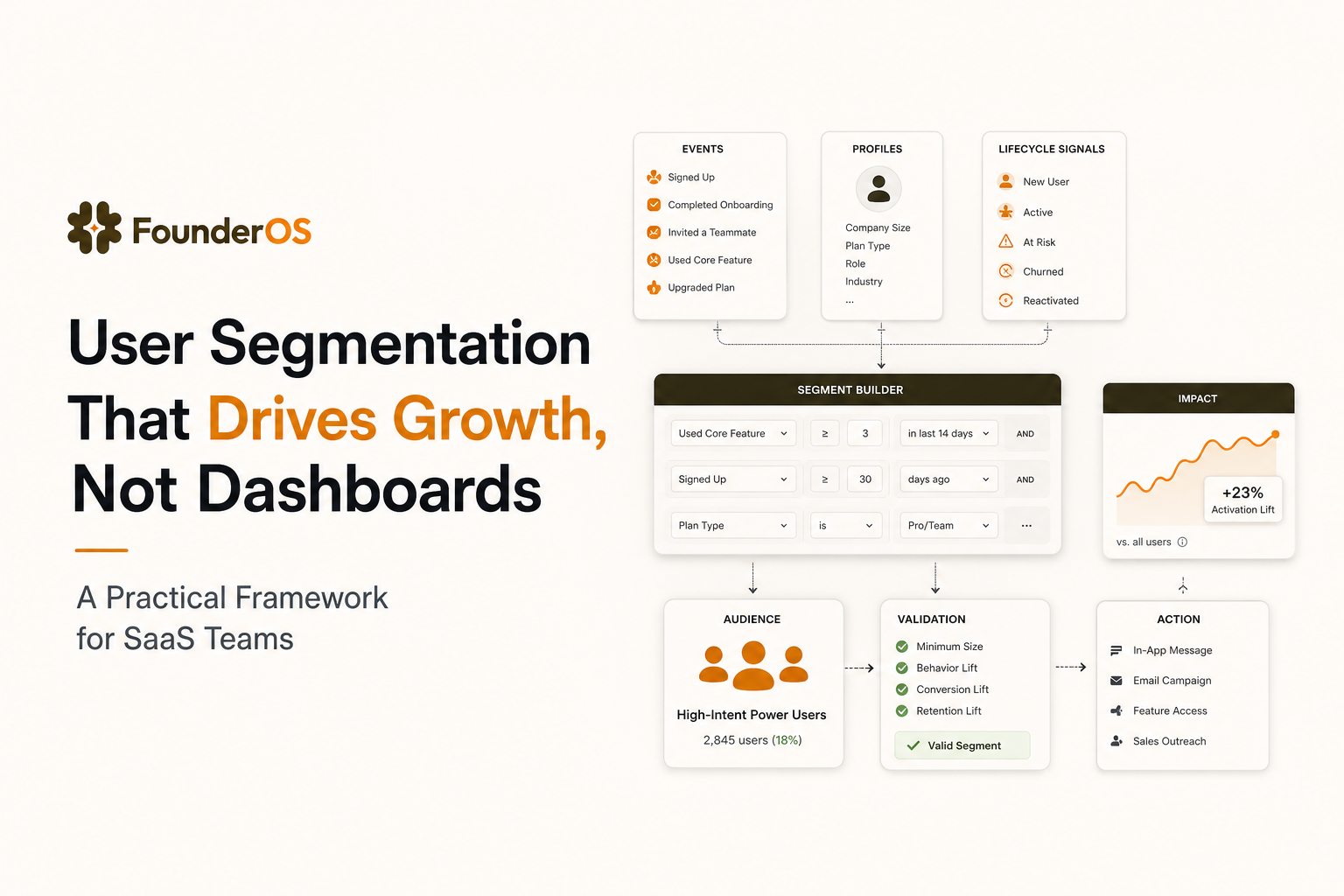
- Build segments from events plus lifecycle signals (recency, frequency, sequence) and validate them against conversion outcomes.
- When evaluating analytics tools, prioritize real-time segment updates, identity resolution, and the ability to route segments into onboarding and messaging.
Why most teams over-segment and what it costs
Over-segmentation usually starts with good intent: marketing wants persona slices, product wants feature cohorts, sales wants lead scoring, and success wants renewal risk flags. The result is a taxonomy that is hard to maintain and easy to misread. The biggest hidden cost is not time spent building segments, but time spent acting on the wrong ones.
Common failure modes you can diagnose in one meeting
- Segments are descriptive, not actionable: “SMB users in fintech” does not tell you what to do differently inside the product this week.
- Segments are built on traits only: Job title and company size rarely predict activation as well as behavior sequences.
- Segments are stale: A user who was “new” last week is still labeled “new” because the segment is not event-driven or does not refresh.
- Segments are unvalidated: Nobody can answer, “Do users in this segment activate 2x faster or churn less?”
What “bad segmentation” looks like in revenue metrics
User segmentation is worth doing because it’s one of the fastest ways to improve core SaaS outcomes: personalized onboarding that reduces time-to-first-value, cleaner experiments (you’re comparing like-for-like journeys), better retention via early churn signals, and sharper sales focus by routing high-intent evaluators to humans. The distinction that matters: segmentation for understanding (interesting patterns in dashboards) vs segmentation for action (a rule that triggers a different experience). For example, “trial users” is descriptive; “trial users who invited a teammate but haven’t connected an integration” tells you exactly what to nudge next.
- Lower activation: onboarding is generic because you cannot reliably detect intent or progress.
- Wasted sales cycles: reps chase accounts that look good on firmographics but show no product intent. If you are trying to improve this, see how to identify high intent users in saas.
- Confusing experiments: cohort comparisons are noisy because identity and event definitions differ across teams.
The 5 segments that actually move SaaS revenue and why they work
This is a minimal segmentation set designed to map directly to GTM actions. If you implement only these five, you can cover onboarding, lifecycle messaging, and sales prioritization without building dozens of brittle cohorts. This approach keeps user segmentation simple enough to maintain, but strong enough to drive decisions.
Segment 1: New signups who have not reached first value
Definition: Users who signed up within X days and have not completed your “first value” event sequence.
- Example rule: Signed up in last 7 days AND has not completed events [Invite teammate] AND [Connect integration] AND [Create first report].
- Primary action: Trigger an onboarding path that adapts to what they skipped. A static checklist is rarely enough; use a behavior-driven onboarding checklist instead.
- Success metric: Time-to-first-value (TTV) and activation rate.
Segment 2: Activated users who have not adopted the sticky feature
Definition: Users who completed activation but have not used the feature that best predicts retention for your product.
- Example rule: Completed activation sequence AND has not used [Automation] at least once in first 14 days.
- Primary action: In-app education and contextual prompts targeting the missing step in the journey. If you need a blueprint by vertical, reference an app onboarding process model that matches your use case.
- Success metric: Feature adoption curve by cohort.
Segment 3: High-intent evaluators
Definition: Users showing purchase intent through behavior sequences, not just page views.
- Example rule: Viewed pricing AND invited teammate AND visited integration settings within 48 hours.
- Primary action: Route to sales outreach or high-touch assistance. This is where user segmentation directly affects pipeline efficiency.
- Success metric: Trial-to-paid conversion rate and sales cycle length.
Segment 4: At-risk users (disengaging before churn)
Definition: Previously active users whose usage frequency is dropping, or who stopped using the sticky feature.
- Example rule: Used product 4+ days/week last month AND used 0 days in last 7 days.
- Primary action: Re-engagement and support intervention based on what they used to do, not what you wish they did.
- Success metric: Reactivation rate and churn rate by segment.
Segment 5: Expansion-ready accounts
Definition: Accounts hitting usage thresholds that correlate with upgrades: seats, volume, or advanced feature usage.
- Example rule: Account has 3+ active users AND exceeded 80% of plan limit OR used premium feature 5+ times.
- Primary action: Trigger upgrade nudges, sales assist, or success-led QBR. This is user segmentation used for revenue timing, not reporting.
- Success metric: Expansion MRR and upgrade conversion rate.
How to build user segmentation from events, profiles, and lifecycle signals
If you’re new to building segments, think of it as a simple process you can run repeatedly: (1) track engagement reliably at the user level, (2) define the segment rule (who qualifies), (3) generate a report to see if the segment separates outcomes, (4) make a product/GTM change for that segment, then (5) keep iterating with better sequences and benchmarks. Good segments typically combine three inputs—events (what users do), profiles (who they are), and lifecycle signals (how momentum is changing)—but the goal is always the same: a rule you can validate and operationalize.
Step 1: Define the “decision” each segment will power
Before you write any rule, write the decision in this format:
- When a user is in segment X, we will do Y, because it should change metric Z within N days.
Example: “When a user is an at-risk user, we will show an in-app prompt to resume their last workflow and notify success, because it should increase reactivation within 7 days.”
Step 2: Choose a segmentation type that matches the decision
Use this selection matrix to avoid mismatched segment logic.
- Behavioral (event-based): Best for onboarding, intent, adoption, and churn prevention.
- Firmographic (account traits): Best for routing (territory, ICP fit), not for predicting in-product success.
- Lifecycle (recency/frequency): Best for retention and reactivation timing.
- Outcome-based (converted, upgraded): Best for analysis and exclusions (do not show trial prompts to paid users).
Step 3: Build rules using “sequence + time window” instead of single events
Single-event segments are fragile. Sequences reduce false positives.
- Weak: “Clicked Integrations.”
- Stronger: “Clicked Integrations AND connected an integration within 24 hours.”
- Strongest: “Connected integration AND created first report AND returned within 3 days.”
If your team struggles to find the real drop-off step, build a diagnostic view first. A structured guide to this is funnel analysis focused on where momentum breaks.
Step 4: Validate segments against outcomes with a simple benchmark
Every segment should “separate” users on an outcome metric. Use this quick benchmark:
- Minimum lift threshold: the segment should show at least a 20% relative difference in the target metric vs baseline (activation rate, trial-to-paid, churn).
- Minimum size threshold: at least 5% of active users, unless it is a high-value enterprise segment.
- Stability check: the lift should persist across at least 2 time periods (for example, two consecutive weeks).
For retention definitions and cohort standards, align with widely used metrics. A practical reference is Reforge’s retention and engagement discussions, which emphasize consistent event definitions and time windows: retention measurement resources.
Step 5: Operationalize the segment into a workflow
A segment is only “real” if it triggers something. Use this operational checklist:
- Owner: who is responsible for acting on the segment weekly?
- Channel: in-app, email, sales task, support alert?
- Message or experience: what changes for that user segment?
- Stop conditions: when does a user exit the segment?
This is also where many teams realize their current tooling cannot connect segmentation to action. If you are using a separate product adoption software stack, verify that segments can be shared reliably across tools without manual exports.
User segmentation requirements checklist when evaluating analytics tools
Segmentation breaks the moment you can’t trust user-level tracking: anonymous sessions don’t merge after signup, events arrive late, or you can’t inspect a user timeline to understand “why is this person in the segment?” That’s also where basic web analytics falls short for most SaaS teams—it’s great for page traffic, but it’s not built for reliable identity, cross-device journeys, and event sequences tied to a real person/account. If you’re only doing a one-off analysis, spreadsheets/SQL can be enough; if you need real-time cohorts that can route into onboarding, alerts, or sales tasks, you’ll want a product analytics platform that keeps segments fresh and operational.
Accuracy and identity requirements
- Identity resolution: Can it merge anonymous sessions to a known user after signup? Can it handle multiple devices?
- User profile history: Can you inspect a single user’s event timeline to debug why they are in a segment?
- Event governance: Can you standardize event names and properties so segments do not break over time?
Segmentation logic requirements
- Real-time updates: Does the segment refresh within seconds or minutes, or only daily?
- Sequence and time windows: Can you define “did A then B within 24 hours” without SQL?
- Recency and frequency: Can you express “active 3 of last 7 days” or “no activity in 14 days”?
- Exclusions: Can you exclude paid users, internal users, and test accounts reliably?
Activation and workflow requirements
- Funnel and drop-off drilldown: Can you click from a drop-off step into the users who dropped off to understand the pattern?
- Routing: Can segments be used to trigger onboarding experiences, alerts, or exports without manual work?
- Speed to insight: Can a founder or PM build and validate segments without a data team?
| Requirement | Why it matters | How to test in a demo |
|---|---|---|
| Real-time segment refresh | Ensures onboarding and alerts react to behavior while intent is high | Create a segment, perform an event, and confirm membership updates immediately |
| Sequence-based rules | Reduces false positives compared to single-event cohorts | Build “A then B within 24h” and compare conversion vs baseline |
| User-level drilldown | Lets teams debug why a segment is underperforming | Open 5 random users from the segment and inspect event timelines |
| Identity merge (anonymous to known) | Prevents broken journeys and misattributed activation | Track a user pre-signup, then sign up and verify the history merges |
| Workflow routing | Makes user segmentation operational, not just analytical | Show how a segment triggers an onboarding step or creates an alert |
FAQ
If you want user segmentation to drive onboarding, retention alerts, and sales prioritization without building a fragile stack, Founder OS is designed to connect event tracking, user profiles, and real-time segments so teams can act on behavior quickly. Start with the five segments above, validate them against outcomes, then use Founder OS to operationalize what you learn into product and GTM workflows.
Written by Ivy Tran
Founder of FounderOS, sharing practical insights on SaaS growth, product analytics, and user activation.
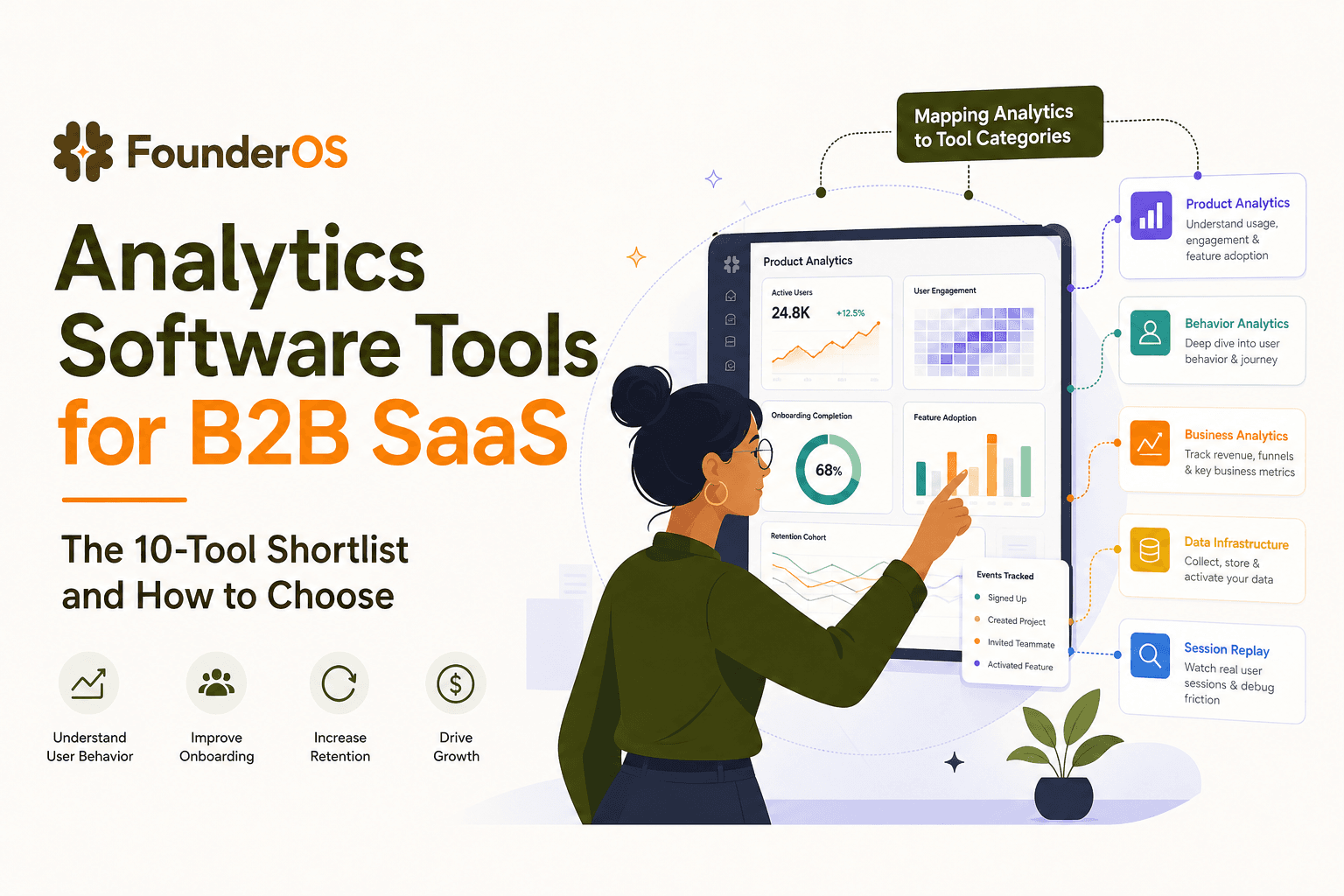
Analytics Software Tools for B2B SaaS - The 10-Tool Shortlist and How to Choose
A BOFU-ready shortlist of analytics software tools for B2B SaaS: 10 picks across categories plus a buyer rubric and rollout plan.

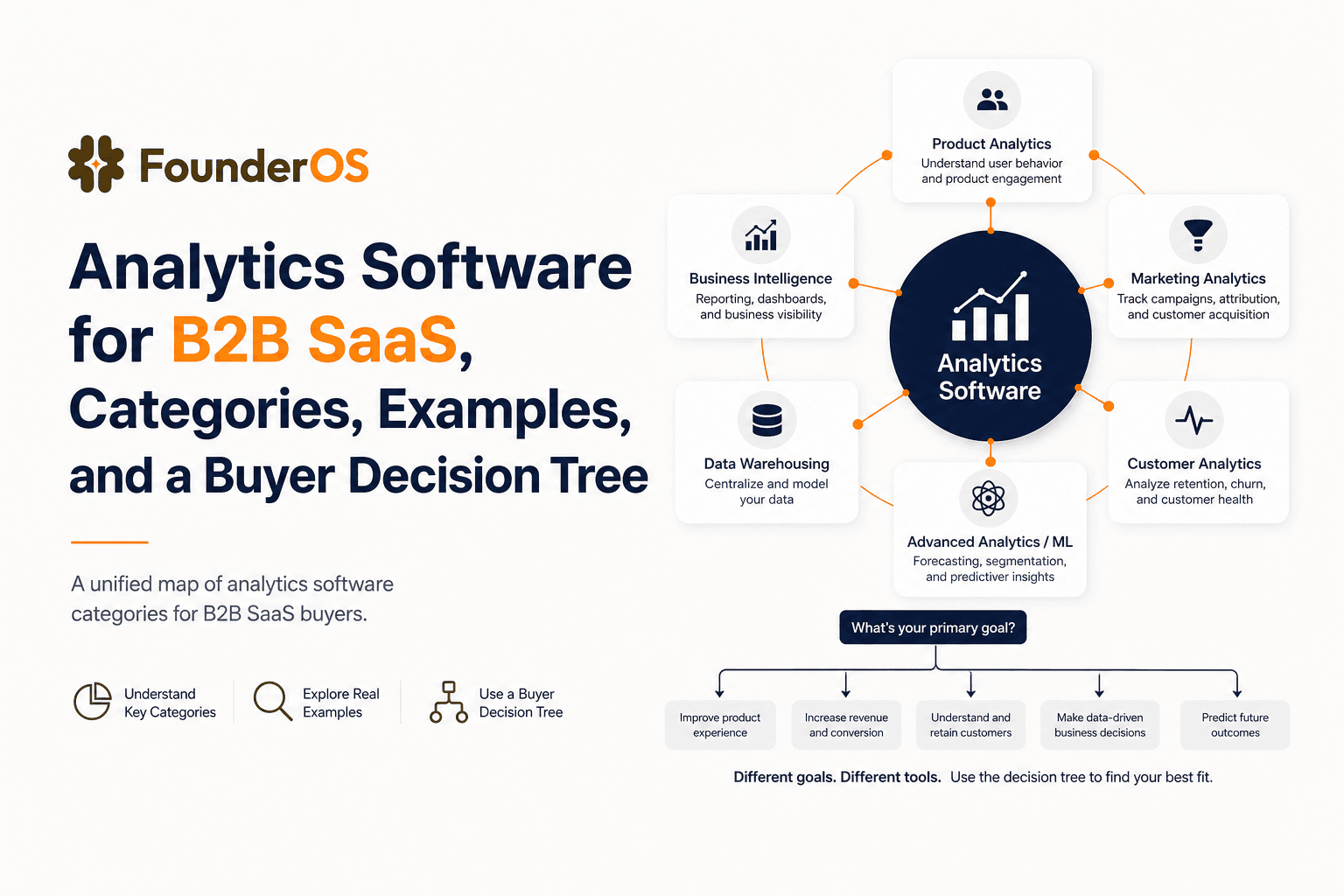
Analytics Software for B2B SaaS, Categories, Examples, and a Buyer Decision Tree
Choose analytics software for B2B SaaS with a clear category map, 10-minute decision tree, real workflows, and a practical buyer checklist.
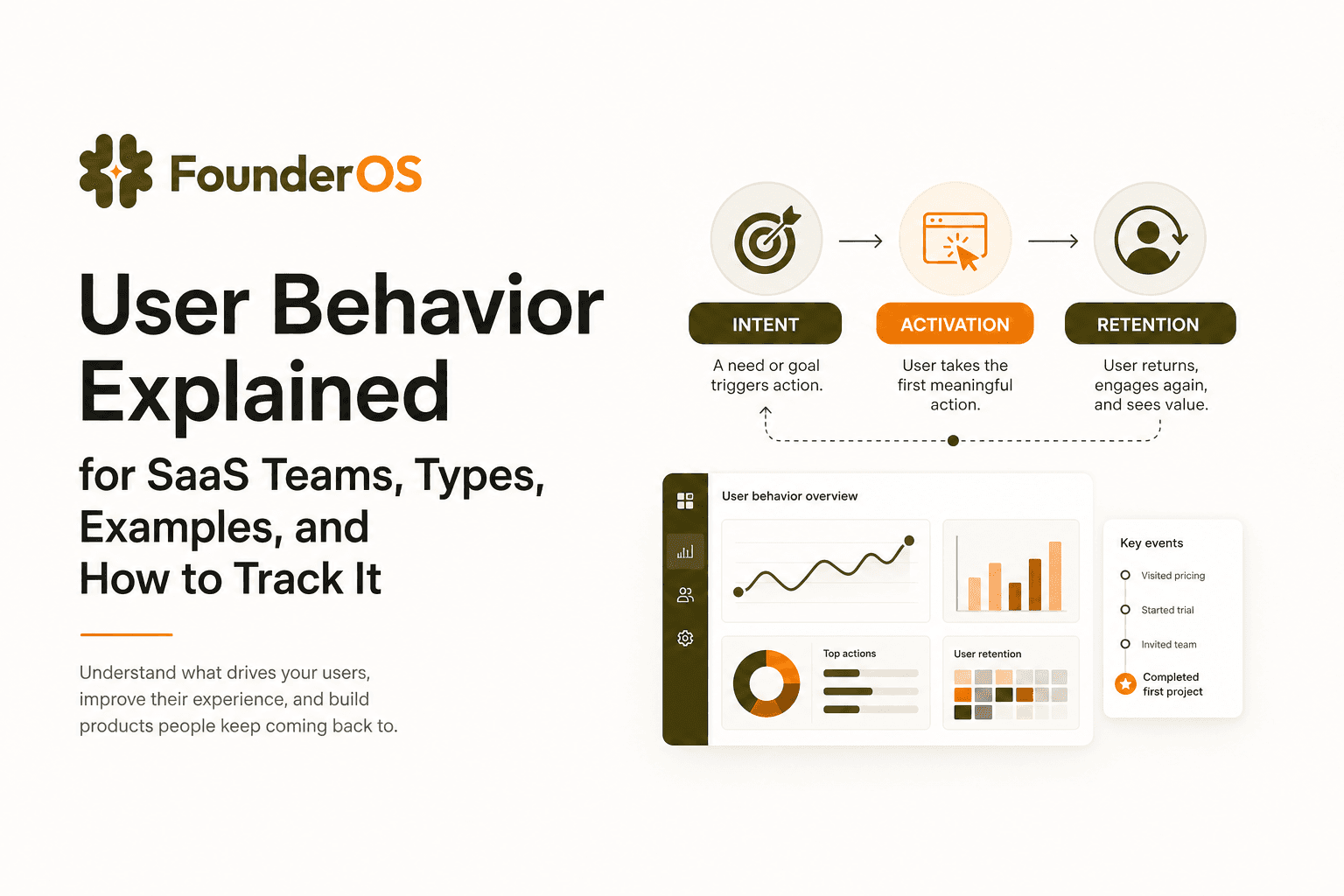
User Behavior Explained for SaaS Teams, Types, Examples, and How to Track It
Learn what user behavior means in SaaS, the key types, and a practical event tracking playbook to turn user behavior into product decisions.