
The Onboarding Checklist That Adapts to User Behavior, Not Your Assumptions
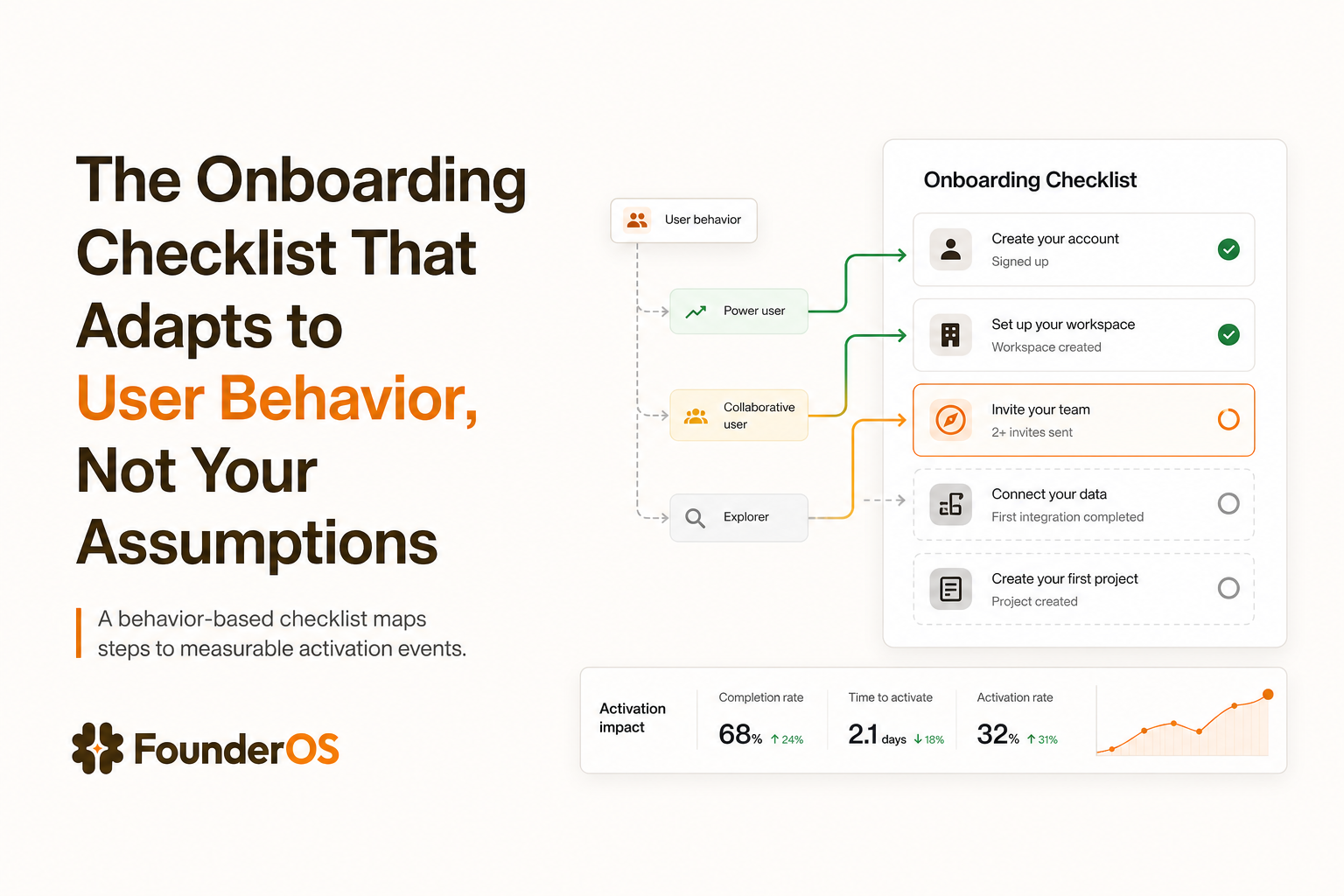
A traditional onboarding checklist is usually a neat list of steps that looks complete but fails to activate users because it assumes everyone wants the same path. This SOP shows how to deploy a behavior-based onboarding checklist that changes based on what users do inside your product, so “done” means value achieved, not boxes checked.
- Replace task lists with outcome gates by defining the smallest set of behaviors that predict activation.
- Make your onboarding checklist segment-aware using role, use case, and intent signals from product events.
- Validate with a measure-test-iterate loop using completion, step drop-off, and activation lift as your decision protocol.
The Mission and the Stack
Direct answer (50 words): This workflow turns a static onboarding checklist into a behavior-based system that routes users to the next best step based on real in-app actions. You will define activation outcomes, map critical events, segment users, and deploy conditional in-app guidance. Success is measured by activation lift, faster time-to-value, and lower drop-off.
The stack (ingredients)
- Founder OS as the execution engine for no-code in-app flows plus event-based measurement.
- A clear activation definition (one primary activation event and 2 to 4 supporting events).
- Product event instrumentation (client-side events or server events, consistently named).
- A segmentation model (role, use case, plan, or intent-based cohorts).
- A feedback channel (short in-app survey or support tags) to validate qualitative friction.
Why Most Onboarding Checklists Fail in SaaS Even When They Look Complete
Most checklists fail for one reason: they optimize for task completion, not value realization. A user can “complete onboarding” and still not reach the moment where your product becomes indispensable.
Failure mode 1: Tasks are not tied to a measurable outcome
Action: Teams add steps like “Upload your logo” or “Invite teammates” because they feel like onboarding. Outcome: Users finish steps but do not experience the core value, so they churn quietly.
Protocol to detect it: Pull a cohort of users who completed the checklist and compare their activation rate to users who did not. If the difference is small (for example, under 10% relative lift), your checklist is not an activation driver, it is decoration.
Failure mode 2: One path for all users
Action: The same onboarding checklist is shown to a solo founder and an enterprise admin. Outcome: The checklist either overwhelms novices or insults power users, increasing drop-off at step 1 or 2.
Concrete criteria: If your product serves more than one role or use case, you need at least 3 segments at onboarding: (1) role-based, (2) use case-based, (3) high-intent vs low-intent.
Failure mode 3: “Done” is ambiguous
Action: Steps are phrased as UI actions (“Click Settings”) without a verifiable done signal. Outcome: Users cannot tell what success looks like, and your team cannot measure where onboarding breaks.
Validation rule: Every checklist item must map to a trackable event (example: workspace_created, first_report_generated, integration_connected) and a threshold (example: generated 1 report, invited 1 teammate, imported 50 records).
Golden Rule: If a checklist item cannot be measured as an event with a clear threshold, it is not a checklist item. It is a help article in disguise.
A Behavior-Based Onboarding Checklist Framework You Can Reuse
This framework replaces “feature tour” thinking with a repeatable activation protocol. You will end up with a checklist that adapts to user behavior, not your assumptions, and stays stable even as your UI changes.
Phase 1 Define the activation outcome and the leading behaviors
Action: Choose one activation event and 2 to 4 leading indicator events. Outcome: Your onboarding checklist becomes an activation map, not a feature map.
Checklist for choosing the activation event:
- It reflects value: the user got a result, not just configured something.
- It is repeatable: users can do it again within 7 days.
- It is trackable: one event name, consistent properties.
- It predicts retention: users who do it are more likely to return next week.
Example (generic SaaS):
- Activation event:
first_value_delivered(example: first report exported, first campaign launched, first ticket resolved). - Leading events:
workspace_created,data_imported(threshold: 50+ rows),core_feature_used(threshold: 3 actions),teammate_invited(optional, segment-dependent).
Phase 2 Map critical actions to checklist items with “done” signals
Action: Convert each leading event into a checklist item with a clear done definition. Outcome: You eliminate vague steps and can diagnose drop-off precisely.
Template for each item:
- Item label: Verb + outcome (example: “Import 50 contacts”).
- Done event: Event name (example:
contacts_imported). - Done threshold: Property-based (example:
count >= 50). - Assist: One in-app guide step that removes friction (tooltip, bubble, or modal).
Phase 3 Segment users so the checklist adapts
Action: Define segments and attach different checklist items, ordering, or thresholds. Outcome: Users see a path that matches their intent and constraints.
Minimum viable segmentation model (use all three):
- Role segment: Admin vs contributor vs viewer.
- Use case segment: Which job-to-be-done they selected at signup (or inferred from landing page, UTM, or first actions).
- Intent segment: High intent if they perform 2+ “commitment” actions in the first session (example: connect integration, invite teammate, import data).
Operational rule: If a user has not shown intent, reduce checklist length to 3 items max. If a user is high intent, expand to 5 to 7 items and include deeper setup that improves retention.
Phase 4 Add guardrails for anti-patterns
Action: Apply constraints that prevent checklist bloat. Outcome: Your onboarding checklist stays focused as features ship.
- Limit items: 3 to 7 items per segment. If you need more, you need a second phase (post-activation).
- One value gate: At least one item must directly lead to the activation event within the same session.
- No “tour steps”: Avoid “Click here to see X” unless it removes a known friction point.
- Timebox: Target under 10 minutes to complete the checklist for the primary segment.
Step-by-Step Execution Protocol to Build a Segment-Aware Onboarding Checklist in Founder OS
This is the execution SOP: build the behavior-based checklist, deploy it in-app, and wire measurement so you can iterate without guesswork.
Step 1 Instrument events and define “done” logic
Action: Ensure your core onboarding events exist and are consistently named, then define completion thresholds for each checklist item. Outcome: The checklist can auto-complete based on behavior, and you can measure step-level drop-off.
Concrete event naming rules:
- Use past-tense verbs:
workspace_created,integration_connected,report_exported. - Add properties for thresholds:
items_imported_count,integration_type,plan,role. - Avoid duplicates: Do not track both
import_startedandimport_completeunless you need latency analysis.
In Founder OS, use its product tracking and user profile tracking to confirm events arrive correctly, then use those same events as completion signals for your onboarding checklist and flows.
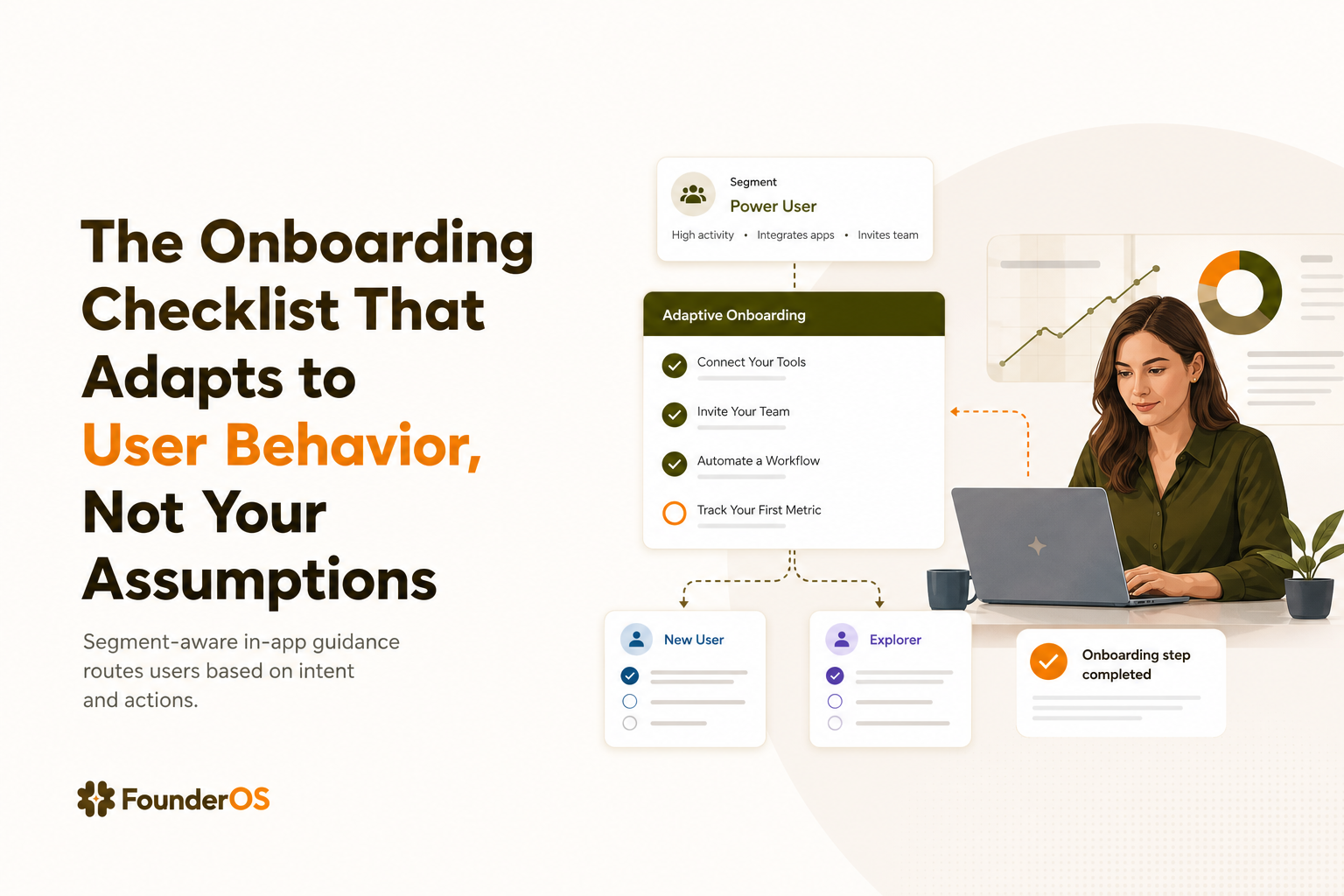
Step 2 Build the adaptive checklist as conditional in-app guidance
Action: Create an onboarding flow that shows different steps based on URL, user attributes, segments, and prior events. Outcome: The user sees the next best action, not the entire manual.
Execution checklist:
- Deploy triggers: Show the checklist on the dashboard (or the first “home” screen users land on).
- Set conditions: Use AND/OR logic so steps appear only when relevant (example: show “Connect Slack” only if
use_case = notifications). - Choose the right format per friction: tooltip for micro-actions, speech bubble for guided sequences, modal for milestone announcements.
- Auto-complete items: Mark steps done when the event threshold is met.
If you are currently using a generic customer onboarding platform approach that treats onboarding as a static tour, this conditional logic is the key upgrade: your onboarding checklist becomes responsive to real usage.
Step 3 Add intent detection and route users to the right path
Action: Define a simple intent score using 2 to 3 commitment events, then branch onboarding accordingly. Outcome: High-intent users reach value faster, and low-intent users do not get overwhelmed.
Example intent model (implementable in a day):
- High intent if any 2 happen within 30 minutes:
integration_connected,data_imported(50+),teammate_invited,billing_page_viewed. - Low intent: none of the above, or only passive events like
page_viewed.
This is closely related to how to identify high intent users in saas. The difference here is the execution: you immediately use intent to change what the onboarding checklist shows next.
Step 4 Run controlled flow experiments to reduce drop-off
Action: For the biggest drop-off step, deploy two variants of in-app guidance and compare completion and activation. Outcome: You improve onboarding via validation, not opinions.
Experiment protocol:
- Select one bottleneck: the step with the lowest completion rate or highest time-to-complete.
- Create two assists: Variant A = tooltip with a single CTA, Variant B = speech bubble sequence with 2 steps and a short explanation.
- Hold constant: same segment, same trigger location, same time window.
- Decision rule: ship the variant that improves step completion by at least 10% relative without lowering activation.
If you need a reference for what “activation lift” can look like when you focus on setup completion and behavior gates, see how to improve user activation rate saas.
Monitoring and Optimization
Once the onboarding checklist is live, your job is to run a tight measurement loop. Do not add items. Remove friction and tighten the path to the activation event.
KPIs to monitor weekly
- Checklist completion rate (by segment): % of users who complete all items shown to them.
- Step drop-off rate: % of users who start a step but do not complete it within 24 hours.
- Time-to-value: median time from signup to activation event.
- Activation rate: % of new users who reach the activation event within 7 days.
Optimization protocol
- If completion is high but activation is flat: your onboarding checklist is not aligned to value. Replace 1 to 2 items with actions closer to the activation event.
- If activation is high for one segment only: clone the flow and adjust thresholds for the weaker segment (often data volume or integration choice).
- If time-to-value is long: add a “fast path” step for high-intent users and remove optional setup for low-intent users.
Founder OS supports this loop by connecting in-app flow performance (completions and step drop-off) with product analytics and segmentation, so you can see which checklist items actually move activation.
Scaling the Workflow From a Solo Build to a Team-Wide SOP
Onboarding breaks when it becomes a one-person project. Scaling means turning the checklist into a shared operating system with permissions, templates, and a release protocol.
Team deployment protocol
- Define ownership: Product owns activation definition, Growth owns experiments, Support owns top friction inputs.
- Create templates per segment: Save a baseline onboarding checklist for each role or use case, then only change one variable per iteration.
- Permission guardrails: Limit who can publish flows so experiments do not collide.
- Monthly review: Remove one checklist item every month unless it proves it improves activation or retention.
If your broader adoption motion requires ongoing feature discovery beyond onboarding, pair this SOP with a structured approach to product adoption software style in-app guidance, but keep onboarding focused on the activation gate.
| Checklist design choice | What it optimizes | How to measure | When to use |
|---|---|---|---|
| Static onboarding checklist | Perceived progress | Completion rate only | Single-persona products with one obvious path |
| Behavior-based checklist with event “done” signals | Real value completion | Completion + activation lift + time-to-value | Most SaaS with multiple roles or use cases |
| Segment-aware checklist with intent routing | Speed for high intent, simplicity for low intent | Activation by segment + step drop-off | Products with wide range of user maturity and goals |
| Experiment-driven checklist (variants per bottleneck) | Continuous improvement | Variant comparison on step completion and activation | When you have enough volume to test changes weekly |
FAQ on building a behavior-based onboarding checklist
If you want to execute this SOP without engineering bottlenecks, Founder OS can serve as the core engine to deploy conditional in-app onboarding flows, track completion and drop-off by step, and connect those results to user segments so your onboarding checklist keeps improving with real behavior.
Written by Ivy Tran
Founder of FounderOS, sharing practical insights on SaaS growth, product analytics, and user activation.
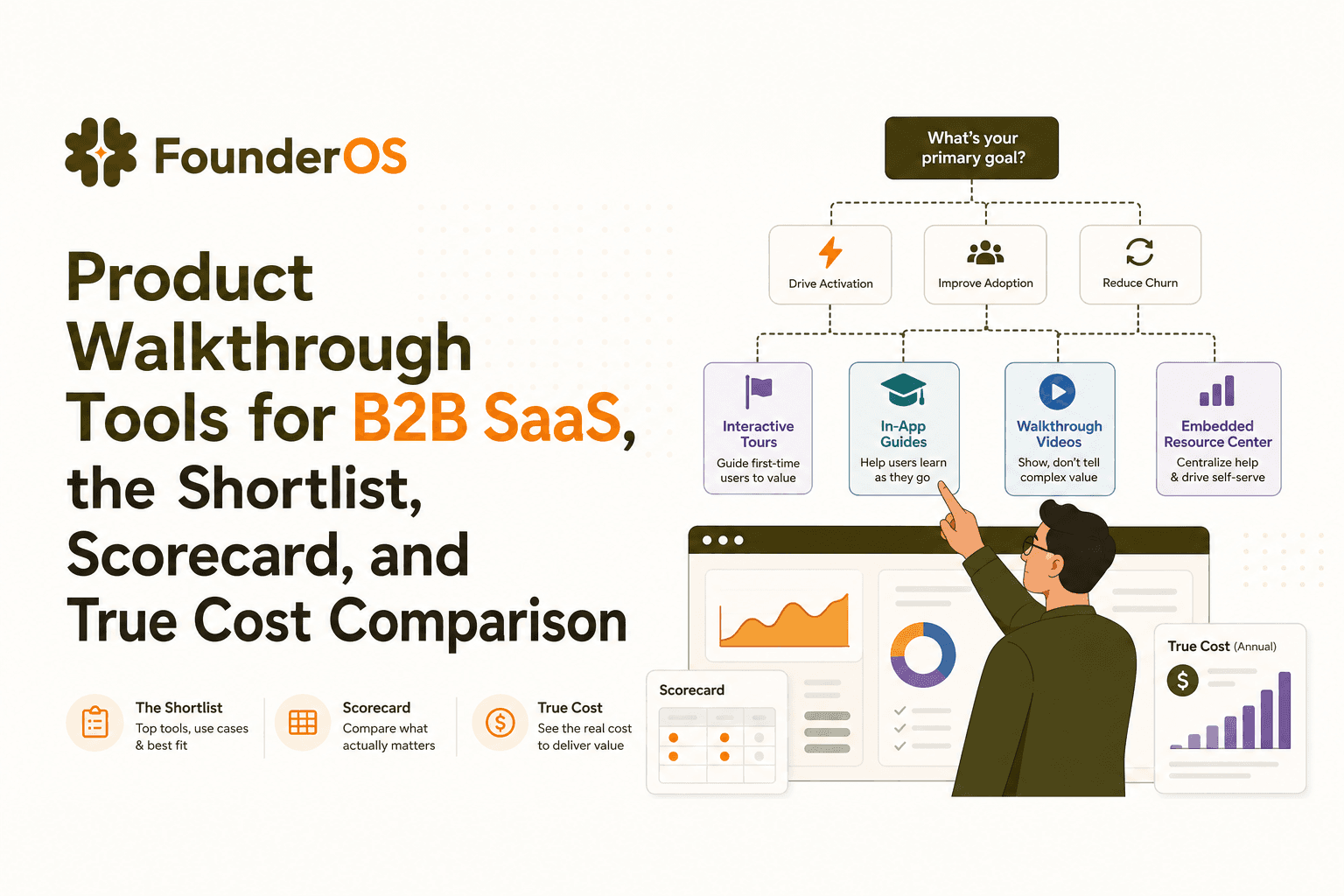
Product Walkthrough Tools for B2B SaaS, the Shortlist, Scorecard, and True Cost Comparison
Compare product walkthrough tools for B2B SaaS with a shortlist, success scorecard, and true cost scenarios for 2k, 10k, and 50k users.

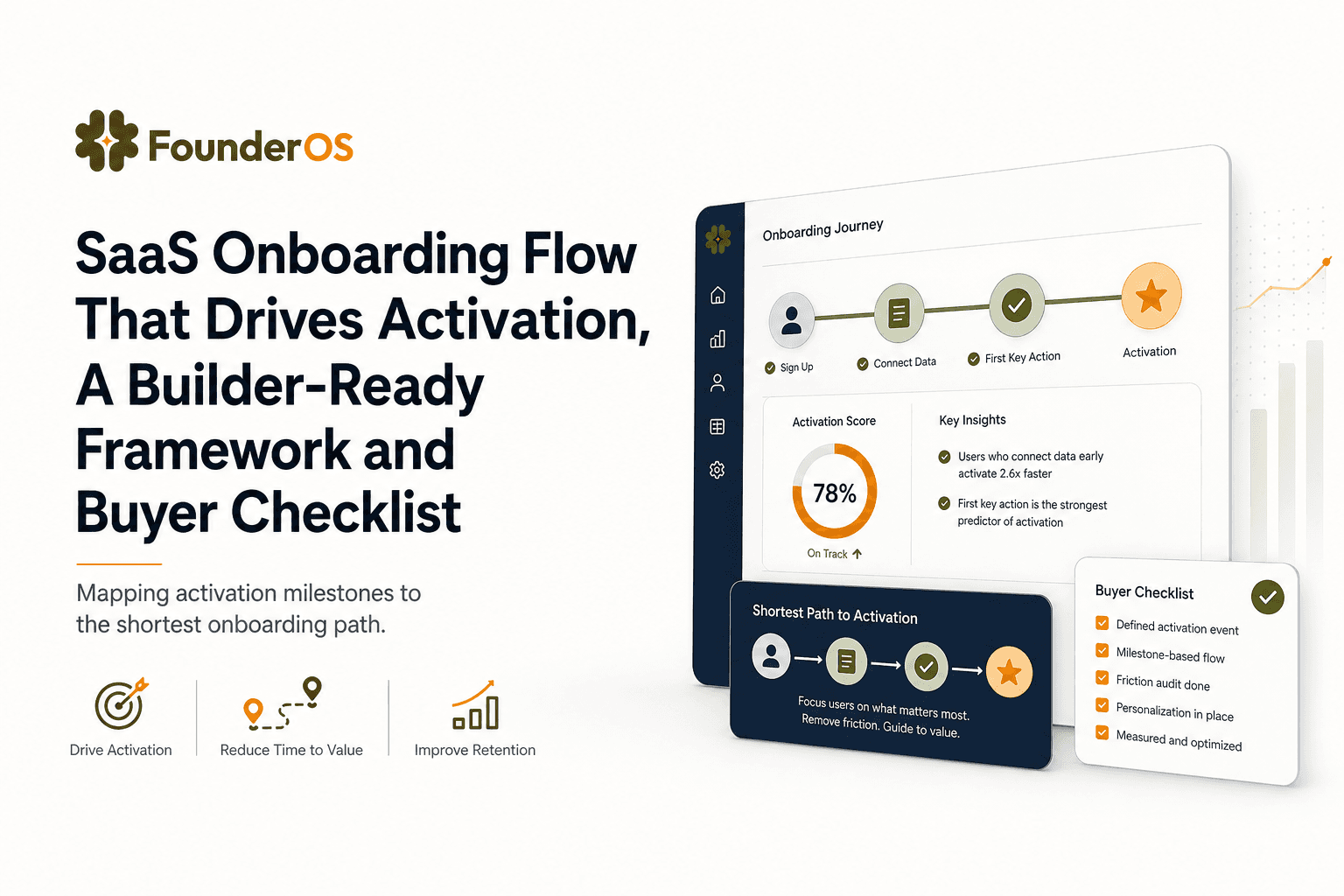
SaaS Onboarding Flow That Drives Activation, A Builder-Ready Framework and Buyer Checklist
Build a saas onboarding flow that drives activation with segments, triggers, tracking, and a buyer checklist for no-code flow builders.

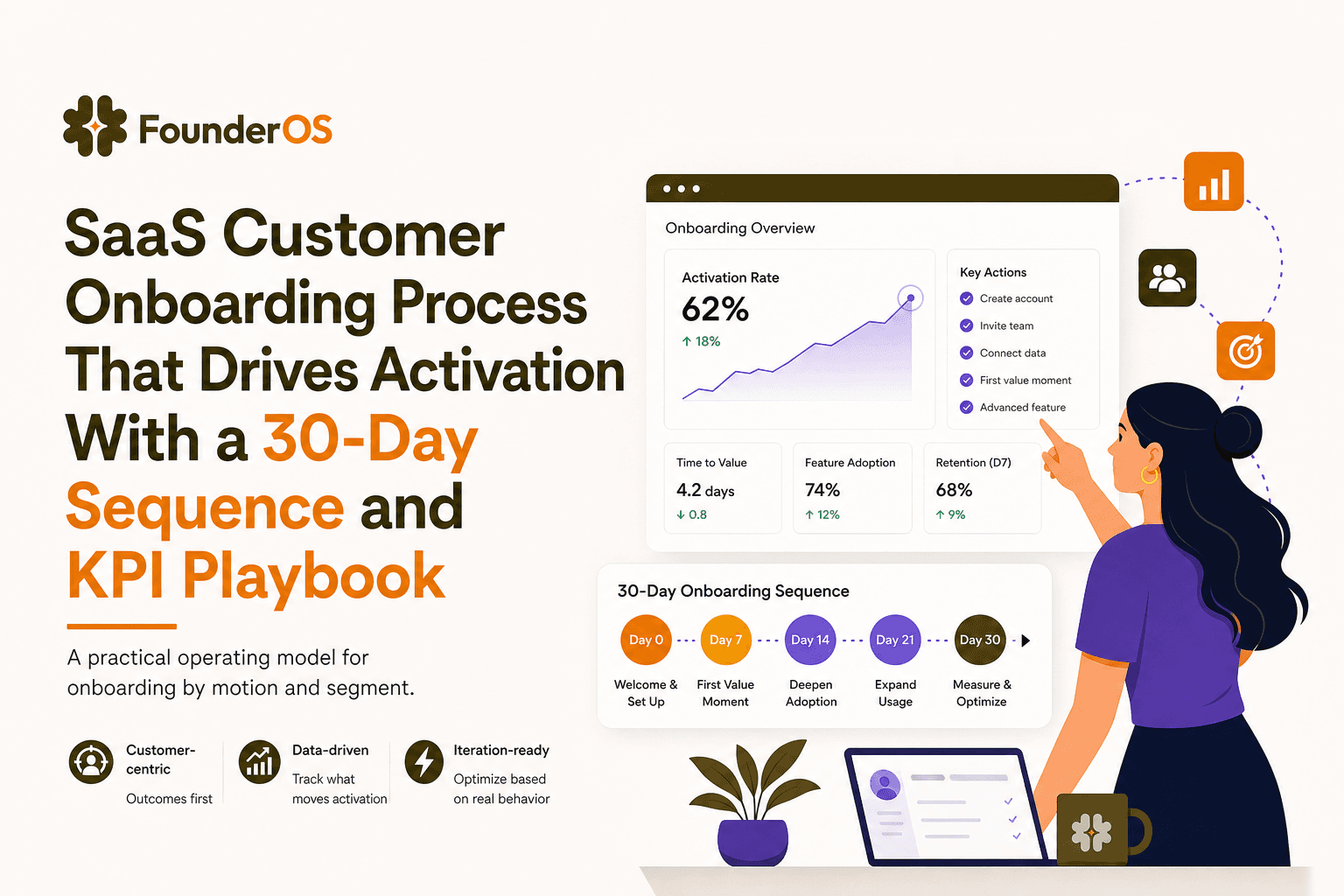
SaaS Customer Onboarding Process That Drives Activation With a 30-Day Sequence and KPI Playbook
Build a saas customer onboarding process with a 30-day sequence, triggers, RACI ownership, and KPI formulas to reach activation faster.
