
Fix Your Customer Onboarding Platform Before It Bleeds Activation and Support Time
Direct answer: A customer onboarding platform stops leaking activation when it (1) targets the right users, (2) guides them to one measurable first win, (3) adapts based on behavior, and (4) proves impact with a small set of onboarding KPIs. If your “tour” is the same for everyone and you cannot tie it to activation, you are paying for noise, not onboarding.
- Most onboarding “fails” because it is un-targeted and un-measured, not because the UI needs more tooltips.
- Define one first win per persona, then build flows that only appear when users are on the path to that win.
- Track 5 onboarding KPIs (not 20) and kill any step that does not move them.
The Agitation: Why Customer Onboarding Platform Is Costing You Money, Time, and Reputation
A customer onboarding platform becomes expensive when it turns into a “broadcast system” inside your product: everyone sees everything, at the wrong time, with no proof it helped. The cost shows up in three places founders feel immediately.
- Wasted acquisition spend (paid and sales time): If new signups do not reach a first win quickly, they do not convert or they churn early. You pay twice: once to acquire them, and again in sales and success time trying to rescue accounts that never got value.
- Support load that scales faster than revenue: Confusing first-run experiences create repetitive tickets (“Where do I start?”, “What does this setting do?”). A practical benchmark many teams use: if more than 15-25% of early tickets are “how do I…” questions, onboarding is doing support’s job.
- Reputation damage in reviews and renewals: Users rarely say “onboarding was bad.” They say “hard to use,” “took too long,” or “we never got it working.” That language ends up in G2 reviews, procurement notes, and renewal calls.
Here is the uncomfortable part: many teams buy a customer onboarding platform and still lose because they never decide what “onboarded” means. If you cannot answer these two questions in one sentence each, your platform will not save you:
- What is the first win? (Example: “Invite 2 teammates and publish the first dashboard.”)
- Who is it for? (Example: “Admins from companies with 10+ employees.”)
If you want a broader lens on adoption gaps beyond onboarding flows, this is closely related to product adoption software decisions, where measurement and targeting matter as much as UI guidance.
The Strategic Blueprint to Overcome Customer Onboarding Platform Failure
This blueprint is designed for evaluation-stage teams: it tells you what to build and what to demand from any customer onboarding platform, without getting lost in feature checklists.
-
Step 1: Define “first win” as a measurable event (not a feeling)
Write one sentence per persona: “A user is onboarded when they do X within Y days.” Keep it to 1-2 actions that correlate with retention, not a 12-step setup.
- Example (B2B SaaS with team accounts): “Admin creates a workspace and invites 1 teammate within 24 hours.”
- Sanity check: If a user can do it without understanding your product, it is not a win. If it takes weeks, it is not onboarding.
-
Step 2: Segment users into 3 onboarding tracks maximum
Most teams over-segment. Start with three tracks you can defend:
- Role: admin vs contributor
- Use case: reporting vs collaboration vs automation
- Acquisition intent: demo-requested vs self-serve
If you are unsure how to spot intent signals from in-product behavior, use a simple behavior-based method like how to identify high intent users in saas to keep onboarding focused on users who are likely to convert.
-
Step 3: Build “progressive” onboarding, not a single product tour
Progressive onboarding means guidance appears only when it helps a user complete the next step toward the first win. Use this checklist to design flows:
- Trigger: What must be true for this message to appear? (Example: user visited /dashboard twice but has not created a project.)
- One action per step: Each prompt should ask for exactly one click or one decision.
- Exit criteria: What makes the flow stop immediately? (Example: user completes the action, or dismisses twice.)
- Fallback: What happens if the user cannot proceed? (Example: show a short help link or collect a 1-question survey.)
-
Step 4: Measure onboarding with 5 KPIs and kill what does not move them
Use a small KPI set so teams actually look at it weekly:
- Activation rate: % reaching first win in the target time window
- Time-to-first-win: median hours/days
- Flow completion rate: per flow and per step
- Step drop-off: where users abandon
- Support deflection: “how do I” ticket share for new users
If you need a practical way to connect onboarding changes to activation outcomes, this case-style approach on how to improve user activation rate saas can help you frame what “impact” should look like.
-
Step 5: Run a 2-week onboarding experiment cycle
Do not redesign onboarding quarterly. Run small iterations:
- Week 1: pick one persona, one first win, one bottleneck step
- Week 2: ship one change, compare KPI movement to the prior week, keep or revert
For measurement credibility, follow established UX research guidance on onboarding clarity and user behavior observation (see NNGroup’s onboarding research). Your numbers will still vary by product, but the method is reliable.
Stop trying to maximize “tour completion.” In many SaaS products, the highest-intent users skip tours because they already know what they want. A better target is “first-win completion among users who were about to stall” (for example, users who visited the same page twice without taking the next action). Build onboarding to rescue stalls, not to entertain power users.
Solving Customer Onboarding Platform Gaps in Under 10 Minutes with Founder OS
Once you have the blueprint, the difference between tools is speed and proof. Founder OS is one example of a customer onboarding platform that maps cleanly to the steps above: you can build in-app flows without code, target who sees them, and measure completion and drop-off so you can iterate weekly.
| Blueprint step | What you must be able to do | What you should see as output |
|---|---|---|
| Define first win | Choose the key action(s) to drive | A single activation event to track weekly |
| Segment into 3 tracks | Target flows by user attributes and behavior | Different onboarding paths per persona |
| Progressive onboarding | Show the right guide at the right moment | Fewer stalls, fewer “where do I start” moments |
| Measure and iterate | See completion and step drop-off | A short list of steps to remove or rewrite |
Build Flows Fast: Reduce Time-to-Value Without Waiting on Engineers
Use a no-code flow builder to create guided prompts (modals, tooltips, and short surveys) directly on top of your product screens. The measurable output you want after publishing is not “we shipped onboarding,” but:
- Higher completion on the first-win flow (target: +10-20% lift over 2-4 weeks)
- Lower median time-to-first-win (target: reduce by 20-30%)
Targeting and Conditions: Stop Showing Everyone the Same Onboarding
The fastest way to ruin trust is to show irrelevant prompts. Look for targeting that supports:
- Role-based paths (admins see setup, contributors see usage)
- Behavior-based rescue (only show help when a user stalls)
- Simple “AND/OR” rules so you can express real conditions without complexity
Measurable output: a drop in step drop-off at your biggest bottleneck screen, plus fewer repeat visits without action.
Onboarding Analytics: Know Which Step Breaks, Not Just That Users Churned
A customer onboarding platform should tell you exactly where users stop, so you can fix the step, the screen, or the expectation. At minimum, demand:
- Completion rate per flow
- Drop-off per step
- Impact view (users who saw the flow vs did not, compared on activation)
If you are comparing onboarding tools and also evaluating analytics depth, it helps to understand how product analytics platforms differ in what they can measure and how quickly teams can act on the data.
FAQ
If you want to implement this blueprint quickly, Founder OS can help you build targeted onboarding flows, publish them without engineering cycles, and track completion and drop-off so you can improve activation with evidence. Start free or request a demo to see how fast you can launch your first-win flow.
Written by Ivy Tran
Founder of FounderOS, sharing practical insights on SaaS growth, product analytics, and user activation.
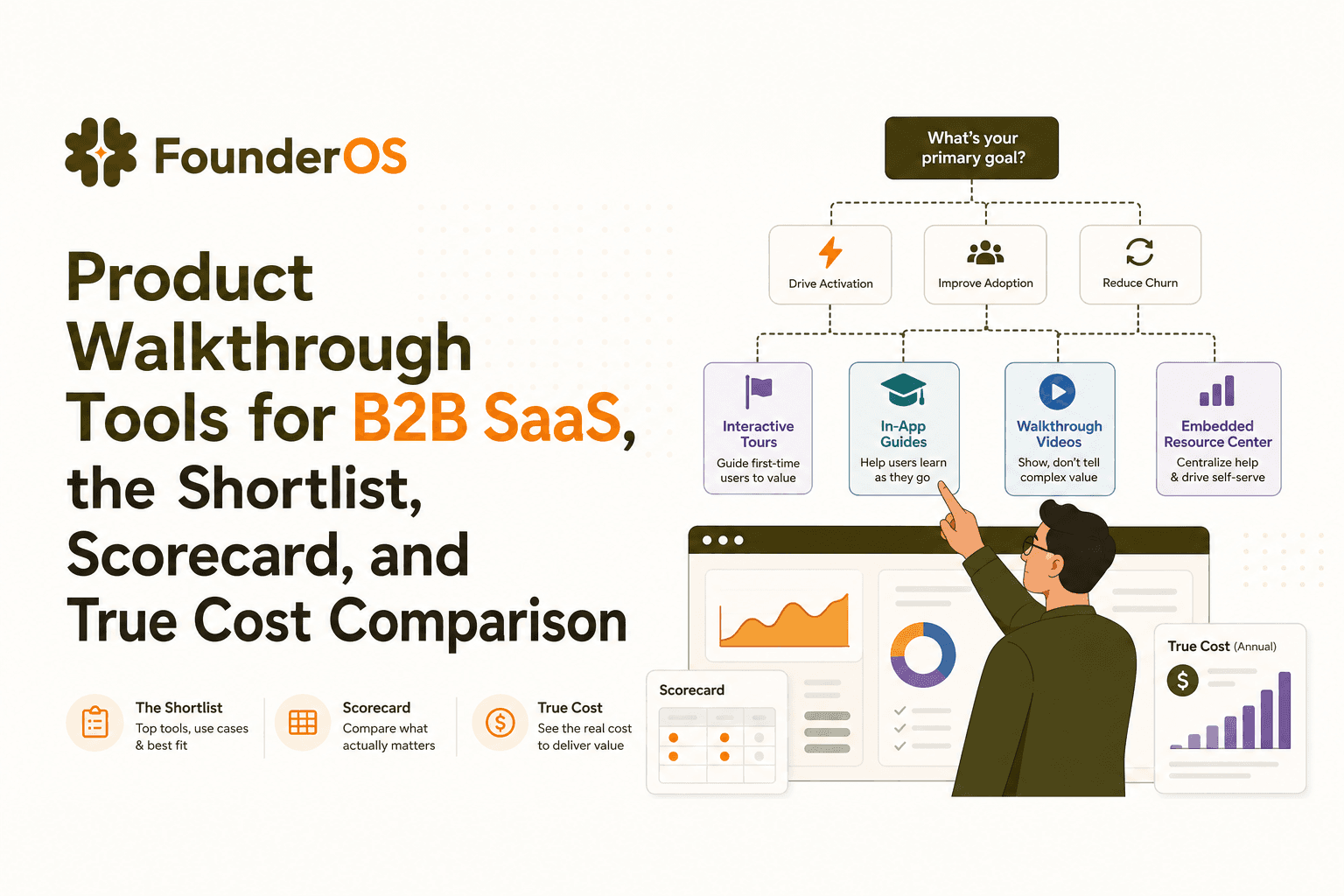
Product Walkthrough Tools for B2B SaaS, the Shortlist, Scorecard, and True Cost Comparison
Compare product walkthrough tools for B2B SaaS with a shortlist, success scorecard, and true cost scenarios for 2k, 10k, and 50k users.

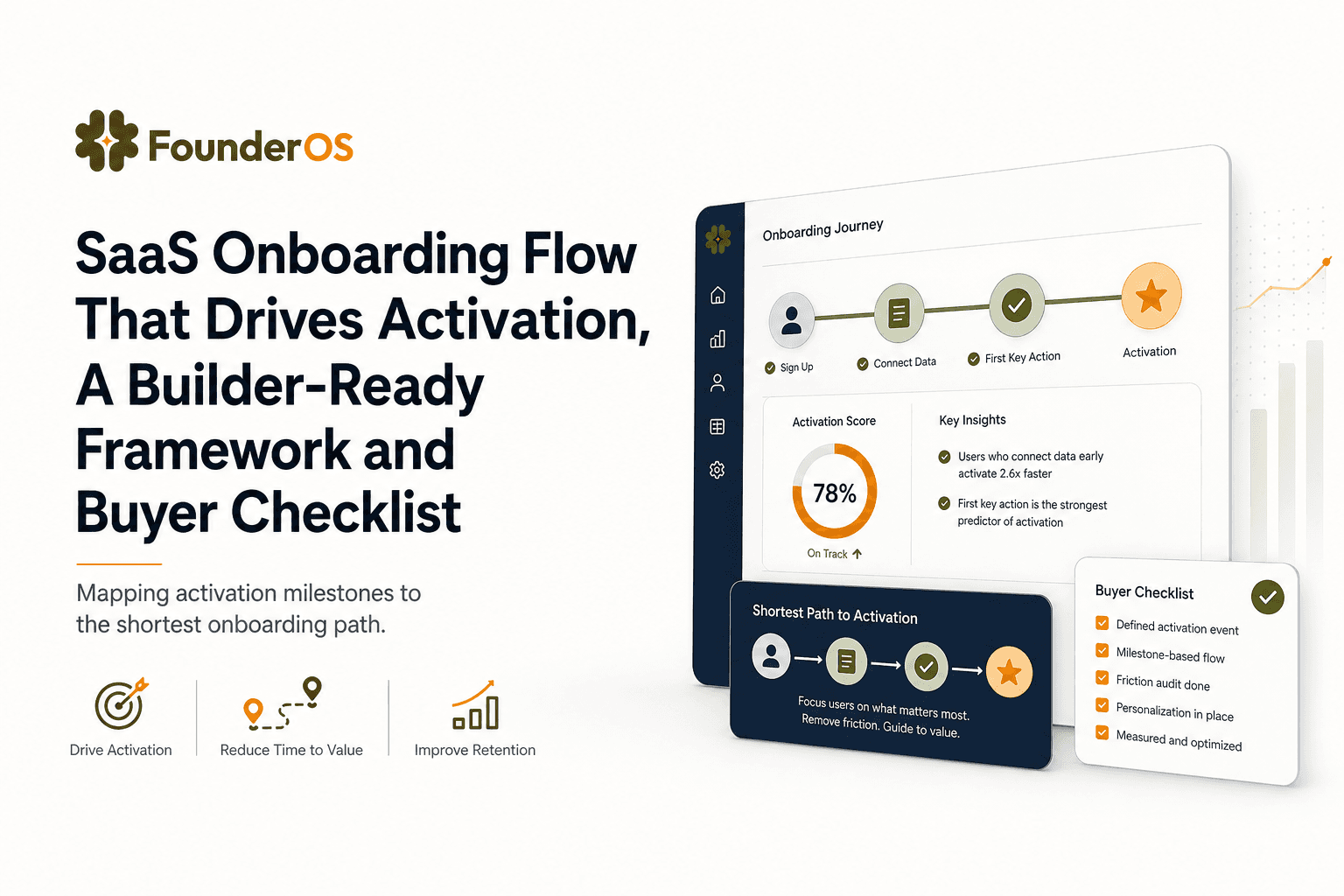
SaaS Onboarding Flow That Drives Activation, A Builder-Ready Framework and Buyer Checklist
Build a saas onboarding flow that drives activation with segments, triggers, tracking, and a buyer checklist for no-code flow builders.

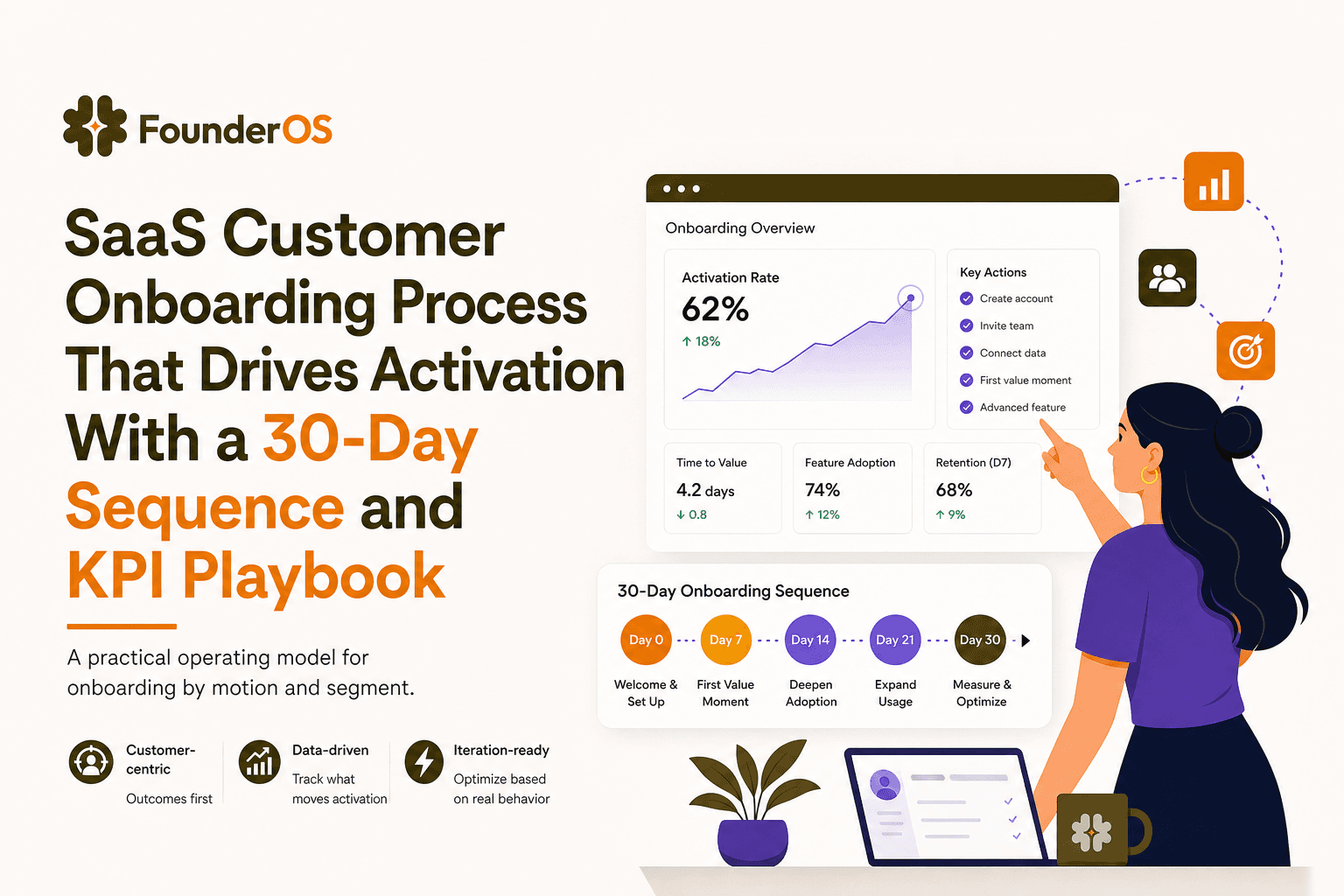
SaaS Customer Onboarding Process That Drives Activation With a 30-Day Sequence and KPI Playbook
Build a saas customer onboarding process with a 30-day sequence, triggers, RACI ownership, and KPI formulas to reach activation faster.
