
App Onboarding Process by Industry - Build Flows That Actually Reach First Value
If your app onboarding process feels “fine” but activation is flat, the real issue is usually not copy or UI polish. It is that your onboarding is built as a generic product tour, while each industry has a different first-value event, different data readiness constraints, and different roles involved. This SOP shows how to map the industry-specific activation path and deploy segmented in-app flows that get users to first value faster without increasing support load.
Key takeaways
Define first value by industry using a single measurable event, then work backward to the minimum steps required to reach it.
Branch onboarding by role, data readiness, and compliance so users only see what they can complete today.
Deploy adaptive in-app flows that change based on behavior, not assumptions, and validate impact with completion and activation metrics.
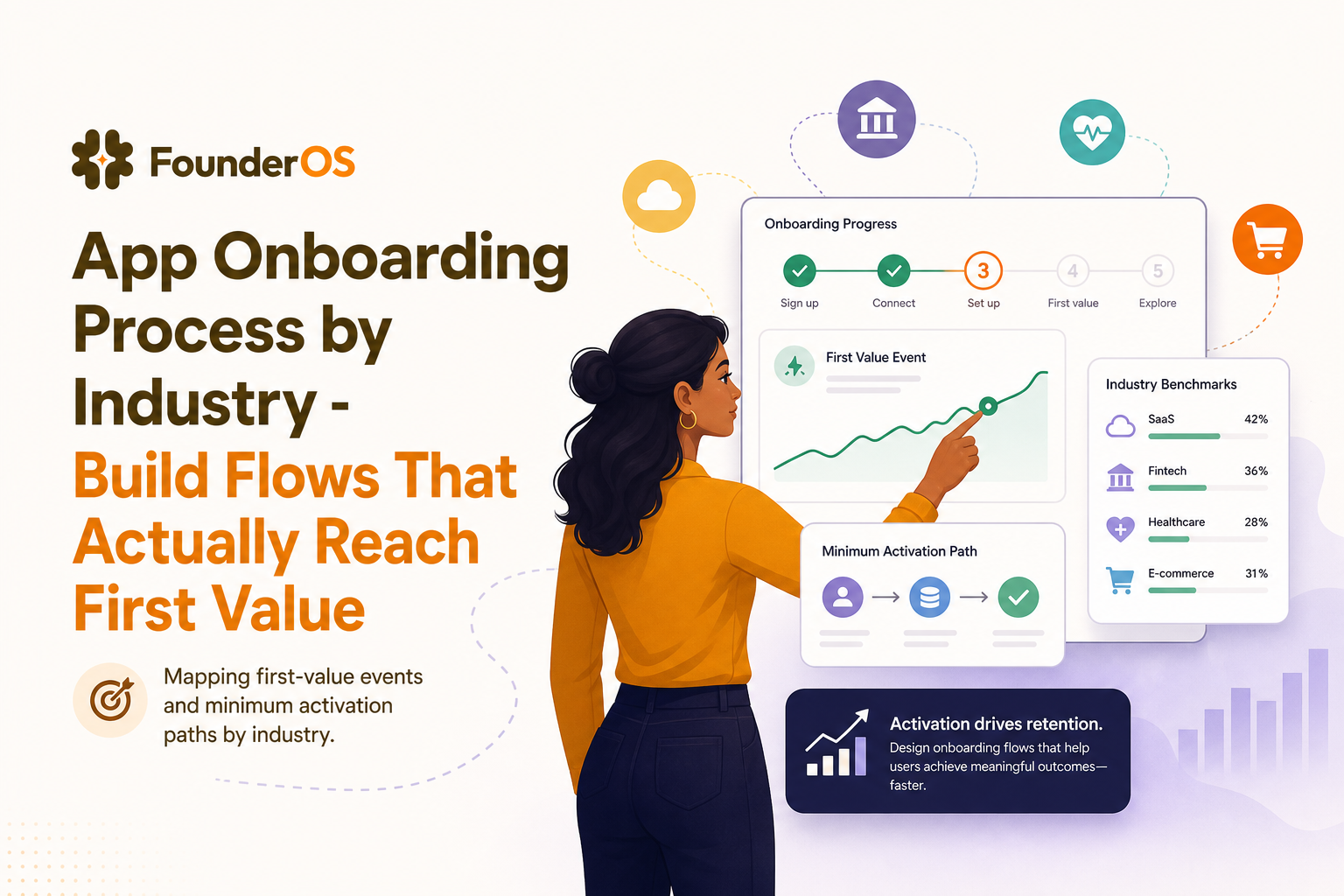
Mapping first-value events and minimum activation paths by industry.
The Mission and The Stack
Direct answer (50 words): This workflow helps you design an industry-specific onboarding system that moves new users to their first measurable win. You will define the first-value event, map the minimum activation path, build role-based and compliance-aware branches, then deploy segmented in-app guidance and measure impact on activation, time-to-value, and support volume.
The Stack (ingredients)
Founder OS for no-code in-app flows plus product tracking and segmentation
Your product analytics definition (events, properties, and a single activation metric per industry)
CRM or user database for role and account attributes (optional but helpful)
Support tagging (Zendesk/Intercom tags or even a spreadsheet) to track “onboarding confusion” volume
Expert Insight Box: Golden Rule
Do not start by building a tour. Start by defining the industry’s first-value event as an analytics event you can measure (for example: “first report generated,” “first dataset imported,” “first invoice sent”). If you cannot measure it, you cannot optimize the app onboarding process.
Prerequisites
Before you execute this SOP, validate these inputs so the onboarding you deploy is realistic and testable.
Prerequisite checklist
Pick 1 industry segment to start (do not attempt “all industries” in v1). Example: “B2B SaaS for sales teams” or “fintech for SMB accounting.”
Define 1 activation metric and its event definition (name, properties, and success threshold). Example: activation = created 1 project and invited 1 teammate within 7 days.
List the top 3 roles that touch onboarding in that industry (for example: Admin, Operator, Viewer; or Owner, Finance Manager, Accountant).
Document data readiness states that block progress (no data imported, partial data, verified data).
Compliance constraints that change the flow (SSO required, consent required, audit trail required, KYC required, PHI handling).
Baseline metrics (last 14 to 30 days): activation rate, median time-to-first-value, and onboarding-related support tickets per 100 signups.
Minimum instrumentation required
Core events: sign_up, first_login, key setup step events (import_started, import_completed, integration_connected, invite_sent), and first-value event.
User properties: role, industry, plan, account size (or proxy like seats), and compliance flags (SSO_enabled, KYC_required).
Account properties (if applicable): workspace_created, seats_purchased, integration_status.
Step-by-Step Execution - Build an Industry-Specific App Onboarding Process
This is the core protocol. Each phase is written as Action then Outcome so you can implement it as an internal SOP and assign owners.
Phase 1 - Define the industry’s first-value event (Action) -> measurable activation target (Outcome)
Action: For your chosen industry, write a one-line definition of “first value,” then convert it into a measurable event and threshold.
Outcome: A single activation target that your app onboarding process is responsible for moving users toward.
First-value event templates by industry
Horizontal B2B SaaS (project/work management): “First project created with 1 collaborator.”
Analytics / BI: “First dashboard built from a connected data source.”
Fintech / invoicing: “First invoice sent and marked delivered.”
HR / recruiting: “First job posted and first candidate moved stage.”
Healthcare SaaS: “First patient record created with required consent captured.”
Dev tools: “First SDK event received in production.”
Validation criteria (you must pass 3 of 4)
Measurable: you can track it as an event with properties.
Repeatable: most successful accounts do it early.
Value-linked: it correlates with retention (even if you validate later).
Industry-specific: it reflects the industry’s workflow, not your UI.
Tip: If your team is still debating what “activation” should be, use an onboarding checklist that forces you to define events, blockers, and success thresholds before building UI.
Phase 2 - Map the minimum activation path (Action) -> fewer steps, fewer drop-offs (Outcome)
Action: Work backward from the first-value event and list the minimum steps required. Then label each step as one of three types: UI action, data dependency, or permission/compliance gate.
Outcome: A path you can shorten. Most broken onboarding is simply “too many steps before value,” especially when data dependencies are hidden until late.
Activation path worksheet (fill this in)
First-value event: ____________________
Step 1 (type): ____________________
Step 2 (type): ____________________
Step 3 (type): ____________________
Known blockers per step: ____________________
Example: Fintech invoicing app
First value: First invoice sent
Minimum steps:
Company profile completed (data dependency)
Tax settings selected (compliance gate)
Customer added (data dependency)
Invoice created (UI action)
Email delivery confirmed (system event)
Notice how the “tour of the dashboard” is not on the list. That is the core mistake in a generic app onboarding process.
Phase 3 - Design branches around roles, data readiness, and compliance (Action) -> users only see what they can do now (Outcome)
Action: Convert your activation path into a branching flow using three decision points:
Role: what can this user do?
Data readiness: what can this account do today?
Compliance gates: what must be completed before progress is allowed?
Outcome: A app onboarding process that feels personal because it is context-aware, not because it uses the user’s name.
Branching matrix (use this as your design spec)
Admin path: workspace setup, integrations, permissions, compliance settings
Operator path: day-to-day workflow steps that lead to first value
Viewer path: read-only “see value fast” experience (sample data, demo report)
Compliance examples that must change onboarding
Healthcare: consent capture before record creation; audit logging prompts; role-based access enforced early.
Enterprise IT: SSO required before inviting teammates; SCIM provisioning; admin-only integration screens.
Financial products: KYC status gates “send money” actions; disclosures acknowledged before first transaction.
When you implement this in Founder OS, you can set triggers and conditions based on URL, user segment, behavior, and attributes with conditional AND/OR logic, so each branch only appears when it is valid for that user.
Phase 4 - Deploy segmented in-app flows with progressive disclosure (Action) -> faster time-to-first-win without overwhelm (Outcome)
Action: Build 2 to 4 micro-flows that correspond to the minimum path steps. Each micro-flow should have:
One objective (example: “connect data source”)
3 to 7 steps max (longer flows increase drop-off)
One clear CTA per step (no multiple choices)
An exit condition (if user completes the step outside the flow, the flow ends)
Outcome: Your app onboarding process becomes adaptive. Users are guided only when they need it, and you stop forcing everyone through the same linear tour.
Progressive disclosure protocol
Expose only the next required step until the first-value event is reached.
Use “show me later” intentionally: defer education steps, not required setup steps.
Replace explanations with validation: confirm completion with a tracked event and move on.
Concrete build pattern (works across industries)
Flow A: Orientation (30 to 60 seconds) using a modal to set expectation: “You will reach your first win by doing X.”
Flow B: Setup with tooltips or speech bubbles anchored to required fields.
Flow C: First action with a guided checklist embedded in the UI.
Flow D: Expansion after first value: invite teammate, connect integration, create second object.
To keep this low-lift for engineering, Founder OS supports building these tours directly on your live product via a Chrome extension, then previewing and publishing without a deployment cycle.
Monitoring and Optimization
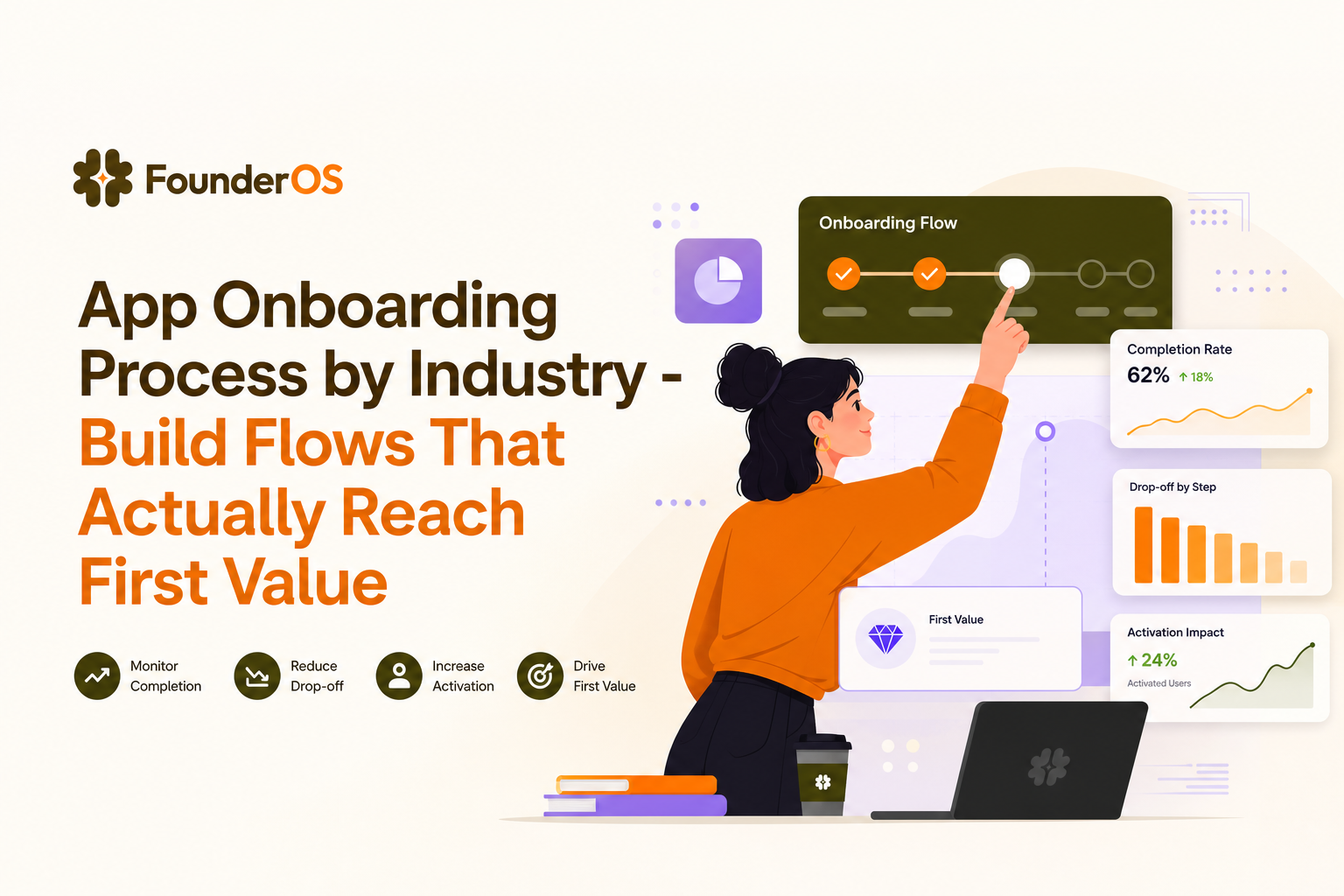
Monitoring onboarding flow completion, drop-off, and activation impact.
An onboarding workflow is only “good” if it moves the metrics that matter and reduces confusion. Execute this monitoring protocol weekly for the first month, then biweekly.
KPIs to track (3 to 4) and what “good” looks like
Activation rate (users who hit first-value event within X days). Target: improve by 10 to 30% relative in 30 to 60 days. Founder OS customers report up to 40% activation improvement on average, but validate against your baseline.
Median time-to-first-value. Target: reduce by 20 to 50% for the chosen industry segment.
Flow completion rate by step. Benchmark: many teams see 60 to 80% completion on short flows; anything below 40% indicates friction or mis-targeting.
Onboarding-related support tickets per 100 signups. Target: flat or down while activation rises.
Optimization loop (weekly)
Identify the highest drop-off step in the flow analytics (completion and step drop-off).
Classify the failure:
Targeting error: wrong role or wrong readiness state saw the step.
UX friction: too many fields, unclear requirement, hidden dependency.
Value mismatch: the step does not feel connected to first value for this industry.
Deploy one change at a time (copy, step order, branch condition, or removal).
Validate impact after 7 to 14 days using the same cohort definition.
If you need to connect onboarding changes to downstream product behavior, pair flow analytics with product tracking and segmentation. A practical next read is how to improve user activation rate saas, which shows how teams tie setup completion improvements to activation outcomes.
Scaling the Workflow
Once the industry-specific app onboarding process works for one segment, scaling is about turning it into a repeatable system across teams and industries without creating a maintenance nightmare.
Team-wide operating model
Assign ownership:
Product: activation definition and path mapping
Growth: segmentation strategy and experiments
Support: top confusion themes and ticket tagging
Engineering: event instrumentation and compliance gates
Standardize templates: create a reusable flow template per industry that includes role branches and readiness states.
Permissions and review: require a review step before publishing onboarding changes to production.
Versioning protocol: keep a changelog: what changed, which segment, what metric moved.
Scaling checklist (copy into your SOP doc)
Segment expansion: add one new industry only after the current segment hits a stable activation target for 2 consecutive weeks.
Role expansion: add Viewer and Operator flows before adding niche roles.
Data readiness expansion: add “no data” fallback experiences (sample data, sandbox mode) to reduce stalls.
Compliance expansion: add gates early, not late, to avoid users investing time before being blocked.
As you scale, you will also want to identify which users are most likely to activate so you can prioritize guidance intensity. See how to identify high intent users in saas for a behavior-based approach.
Industry | Typical first-value event | Common onboarding blocker | Best flow pattern to deploy |
|---|---|---|---|
Analytics / BI | First dashboard built from connected source | Data connection takes time; credentials missing | Readiness branching + “import in progress” micro-flow |
Fintech invoicing | First invoice sent | Tax and compliance fields unclear | Field-level tooltips + compliance gate explanation modal |
Healthcare SaaS | First compliant record created | Consent and permissions required early | Role-based branches + mandatory gate steps |
Dev tools | First production event received | SDK setup complexity; environment mismatch | Step-by-step checklist + validation steps tied to events |
Sales enablement | First sequence launched or first call logged | CRM integration and permissions | Admin integration flow, then operator workflow flow |
Data note: Benchmarks vary widely by industry and product complexity. For general product-led onboarding research and retention benchmarks, compare your numbers against reputable sources like Reforge activation resources and your own historical cohorts.
FAQ
What if our activation definition is contested internally?
Run a 60-minute activation working session. Bring: (1) a list of retained accounts, (2) the first 7 days of event data, and (3) 10 recent onboarding calls. Choose the first-value event that retained accounts reach early and that you can measure. If two candidates exist, pick one and timebox validation to 2 weeks.
What if the flow completion rate is high but activation is still low?
This usually means your flow optimizes “tour completion,” not first value. Check whether the flow’s exit condition is tied to the first-value event or only to clicking “Next.” Replace educational steps with actions that create the object, connect the data, or pass the compliance gate required for the industry.
What if users get blocked by data readiness, like waiting for imports or integrations?
Add a readiness branch: (1) confirm the import is running, (2) show a progress state, (3) offer a parallel path to see value using sample data or a prebuilt template, and (4) trigger the next micro-flow only when the import_completed event fires.
What if support tickets increase after we change the app onboarding process?
Audit mis-targeting first. Many ticket spikes come from showing admin-only steps to operators or showing compliance steps to accounts that do not require them. Tighten segmentation conditions, reduce steps per flow, and add one “escape hatch” link to a help doc at the exact step where confusion happens. If you are evaluating tooling, read customer onboarding platform guidance to avoid common rollout mistakes.
Next step: If you want to execute this SOP quickly, Founder OS can act as the execution engine by letting you build and publish segmented in-app flows without code, then measure step drop-off and activation impact in one place. Start with one industry segment, deploy two micro-flows, and iterate weekly until your app onboarding process reliably reaches first value.
Written by Ivy Tran
Founder of FounderOS, sharing practical insights on SaaS growth, product analytics, and user activation.
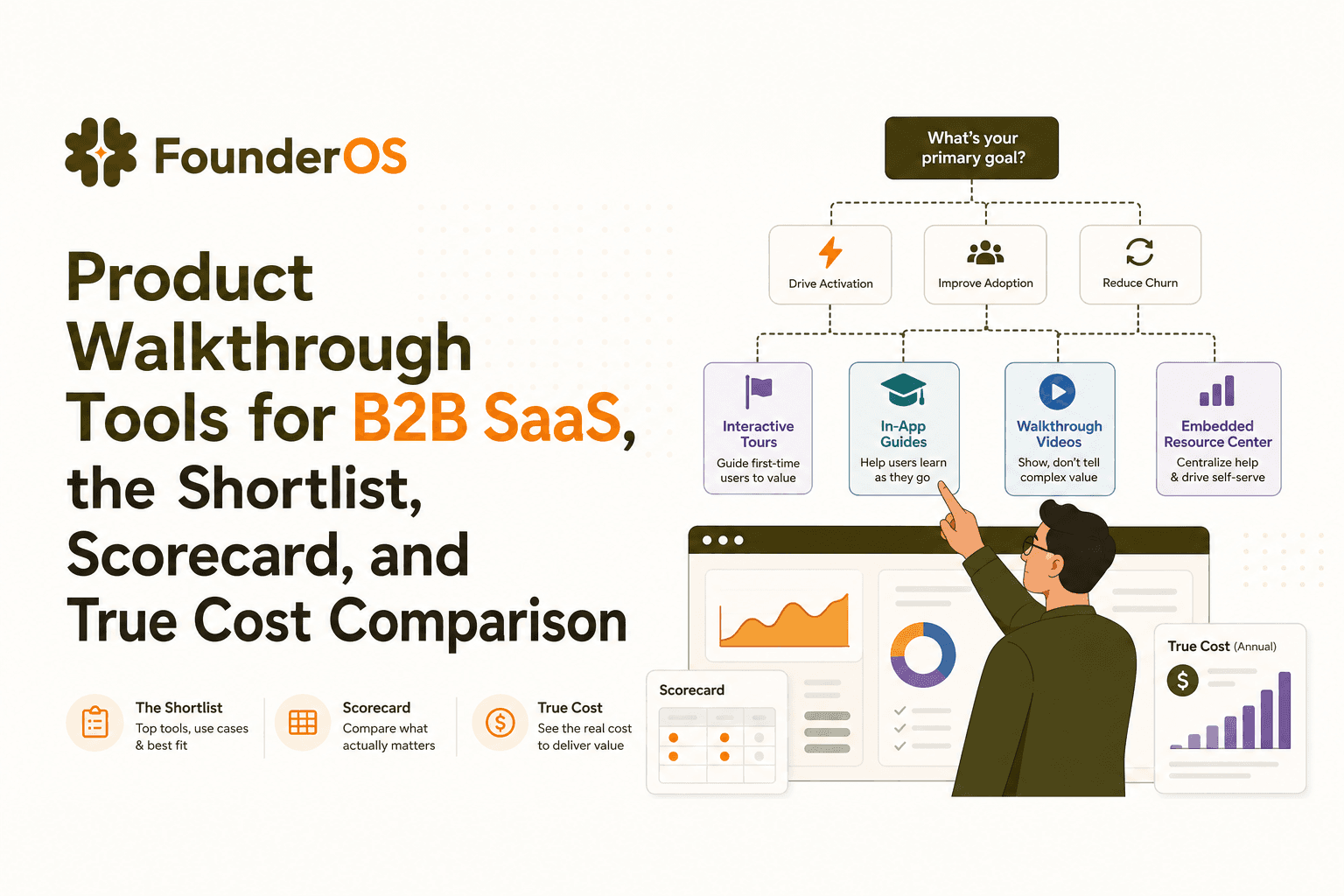
Product Walkthrough Tools for B2B SaaS, the Shortlist, Scorecard, and True Cost Comparison
Compare product walkthrough tools for B2B SaaS with a shortlist, success scorecard, and true cost scenarios for 2k, 10k, and 50k users.

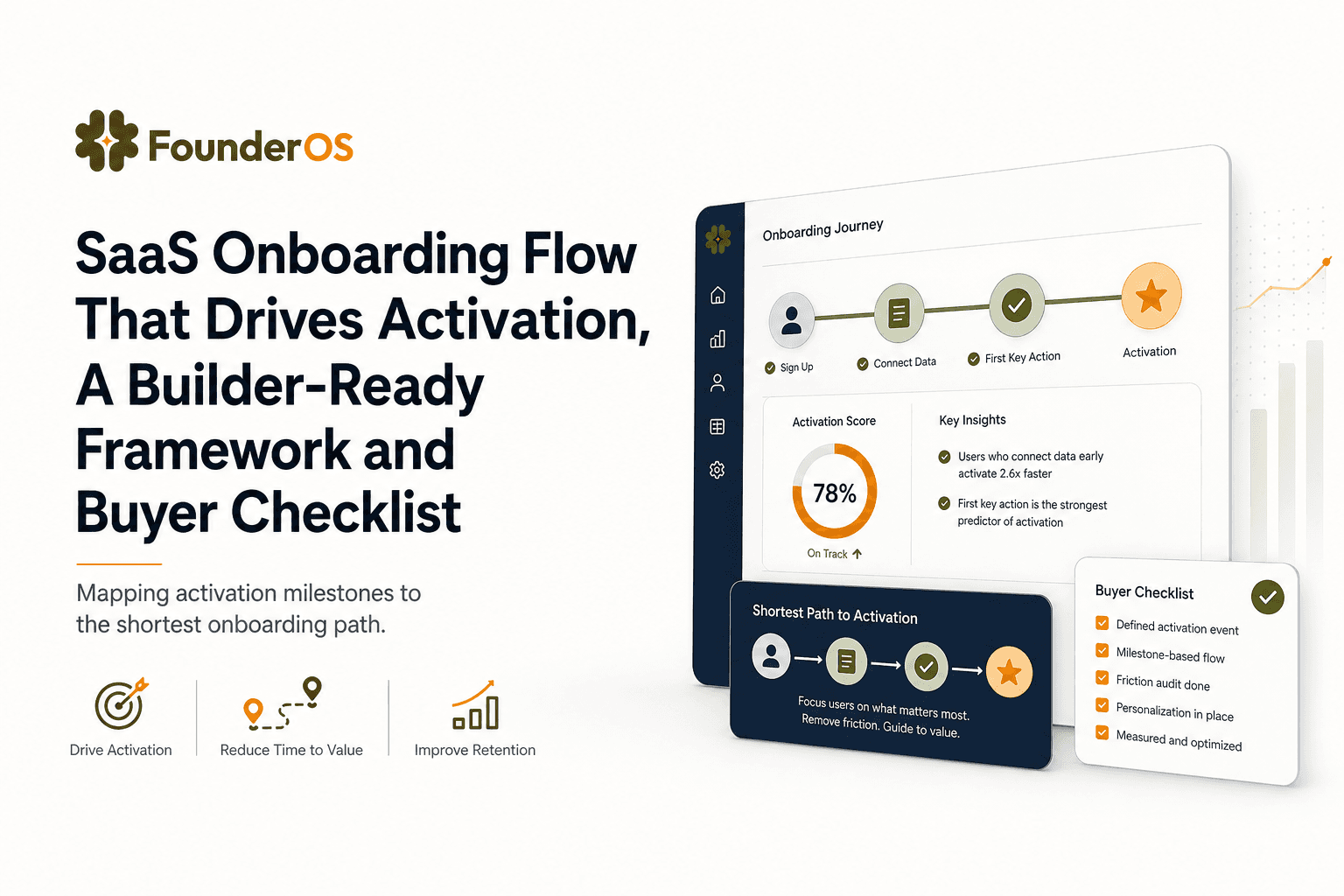
SaaS Onboarding Flow That Drives Activation, A Builder-Ready Framework and Buyer Checklist
Build a saas onboarding flow that drives activation with segments, triggers, tracking, and a buyer checklist for no-code flow builders.

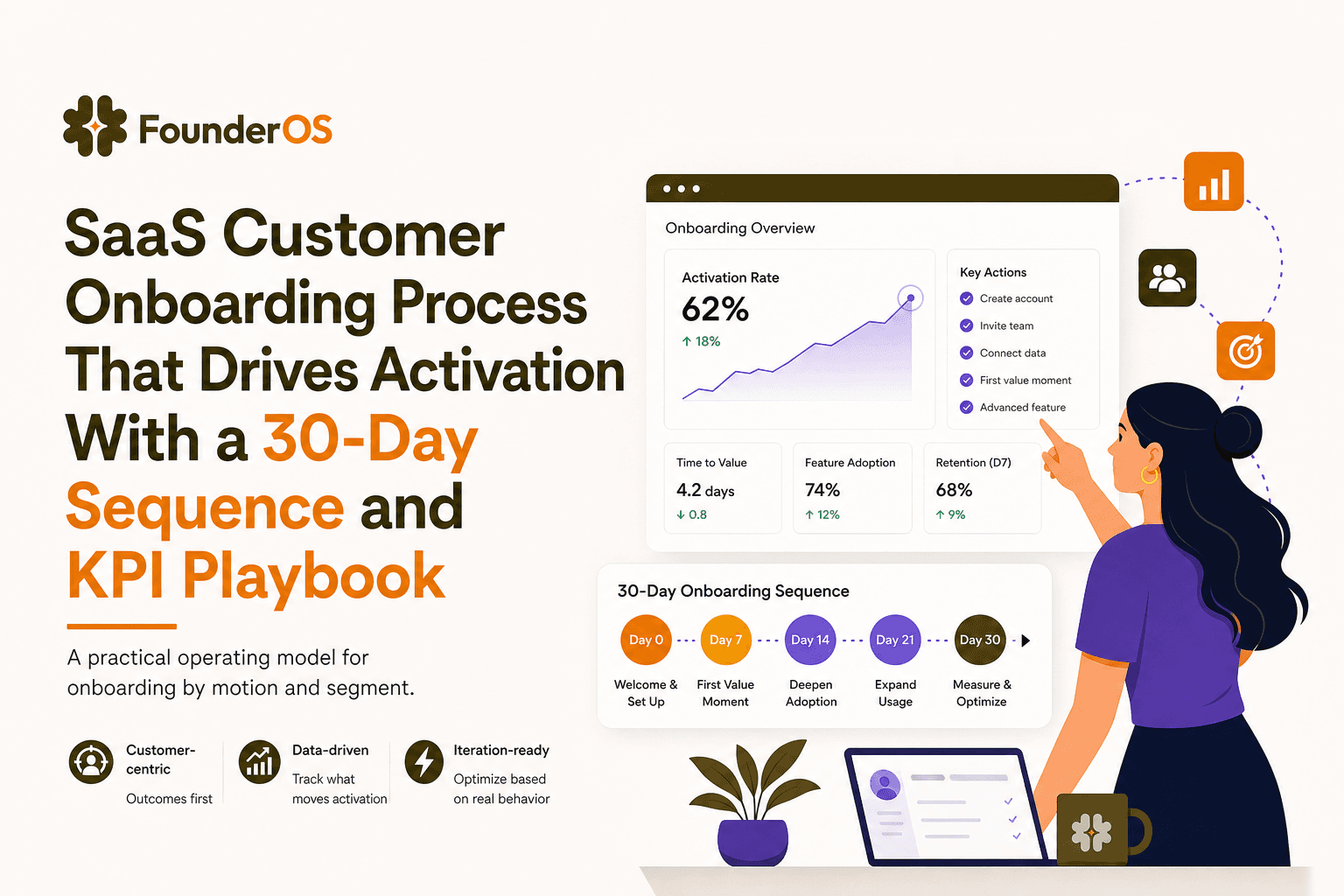
SaaS Customer Onboarding Process That Drives Activation With a 30-Day Sequence and KPI Playbook
Build a saas customer onboarding process with a 30-day sequence, triggers, RACI ownership, and KPI formulas to reach activation faster.
