
Guided Product Tour Blueprint to Ship a Measurable Activation Flow in 72 Hours
A guided product tour only “works” if it gets a new user to a specific, measurable outcome fast, ideally in the first 5 minutes. If your tour is just a highlight reel of UI, you will see the same pattern: high starts, low completions, and no lift in activation. This blueprint shows how to turn a guided product tour into an activation system you can ship in 72 hours, with a clear promise, event-based steps, and rollout safeguards.
- Write a single “tour promise” tied to one activation moment, then cut every step that does not move the user toward it.
- Build the tour backward from tracked events and completion rules, not from screens, so you can diagnose drop-off and prove impact.
- Launch safely with segment entry rules, throttling, and a QA checklist that protects UX, data quality, and support load.
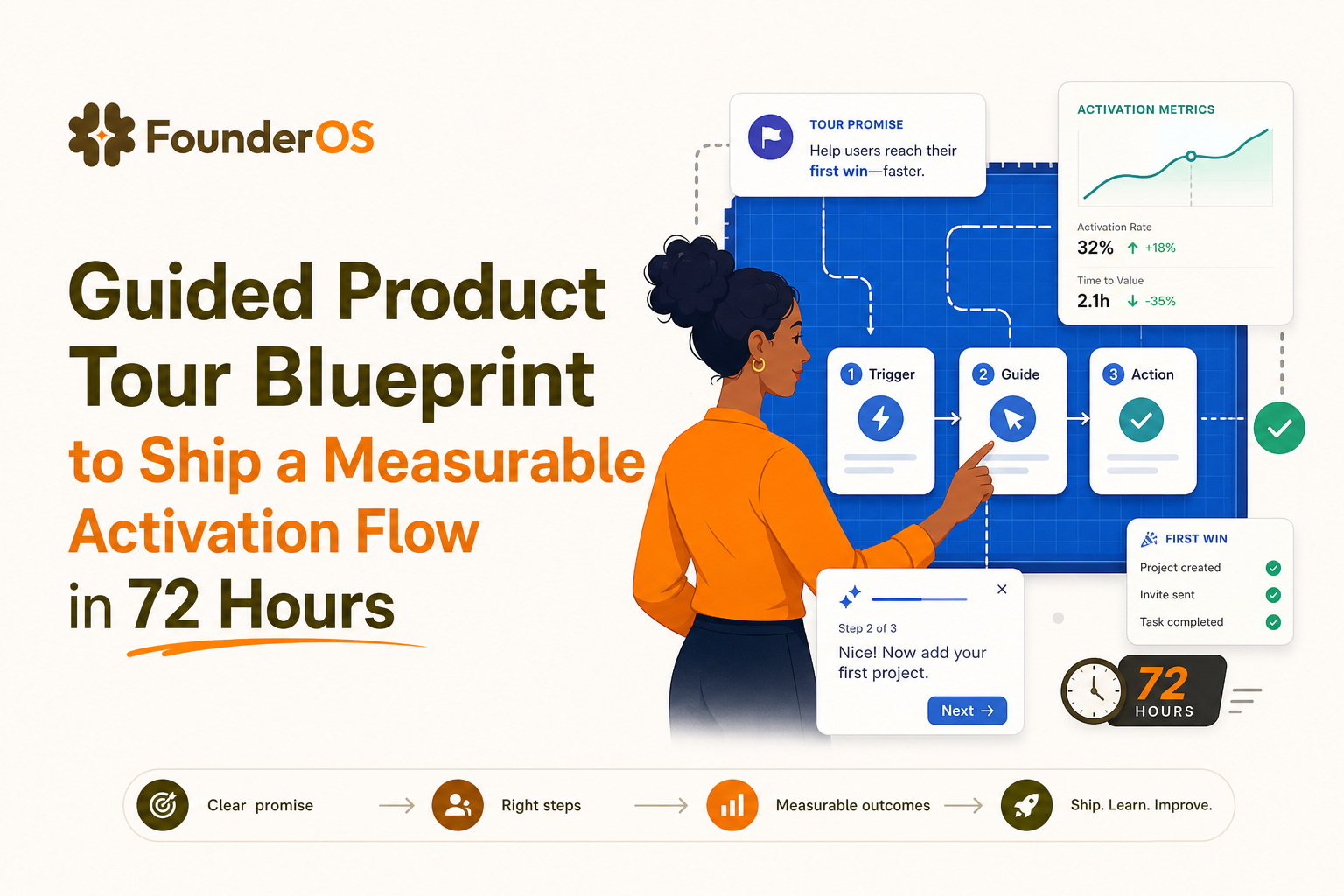
What a guided product tour must prove in the first 5 minutes
Step 1: Define the activation moment as a single observable event
Start with one activation moment you can observe in product data. Not “understands the product,” but something you can track as an event with properties. Examples:
- Project management SaaS: “Created first project” AND “invited teammate”
- Analytics SaaS: “Connected data source” AND “viewed first dashboard”
- B2B CRM: “Imported contacts” AND “created first pipeline stage”
Criteria for a good activation moment:
- Binary: it happened or it did not.
- Early: achievable in one session for a motivated user (often 3 to 10 minutes).
- Value-revealing: it exposes the first “aha” benefit, not just setup.
- Correlated: historically linked to retention, expansion, or reduced churn (validate with your own data if possible).
Step 2: Write the “tour promise” in one sentence
Your guided product tour needs one promise, stated in the user’s language. Use this template:
In [time], you will [achieve outcome] so you can [business value].
Examples:
- “In 3 minutes, publish your first report so your team can see weekly progress automatically.”
- “In 5 minutes, connect your workspace and invite one teammate so you can collaborate right away.”
Hard rule: if a step does not directly support the promise, it is not part of the MVP tour.
Step 3: Choose one tour type and one primary CTA
Users abandon tours when you mix announcements, education, and setup into one long sequence. Pick one primary CTA that completes the activation moment. Then pick the lightest UI pattern that can guide it:
- Tooltip or speech bubble: best for step-by-step in context.
- Modal: best for a single commitment step (for example, “Connect your account”) but avoid stacking multiple modals.
- Survey: best as a gate to segmentation (“What are you trying to do today?”) but keep it to 1 question for the MVP.
Benchmark to aim for in week 1: 60%+ completion for a 3 to 6 step tour. If you need 12 steps, you likely have multiple promises.
Build the tour backward from events, not screens
Step 4: Map each step to an event and a diagnostic
A measurable guided product tour is an event map with UI attached. Build a simple “step to event” spec before you build anything. Here is the structure:
- Step intent: what the user is trying to do.
- UI target: the element you anchor to.
- Success event: the tracked action that proves progress.
- Timeout or alternative: what happens if they do not complete it.
- Drop-off reason hypothesis: what you think went wrong if they exit here.
Use completion rules that match real behavior
Do not define “completion” as “user clicked Next five times.” Define it as “user did the thing.” Common completion rules:
- Event-based: complete step when event fires (recommended).
- URL-based: complete when user reaches a page, only if the page implies progress.
- Element-based: complete when a UI state changes (for example, a toggle enabled).
If you have product analytics in place, pair the tour with a short funnel analysis so you can see where users stall: step view, step action, step success event, and activation moment.
Define the minimum event taxonomy for the MVP
You only need a small set of events to prove impact. For most SaaS onboarding flows, this is enough:
- Tour events: tour_started, step_viewed (with step_id), tour_completed, tour_dismissed
- Activation events: the 1 to 2 events that define your activation moment (with properties like plan, role, source)
- Support risk events: error_shown, integration_failed, permission_denied (if relevant)
If you already track users and attributes, you can use user segmentation to keep the tour relevant and avoid showing advanced steps to beginners.
Launch without breaking UX, data, or support
Step 5: Segment entry rules so the right users see the right tour
Most guided product tour failures are targeting failures. Use explicit entry rules so you do not teach users what they already did, or push them into a path that does not match intent.
Use this entry rule checklist:
- New user definition: for example, account_age < 7 days OR first_seen_session_count <= 3
- Exclusion: user already fired activation_event
- Context: user is on the correct URL or page state
- Role: admin vs member, if permissions differ
- Intent: based on one quick question or behavior signals
If you want to prioritize users most likely to convert, pair tour entry with a lightweight model of intent based on behavior, such as how to identify high intent users in saas.
Throttling and rollout safeguards
Even a good tour can be disruptive if it appears too often or at the wrong moment. Add these safeguards:
- Frequency cap: show at most once per user per 24 hours until completed or dismissed.
- Dismiss behavior: if dismissed twice, suppress for 14 days and offer a help link instead.
- Cohort rollout: start with 10% of eligible users, then 25%, then 50%, then 100% after metrics hold.
- Kill switch: ability to unpublish instantly if errors spike.
QA checklist before you ship
Run this QA list on staging and production with at least two roles (admin and non-admin):
- Targeting: entry rules match the intended cohort; exclusions work.
- Anchors: tooltips attach correctly at common resolutions (1366x768, 1440x900, 1920x1080).
- Edge states: empty state, loading state, and error state do not break the flow.
- Event integrity: each step success fires exactly once; properties are populated.
- Accessibility: keyboard navigation works; focus is visible; modals have proper dismissal.
- Performance: tour does not noticeably delay page interaction.
For broader onboarding design patterns, compare your flow against a proven onboarding checklist so you do not miss basic friction points like missing empty-state guidance.
A 72-hour guided product tour MVP plan with success metrics
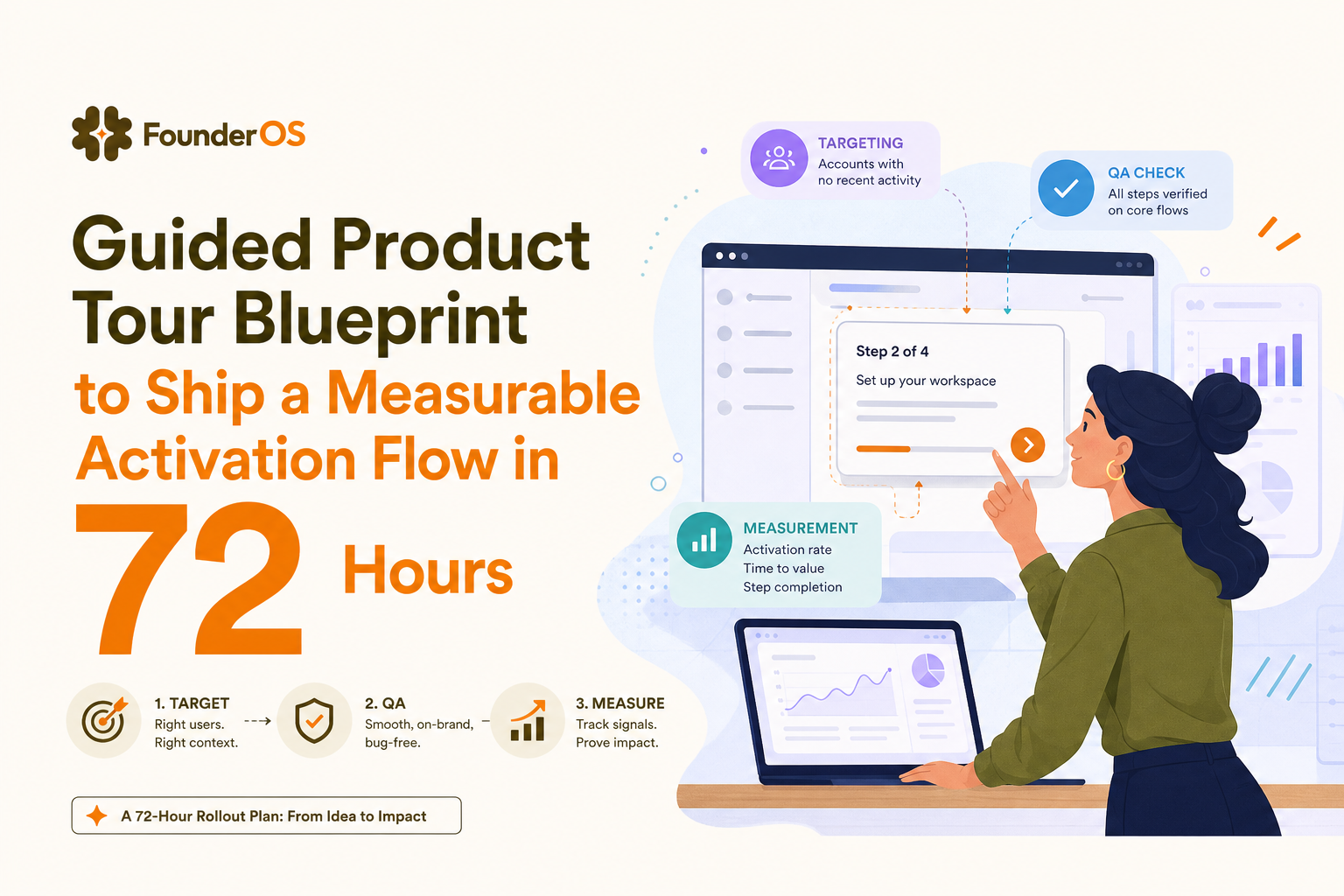
Day 1: Spec the promise, activation event, and step-to-event map
Deliverables at the end of Day 1:
- One-sentence tour promise
- Activation moment definition (events and properties)
- 5 to 7 steps max, each mapped to a success event
- Entry rules and exclusions
Decision gate: if you cannot define the activation moment as an event, stop and fix tracking first. A guided product tour without measurement is just UI decoration.
Day 2: Build the tour and instrument analytics
Build the tour in your in-app tool, then validate analytics by running through it yourself and confirming events in your dashboard. At minimum, you should be able to answer:
- How many eligible users saw the tour?
- Where do they drop off by step?
- What percent hit the activation moment within 24 hours?
External benchmark: Pendo reports that in-app guidance can improve adoption when targeted and measured, but outcomes vary by implementation quality. Use their guidance and benchmarks as directional input, not a guarantee. Source: Pendo Resources.
Day 3: Roll out to a cohort and evaluate lift
Run a simple evaluation for 7 to 14 days:
- Primary metric: activation rate among eligible users (tour shown vs not shown).
- Secondary metrics: time-to-activation, tour completion rate, support tickets per new user.
- Quality checks: error rates, page performance, rage clicks around tour steps.
If you do not have a holdout group, at least compare pre vs post and segment by acquisition channel, role, and plan. It is not perfect, but it will catch obvious wins and failures.
| Component | What to define | Minimum viable standard | Pass criteria |
|---|---|---|---|
| Tour promise | One outcome in user language | 1 sentence, 1 CTA | Users can repeat it after reading step 1 |
| Activation moment | Event(s) that prove value | 1 to 2 events with properties | Correlates with retention or repeat usage |
| Step design | Steps mapped to success events | 3 to 7 steps | 60%+ completion in week 1 |
| Targeting | Entry rules and exclusions | New users only, exclude activated | <5% of activated users see the tour |
| Measurement | Drop-off diagnostics and lift | Step drop-off + activation lift | Statistically or practically meaningful lift |
FAQ about shipping a guided product tour that proves activation
If you want to implement this blueprint quickly, Founder OS combines no-code in-app flows with product tracking so you can build a guided product tour, target it by segment and behavior, and measure completion and activation impact without waiting on an engineering release cycle.
Written by Ivy Tran
Founder of FounderOS, sharing practical insights on SaaS growth, product analytics, and user activation.
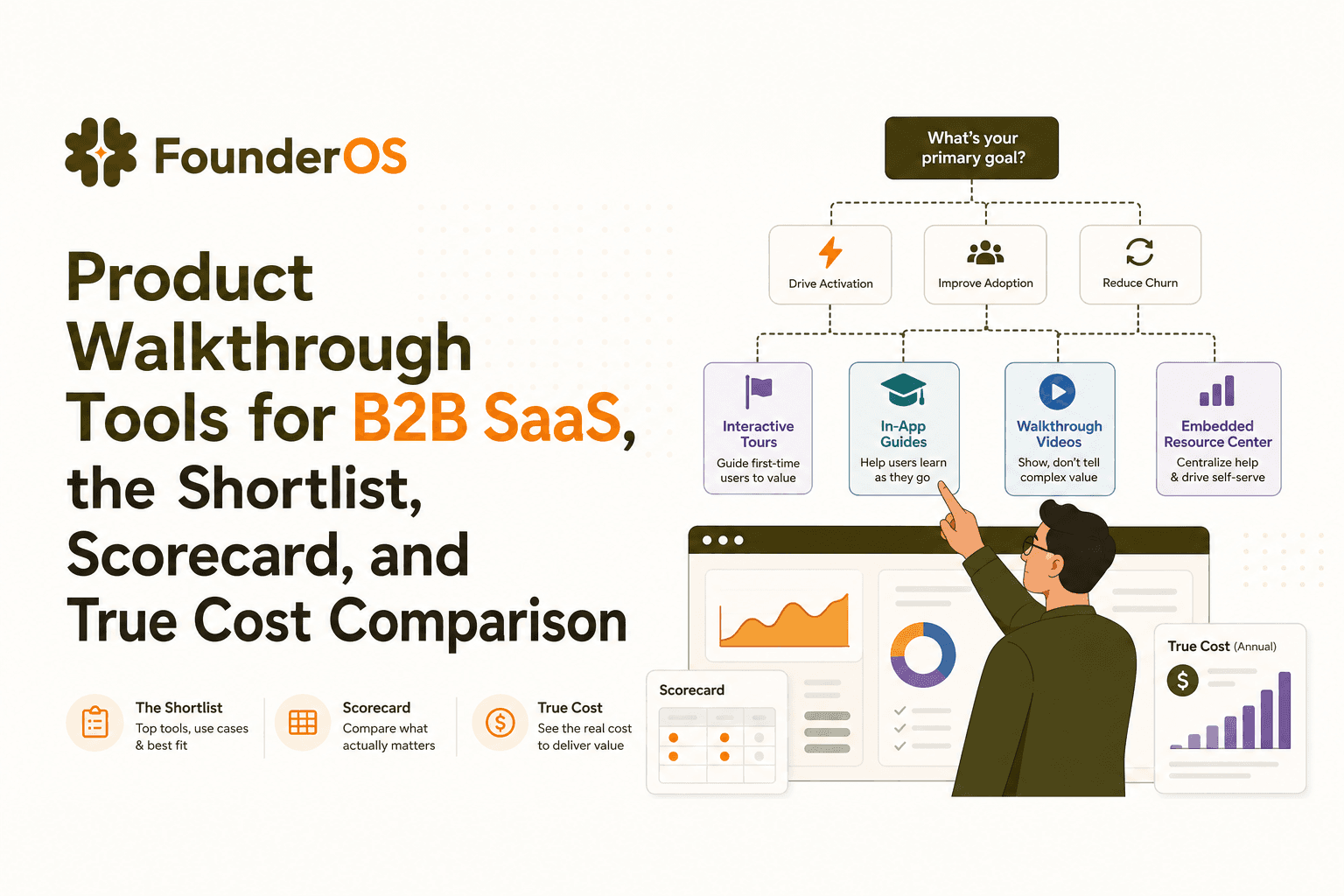
Product Walkthrough Tools for B2B SaaS, the Shortlist, Scorecard, and True Cost Comparison
Compare product walkthrough tools for B2B SaaS with a shortlist, success scorecard, and true cost scenarios for 2k, 10k, and 50k users.

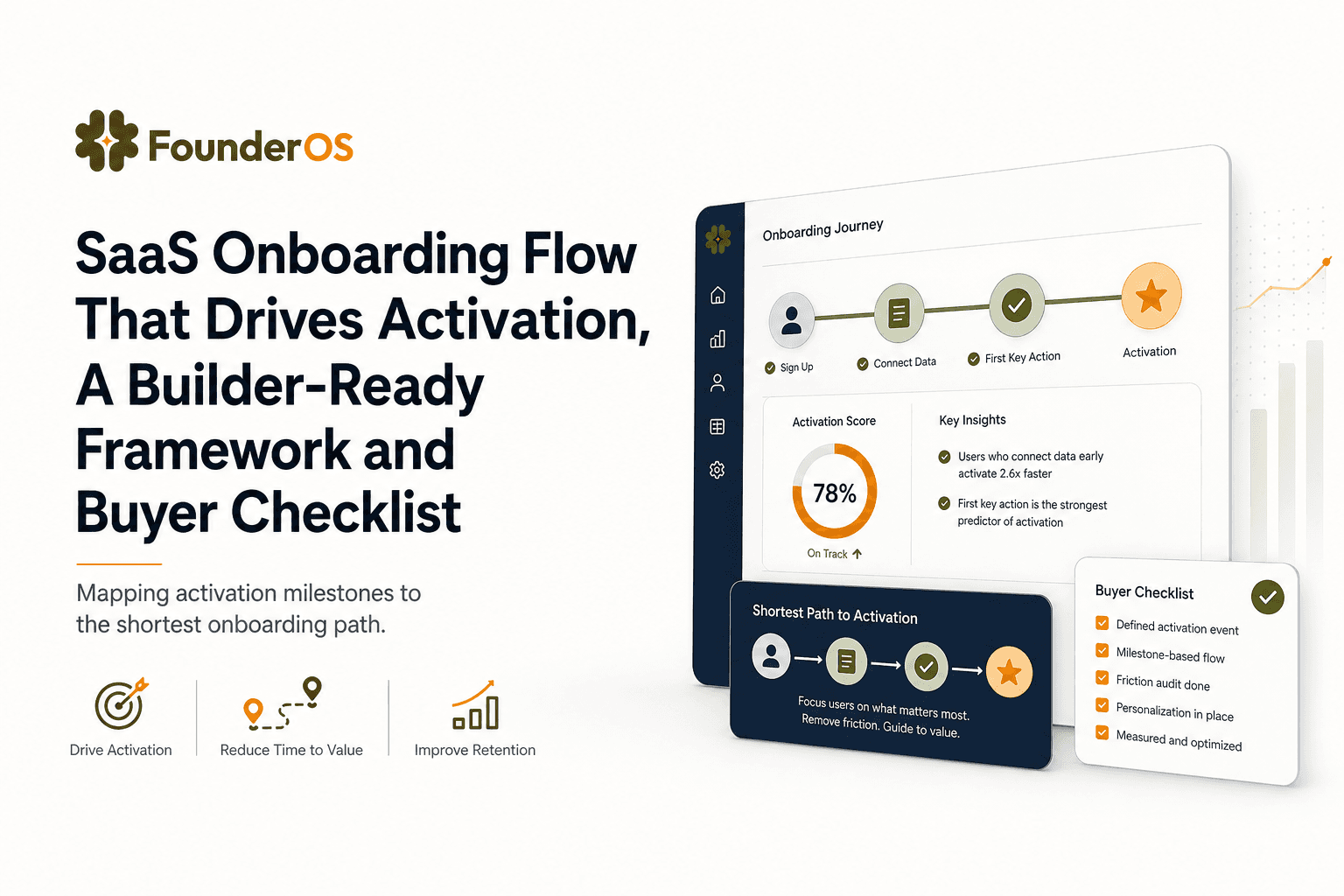
SaaS Onboarding Flow That Drives Activation, A Builder-Ready Framework and Buyer Checklist
Build a saas onboarding flow that drives activation with segments, triggers, tracking, and a buyer checklist for no-code flow builders.

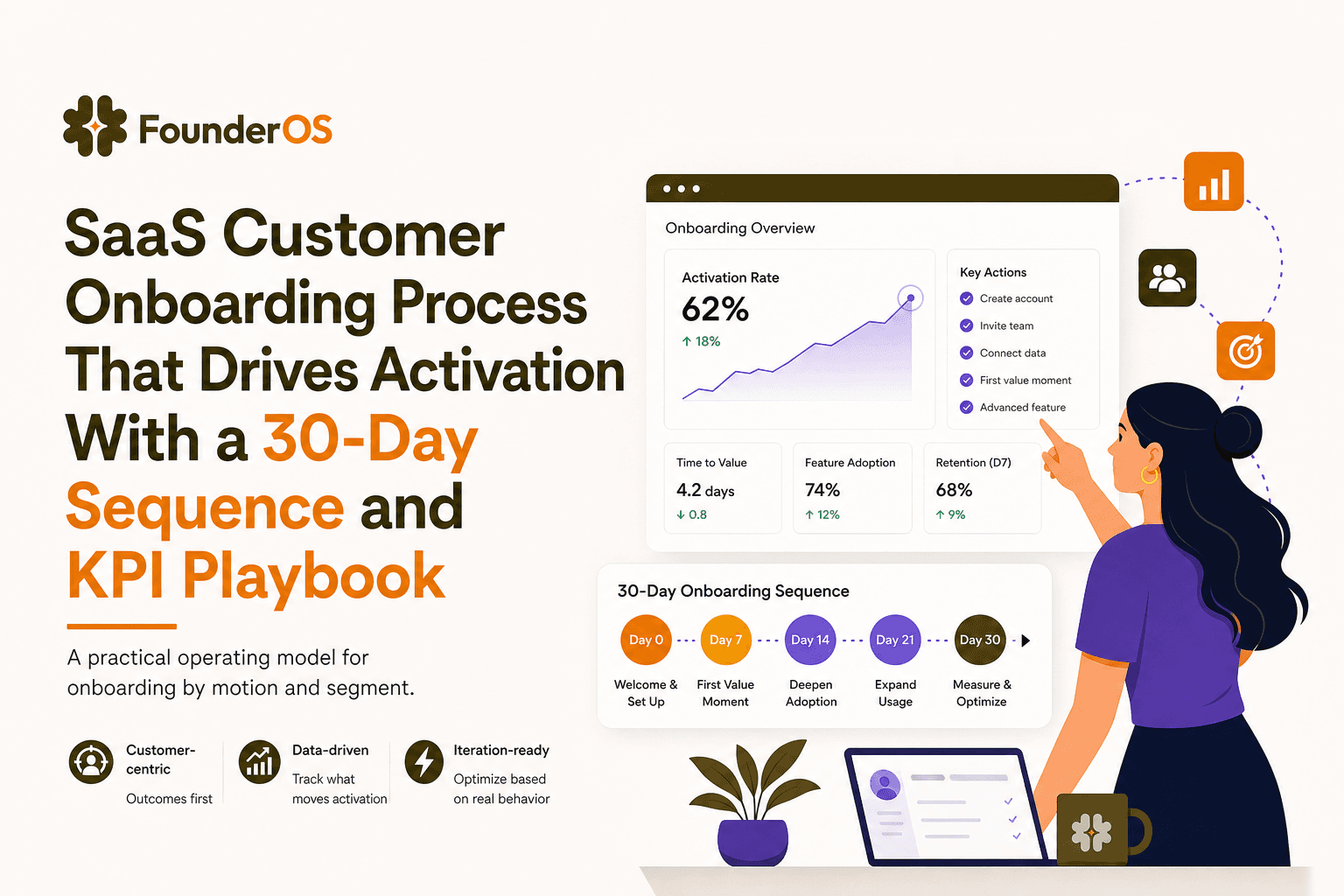
SaaS Customer Onboarding Process That Drives Activation With a 30-Day Sequence and KPI Playbook
Build a saas customer onboarding process with a 30-day sequence, triggers, RACI ownership, and KPI formulas to reach activation faster.
