
Userflow Alternative for B2B SaaS, A 7-Day Switch Plan and What to Check First
If you are evaluating a userflow alternative, the real question is not “can it build tours?” It is “will targeting, tracking, and measurement still work after the switch?” This guide is a migration-first checklist and a 7-day proof plan designed for B2B SaaS teams who want to reduce replatforming risk and validate ROI quickly.
- Switching is worth it when your current setup breaks at targeting, segmentation, governance, or impact measurement, not when you just want different UI.
- Use a replacement checklist that covers triggers, data mapping, localization, QA, and reporting acceptance criteria before you rebuild anything.
- Run a 7-day proof of value: migrate one critical flow, wire events and segments, and confirm activation lift with clean instrumentation.
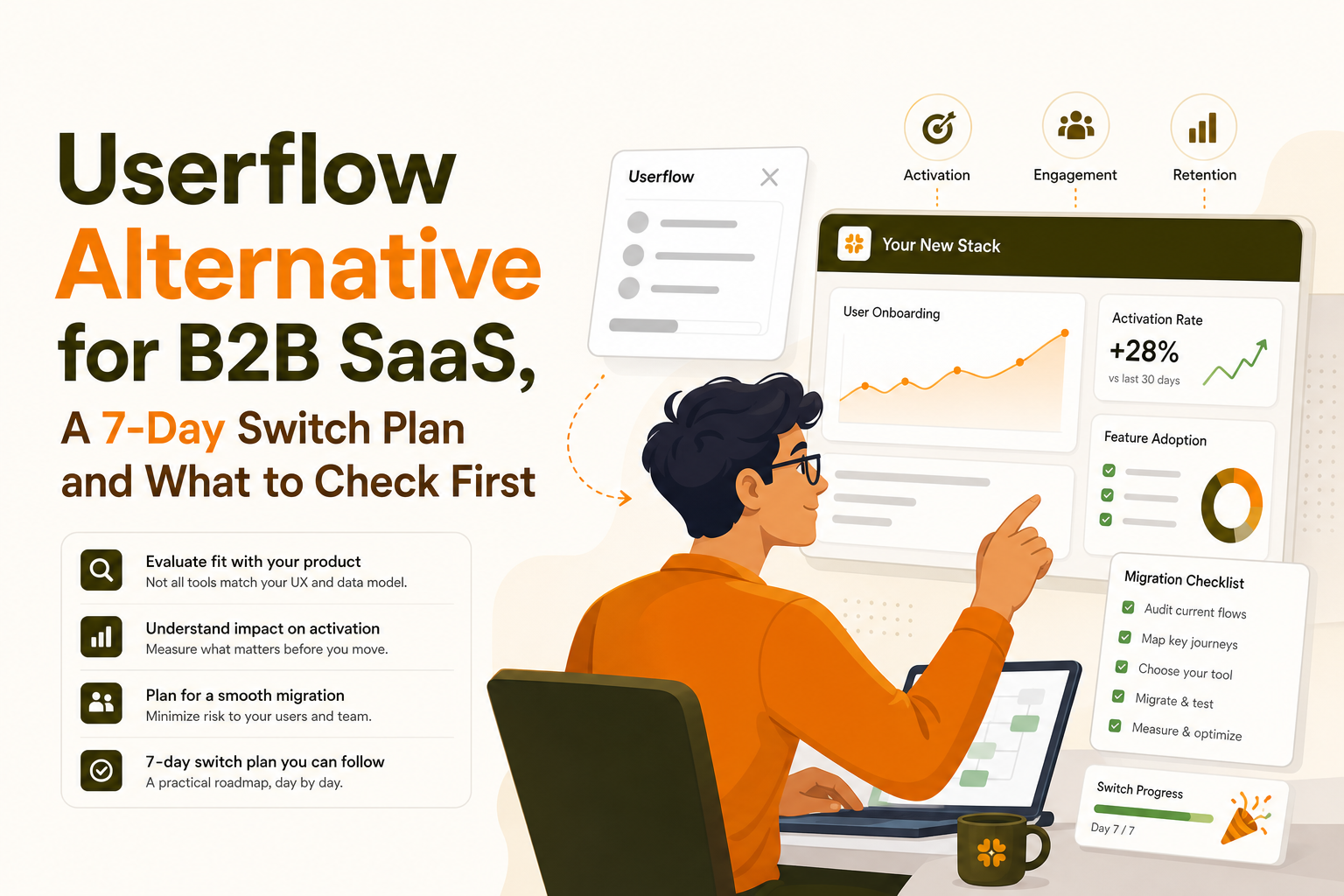
When a userflow alternative is actually worth switching for
Use switch triggers, not preferences
Most onboarding tools can show modals and tooltips. Switching only makes sense when the current system is causing measurable friction in how you target users, govern changes, or prove impact. Use these triggers to decide if a userflow alternative is justified:
- Targeting is too shallow: you cannot reliably target by behavior, attributes, or segment membership, or you cannot express AND/OR logic cleanly.
- Measurement is disconnected: completion rates look fine, but you cannot tie flows to activation events, retention, or feature adoption without heavy manual work.
- Data quality is slipping: inconsistent user IDs, duplicate profiles, or missing properties make segmentation unreliable.
- Governance is risky: no clear audit trail, weak permissions, or no safe preview and QA process leads to accidental production issues.
- Iteration is slow: you need engineers for small changes, or releases block onboarding updates.
Define deal-breakers as acceptance criteria
Before you migrate, write acceptance criteria that can be tested in a week. Example criteria for a B2B SaaS onboarding flow:
- Targeting: “Only users in Segment X (role=admin AND created_project=false) see Flow A on /dashboard.”
- Instrumentation: “Each step emits an event with flow_id, step_id, and variant.”
- Impact: “Users exposed to Flow A complete activation event within 7 days at a higher rate than unexposed users.”
- Safety: “Preview works in staging and production without code deploy; rollback is immediate.”
The fastest way to confirm ROI without replatforming risk
Instead of rebuilding everything, pick one onboarding path that has a clear activation milestone. Typical examples:
- First integration connected
- First teammate invited
- First report created
- First workflow published
Then run a proof with a small scope: one flow, one segment, and 5 to 10 events. If the userflow alternative cannot hit your acceptance criteria on that narrow slice, it will not succeed at full migration.
Userflow replacement checklist for onboarding flows and product tours
1) Builder capability checklist (no-code, but production-grade)
Use this checklist to evaluate any tool as a userflow alternative beyond “can it show a tooltip?”
- Step types: modal, tooltip, speech bubble, checklist, survey, and inline patterns you actually need.
- Anchoring reliability: resilient selectors for UI changes; graceful fallback if an element is missing.
- Branching: conditional steps based on attributes or events (example: skip step if user already configured X).
- Preview and rollback: safe preview in production and instant unpublish.
- Localization: locale targeting, translation workflow, and right-to-left support if needed.
2) Targeting and segmentation checklist (where most migrations fail)
Targeting is where “tour builders” fall apart. Validate these capabilities with real data, not a demo account:
- Identity model: stable user_id mapping, support for account and user (B2B), and merge rules.
- Properties: user, account, and event properties available for conditions.
- Behavioral targeting: “has done event X within last 7 days,” “has not done event Y,” frequency constraints.
- AND/OR logic: nested conditions that match how your product works.
- Suppression rules: do not show if user is in support flow, do not interrupt critical tasks, do not show more than N times.
3) Experimentation and measurement checklist
If you cannot measure impact, you are optimizing for completion rate theater. A credible userflow alternative should support:
- Event schema: consistent naming and required properties (flow_id, step_id, variant, locale, segment_id).
- Drop-off visibility: step-by-step completion and where users quit.
- Activation linkage: ability to compare exposed vs not exposed users on activation events.
- Holdouts or comparisons: even if not full experimentation, you need a way to approximate lift (time-based holdout, segment split, or targeted rollout).
For reference on event design and guardrails, align your instrumentation with analytics best practices like Amplitude’s event tracking guidance: Amplitude Developer Docs.
4) Governance and security checklist
Onboarding runs in production UI, so governance is not optional:
- Roles and permissions: who can publish, edit, and view analytics.
- Audit trail: who changed what and when.
- Environment support: staging vs production separation.
- Data handling: avoid capturing sensitive fields; confirm you can exclude selectors or mask data.
Implementation and migration plan from Userflow in 7 days
Day 0 prep (60 minutes) Define your “proof flow” and success metric
- Pick one flow that maps to a single activation milestone.
- Define the metric: activation within 7 days, time-to-value, or feature adoption.
- Choose the audience: new users only, or a specific role/account tier.
Acceptance criteria: everyone agrees on one primary metric and one audience definition.
Day 1 Inventory and map flows, triggers, and dependencies
- Export or document the current flow: steps, URLs, UI anchors, and branching rules.
- List triggers (page, element, event-based) and suppression rules.
- Identify dependencies: required user properties, account properties, and events.
Acceptance criteria: a single mapping doc that a non-engineer can follow to rebuild the flow exactly.
Day 2 Instrumentation mapping (events and properties)
Create a small event map for the proof. Keep it tight and consistent:
- Core product events: the activation event and 2 to 4 leading indicators.
- Onboarding events: flow_started, step_viewed, step_completed, flow_completed.
- Properties: user_id, account_id, plan, role, flow_id, step_id, variant.
Acceptance criteria: events appear in your analytics within expected latency and contain required properties.
Day 3 Rebuild the flow and targeting rules in the new tool
- Recreate steps and UI anchoring.
- Recreate targeting with the same logic (including AND/OR conditions).
- Set frequency caps and suppression rules.
Acceptance criteria: when you impersonate test users across segments, only the intended users see the flow.
Day 4 QA in staging and production preview
- Test across browsers and responsive breakpoints.
- Test missing-element behavior (UI changed, element not present).
- Confirm localization strings if applicable.
- Verify event firing for every step and completion.
Acceptance criteria: zero broken anchors on your top 3 user paths; events match the schema.
Day 5 Controlled rollout (10 to 20% of eligible users)
- Roll out to a subset of the audience.
- Monitor step drop-off and support tickets.
- Compare activation rate vs the same audience last week, or vs a holdout segment.
Acceptance criteria: no UX regressions; activation trend is neutral or positive before expanding.
Day 6 Expand and validate lift
- Expand to 50 to 100% if stable.
- Check leading indicators (time-to-first-action, feature adoption).
- Identify the step with highest drop-off and iterate once.
Acceptance criteria: you can attribute changes to exposure and see where the flow helps or hurts.
Day 7 Decision and migration backlog
- Decide: proceed, pause, or revert.
- Write the migration backlog: flows to migrate next, event cleanup, segment standardization.
- Document governance: who owns onboarding, publish rules, QA checklist.
Acceptance criteria: a go/no-go decision backed by data, not opinions.
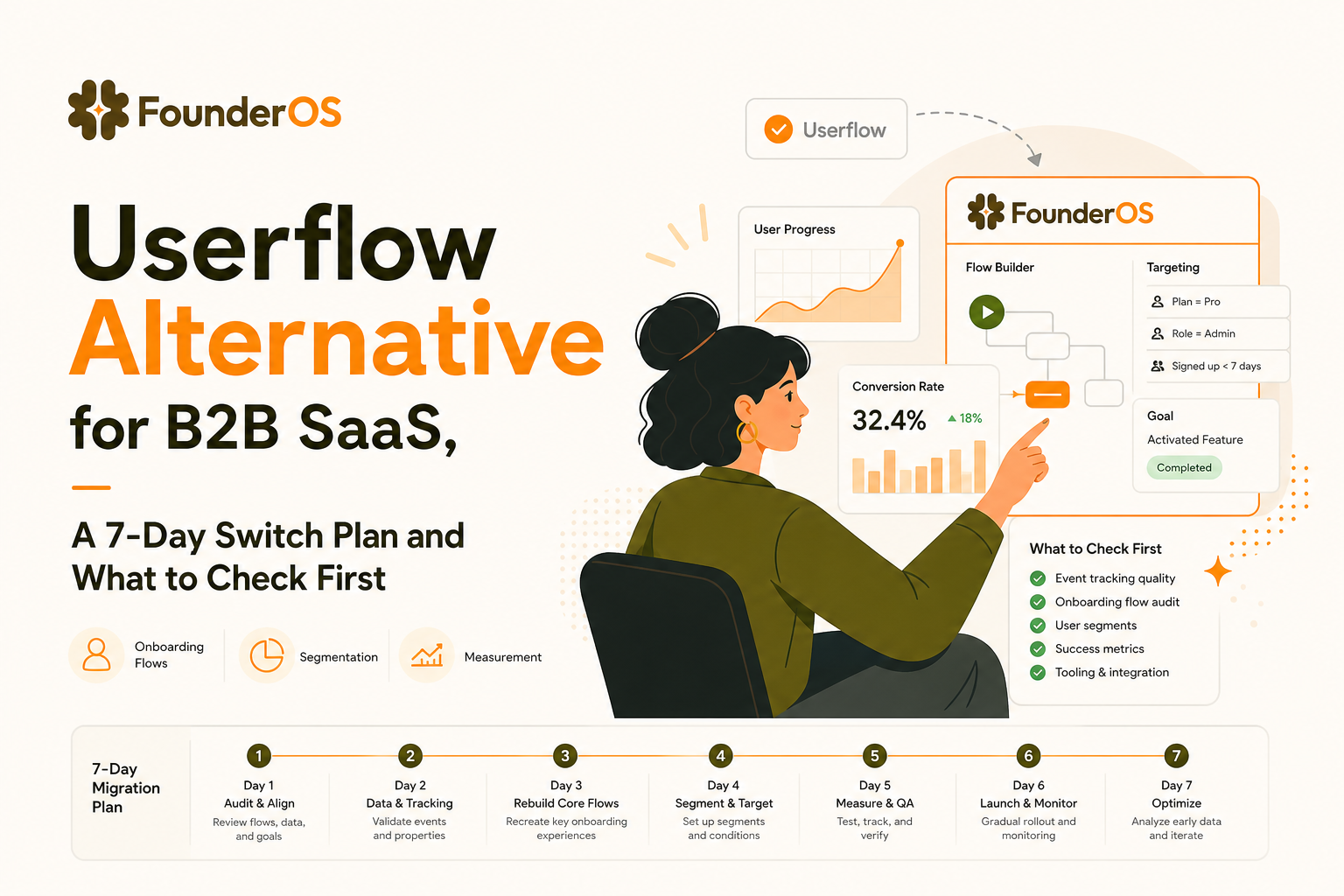
Founder OS as a userflow alternative for analytics-connected onboarding
What changes when onboarding and analytics share the same system
Many teams adopt a userflow alternative because they want onboarding that is measurable in the same place they analyze behavior. Founder OS is designed around that connection: onboarding flows live alongside product tracking, user profiles, segmentation, and GTM reporting so you can move from “tour completion” to “activation impact” without stitching multiple tools together.
A practical workflow you can validate in the 7-day proof
Here is a concrete workflow for the proof flow described earlier:
- Build the flow in a no-code builder using the Chrome extension so you can anchor steps to your live UI and publish without a deploy.
- Target by segment and behavior using user attributes and event conditions, with explicit AND/OR logic to match your onboarding rules.
- Measure completion and drop-off at the step level, then compare exposed users to non-exposed users on the activation event.
- Review impact in growth reporting to see whether the flow changed activation and which segments benefited.
If you want a deeper framework for choosing and implementing onboarding systems that drive activation, these guides are useful references: product onboarding tools and no code onboarding.
How to judge fit in one week
Use these pass/fail checks during your proof of value:
- Targeting fidelity: can you recreate your real segments and triggers without hacks?
- Data trust: do user profiles and events match what your team expects, including account context?
- Time to iterate: can a PM or marketer ship a flow change in under 30 minutes end-to-end?
- Impact visibility: can you answer “did this change activation?” in one dashboard view?
| Evaluation area | What to test in your 7-day proof | Pass criteria (example) |
|---|---|---|
| Flow building | Rebuild one activation-critical flow with branching | Rebuild matches original steps and anchors; publishes without deploy |
| Targeting | Segment by role, plan, and behavior with AND/OR logic | 0 false positives in QA across at least 10 test profiles |
| Instrumentation | Emit onboarding and product events with consistent properties | Events include flow_id, step_id, account_id, and variant |
| Measurement | Compare exposed vs unexposed users on activation within 7 days | Clear directional insight and step drop-off diagnosis |
| Governance | Preview, publish, rollback, and permission test | Safe preview works; rollback is immediate; roles prevent accidents |
FAQ about choosing a Userflow alternative
If your evaluation points to a userflow alternative that needs tighter measurement and segmentation, Founder OS is worth testing with the 7-day proof plan above. Build one flow with the Chrome extension, target it with behavioral conditions, and verify activation impact using connected product tracking and reporting. When the data and onboarding live together, it becomes much easier to ship changes you can defend with evidence.
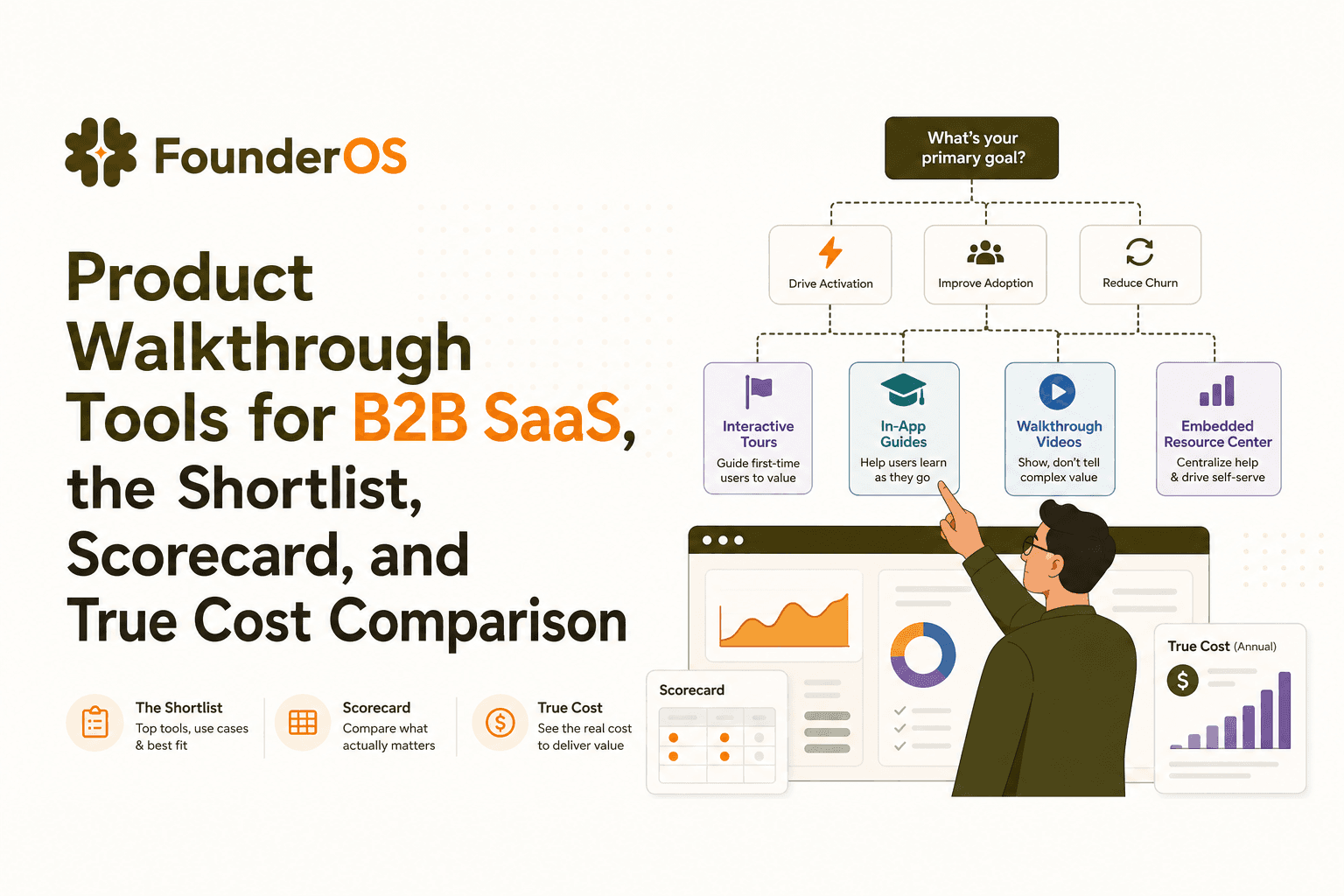
Product Walkthrough Tools for B2B SaaS, the Shortlist, Scorecard, and True Cost Comparison
Compare product walkthrough tools for B2B SaaS with a shortlist, success scorecard, and true cost scenarios for 2k, 10k, and 50k users.

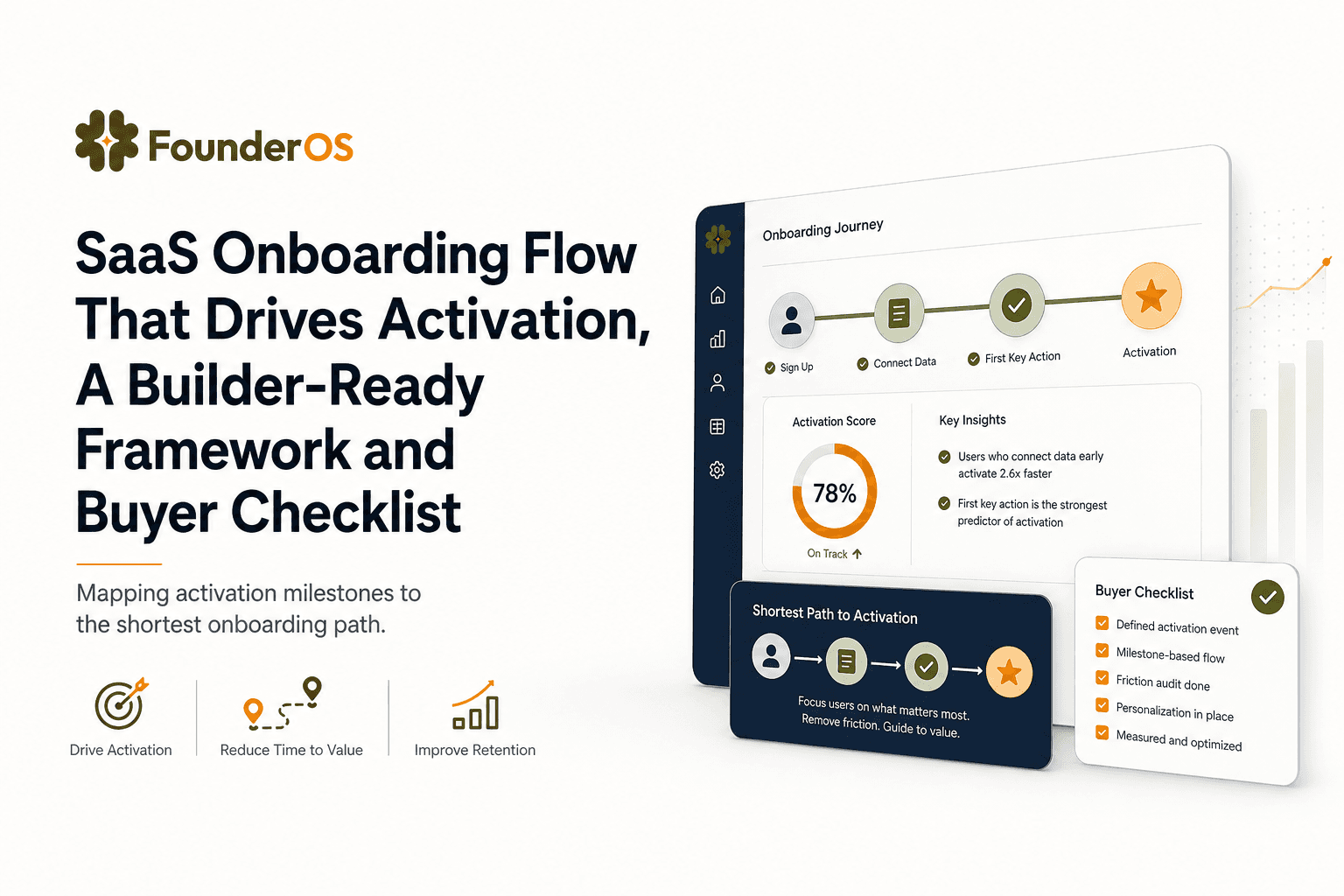
SaaS Onboarding Flow That Drives Activation, A Builder-Ready Framework and Buyer Checklist
Build a saas onboarding flow that drives activation with segments, triggers, tracking, and a buyer checklist for no-code flow builders.

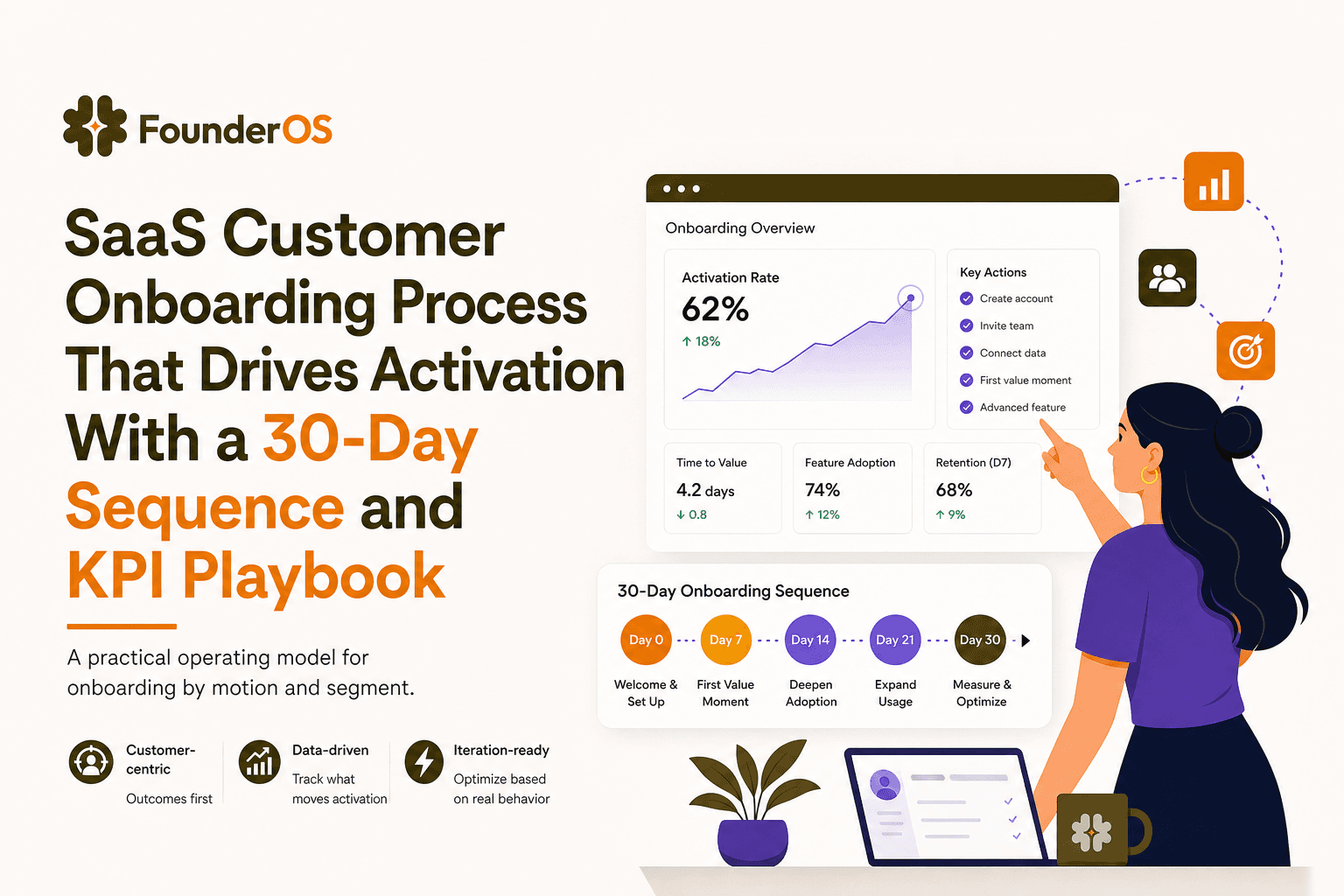
SaaS Customer Onboarding Process That Drives Activation With a 30-Day Sequence and KPI Playbook
Build a saas customer onboarding process with a 30-day sequence, triggers, RACI ownership, and KPI formulas to reach activation faster.
