
No Code Onboarding That Actually Drives Activation - A Practical Implementation Playbook
No code onboarding only works when it is targeted, measurable, and safe to ship without engineering bottlenecks. This playbook shows how to design an onboarding architecture (segments, triggers, branching), instrument the right events, and roll out iteratively so you can prove activation lift instead of just adding more tooltips.
- Design onboarding like a system: segments, triggers, branching logic, and governance come before UI patterns.
- Instrument onboarding as a measurable funnel: define activation, track step drop-off, and read impact by cohort.
- Ship safely in 7 days: start with one “first value” flow, QA with guardrails, then expand with experiments.
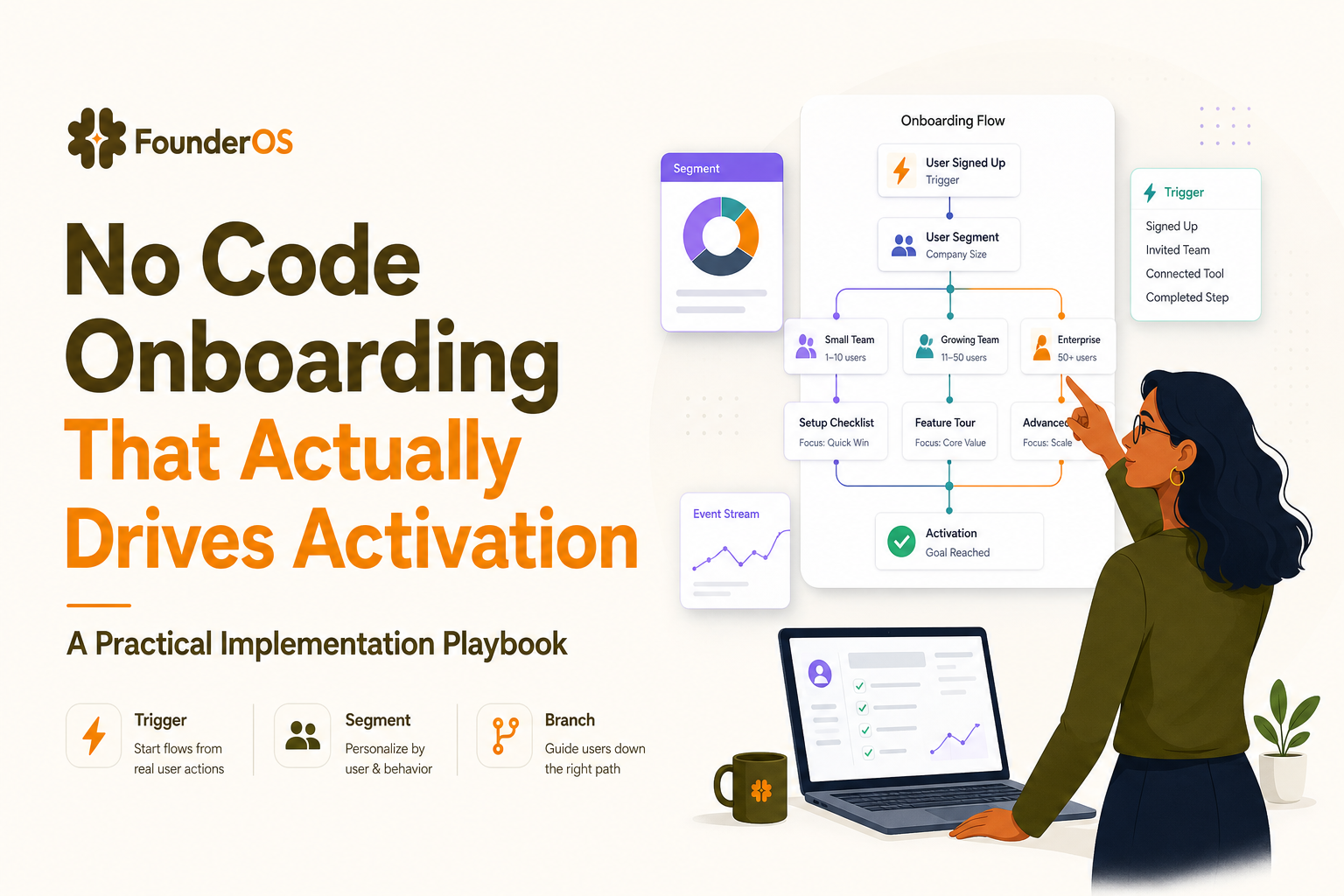
The Agitation - Why no code onboarding is costing you money, time, and credibility
Most teams buy an onboarding tool to reduce time-to-value, then accidentally ship a layer of generic guidance that creates noise. The cost of inaction is not “lower completion rate.” It is slower activation, higher support load, and lost expansion because users never reach the product moment that makes pricing feel justified.
- Wasted acquisition spend: If paid and outbound traffic lands in a product that does not guide users to first value, you pay for signups that never activate. A small activation drop compounds quickly. Example: 2,000 signups/month at $8 blended CAC per signup is $16,000/month. If 25% activate today and you could reach 32% with a better flow, that is 140 more activated accounts monthly without buying more traffic.
- Support ticket inflation: Confusion shows up as repetitive tickets, longer response times, and lower CSAT. Industry benchmarks vary by product, but it is common for early-stage B2B SaaS to see 20% to 40% of inbound tickets tied to “where is X” and “how do I do Y.” Those are onboarding failures, not support problems.
- Sales cycle drag: In PLG-assisted sales, AEs depend on clean in-product signals. If onboarding is not instrumented, “active” becomes a subjective label, leads are mis-scored, and high-intent accounts do not get routed fast enough.
- Reputation and trust: Overlapping modals, irrelevant tours, and broken targeting make the product feel unstable. Users interpret that as a security and reliability risk, especially in B2B contexts where admins evaluate vendor maturity.
The painful part is that these outcomes often happen because teams choose no code onboarding but skip the architecture. Without segments, triggers, branching, and governance, the tool becomes a megaphone that blasts the same message at everyone.
What no code onboarding actually needs to handle in a B2B SaaS product
Before you build anything, verify your onboarding approach can support these five requirements. If any are missing, you will end up with hard-coded workarounds, inconsistent experiences, or metrics you cannot trust.
Requirement 1 - Targeting that matches real personas and jobs-to-be-done
B2B onboarding fails when it assumes one user. You need targeting that can differentiate at least:
- Role: admin vs contributor vs viewer
- Company stage: small team vs enterprise rollout
- Use case: “track events” vs “invite team” vs “build report”
- Lifecycle: first session vs returning user vs reactivated user
Practical criteria: your segmentation should be based on attributes (plan, role, workspace size) plus behavior (completed event, visited page, created object). If you cannot target by both, you will show the wrong guidance to the wrong user.
Requirement 2 - Triggers and conditions that prevent spammy experiences
Triggers are the difference between “helpful” and “interruptive.” In B2B SaaS, use a trigger hierarchy:
- Hard gates: only show if user is in a segment and has not completed the goal event.
- Context gates: only show on the correct URL or when a UI element exists.
- Frequency caps: do not show more than once per session, and stop after dismissal unless the user re-enters the segment.
This is where no code onboarding often breaks down: teams can create UI patterns, but cannot enforce consistent trigger logic across flows.
Requirement 3 - Branching logic for different paths to value
“Do these 5 steps” is rarely true. Most products have multiple valid paths to first value. A maintainable flow uses branching logic like:
- If user already imported data, skip import steps.
- If user is invited to a workspace, skip workspace creation.
- If user is an invited collaborator, focus on their job, not admin setup.
Branching is not a nice-to-have. It is the only way to keep onboarding short for advanced users while still supporting novices.
Requirement 4 - Multiple UI patterns mapped to intent, not aesthetics
Use UI patterns based on the job:
- Modal: announce a milestone, set expectations, or ask one high-leverage question (role, goal).
- Tooltip: explain a specific control at the moment of use.
- Speech bubble: guide sequential steps anchored to UI elements.
- Survey: collect feedback after a meaningful action, not at random.
If your onboarding relies on one pattern, you will either interrupt too much (modal-heavy) or fail to guide (tooltip-only).
Requirement 5 - Governance and QA so you can ship without breaking trust
No code onboarding is still production UX. You need lightweight governance:
- Versioning: a way to update flows without losing measurement continuity.
- Approval: at minimum, a checklist-based review before publishing.
- Rollback: the ability to disable a flow instantly if targeting is wrong.
- Analytics integrity: consistent event naming and definitions.
The strategic blueprint to overcome no code onboarding failures
This blueprint is the minimum viable architecture for onboarding that is measurable and maintainable. It is intentionally simple: 5 steps you can repeat for every new flow.
- Define “first value” as an observable event. Not “user understands product,” but an action that correlates with retention (example: created first dashboard, invited teammate, installed snippet).
- Map 2 to 3 primary paths to that event. Write them as short sequences of in-app actions. Include alternative paths for invited users and returning users.
- Design the flow architecture. For each path, specify: segment eligibility, trigger location, branching rules, frequency caps, and exit criteria.
- Instrument and validate analytics. Track: flow viewed, step viewed, step completed, flow completed, goal event completed. Validate in a staging or test environment with real clicks.
- Roll out with an experiment mindset. Start with a small cohort, compare activation vs control, then expand. Document learnings so onboarding does not become a pile of one-off tours.
Do not optimize for “tour completion rate” first. High completion can mean users are passively clicking through. Instead, optimize for time-to-first-value and goal event conversion within a fixed window (for example, within 24 hours of signup). A shorter tour with lower completion but higher goal conversion is usually the ROI-positive choice.
A 7-day implementation plan to launch no code onboarding without engineering bottlenecks
This is a practical schedule you can run with a PM or growth lead plus one designer. Engineering time is limited to initial tracking validation if you do not already have event instrumentation.
Day 1 - Activation definition and baseline measurement
- Pick one activation event for the first flow (example: “Created first project”).
- Define the baseline: last 14 days activation rate for new signups.
- Write a one-sentence onboarding promise: “In 3 minutes, you will create X and see Y.”
Data reference: Product analytics teams commonly use 7 to 30 day windows for activation baselines. If you need guidance on diagnosing conversion gaps, use a structured funnel analysis approach so you do not mistake traffic quality for onboarding failure.
Day 2 - Segment design and eligibility rules
- Create 2 to 4 initial segments, such as “New admin,” “Invited collaborator,” “Returning but not activated.”
- Define eligibility with clear logic: attributes + behaviors.
- Write exit criteria: what event removes a user from the flow.
Checklist for eligibility rules:
- Is the segment mutually exclusive with other onboarding flows?
- Does the segment have a measurable size (not too small to learn)?
- Can you explain why the user belongs in the segment in one sentence?
Day 3 - Flow mapping and branching
- Sketch the flow as a decision tree: steps plus branches.
- Limit to 5 to 8 steps maximum for the first version.
- Write “skip logic” for users who already completed prerequisites.
Use this structure:
- Trigger moment (where and when it starts)
- Step sequence (anchored to UI elements)
- Branch conditions (if event exists, skip)
- Goal event confirmation (what the user sees when done)
Day 4 - Build the UI patterns and copy
- Use one modal to set context, then tooltips or bubbles for actions.
- Write copy that references the user’s goal, not feature names.
- Add a “dismiss” that does not punish the user, but stops interruptions.
If you want a concrete flow layout, reference a guided product tour blueprint and adapt it to your product’s first value.
Day 5 - Instrumentation QA and analytics validation
- Verify events fire once, with consistent properties (user_id, workspace_id, plan, role).
- Test each branch path with at least 3 test accounts.
- Confirm that flow analytics match raw event logs.
Industry standard reference: if you are formalizing metrics, align naming and definitions with a common taxonomy such as the event tracking guidance in a product analytics tracking plan (conceptual guidance, not tool-specific).
Day 6 - Controlled rollout with guardrails
- Start with 10% to 25% of new users in one segment.
- Monitor: error reports, support tickets tagged “onboarding,” and step drop-off spikes.
- Set a rollback rule: if dismiss rate exceeds 60% on step 1, pause and revise.
Day 7 - Read results and iterate
- Compare activation conversion for exposed vs not exposed users.
- Identify the highest drop-off step and rewrite or remove it.
- Decide the next flow: second use case or deeper activation milestone.
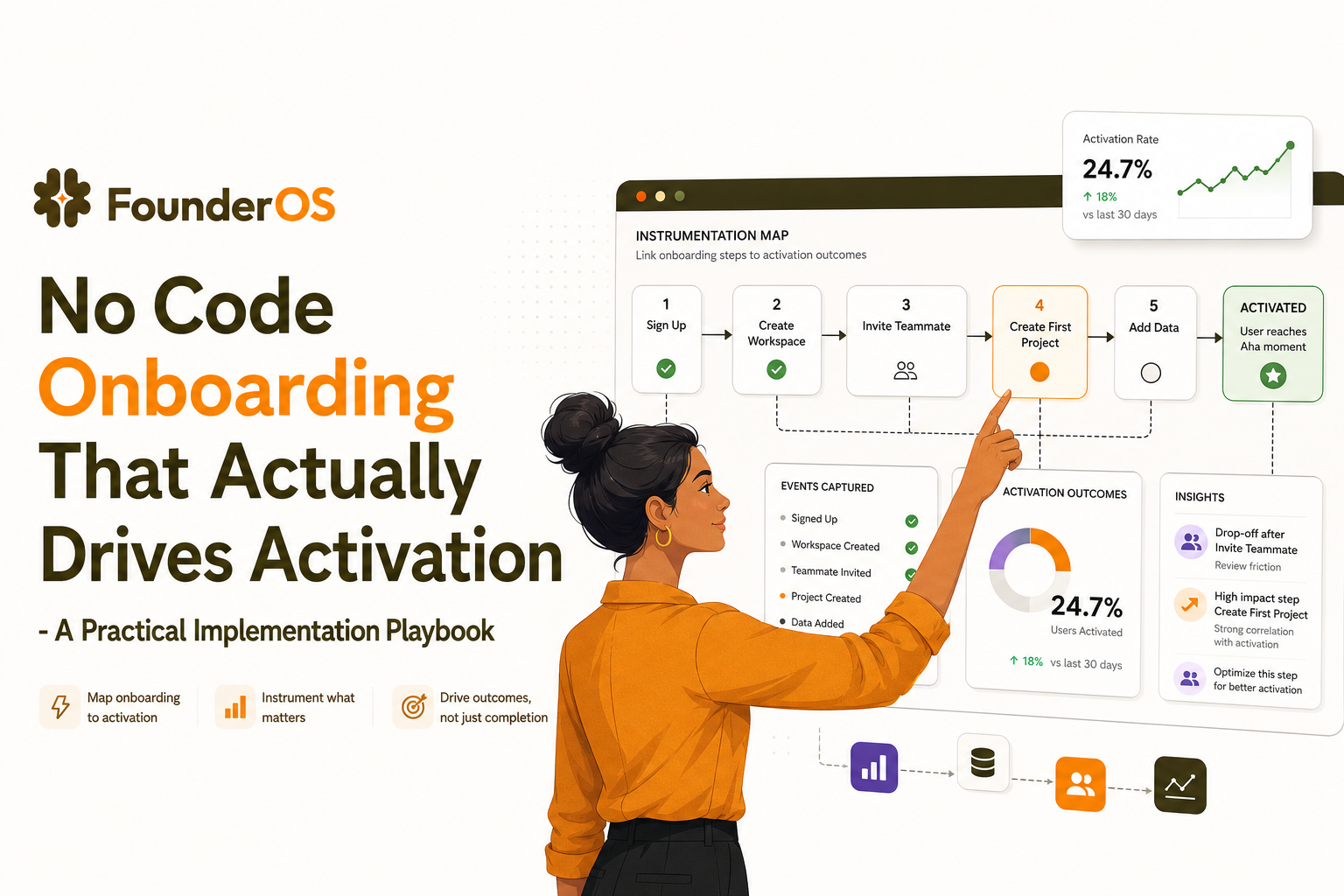
Instrumentation and success metrics for no code onboarding so you can prove activation lift
If you cannot prove impact, onboarding becomes subjective and political. The goal is to connect no code onboarding exposure to activation outcomes with clear event definitions and cohort comparisons.
Event schema you should implement for every onboarding flow
At minimum, track these events:
- Onboarding Flow Viewed (properties: flow_id, segment, entry_url)
- Onboarding Step Viewed (properties: flow_id, step_id, step_type)
- Onboarding Step Completed (properties: flow_id, step_id)
- Onboarding Flow Completed (properties: flow_id)
- Activation Goal Completed (your product event, properties depend on product)
Define activation like a scientist, not a storyteller
A strong activation definition has three traits:
- Observable: captured as an event.
- Repeatable: can be achieved by most successful users.
- Predictive: correlates with retention or expansion within 30 to 60 days.
Example activation definitions by product type:
- CRM: created first pipeline and added 3 contacts
- Analytics: installed tracking and viewed first dashboard
- Collaboration: invited 2 teammates and completed first task
Success metrics that prevent vanity reporting
- Primary: Activation conversion within X hours or days of signup
- Secondary: Time-to-first-value (median minutes to goal event)
- Diagnostic: Step drop-off rate per step_id
- Quality: Dismiss rate and repeat exposure rate
Use cohorts:
- Exposed cohort: users who viewed the flow
- Control cohort: similar users not exposed (or pre-period baseline)
To avoid misleading results, compare within the same segment and time window. If you need a practical way to ensure your flow covers the right moments, keep an adaptive onboarding checklist that updates as user behavior changes.
| Metric | What it tells you | Common failure mode | Fix |
|---|---|---|---|
| Flow completion rate | Whether users can finish the guided path | High completion but no activation lift | Shorten flow, move guidance closer to the goal action |
| Step 1 drop-off | Relevance of targeting and trigger timing | Users dismiss immediately | Tighten segment, delay trigger until intent signal |
| Time-to-first-value | Speed of reaching the “aha” moment | Users wander before the goal | Add branching and remove non-essential steps |
| Activation conversion | Business impact of onboarding | No measurable change | Revisit activation definition, test different path, improve product friction |
FAQ about implementing no code onboarding
If you want to ship no code onboarding with targeting, branching, and built-in measurement without waiting on release cycles, Founder OS is designed to help you build flows via a Chrome extension, set triggers and conditions by segment and behavior, and track completion and activation impact in one place. Start small, prove lift, then scale your onboarding system with Founder OS.
Written by Ivy Tran
Founder of FounderOS, sharing practical insights on SaaS growth, product analytics, and user activation.
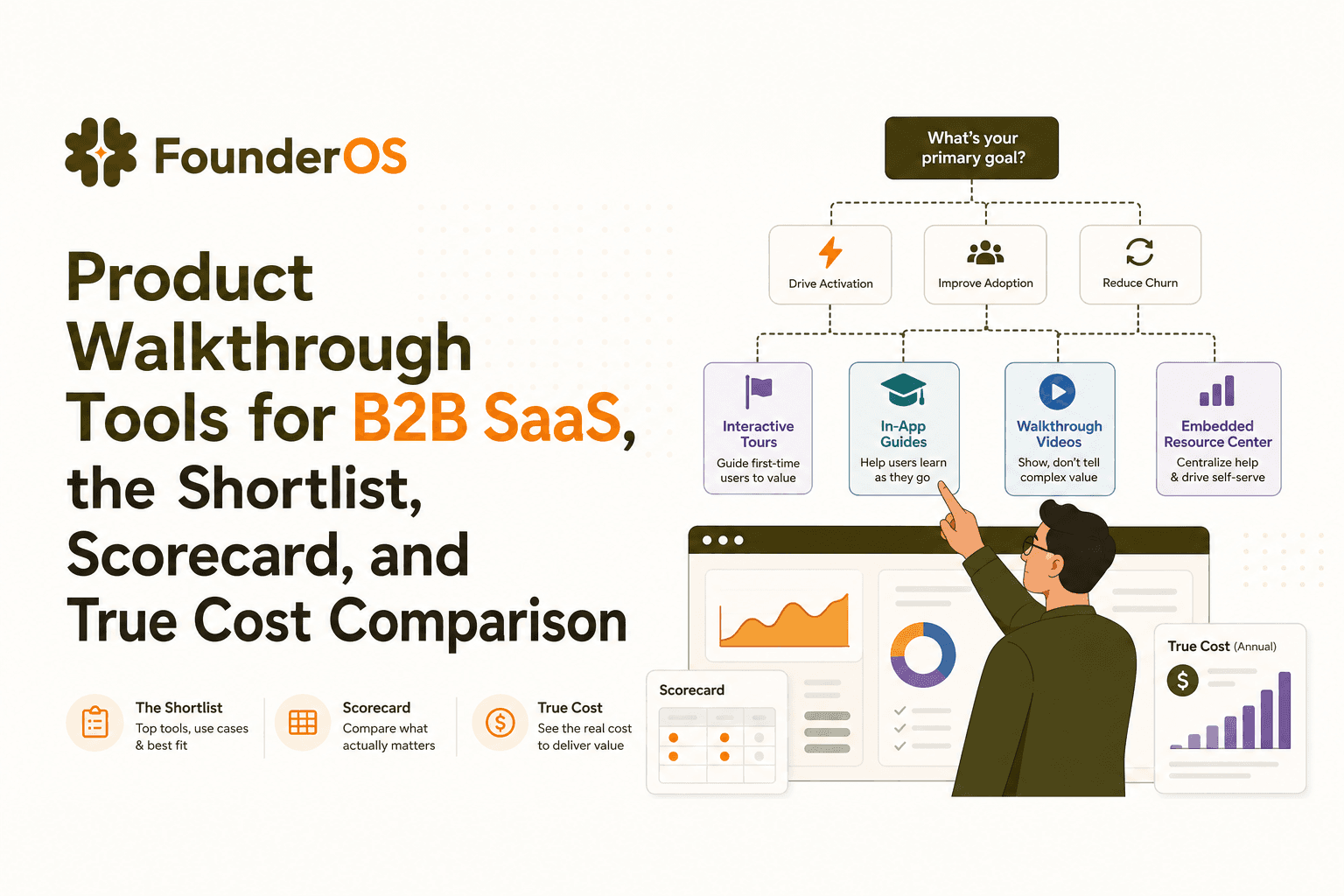
Product Walkthrough Tools for B2B SaaS, the Shortlist, Scorecard, and True Cost Comparison
Compare product walkthrough tools for B2B SaaS with a shortlist, success scorecard, and true cost scenarios for 2k, 10k, and 50k users.

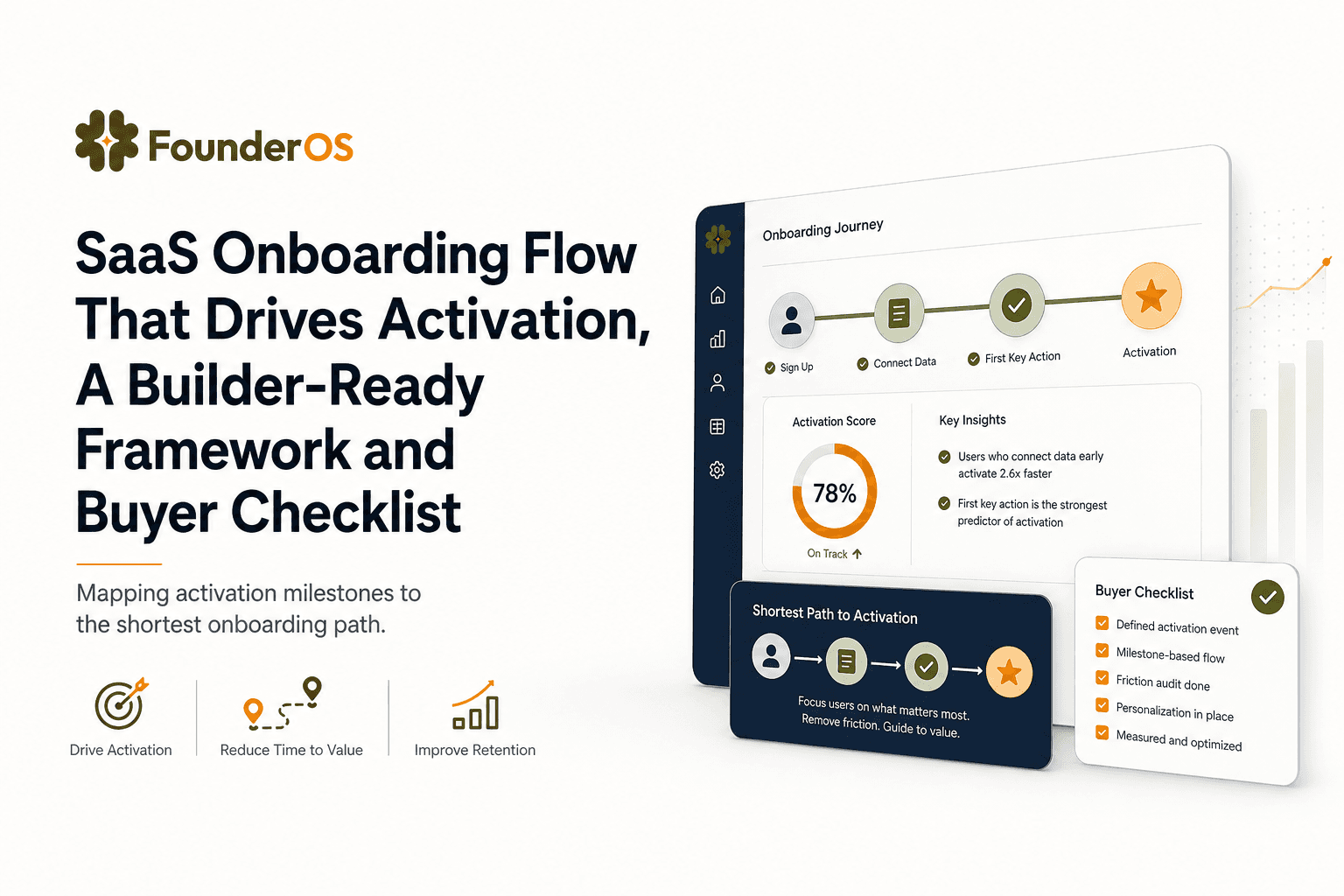
SaaS Onboarding Flow That Drives Activation, A Builder-Ready Framework and Buyer Checklist
Build a saas onboarding flow that drives activation with segments, triggers, tracking, and a buyer checklist for no-code flow builders.

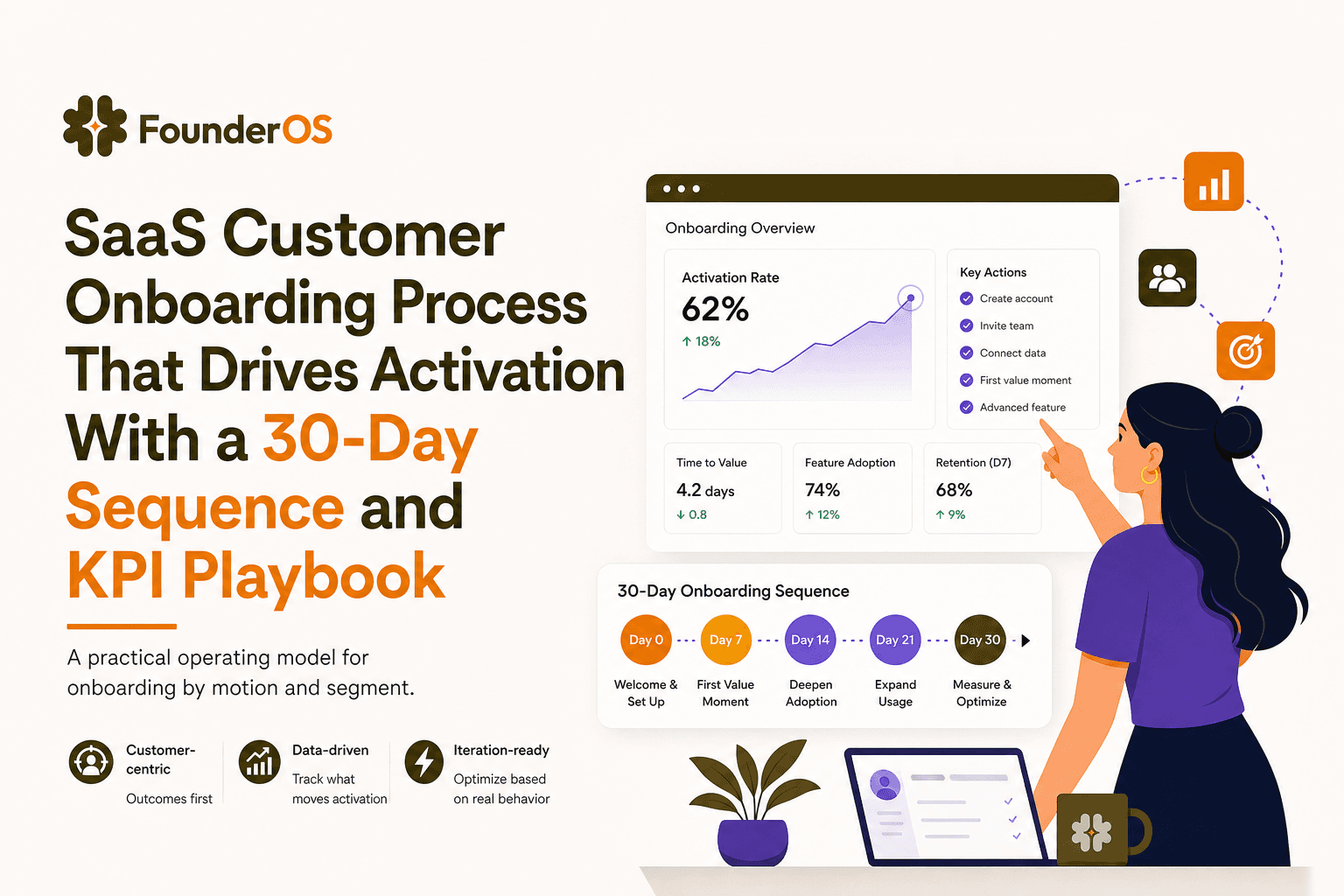
SaaS Customer Onboarding Process That Drives Activation With a 30-Day Sequence and KPI Playbook
Build a saas customer onboarding process with a 30-day sequence, triggers, RACI ownership, and KPI formulas to reach activation faster.
