
Product Onboarding Tools That Move Activation, Not Just Tour Completion
Most product onboarding tools can build a nice-looking tour, but far fewer can target the right users, trigger the right moment, and prove the onboarding actually increased activation. This guide helps you evaluate tools by onboarding motion (self-serve, sales-led, hybrid) and measurement needs, so you do not buy a “tour builder” that cannot segment, personalize, or quantify impact.
- Evaluate product onboarding by time-to-first-value, targeting logic, and measurable activation lift, not just UI templates.
- Match tools to your motion: self-serve needs in-app triggers and analytics, sales-led needs governance and scale, hybrid needs both.
- Use a 30-minute scoring rubric to shortlist quickly, then validate with a small activation experiment before committing.
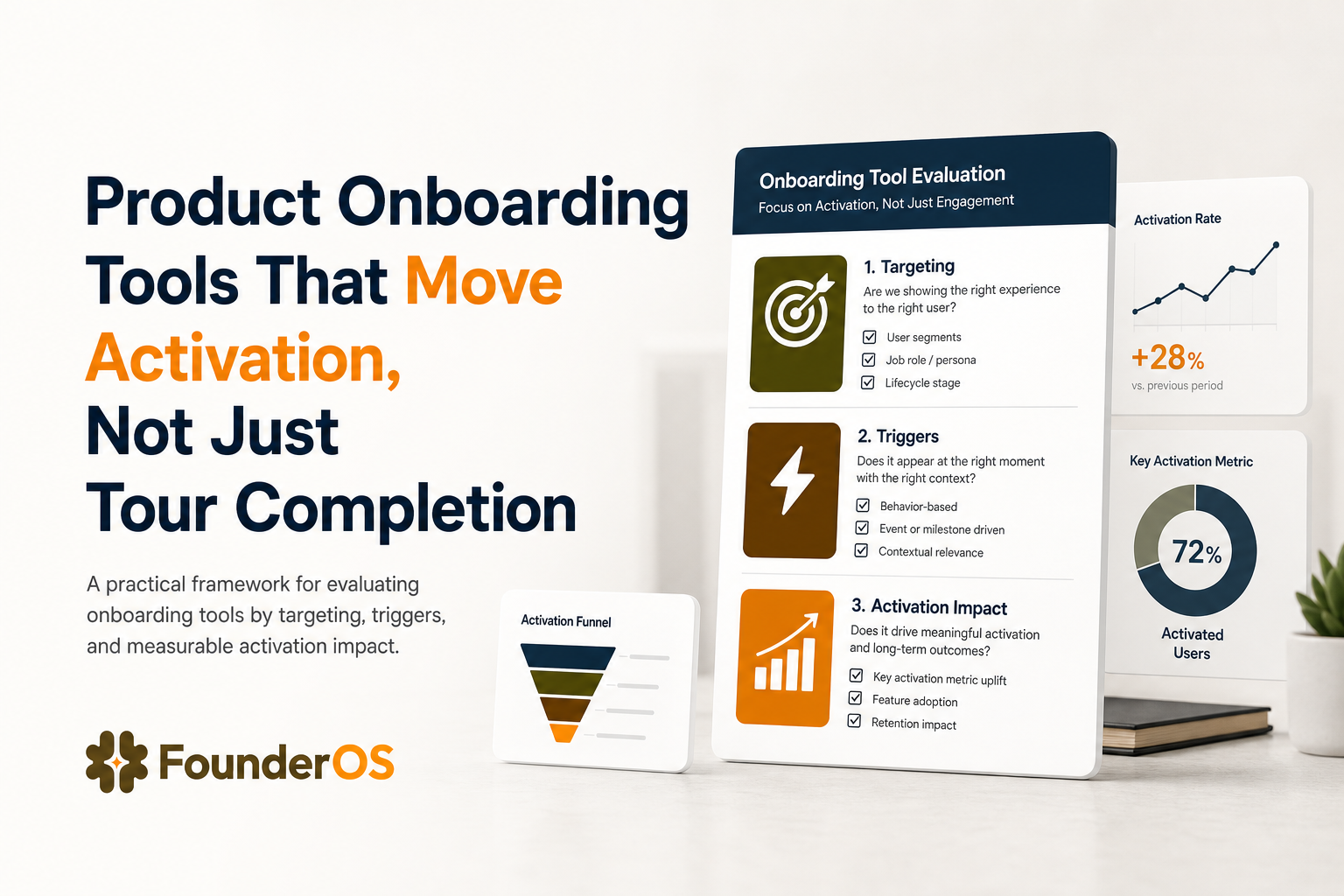
What to Evaluate in Product Onboarding Tools Beyond Pretty Tours
If you only compare checklists like “tooltips, modals, checklists,” you will miss the capabilities that determine whether onboarding changes behavior. Use the criteria below as a practical filter before you sit through demos.
1) Time-to-first-value (TTFV) and publishing workflow
- Benchmark: Can a PM or founder publish the first in-app flow in under 60 minutes without engineering?
- What to ask: “What is required to ship the first tour to production: SDK install, tag manager, Chrome extension, code changes, or approvals?”
- Red flag: “We need a sprint to instrument events before you can target anything.” That often delays onboarding impact by weeks.
2) Targeting, triggers, and conditional logic that reflect real user states
Great onboarding is not linear. The tool should let you show different steps based on role, plan, lifecycle stage, and behavior.
- Must-have: Target by URL and user attributes, plus behavioral triggers (event-based) where possible.
- Advanced requirement: Conditional logic with AND/OR rules (for example: “new workspace AND invited teammate = 0 AND visited billing page”).
- Red flag: Only URL-based targeting. That is usually brittle for SPAs and does not map to activation milestones.
3) Measurement that ties onboarding to activation (not just completion)
Tour completion is not the goal. Activation is. Your product onboarding tools should support:
- Step analytics: completion rate per step, drop-off points, and time per step.
- Outcome tracking: ability to connect flows to downstream events (for example: “created first project,” “invited teammate,” “connected integration”).
- Experiment mindset: at minimum, compare cohorts who saw the flow vs did not. If the tool cannot support this, you will be guessing.
4) Scalability and governance for team expansion
Many teams start with one onboarding flow, then quickly need multiple flows for different personas and features.
- Look for: versioning or change history, role-based permissions, and a way to avoid conflicting experiences (flow priority rules).
- Red flag: “Everyone can publish to production.” That is fine at 1-2 builders, risky at 10.
5) Cost-per-output, not just monthly price
Instead of asking “What is the monthly cost?”, ask “What is the cost per activated user influenced?” Consider:
- Pricing drivers (MAUs, seats, events, guides, domains).
- Whether you pay extra for segmentation, analytics, or localization.
- Whether the tool forces you into a separate analytics product to measure impact.
Best Product Onboarding Tools Grouped by Onboarding Motion
Below is a shortlist of product onboarding tools grouped by onboarding motion. The goal is not to crown one universal winner, but to match capabilities to how you acquire and activate users.
Category A: Self-serve PLG onboarding (optimize for speed and iteration)
- What matters most: fast publishing, in-app targeting, lightweight analytics, and quick iteration cycles.
- Typical activation pattern: user signs up, lands in the product, needs guidance to reach an “aha” action within the first session or day.
Founder OS (best fit when you want no-code flows plus measurable impact)
Founder OS is optimized for teams that want to build interactive onboarding flows without writing code, then measure completion and drop-off by step and track how flows affect activation and retention. A practical advantage for self-serve is the build workflow: a Chrome extension connects to your live product so you can create tours quickly, set triggers and conditions (including URL, segment, behavior, and attributes with AND/OR logic), preview, and publish without waiting for a release cycle.
Use it if: you want onboarding and measurement to live closer together so you can iterate weekly, not quarterly. Founder OS is also relevant if you prefer a tool that can grow with you from solo founder to a small team, where you need segmentation and reporting without assembling many separate systems.
Userpilot (best fit when you want broad adoption features in one platform)
Userpilot is commonly chosen by PLG teams that want in-app experiences like tooltips, modals, checklists, and resource centers, plus segmentation and product usage insights. It is often used when you want a mature set of onboarding patterns and are willing to invest time in setup and governance to keep experiences consistent.
Use it if: you need a wide range of in-app UI patterns and expect multiple stakeholders (PM, CS, growth) to collaborate on experiences.
Appcues (best fit for polished in-app messaging and cross-channel nudges)
Appcues is a well-known option for teams that care about consistent UI, messaging, and lifecycle nudges. It can be a fit when onboarding is part of a broader in-app communication strategy, and you want strong control over content and presentation.
Use it if: your onboarding is content-heavy and you want a platform that supports many message types and coordinated campaigns.
Category B: Sales-led onboarding (optimize for governance, scale, and consistency)
- What matters most: permissions, environment controls, auditability, and the ability to support multiple accounts with different configurations.
- Typical activation pattern: onboarding is guided by CS or implementation, but in-app guidance reduces support load and standardizes rollout.
WalkMe (best fit for complex apps and enterprise change management)
WalkMe is often used in large organizations for digital adoption across complex internal systems. It tends to be chosen when governance, scale, and enterprise requirements matter more than lightweight setup.
Use it if: you support many internal users across multiple systems and need robust enterprise controls.
Pendo (best fit when product analytics is the center of your onboarding program)
Pendo is frequently selected when teams want product analytics and in-app guidance under one umbrella, especially when analytics is the starting point for deciding what to build. It can be a fit for sales-led organizations that want to standardize onboarding based on usage patterns across accounts.
Use it if: you already run a strong analytics practice and want onboarding decisions to be tightly driven by usage insights.
Category C: Hybrid onboarding (optimize for segmentation by persona and lifecycle)
- What matters most: flexible targeting, persona-based flows, and measurement that works for both self-serve and assisted onboarding.
- Typical activation pattern: some users convert self-serve, others need sales or CS touch, and onboarding must adapt without becoming a mess.
Intercom Product Tours (best fit when onboarding is tightly connected to support)
Intercom’s tours can work well when in-app guidance is part of a broader support and messaging strategy. Hybrid teams often like having onboarding moments connected to chat, help content, and proactive support outreach.
Use it if: your onboarding relies on human help at key points and you want a unified customer communication hub.
Intro.js or Shepherd.js (best fit for engineering-led teams that want full control)
If you have strong front-end resources and want maximum flexibility, open-source libraries can be a fit. The trade-off is you will own targeting logic, experimentation, analytics, and maintenance. This is less “product onboarding tools” in the SaaS sense and more “build your own onboarding system.”
Use it if: you need total UI control and are prepared to invest engineering time for ongoing changes.
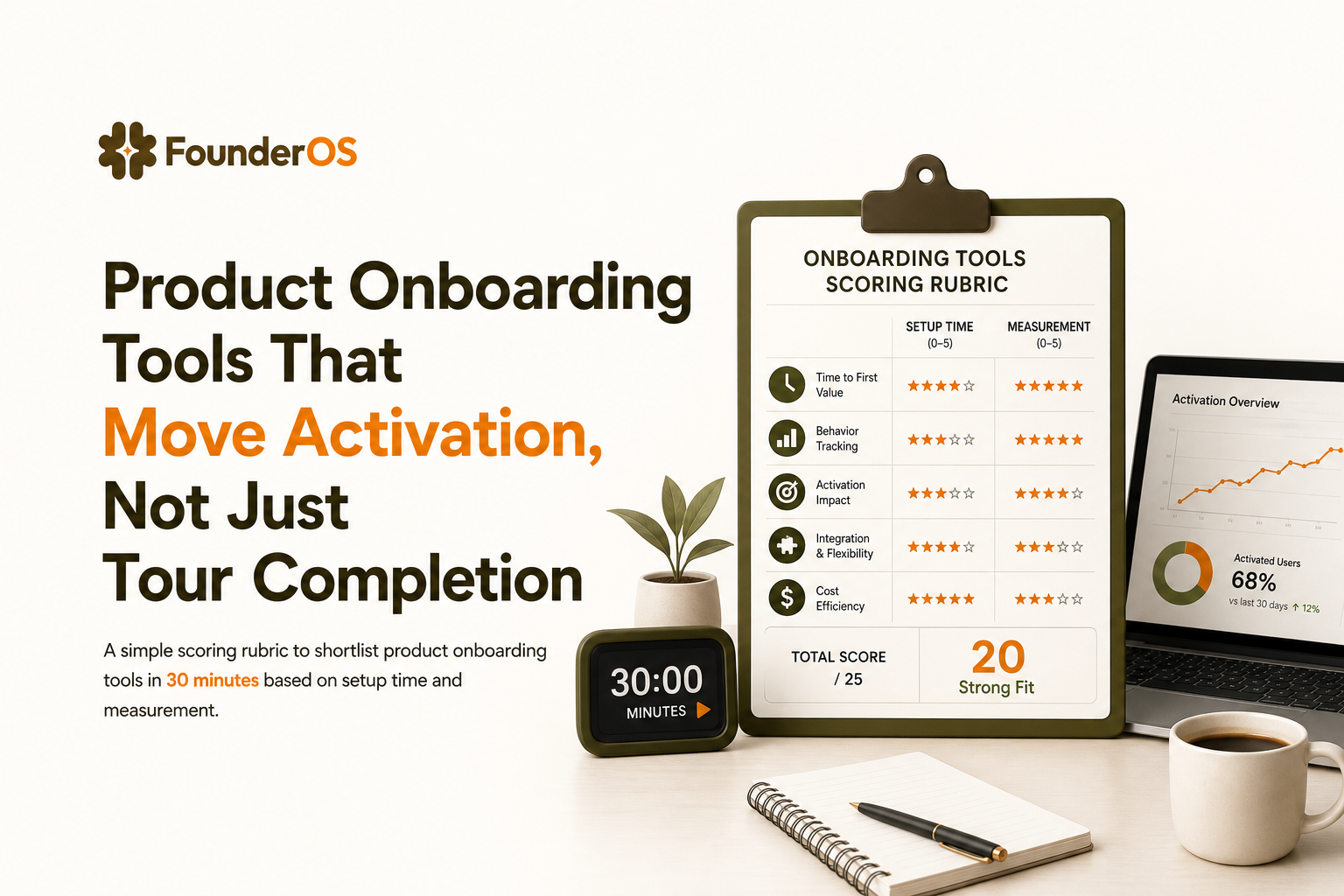
Quick Shortlist Framework to Pick Your Tool in 30 Minutes
This rubric is designed to prevent two common failure modes: buying a tool that only optimizes for tour completion, or buying an enterprise platform when you only need fast self-serve iteration.
Step 1: Define your activation event and your “aha path”
- Activation event: the first behavior that predicts retention (examples: “created first dashboard,” “invited teammate,” “connected data source”).
- Aha path: the 3 to 5 steps most users must take to reach activation.
If you need help structuring this, start with product onboarding best practices and define what “done” means beyond finishing a tour.
Step 2: Score each tool on 5 criteria (0 to 3 points each)
- TTFV (0-3): 0 = needs engineering sprint, 3 = publish first flow in under 1 hour.
- Targeting (0-3): 0 = URL only, 3 = attributes + segments + behavioral triggers + AND/OR logic.
- Measurement (0-3): 0 = only completion, 3 = step drop-off + cohort comparison tied to activation events.
- Scalability (0-3): 0 = no governance, 3 = permissions, change history, prioritization rules.
- Cost-per-output (0-3): 0 = pricing scales on the wrong unit for you, 3 = aligns with your MAU and team size and includes what you need.
Decision rule: shortlist the top 2 tools by total score, then validate with a single onboarding experiment.
Step 3: Validate with one measurable onboarding experiment
Run a simple test for 7 to 14 days:
- Flow targets new users who have not reached the activation event within X minutes/hours.
- Measure: activation conversion rate, time-to-activation, and support ticket volume for the relevant feature.
- Keep the flow short: 4 to 7 steps max, focused on one outcome.
For a practical build blueprint, use this guided product tour approach: one flow, one outcome, measurable lift.
When Founder OS Is the Better Fit and When It Is Not
Founder OS should be evaluated like any other option: by whether it matches your motion, your team’s ability to ship onboarding quickly, and your requirement to prove impact. The notes below are intentionally specific so you can decide fast.
Founder OS is a better fit when
- You need fast self-serve iteration: build flows via a Chrome extension against your live product, then preview and publish without a release cycle.
- You care about targeting precision: trigger flows by URL, user segment, behavior, and attributes, with AND/OR conditional logic to avoid showing irrelevant steps.
- You want measurable onboarding outcomes: track completions, step drop-off, and the relationship between onboarding flows and activation and retention.
- You want fewer tools early on: onboarding plus analytics capabilities can reduce the need to stitch together multiple systems just to answer “did this flow work?”
Founder OS may not be the best fit when
- You require heavy enterprise change-management features: large internal rollouts across many third-party systems may be better served by enterprise digital adoption platforms.
- You want a fully custom, engineering-owned UX layer: if you prefer to build and maintain onboarding in code for total UI control, open-source libraries may align better.
Choose X if, choose Y if (decision matrix)
- Choose Founder OS if: your priority is short time-to-first-value, precise triggers, and proving activation impact with minimal engineering.
- Choose an enterprise adoption platform if: you need advanced governance for large organizations, cross-application guidance, and formal change management.
- Choose an engineering library if: you have front-end capacity, need bespoke UI, and accept the cost of building targeting and analytics yourself.
Expert insight: how to evaluate beyond the pricing page
Before you decide, confirm three operational details that often determine real cost and success: (1) event and API limits that affect segmentation and measurement, (2) environment support (staging vs production) so you can QA flows safely, and (3) how the tool handles single-page apps and dynamic UI elements. These factors usually matter more than whether a plan is $99 or $399.
| Evaluation criteria | What “good” looks like | Questions to ask in a demo | How to verify quickly |
|---|---|---|---|
| Setup time | First flow live in under 1 hour | What is required to publish the first tour to production? | Do a trial and timebox to 60 minutes |
| Learning curve | Non-technical users can build and iterate | Can a PM own this without engineering support? | Have a PM build a 5-step flow unassisted |
| Scalability | Governance, permissions, and prioritization | How do you prevent conflicting flows for the same user? | Ask for documentation on roles and publishing controls |
| Integration ecosystem | Works with your analytics and data stack | Can we use existing user attributes and events for targeting? | Check native integrations and API docs |
| Cost-per-output | Pricing scales with your reality (MAU, seats, events) | What is the pricing driver and what is included? | Model cost at 3 MAU tiers and 2 team sizes |
FAQ about product onboarding tools
If you are comparing product onboarding tools and want a fast path to shipping targeted flows with measurable activation impact, Founder OS is worth shortlisting. You can build tours without code, set precise triggers and conditions, publish quickly, and track completion and drop-off so onboarding becomes an experiment you can improve, not a one-time project.
Written by Ivy Tran
Founder of FounderOS, sharing practical insights on SaaS growth, product analytics, and user activation.
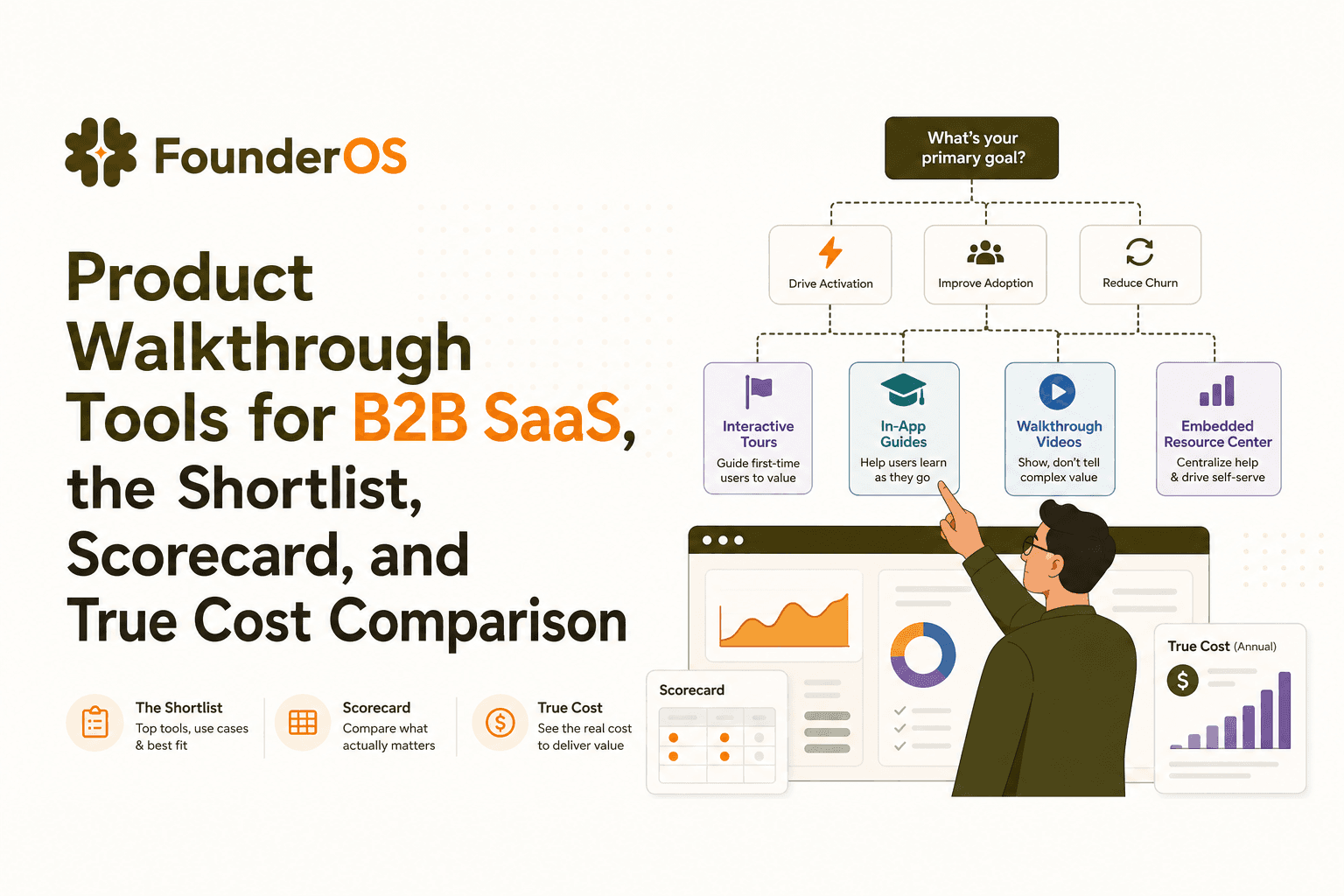
Product Walkthrough Tools for B2B SaaS, the Shortlist, Scorecard, and True Cost Comparison
Compare product walkthrough tools for B2B SaaS with a shortlist, success scorecard, and true cost scenarios for 2k, 10k, and 50k users.

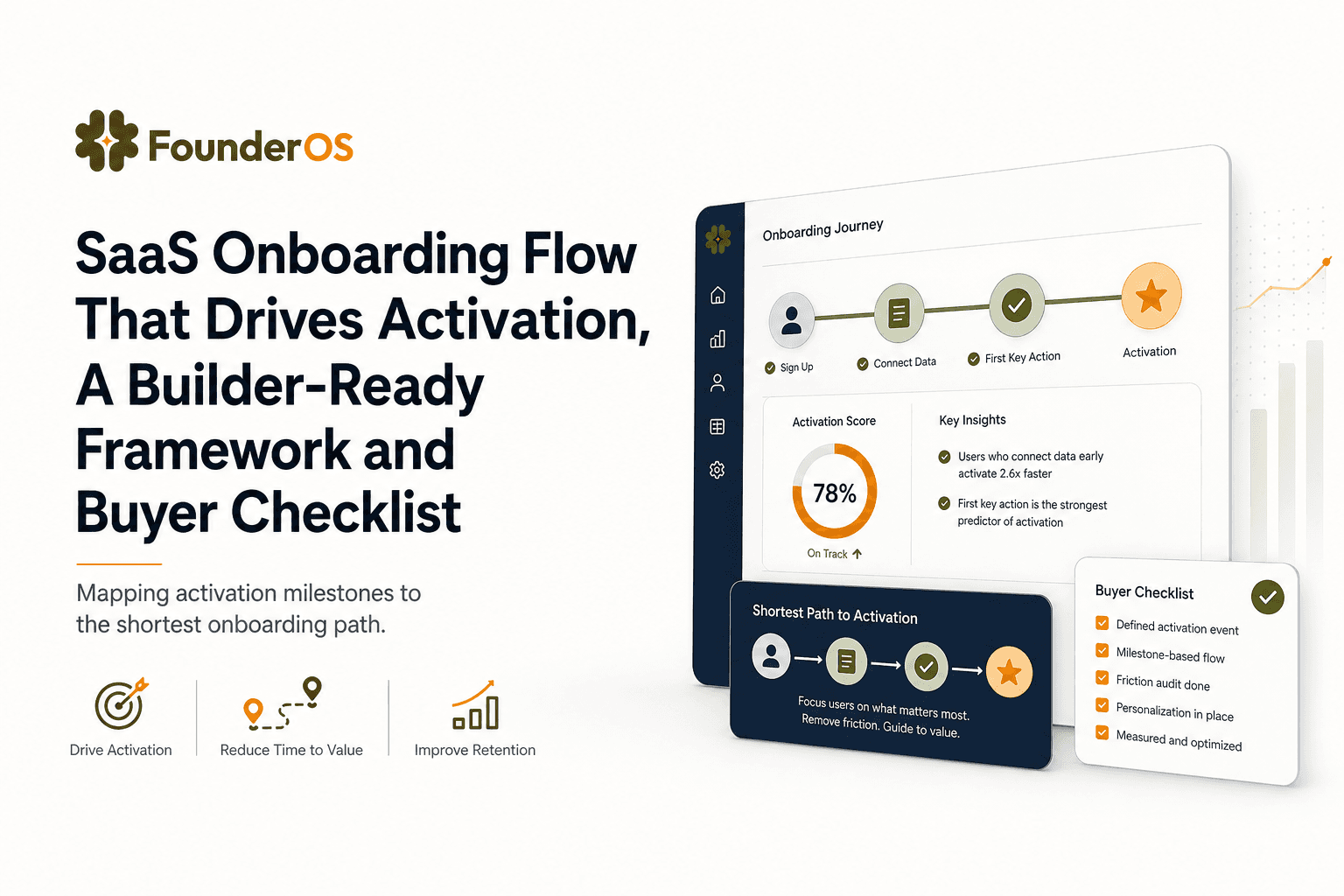
SaaS Onboarding Flow That Drives Activation, A Builder-Ready Framework and Buyer Checklist
Build a saas onboarding flow that drives activation with segments, triggers, tracking, and a buyer checklist for no-code flow builders.

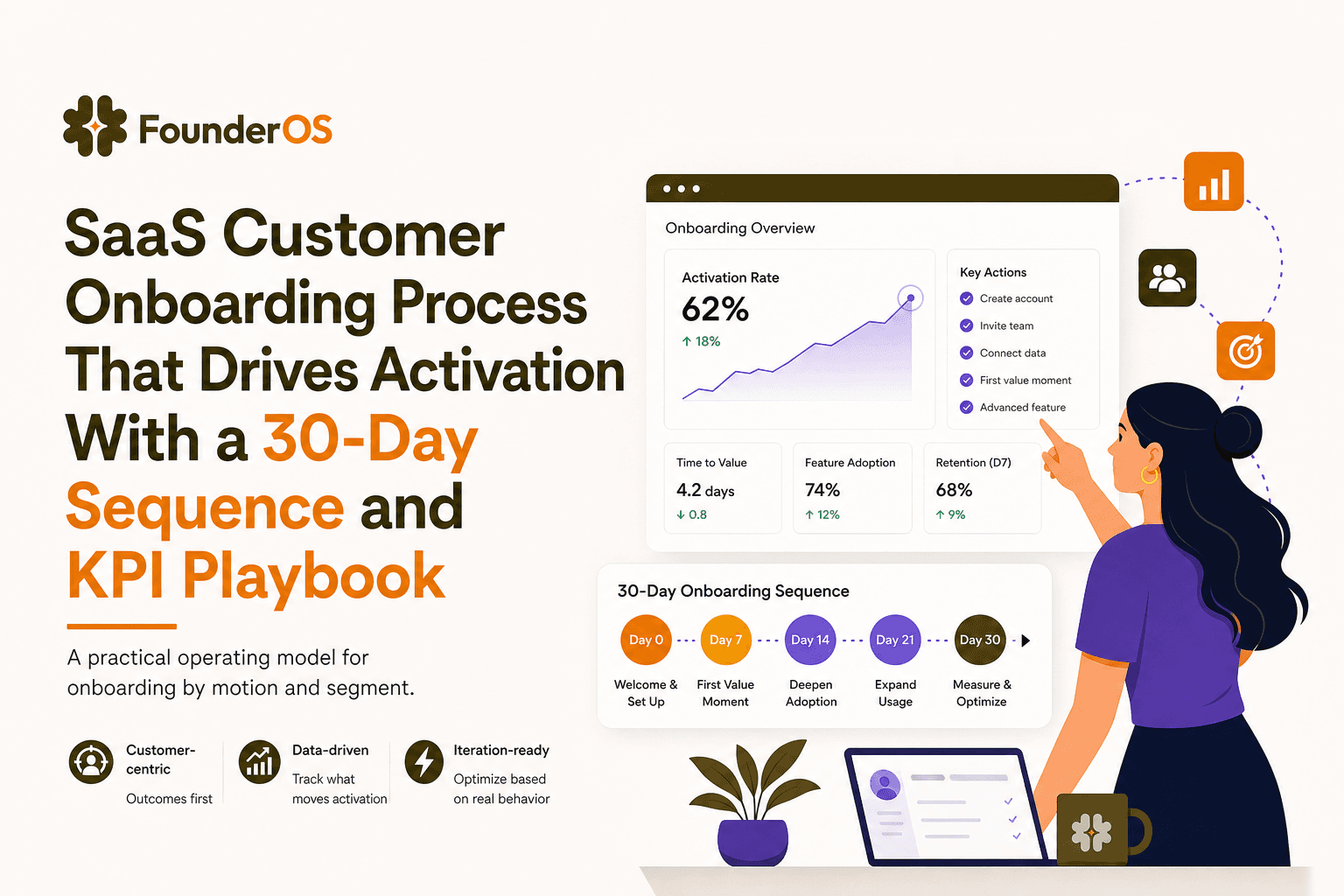
SaaS Customer Onboarding Process That Drives Activation With a 30-Day Sequence and KPI Playbook
Build a saas customer onboarding process with a 30-day sequence, triggers, RACI ownership, and KPI formulas to reach activation faster.
