
Best Mixpanel Alternative for B2B SaaS, A Practical Buyer’s Guide

The best mixpanel alternative for B2B SaaS depends on whether your team needs deep product analytics, lower implementation effort, stronger privacy controls, or event data connected directly to user segmentation and go-to-market decisions. Amplitude, PostHog, Heap, GA4, OpenPanel, Plausible, and Founder OS solve different parts of that problem. A practical shortlist should compare total operating cost, reporting depth, identity resolution, onboarding effort, and the speed at which a founder can turn an insight into action.
- Direct product analytics competitors provide event tracking, retention analysis, cohorts, and conversion reporting, while adjacent tools focus more narrowly on web traffic, replay, or privacy.
- Free plans rarely show the full cost because tracked events, user volume, replay retention, hosting, support, and engineering time can change the economics.
- Founder OS fits founder-led SaaS teams that want product tracking connected to user profiles, user segmentation, onboarding workflows, and GTM reports.
What Makes a Strong Mixpanel Alternative for B2B SaaS
A strong mixpanel alternative for B2B SaaS must connect user behavior to activation, retention, revenue signals, and an action the team can take next. A long list of charts is less useful than a reliable path from event capture to diagnosis to intervention.
Use a weighted evaluation framework
Score each platform against the same seven criteria rather than comparing feature names in isolation. For a founder-led team, I would start with product analytics depth at 25 percent, implementation effort at 20 percent, identity and segmentation at 15 percent, pricing predictability at 15 percent, privacy and data control at 10 percent, GTM reporting at 10 percent, and support at 5 percent. The weights can change, but writing them down prevents a familiar brand from winning by default.
- Event coverage: Can the platform capture page views, clicks, feature interactions, custom events, and account-level attributes without excessive tagging work?
- Conversion analysis: Can a nontechnical operator define a sequence, inspect each drop-off, compare cohorts, and drill into affected users?
- Retention insight: Does the system show whether a key action predicts return behavior, expansion, or disengagement?
- Identity resolution: Can anonymous activity become part of a durable user profile after signup without duplicated users?
- GTM usefulness: Can product behavior be connected to acquisition source, lead status, onboarding stage, or sales priorities?
- Operational effort: How much engineering work is required for taxonomy design, SDK installation, maintenance, and reporting?
Define the decision before reviewing demos
Write three questions the platform must answer in the first 30 days. For example: Which signup sources produce activated accounts? Which action separates retained users from inactive users? Where do new users stop during onboarding? Then ask each vendor to demonstrate those exact workflows using your event names. A platform that performs well in a generic demo may still be awkward for your data model.
In practical reviews, I look for the shortest path from an aggregate insight to an individual user history. That path matters because a 38 percent completion rate tells you where the problem is, while the users who stopped at the same step often explain why it happened. Product tracking, user profiles, and segmentation should work together rather than living in separate systems.
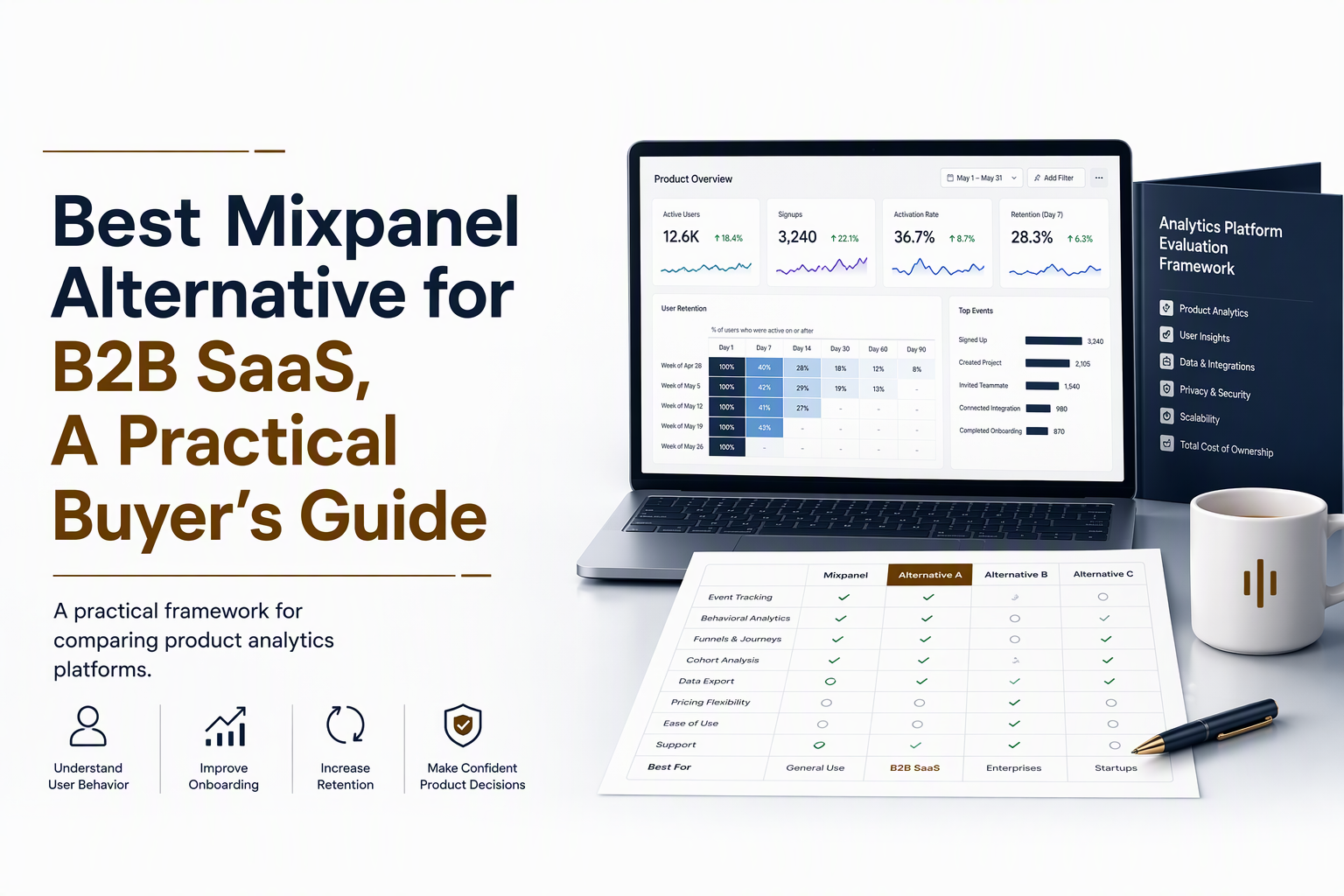
The Best Mixpanel Alternatives Compared Side by Side
The best alternatives divide into full product analytics suites, flexible developer-oriented platforms, privacy-focused analytics, and lightweight web measurement tools. The right choice depends on whether your primary unit is a product user, an account, a website visitor, or an anonymous session.
Direct product analytics competitors
Amplitude is designed for mature product analytics programs that need behavioral cohorts, retention analysis, experimentation connections, and broad stakeholder access. Its depth can be valuable, but teams should validate plan limits, governance needs, and the amount of implementation discipline required.
PostHog combines product analytics with features such as session replay, experimentation, feature flags, and warehouse-oriented workflows. It can suit technical teams that want a broad developer platform, although the broader surface area may require more configuration and ownership.
Heap emphasizes automatic capture and retroactive analysis. That approach can reduce the risk of missing an event during implementation, but buyers should confirm how event definitions, data quality, governance, and pricing behave as usage grows.
Adjacent and privacy-oriented options
GA4 is often appropriate for acquisition measurement, campaign attribution, and website reporting. It is not always a direct replacement for a product analytics system because product teams may need more specialized retention, behavioral cohort, and user-level workflows.
OpenPanel can appeal to teams that prioritize an open-source or self-hosted approach and want more control over their analytics environment. The evaluation must include hosting, upgrades, observability, permissions, backups, and the engineering time needed to operate the system.
Plausible is a lightweight, privacy-focused web analytics option. It is useful for simple traffic and page-performance questions, but teams requiring detailed in-product behavior, account profiles, and multi-step activation analysis may need another layer.
Founder OS is positioned for B2B SaaS founders who want product tracking connected to user profiles, behavioral segments, GTM reports, and onboarding actions. Its Product Tracking captures activity, while User Profile Tracking and User Segmentation help turn that activity into audiences such as new activators, power users, or at-risk users.
Which Alternatives Offer the Right Analytics Depth
The right analytics depth is the smallest set of capabilities that explains acquisition, activation, adoption, retention, and expansion without creating an unnecessary data operation.
Separate the core categories
| Category | Best for | Typical strength | Common limitation |
|---|---|---|---|
| Product analytics suite | Product and growth teams | Events, cohorts, retention, conversion, segmentation | Can require taxonomy governance and careful cost monitoring |
| Developer analytics platform | Technical teams | Flexible instrumentation, replay, experiments, feature workflows | Broader setup and ownership requirements |
| Automatic capture platform | Teams with uncertain tracking plans | Retroactive exploration and fast initial coverage | Governance and event clarity can become harder later |
| Web analytics tool | Marketing and acquisition teams | Traffic, pages, sources, campaigns | Limited product-user and retention context |
| Self-hosted analytics | Privacy or infrastructure-focused teams | Data control and deployment flexibility | Hosting and maintenance become internal responsibilities |
| Founder-oriented growth platform | Small B2B SaaS teams | Tracking connected to profiles, segments, onboarding, and GTM reporting | May offer less breadth than an enterprise analytics suite |
Match depth to the decision you need to make
Choose a direct product analytics competitor when your team needs sophisticated behavioral modeling, multiple analysis types, formal governance, and many product stakeholders. Choose a web analytics tool when the main question concerns traffic sources, landing pages, or campaign performance. Choose a self-hosted option when data residency and infrastructure control justify the ongoing operational burden.
Choose a founder-oriented platform when speed and connected workflows matter more than an expansive analytics catalog. Founder OS, for example, combines Product Tracking with a GTM Report and Product Onboarding Tool, allowing the team to move from an observed drop-off to a targeted onboarding response without assembling several products.
A useful validation test is the five-minute path: capture an event, find the user profile, create a behavioral segment, compare a conversion path, and identify the next GTM action. If that path needs SQL, a data specialist, or multiple exports for every ordinary question, the platform may be deeper than your operating model can use.
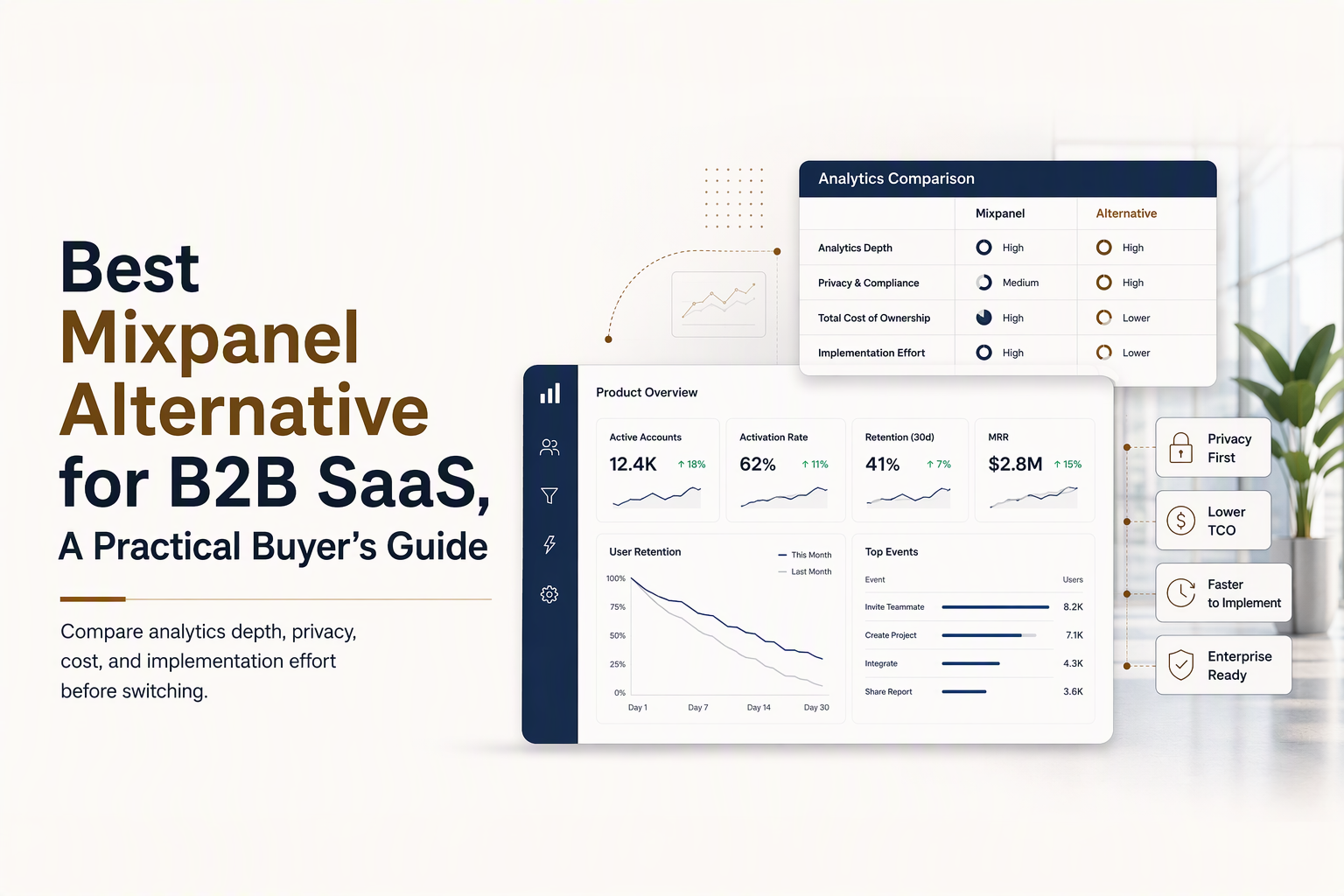
Free Plans and Total Cost Beyond the Headline Price
The real cost of a mixpanel alternative includes usage, implementation, maintenance, governance, support, and the internal time needed to convert reports into decisions.
Normalize each vendor’s pricing model
Build a comparison sheet with the same variables for every candidate: monthly tracked events, monthly active users, retained history, number of seats, replay volume, data export access, warehouse sync, support level, and annual commitment. A free tier can be attractive for evaluation but irrelevant after event volume, retention windows, or collaboration needs exceed its limits.
Calculate three scenarios rather than one: current usage, expected usage in 12 months, and a high-growth case. Include the cost of duplicated tracking during migration, data warehouse storage, reverse ETL or integration tools, and engineering work. For self-hosted software, add infrastructure, monitoring, security reviews, upgrades, incident response, and backup costs. For automatic capture, add the time required to clean, name, and govern a large event stream.
Use a simple total-cost formula
A practical formula is: annual subscription plus infrastructure plus implementation hours plus ongoing maintenance hours plus integration costs. It does not need to be financially perfect. Its purpose is to expose a low subscription price that depends on significant internal labor.
For example, compare a hosted platform with predictable setup against a self-hosted platform with lower license expense. If the second option requires recurring engineering ownership and security review, the cheaper invoice may not be the cheaper operating choice. I also check whether a vendor charges separately for replay, profiles, data retention, or warehouse access because those items often determine whether the platform remains usable as reporting matures.
Mixpanel vs PostHog and Other Leading Options
Mixpanel, PostHog, Amplitude, Heap, GA4, and Founder OS differ most in usability, breadth, hosting model, privacy controls, and the distance between an insight and a GTM action.
Use the decision matrix
Mixpanel is a strong reference point for event-based product analytics and structured behavioral reporting. Amplitude is often considered when teams want a broad product intelligence environment. PostHog is a candidate for teams that value analytics alongside replay, experimentation, and developer workflows. Heap is relevant when automatic capture and retroactive exploration are central.
GA4 remains useful for web acquisition and marketing measurement, but teams should not assume that website reporting alone answers product adoption questions. OpenPanel can be considered when open deployment and data control are priorities. Plausible suits teams seeking simple privacy-conscious traffic reporting rather than full behavioral analysis.
Founder OS fits a narrower but practical use case: a B2B SaaS team wants product events, user histories, behavioral segments, onboarding interventions, and GTM reporting in one operating workflow. The comparison should focus on whether that connected workflow is more valuable than the additional breadth of a larger suite.
Score the operational tradeoffs
- Usability: Can a founder or marketer answer a product question without SQL?
- Hosting: Is managed infrastructure preferable, or does self-hosting justify its operating cost?
- Privacy: Are retention, deletion, permissions, and regional requirements clear?
- Experimentation: Are feature flags or experiments essential, or can the analytics platform integrate with existing tools?
- Replay: Does session replay help diagnose friction, and is its retention and privacy behavior acceptable?
- Warehouse support: Does the team need raw data for advanced modeling, or are in-product reports sufficient?
The best mixpanel alternative is therefore profile-dependent. A product-led company with dedicated analysts may choose breadth and extensibility. A founder-led company may prefer fast setup, clear profiles, actionable segmentation, and a direct connection between analytics and onboarding.
How to Migrate From Mixpanel Without Breaking Reporting
A safe migration from Mixpanel uses a staged dual-tracking plan that protects identity, historical definitions, and decision continuity.
Follow a six-step migration checklist
- Inventory the current taxonomy: Export event names, properties, user properties, account identifiers, saved reports, cohorts, and retention definitions.
- Map the identity model: Document anonymous IDs, user IDs, account IDs, merged profiles, and the moment an anonymous visitor becomes a known user.
- Define the target schema: Keep important names stable where possible, remove duplicate events, and document required properties before installing a new SDK.
- Run dual tracking: Send the same selected events to both systems for a controlled period. Compare event counts, distinct users, profile joins, and key conversion rates.
- Recreate decision-critical reports: Start with activation, retention, adoption, acquisition source, and revenue-related reports. Do not rebuild every dashboard before validating the core set.
- Validate by cohort: Compare new users, existing users, accounts, devices, and major acquisition sources. Investigate differences instead of assuming the new tool is wrong.
Protect historical continuity
Historical data may not transfer cleanly between vendors because definitions, identity rules, retention windows, and timestamp behavior differ. Preserve read-only access to the old workspace, export essential report results, and record the definition behind every business metric. A migration is complete when stakeholders can explain any change in reported activation or retention, not merely when the new SDK is live.
Founder OS can be evaluated through the same process. Map existing events to Product Tracking, confirm how User Profile Tracking resolves identities, rebuild priority User Segmentation rules, and validate that GTM Reports and onboarding workflows use the expected cohorts. Start with one activation path before expanding coverage.
Where Founder OS Fits for Founder-Led SaaS Teams
Founder OS fits teams that need a practical mixpanel alternative for connecting product behavior with user profiles, segments, onboarding, and GTM decisions.
Use the workflow, not just the feature list
Product Tracking captures actions such as page views, clicks, and feature interactions. User Profile Tracking ties those events to a person so the team can inspect behavioral history rather than only aggregate totals. User Segmentation then groups people by activity, recency, event sequence, and profile attributes.
The workflow becomes useful when those segments lead to action. A new-user segment can enter an onboarding path. A power-user segment can inform expansion outreach. An at-risk segment can trigger a re-engagement process. GTM Reports can connect product behavior with acquisition and commercial questions, while the Product Onboarding Tool helps the team respond to the behavior it observes.
Validate the fit with three practical tests
- Setup test: Install the tracking snippet and confirm that the first meaningful dashboard can be created without a long engineering sprint.
- Diagnosis test: Build a conversion path, identify the largest drop-off, and drill into the affected user profiles.
- Action test: Create a behavioral segment and use it in an onboarding or GTM workflow.
Founder OS reports that its product analytics environment tracks more than 42K events daily and has built more than 8.3K user profiles in its presented product experience. Those figures describe the platform’s displayed operating context, not a guarantee for every customer, so buyers should validate expected volume, retention, integrations, and pricing during a demo.
For a founder-led SaaS team, the central question is not whether Founder OS replaces every specialized analytics product. The question is whether it removes enough distance between product insight and growth action to justify choosing a focused platform over a broader suite.
Frequently Asked Questions About a Mixpanel Alternative
Start with Founder OS if you want product event tracking connected to user profiles, segmentation, onboarding, and GTM reporting in one workflow. Explore pricing, install it free to test your first insights, or book a demo to validate the platform against your activation and retention questions.

Written by Sophia Nguyen
Growth Product | Helping founders build products users love.

Stages In Sales Funnel Explained, One Master Map For 3, 5, 6, And 7 Stages
Stages in sales funnel explained with one master map, entry/exit criteria, examples, and minimal KPIs to measure each stage clearly.
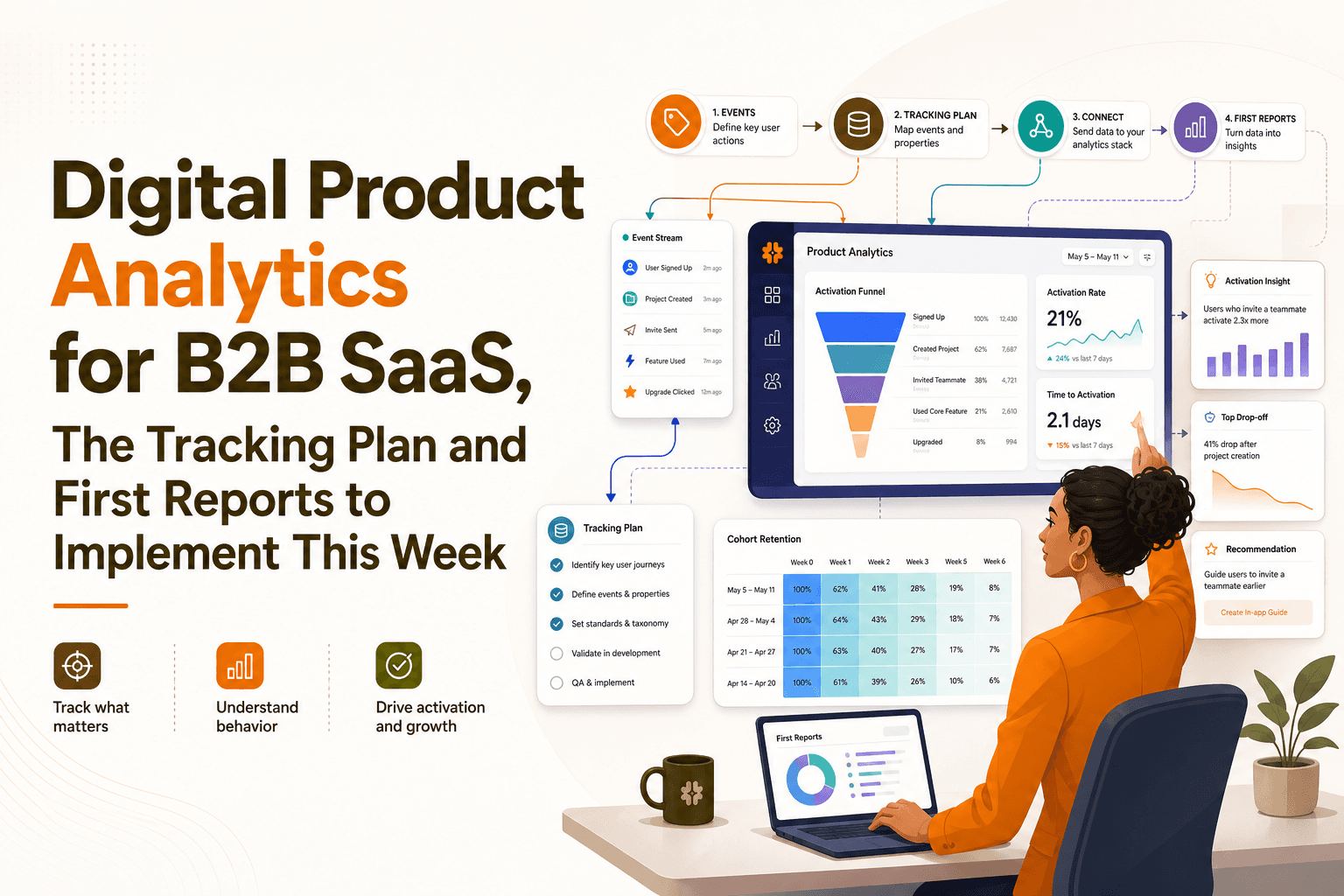
Digital Product Analytics for B2B SaaS, The Tracking Plan and First Reports to Implement This Week
Implement digital product analytics in a B2B SaaS: a minimal event schema, week-1 funnel and retention reports, and a 7-day rollout plan.
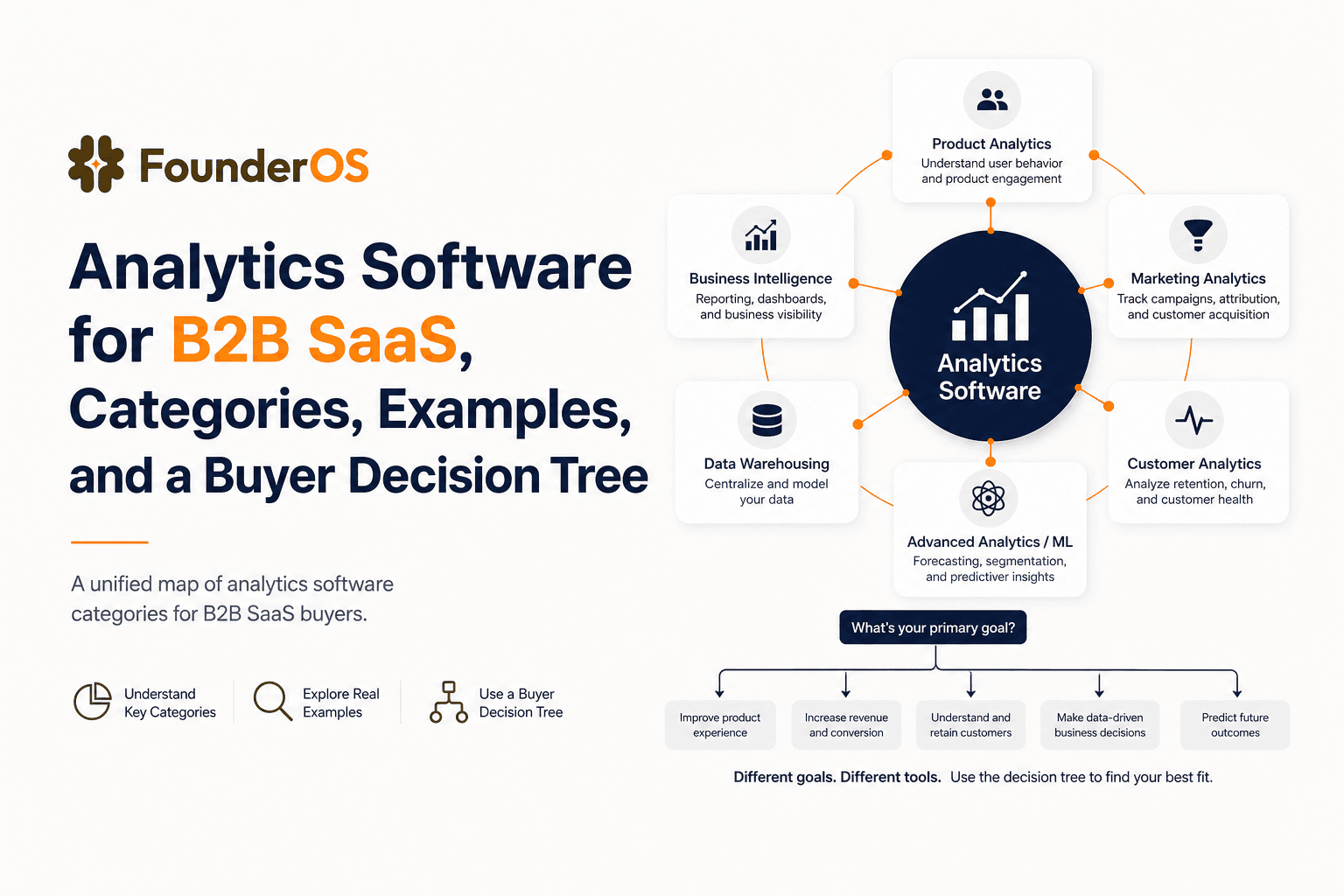
Analytics Software for B2B SaaS, Categories, Examples, and a Buyer Decision Tree
Choose analytics software for B2B SaaS with a clear category map, 10-minute decision tree, real workflows, and a practical buyer checklist.