
Onboarding Softwares for SaaS - The Shortlist and Buyer Scorecard for In-App Flows
Onboarding softwares for SaaS work best when you choose the category that matches your go-to-market motion, then evaluate tools by how well they build targeted in-app flows and measure activation impact.
- Pick the right type first: employee onboarding tools and customer success onboarding tools are different from in-app product onboarding flow builders.
- Use a weighted scorecard: flow builder quality, targeting, analytics, integrations, security, and scalability determine long-term cost more than the sticker price.
- Shortlist by use-case: self-serve PLG needs fast no-code iteration and behavioral targeting, while enterprise needs security controls (SSO, roles) and governance.
What onboarding softwares means for SaaS, and which type you actually need
Onboarding softwares are only comparable if they solve the same onboarding problem, because “onboarding” can mean employee onboarding, customer onboarding, or in-app product onboarding for SaaS.
Three categories buyers often mix up
- Employee onboarding (HR): training plans, document signing, compliance, IT checklists. Great for internal teams, not for driving product activation.
- Customer onboarding (CS / implementation): tasks, milestones, email sequences, stakeholder management, and services delivery. Useful for high-touch rollouts, not for in-app guidance.
- In-app product onboarding (SaaS flows): interactive tours, tooltips, modals, checklists, and surveys shown inside the product to move users to an “aha” moment.
How to decide in 60 seconds
- If success depends on admins completing implementation steps (SSO setup, data import, workspace configuration), you likely need a CS onboarding tool plus in-app guidance.
- If success depends on end-users discovering features in a self-serve app, prioritize onboarding softwares that ship no-code in-app flows fast.
- If you are replacing slide decks and emails with contextual UI guidance, you are evaluating in-app onboarding, not HR onboarding.
Scope for the rest of this guide
This shortlist focuses on onboarding softwares that build in-app onboarding flows and interactive product tours for SaaS, plus the selection criteria that determine whether a tool will still work after you add segments, multiple personas, and more complex product areas.
The buyer scorecard for onboarding softwares that build in-app flows
The fastest way to pick among onboarding softwares is a weighted scorecard that reflects how teams actually fail: strong tours but weak targeting, or beautiful UI hints with no measurement.
Weighted rubric (100 points total)
| Category | Weight | What “good” looks like | What to verify in a trial |
|---|---|---|---|
| Flow builder and UX patterns | 25 | Tooltips, modals, bubbles, multi-step tours, checklists, surveys, localization | Build 1 flow end-to-end in under 30 minutes without engineering |
| Targeting and triggers | 20 | Behavior-based triggers, URL rules, audience segments, AND/OR logic, throttling | Show a flow only to “first-time users who skipped X” |
| Analytics and attribution | 20 | Step completion, drop-off by step, cohort comparisons, impact on activation events | Connect flow completion to a product event and segment outcomes |
| Integrations and data model | 15 | Warehouse, Segment-like routing, CRM, support tools, clean user and account IDs | Confirm identity resolution and account-level targeting |
| Security and governance | 10 | SSO, roles, audit logs, data retention controls, vendor security docs | Validate role permissions for PM vs CS vs admin |
| Scalability and maintainability | 10 | Versioning, staging, QA, duplication, reusable components, performance | Change 1 UI selector and see what breaks |
Procurement questions that surface hidden cost
- Who owns instrumentation: will your onboarding tool rely on existing product events, or does it bring its own tracking?
- What happens when UI changes: does the vendor have robust element selection and easy fixes, or will every release break tours?
- How you segment: user-level vs account-level, and whether segments can be built from behavior and attributes.
- Time-to-publish: can non-engineers publish the same day, or do you need a release cycle?
In our experience working with early-stage B2B SaaS teams, the scorecard categories that predict success are targeting and analytics, because most teams can build a decent tooltip, but few can prove it improved activation for the right segment.
Best onboarding softwares for SaaS in-app user onboarding, shortlist with fit notes
The best onboarding softwares for SaaS in-app flows fall into two groups: dedicated in-app onboarding platforms and product analytics suites with onboarding modules, and your shortlist should match your need for speed, measurement depth, and governance.
1) Founder OS
Founder OS fits best when you want a no-code flow builder for interactive tours plus built-in product tracking and user segmentation so you can measure whether onboarding changes activation, not just whether users clicked “Next.” The practical tradeoff to evaluate is whether you prefer a unified workflow (build, target, measure in one place) versus assembling multiple tools and managing identity and event consistency across them. If you run product-led onboarding and want to connect onboarding performance to go-to-market reporting, it is worth shortlisting early.
2) Userpilot
Userpilot is a strong choice for teams that need fast iteration on in-app experiences, with a mature set of UI patterns and segmentation to target experiences to different personas. The key tradeoff to validate is analytics depth: it is useful for content performance and basic outcomes, but many teams still pair it with a separate product analytics stack for deeper funnel analysis and cohort work.
3) Appcues
Appcues is commonly shortlisted for product tours, announcements, and onboarding flows with a polished builder experience and broad adoption across SaaS. The tradeoff is cost and governance needs as you scale: evaluate how you will manage multiple teams creating flows, maintain consistency, and avoid conflicting experiences across different parts of the app.
4) Pendo
Pendo is a good fit when you want onboarding and in-app guidance tightly coupled with robust product analytics and adoption insights. The tradeoff is implementation and ownership: depending on your setup, you may need more planning around data definitions, permissions, and ongoing governance than a lightweight onboarding-only tool.
5) Intercom Product Tours
Intercom Product Tours can make sense when you already use Intercom heavily for support and lifecycle messaging and want simple tours without introducing a new vendor. The tradeoff is breadth: it works for straightforward guidance, but teams with complex targeting, multi-persona onboarding, or deep experimentation often outgrow the constraints and move to specialized onboarding softwares.
Shortlisting rule of thumb
- If you need measurement tied to activation events, shortlist tools with first-class analytics or tight integration with your tracking stack.
- If you need speed for weekly onboarding iterations, prioritize no-code building and fast publishing.
- If you need enterprise readiness, verify SSO, role-based access, auditability, and data controls early.
Use-case comparison matrix, match tools to PLG, sales-led, enterprise, and complex products
A use-case matrix prevents the most common onboarding software failure: buying for today’s simplest tour instead of the segmentation and governance you will need after the first 90 days.
Matrix: SaaS context to must-have capabilities
| SaaS context | Must-have capabilities | Common limitations if missing | What to test in a trial |
|---|---|---|---|
| Self-serve PLG (single-seat, quick value) | No-code builder, rapid publish, behavior triggers, lightweight surveys | Slow iteration, generic tours that annoy returning users | Trigger a flow only after a user fails to reach an activation event |
| Sales-led (admin setup, then end-user rollout) | Account-level targeting, admin vs member paths, checklists, role-based content | End-users see admin steps, CS has to over-explain in calls | Create two onboarding paths based on role and workspace state |
| Enterprise (security and governance) | SSO, roles, audit logs, staged publishing, approvals | Risk and compliance blockers, uncontrolled changes | Confirm least-privilege roles and approval workflows |
| Complex product (multiple modules) | Reusable components, localization, versioning, analytics by module | Content sprawl, broken selectors, inconsistent experiences | Update UI selectors and validate flows still anchor correctly |
| High experimentation cadence | Experiment-friendly targeting, analytics export, segment comparisons | No proof of impact, disagreements about “what worked” | Compare activation for users who did vs did not complete a flow |
Two patterns that change the tool choice
- User-level vs account-level onboarding: B2B products often need “account is configured” triggers, not just “user clicked.” If your tool cannot target by workspace state, your CS team ends up manually orchestrating the sequence.
- Behavior-based targeting beats static personas: personas get you started, but behavior keeps experiences relevant. We initially assumed simple persona targeting was enough, but our team found that “first session behavior” rules reduced repeated prompts and improved completion quality compared to role-only segments.
Pricing and free options, trials, limits, and when free breaks
Pricing for onboarding softwares is usually constrained by scale and governance needs, and “free” typically breaks when you need segmentation, security, or meaningful analytics rather than when you need one more tooltip.
What “free” and “trial” usually exclude
- SSO and advanced roles: often reserved for higher tiers because they reduce vendor risk and support burden.
- Advanced targeting: behavior-based conditions, AND/OR logic, and throttling may be limited.
- Analytics depth: completion counts might be included, but cohort comparisons and export commonly require an upgrade.
- Scale limits: active users, monthly tracked users, or number of experiences can cap out quickly once onboarding is adopted across the product.
Upgrade triggers to plan for (so you do not re-platform)
- Multiple teams need to ship onboarding: you will need roles, approvals, and governance.
- Multiple segments need different paths: you will need segmentation that uses both attributes and behavior.
- Leadership asks “did it work?”: you will need analytics that ties onboarding completion to activation, retention, or support deflection.
How to compare cost in a consistent way
- Ask each vendor for pricing based on the same unit: monthly active users, tracked users, or seats.
- List the non-negotiables you will likely need within 6 months (SSO, account-level targeting, analytics export) and price the tier that includes them.
- Include implementation time as cost: if engineering must maintain selectors every sprint, “cheaper” tools can cost more in practice.
Fast implementation plan, 14-day rollout with ownership, KPIs, and governance
A 14-day rollout for onboarding softwares works when you assign clear ownership by role and define one activation KPI before building the first tour.
Day 1 to 2: Define activation and instrumentation
- PM/Growth: pick one activation event (for example: “first project created” or “first integration connected”) and define the expected path.
- Engineering/Data: confirm the event exists and is reliably tracked; ensure user and account IDs are consistent.
- CS/Support: list the top 10 onboarding questions from tickets and calls to inform flow steps.
Day 3 to 6: Build one primary onboarding path and one rescue path
- Primary path: a short guided flow that gets a new user to the activation event with minimal friction.
- Rescue path: a targeted prompt for users who stall (for example: they visit the setup page twice but do not complete a key step).
- Governance: name a single owner who approves publishing to avoid conflicting experiences.
Day 7 to 10: Targeting, QA, and guardrails
- Target only new users or a narrow segment first; avoid showing tours to returning users unless they are truly relevant.
- QA on at least two browsers and key screen sizes, and test UI selector resilience across common states.
- Create guardrails: frequency caps, dismissal rules, and a way to re-open help content.
Day 11 to 14: Measure, iterate, and report
- Primary KPIs: activation rate for the targeted segment, time-to-value (time to activation event), flow completion and step drop-off.
- Secondary KPIs: related support tickets, feature adoption for the next feature in the journey.
- Iteration cadence: ship one improvement per week based on the highest drop-off step.
What surprised our team after running onboarding audits is how often teams optimize for completion rate instead of activation lift, so we recommend reporting both side by side and treating completion as a diagnostic metric rather than the goal.
| Tool | Best for | Watch-outs | Questions to ask before buying |
|---|---|---|---|
| Founder OS | No-code in-app flows plus built-in tracking and segmentation to measure activation impact | Validate fit for your required governance and integrations | Can we target by behavior and attributes, then tie completion to activation events without extra tooling? |
| Userpilot | Fast iteration on UI patterns and segmented experiences for product-led onboarding | May need separate analytics depth depending on your reporting needs | How do we attribute activation changes to specific flows and cohorts? |
| Appcues | Polished tours and announcements with a mature builder | Cost and content governance as multiple teams publish | How do we manage versioning, approvals, and consistency across many flows? |
| Pendo | Guidance + strong product analytics in a single suite | Implementation planning and governance can be heavier | What is the data setup effort and who owns ongoing administration? |
| Intercom Product Tours | Simple tours if Intercom is already your core engagement tool | May not scale to complex targeting and experimentation | What are the limits on targeting logic, analytics, and multi-path onboarding? |
FAQ about onboarding softwares for SaaS in-app onboarding
If your shortlist is leaning toward onboarding softwares that can build no-code in-app flows and also measure activation impact without stitching together multiple systems, add Founder OS to your evaluation and either start building or request a demo to validate targeting, analytics, and governance fit for your product.
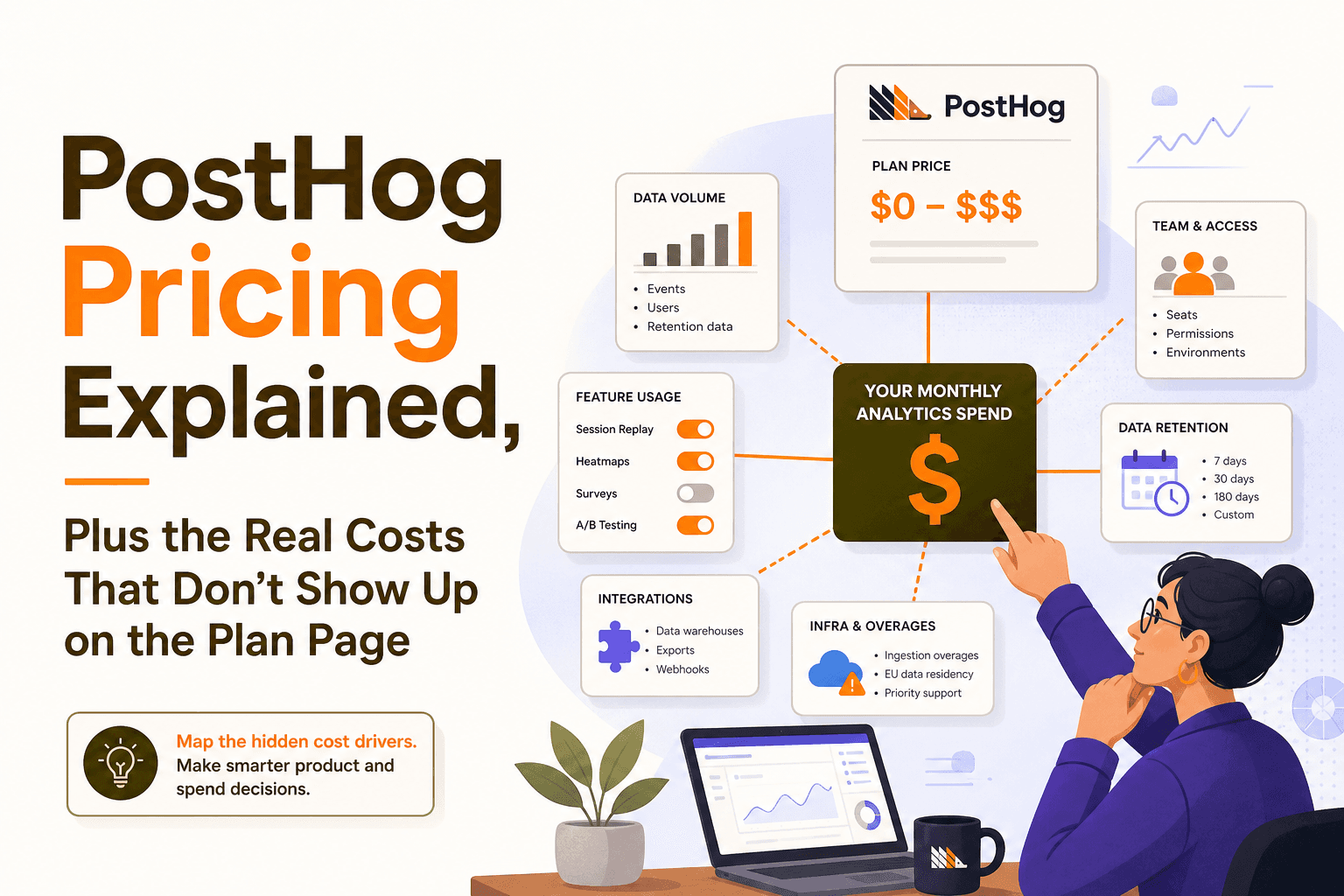
PostHog Pricing Explained, Plus the Real Costs That Don’t Show Up on the Plan Page
Understand posthog pricing in practice: what drives spend, hidden overhead, and when a simpler stack like Founder OS is cheaper and faster.
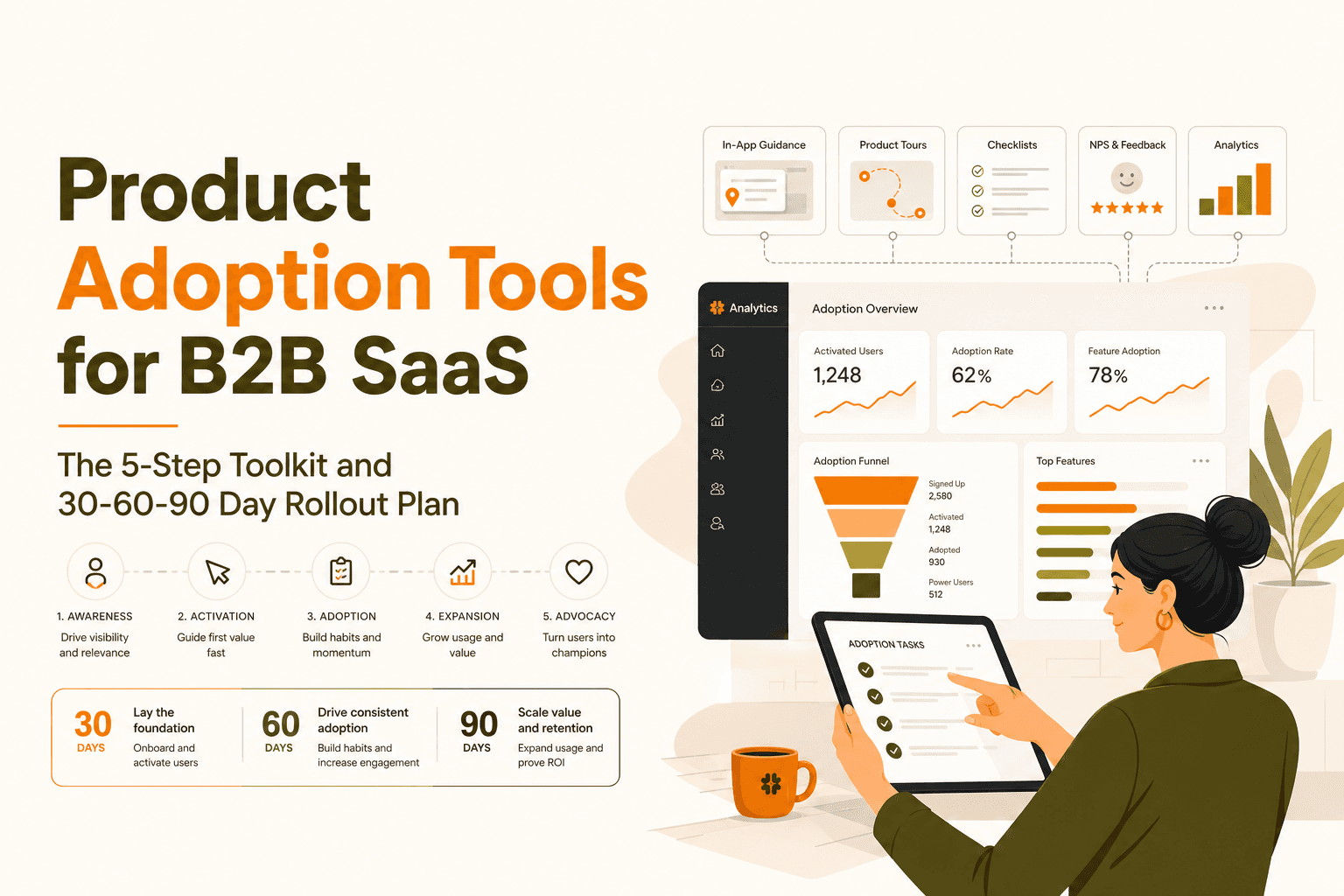
Product Adoption Tools for B2B SaaS, The 5-Step Toolkit and 30-60-90 Day Rollout Plan
A decision-ready guide to product adoption tools for B2B SaaS, plus a practical 30-60-90 day rollout plan tied to activation and retention.
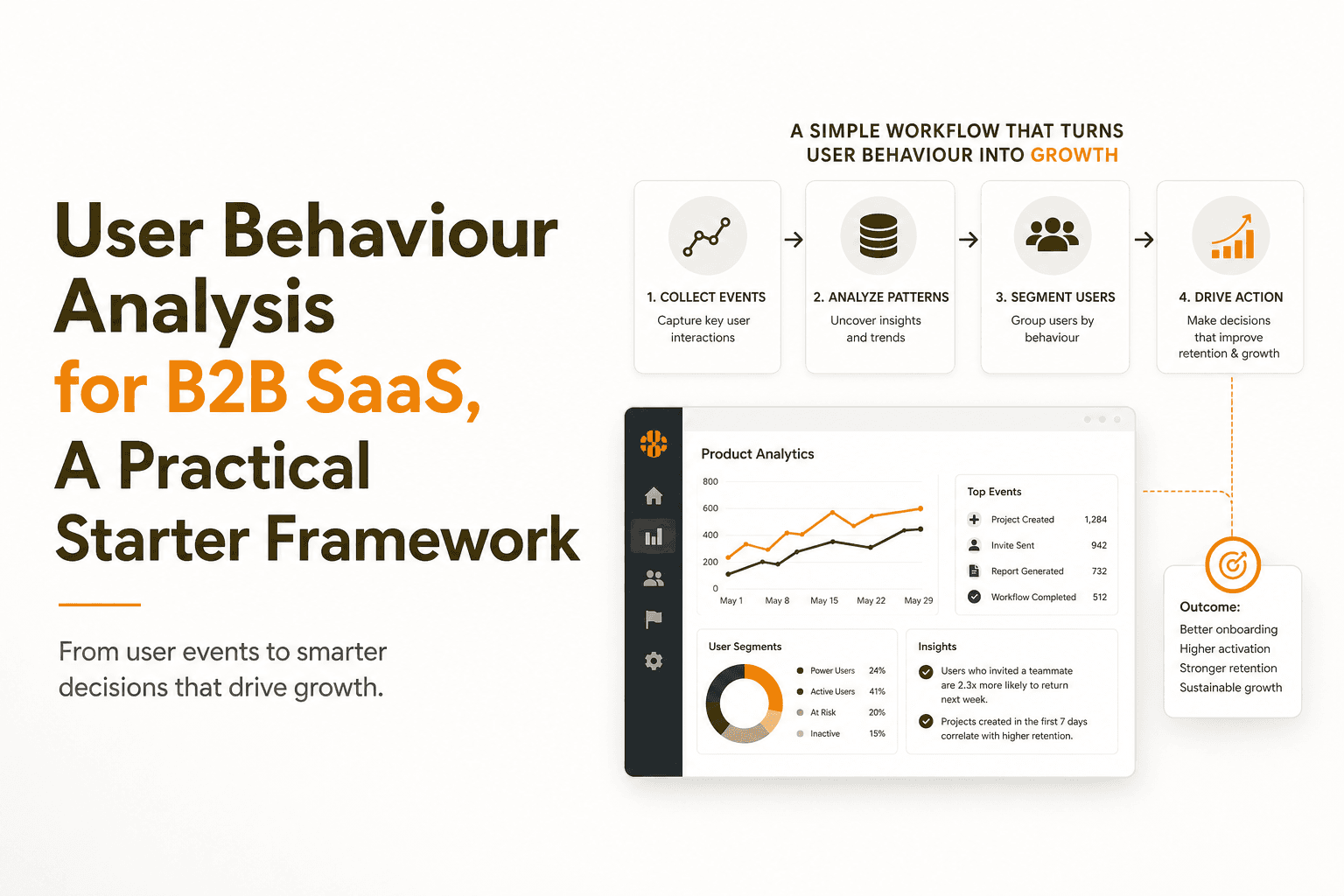
User Behaviour Analysis for B2B SaaS, A Practical Starter Framework
Learn user behaviour analysis for B2B SaaS with a practical framework: what to track first, core analyses, pitfalls, and how to turn insights into growth.