
Best Client Onboarding Platform for B2B SaaS Ranked by Onboarding Motion
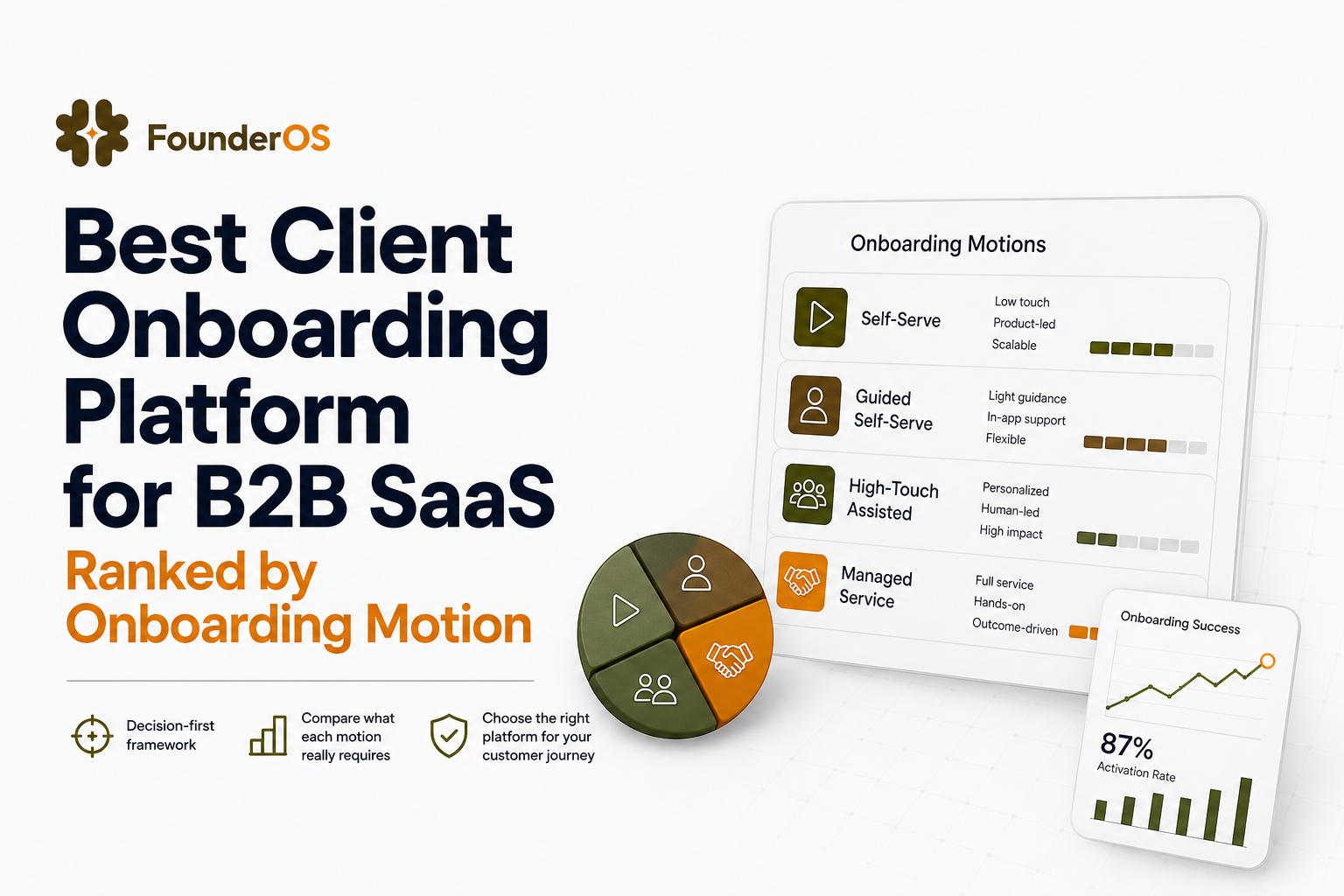
A client onboarding platform is only “best” when it matches how you sell and activate: self-serve PLG, sales-led, high-touch CS, or hybrid. If the platform does not align to your motion, you pay twice: slower time-to-value (lost conversions) and higher support load (higher CAC payback). This guide ranks options by fit scenario and gives you a 30-minute filter to build a shortlist you can defend.
- Rank tools by onboarding motion (PLG, sales-led, high-touch CS, hybrid), not by feature checklists.
- Require measurable outputs: time-to-first-value, step drop-off, activation lift, and support deflection.
- Use a 30-minute fit filter to eliminate tools that cannot target by segment, trigger by behavior, or prove impact.
Why a client onboarding platform mismatch is costing you money and reputation
In B2B SaaS, onboarding is not a “nice-to-have” flow. It is the conversion layer between acquisition and retained revenue. When your client onboarding platform does not fit your motion, the cost of inaction shows up in four places you can measure:
- Longer time-to-first-value (TTV): if users cannot reach the first “aha” within the first session or first day, trial-to-paid and activation rates drop. Benchmarks vary by category, but many PLG products aim for first value in minutes, not days.
- Higher support burden: unclear next steps create tickets and live chat pings. If your team answers the same “where do I click?” questions, you are paying support to compensate for missing in-product guidance.
- Lower expansion readiness: onboarding that does not segment by role and use case trains accounts into shallow usage, which reduces expansion pathways later.
- Sales and CS inefficiency: in sales-led or high-touch motions, onboarding is a handoff workflow. If the platform cannot coordinate tasks, milestones, and stakeholder visibility, you get churn-by-confusion.
Most teams try to fix this with an onboarding checklist and a few help docs. The issue is that checklists do not react to behavior, role, or intent. A real onboarding system must be conditional, measurable, and tied to activation events.
What a client onboarding platform must do in B2B SaaS beyond checklists
Before comparing tools, use these “must-do” criteria. They are framed as capabilities that create measurable outcomes, not generic features.
1) Drive a measurable activation event, not just completion
Completion rate is not the goal. Activation is. Define 1 to 3 activation events (examples: “created first workspace,” “invited teammate,” “connected data source,” “published first report”). Your platform must let you:
- Map onboarding steps to activation events.
- See step-level drop-off and time between steps.
- Run A/B tests or at least compare cohorts (new vs returning, segment A vs segment B).
If you are still deciding what to measure, a structured funnel analysis is the fastest way to identify where onboarding leaks happen.
2) Target by role, segment, and behavior with real conditions
B2B onboarding is rarely one-size-fits-all. A platform should support:
- Role-based paths (admin vs member vs viewer).
- Use-case paths (marketing analytics vs finance reporting).
- Behavior triggers (show guidance only after a user fails to complete a key action, or when they land on a specific page).
- AND/OR logic so you can express “show this if user is in Segment A AND has not completed Event X.”
3) Support both in-app guidance and human handoffs
Even “self-serve” B2B products have moments where humans step in. Your client onboarding platform should either handle or integrate cleanly with:
- In-app guidance (tooltips, modals, checklists, interactive walkthroughs).
- Customer success workflows (milestones, tasks, stakeholder updates).
- Feedback collection (micro-surveys, NPS, “what blocked you?” prompts).
For in-product education, a focused guided product tour plan is often the highest ROI starting point because it reduces confusion at the exact moment of intent.
4) Prove impact with analytics you can act on
You need to answer: “Did onboarding improve activation and retention, or did it just add steps?” Minimum analytics requirements:
- Step completion and drop-off by step.
- Time to complete the flow.
- Cohort comparison (exposed vs not exposed).
- Attribution to product outcomes (activation event completion, reduced tickets).
As a baseline for experimentation and measurement discipline, many teams align instrumentation with event naming practices similar to those described by analytics vendors. For reference, see Amplitude’s event tracking guidance: event tracking best practices.
Do not start by building a longer onboarding flow. Start by removing steps and instrumenting where users hesitate. Then add guidance only at the top 2 “stall points” (places where time-on-step spikes or users rage-click). Founders often overbuild tours; experienced teams build conditional help that appears only when a user is stuck. This typically reduces support tickets faster than adding more education screens.
Best client onboarding platform options ranked by onboarding motion
Below is a decision-first ranking. Each category lists what “good” looks like for that motion, and what to demand during evaluation. This is not a generic “top tools” list because the wrong match creates onboarding debt.
1) For self-serve PLG: No-code in-app onboarding with strong targeting and fast iteration
Best fit when: trials are self-serve, you need first value in the first session, and product teams own onboarding.
Non-negotiables:
- Visual builder for in-app flows (tooltips, modals, checklists).
- Behavior and URL triggers, plus segmentation.
- Step analytics and cohort comparisons.
What to test in a demo: build a 6-step flow in under 30 minutes, target it to “new admins,” and confirm you can see drop-off at step 3 within the same day.
2) For sales-led onboarding: Task orchestration, stakeholder visibility, and handoff control
Best fit when: onboarding starts after a signed deal, CS and implementation teams run a project, and multiple stakeholders must complete tasks.
Non-negotiables:
- Milestones and task management tied to account health.
- Templates by segment (SMB vs mid-market vs enterprise).
- Customer-facing status views to reduce “where are we?” calls.
What to test: can you run two parallel tracks (technical setup and business rollout) and surface blockers without manual spreadsheets?
3) For high-touch CS: Success plans, adoption signals, and proactive risk detection
Best fit when: you have CSMs managing a book of business, onboarding is a retention lever, and you need to prevent churn by catching low adoption early.
Non-negotiables:
- Health scoring inputs (product usage, support, stakeholder engagement).
- Playbooks triggered by risk conditions.
- Reporting that ties onboarding milestones to retention outcomes.
What to test: can the system flag “account invited users but no one created the first project within 7 days” and trigger a playbook automatically?
4) For hybrid onboarding: In-app guidance plus CRM-like visibility into users and segments
Best fit when: you have both self-serve and assisted onboarding, and you need one system to coordinate in-app flows and customer context.
Non-negotiables:
- In-app onboarding builder with conditional logic.
- User profile tracking and segmentation.
- Analytics that connect onboarding exposure to activation and retention.
What to test: can a CSM see what onboarding a user has completed, and can Product ship a new flow without an engineering release?
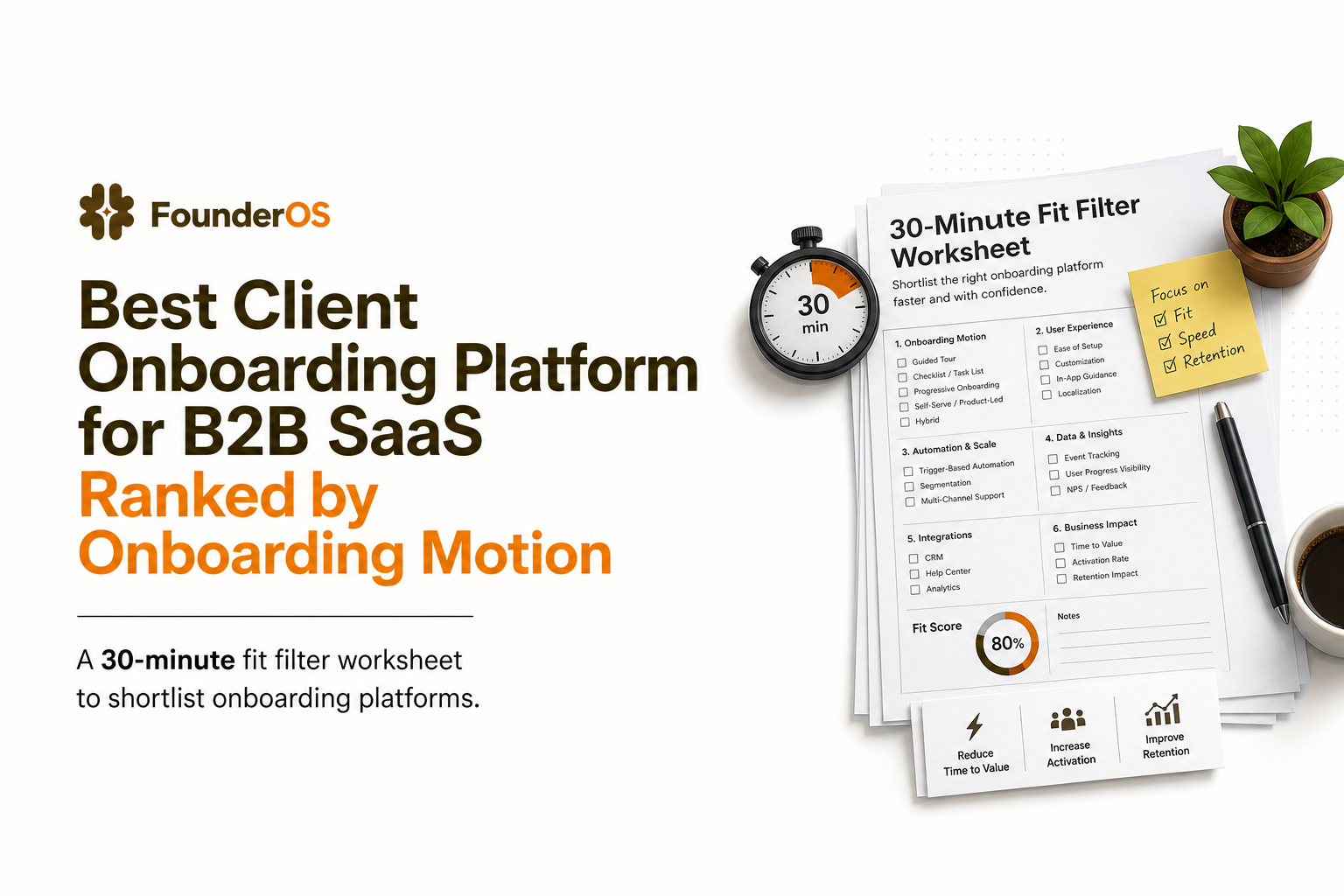
How to choose your shortlist in 30 minutes using a fit filter
This filter is designed to eliminate mismatches quickly. You can run it with any vendor demo or trial. Score each criterion 0 (no), 1 (partial), 2 (yes). A viable client onboarding platform should score at least 12 out of 16 for your primary motion.
Step 1: Define your “first value” moment and the path to reach it
- Write the activation event in one sentence.
- List the 3 to 7 user actions required to reach it.
- Mark which steps are product UI actions vs human tasks.
Step 2: Pick your primary onboarding owner
- Product-led: product growth or PM owns in-app flows.
- Sales-led: implementation or CS owns tasks and milestones.
- Hybrid: shared ownership, requires shared data visibility.
Step 3: Run the 8-point fit filter
- Build speed: can you ship a new flow in under 1 hour without engineering?
- Targeting: can you target by role, plan, and segment?
- Behavior triggers: can you trigger based on events, not only page views?
- Conditional logic: can you express AND/OR rules cleanly?
- Step analytics: do you get step-level drop-off and completion?
- Outcome measurement: can you compare exposed vs control cohorts?
- Feedback capture: can you collect in-app surveys at key points?
- Governance: can you control who publishes flows and where they appear?
Step 4: Decide your “data maturity” requirement upfront
If you are early, you need speed and basic measurement. If you are scaling, you need deeper segmentation and reporting. Use this rule:
- Early stage: prioritize no-code build speed and basic completion plus activation event tracking.
- Scaling stage: prioritize segmentation depth, cohort comparisons, and reliable user profile data.
When Founder OS is the right choice and how to validate fast
Founder OS is a strong fit when you want a client onboarding platform that combines no-code in-app onboarding with product analytics and user segmentation, so you can both ship flows quickly and measure whether they actually move activation.
No-code flows that reduce time-to-value without engineering cycles
If your bottleneck is “we need engineering to change onboarding,” you will feel the impact quickly. Founder OS lets teams build interactive onboarding flows directly on the live product via a Chrome extension, then publish instantly. The measurable output you should demand in a proof is simple: ship one activation flow in a day and reduce drop-off on the key step within a week.
Segmentation and triggers that prevent one-size-fits-all onboarding
Hybrid teams often fail because they cannot target the right guidance to the right user. Founder OS supports targeting by attributes and behavior with conditional logic, so admins see setup guidance while members see usage guidance. This is the difference between “more onboarding” and “relevant onboarding.”
Analytics that connect onboarding to activation outcomes
Founder OS includes tracking and reporting so you can see completion, drop-off points, and how flows affect activation and retention. For evaluation, use a single success metric: increase the activation event completion rate for new users exposed to the flow versus those not exposed.
If you want a structured way to evaluate any option, use a scorecard like this customer onboarding platform evaluation approach, then run a 7-day proof with real users.
| Onboarding motion | What to prioritize | Best-fit platform type | Proof test to run in 7 days |
|---|---|---|---|
| Self-serve PLG | Fast iteration, in-app guidance, step analytics | No-code in-app onboarding tool | Launch one flow, measure activation event lift vs baseline |
| Sales-led | Milestones, tasks, stakeholder visibility | Implementation and onboarding project tool | Template rollout, reduce “status update” calls and delays |
| High-touch CS | Health signals, playbooks, risk detection | CS platform with success plans | Identify at-risk onboarding accounts and trigger playbooks |
| Hybrid | In-app flows plus user context and segmentation | Client onboarding platform with onboarding + analytics | Segmented flows by role, measure drop-off reduction on stall points |
FAQ about choosing a client onboarding platform
If you are narrowing your shortlist and want to validate quickly, run a 7-day proof where you ship one segmented onboarding flow, measure step drop-off, and tie it to an activation event. If your current client onboarding platform cannot do that without engineering delays, consider testing Founder OS to build and publish no-code flows, target by segment, and measure impact in the same place.
Written by Ivy Tran
Founder of FounderOS, sharing practical insights on SaaS growth, product analytics, and user activation.
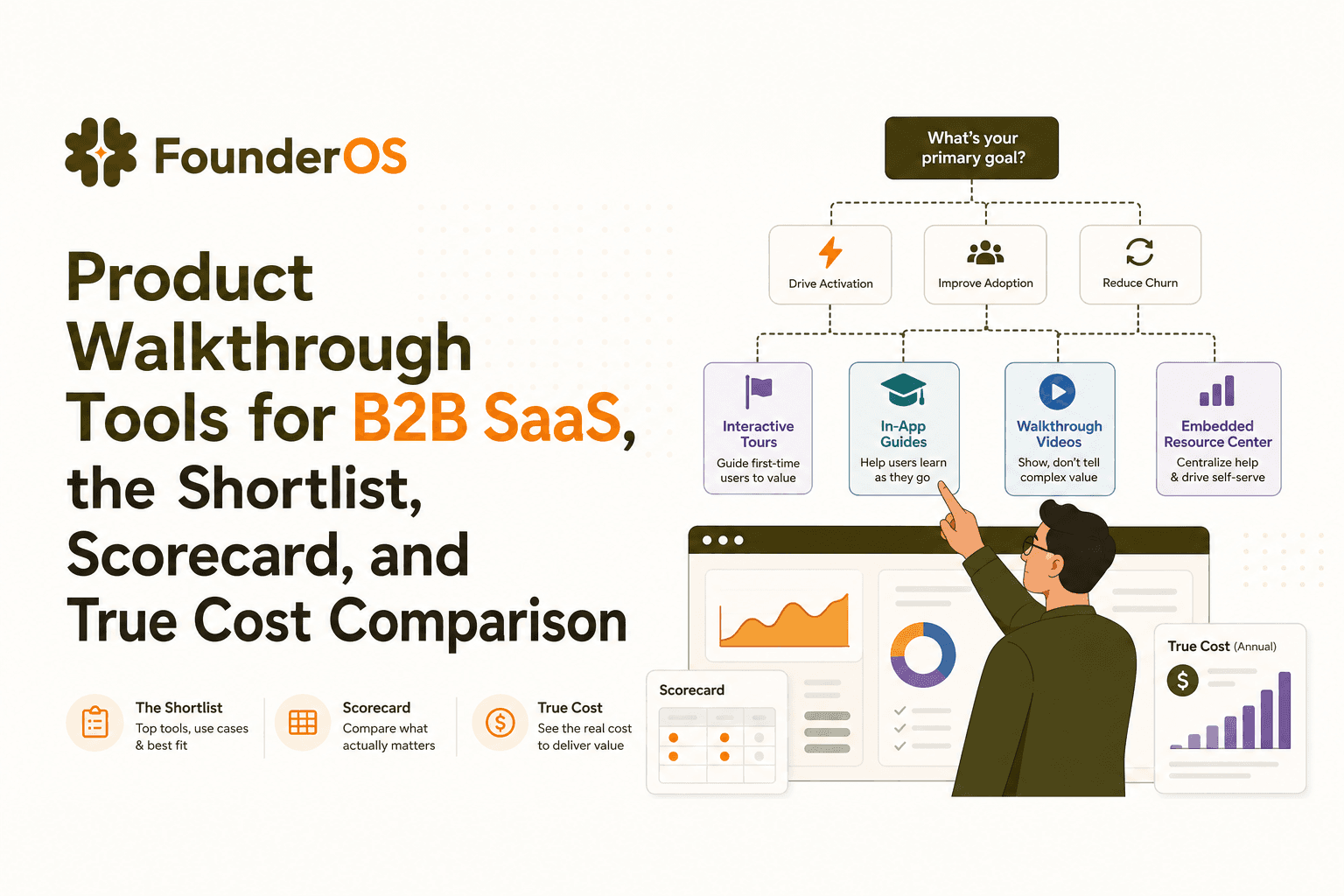
Product Walkthrough Tools for B2B SaaS, the Shortlist, Scorecard, and True Cost Comparison
Compare product walkthrough tools for B2B SaaS with a shortlist, success scorecard, and true cost scenarios for 2k, 10k, and 50k users.

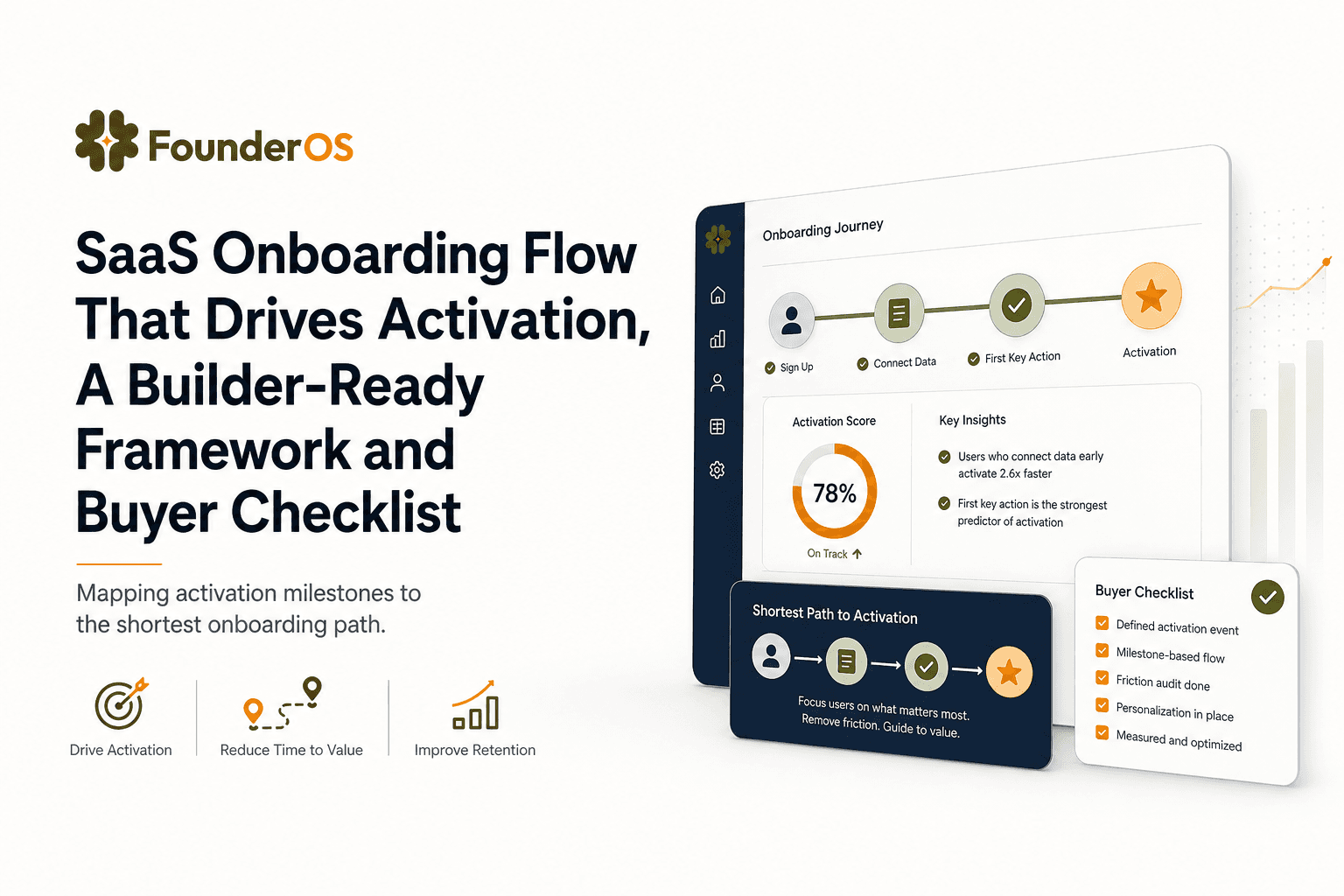
SaaS Onboarding Flow That Drives Activation, A Builder-Ready Framework and Buyer Checklist
Build a saas onboarding flow that drives activation with segments, triggers, tracking, and a buyer checklist for no-code flow builders.

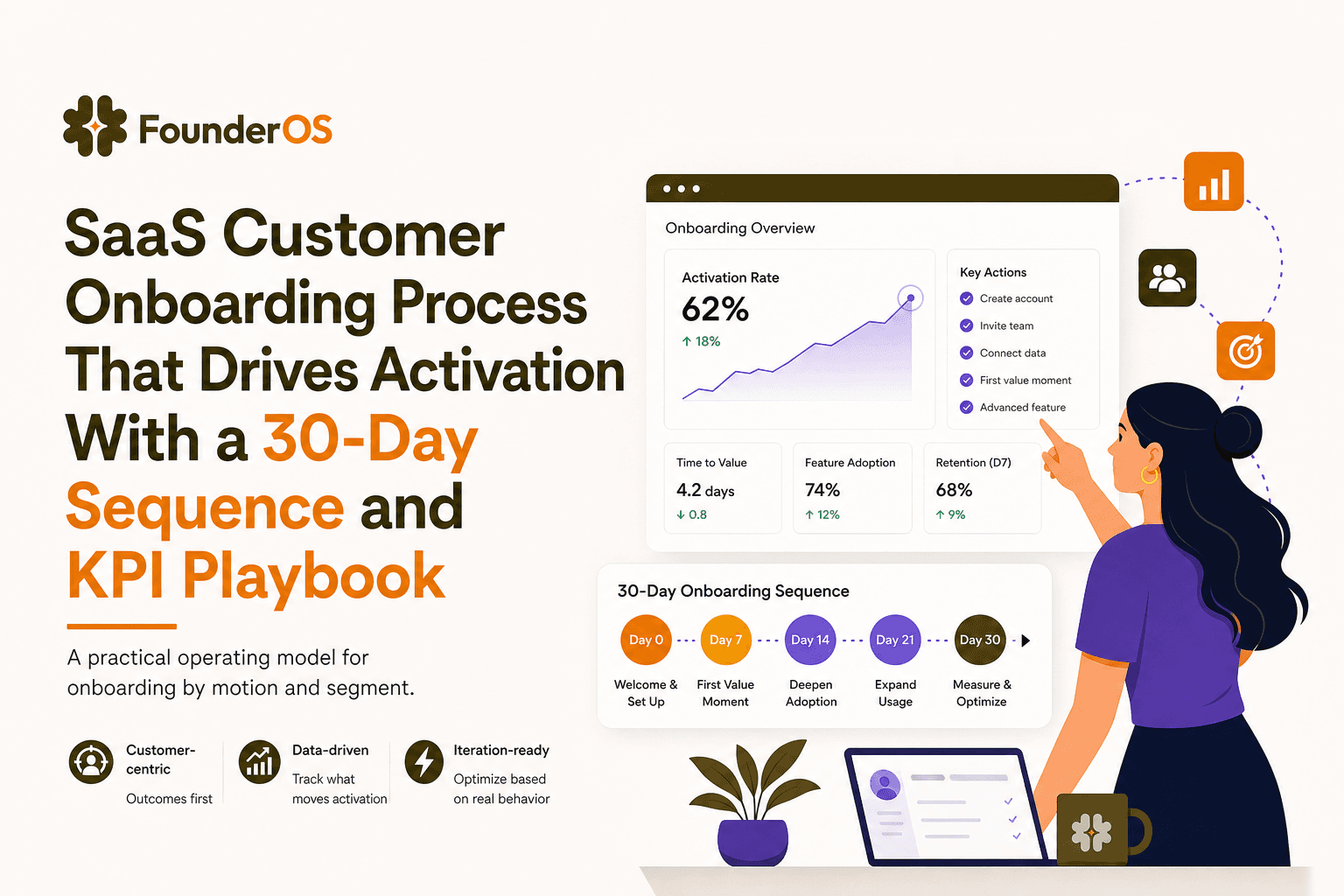
SaaS Customer Onboarding Process That Drives Activation With a 30-Day Sequence and KPI Playbook
Build a saas customer onboarding process with a 30-day sequence, triggers, RACI ownership, and KPI formulas to reach activation faster.
