
Customer Onboarding Process Flow That Reaches Activation Faster
A customer onboarding process flow should not be a set of “welcome screens”. It is a measurable path from signup to first value, with clear decision points, in-app guidance, and instrumentation that tells you exactly where users stall.
- Define activation as a segment-specific outcome with a time-to-value target and leading indicators you can measure.
- Map your customer onboarding process flow end to end, then choose in-app patterns (tours, checklists, tooltips, modals) based on intent and friction.
- Instrument events and run a weekly improvement loop so onboarding stays accurate as your product changes.
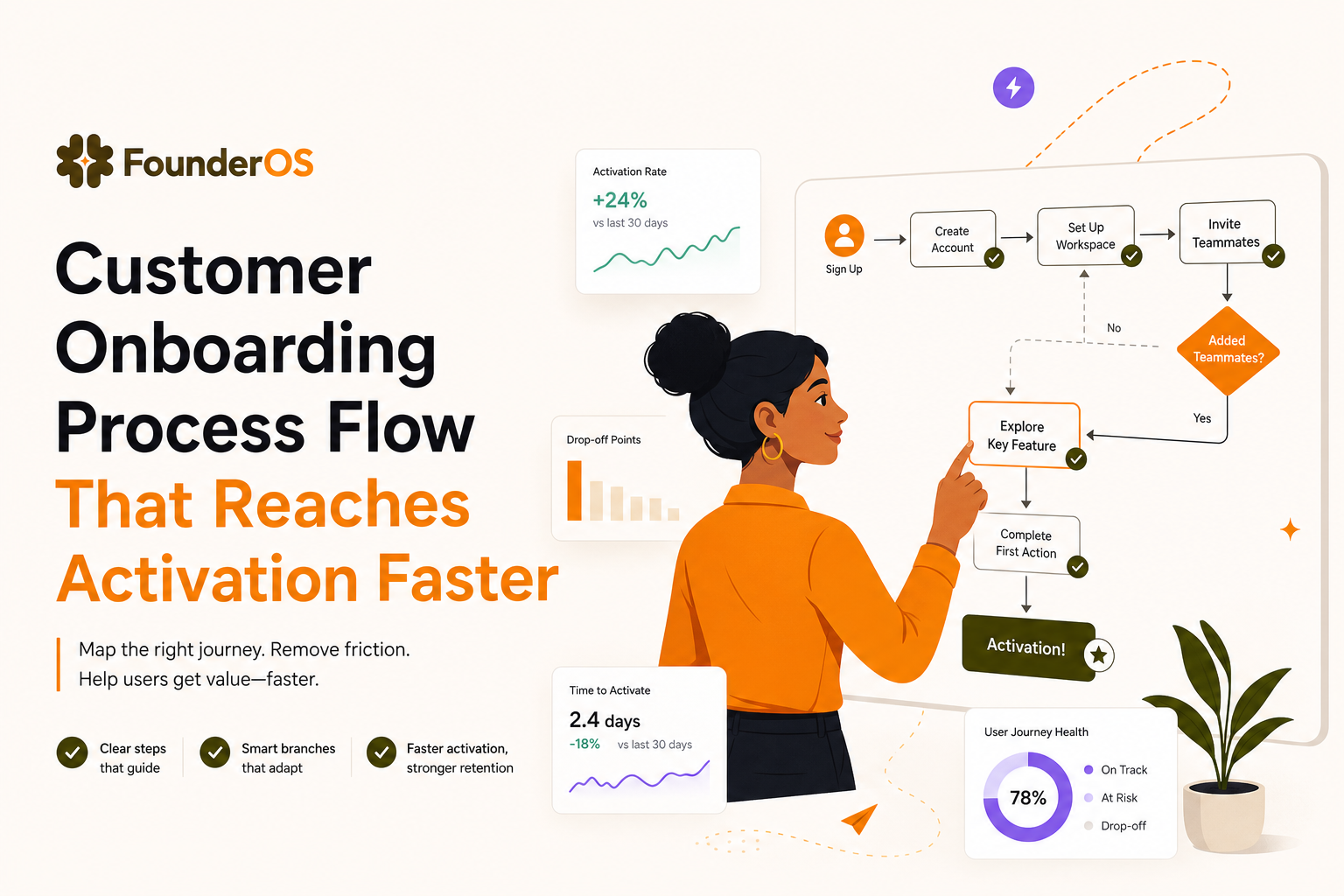
1) Define the outcome of your customer onboarding process flow
The most common onboarding failure is optimizing for completion of a tour instead of activation. Start by defining activation as an outcome users reach, then work backward into measurable leading indicators.
Use an activation spec (template)
Create a one-page “activation spec” for each primary segment (persona or use case). Keep it strict and measurable:
- Segment: e.g., “Ops lead implementing weekly reporting” vs. “Founder validating PMF”.
- Activation event (binary): the moment you can confidently say “they got value”. Example: “Created first workspace + invited 1 teammate + completed first report export”.
- Time-to-value target: e.g., 15 minutes for self-serve, 3 days for sales-led.
- Leading indicators (3 to 5): actions that predict activation within the target window.
- Friction assumptions: what you believe blocks users (to validate later with data).
Pick leading indicators that are diagnostic, not vanity
Good leading indicators are specific and explainable. For example:
- Good: “Connected data source”, “Created first project”, “Invited teammate”, “Configured permissions”.
- Weak: “Visited dashboard”, “Clicked next”, “Spent 3 minutes in app”.
Benchmarks to sanity-check your targets
Benchmarks vary by category, but two practical checks help you avoid unrealistic goals:
- Time-to-first-value: if a user cannot reach a meaningful “aha” in under 10 to 20 minutes for a self-serve product, you likely need a lighter first milestone.
- Activation rate: for many B2B SaaS products, moving activation by 5 to 15 percentage points is a meaningful quarter-over-quarter improvement when measured consistently by cohort.
For definitions and measurement conventions, align your team on event naming and data quality practices similar to analytics guidance from sources like Amplitude’s event tracking guidance.
2) Map the end-to-end flow from signup to activation
Now turn the activation spec into a flow map. The goal is to make your customer onboarding process flow explicit: stages, entry conditions, handoffs, and where users drop.
A 6-stage flow map you can reuse
- Signup and intent capture: user creates account; you capture persona/use case.
- First session orientation: user understands what the product is for and what to do next.
- Setup milestone: user completes the minimum configuration required for value.
- First value moment: user experiences the “aha” (activation-adjacent).
- Activation: user completes the activation event definition.
- Post-activation expansion: user adopts secondary features that correlate with retention.
Define entry conditions, handoffs, and escape hatches
For each stage, write three things:
- Entry condition: how users get here (URL, event, lifecycle state, plan).
- Success event: what moves them to the next stage.
- Escape hatch: what happens if they cannot proceed (skip, “do later”, contact support, book a call).
Example flow map (condensed)
- Signup: user selects “Use case: team reporting” → store attribute
use_case=reporting. - Orientation: show a 3-step checklist; success when checklist step 1 is done.
- Setup: connect data source; if no data source available, offer sample data mode.
- First value: generate first report; success event
report_created. - Activation: schedule report + invite teammate; success event
activation_completed.
Drop-off points to mark on the map
Mark these common drop-offs so you can instrument them later:
- Form friction: abandon on signup or email verification.
- Blank state confusion: user lands on dashboard with no clear next action.
- Setup dependency: user cannot proceed without data, permissions, or teammate.
- Value unclear: user completes steps but does not understand the payoff.
3) Design in-app flow patterns for each stage
With the map in place, choose patterns based on intent and friction. Avoid using one pattern everywhere. A customer onboarding process flow works best when each stage uses the smallest intervention that unblocks progress.
Pattern selection matrix (what to use when)
- Modal: best for one-time announcements or choosing a path (persona/use case). Keep it to 1 decision, 2 to 4 options.
- Checklist: best for multi-step setup. It reduces cognitive load and creates a sense of progress. Use when there are 3 to 7 steps.
- Tooltip: best for “micro-friction” at the moment of action (naming a project, choosing permissions).
- Speech bubble / anchored prompt: best for guiding sequential steps across screens without blocking the UI.
- Survey: best for capturing intent, confidence, or blockers. Use after a meaningful action, not at minute 0.
Concrete stage-by-stage design checklist
- Signup and intent capture:
- Ask 1 question that powers branching (persona or use case).
- Defer everything else to later (company size, integrations) unless required.
- Orientation:
- Use a single “north star” CTA: “Create X”, “Connect Y”, or “Import Z”.
- Add one tooltip that explains what success looks like in plain language.
- Setup milestone:
- Use a checklist with 3 to 5 steps.
- Each step must be clickable and deep-link to the exact screen.
- Provide a sample data option if real setup is hard.
- First value moment:
- Use an anchored prompt that points to the final action button.
- Immediately confirm value: show output, result, or before/after.
- Activation:
- Use nudges to complete the final 1 to 2 actions that correlate with retention (invite teammate, schedule, save template).
- Do not add new concepts here; only completion.
Where “onboarding flows” fit
If you want a deeper framework for structuring multi-step in-app sequences, use this guide on onboarding flows to standardize how you name, trigger, and measure each flow.
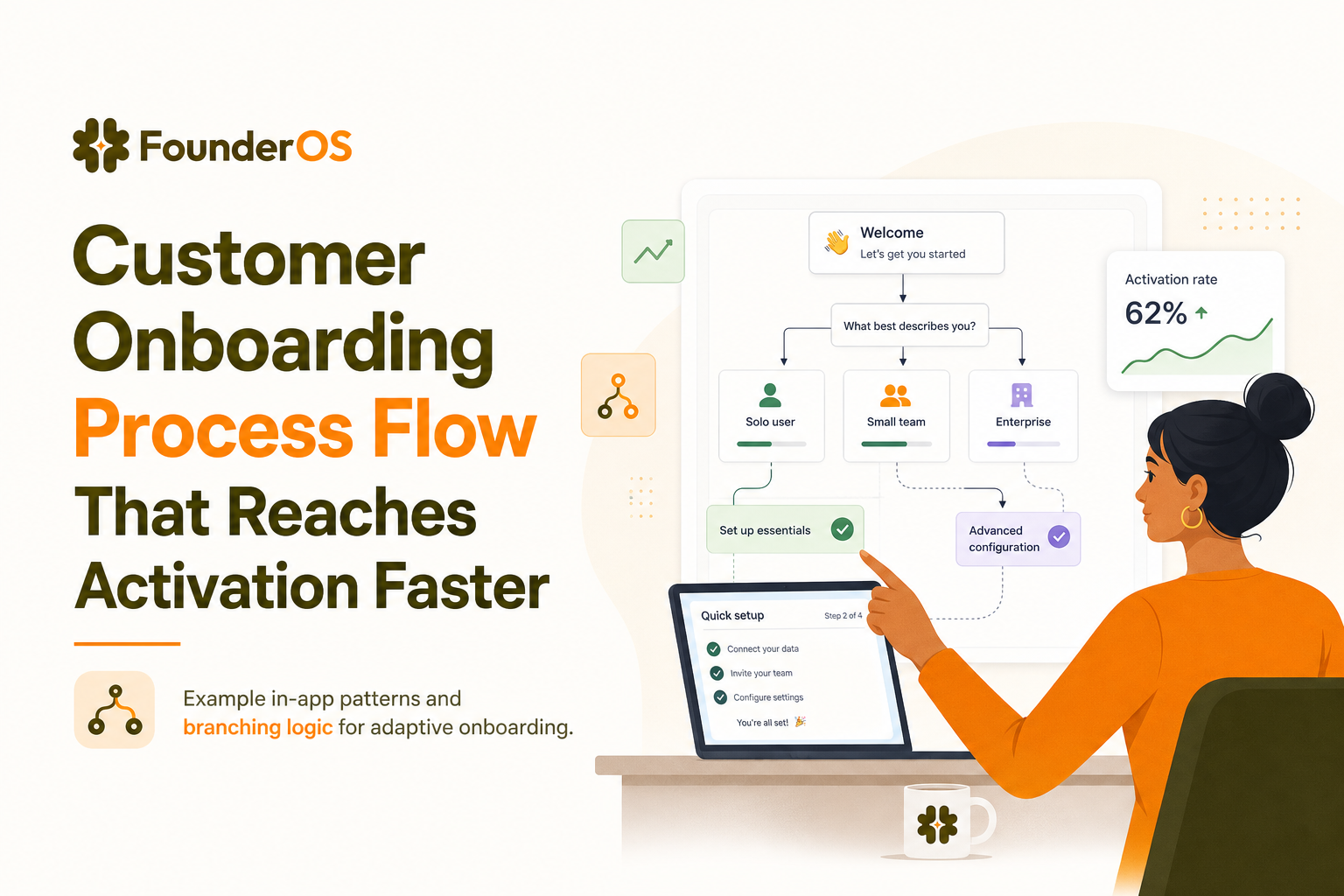
4) Add branching logic with segmentation and context
Branching is what turns a generic walkthrough into an adaptive customer onboarding process flow. The rule: branch only when the next best step is different, not just because you can.
Branching inputs you can reliably use
- Declared intent: persona, use case, role (from a 1-question modal or signup field).
- Plan and account state: trial vs. paid, seats available, permissions.
- Behavior: events completed (connected integration, created project), frequency, last active.
- Context: URL, device type, feature availability.
Branching rules (keep it maintainable)
- Start with 2 to 3 paths max: e.g., “Reporting”, “Automation”, “Collaboration”.
- Use AND/OR logic sparingly: only when it prevents a wrong prompt (example: show “Invite teammate” only if user is admin AND has not invited anyone).
- Always include a default path: if attributes are missing, route to the simplest “first value” flow.
- Expire prompts: if the user ignores a nudge 2 to 3 times, stop showing it and switch to a different help pattern (tooltip, checklist, or help link).
Example branching map (simple and effective)
- If
use_case=reportingthen checklist = Connect data → Create report → Schedule report. - If
use_case=collaborationthen checklist = Create workspace → Invite teammate → Assign role. - If user completes
connect_databut notreport_createdwithin 24h then show an anchored prompt on “Create report” CTA.
Make the checklist adaptive, not static
Static checklists often fail because they assume every user needs the same steps. If you want a behavior-driven approach, borrow the structure from this onboarding checklist framework: steps appear, complete, or reorder based on what the user has already done.
5) Instrument the flow so you can debug it
If you cannot debug onboarding, you cannot improve it. Instrumentation turns your customer onboarding process flow into an observable system: where users enter, where they drop, and what correlates with activation.
Event taxonomy (minimum viable)
Instrument three layers of events:
- Flow exposure:
onboarding_flow_shownwith properties:flow_id,step,variant,segment. - Flow progress:
onboarding_step_completedwith properties:flow_id,step,time_from_flow_start. - Product value events: your core actions like
connect_data,project_created,invite_sent,report_created.
Properties that explain “why” (not just “what”)
- Account properties: plan, seats, industry (if known), role.
- Context properties: page/URL, device, locale.
- Outcome properties: error codes, integration provider, permission level.
Dashboards to build (with exact questions)
- Activation funnel by segment: signup → setup milestone → first value → activation. Question: “Which segment has the biggest drop, and at which step?”
- Time-to-value distribution: median and p75 time from signup to first value. Question: “Is the long tail growing after releases?”
- Step drop-off report: completion rate per onboarding step. Question: “Which step is confusing or blocked by dependencies?”
- Cohort retention vs. activated: retention curves split by activated vs. not. Question: “Does our activation definition predict retention?”
A practical debugging example
Suppose your funnel shows a large drop between “Connect data” and “Create report”. You can debug with two cuts:
- By provider: users connecting Provider A activate at 2x the rate of Provider B. That suggests integration friction or missing templates for Provider B.
- By time: users who do not create a report within 30 minutes rarely activate. That suggests you need an immediate nudge, a template, or a sample report.
Then you ship a small change: an anchored prompt that appears only when connect_data is true AND report_created is false after 10 minutes.
6) Operationalize iteration with a weekly onboarding improvement loop
Onboarding breaks quietly as the product changes. A lightweight cadence keeps your customer onboarding process flow accurate, measurable, and aligned with the current UI.
The weekly loop (60 to 90 minutes)
- Review: check activation funnel, time-to-value p50/p75, and top 3 step drop-offs.
- Pick one hypothesis: “If we reduce friction at step X, activation will increase for segment Y.”
- Design and QA: update copy, targeting rules, and deep links; test in staging and production.
- Roll out: 10% of new users for 2 to 3 days, then expand.
- Decide: keep, iterate, or revert based on pre-defined success metrics.
Governance checklist (prevents chaos)
- Flow inventory: a single list of active flows, owners, and last updated date.
- Naming convention:
[segment]_[stage]_[goal](example:reporting_setup_connect_data). - Change log: what changed, when, and expected impact.
- Sunset rule: any flow not reviewed in 60 days gets audited or removed.
When to use a guided product tour vs. a checklist
Use a checklist for multi-step setup across sessions. Use a guided tour for a short, high-confidence path in one session (3 to 6 steps). If you want a build-and-measure blueprint, see this guided product tour plan.
| Onboarding element | Best for | Common failure mode | Measurement to watch |
|---|---|---|---|
| Modal (path selection) | Capturing intent and routing | Too many questions too early | Dismiss rate, downstream activation by chosen path |
| Checklist | Setup across multiple sessions | Steps not deep-linked, feels like chores | Step completion distribution, time between steps |
| Tooltips | Micro-friction at point of action | Too many tips, becomes noise | Tooltip-to-action conversion rate |
| Anchored prompts | Guiding sequential actions | Triggers fire at wrong time | Prompt completion rate, drop-off step |
| Survey | Understanding blockers and intent | Asked too early, low signal | Response rate, top blocker reasons |
FAQ
If you want to implement this customer onboarding process flow quickly and keep it measurable, Founder OS combines a no-code onboarding builder with product tracking and segmentation so you can ship targeted flows, see where users drop, and improve activation week by week.
Written by Ivy Tran
Founder of FounderOS, sharing practical insights on SaaS growth, product analytics, and user activation.
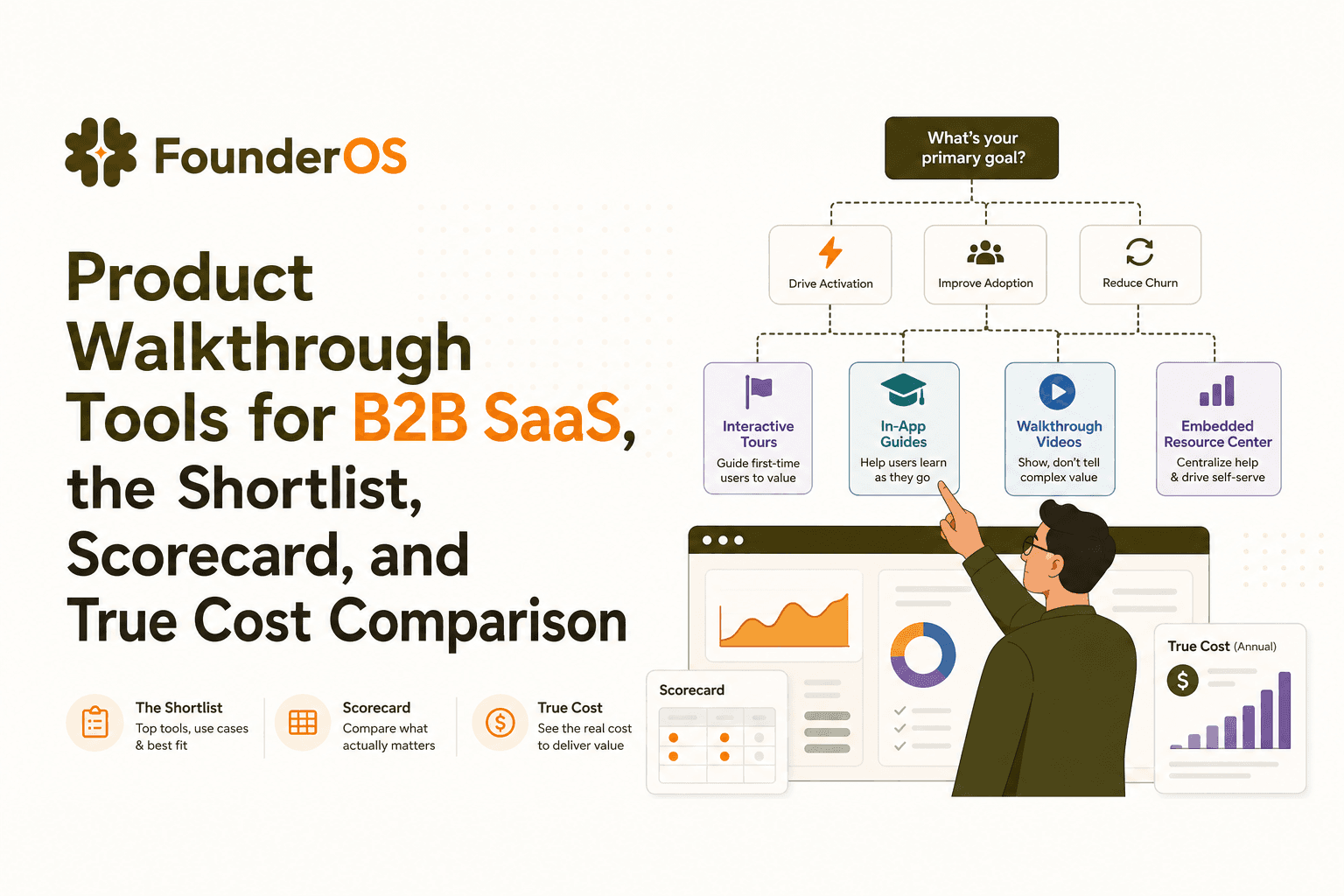
Product Walkthrough Tools for B2B SaaS, the Shortlist, Scorecard, and True Cost Comparison
Compare product walkthrough tools for B2B SaaS with a shortlist, success scorecard, and true cost scenarios for 2k, 10k, and 50k users.

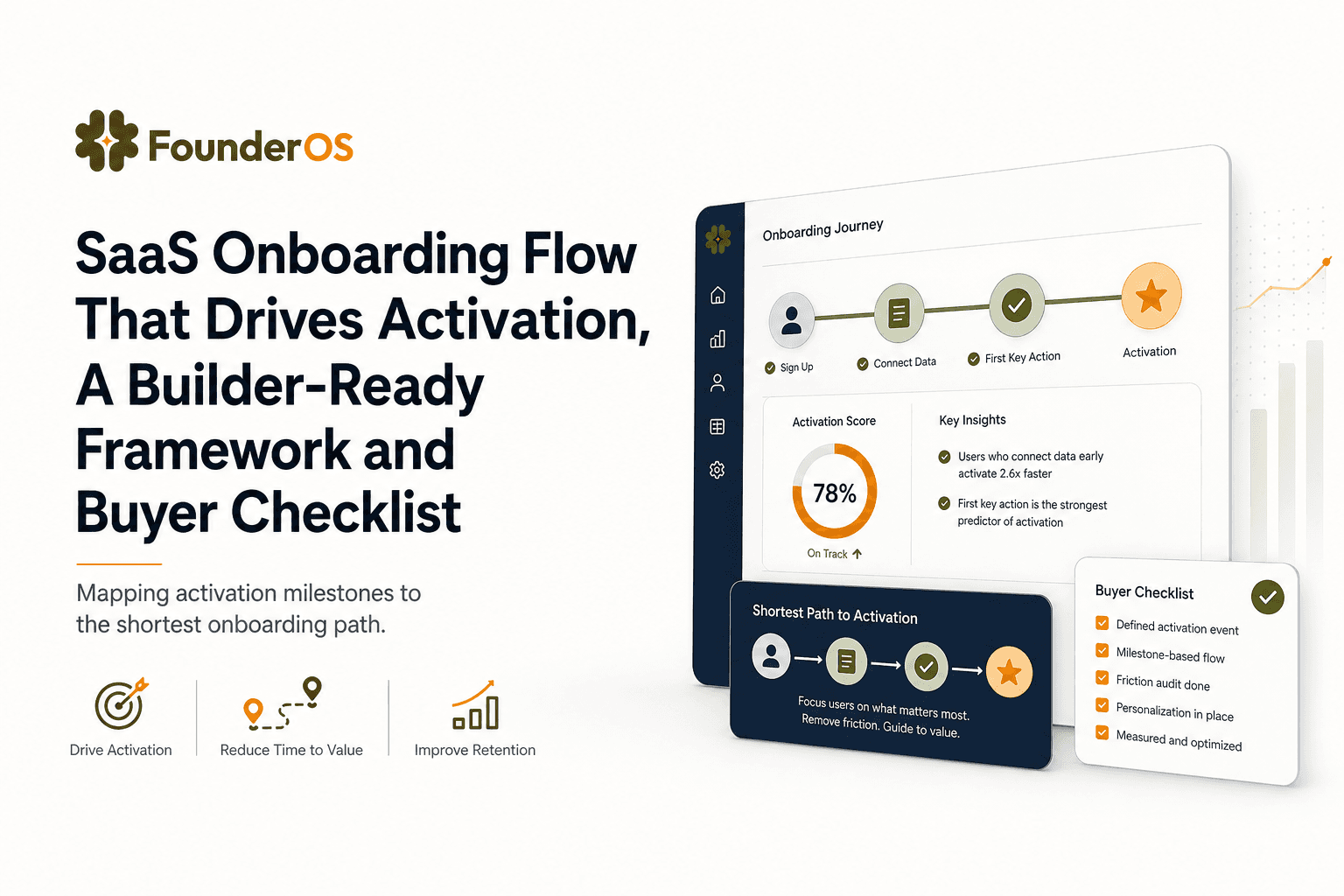
SaaS Onboarding Flow That Drives Activation, A Builder-Ready Framework and Buyer Checklist
Build a saas onboarding flow that drives activation with segments, triggers, tracking, and a buyer checklist for no-code flow builders.

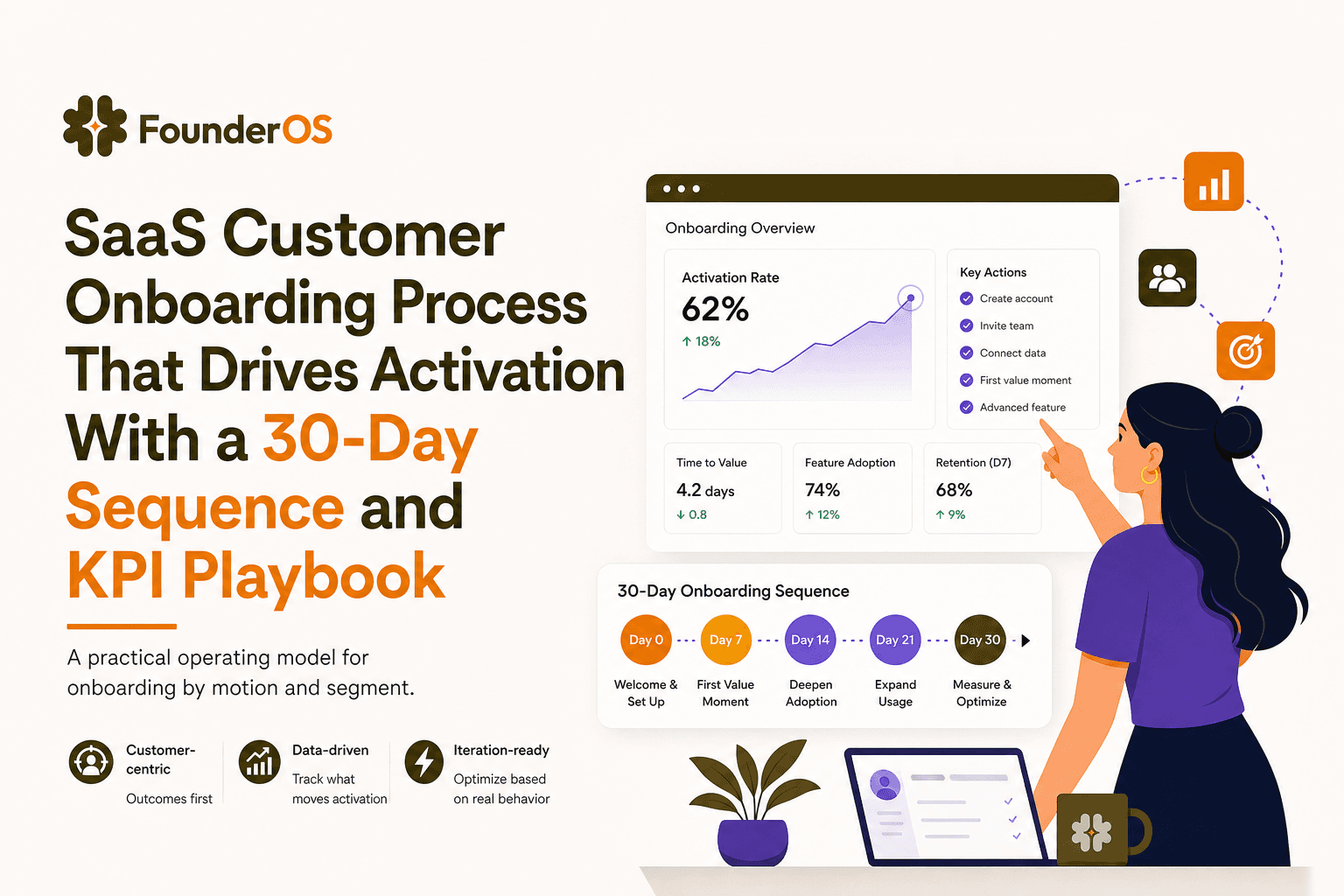
SaaS Customer Onboarding Process That Drives Activation With a 30-Day Sequence and KPI Playbook
Build a saas customer onboarding process with a 30-day sequence, triggers, RACI ownership, and KPI formulas to reach activation faster.
