
User Analytics Tools for B2B SaaS, A Buyer Checklist You Can Use Today
Buying user analytics tools for a B2B SaaS is rarely a “pick a dashboard” decision. The hard part is getting trustworthy event data tied to real people, accounts, and revenue so you can answer questions like “Which behaviors predict activation?” and “Where do paid accounts drop off?” without a data team sprint.
- B2B analytics needs identity + account context: events must resolve to users and accounts (and ideally plans, ARR, and lifecycle stage).
- Use pass-fail criteria: if a tool can’t validate tracking, build funnels fast, segment by behavior, and export cleanly, you will buy “another dashboard.”
- Time-to-value matters: in week 1 you should ship tracking, validate data quality, and produce one funnel and one segment that drive a GTM action.
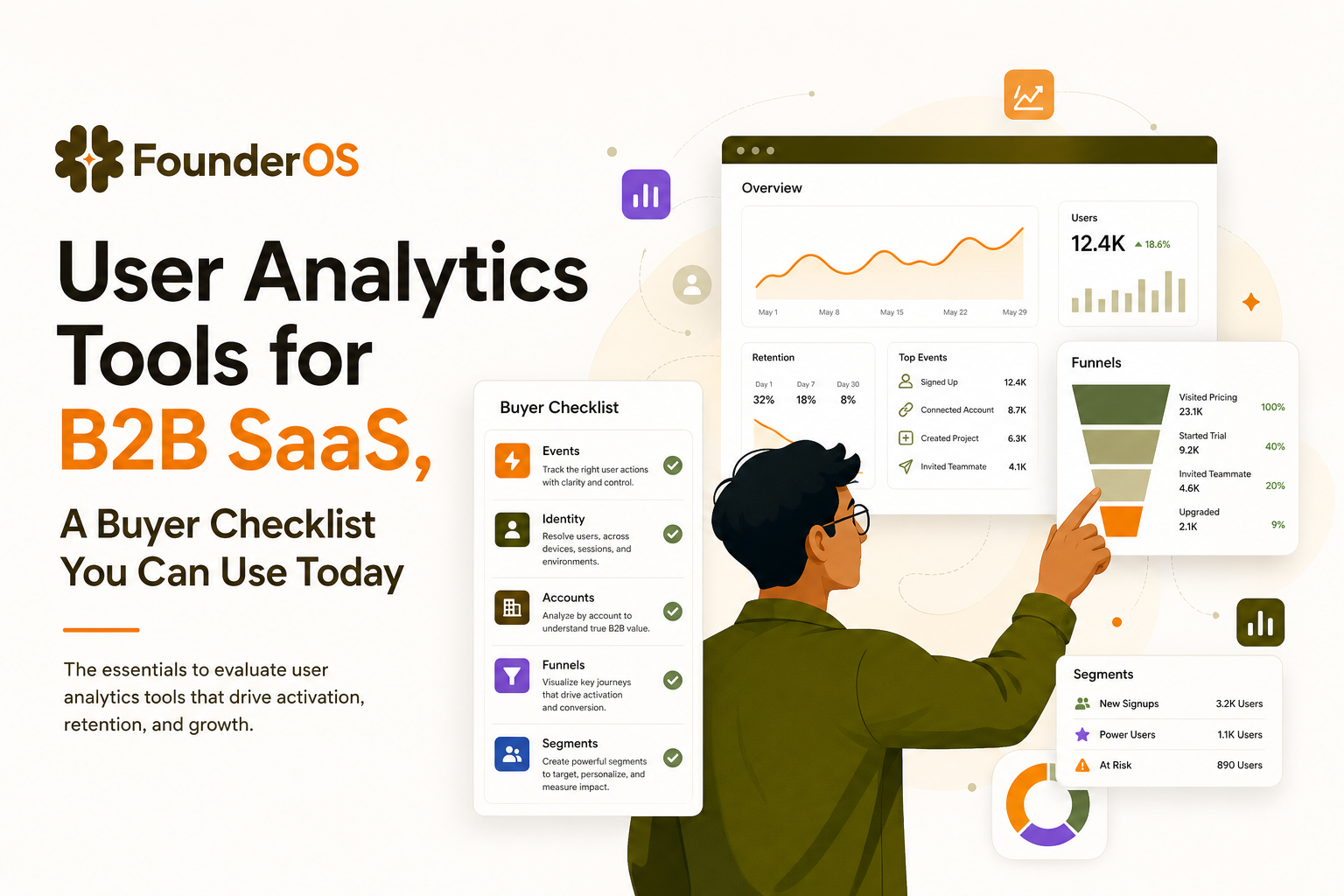
What User Analytics Tools Must Do in B2B SaaS (Not B2C)
B2C analytics can often stop at “anonymous user did X.” B2B SaaS analytics breaks if you cannot reliably connect events to identities, accounts, and commercial outcomes. Below is the minimum capability set I look for when evaluating user analytics tools for product-led or sales-assisted growth.
Table-stakes capability 1: Event tracking you can trust
Pass criteria: you can define a small set of canonical events (10 to 30) and verify they fire consistently across environments.
- Auto-capture vs. intentional events: auto-captured clicks/page views help you explore, but you still need intentional events (e.g.,
workspace_created,invited_teammate,connected_integration) for funnels and lifecycle reporting. - Event properties: every key event should include properties you will segment on later (plan, role, integration type, seat count band, etc.).
- Debuggability: you need a live event stream (or equivalent) to confirm “this event fired with these properties for this user” in seconds, not days.
Table-stakes capability 2: Identity resolution that matches B2B reality
Pass criteria: the tool supports identity stitching from anonymous to known users, and it can represent multiple users under one account.
- Anonymous to known: a visitor signs up, then logs in across devices. Your tool must merge those identities or funnels will lie.
- Multiple emails, one buyer: B2B users often have aliases and multiple work emails. You need deterministic merge rules (not just “best guess”).
- Account mapping: events should roll up to an account or workspace entity so you can measure “activated accounts,” not only “activated users.”
Table-stakes capability 3: Funnels and drop-off analysis that lead to action
Pass criteria: you can build a funnel from any event sequence, compare cohorts, and drill into the users or sessions behind a drop-off.
- Flexible steps: B2B activation is rarely linear. You should be able to model alternative paths (e.g., invite teammate or connect integration).
- Time windows: require “Step 2 within 7 days of Step 1” to avoid counting late conversions as healthy onboarding.
- From aggregate to individual: the tool must let you inspect who dropped and what they did next.
Table-stakes capability 4: Behavioral segmentation that stays current
Pass criteria: segments update automatically based on event sequences and recency, not just static traits.
- Behavioral rules: “Used Feature X 3+ times in last 14 days” beats “Industry = SaaS.”
- Lifecycle segments: new, activated, expanding, at-risk, churned (based on product signals) should be straightforward to define.
- Account-level segments: “Accounts with 3+ active seats but no integration connected” is a classic B2B expansion segment.
Table-stakes capability 5: Revenue context and GTM outcomes
Pass criteria: you can attach plan/ARR and pipeline stages to users/accounts and report product behavior by those outcomes.
- Plan and billing attributes: at minimum, sync plan tier, MRR/ARR, trial status, renewal date.
- Sales-assisted context: if you have sales, you need to filter product usage by opportunity stage or account owner.
- Exportability: even if you start in one tool, you should be able to export clean event data to a warehouse later.
The Evaluation Checklist That Prevents Buying Another Dashboard
This is the 30-minute checklist I use to evaluate user analytics tools with a founder or product lead. It is intentionally pass-fail. If a tool fails two or more sections, it usually becomes shelfware or turns into a “re-implement later” project.
Step 1: Tracking and data quality checklist (10 minutes)
- Can we see events live? Pass if there is a real-time stream to debug events and properties.
- Can we define custom events without a schema committee? Pass if a PM can request a new event and engineering can add it in one line (or similarly light lift).
- Does it support environments? Pass if you can separate dev/staging/prod or filter reliably to avoid polluted funnels.
- Does it handle duplicates and retries? Pass if there is guidance or built-in support for idempotency or de-duplication.
Step 2: Identity and account model checklist (7 minutes)
- Anonymous to known merge: Pass if you can deterministically merge identities after login/signup.
- User to account mapping: Pass if an account/workspace entity exists and events can roll up to it.
- Multiple workspaces per user: Pass if you can represent consultants or agencies correctly.
Step 3: Funnel analysis and diagnostics checklist (7 minutes)
- Build funnels from events, not only page views: Pass if any tracked event can be a step.
- Compare cohorts side-by-side: Pass if you can compare funnels by channel, plan, persona, or signup week.
- Drill-down to sessions/users: Pass if you can click into the users behind a drop-off and see their sequence.
When we tested funnel definitions across two products, the biggest accuracy swing came from enforcing a time window (for example, “activation within 7 days”). Without that, tools made activation look healthier by counting late conversions that were actually sales follow-ups.
Step 4: Segmentation and reporting checklist (6 minutes)
- Behavioral segments: Pass if segments can be built from event sequences and recency (not only profile traits).
- Account-level segments: Pass if you can segment by account behavior (not just users).
- Reporting that answers GTM questions: Pass if you can break down activation and retention by channel, plan, and account size without exporting to spreadsheets.
Step 5: Ownership and portability checklist (optional, but decisive)
- Data access: Pass if you can export raw events and profiles in a usable format.
- Governance: Pass if you can manage PII, retention windows, and access controls cleanly.
- Implementation risk: Pass if the vendor can explain how identity stitching works and what happens when it fails.
If you want deeper frameworks for specific components, these guides pair well with the checklist: event analytics, funnel analysis, and user segmentation.
Implementation Reality Check, Time-to-Value, Data Quality, and Ownership
Most teams don’t fail at choosing user analytics tools; they fail at implementation. The fastest way to de-risk is to define a week-one acceptance test with specific outputs and sanity checks.
Week-one acceptance test (what “done” looks like)
- One activation funnel: signup → key setup step → first value moment, with a 7-day conversion window.
- One behavioral segment: “Activated in last 14 days but inactive for 7 days” (an at-risk cohort).
- One GTM report: activation rate by acquisition channel and by plan tier (even if plan is just “trial vs paid”).
Common data quality traps (and how to catch them)
- Double-counted events: retries, client-side replays, and SPA route changes can inflate engagement. Catch it by comparing unique users vs total events for a single action.
- Broken identity stitching: if anonymous IDs do not merge after login, your funnels will show artificial drop-offs. Catch it by testing the same flow on two devices and verifying one unified profile.
- Environment pollution: staging traffic in production breaks baselines. Catch it by filtering internal IPs and tagging environments.
- Property drift: “plan=pro” becomes “Pro” becomes “professional.” Catch it by enforcing enums for critical properties and auditing weekly at first.
Who owns what (so it does not stall)
- Product: defines the canonical events and the activation funnel definition.
- Engineering: implements events, identity merge rules, and validates in production.
- Growth or CS: defines the first two segments that trigger outreach or onboarding changes.
What surprised our team was how often “activation” disagreements were really identity problems, not product problems. Once we enforced one account model and one merge rule, funnel drop-offs typically shifted by 5 to 15 percentage points in either direction, enough to change what we prioritized.
For privacy and governance baselines, align your tracking with recognized guidance like the NIST Privacy Framework and document which events contain PII (and which should not).
Founder OS as a User Analytics Tool, What You Get and How Fast You Can Ship
Once you have the checklist, the differentiator is usually time-to-value: how quickly you can go from install to a trustworthy funnel and a segment you can act on. Founder OS is built around that “first week acceptance test” workflow: install, see events immediately, build funnels without SQL, and create behavioral segments that update in real time.
A practical rollout plan you can copy
- Day 1: Install the snippet and confirm auto-captured page views/clicks plus a live event stream so you can debug in production.
- Day 2: Add 8 to 12 intentional product events (the ones that define setup and first value). Keep properties tight: plan, role, workspace_id, and acquisition source.
- Day 3: Build your activation funnel and compare by channel and persona. Use drill-down to inspect the users behind the biggest drop-off step.
- Day 4: Create two behavioral segments: “new signups who did not reach step 2 within 24 hours” and “activated but inactive for 7 days.”
- Day 5: Publish a GTM-facing report (activation by channel, feature adoption trend) and decide one onboarding change to ship next week.
How it maps to the checklist (without buying extra parts)
Founder OS covers the core requirements buyers typically validate in user analytics tools: event tracking from install, user profiles that tie events to a person, segmentation based on what users actually did, and funnel visualization to pinpoint drop-offs. It also connects those insights to go-to-market execution by letting teams route segments into onboarding experiences, so the analytics output becomes an action, not a slide.
If you are still comparing categories, this overview of product analytics tools can help you sanity-check whether you need a lightweight implementation-first approach or a heavier data stack.
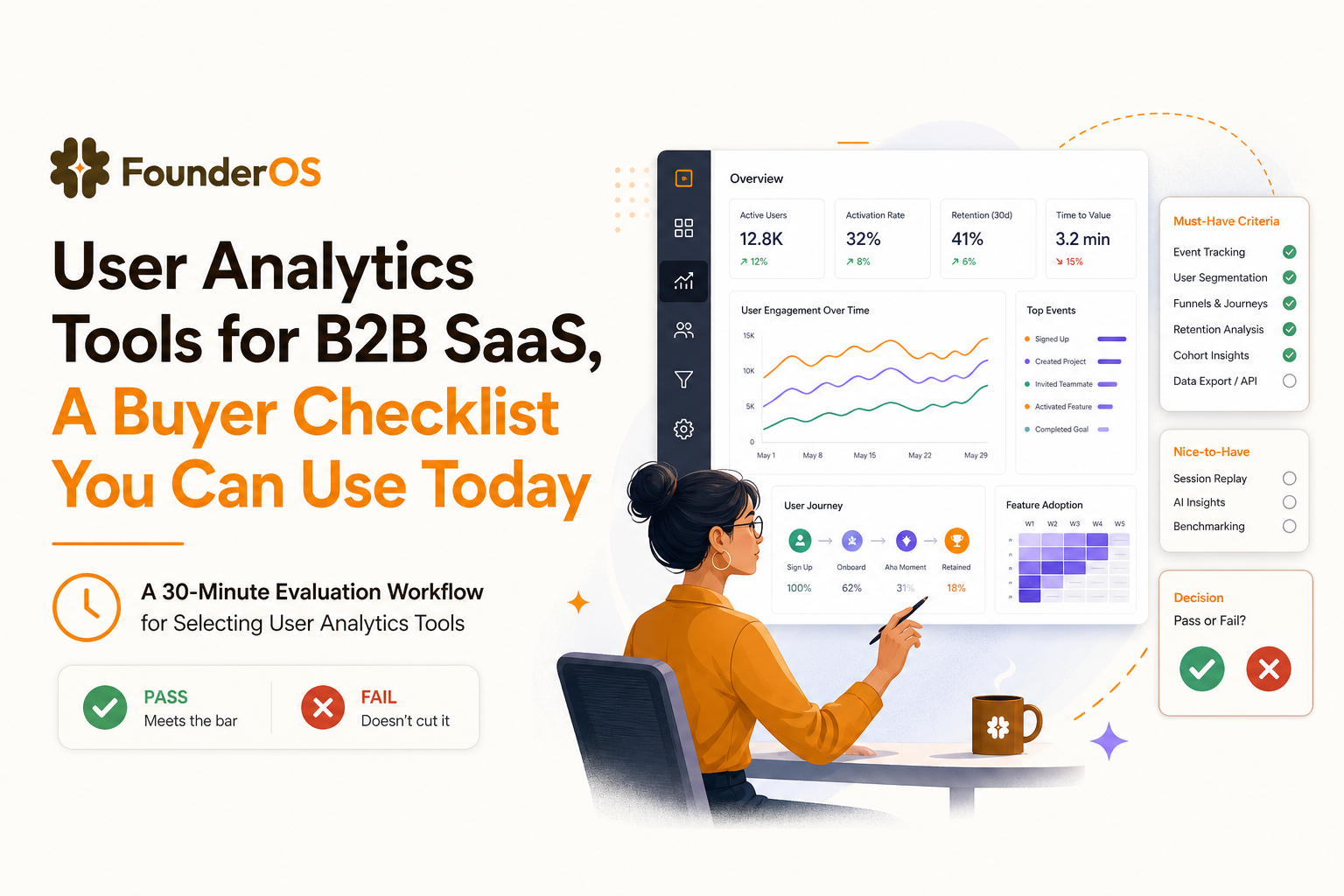
| Decision area | Pass-fail question | What to ask for in a demo |
|---|---|---|
| Tracking | Can we validate events and properties in real time? | Show a live event stream and how you debug a missing property. |
| Identity + accounts | Can we merge anonymous to known and roll up to an account? | Walk through signup on two devices and confirm one unified profile and one account. |
| Funnels | Can we build an activation funnel in under 5 minutes? | Build signup → setup → first value with a 7-day window and cohort comparison. |
| Segmentation | Can we define “at-risk” behavior using recency and sequences? | Create a segment: activated in 14 days, inactive 7 days, no key feature used. |
| Ownership | Can we export raw events and control PII access? | Show export options, retention settings, and access controls. |
FAQ
If you want to apply this checklist immediately, Founder OS is designed to get you from install to actionable funnels and segments fast, so your user analytics tools investment produces week-one answers instead of another reporting backlog. Start free or book a demo to validate your activation funnel and first behavioral segments in your own product.
Written by Ivy Tran
Founder of FounderOS, sharing practical insights on SaaS growth, product analytics, and user activation.
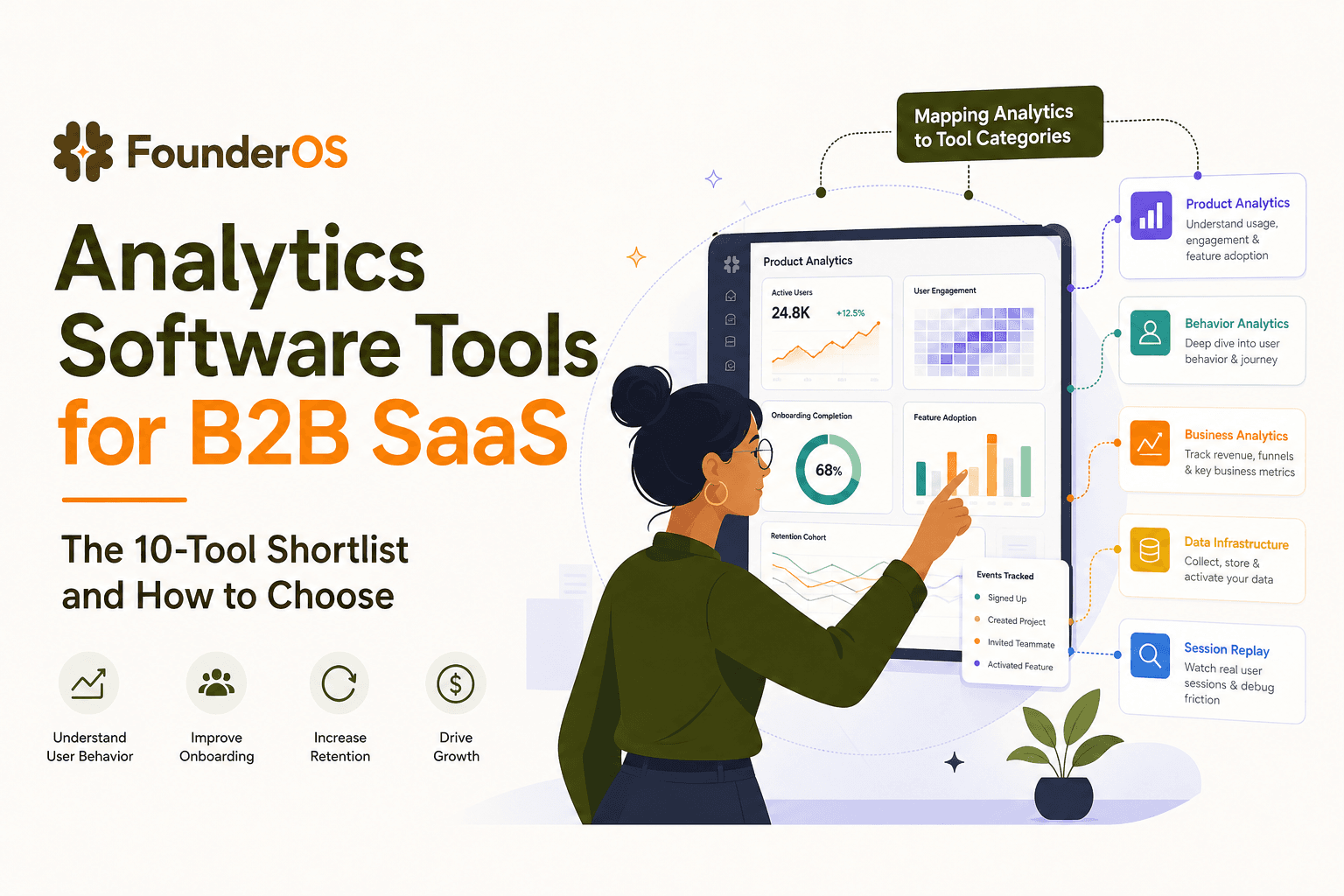
Analytics Software Tools for B2B SaaS - The 10-Tool Shortlist and How to Choose
A BOFU-ready shortlist of analytics software tools for B2B SaaS: 10 picks across categories plus a buyer rubric and rollout plan.

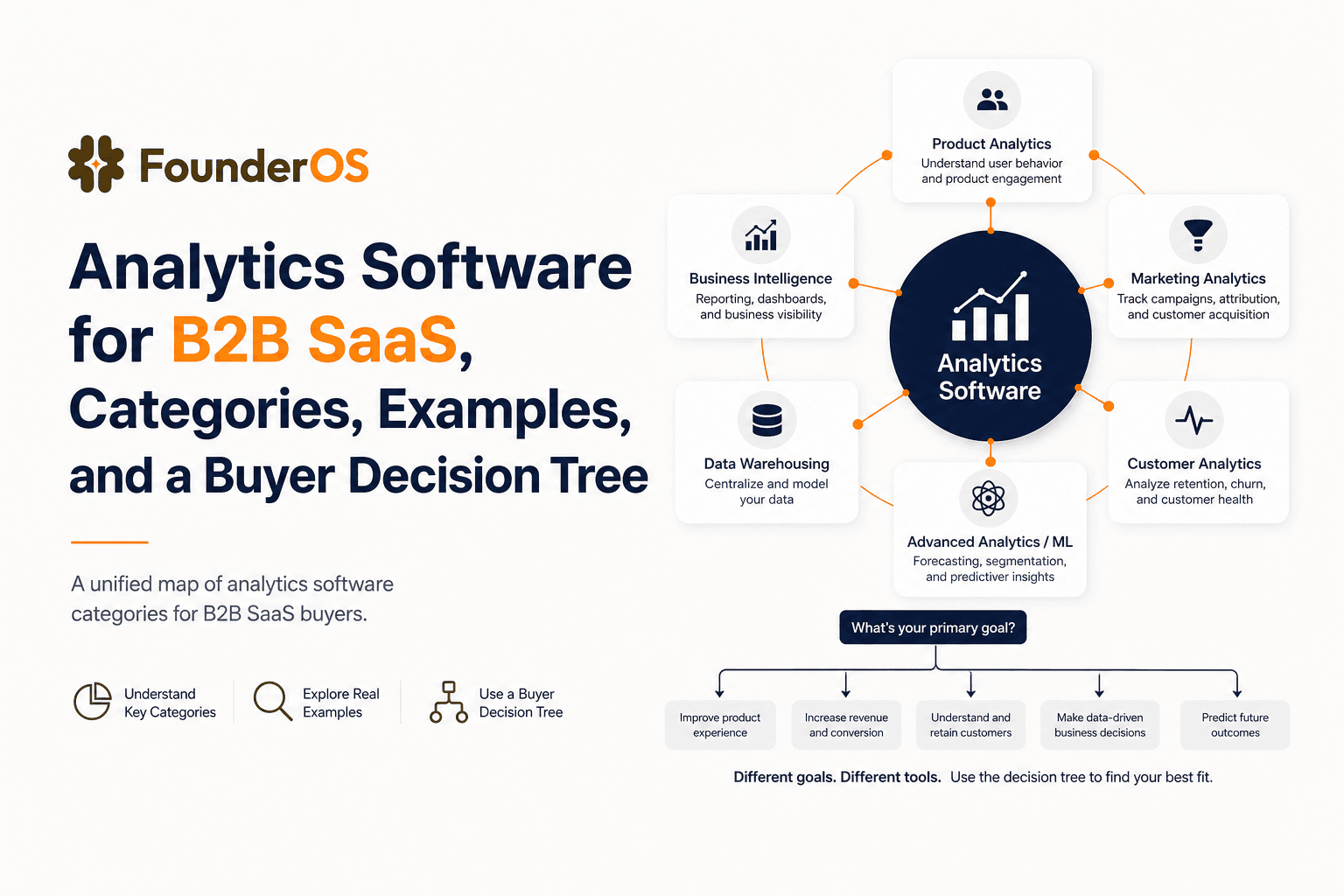
Analytics Software for B2B SaaS, Categories, Examples, and a Buyer Decision Tree
Choose analytics software for B2B SaaS with a clear category map, 10-minute decision tree, real workflows, and a practical buyer checklist.
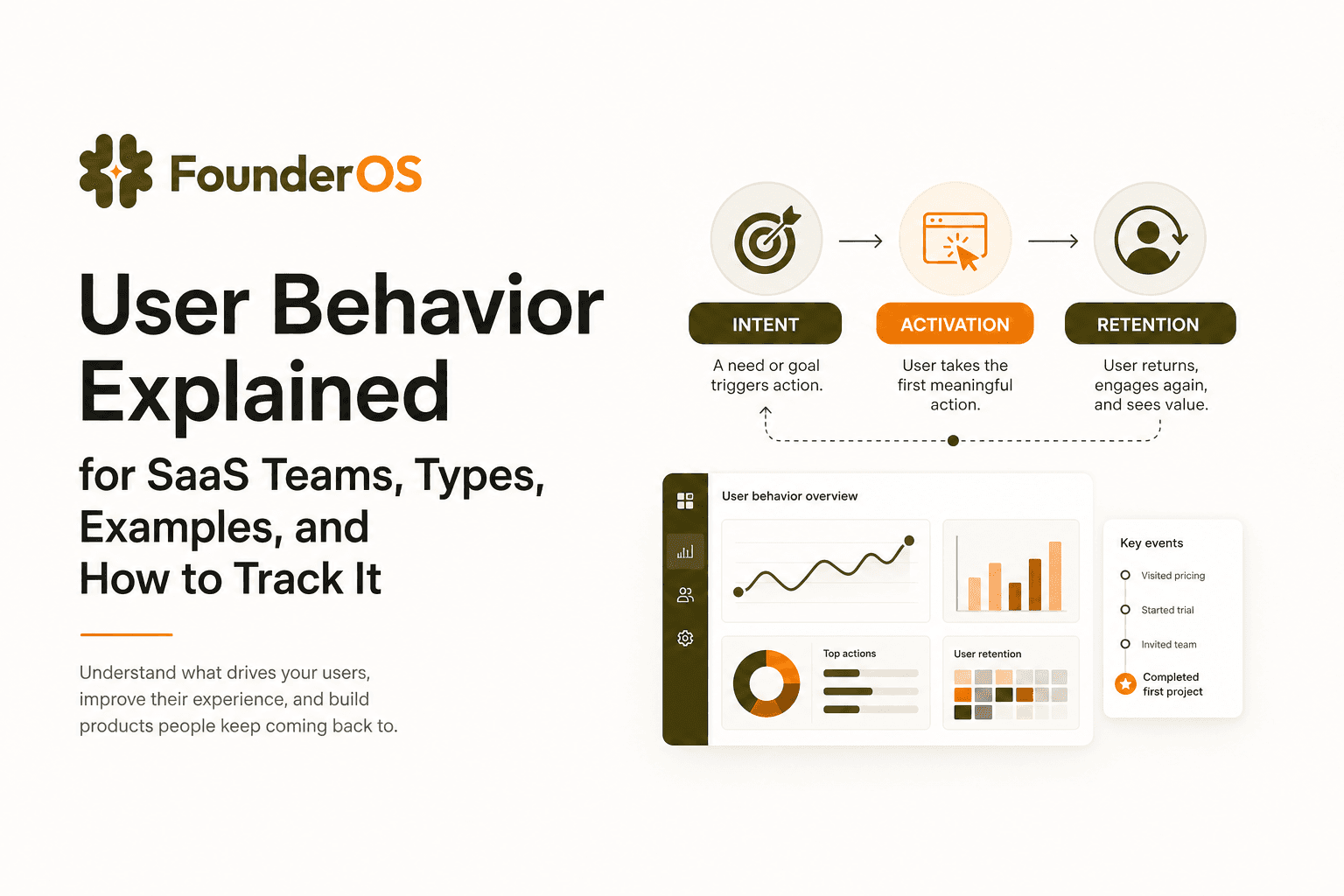
User Behavior Explained for SaaS Teams, Types, Examples, and How to Track It
Learn what user behavior means in SaaS, the key types, and a practical event tracking playbook to turn user behavior into product decisions.