
Userflow Pricing in 2026, Verified Plans, Real Cost Examples, and What Reviewers Say
Userflow pricing is best understood as a moving set of plan tiers plus usage based costs, so the only reliable way to buy is to verify the current plan page date and then model your own monthly total from MAUs, AI credits, and any extra workspaces or environments.
- Use a three-input cost model (MAUs, AI credits, environments) to estimate your real monthly total before committing to annual billing.
- Most pricing confusion comes from annual vs monthly quotes, plan renames, and feature gating differences (surveys, SSO, CRM integrations).
- If you want predictable costs or you need analytics plus onboarding together, compare against a consolidated platform so you do not pay twice for tracking and activation.
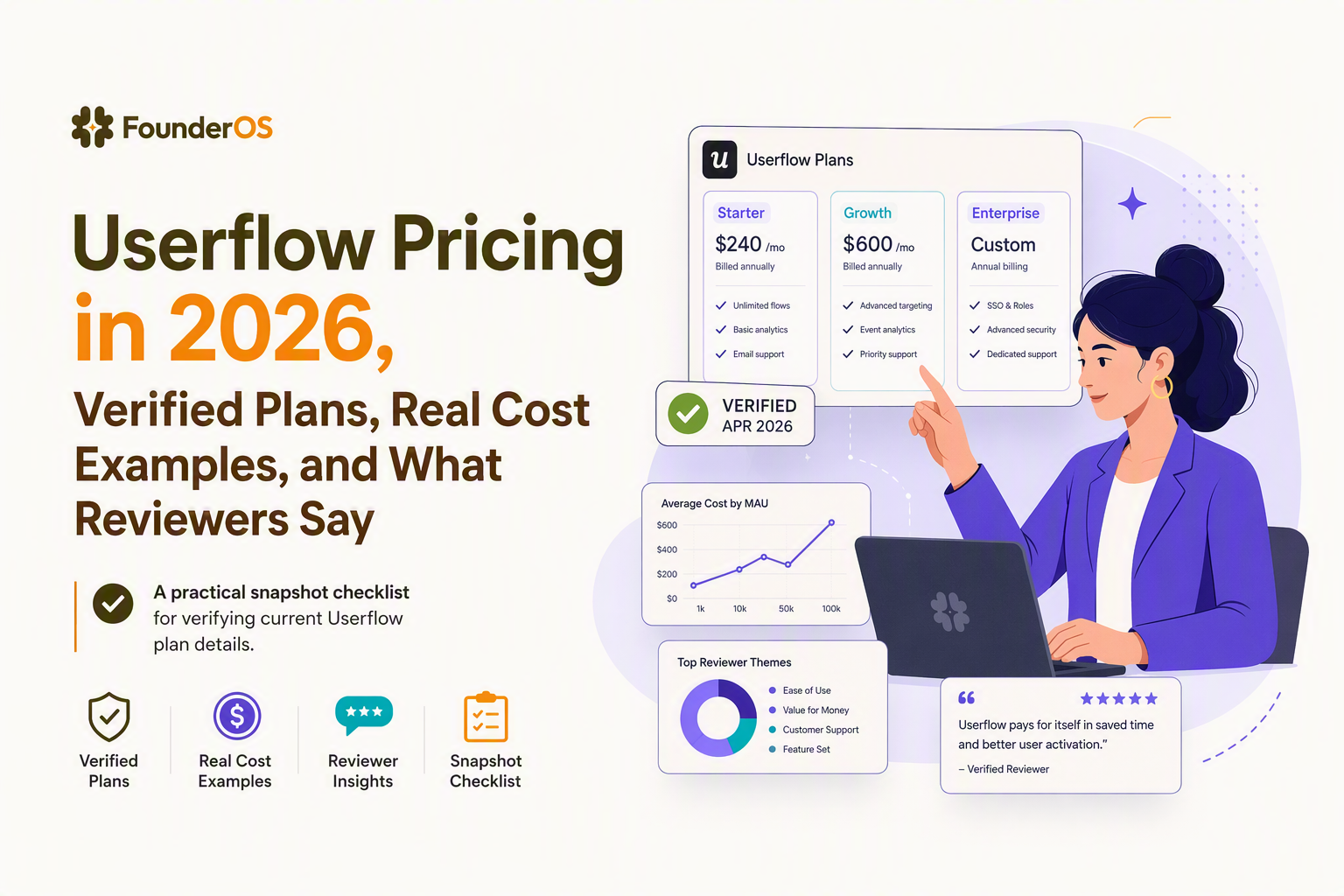
Userflow Pricing Plans and What You Actually Get in Each Tier
Userflow pricing tiers typically separate “getting started” onboarding from “scale” needs like advanced targeting, enterprise security, and higher usage allowances, so the practical way to choose a tier is to map your must-have workflows to the first plan that unlocks them.
Step 1: Start from your onboarding workflow, not the plan names
- Activation guidance: checklists, hotspots, modals, and guided flows usually fit lower tiers, but limits often apply to the number of flows, audiences, or seats.
- Personalization: rule-based targeting can be entry level, while deeper segmentation and localization controls more often push you into higher tiers.
- Security and governance: SSO, audit controls, and enterprise permissions are common upgrade triggers.
Step 2: Identify the first “hard gate” that forces an upgrade
The fastest way to avoid overbuying is to list your non-negotiables and find the first plan that includes them without add-ons. In our experience working with B2B SaaS teams shipping weekly, the first hard gate is rarely “more tours”; it is usually SSO, CRM integration, or needing separate environments for staging vs production.
Step 3: Ask three questions that predict your real bill
- What is the billing metric? MAUs, tracked users, seats, or a hybrid.
- What counts as a billable user? signed-in users only vs anonymous visitors as well.
- What creates duplicate cost? multiple products, multiple workspaces, or multiple environments.
Pricing as of August 2026, Verified Numbers and Why Other Articles Disagree
Pricing as of August 2026 should be treated as “verified only if you can point to the live pricing page or a sales quote timestamp,” because many search results mix old plan names, annualized prices, and feature bundles that no longer match.
How to verify Userflow pricing without relying on recycled SERP numbers
- Use a primary source first: verify directly on the vendor site and record the date you checked. Start with Userflow’s pricing page.
- Separate “monthly equivalent” from “paid monthly”: many articles quote a discounted annual price and present it as monthly.
- Confirm what is included: AI features, surveys, and integrations may be included, capped, or add-on only depending on the tier.
Why two articles can show different prices and both be “true”
Conflicts usually come from one of these mechanics:
- Annual vs monthly billing: an “$X/month” line item may require annual payment to achieve that rate.
- Plan renames or packaging shifts: older posts can reference legacy tiers that map imperfectly to current ones.
- Different usage bands: some pages default to a low MAU band in the selector, while quotes may be for a higher band.
What to capture in a timestamped pricing snapshot
Before you decide, capture these fields in a one-page note so finance and procurement can sanity-check later:
- Date checked and URL
- Billing period assumed (monthly vs annual)
- MAU band and definition of MAU
- AI credits or AI usage limits, if applicable
- Included workspaces, products, and environments
- Minimum term and cancellation policy (if shown)
A Simple Userflow Cost Model, Calculate Total Monthly Cost in 5 Minutes
A reliable userflow pricing estimate comes from a three-part formula that separates your base tier from usage add-ons and environment sprawl, so you can forecast a range instead of guessing from a headline number.
The 3-part cost formula
Use this template and fill in the values from your verified snapshot:
- Base monthly cost = plan price for your MAU band (monthly paid or monthly equivalent for annual).
- Usage add-ons = AI credits overage + any per-seat overage + any extra MAU pack (if your tier uses bands).
- Scope multipliers = additional workspaces/products/environments not included.
Total monthly estimate = Base + Usage add-ons + Scope multipliers
Scenario worksheet you can copy into a spreadsheet
Because exact tier prices can change, the most useful “real cost examples” are scenario structures you can plug current numbers into. Below are six common scenarios and the cells you need:
- Early product-led growth: MAUs in the first band, minimal AI usage, 1 production environment.
- Sales-assisted onboarding: same MAUs, plus CRM integration requirement and more seats for CS.
- Two products: one company, two apps or two distinct onboarding experiences that need separation.
- Staging + production: at least two environments to prevent breaking tours during releases.
- Localization: multiple languages and per-locale QA, often tied to higher tiers.
- Enterprise security: SSO and stronger admin controls, usually a higher-tier minimum.
Fast sanity-check ranges (without inventing prices)
If you cannot get a clean number from the pricing page due to a “contact sales” tier, estimate in ranges: low (current MAU band and included credits), expected (next MAU band and moderate AI usage), high (next band plus staging plus CRM plus SSO). What surprised our team was how often the “high” range came from extra environments and duplicated workspaces rather than raw MAUs.
Feature Gating Matrix for Surveys, AI Assistant, and Key Integrations
Userflow pricing decisions usually hinge on feature gating for surveys, AI capabilities, and integrations, so a simple matrix that maps each requirement to the minimum acceptable tier prevents rework later.
Minimum-plan checklist matrix (fill with your verified tier names)
| Requirement | Why it affects cost | What to verify on the plan page or quote |
|---|---|---|
| In-app surveys / feedback | May be limited by tier or capped by responses | Is surveys included? Any response caps? Any branding limits? |
| AI assistant / AI generation | Often tied to credits with overage pricing | Included monthly credits, overage rate, reset rules |
| HubSpot or Salesforce integration | May require higher tier for native connectors | Is the connector native? Does it require a separate integration tool? |
| SSO (SAML) and security controls | Common enterprise gate | SSO availability, roles, audit logs, SCIM if offered |
| Localization / multiple languages | May be tier-gated or limited | Number of locales, translation workflow, per-locale targeting |
| Seats and permissions | Can add cost as teams grow | Included seats, extra-seat price, permission granularity |
| Multiple environments (staging + prod) | Prevents release-related tour breakage but can cost extra | Included environments, how environments are defined, upgrade trigger |
What Reviewers Say About Userflow Pricing, Patterns From G2 and Capterra
Reviewer sentiment about userflow pricing tends to cluster around predictability, value at low MAUs, and frustration when teams grow into enterprise needs, so you should read reviews specifically through the lens of your next 12 months of scale.
How to read pricing reviews without getting misled
- Filter by company size: a 2-person startup and a 200-person SaaS will experience seat limits and security gates very differently.
- Look for “upgrade trigger” language: reviewers often describe the exact moment they had to move tiers (SSO, more environments, AI overages).
- Separate product value from procurement pain: a tool can be praised for onboarding outcomes while still criticized for pricing complexity.
Common patterns to watch for
- Predictability concerns: usage metrics and credits can make monthly totals harder to forecast if MAUs fluctuate.
- Packaging concerns: teams may feel they pay for features they do not use in order to unlock one required integration.
- Scale concerns: enterprise controls can be priced at a level that only makes sense once onboarding ROI is proven.
Practical action: turn reviews into a buying checklist
Create a “review-informed checklist” with three columns: complaint, your exposure to it (low, medium, high), and your mitigation (contract cap, tier selection, or alternative tool). After running several pricing audits for onboarding stacks, the pattern was clear: teams who write this checklist before sales calls get cleaner quotes and fewer surprise line items.
If You Want Predictable Costs or Built-In Product Analytics, When Founder OS Wins
Founder OS is a better fit than MAU-based onboarding-only tools when you want one predictable plan for both user behavior analytics and onboarding execution, so you are not paying twice to understand drop-offs and then fix them.
Decision rules that favor a consolidated stack
- You need analytics to drive onboarding: if your team is already using product analytics to locate activation drop-offs, buying onboarding without tracking often leads to duplicate spend.
- You want faster time-to-insight: fewer tools means fewer identity-matching issues and less time reconciling events vs tour exposure.
- You want cleaner forecasting: predictable packaging reduces surprise overages when MAUs spike.
What “analytics + onboarding” looks like in practice
Founder OS combines product tracking (Mixpanel-like), user profiles and segmentation, GTM reporting, and a product onboarding tool so the loop from “see the drop-off” to “ship the fix” is shorter. Founder OS also emphasizes fast setup: one snippet starts capturing behavior immediately, dashboards update in near real time, and segments refresh as users act.
A quick comparison prompt to use in a demo
Bring your own numbers and ask both vendors to compute your total cost with the same assumptions: current MAUs, expected MAUs in 12 months, required environments, and any AI usage. If the Userflow quote requires multiple add-ons to match your workflow, that is the moment to evaluate a userflow alternative or at least validate whether separate analytics spend is already hiding in your stack.
| Buyer situation | What to prioritize in userflow pricing | What to compare against in Founder OS |
|---|---|---|
| Single app, steady MAUs, basic flows | Lowest tier that includes required flows and targeting | Whether one plan covers both onboarding and core analytics needs |
| Need HubSpot or Salesforce data sync | Minimum tier for native integration and any limits | Whether segmentation plus GTM reporting replaces extra tooling |
| Staging + production releases weekly | Environment policy and upgrade trigger | Implementation speed from install to first insight |
| Security requirements (SSO) | Enterprise gate and contract terms | Single-platform governance and fewer integration points to secure |
FAQ about Userflow pricing
If you want a decision-ready quote that accounts for MAUs, environments, and the analytics you need to prove onboarding ROI, book a demo with Founder OS and we will map your requirements to a single predictable plan with a clear implementation walkthrough.
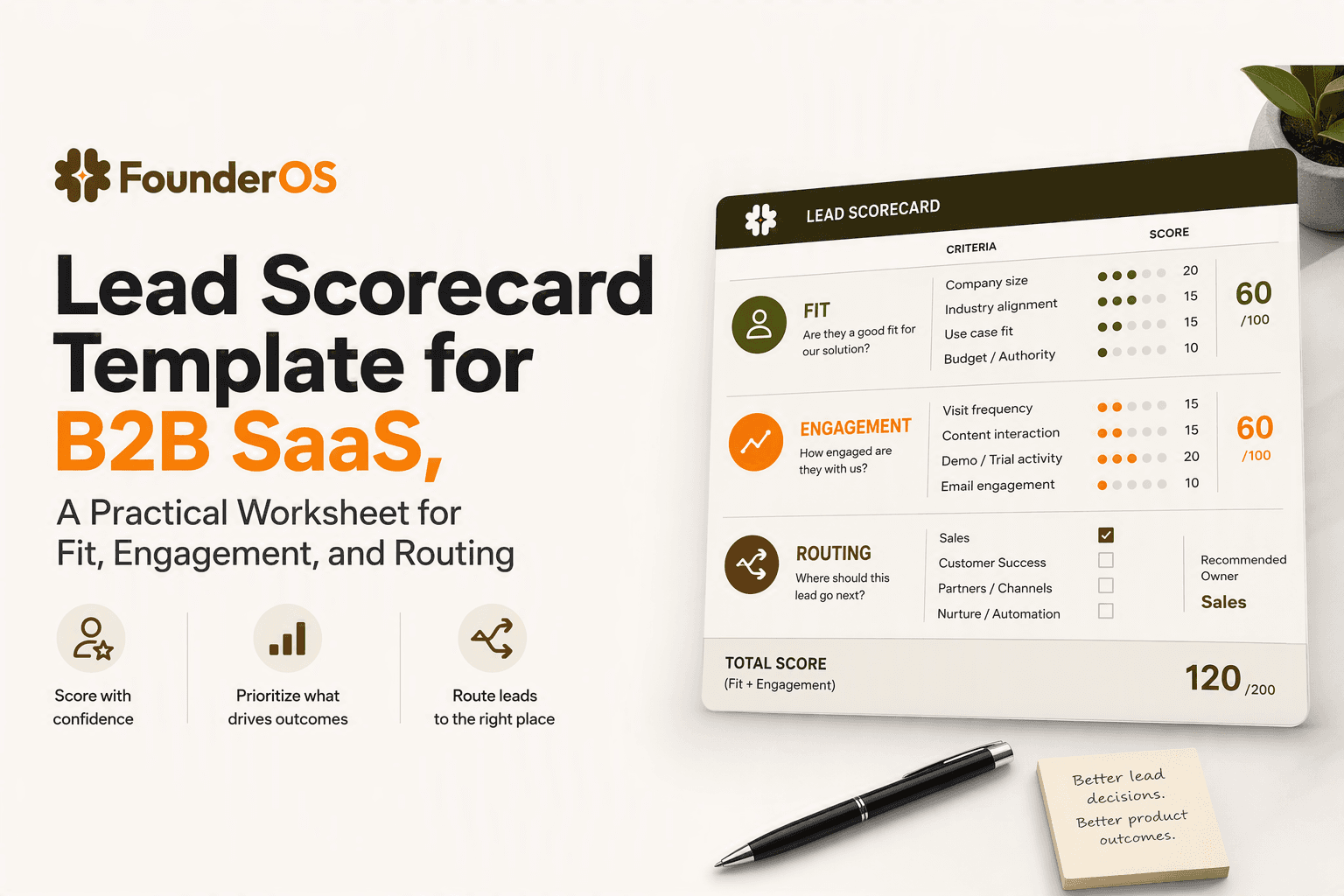
Lead Scorecard Template for B2B SaaS, A Practical Worksheet for Fit, Engagement, and Routing
Build a lead scorecard for B2B SaaS with fit, engagement, negative signals, scoring rules, and routing steps.

Amplitude vs Mixpanel: A Decision Guide for SaaS Founders
Amplitude vs Mixpanel comparison with a decision matrix on setup, learning curve, scalability, integrations, and cost-per-output for SaaS teams.
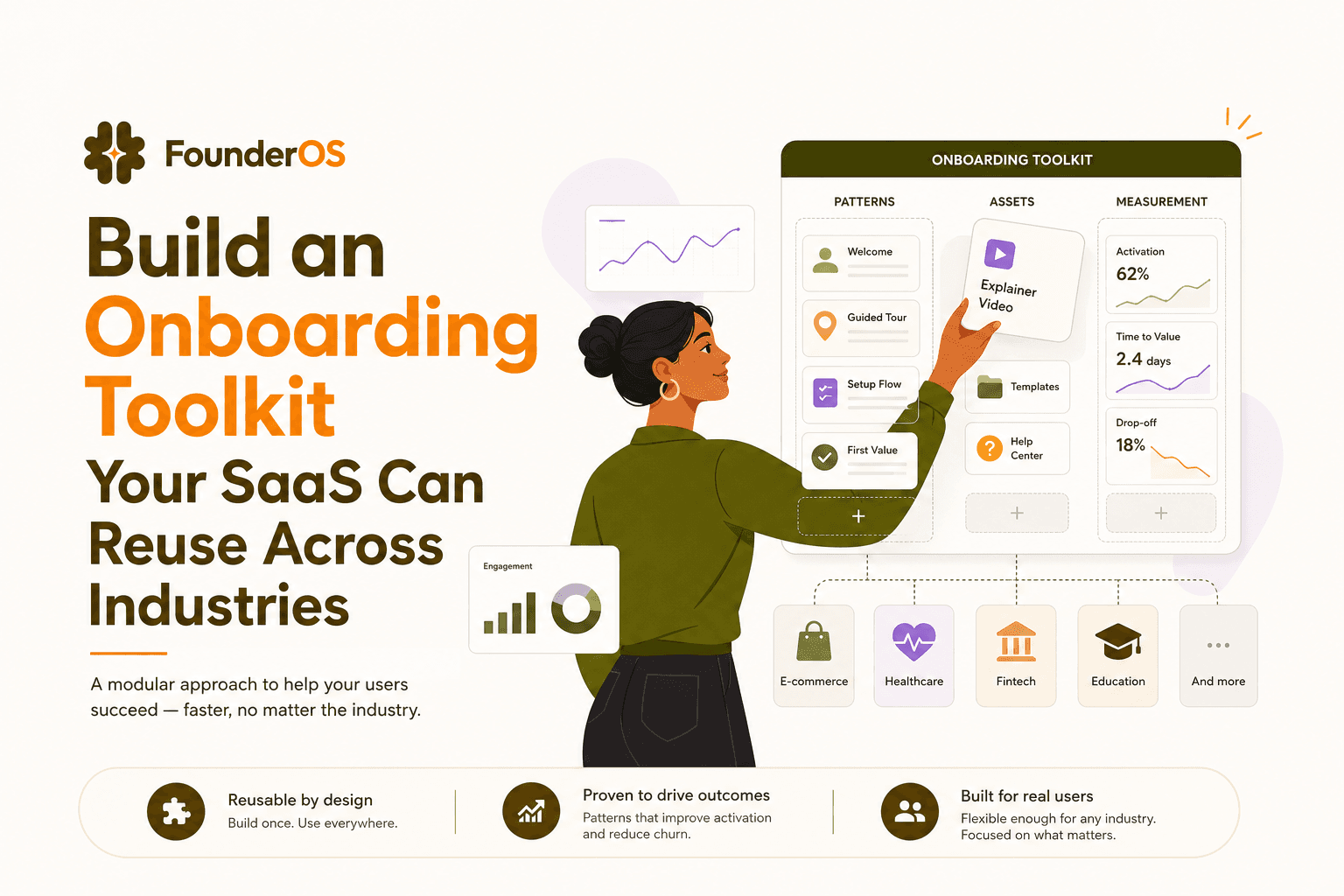
Build an Onboarding Toolkit Your SaaS Can Reuse Across Industries
Build an onboarding toolkit that standardizes flows, assets, and measurement across industries to reduce time-to-first-value and boost activation.