
PostHog Alternatives for B2B SaaS Teams, What to Compare Before You Switch
PostHog alternatives are worth comparing when your team needs more than raw event capture and wants faster answers on user behavior, conversion drop-offs, segmentation, and go-to-market reporting. For most B2B SaaS teams, the right switch is not the tool with the longest feature list, but the one that helps product, growth, and founders make decisions without adding reporting overhead.
- Evaluate PostHog alternatives by the job to be done: event tracking, segmentation, conversion visibility, and reporting for revenue decisions.
- Tool fit matters more than feature count because engineering-led teams, growth teams, and founder-led SaaS teams need different levels of setup control and reporting speed.
- The biggest switching mistakes usually show up after implementation, when dashboards are hard to trust, onboarding is slow, or teams still cannot act on the data.
Start With the Job You Need the Tool to Do
The best PostHog alternatives solve a specific analytics job better than PostHog does for your team structure. Before you compare vendors, define which of these four jobs matters most: capturing events correctly, understanding users at the profile level, seeing where conversion breaks, or turning product usage into clear GTM decisions.
Use four evaluation criteria
A practical shortlist usually starts with four criteria. First, event tracking depth: can the tool capture page views, clicks, feature usage, and custom product events without a long implementation cycle? Second, user context: can you tie events to profiles, accounts, and behavioral segments? Third, conversion visibility: can you inspect multi-step journeys and identify the exact step where users drop out? Fourth, reporting usability: can non-technical teammates answer questions without waiting on SQL or warehouse support?
In our experience working with founder-led SaaS teams, the fourth criterion eliminates more options than the first three. Teams often assume data collection is the hard part, but the real bottleneck is turning that data into weekly decisions on activation, retention, and pipeline quality.
Score the tool against one core workflow
Use one live workflow as your test case instead of a generic demo. For example: track signup, onboarding completion, first key action, and upgrade intent; then segment users by source or persona; then review where the biggest drop-off happens. If a platform cannot answer that sequence cleanly, it is unlikely to help with the day-to-day work B2B SaaS teams actually care about. Teams comparing analytics events tracking setups often discover that a neat event schema matters less than whether the resulting dashboards are understandable by product and growth in the same meeting.
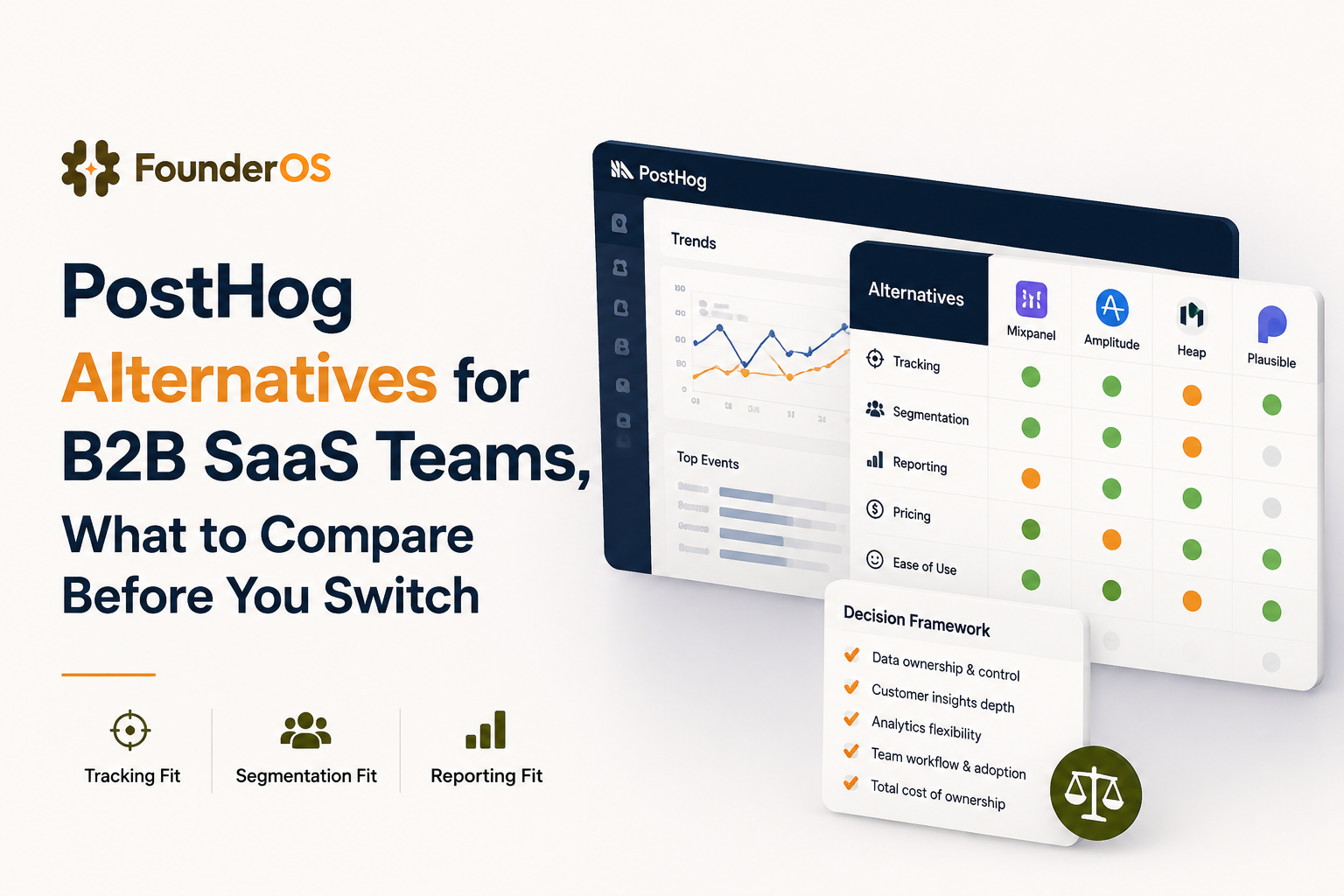
Compare PostHog Alternatives by Fit, Not Feature Count
PostHog alternatives should be compared by operating model because the best choice for an engineering-heavy team is often the wrong choice for a growth-focused SaaS team. A useful shortlist usually falls into three buckets: developer-first analytics, product analytics for PM-led teams, and integrated platforms built for founder-led teams that want product data tied to GTM execution.
Engineering-heavy teams
Developer-first platforms fit teams that want deep control over instrumentation, self-hosting options, and technical flexibility. The tradeoff is that flexibility usually creates more dashboard sprawl, more schema management, and more dependency on technical users to keep reporting clean. If your product team already works comfortably inside event taxonomies and custom queries, this can be fine. If not, the tool often becomes accurate but underused.
Growth and product teams
Platforms such as mixpanel product analytics style tools are stronger when the main need is rapid analysis of retention, funnels, and feature adoption. These tools usually reduce time to insight, but some still leave gaps between analytics, user messaging, and account-level GTM reporting. What surprised our team was how often buyers overvalued report customization and undervalued segmentation speed. The teams that moved fastest were usually the ones that could build a cohort and act on it in the same session.
Founder-led SaaS teams
Founder-led teams usually need one layer that connects product analytics to activation and revenue conversations. That means the winning option is often not the most advanced event database, but the platform that lets a small team see user behavior, define segments, review drop-offs, and route those insights into onboarding or sales follow-up. If you are comparing broader product analytics tools, this is the split that matters most: analysis alone versus analysis that supports action.
Watch for the Gaps That Matter After Initial Setup
The biggest weakness in many PostHog alternatives appears after implementation, when the team realizes that setup succeeded but decision-making did not get easier. Most evaluation mistakes come from over-indexing on ingestion and under-testing three practical gaps: onboarding friction, reporting clarity, and actionability.
Onboarding friction
Ask how long it takes from install to first trustworthy dashboard. A platform that needs weeks of tagging cleanup, event naming debates, or data-model rework can delay value for a small SaaS team. A fast setup should give you basic page, click, and feature visibility quickly, with custom events added only where the business case is clear.
Reporting clarity
Reporting clarity matters because messy dashboards create silent distrust. Check whether the tool can answer plain-language questions such as: Which signup cohort reached activation? Which feature appears first among retained users? Where does onboarding lose momentum? After running analytics audits for SaaS workflows, the pattern was clear: teams rarely switch because the charts are ugly; they switch because different functions cannot agree on what the charts mean.
Action beyond dashboards
A useful alternative should help a team do something immediately after learning something. That might mean exporting a segment to sales, targeting disengaged users, adjusting onboarding, or comparing feature adoption by acquisition channel. If the workflow ends at a chart, the platform is still only half solving the problem. Buyers looking across product analytics platforms should test this by running one real decision from signal to action, not just by reviewing canned dashboards.
Shortlist the Right Platform for Your SaaS Workflow
The right shortlist for PostHog alternatives comes from matching your workflow to the minimum system that gives you reliable tracking, useful segmentation, and clear reporting. For most B2B SaaS teams, that means choosing the platform that answers weekly operating questions with the least setup burden, not the platform with the broadest roadmap.
Use a simple decision matrix
If your team is engineering-led and wants infrastructure control, a developer-first option may fit best. If your main job is product analysis across activation and retention, choose a platform optimized for event analysis and cohort comparison. If your team is founder-led and needs analytics tied to GTM execution, shortlist tools that combine product tracking, user profiles, segmentation, and reporting in one workflow.
We initially assumed most buyers switched for better dashboards, but evaluation calls usually showed a different trigger: leaders wanted fewer handoffs between product data and commercial action. That is where a platform such as Founder OS becomes relevant, because it combines product tracking, user profile tracking and segmentation, GTM reporting, and onboarding workflows in one operating layer rather than treating analytics as a separate reporting silo.
Know when to switch
Switch if your current tool creates repeated friction in one of three areas: implementation overhead, low trust in reporting, or weak linkage between user behavior and revenue decisions. Do not switch just because another product has more features. Switch when your current setup consistently slows down activation analysis, user segmentation, or decision speed across product and growth.
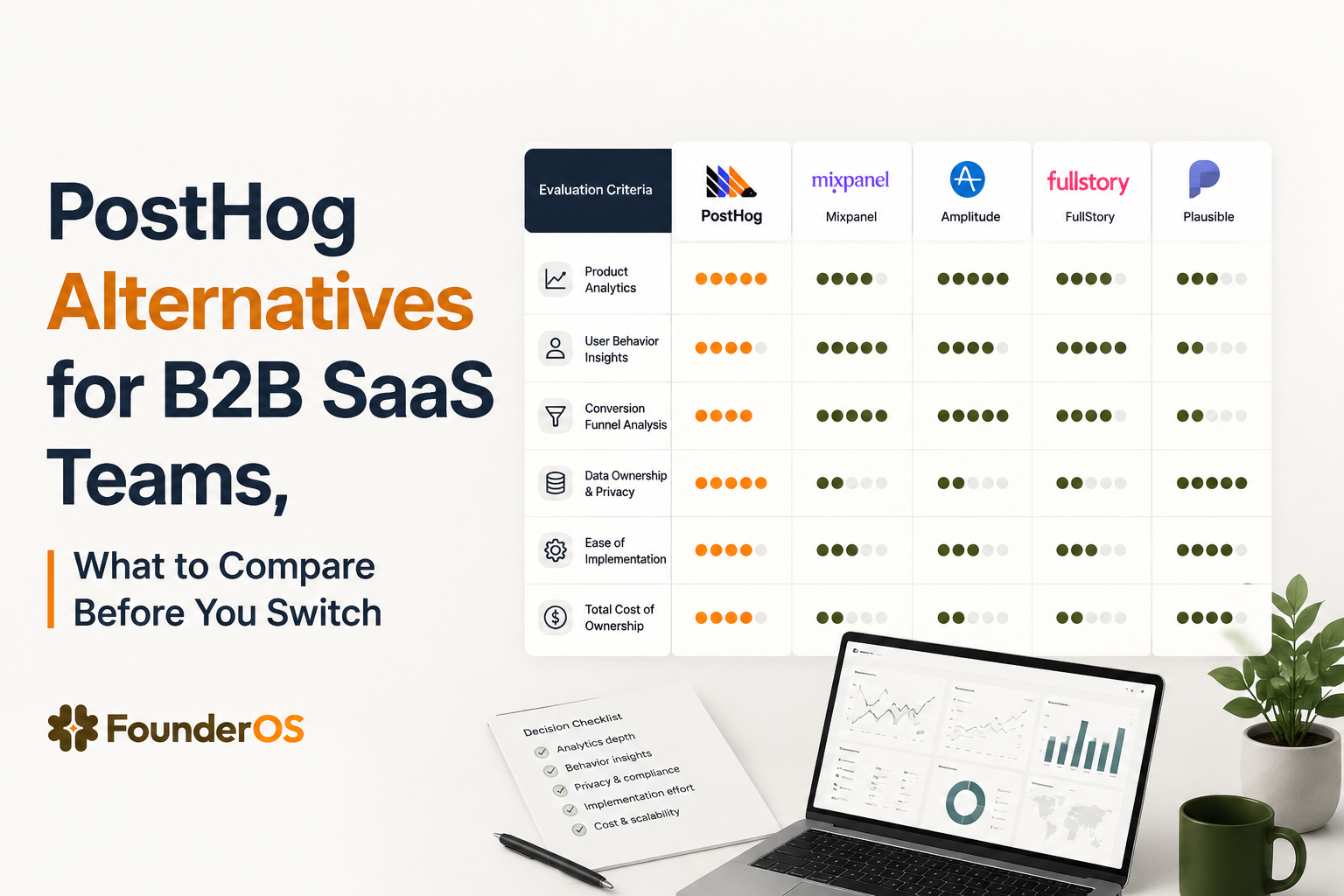
| Team type | Best-fit tool style | What to prioritize | Main risk |
|---|---|---|---|
| Engineering-heavy SaaS | Developer-first analytics | Instrumentation control, flexible event modeling, technical depth | Low adoption outside engineering |
| PM and growth-led SaaS | Product analytics platform | Funnel visibility, retention analysis, fast cohort building | Weak GTM linkage after analysis |
| Founder-led B2B SaaS | Integrated analytics plus GTM workflow | User profiles, segmentation, reporting clarity, actionability | Choosing a tool that captures data but does not drive action |
Frequently Asked Questions
If your team wants product analytics tied to segmentation and GTM reporting, not just event capture, evaluate Founder OS against your current shortlist. The practical test is simple: see how quickly your team can move from tracked behavior to a segment, a drop-off insight, and a concrete action.
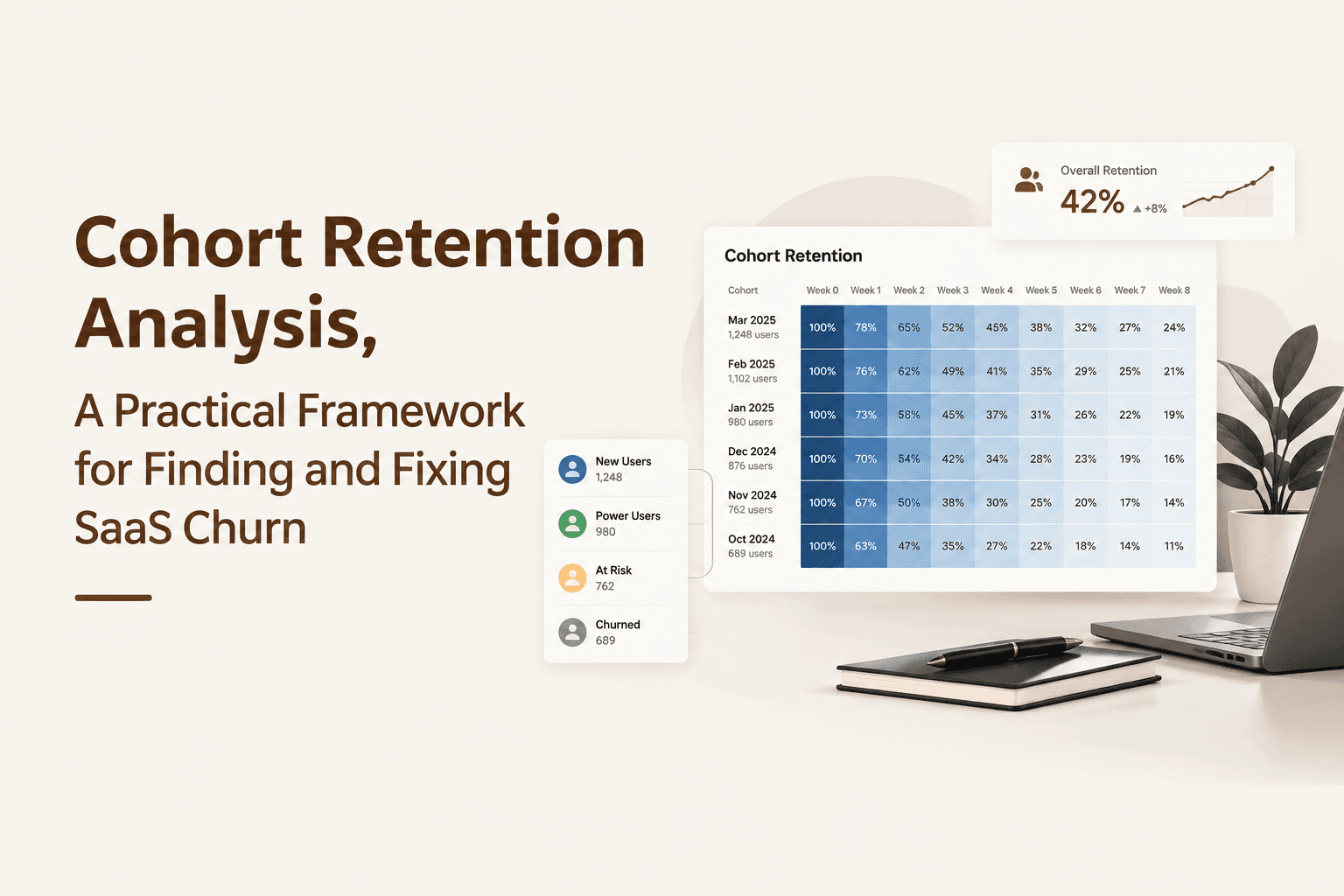
Cohort Retention Analysis, A Practical Framework for Finding and Fixing SaaS Churn
Learn cohort retention analysis with formulas, examples, workflows, and product analytics methods to identify SaaS churn risks and improve growth.
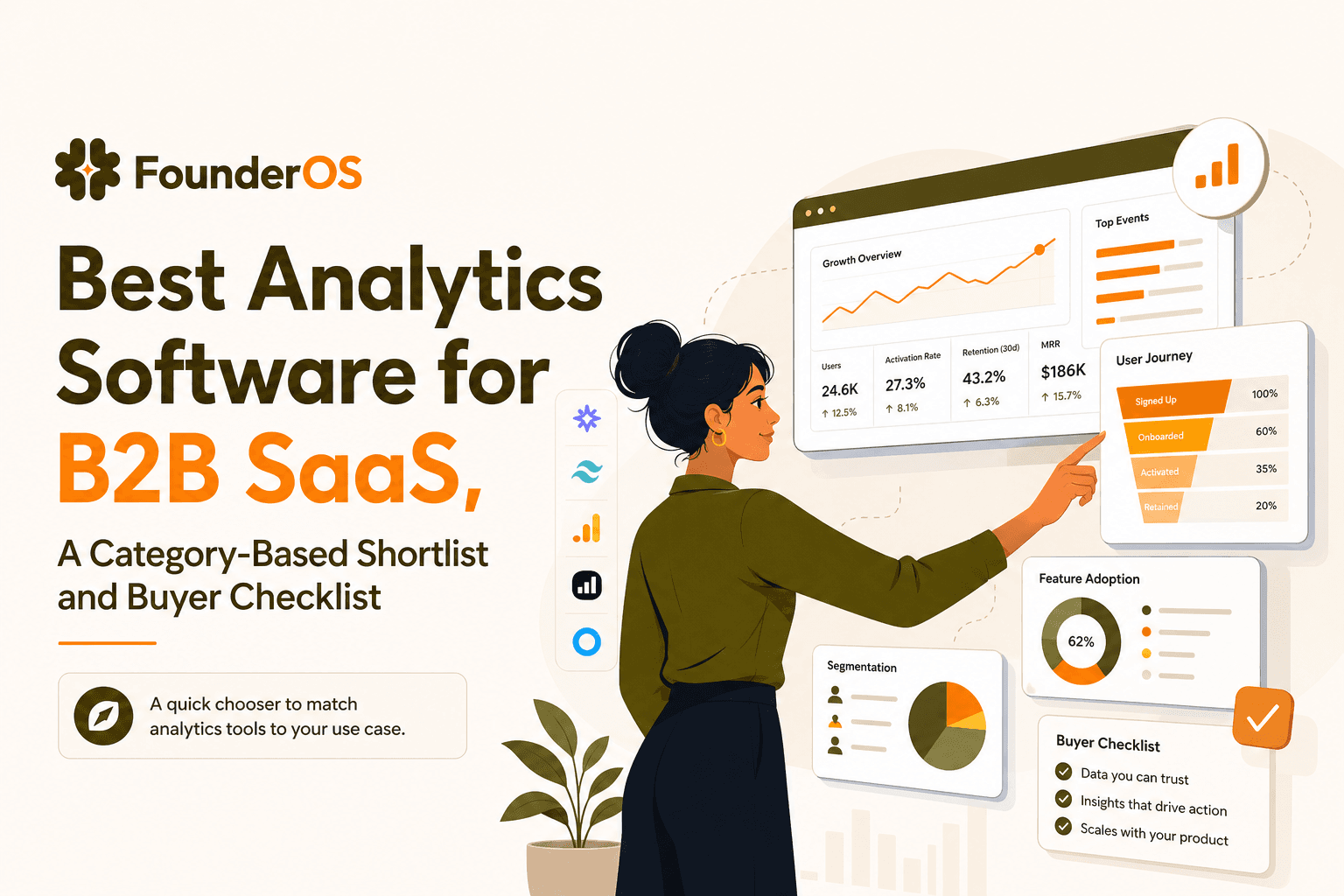
Best Analytics Software for B2B SaaS, A Category-Based Shortlist and Buyer Checklist
Find the best analytics software for B2B SaaS with a 1-minute chooser, category shortlists, GA4 parity checklist, and a 14-day rollout plan.
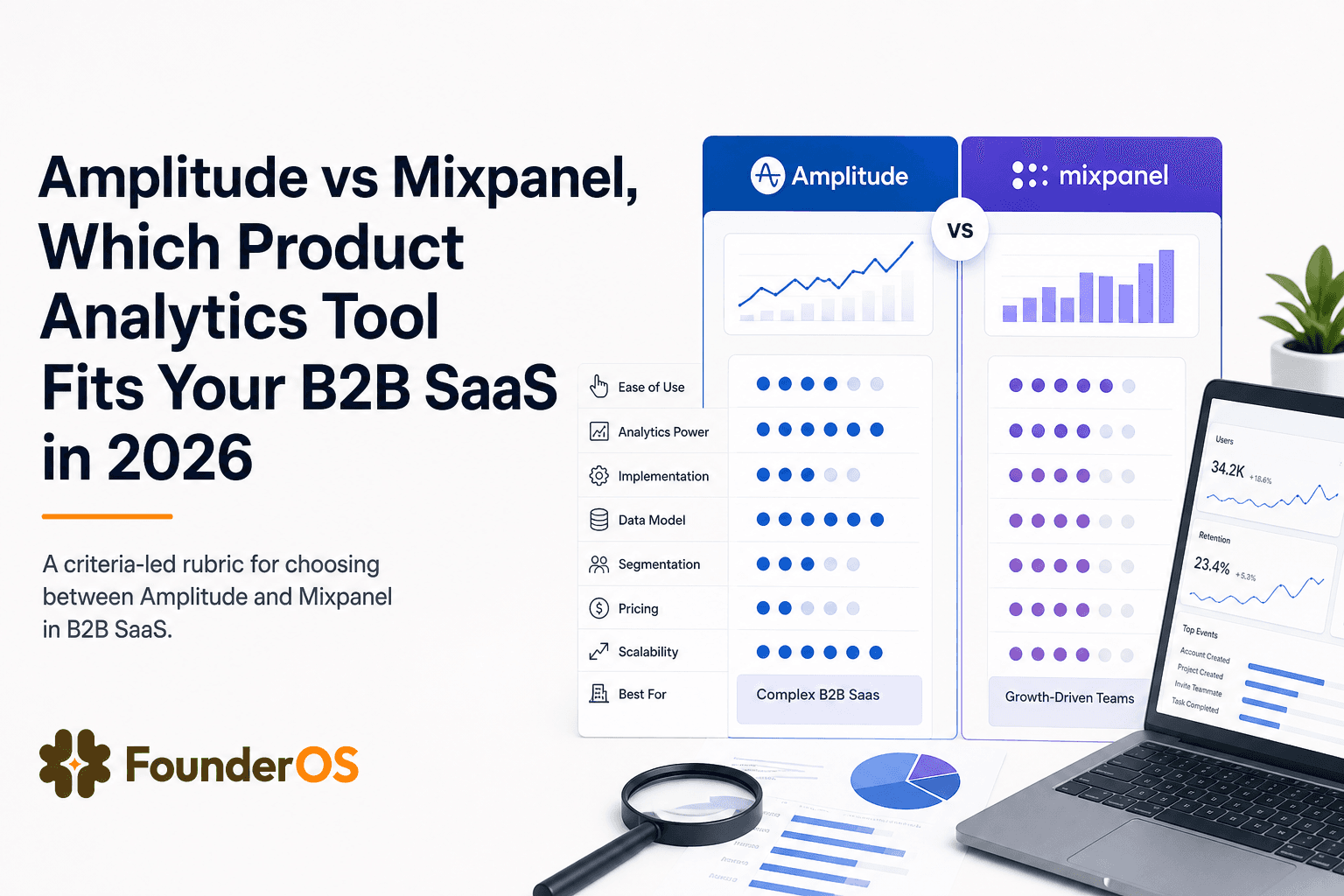
Amplitude vs Mixpanel, Which Product Analytics Tool Fits Your B2B SaaS in 2026
Amplitude vs Mixpanel comparison for B2B SaaS teams in 2026. Use a fast rubric for data model fit, analysis depth, collaboration, and TCO.