
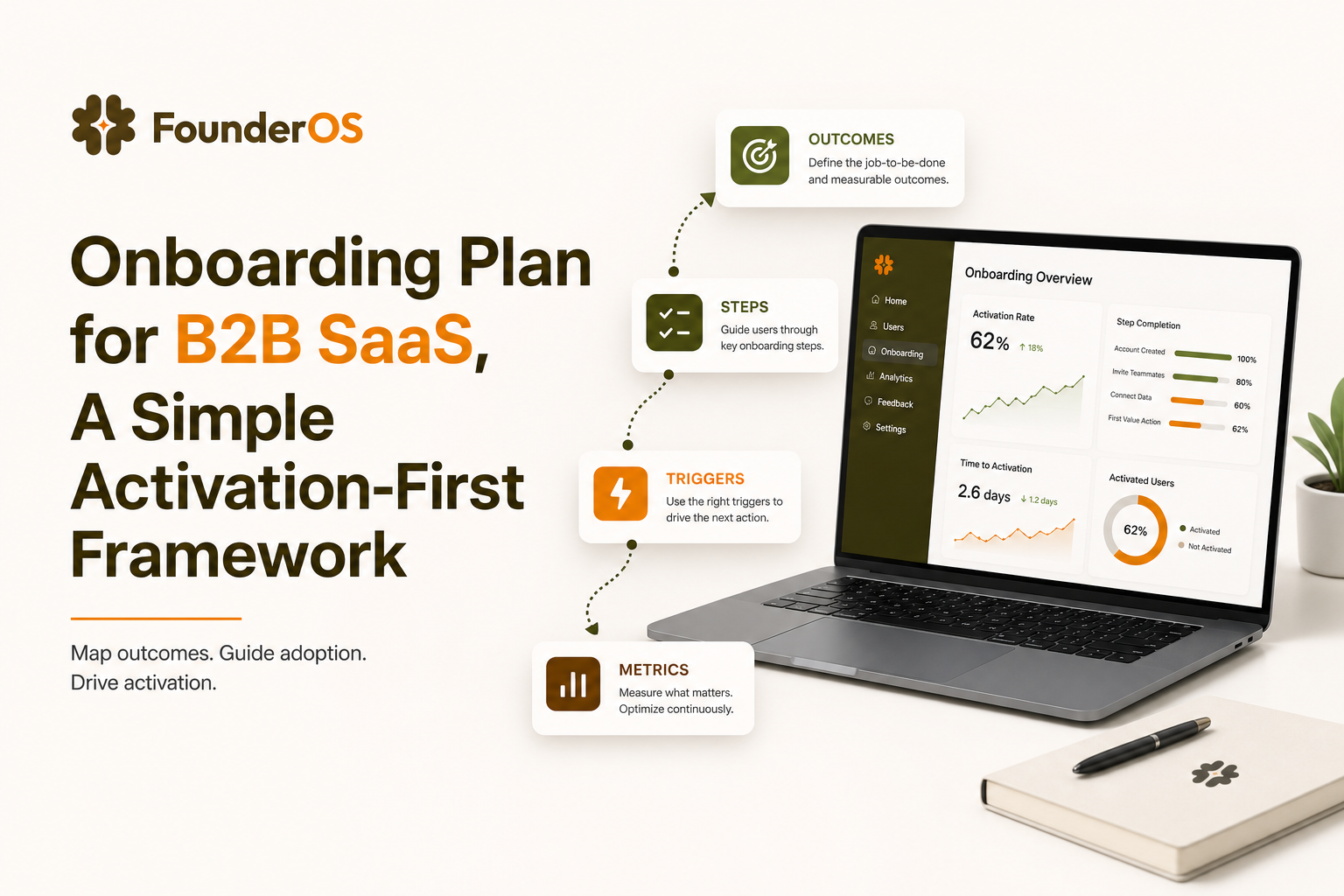
Onboarding Plan for B2B SaaS, A Simple Activation-First Framework
An effective onboarding plan is not a collection of random tours and tooltips. It is a measurable, activation-first path that reliably gets new users to their first “aha” moment, then proves it with data.
- Define activation first: pick 1-2 “aha” events, set a target time-to-value, and measure completion and drop-off.
- Build your onboarding plan around segments and jobs-to-be-done, then map the shortest step-by-step flow with triggers and fallback paths.
- Turn the plan into adaptive no-code in-app flows, then iterate weekly using cohort and step analytics.
What an onboarding plan is and what it is not
Definition you can operationalize
An onboarding plan is a documented system that answers five questions:
- Outcome: What does “success” look like for a new user in the first session or first week?
- Audience: Which user segments have different paths to value?
- Path: What is the shortest sequence of product actions that creates the first “aha” moment?
- Delivery: What in-app messages, UI patterns, and triggers guide users through that path?
- Measurement: How will you detect drop-off and improve the path over time?
What it is not (and why teams get stuck)
Teams often ship onboarding “assets” without a plan. Here is what those assets are good for, and why they do not replace a plan:
- Product tours: Great for orienting users, weak at proving activation unless tied to an outcome and instrumentation. (See also a guided product tour blueprint.)
- Checklists: Great for progress and motivation, but can become busywork if tasks are not the shortest path to value. A better approach is an adaptive onboarding checklist that changes based on behavior.
- Training docs and videos: Useful for depth, but they are “pull” content. New users need “push” guidance at the moment of confusion.
- CS-led onboarding calls: High-touch can work for enterprise, but for product-led growth you still need an in-product path that scales.
The core problem: time-to-value drift
If your onboarding is screen-based (feature-by-feature) instead of outcome-based (job-to-be-done), time-to-value drifts upward. Users wander, support tickets rise, and activation rate becomes “mysteriously” flat even when you add more tips.
Start with outcomes, not screens - define activation and the first aha moment
Step 1: pick 1-2 activation events (not 10)
Activation is the first repeatable point where a user experiences real value. To keep your onboarding plan focused, choose:
- One primary activation event (the “aha”): an action that strongly predicts retention or expansion.
- One supporting activation event (optional): a second action that confirms the user is set up for continued success.
Examples for B2B SaaS (adjust to your product):
- CRM: “Created first pipeline + added 3 contacts”
- Analytics: “Installed tracking + viewed first dashboard with real data”
- Collaboration: “Invited teammate + completed first shared task”
Step 2: define a target time-to-value
Time-to-value (TTV) is how long it takes a new user to reach the activation event. Set a target you can manage and improve. A practical starting benchmark many SaaS teams use is:
- First session: reach a lightweight “mini-aha” within 5-10 minutes
- First week: reach full activation within 1-3 days for self-serve, or within 7 days for more complex setups
What surprised our team was how often “more education” increased TTV; the biggest improvements came from removing steps, not adding explanations.
Step 3: map the shortest path (a 6-box worksheet)
Use this worksheet to force clarity before you build anything:
- Activation event: __________________
- Prerequisites: (data import, permissions, integration) __________________
- Minimum actions: 3-7 user actions that cause the activation event __________________
- Common blockers: 3 reasons users fail at step 2-4 __________________
- In-app assists: tooltip, modal, checklist, survey, tour step __________________
- Success metrics: activation rate, median TTV, step completion rate __________________
Step 4: choose metrics you will actually review weekly
For an onboarding plan, the most useful metrics are leading indicators you can act on:
- Activation rate: % of new signups who hit the activation event within X days
- Median time-to-value: median time from signup to activation
- Step completion and drop-off: where users abandon the flow
- Support signal: ticket tags or chat topics related to onboarding confusion
For industry definitions, you can align your event naming and analysis with common product analytics practices described by Amplitude’s product metrics guides.
Build the onboarding plan - segments, jobs-to-be-done, and a step-by-step flow map
A lightweight segmentation template (use 2-4 segments)
Segmentation is where most onboarding plans either become powerful or impossible. Keep it small. Start with segments that change the path to value, not demographics.
Use this template:
- Segment name: “Self-serve founder”, “Ops manager”, “Analyst”, etc.
- Job-to-be-done: “I want to ____ so I can ____.”
- Activation event: same or different across segments?
- Prerequisites: what must be true before value happens?
- Top 3 blockers: what prevents them from reaching activation?
- Best in-app pattern: checklist vs tour vs tooltip vs survey
In our experience working with early-stage B2B SaaS teams, the cleanest segmentation usually comes from “setup complexity” (needs data/integration vs not) and “role” (builder vs viewer), not from company size.
Create a flow map with triggers and fallback paths
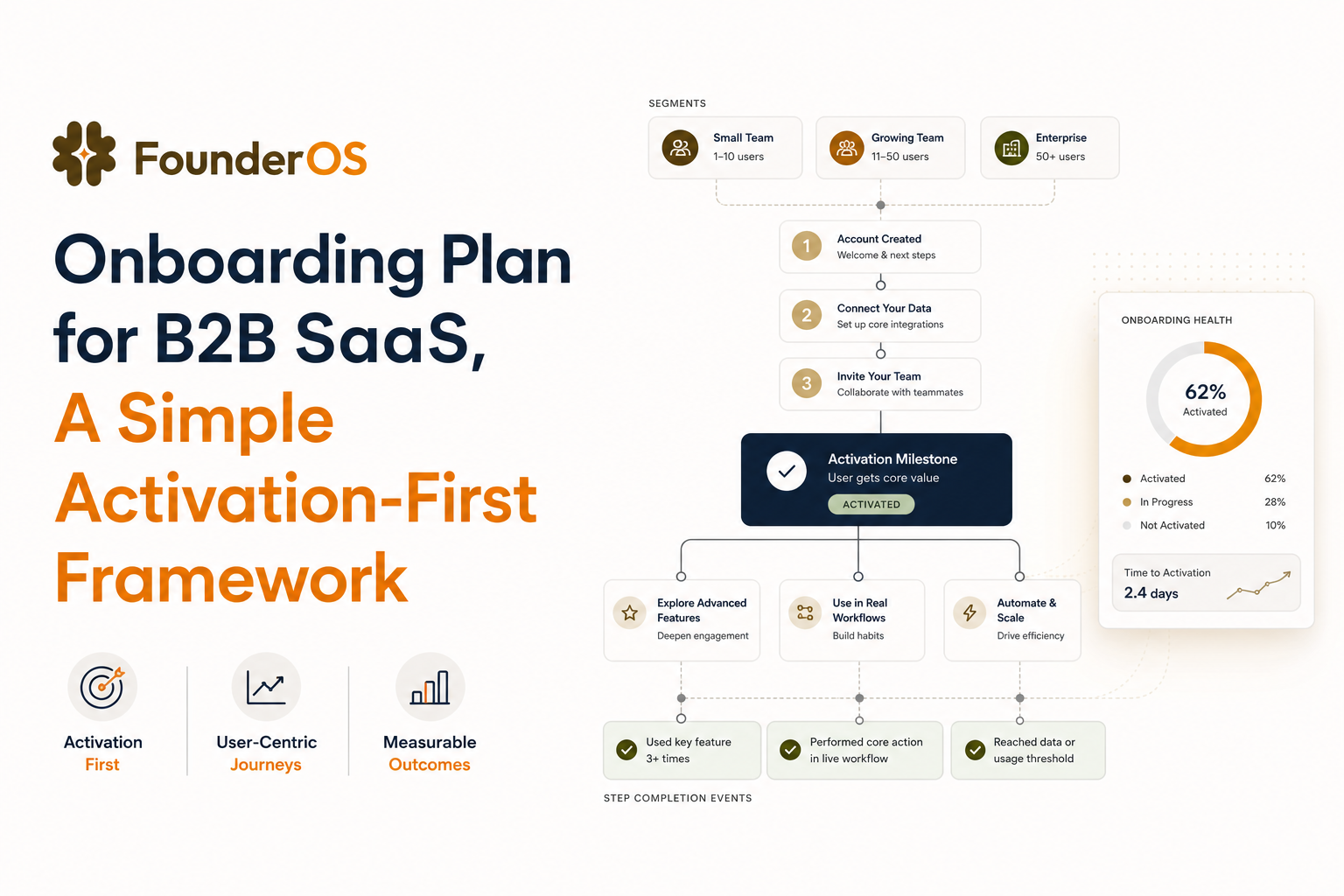
Your onboarding plan should include a single “happy path” plus at least two fallback paths. Here is a concrete structure you can copy into a doc or FigJam:
- Entry trigger: first login, first visit to /dashboard, or after signup confirmation
- Step 1: confirm goal (1-question survey) or choose use case
- Step 2: complete the highest-leverage setup action
- Step 3: guide to the first meaningful output (report, dashboard, workflow run)
- Step 4: reinforce value (show result, celebrate, suggest next best action)
- Exit condition: activation event fired
- Fallback A (stall): if no progress in 60-120 seconds, offer a tooltip or short “do this next” prompt
- Fallback B (skip): if user dismisses twice, stop prompting and switch to a passive checklist
Define “done” for each step (so you can measure it)
Every step needs an observable completion rule. Avoid vague steps like “Explore the dashboard.” Instead:
- Bad: “Learn about segments”
- Good: “Created first segment” (event: segment_created)
- Bad: “Connect your data”
- Good: “API key saved” or “Integration connected” (event: integration_connected)
If you want a deeper walkthrough of mapping steps and triggers, this customer onboarding process flow guide pairs well with the framework above.
Turn the plan into no-code in-app flows that adapt in real time
Choose patterns by user intent (not by what looks cool)
Use this decision rule to translate your onboarding plan into in-app experiences:
- Modal: use for a single decision or announcement, not multi-step teaching
- Speech bubble: use for step-by-step guidance anchored to the UI
- Tooltip: use for micro-instructions at the exact UI element
- Survey: use to capture intent and segment users early
- Checklist: use to support self-paced progress, especially after the first session
Branching logic: the simplest version that works
Adaptive onboarding does not require complex AI. Start with three branches:
- Branch 1 (new user): show the primary flow until activation is reached
- Branch 2 (activated): stop the flow and show “next best action” for adoption
- Branch 3 (stuck): detect inactivity or repeated errors and offer a shorter assist
After running multiple onboarding audits, the pattern was clear: branching based on completed events beats branching based on “pages visited,” because page views do not prove progress.
Implementation checklist for a no-code build
Whether you use your own system or a dedicated no code onboarding tool, use this checklist to avoid common launch failures:
- Trigger rules: define URL, user attributes, and “has not completed event X” conditions
- Frequency caps: limit repeats (example: max 2 times per user per day)
- Dismiss behavior: if dismissed twice, switch to checklist mode for that user
- Step validation: each step waits for an event (button click, form submit) before advancing
- Localization and roles: hide steps that the current role cannot complete
Keep tours short: a practical length benchmark
For most B2B SaaS products, a first-session flow performs best when it is:
- 3-7 steps for the “mini-aha”
- Under 2 minutes of guided interaction
- One primary call-to-action per step
If you need 12+ steps, you likely built a feature tour instead of an activation path.
Measure and iterate - the onboarding plan feedback loop
Instrument the flow like a funnel (events, not opinions)
To improve an onboarding plan, you need a consistent event schema. A simple approach:
- onboarding_started (first trigger fires)
- onboarding_step_viewed (properties: step_id, flow_id)
- onboarding_step_completed (properties: step_id)
- activation_event (your product event)
- onboarding_dismissed (properties: step_id, reason if captured)
Diagnose drop-off with a 3-question review
When a step has high drop-off, review it using three questions:
- Is the user unqualified? If yes, segment earlier and stop showing the flow.
- Is the step unclear? If yes, rewrite microcopy and add a tooltip on the exact UI element.
- Is the step hard? If yes, reduce required inputs, add defaults, or postpone it until after the mini-aha.
Iteration cadence that fits a small team
A workable loop for most teams:
- Weekly: review activation rate, median TTV, and top 2 drop-off steps
- Biweekly: ship one change to the flow (copy, step order, trigger, segment)
- Monthly: re-check that the activation event still predicts retention for new cohorts
If you are evaluating tooling to support this workflow, a structured scorecard for a customer onboarding platform helps avoid buying something that cannot segment, trigger, and measure properly.
A 7-day onboarding plan sprint you can run with a small SaaS team
Day 1: define activation and baseline
- Write the activation event and supporting event.
- Pull baseline: activation rate within 7 days, median TTV, top onboarding-related ticket tags.
- List prerequisites and likely blockers.
Day 2: segment and pick the primary path
- Create 2-4 segments using the template above.
- Choose one “default” path to value for the largest segment.
- Decide what you will not teach in week one.
Day 3: draft the flow map and copy
- Write a 3-7 step mini-aha flow with completion rules per step.
- Draft microcopy for each step: one sentence + one CTA.
- Add two fallbacks: stall and skip.
Day 4: implement no-code flows and triggers
- Build the tour/checklist patterns and set trigger conditions.
- Add frequency caps and dismiss rules.
- Test with internal accounts across roles and browsers.
Day 5: instrument and QA analytics
- Verify events fire for each step view and completion.
- Create a simple dashboard: step drop-off, activation conversion, time-to-activation.
- Run a 10-user dogfood test and fix the top 3 confusions.
Day 6: launch to a controlled cohort
- Release to 10-30% of new signups (or one segment).
- Monitor support tickets and rage clicks (if you track them).
- Collect qualitative feedback with one in-app question: “What stopped you from completing setup today?”
Day 7: review results and ship the first iteration
- Identify the biggest drop-off step and apply the 3-question review.
- Ship one improvement: reorder, simplify, or branch earlier.
- Document the updated onboarding plan so it stays a system, not a one-off project.
| Onboarding asset | Best use | Risk if used alone | How it fits an onboarding plan |
|---|---|---|---|
| Interactive tour | Guide users through the shortest path to mini-aha | Becomes a feature walkthrough with no activation impact | Tie each step to an event and stop at activation |
| Tooltips | Remove micro-friction at the moment of action | Too many tips create noise and dismissal | Use only on high-drop-off steps |
| Checklist | Self-paced progress across sessions | Encourages task completion without value | Checklist items must be prerequisites to activation |
| Docs/videos | Deep learning and edge cases | Low consumption during first session | Link from in-app prompts as optional help |
FAQ
If you want to turn this onboarding plan into adaptive in-app flows quickly, Founder OS includes a no-code onboarding builder with targeting, triggers, and completion analytics so you can ship, measure, and iterate without an engineering release cycle.
Written by Ivy Tran
Founder of FounderOS, sharing practical insights on SaaS growth, product analytics, and user activation.
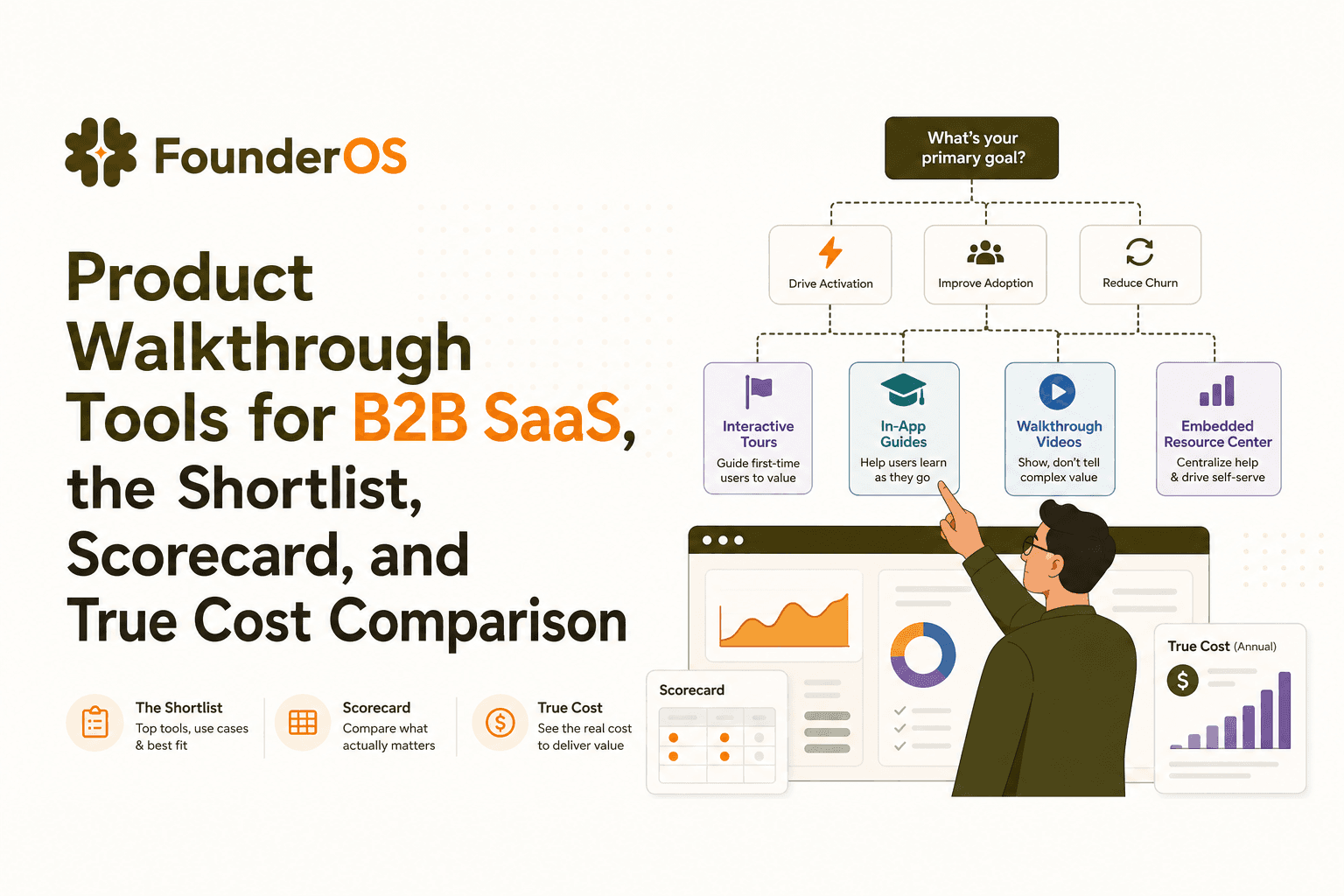
Product Walkthrough Tools for B2B SaaS, the Shortlist, Scorecard, and True Cost Comparison
Compare product walkthrough tools for B2B SaaS with a shortlist, success scorecard, and true cost scenarios for 2k, 10k, and 50k users.

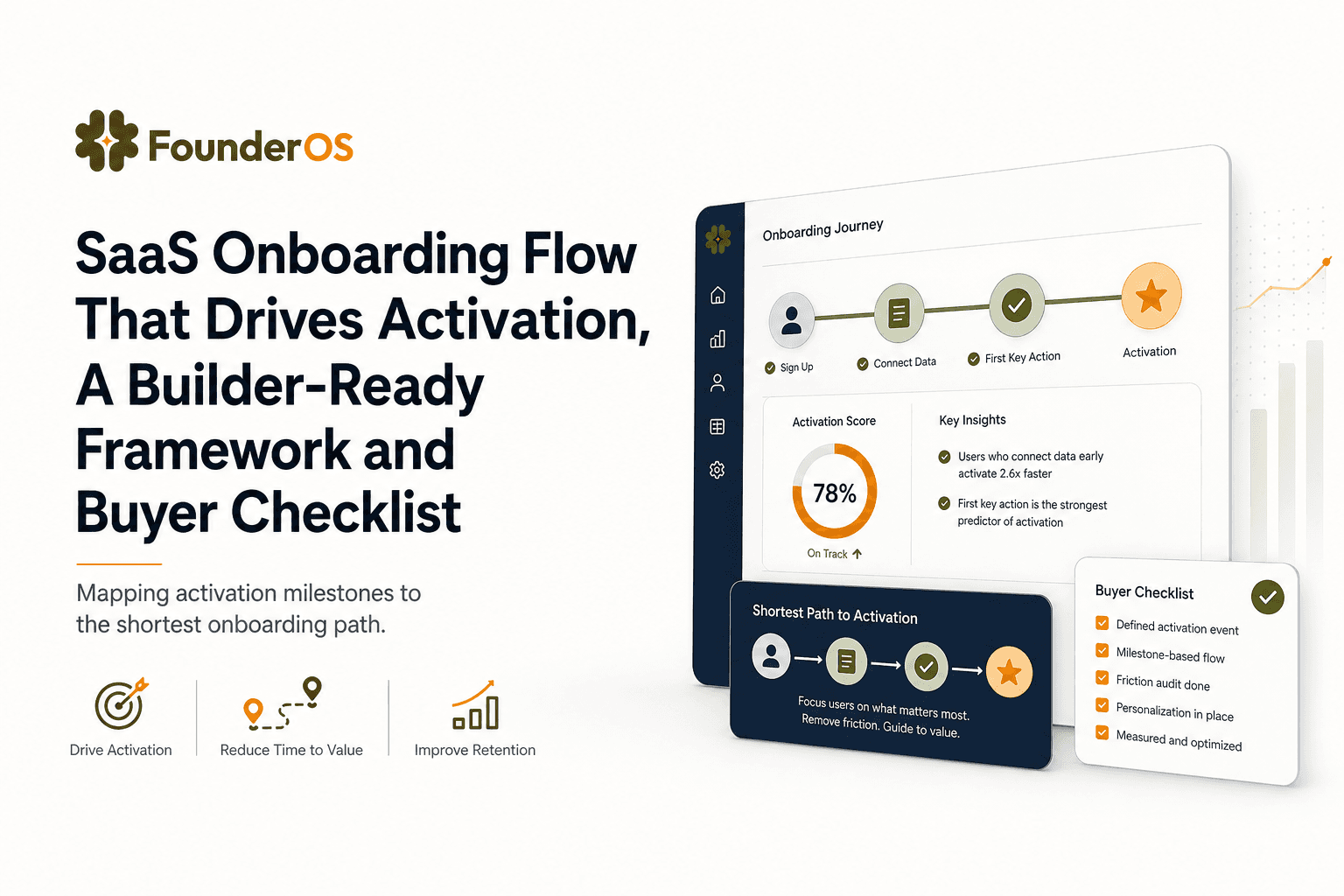
SaaS Onboarding Flow That Drives Activation, A Builder-Ready Framework and Buyer Checklist
Build a saas onboarding flow that drives activation with segments, triggers, tracking, and a buyer checklist for no-code flow builders.

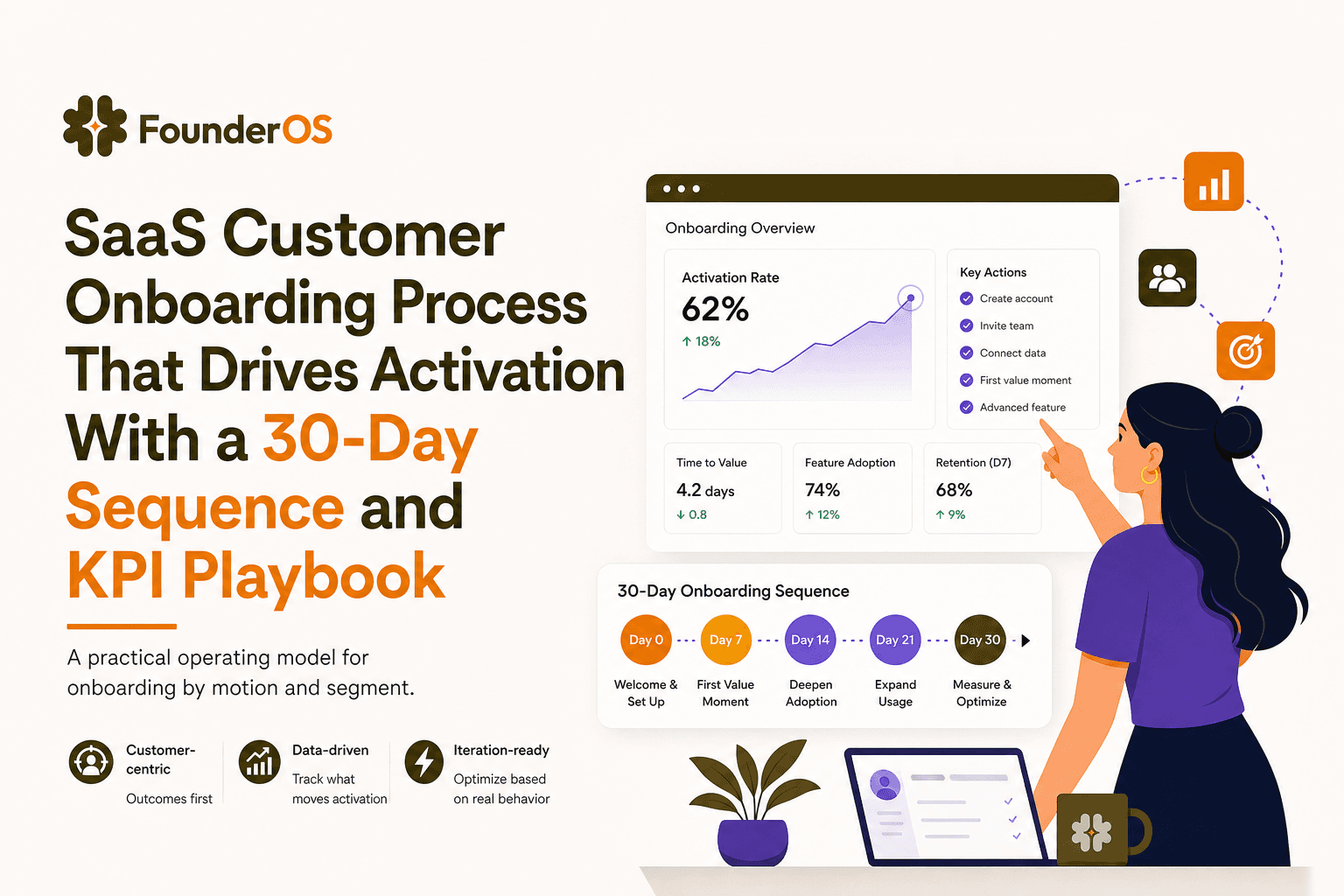
SaaS Customer Onboarding Process That Drives Activation With a 30-Day Sequence and KPI Playbook
Build a saas customer onboarding process with a 30-day sequence, triggers, RACI ownership, and KPI formulas to reach activation faster.
