
SaaS Customer Onboarding Process That Drives Activation With a 30-Day Sequence and KPI Playbook
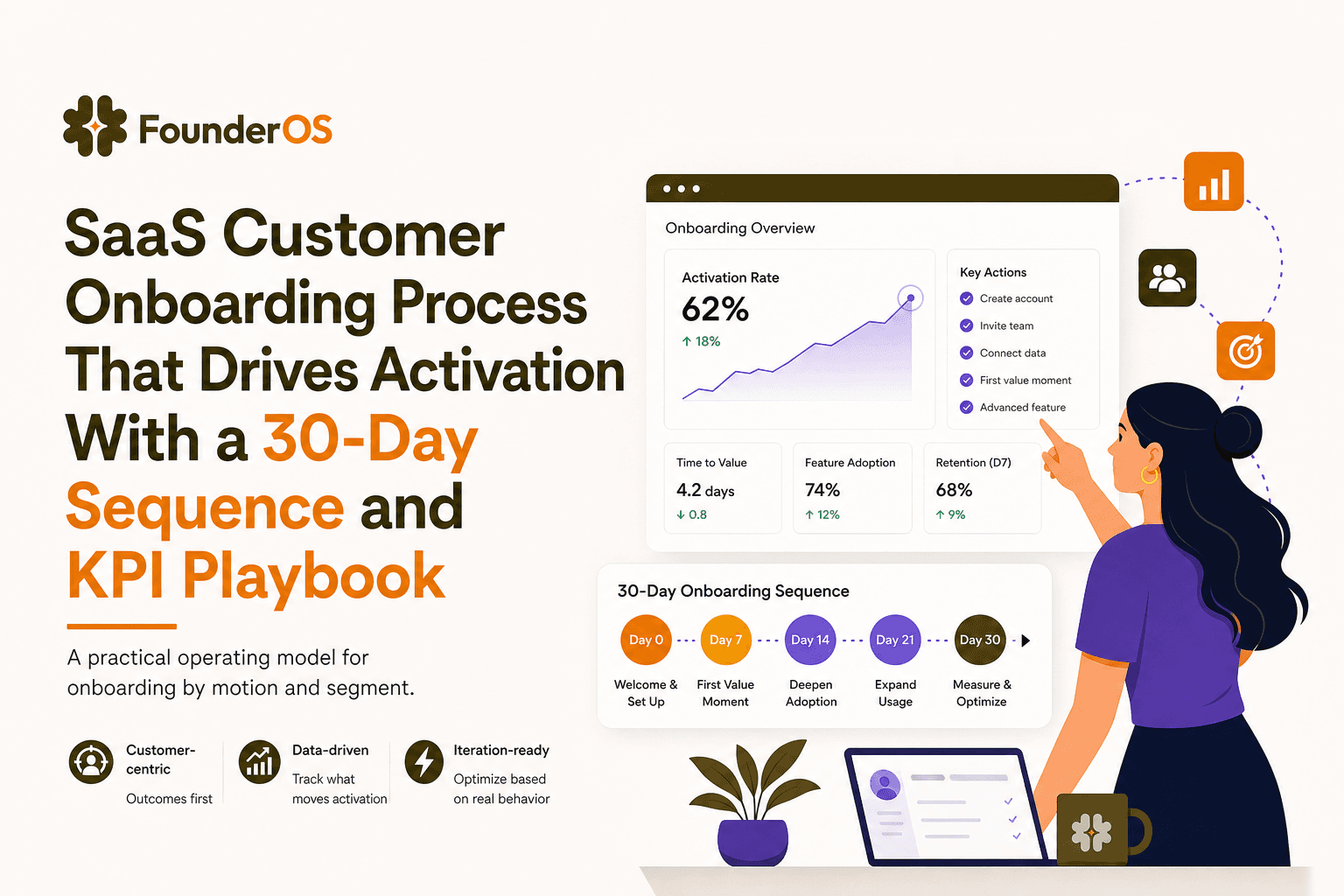
A measurable saas customer onboarding process is the fastest way to reduce time-to-first-value, increase activation, and stop guessing why new users churn after sign-up. The problem is not a lack of best practices, it is the lack of an operating model: clear activation definitions, stage ownership, trigger logic, and instrumentation that ties onboarding actions to outcomes.
- Choose an onboarding motion (self-serve vs sales-led) by defining activation events and time-to-first-value targets per segment, not by copying competitors.
- Run onboarding as an operating model: map stages to owners, deliverables, and touchpoints, then execute a day 0-30 sequence with triggers.
- Instrument the saas customer onboarding process with a minimal event taxonomy and KPI formulas so you can iterate based on drop-off and activation lift.
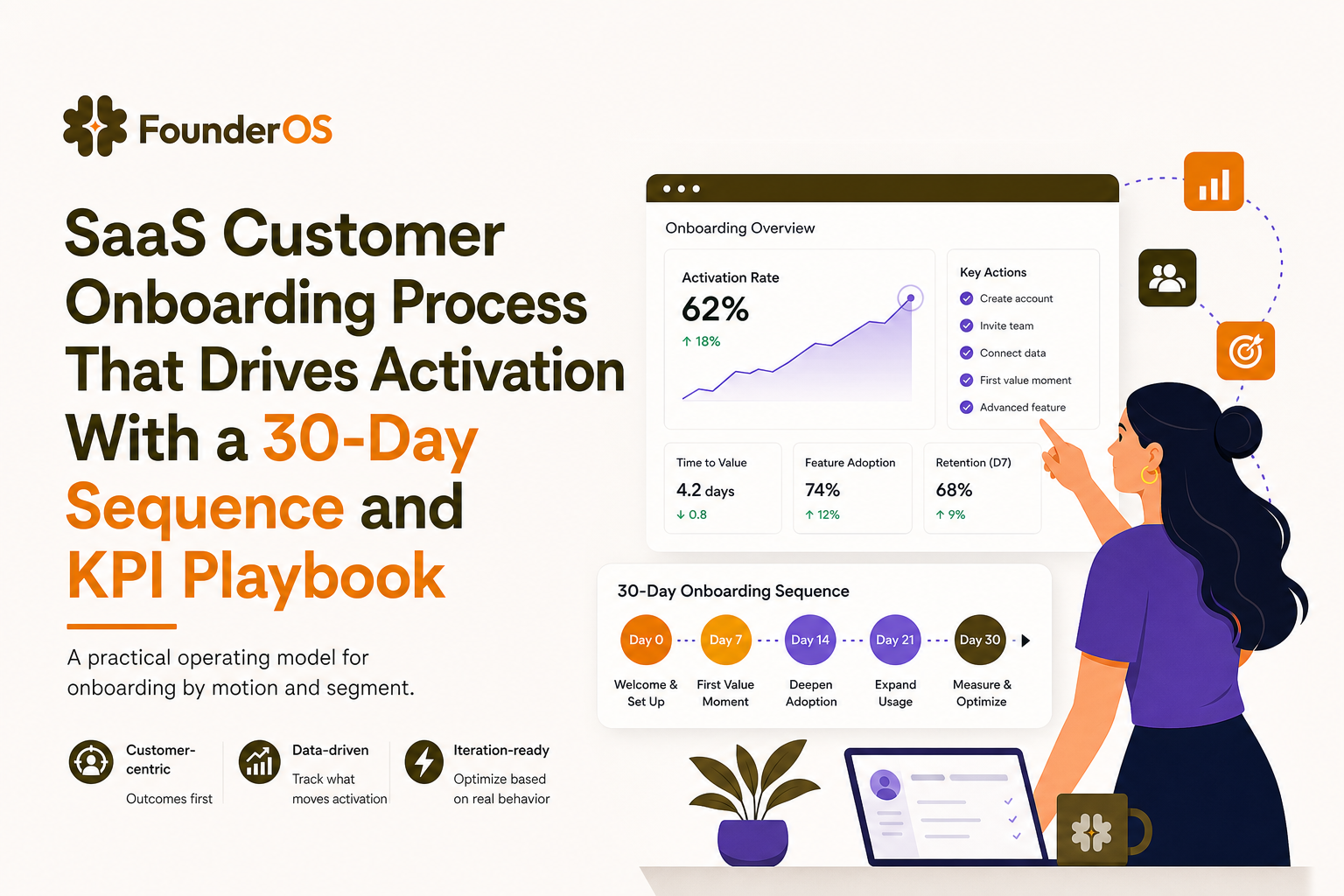
Choose the right SaaS customer onboarding process for your motion
Most onboarding failures start with a mismatch between your go-to-market motion and the onboarding you ship. A self-serve product-led motion needs in-app guidance that compresses time-to-value. A sales-led motion needs coordinated handoffs, enablement, and success milestones that match the promised outcomes.
Step 1: Segment users by motion and constraint
Use a simple segmentation grid that you can implement in analytics and CRM:
- Self-serve SMB: low willingness to talk, high sensitivity to friction, needs instant value.
- Mid-market: some onboarding help, needs role-based setup and proof of ROI.
- Enterprise: security, integrations, procurement, multi-stakeholder adoption.
Step 2: Define activation as a measurable event, not a feeling
Activation should be a user action that strongly predicts retention. Write it as an event formula:
- Activation event = “User completes X and receives Y output within Z days.”
- Example: “Created first project + invited 1 teammate + ran first report within 7 days.”
In our experience working with self-serve B2B SaaS, teams move faster once they stop using “finished onboarding” as a goal and instead commit to one activation event per segment with a time window.
Step 3: Set time-to-first-value targets per segment
Pick a time-to-first-value (TTFV) target that matches your motion:
- Self-serve: minutes to same day (optimize for immediate “aha”).
- Sales-led: 7 to 30 days depending on implementation complexity.
Then define the constraint that usually blocks TTFV (data import, teammate invites, permissions, integration), because that constraint becomes your onboarding backbone.
Map the 5 C’s and 4 stages into a single onboarding operating model
To operationalize a saas customer onboarding process, you need two lenses: what the customer must achieve, and what your team must deliver. A practical way to do this is to combine the “5 C’s” (customer outcomes) with a 4-stage delivery model (internal execution).
The 5 C’s (customer outcomes)
- Clarity: user understands what to do next and why it matters.
- Configuration: account setup, preferences, roles, permissions.
- Connection: integrate data sources, invite teammates, connect workflows.
- Competency: user can repeat the core workflow without help.
- Confirmation: user sees proof of value (ROI, saved time, insight, output).
The 4 stages (delivery model)
- Stage 1: First session (0 to 1 day) to get to the first meaningful action.
- Stage 2: Setup (days 1 to 7) to remove blockers and complete configuration/connection.
- Stage 3: Adoption (days 7 to 21) to build habits and repeat workflows.
- Stage 4: Expansion readiness (days 21 to 30) to broaden usage across roles and use cases.
Map outcomes to owners, deliverables, and touchpoints
Use this as your “operating model” template. Each row becomes backlog items, lifecycle messages, and measurement requirements.
- Clarity (Stage 1): deliverable = role-based welcome path; owner = Product Growth; touchpoints = in-app modal, checklist, 1 email.
- Configuration (Stage 2): deliverable = setup wizard or guided steps; owner = Product; touchpoints = tooltips, help docs, support macro.
- Connection (Stage 2): deliverable = integration prompts + fallback import; owner = CS for sales-led, Product for self-serve.
- Competency (Stage 3): deliverable = repeatable workflow guide; owner = CS/Enablement; touchpoints = in-app nudges, office hours.
- Confirmation (Stage 3-4): deliverable = value report; owner = CS; touchpoints = email summary, in-app report highlight.
If you want a deeper template for mapping steps and touchpoints, start from a customer onboarding process flow and then attach owners and KPIs to each step.
A copyable day 0-30 SaaS onboarding sequence with triggers and message copy
The difference between a “plan” and a working saas customer onboarding process is trigger logic. Every message should be tied to a user state (segment, role, events completed, blockers detected) rather than a calendar-only drip.
PLG self-serve sequence (day 0 to 30)
| Day | In-app touchpoint | Email touchpoint | Trigger condition | Example copy |
|---|---|---|---|---|
| 0 | Welcome modal + choose role path | Welcome email with 1 action | Signed up, first session | “Pick your goal so we can guide you to your first result in under 10 minutes.” |
| 0 | Checklist (3 steps max) | - | No activation event within 5 minutes | “Next: connect your data so your first dashboard populates.” |
| 1 | Tooltip on key UI element | “Finish setup” reminder | Started setup but did not complete within 24h | Subject: “One step left to see your first result” |
| 3 | Survey (1 question) | Use-case email | Completed activation OR stuck state detected | “What’s blocking you right now? Data, teammates, or permissions?” |
| 7 | Feature nudge tied to role | Value recap | Activated but no repeat usage in 3 days | “Want to automate this weekly? Turn on scheduled reports.” |
| 14 | Checklist v2 (expand) | Invite teammates | Single-user account with high usage | “Invite 1 teammate to share the workflow and unlock collaboration.” |
| 21 | In-app announcement for advanced feature | Case library email | Reached competency milestone | “Try the advanced view to answer deeper questions in 2 clicks.” |
| 30 | ROI prompt or export | “Your month in review” | Day 30 AND at least 2 key events completed | “Here’s what you achieved this month and what to do next.” |
Sales-led sequence (day 0 to 30)
| Day | Human touchpoint | In-app touchpoint | Trigger condition | Deliverable |
|---|---|---|---|---|
| 0 | Kickoff call scheduled | Welcome modal for admins | Contract signed | Success plan: outcomes, timeline, owners |
| 1-3 | Implementation working session | Admin checklist | Integration not connected | Data connection complete |
| 7 | Training for key role | Guided workflow inside app | First dataset available | First report/workflow completed live |
| 14 | Adoption review | Nudges for inactive seats | Seats invited but not active | Re-engagement plan by persona |
| 21 | Executive value check-in | Value highlight panel | Competency milestone hit | ROI snapshot + next use case |
| 30 | Success milestone sign-off | Expansion prompts by role | Activation achieved | Rollout plan for next team/use case |
Trigger logic you can implement immediately
- Stuck after intent: if user visits setup page twice but does not complete setup event, show a tooltip plus send one short email.
- Activated but not repeating: if activation event happened but no “core action” event in 72 hours, show a checklist item that creates the second success.
- Team adoption gap: if admin invites users but invited users do not complete first session within 3 days, send the admin a nudge with a one-line forwardable invite message.
For copy and structure, keep a single evolving onboarding checklist per segment, and treat every item as an instrumented experiment.
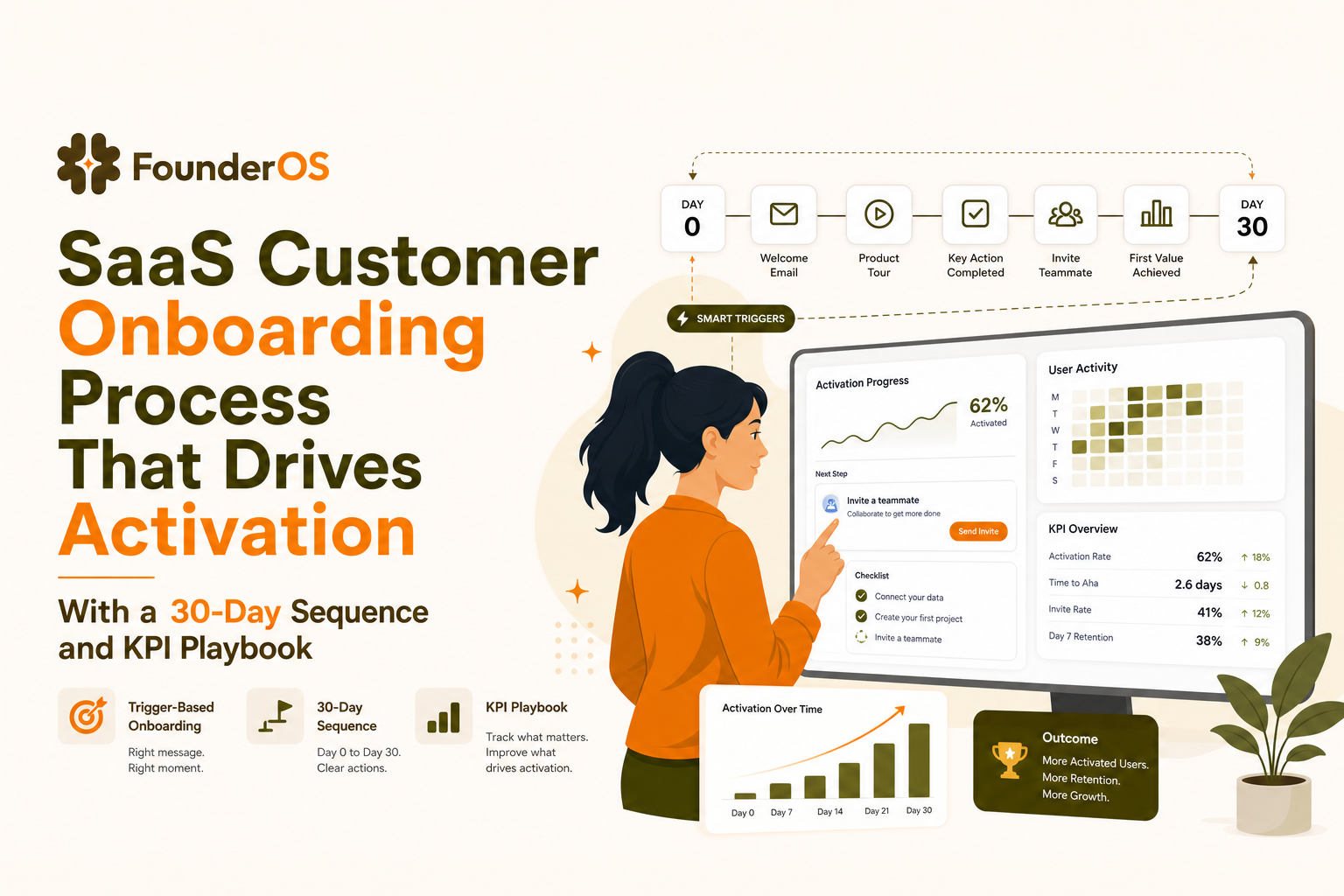
Instrument and measure onboarding with an event taxonomy and KPI formulas
If you cannot measure onboarding, you cannot improve it. The goal is not “track everything”, it is to track the minimum set of events that explain activation and drop-off in your saas customer onboarding process.
Minimal event taxonomy (start here)
Use consistent naming and attach properties that support segmentation.
- account_created (properties: plan, source, company_size)
- first_session_started (properties: device, role_selected)
- onboarding_step_viewed (properties: step_id, flow_id)
- onboarding_step_completed (properties: step_id, flow_id)
- integration_connected (properties: integration_name)
- core_action_completed (properties: action_type)
- activation_achieved (properties: activation_definition_version)
KPI formulas that connect onboarding to outcomes
- Activation rate = Activated users within N days / New users in cohort
- TTFV (median) = median(timestamp(activation_achieved) - timestamp(account_created))
- Onboarding completion rate by flow = Users completing last step / Users who started flow
- Step drop-off rate = 1 - (step_completed / step_viewed) for each step_id
- Activation lift from onboarding = Activation rate (exposed to flow) - Activation rate (not exposed), segmented
What surprised our team was how often “flow completion” failed to correlate with retention until we redefined activation_achieved around a real output event, not a UI walkthrough completion.
Dashboard layout by segment (one screen)
Build a dashboard with four blocks per segment:
- Funnel: account_created → first_session_started → integration_connected → core_action_completed → activation_achieved
- TTFV distribution: median and p75 by segment
- Top drop-off steps: step_id ranked by drop-off rate
- Impact: activation lift for users exposed to onboarding flows
For a practical way to define activation-first milestones, you can adapt this onboarding plan into your event schema so product and CS measure the same outcomes.
Make it work in real life: ownership, handoffs, and anti-patterns teams hit
Onboarding breaks at the seams: Sales hands off to CS, CS depends on Product for in-app guidance, Support sees the pain first but is not looped into fixes. The fix is explicit ownership plus a handoff checklist tied to triggers.
A simple RACI you can copy
| Work item | Sales | CS | Product | Support |
|---|---|---|---|---|
| Define activation event + time window | C | R | A | C |
| Build in-app onboarding flows | I | C | R/A | C |
| Implementation plan for sales-led accounts | R | A | C | I |
| Instrumentation and dashboards | I | C | R/A | C |
| Handle onboarding-related tickets and feed insights | I | C | C | R/A |
Handoff checklist (sales-led)
- Document promised outcome and success metric in one sentence.
- List required integrations and decision owners on the customer side.
- Confirm timeline to first value and the activation event definition.
- Assign internal owner for each blocker: data, permissions, training, rollout.
Anti-patterns that quietly kill activation
- One flow for everyone: different roles need different “first wins”.
- Calendar-only drips: messages arrive even when the user already did the action, training them to ignore you.
- Measuring vanity completion: optimizing for tour completion instead of activation_achieved.
- Support insights trapped in tickets: same confusion repeats because nobody converts it into an onboarding step.
After running multiple onboarding audits, the pattern was clear: teams that assign a single accountable owner for activation definitions and instrumentation iterate faster than teams that treat onboarding as “everyone’s job”.
Tools to build no-code in-app onboarding flows without creating a maintenance trap
Tools can accelerate your saas customer onboarding process, but they can also create a brittle layer that breaks on every UI change. The decision is not “do we use product tours”, it is “which format for which moment, and how do we keep it measurable and maintainable”.
Decision framework: use the lightest format that changes behavior
- Modals: best for announcing a new path or forcing a choice (role, goal). Avoid long explanations.
- Tooltips: best for micro-friction at the point of action (field meaning, required setting).
- Checklists: best for multi-step setup where users need progress and return later.
- Guided tours: best when the user must complete a sequence in the UI to get an output.
- Surveys: best for detecting blockers and routing to the right help path.
Maintenance trap checklist
- Selectors: prefer stable attributes or IDs over fragile CSS paths.
- Flow versions: version flows and store activation_definition_version for clean comparisons.
- Ownership: one owner reviews flows weekly against UI changes and drop-off data.
- Kill switches: every flow needs an easy way to pause if it causes confusion.
When to graduate from static tours to segmentation-driven flows
If you have at least two roles or two primary use cases, static tours become noise. Switch when you see either condition:
- Activation rate differs by segment by more than 10 to 15 points.
- The top drop-off step differs by segment, meaning users are getting stuck in different places.
At that point, a guided product tour should be tied to triggers and segments, not shown universally.
Download the one-page SaaS customer onboarding process SOP and checklist
To make this actionable, turn the article into a one-page SOP you can share across Product, CS, and Support. Your SOP should fit on a single page and include definitions, triggers, and measurement so the saas customer onboarding process survives team changes.
One-page SOP template (copy into your doc)
- Segment: self-serve SMB / mid-market / enterprise
- Activation event: [event formula] within [N days]
- TTFV target: median [time]
- Stage deliverables: first session, setup, adoption, expansion readiness
- Lifecycle triggers: stuck after intent, activated-no-repeat, team adoption gap
- Instrumentation: required events + properties
- KPIs: activation rate, TTFV, step drop-off, activation lift
- Owners: RACI table link
Lightweight implementation plan (one week)
- Day 1: define activation per segment and choose the single biggest blocker to remove.
- Day 2: implement minimal event taxonomy and dashboard blocks.
- Day 3: ship one role-based flow (modal + checklist + 2 tooltips) tied to triggers.
- Day 4: add one “stuck state” email and one in-app survey question.
- Day 5: review drop-off and TTFV, then iterate the top failing step.
If you are also evaluating tooling, use a simple customer onboarding platform scorecard so your team does not overbuy features you cannot maintain.
| Onboarding asset | Best for | Primary KPI | Failure mode | Fix |
|---|---|---|---|---|
| Role-based welcome modal | Clarity in first session | First meaningful action rate | Too many choices | Limit to 2-3 role paths |
| Checklist (3 steps) | Setup completion | Checklist completion, activation rate | Tasks not tied to value | Make each item produce an output |
| Tooltips | Micro-friction at point of action | Step drop-off reduction | Tooltip spam | Trigger only on stuck states |
| Guided tour | Complex workflows | Activation lift | Optimizing for completion | Measure activation_achieved, not tour end |
FAQ about SaaS onboarding execution
How many steps should an onboarding flow have?
Start with 3 steps for self-serve: one choice (role or goal), one setup blocker removal (integration or import), and one action that produces an output. Add steps only if they increase activation_achieved, not just completion.
What is the best KPI for onboarding success?
Activation rate within a defined time window is the primary KPI. Pair it with median TTFV and step drop-off rate so you know both whether users activate and where they get stuck in the saas customer onboarding process.
Should onboarding be owned by Product or Customer Success?
Product should be accountable for instrumentation and in-app flows for self-serve. CS should be accountable for success plans and human touchpoints for sales-led accounts. The key is one shared activation definition and a RACI so handoffs do not become gaps.
How do I avoid annoying users with too many messages?
Use trigger-based messaging: only show nudges when a user is stuck, inactive after activation, or blocked by a known constraint. Also add suppression rules, for example do not send a “finish setup” email if setup_completed happened in the last 24 hours.
If you want to implement this playbook without waiting on engineering, Founder OS can help you build trigger-based in-app onboarding flows, segment users by behavior, and measure completion and activation impact so your saas customer onboarding process improves every week.