
User Behavior Analytics Tools for B2B SaaS - How to Choose and What to Shortlist
Choosing user behavior analytics tools for B2B SaaS is less about pretty dashboards and more about whether you can reliably answer: what drives activation, where conversion breaks, and which behaviors predict revenue.
- Prioritize tools that get identity, data quality, and governance right, because those determine whether funnels and segments are trustworthy.
- Use a fit scorecard tied to three jobs: activation, funnel diagnosis, and revenue attribution, with acceptance criteria you can test in a pilot.
- Do an implementation reality check before signing: instrumentation effort, retroactive limits, integrations, and migration risk.
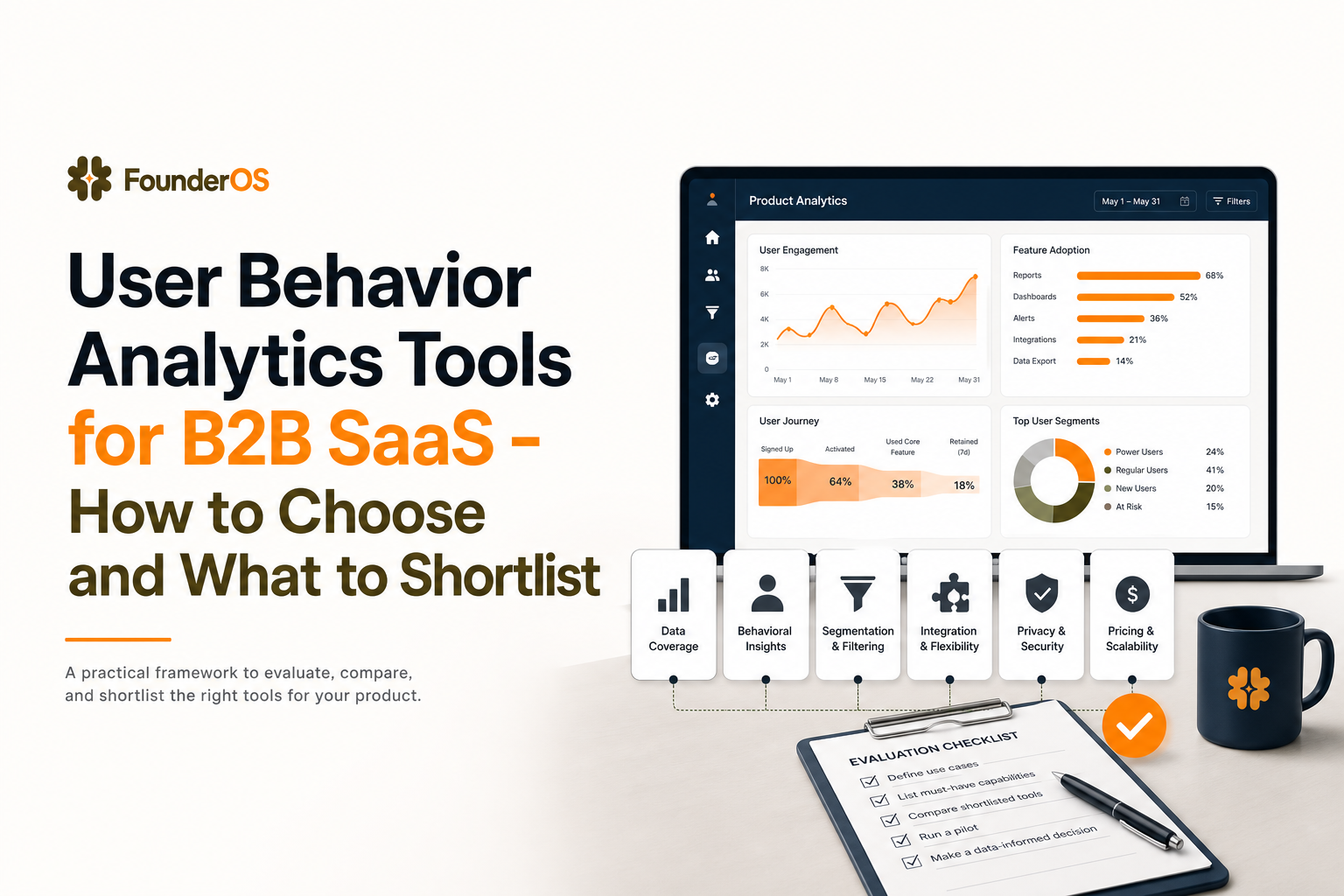
What counts as user behavior analytics tools in B2B SaaS today
In B2B SaaS, a “user behavior analytics tool” is any system that can turn raw product events into decisions you can act on: improving activation, fixing drop-offs, and tying product usage to pipeline or revenue. Vendor labels vary (product analytics, event analytics, customer data platforms), so define the category by outcomes and capabilities.
Minimum capability set (outcomes-first)
- Event tracking model: capture key actions (signup, invite, create, integrate, export) with consistent naming and properties so you can build reliable trends and breakdowns.
- Identity resolution: merge anonymous sessions with known users, and map users to accounts, workspaces, or companies (B2B needs both person and account views).
- User profiles and segmentation: build cohorts based on behavior sequences (did X within Y days) and recency (active in last 7 days), not just traits.
- Funnel and path analysis: diagnose where conversion breaks and what successful users do differently.
- GTM reporting: connect product behavior to lifecycle stages (activated, retained, expansion-ready) and to downstream systems (CRM, marketing automation) when needed.
A fast “does it count?” test
If a tool cannot answer these three questions without custom SQL or weeks of data work, it will not behave like a true user behavior analytics platform for B2B SaaS:
- Activation: “What percentage of new signups reach our activation event within 7 days, and what step is the biggest blocker?”
- Diagnosis: “Which cohort drops off at step 3, and can we inspect the users behind the drop-off to see what happened?”
- Revenue: “Which product behaviors in the first 14 days correlate with paid conversion or expansion by account?”
Shortlist criteria that predict success after you buy user behavior analytics tools
Most selection mistakes happen because teams evaluate features in isolation. Instead, use criteria that predict whether the tool will produce trustworthy insights at speed.
1) Tracking model and schema discipline
- Event naming conventions: Can you enforce a consistent pattern (verb_noun) and validate properties?
- Property strategy: Does the tool support required properties (account_id, plan, role, source) and avoid “property sprawl”?
- Handling B2B objects: Can events be analyzed at user and account/workspace level without hacks?
Pilot check: instrument 10 to 15 core events and confirm you can build an activation funnel and segment it by acquisition source and account size in under 1 hour.
2) Identity resolution and account mapping
B2B identity is messy: users switch devices, use multiple emails, and belong to multiple workspaces. Your shortlist should require:
- Anonymous to known stitching (pre-signup to post-signup).
- Merge rules that are auditable (who merged, when, and why).
- Account hierarchy support (user → workspace → company), or a clear pattern to model it.
What surprised our team was how often “good enough” identity stitching inflated activation by double digits because the same person appeared as 2 to 3 users, so we now treat identity tests as a hard gate in any evaluation.
3) Data quality and governance
Trust is a feature. Ask for concrete controls:
- Event validation: detection of missing required properties, wrong types, or sudden volume spikes.
- Bot and internal traffic filters: exclude employee usage and automated scripts.
- Access control: role-based permissions for dashboards, exports, and PII.
- Retention and deletion: clear policies and tooling for user deletion requests.
Benchmark: run a one-week audit and target <2% of events missing required properties for your “top 10” events.
4) Time-to-insight and workflow speed
The best user behavior analytics tools reduce the cycle time from question → answer → action. Evaluate:
- Real-time or near real-time visibility for debugging and launches.
- Self-serve exploration without a data team for core product questions.
- Drill-down from aggregate charts into user-level context (sessions or event streams) to explain “why”.
When we tested “time-to-first-diagnosis” across tools, the difference between instant event visibility and delayed pipelines was the difference between fixing onboarding in a day versus losing a full week to back-and-forth.
Use-case fit scorecard for activation, funnels, and revenue attribution
To compare user behavior analytics tools without getting lost in feature lists, score each tool against three jobs-to-be-done. Use a 0 to 2 scale per criterion (0 = cannot do, 1 = can do with workarounds, 2 = can do well).
Job 1: Activation measurement and improvement
- Activation definition: supports multiple activation events per persona or plan (e.g., “invite teammate” for teams, “connect integration” for admins).
- Time-to-activate: can measure median time and distribution (not just averages).
- Cohort comparisons: compare activation across channels, segments, and release windows.
- Onboarding iteration support: can run before/after analyses and annotate releases.
Acceptance test: build “Signup → Key action 1 → Key action 2” funnel, then segment by source and role, and export the drop-off cohort for outreach.
Job 2: Funnel diagnosis and drop-off explanation
- Flexible funnel builder: any event to any event, with optional order constraints.
- Breakdowns: see drop-off by device, plan, region, role, and account size.
- Drill-down to users: inspect the users who dropped off and their event trails.
- Path exploration: identify common loops and dead ends after a step.
Acceptance test: locate the biggest drop-off step in under 10 minutes and pull 20 affected users to review what they did immediately before exiting.
Job 3: Revenue attribution and high-intent signals
- Account-level reporting: usage by account, not just user, with rollups for seats and workspaces.
- Behavioral lead scoring: build segments like “integration completed + used core feature 3 times in 7 days”.
- CRM handoff: can push segments or alerts to systems like Salesforce or HubSpot (via native integrations or webhooks).
- Expansion signals: detect usage thresholds that correlate with upgrades (seat growth, feature adoption breadth).
Acceptance test: define a “high intent” segment and verify it updates within minutes or hours, not days. If you want a deeper framework for this, see how to identify high intent users in saas.
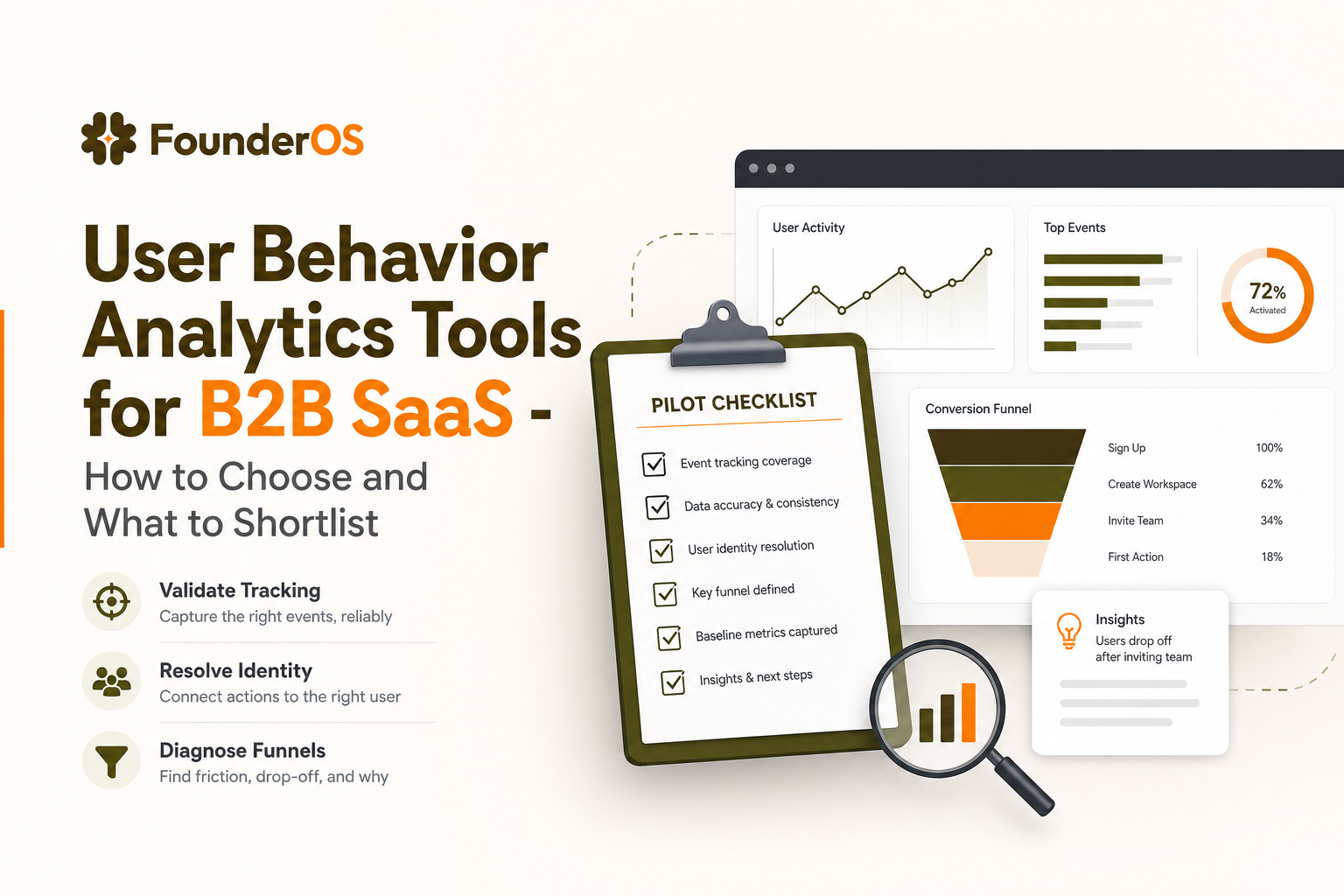
Implementation reality check before you commit
Even the best shortlist can fail if implementation assumptions are wrong. Use this checklist to avoid the common failure modes we see with user behavior analytics tools.
Instrumentation effort and who owns it
- Auto-capture vs deliberate events: auto-capture helps with speed, but you still need deliberate events for core milestones (activation, invite, integration, upgrade).
- Ownership model: decide who owns event taxonomy, QA, and release notes (product ops, PM, or engineering).
- Definition of done: every new feature ships with event specs, validation, and a dashboard update.
We initially assumed auto-capture would eliminate most tracking work, but in practice the highest-leverage wins came from 15 to 30 carefully defined events that matched lifecycle milestones.
Retroactive analysis limits
Many teams get burned expecting to answer questions about past behavior after they install. Reality:
- No backfill for events you never captured.
- Identity stitching might not apply retroactively if identifiers were missing.
- Property changes can break trend continuity unless the tool supports transformations or mapping.
Mitigation: during the pilot, include at least one “historical” question (last 30 days) and confirm what is and is not possible.
Integrations and data flow architecture
- Warehouse strategy: if you rely on a data warehouse, confirm export formats, latency, and costs.
- Reverse ETL or webhooks: for pushing segments to CRM or messaging tools.
- Privacy and security: confirm SOC 2 posture, DPA availability, and how PII is handled (hashing, masking, access logs).
For teams building a broader measurement stack, it helps to align terminology across event analytics, CRM stages, and billing so “activated” means the same thing everywhere.
Migration risk and parallel run plan
- Parallel tracking window: run old and new tools for 2 to 4 weeks and reconcile key metrics.
- Metric definitions: lock definitions before comparing, especially for active users and activation rate.
- Dashboard parity: recreate only the 5 to 10 dashboards that drive weekly decisions.
If funnels are a core workflow, keep a diagnostic playbook handy. This guide on funnel analysis pairs well with a parallel-run migration.
A practical shortlist of user behavior analytics tools and where Founder OS fits
Below is a practical shortlist framed by ideal customer profile, strengths, and tradeoffs. This is not about “best overall”, it is about fit for your activation and revenue questions.
1) Product analytics platforms (general-purpose)
- Best for: teams that want robust event analysis, funnels, retention, and segmentation.
- Strengths: strong exploratory analysis, cohorting, and product-led growth workflows.
- Tradeoffs: can require more schema discipline and governance to avoid noisy data.
2) Session replay and qualitative behavior tools
- Best for: UX troubleshooting, form friction, and understanding “why” behind drop-offs.
- Strengths: visual evidence, fast debugging of confusing flows.
- Tradeoffs: weaker at account-level reporting and long-horizon behavioral segmentation unless paired with event tracking.
3) Customer data platforms and tracking pipelines
- Best for: teams with multiple downstream tools and strict governance needs.
- Strengths: strong identity, routing, and schema control across systems.
- Tradeoffs: can add cost and implementation time before you get actionable insights.
4) Warehouse-native analytics and BI
- Best for: organizations with mature data teams and a strong warehouse foundation.
- Strengths: flexibility, single source of truth, custom modeling.
- Tradeoffs: slower time-to-insight for product teams unless you invest heavily in semantic layers and self-serve tooling.
5) Founder OS (when speed-to-activation is the priority)
Founder OS fits teams that want user behavior analytics tools focused on fast installation, quick answers, and operational workflows around activation and retention. It is designed so you can start capturing behavior immediately (including page views, clicks, and form events), tie events to user profiles, build real-time segments, and diagnose drop-offs with funnel views that let you drill from aggregate steps into individual users.
If you are building a buyer checklist for this category, you may also want this companion guide on user analytics tools and a starter methodology for user behaviour analysis.
| Selection criterion | What to verify in a pilot | Pass threshold |
|---|---|---|
| Identity resolution | Anonymous to known stitching, account mapping, merge audit trail | <5% duplicate users in a sampled cohort |
| Activation workflow | Build activation funnel, segment by source and role, export drop-offs | Done in <60 minutes without SQL |
| Funnel diagnosis | Find biggest drop-off step and inspect affected users | Root cause hypothesis in <30 minutes |
| Data quality controls | Required properties, type checks, bot/internal filters | <2% missing required properties (top events) |
| Time-to-insight | Latency from event firing to dashboard visibility | Seconds to minutes for debugging use cases |
| GTM handoff | Segment updates and ability to route to CRM/alerts | Segment refresh within minutes to hours |
FAQ
If you want to pilot a fast path to trustworthy activation and funnel insights, Founder OS is worth evaluating alongside your shortlist of user behavior analytics tools. Start with a small event set, validate identity and data quality, then scale what works.
Written by Ivy Tran
Founder of FounderOS, sharing practical insights on SaaS growth, product analytics, and user activation.
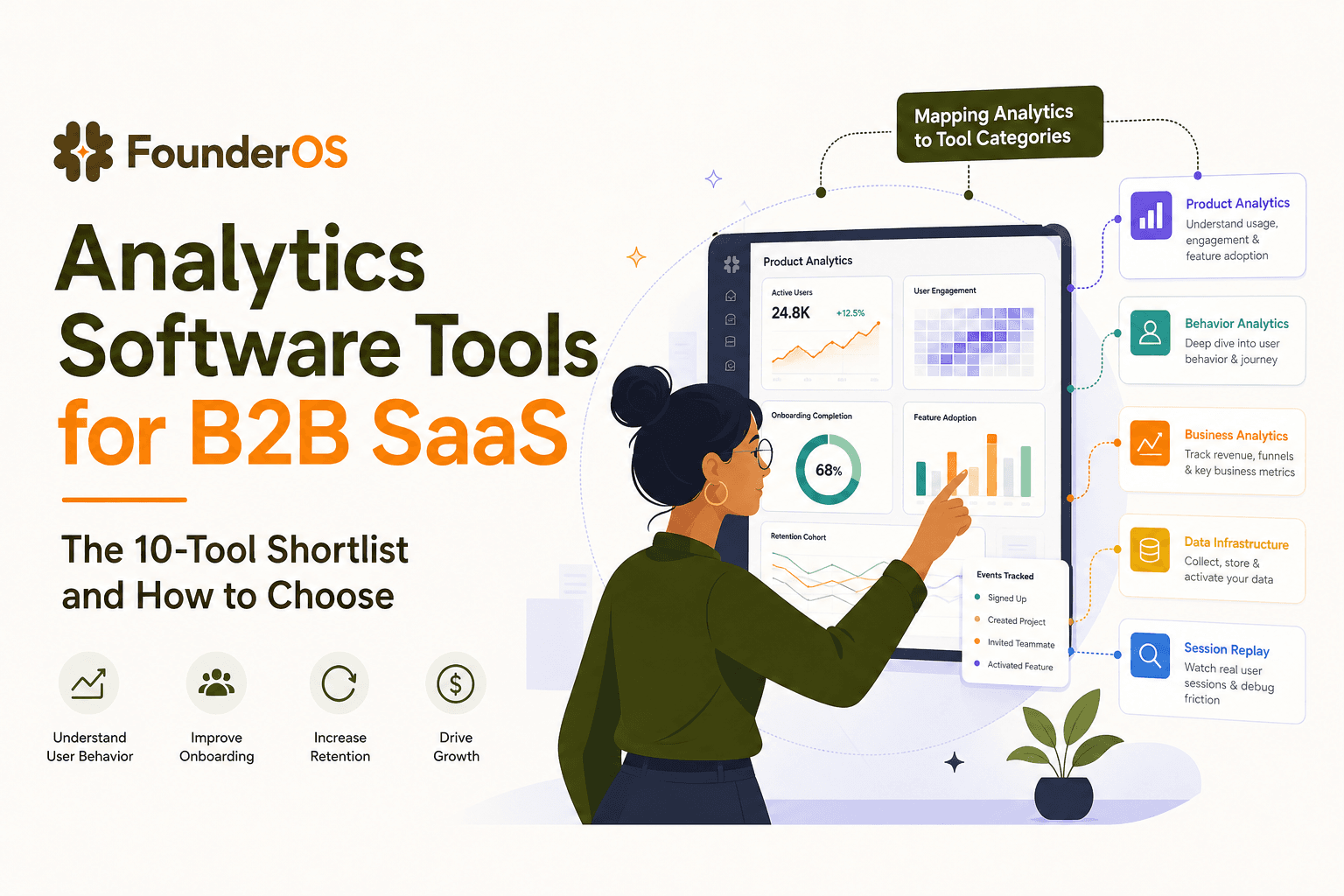
Analytics Software Tools for B2B SaaS - The 10-Tool Shortlist and How to Choose
A BOFU-ready shortlist of analytics software tools for B2B SaaS: 10 picks across categories plus a buyer rubric and rollout plan.

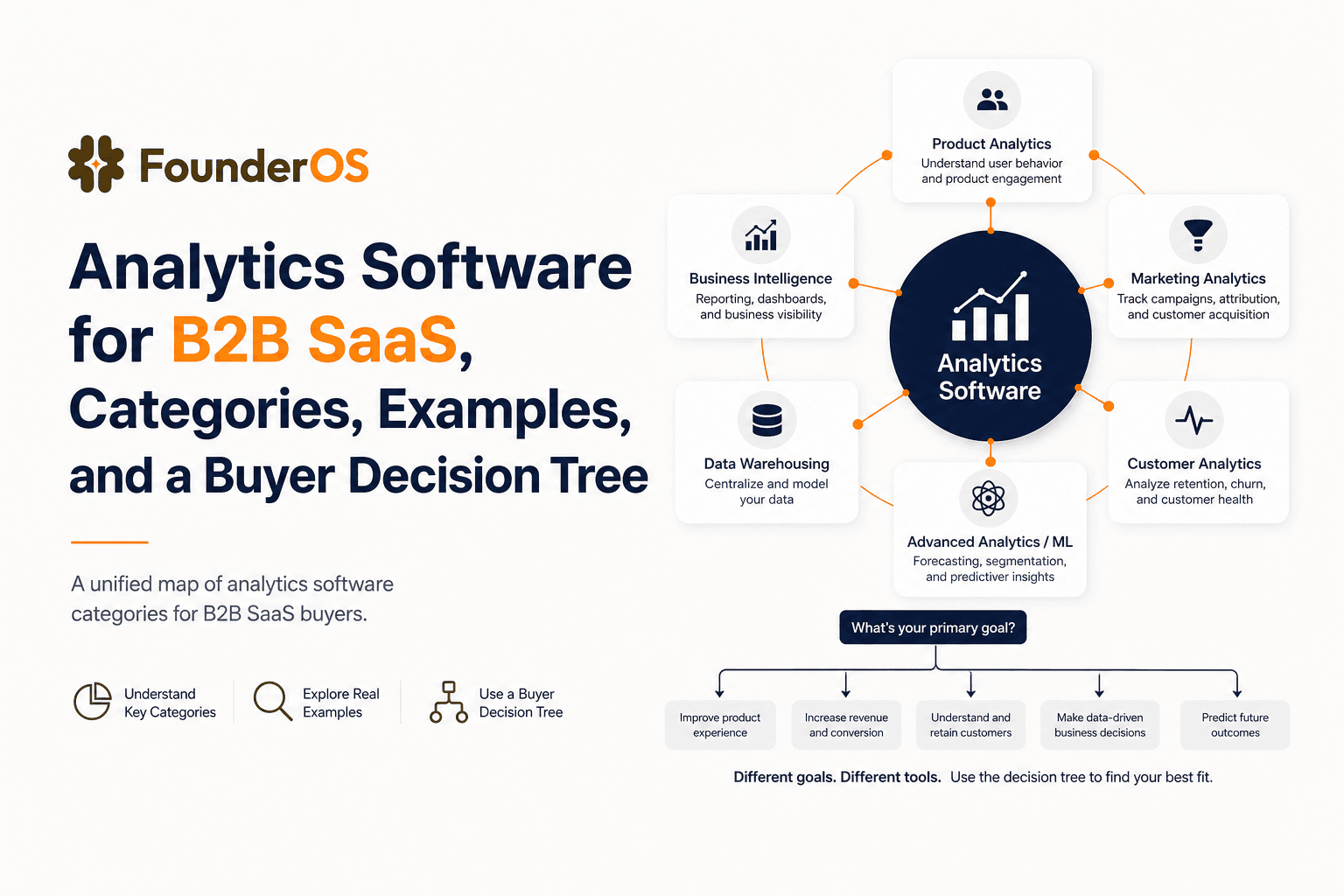
Analytics Software for B2B SaaS, Categories, Examples, and a Buyer Decision Tree
Choose analytics software for B2B SaaS with a clear category map, 10-minute decision tree, real workflows, and a practical buyer checklist.
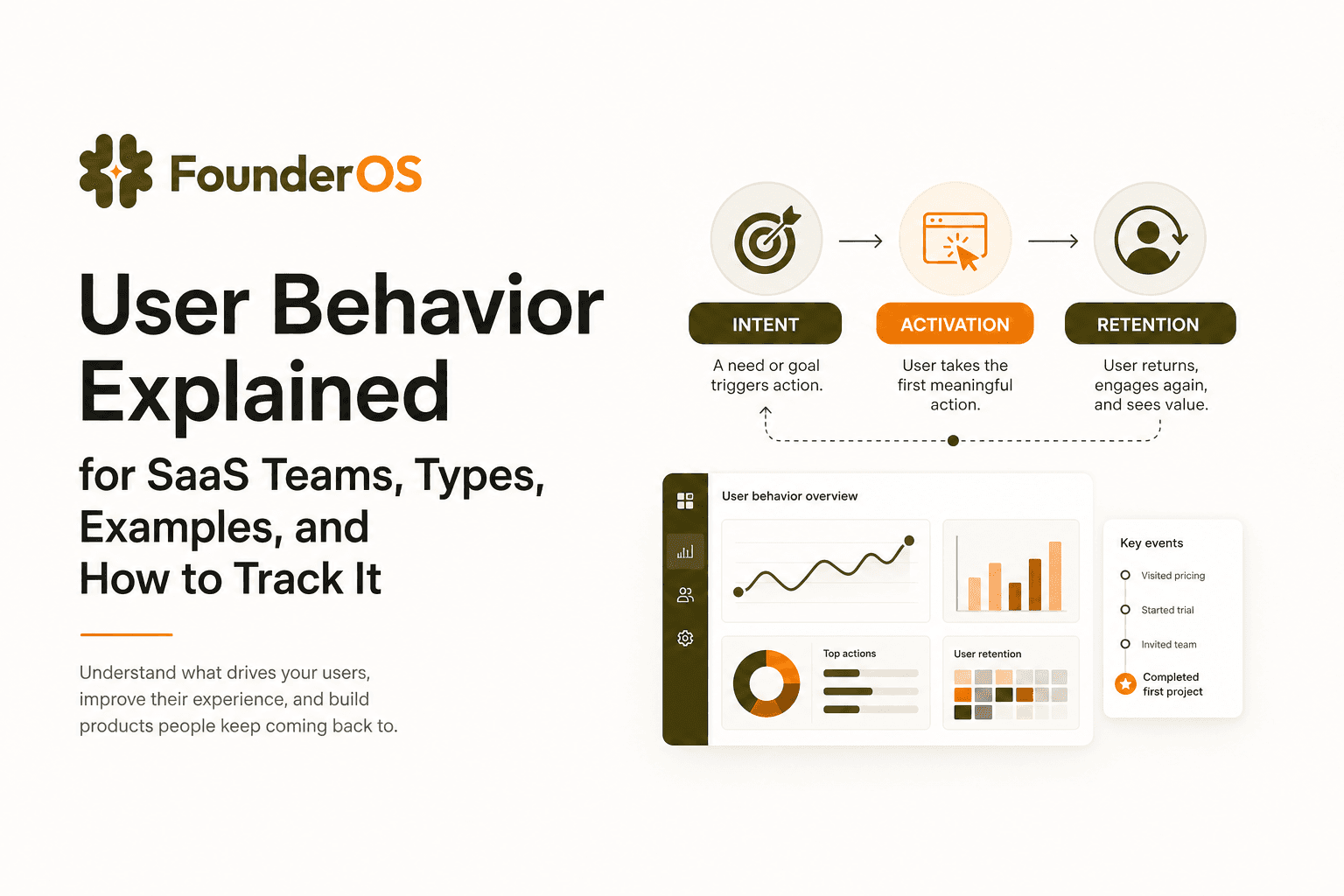
User Behavior Explained for SaaS Teams, Types, Examples, and How to Track It
Learn what user behavior means in SaaS, the key types, and a practical event tracking playbook to turn user behavior into product decisions.