
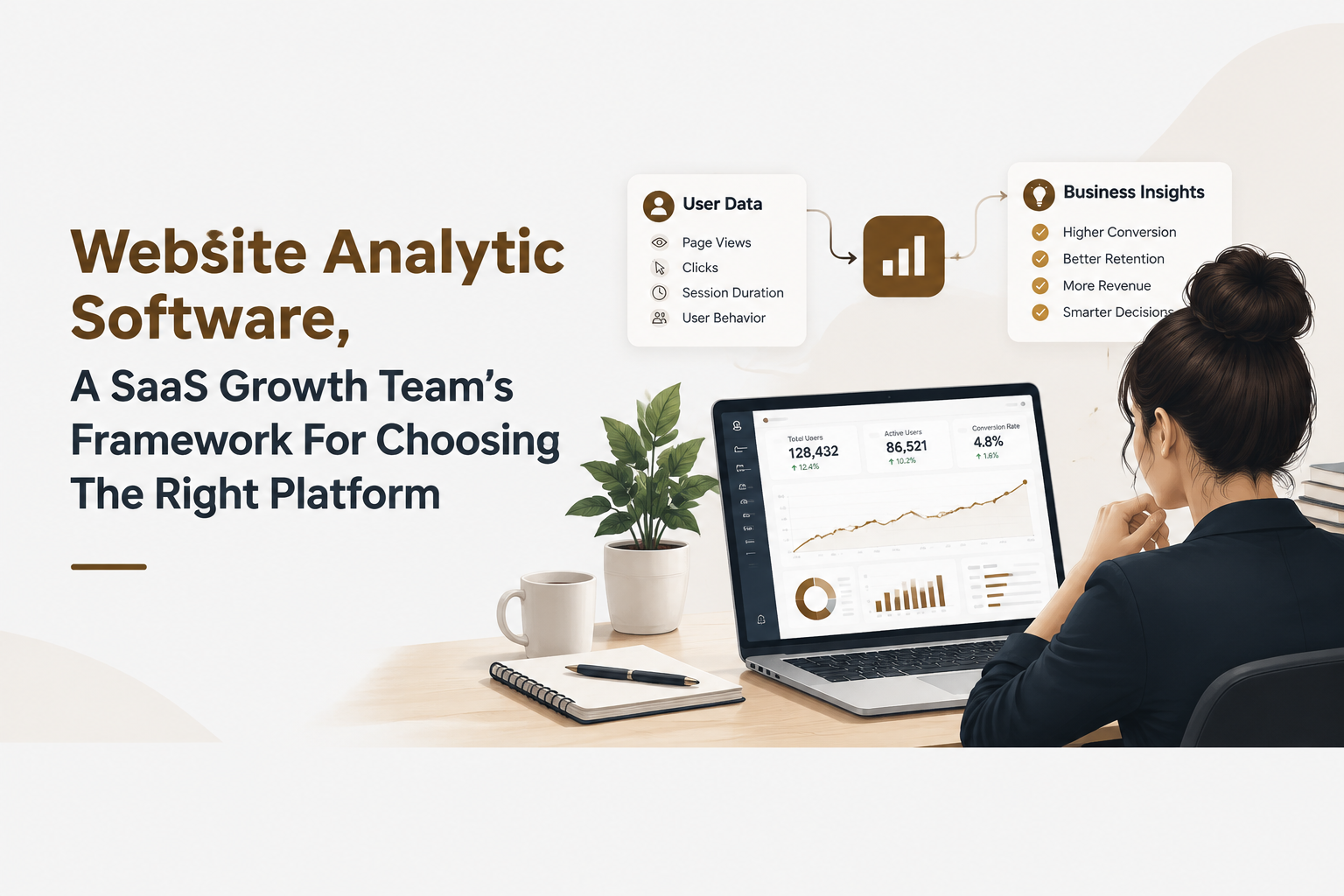
Website Analytic Software, A SaaS Growth Team’s Framework For Choosing The Right Platform
Website analytic software helps SaaS teams choose better growth actions by connecting user behavior, conversion signals, and revenue outcomes instead of judging platforms by feature counts alone. The right selection process starts with business questions, then maps those questions to required events, reports, segmentation methods, and decision workflows. For B2B SaaS teams, the goal is not collecting more data but creating a reliable system that explains why users activate, convert, stay, or leave.
- Choose analytics platforms by the decisions your team needs to make, including activation, retention, acquisition quality, and revenue analysis.
- Evaluate tracking architecture, ownership, privacy, integrations, and pricing models before comparing feature lists.
- A connected analytics workflow combines website behavior, product events, user profiles, and GTM reporting for stronger SaaS decisions.

Choose Website Analytic Software Based on Growth Questions, Not Feature Lists
Website analytic software selection should begin with growth questions because business outcomes determine which tracking capabilities actually matter. A SaaS team evaluating platforms should first define what decisions need faster answers, then identify the data required to support those decisions.
Start with a question-to-data framework
A practical evaluation framework connects four layers: business question, required user actions, reporting output, and decision owner. For example, a product team asking why new users fail to activate may need signup events, onboarding completion events, feature usage data, and cohort comparisons. A marketing team asking which channels create qualified customers may need source attribution, lead quality signals, and revenue connections.
The following checklist helps teams avoid selecting software based only on dashboards:
- Activation questions: Can the platform show which actions predict a user reaching value?
- Conversion questions: Can teams identify where prospects or users stop progressing?
- Retention questions: Can teams compare behaviors of retained and inactive users?
- Revenue questions: Can analytics connect product engagement with business outcomes?
Many SaaS teams already understand analytics concepts but struggle with fragmented answers. We initially assumed more reporting options would improve decisions, but our audits showed the bigger issue was usually disconnected events and unclear ownership of metrics. A smaller set of trusted measurements often creates faster action than hundreds of unused reports.
Define success metrics before comparing platforms
Before reviewing any website analytic software, create a measurement map. Include the primary growth metric, supporting behaviors, required events, and the team responsible for acting on insights. This approach also makes it easier to compare analytics software because each option can be judged against real operational needs rather than marketing claims.
Match Analytics Capabilities to SaaS Use Cases and Reporting Needs
SaaS analytics capabilities should match specific growth workflows, such as activation measurement, user adoption tracking, retention analysis, and revenue attribution. A platform creates value when reports directly support decisions made by product, marketing, sales, and customer success teams.
Build reports around operational decisions
A useful analytics environment typically includes several reporting layers:
- Acquisition reporting: Measures which traffic sources produce users who complete meaningful actions, not just visits or signups.
- Activation reporting: Shows the steps between account creation and first value realization.
- Engagement reporting: Identifies which features and behaviors correlate with continued usage.
- Retention reporting: Reveals patterns among returning users and accounts at risk.
- Revenue reporting: Connects usage patterns with upgrades, expansion, or customer value.
For example, a B2B SaaS company may create an activation report that tracks signup, workspace setup, invitation completion, and first key feature usage. Another report may compare customers who renew against customers who stop engaging after the first month.
In our experience working with SaaS growth teams, the strongest reporting systems were built around repeatable decisions rather than executive dashboards created for occasional meetings. Teams moved faster when every report answered a specific question and had a clear action attached.
Use events and segments to understand behavior
Event tracking is the foundation for understanding what users actually do. Teams should evaluate whether a platform supports flexible analytics events tracking, because generic page metrics rarely explain product adoption.
Strong implementations usually include:
- Important user actions such as feature usage, invitations, searches, exports, or completed workflows.
- User profiles that connect events to individual accounts or customer segments.
- Cohort analysis that compares groups based on signup period, behavior, or lifecycle stage.
- Conversion paths that reveal where users lose momentum.
A complete view of behavior allows teams to move from asking what happened to understanding why it happened.
Evaluate Tracking Architecture, Data Ownership, Privacy, and Cost Drivers
Analytics platform evaluation requires reviewing data architecture, governance, privacy controls, and pricing mechanics before making a purchase decision. A low-cost platform can become expensive if teams cannot trust the data or need extensive engineering support to maintain it.
Review the technical foundation
A buyer checklist for analytics architecture should include:
- Event model: Determine whether tracking supports the actions that define product value.
- Implementation effort: Assess whether engineers must manually maintain every tracking change.
- Data ownership: Confirm whether teams can export, analyze, and reuse collected data.
- Integration options: Review connections with CRM, marketing automation, and product systems.
- User identity: Check whether anonymous visitors can be connected with known users when appropriate.
Privacy requirements should also influence selection. Teams should understand what information is collected, how consent is handled, and whether the platform supports internal governance requirements.
When we tested analytics implementations across different product environments, the biggest maintenance problems came from unclear event definitions. A tracking plan created before implementation reduced duplicated data, inconsistent naming, and reporting disagreements.
Understand pricing beyond the starting plan
Analytics pricing commonly depends on factors such as tracked events, users, sessions, data retention, seats, or advanced reporting features. Buyers should estimate future usage rather than only reviewing current traffic levels.
Questions to ask include:
- Will event volume grow significantly as product usage increases?
- Are important reports included or locked behind higher plans?
- Does the team need additional tools to connect product and marketing data?
- Will analysts or engineers be required for routine questions?
Cost evaluation should measure total operational effort, not only subscription price.
Build a Website Analytics Stack That Connects Product and GTM Data
A modern SaaS analytics stack connects website activity, product behavior, user profiles, segmentation, and GTM reporting into one growth intelligence workflow. Teams gain stronger insights when customer journeys are measured from first interaction through long-term usage.
Create a connected workflow
A practical workflow contains four stages:
- Capture: Collect website actions, product events, and user interactions.
- Understand: Build profiles and segments based on real behavior.
- Analyze: Review conversion paths, adoption patterns, and retention signals.
- Act: Apply insights through onboarding improvements, campaigns, and sales processes.
This structure prevents teams from treating website analytics as a separate marketing activity. Product and revenue teams can work from shared signals instead of separate reports.
For example, a SaaS company may identify that users from one acquisition source create accounts frequently but rarely complete onboarding. Combining acquisition data with product usage events helps the team improve targeting and onboarding rather than simply increasing traffic.
Founder OS applies this connected approach through Product Tracking, User Profile Tracking and User Segmentation, GTM Report, and Product Onboarding Tool capabilities that help teams align behavioral data with growth workflows.
Measure impact through shared growth signals
The most valuable analytics systems create feedback loops. Marketing learns which leads become active users, product teams understand adoption barriers, and customer teams identify risks earlier.
Our team found that combining behavioral segments with onboarding analysis created clearer priorities than reviewing isolated website reports. The insight was not just which users converted, but which actions increased the likelihood of long-term value.
A Practical Selection Path for Finding the Right Analytics Software
The right analytics choice depends on company maturity, measurement goals, and the complexity of customer journeys. A practical selection path helps teams choose between general website analytics, product analytics platforms, privacy-focused solutions, and SaaS growth systems.
Use scenario-based evaluation
Match platform categories to your current challenge:
- Need basic traffic understanding: Prioritize visitor trends, acquisition channels, and content performance.
- Need product adoption insights: Prioritize event tracking, user profiles, segmentation, and retention reporting.
- Need privacy-focused measurement: Prioritize governance, data controls, and compliance capabilities.
- Need growth coordination: Prioritize systems that connect product behavior with GTM activities.
Teams comparing analytics software tools should create a shortlist based on these scenarios instead of choosing the platform with the longest feature list.
Create a final evaluation scorecard
A simple scorecard can include five categories:
| Evaluation Area | Key Question |
|---|---|
| Business fit | Does the platform answer the growth questions that matter most? |
| Tracking depth | Can it capture important user actions and behaviors? |
| Workflow fit | Can teams turn insights into product or GTM actions? |
| Data control | Are ownership, privacy, and exports suitable? |
| Total cost | Will pricing remain practical as usage expands? |
A structured evaluation reduces tool switching and helps teams build analytics foundations that support future growth.
Frequently Asked Questions About Website Analytic Software
Founder OS helps B2B SaaS teams build a more connected growth analytics workflow by combining product behavior insights, user segmentation, and GTM reporting in one environment. Teams evaluating their next analytics foundation can explore how Founder OS supports better activation decisions and clearer growth measurement.
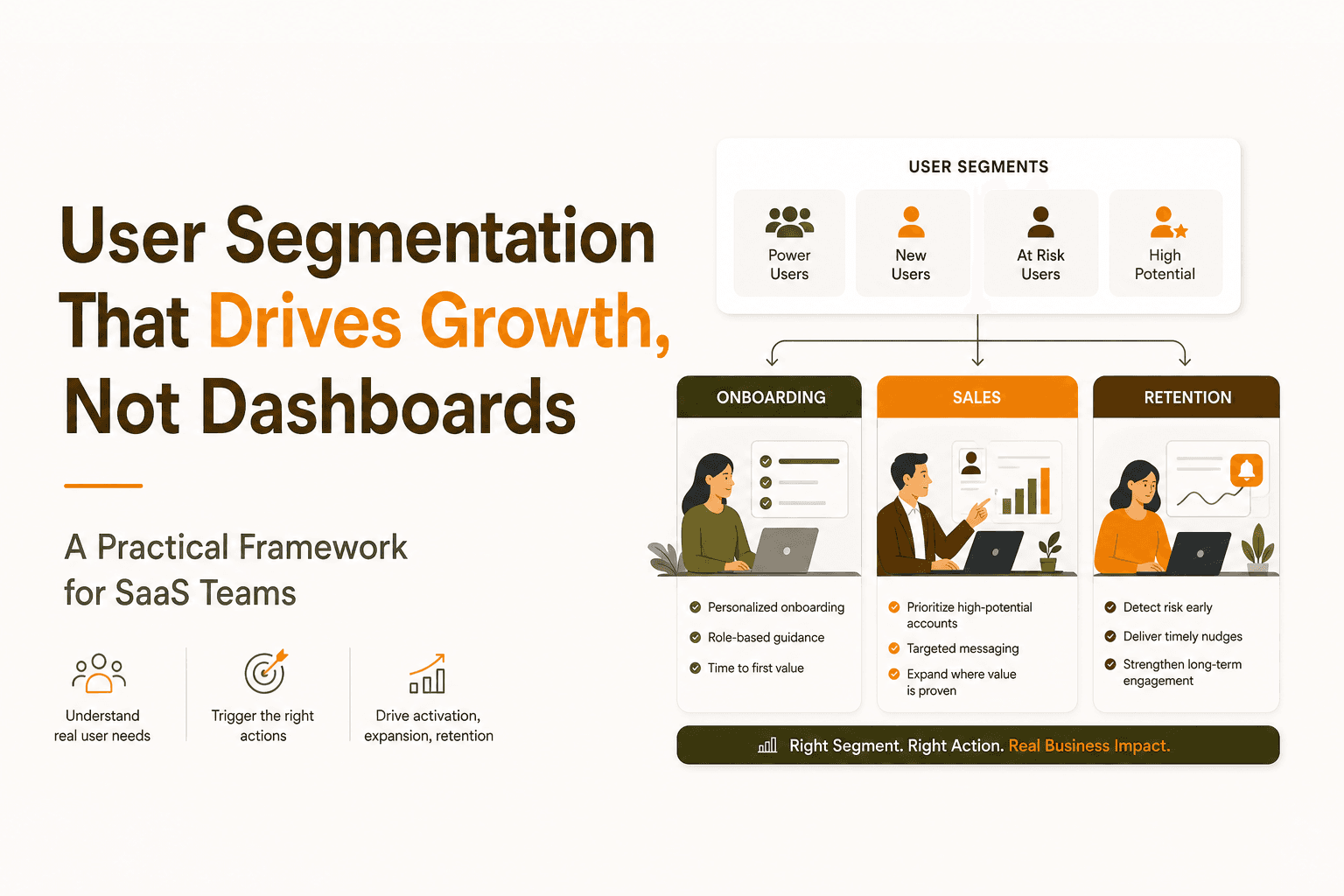
User Segmentation That Drives Growth, Not Dashboards - A Practical Framework for SaaS Teams
Learn user segmentation that powers onboarding, lifecycle messaging, and sales outreach with a simple framework and tool checklist.
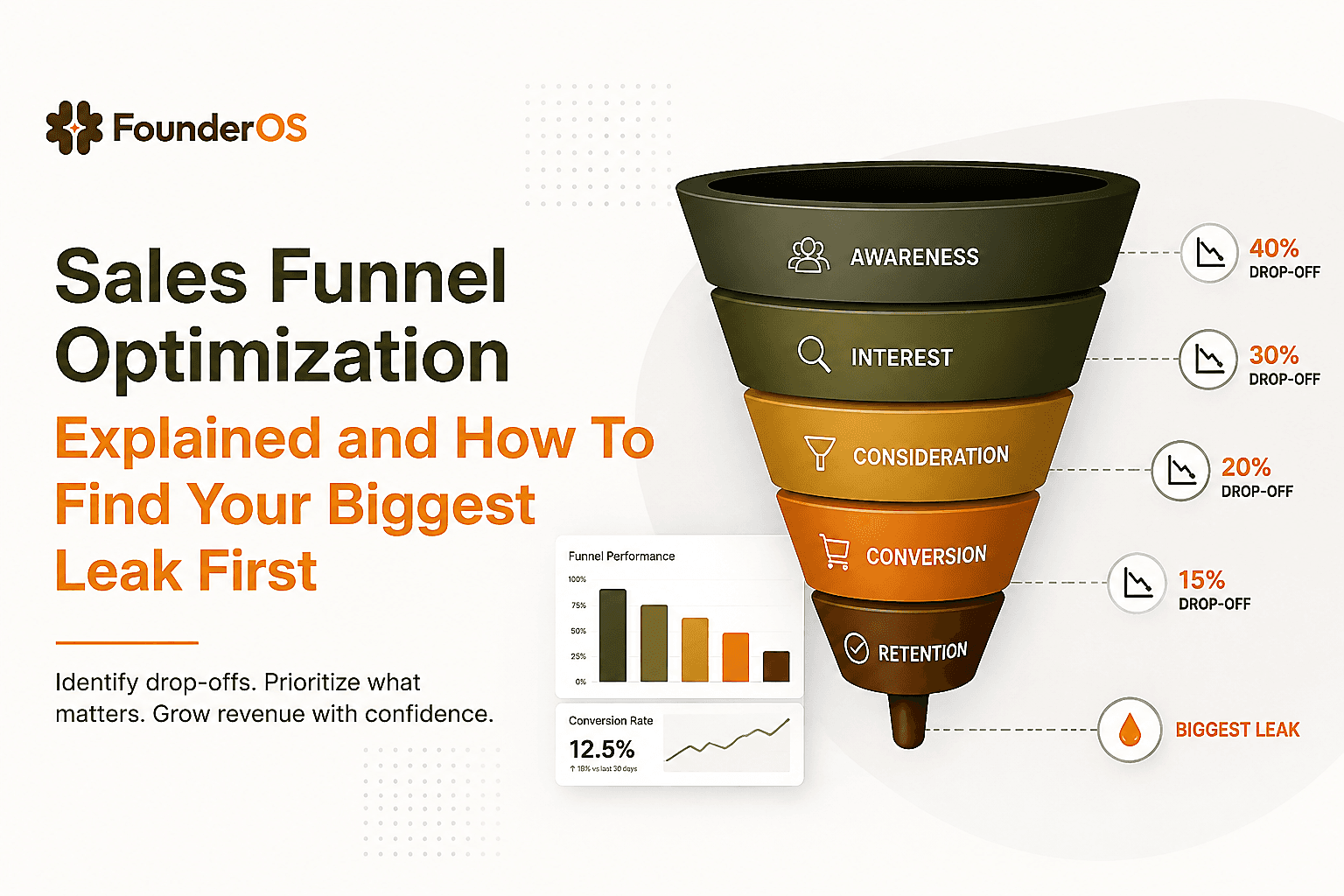
Sales Funnel Optimization Explained and How To Find Your Biggest Leak First
Learn sales funnel optimization with simple diagnostics, formulas, and a reusable worksheet to fix the biggest leak before buying more traffic.
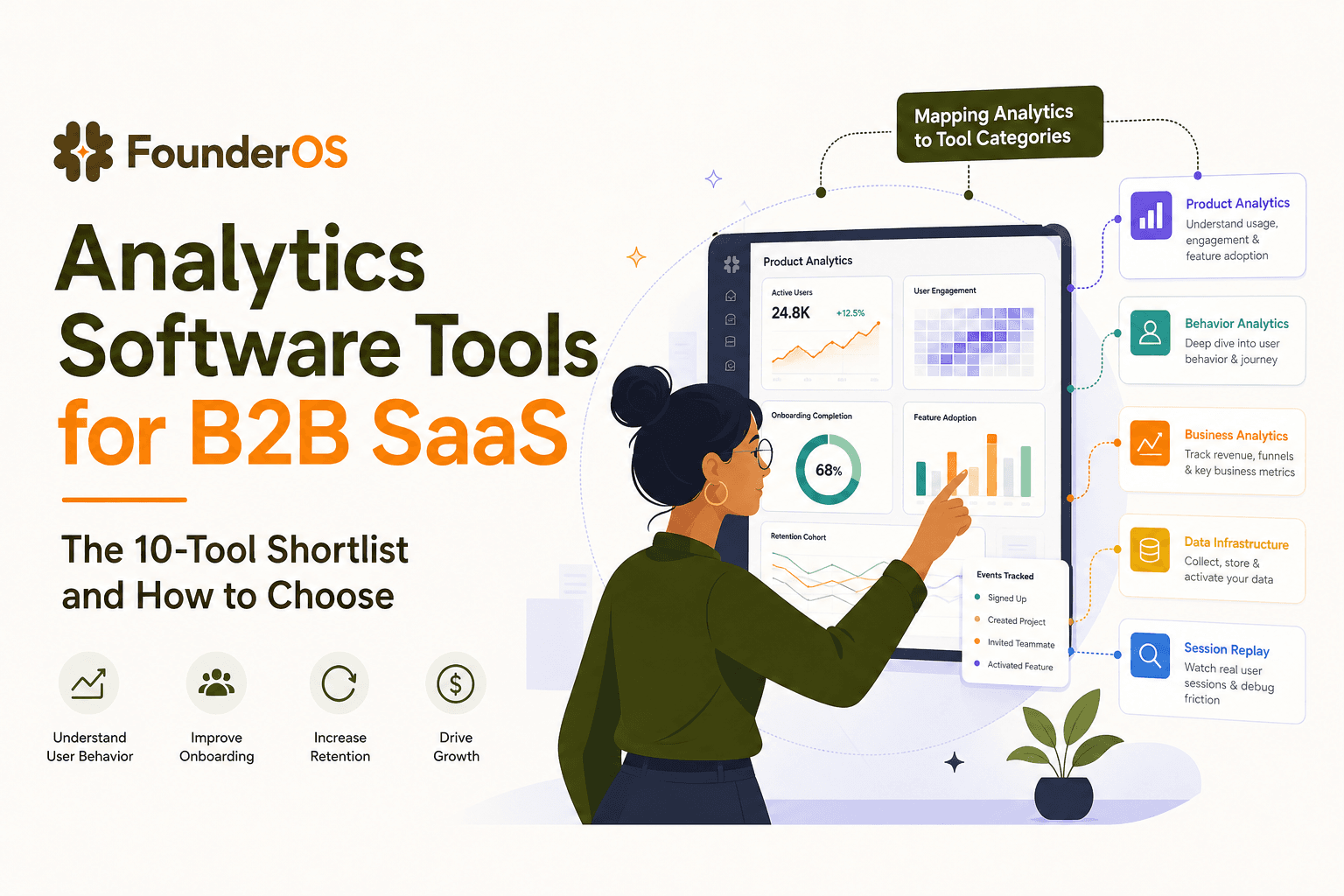
Analytics Software Tools for B2B SaaS - The 10-Tool Shortlist and How to Choose
A BOFU-ready shortlist of analytics software tools for B2B SaaS: 10 picks across categories plus a buyer rubric and rollout plan.
