
Best User Onboarding for SaaS, A Scorecard and Ranked Examples You Can Copy
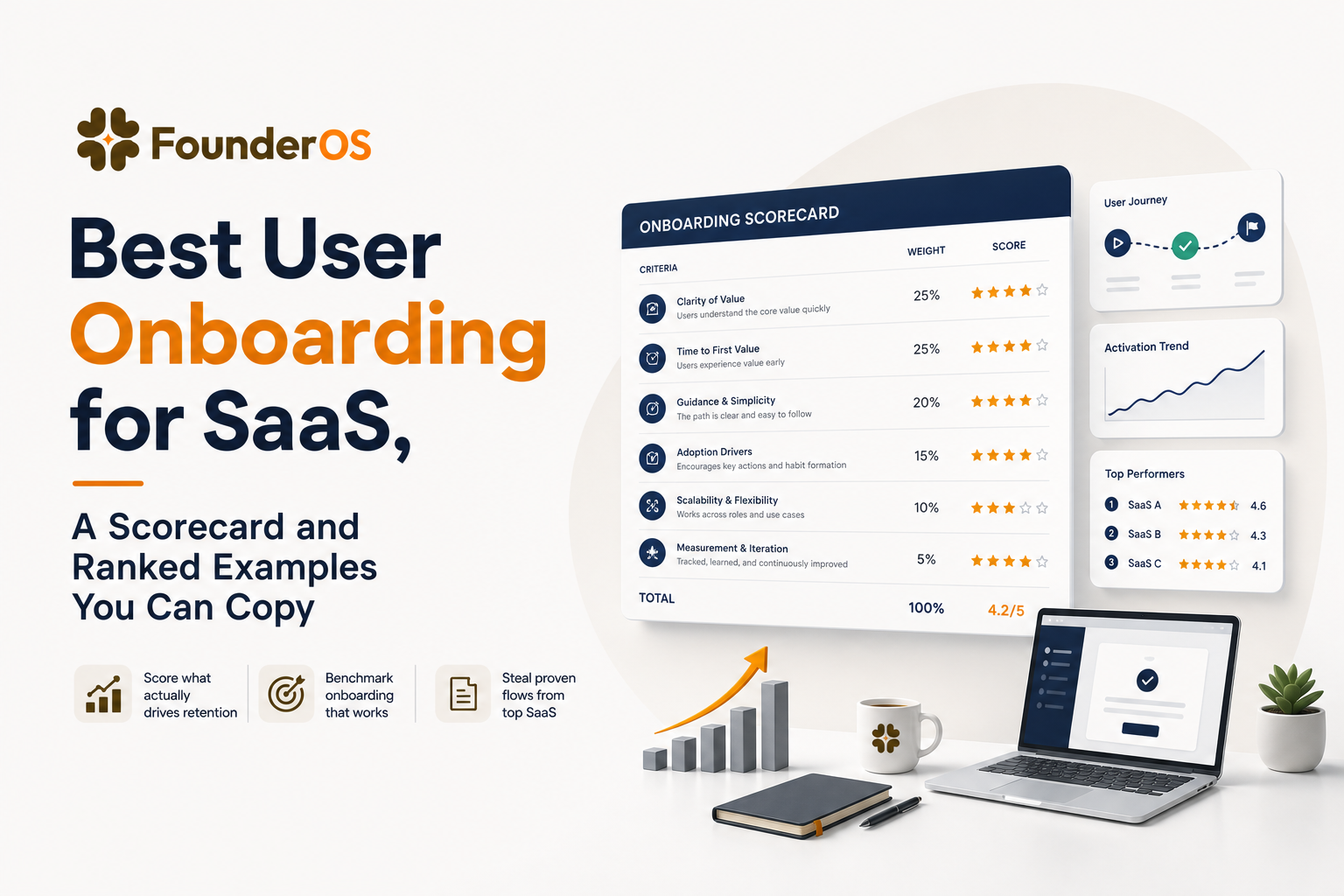
“Best user onboarding” in B2B SaaS is not the prettiest tour, it is the fastest path to a first win (time-to-value) that leads to sustained adoption in week 2 and beyond. This guide gives you a buyer-grade scorecard, ranked examples you can copy, and the exact patterns to implement with a no-code flow builder.
- Best user onboarding optimizes for time-to-value plus sustained adoption, not just completion rates.
- Use a weighted scorecard (with pass-fail gates like skip/exit) to evaluate onboarding experiences consistently.
- Copy patterns from top performers: progressive profiling, role-based paths, triggered checklists, and contextual help tied to real actions.
What Best User Onboarding Means in B2B SaaS, Not Just Pretty Tours
For B2B SaaS, the best user onboarding is the shortest reliable route from “I signed up” to “I got value” with minimal confusion, and then a clear next step that keeps the product sticky. That means you measure onboarding by outcomes, not by whether someone clicked “Next” five times.
Define “best” as two outcomes you can actually measure
- Fast time-to-value (TTV): the time from first session to a meaningful first win (for example: first dashboard created, first teammate invited, first report exported, first integration connected).
- Sustained adoption: repeat usage of the core loop in days 7 to 30, plus expansion behaviors (invites, integrations, saved workflows, scheduled reports).
What does not count as best
- “Tour completion” as the goal: completion is a UI metric, not a business metric. A 90% completion rate can still produce low activation if the steps are not tied to real value.
- One-size-fits-all onboarding: different roles have different first wins. A finance user and an engineering user should not see the same path.
- Front-loaded friction: long forms, forced setup, or mandatory tutorials before a user can explore often increase early drop-off.
The litmus test
If you had to pick just one question to decide whether an experience is best user onboarding, ask: Does it reliably get the right user to a first win in one session, and does it nudge them into the second win within a week?
The Buyer Scorecard for Best User Onboarding Experiences
To compare onboarding experiences without hand-wavy opinions, use a weighted rubric plus a few pass-fail gates. This makes “best user onboarding” something you can evaluate during research, competitive teardown, or vendor selection.
Pass-fail gates (non-negotiables)
- Skip / exit is always available: users must be able to close tours, postpone setup, or explore freely.
- State awareness: onboarding should not repeat steps users already completed.
- Accessible UI: keyboard navigation, readable contrast, and non-blocking overlays for critical actions.
Weighted rubric (100 points)
- Value clarity (20): does the product quickly explain the job-to-be-done and the first win?
- Path personalization (15): role, use case, company size, or intent-based routing.
- Friction management (15): progressive disclosure, minimal required fields, smart defaults.
- Contextual guidance (15): tooltips, checklists, and prompts appear at the moment of action.
- Activation design (15): onboarding steps directly produce the activation event, not just learning.
- Recovery and support (10): inline help, searchable docs, “contact us” paths, and error-proofing.
- Measurement and iteration (10): clear instrumentation, drop-off visibility, and experiment cadence.
How to score consistently
Use a single “test user” script for every product: sign up, choose a common use case, attempt the first win, then return on day 2 to see what changes. When we tested onboarding across multiple B2B tools, the biggest scoring swings came from state awareness and activation design, not from UI polish.
Best User Onboarding Examples Ranked, With What To Copy and When
Below are standout onboarding experiences many SaaS teams recognize, ranked using the rubric above. Treat the scores as directional, not absolute. The goal is to extract reusable patterns and triggers you can implement in your own product.
1) Notion (Score: 92/100) - Template-led first win
- What to copy: start from templates that map to real jobs (meeting notes, CRM, project tracker) so the first win is “I have a working system” not “I learned the UI.”
- When to use: flexible products with many possible workflows.
- Trigger: after selecting a use case, auto-create a workspace with prefilled content and a single highlighted next action.
2) Slack (Score: 90/100) - Social activation and guided invites
- What to copy: drive the second win by prompting invites and channel creation, because value increases with collaborators.
- When to use: collaboration products where solo usage undervalues the product.
- Trigger: after first message sent, nudge “Invite 2 teammates” with smart suggestions (domain match, recent contacts).
3) Trello (Score: 88/100) - Board-first onboarding with progressive tips
- What to copy: put the core object on screen immediately (a board) and teach through micro-interactions, not a long tour.
- When to use: products with a simple core loop (create, move, complete).
- Trigger: show tips only when the user hovers, clicks, or creates the first card.
4) Canva (Score: 87/100) - Intent capture and “choose your path”
- What to copy: ask a lightweight intent question early (what are you making?) and route to the right starting point.
- When to use: broad products spanning multiple personas and outputs.
- Trigger: first session modal with 3 to 6 choices, then curated templates and a single CTA.
5) Airtable (Score: 86/100) - Use-case libraries plus guided setup
- What to copy: combine templates with a guided “fill in your data” step, so users reach a living base quickly.
- When to use: products that require initial structure but benefit from flexibility.
- Trigger: after template selection, prompt import (CSV) or sample data, then highlight first automation or view.
6) GitHub (Score: 84/100) - Checklist onboarding for complex ecosystems
- What to copy: a persistent checklist that breaks setup into small wins (create repo, add README, invite collaborator, set actions).
- When to use: complex products where users need multiple steps before value compounds.
- Trigger: show checklist after account creation, then mark items complete based on real events.
7) Stripe (Score: 83/100) - Dual-track onboarding for builders and non-builders
- What to copy: separate paths for “I want to integrate now” vs “I want to explore first,” with clear sandbox guidance.
- When to use: developer-first products with multiple entry points.
- Trigger: detect SDK docs visit or API key creation and switch to developer-optimized guidance.
8) HubSpot (Score: 82/100) - Role-based onboarding and data import nudges
- What to copy: route by role (marketing, sales, support) and push the “data foundation” step early (import contacts, connect email).
- When to use: suites with multiple hubs where wrong-path onboarding is costly.
- Trigger: after role selection, present a 3-step plan tied to one activation event per role.
9) Figma (Score: 81/100) - Learn by doing with starter files
- What to copy: open a starter file and teach the core actions in-context (select, move, comment, share).
- When to use: skill-based tools where hands-on practice beats explanation.
- Trigger: first open, automatically load a sandbox file with a single guided task.
10) Zoom (Score: 79/100) - Immediate core action with minimal setup
- What to copy: make the primary action obvious and runnable immediately (start meeting), then layer in settings later.
- When to use: products with a single dominant action and low learning curve.
- Trigger: first login, one primary CTA plus optional “test audio/video” assist.
Patterns that show up in the best user onboarding examples
- Template or starter-state: users start with something that already works.
- Event-based triggers: guidance appears after a meaningful action, not on a timer.
- Checklists tied to real events: items complete automatically when the user does the thing.
- Second-win design: onboarding does not stop at the first success, it nudges the next one.
Desktop vs Mobile Onboarding, A Decision Framework and Website-First Patterns
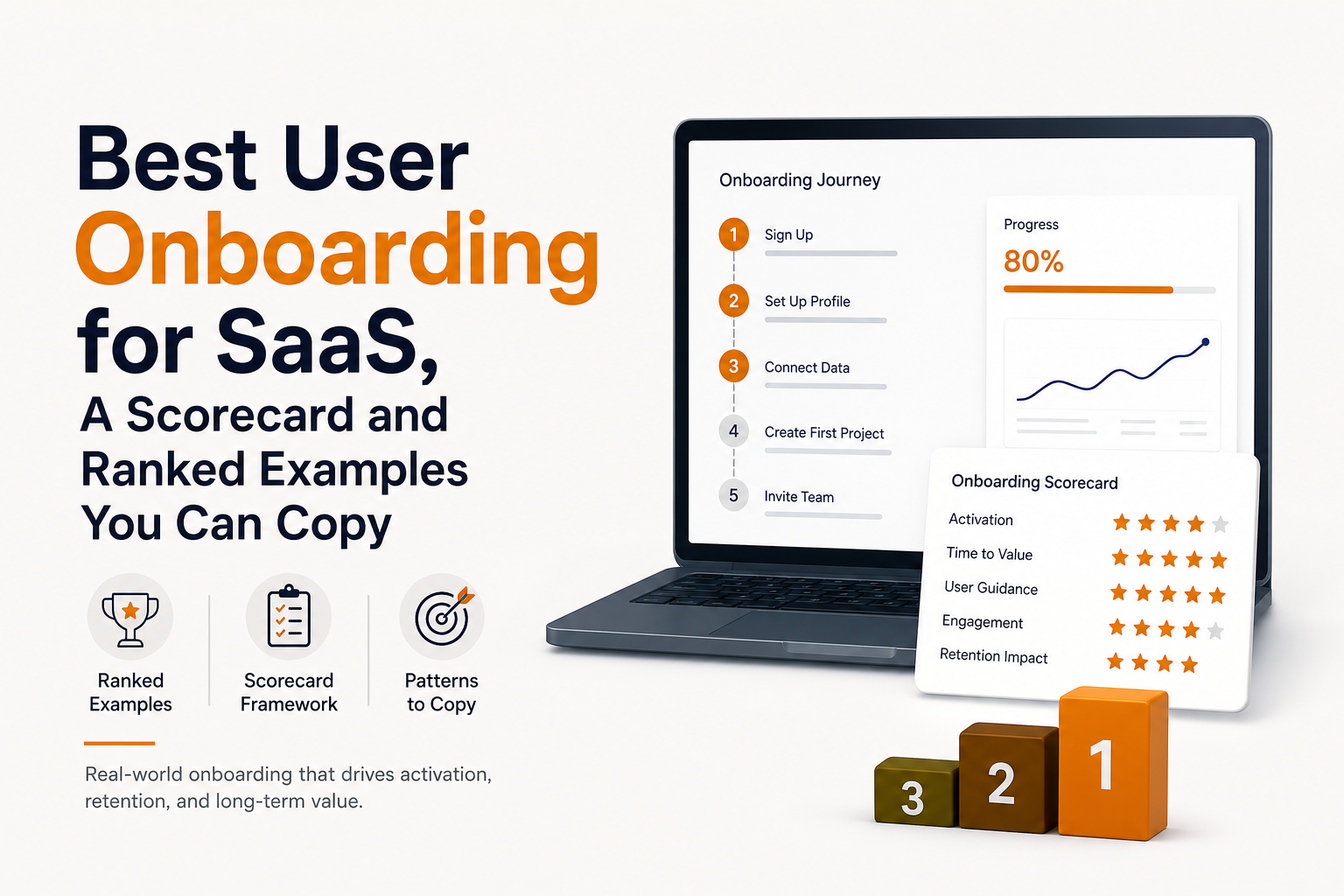
Mobile onboarding has less screen space, higher interruption risk, and often a different “first win” than desktop. For many B2B SaaS products, the website app is where the activation event happens, while mobile supports monitoring, approvals, or quick actions.
Decision framework: where should the first win happen?
- Desktop-first: if the first win requires data setup, multi-step configuration, collaboration, or heavy typing (imports, workflows, permissions).
- Mobile-first: if the first win is capture, scanning, messaging, or a single repeated action (field work, approvals, quick notes).
- Hybrid: if desktop is for setup and mobile is for daily loop. In this case, design onboarding as a handoff: “Set up on web, then do X on mobile.”
Website-first patterns that work reliably
- Non-blocking checklist: anchored in a corner, dismissible, and progress-aware.
- Contextual tips on first interaction: show a tooltip only after the user clicks into a key area.
- Inline empty states: the empty dashboard should teach the next action with a single CTA, not a wall of text.
Do and don’t list
- Do: allow “skip for now,” save progress, and resume later.
- Do: keep steps under 7 and make each step produce an outcome (created, connected, invited).
- Don’t: use full-screen modals for every step on desktop, they often interrupt exploration.
- Don’t: copy your desktop tour to mobile. Mobile needs fewer steps and larger tap targets.
How To Measure Whether Your Onboarding Is Actually Best
If “best user onboarding” is about time-to-value and sustained adoption, your measurement must connect onboarding steps to activation events and downstream retention. The practical way is to map each rubric category to a KPI, then instrument the exact events that prove progress.
KPI map from rubric to metrics
- Time-to-value: median minutes to activation event (P50) and long-tail (P90).
- Activation rate: % of new signups reaching the activation event within 1 day and 7 days.
- Onboarding drop-off: step-by-step completion plus “exit points” where users abandon.
- Second win rate: % reaching a second meaningful event within 7 days (invite teammate, connect integration, schedule report).
- Support deflection: change in onboarding-related tickets per 100 new users.
Instrumentation checklist (minimum viable)
- Core events: signup, first session start, activation event, second-win event.
- Onboarding events: tour started, step viewed, step completed, tour skipped, checklist item completed.
- Context: persona/role, company size, acquisition channel, and whether the user is new vs invited.
Cohorts and cadence that keep you honest
Segment by persona and by “setup complexity” (for example: self-serve solo vs team account) because averages hide failure modes. After running multiple onboarding audits, the pattern was clear: weekly reviews of P50 and P90 time-to-value catch problems earlier than monthly activation dashboards, because the long tail grows before the headline rate drops.
Choosing a No-Code Onboarding Flow Builder, The Shortlist Criteria
Once you know what best user onboarding looks like, the tool choice becomes simpler: you need a builder that can target the right user, trigger at the right time, and prove impact with measurement.
Shortlist criteria tied to the scorecard
- Targeting and conditions: show flows by URL, segment, attributes, and behavior with AND/OR logic.
- Multiple UI patterns: not just tours. You want modals, tooltips, checklists, and surveys so you can match the moment.
- State awareness: suppress steps when users already completed the underlying action.
- Analytics that answer “did it work?”: completion, step drop-off, and correlation to activation and retention cohorts.
- Fast iteration: preview, publish, and roll back without engineering releases.
How Founder OS fits (without overbuying)
If your team wants to implement best user onboarding patterns quickly, Founder OS is designed around no-code flow building with precise triggers and conditions, plus analytics that let you see completion and drop-off by step and tie flows back to activation outcomes. In our experience working with early-stage B2B SaaS teams, the fastest wins come from shipping one role-based checklist and one contextual guided product tour, then iterating weekly based on where users stall.
| Scorecard criterion | What to verify in a no-code builder | Proof artifact to request |
|---|---|---|
| Path personalization | Segmentation by attributes and behavior, conditional branching | Screenshot/video of rule builder + example segments |
| Contextual guidance | UI patterns: tooltip, bubble, modal, checklist, survey | Demo flow inside a real app page |
| Activation design | Event-based triggers and suppression when completed | Event schema + example “completion” logic |
| Measurement and iteration | Step drop-off, cohort views, impact on activation | Analytics dashboard sample with cohorts |
| Friction management | Preview/publish without deploy, versioning, rollback | Change log or environment controls |
FAQ
If you want to implement the scorecard above and ship best user onboarding improvements without waiting on engineering cycles, Founder OS gives you a no-code way to build targeted flows, publish instantly, and measure step drop-off and activation impact so you can iterate weekly with confidence.

Product Analytics Platforms Compared: FounderOS vs Mixpanel
Compare product analytics platforms: Founder OS vs Mixpanel on setup time, learning curve, scalability, integrations, and cost-per-output.

Product Manager Analytics, Two Meanings, One Practical Playbook
Product manager analytics explained in two tracks: Analytics PM career vs PM analytics practice, with weekly cadence, templates, and a worked example.
Best Analytics Software for B2B SaaS, A Category-Based Shortlist and Buyer Checklist
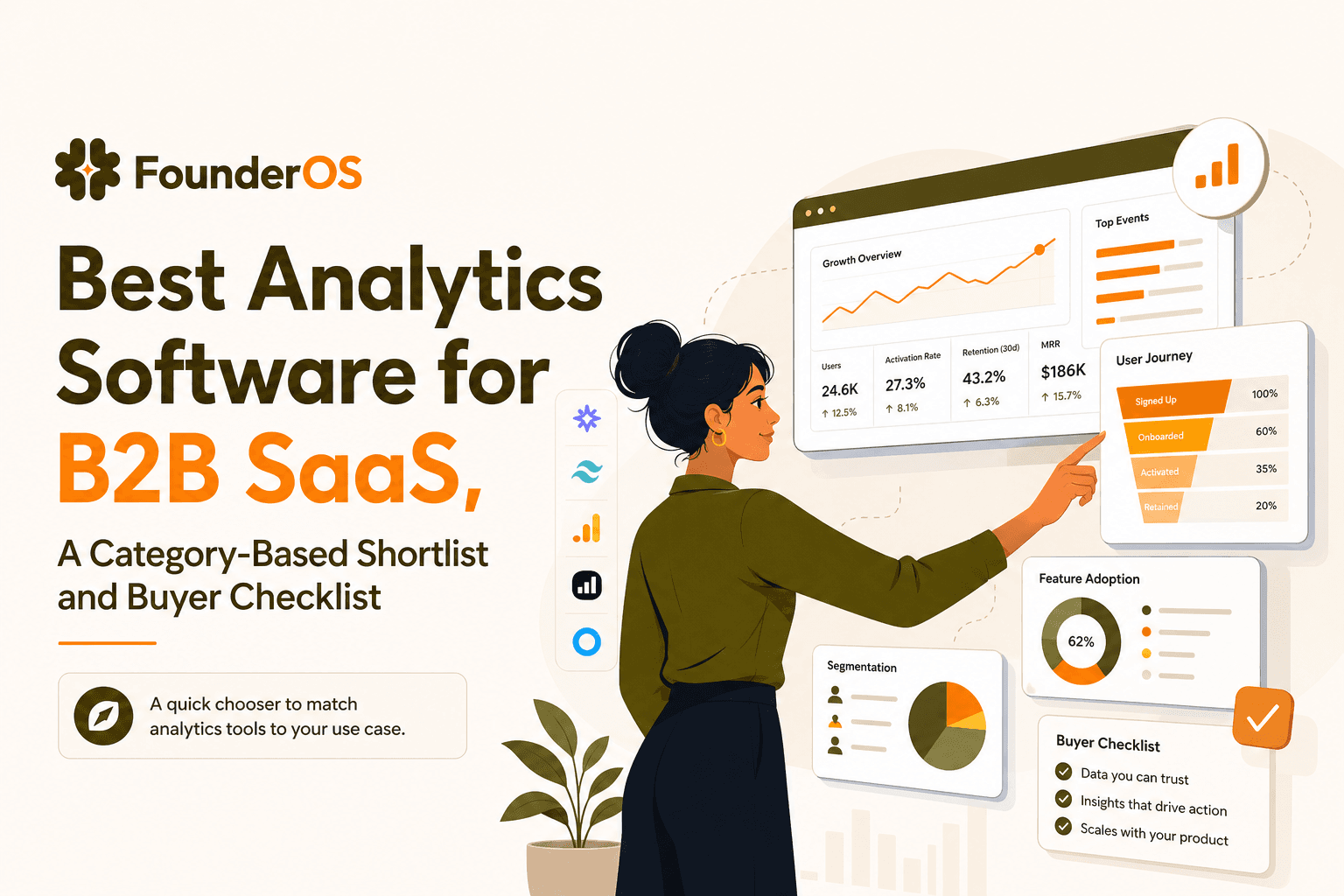
Find the best analytics software for B2B SaaS with a 1-minute chooser, category shortlists, GA4 parity checklist, and a 14-day rollout plan.