
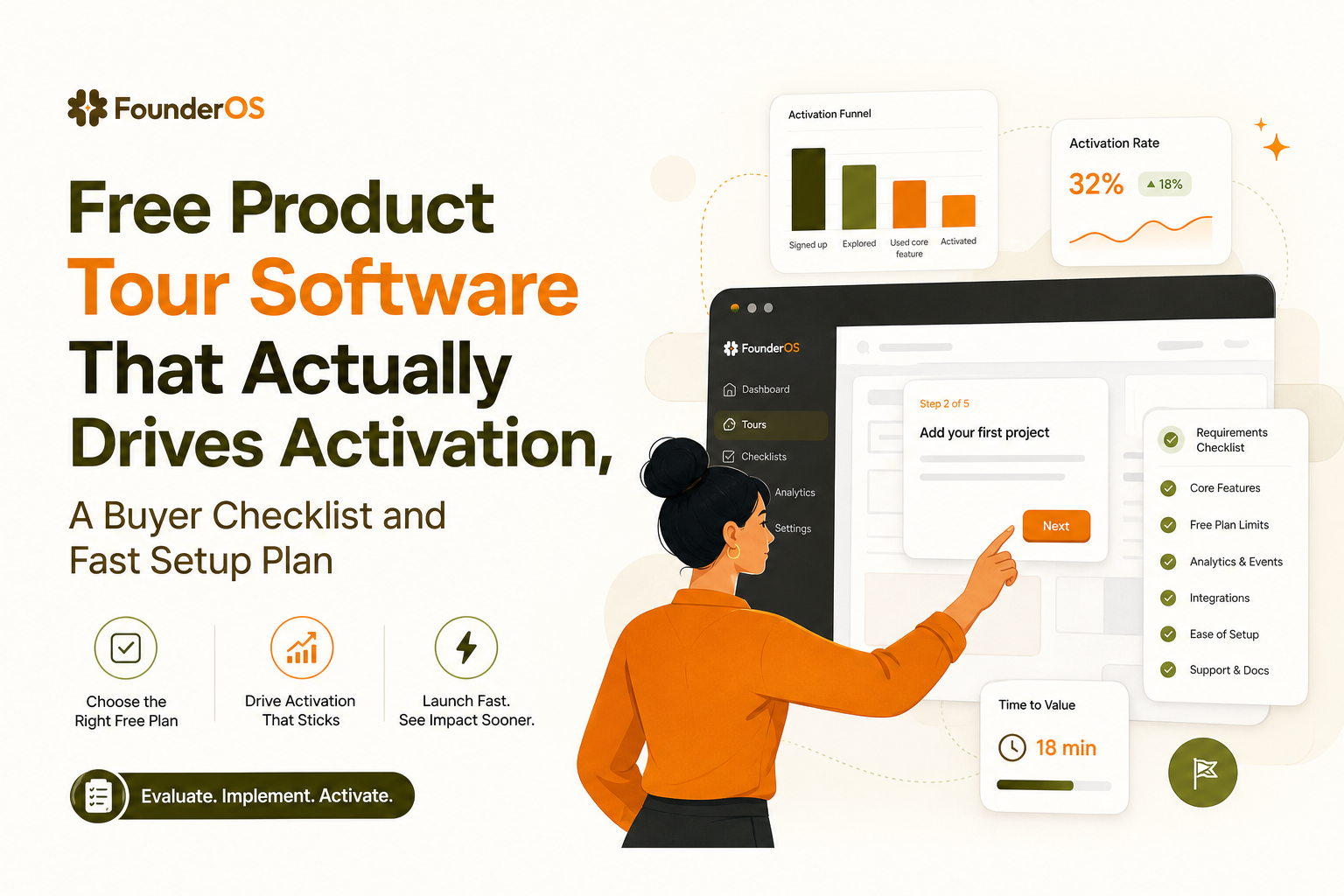
Free Product Tour Software That Actually Drives Activation, A Buyer Checklist and Fast Setup Plan
If you are searching for free product tour software, you are probably trying to ship onboarding fast without committing to a paid tool too early. The catch is that many free plans let you build something that looks like onboarding, but cannot target the right users, measure impact, or scale past a small test, which creates rework exactly when you start growing.
- “Free” can mean a limited tier, a time-boxed trial, or a cap-based plan, and each breaks in different ways once you need targeting and measurement.
- Use an activation-first checklist: if the free plan cannot segment, trigger reliably, and report drop-off by step, it is not worth implementing.
- You can launch a minimum viable interactive tour in about an hour if you keep it to one activation path, three to five steps, and one measurable success event.
What “Free” Really Means for Product Tour Software
Free tier vs free trial vs “free until you hit a cap”
Most free product tour software falls into one of three pricing mechanics, and each has a predictable failure mode:
- Free tier (forever): You can keep using it, but core capabilities are gated. Common gates are segmentation, advanced triggers, analytics depth, or branding removal.
- Free trial: You get the full product for 7 to 30 days, then lose access unless you pay. Trials are great for validating fit quickly, but not for “set it and forget it” onboarding.
- Usage-capped free: It works well until you hit limits like monthly active users, tour views, steps, or events tracked. These plans are often fine for a narrow beta, then break suddenly when adoption starts working.
The hidden caps that create the most rework
In practice, the “gotchas” that waste the most time are not the obvious ones like “only 1 tour.” They are the caps that force you to rebuild flows later:
- Targeting limits: “All users only” or “URL only” targeting means you cannot tailor onboarding to roles, plans, or lifecycle stage.
- Trigger reliability: If you cannot trigger on an event (for example, “created first project”), you end up showing steps at the wrong moment.
- Analytics depth: Completion rate alone is not enough. You need step-level drop-off and a way to tie tours to an activation event.
- Environment and versioning: If you cannot safely test in staging or duplicate flows, you will be afraid to iterate.
- Security and governance: For B2B SaaS, you often need SSO, role-based access, and auditability earlier than expected, especially once sales asks for it.
When “free” breaks at real SaaS scale
A free plan usually breaks the moment your onboarding needs to do two things at once: (1) guide users to value and (2) prove it improved activation. If the tool cannot segment users, trigger tours based on behavior, and report where users drop off, you will end up shipping tours that look polished but do not change outcomes. At that point, the cost is not the subscription, it is the lost weeks rebuilding onboarding logic and re-instrumenting measurement.
The Free Plan Buyer Checklist That Prevents Rework
Use a pass-fail checklist tied to activation outcomes
Instead of asking “Can I build a tour?”, evaluate free product tour software on whether it can reliably move a user from first session to the “aha” moment. Here is a practical checklist you can run in 20 minutes. If any item in the “Must pass” column fails, treat the free plan as a prototype only.
Activation-first checklist
- Must pass: Segmentation you can actually use
Can you target by user attributes (role, plan) and by behavior (did X, did not do Y)? Bonus if it supports AND/OR logic. - Must pass: Event or state-based triggers
Can a tour start when a user hits a specific page state or completes an action, not just “on URL load”? - Must pass: Step-level analytics
Do you get drop-off per step, not only completion? Can you filter analytics by segment? - Must pass: A measurable success definition
Can you connect the tour to a success event (activation) such as “invited teammate” or “created first dashboard”? - Should pass: Iteration speed
Can you preview, publish, and roll back without an engineering release? - Should pass: Multi-format guidance
Do you have at least tooltips or bubbles plus modals, so you can mix “announce” with “do this now” guidance? - Should pass: Feedback capture
Can you collect a quick in-app survey or rating right after the tour to learn what confused users?
Benchmarks to sanity-check your evaluation
When we audited onboarding flows for early-stage B2B SaaS, the pattern was clear: tours that only optimize for completion can hit 60% to 80% completion and still fail to lift activation because the steps do not align to one concrete outcome. Use these benchmarks as directional checks once you launch:
- Completion rate: 40% to 70% is common for a short, well-targeted tour. Higher is possible, but only if targeting is tight.
- Step drop-off: Any single step losing more than 20% of users is a rewrite candidate.
- Time-to-value: Your tour should reduce “time to first success” (for example, first project created) rather than add steps.
If you want a deeper framework for mapping steps to outcomes, this saas onboarding flow guide is a solid companion, and it pairs well with a measurable guided product tour blueprint.
Implementation in 60 Minutes, The Minimum Viable Interactive Tour
Goal: one path, one segment, one measurable success event
The fastest way to get value from free product tour software is to ship a minimum viable tour that is narrow and measurable. Pick a single “activation path” and a single segment (for example, new users on day 0). Your goal is not to teach everything, it is to get the user to one success moment.
Step-by-step setup plan (minute-by-minute)
- Minutes 0 to 10: Define activation and the segment
Write one sentence: “A user is activated when they do ___.” Examples: create first project, connect a data source, invite a teammate. Define your initial segment: “new users who have not done activation event.” - Minutes 10 to 25: Map the shortest path (3 to 5 steps)
List the minimum UI actions required. Keep it to 3 to 5 steps. If you need more, you probably chose the wrong activation event or your product needs better defaults. - Minutes 25 to 40: Build the tour UI (tooltip or bubble first)
Use anchored steps that point to the exact UI element. Prefer a short bubble with a single action over a long modal. Include a “Skip” option so you do not trap users. - Minutes 40 to 50: Add triggers and guardrails
Trigger on the most reliable condition you have: URL plus a user attribute, or ideally a behavior event. Add conditions like “only show once” and “do not show if activated already.” - Minutes 50 to 60: Measurement and QA
Check step analytics, verify the tour starts and stops correctly, and confirm the activation event is captured. Run through it in an incognito session and one real user account.
What surprised teams most during QA
What surprised our team was how often “URL-based triggers” fired too early, especially in single-page apps where the UI renders after the route changes. If your free plan cannot trigger on a UI-ready condition or a user action, you will spend more time debugging timing than improving onboarding.
When to Upgrade From Free, and What to Demand in a Demo
Upgrade triggers you can detect from your first tour
Free plans are fine until you need to scale beyond “one generic onboarding.” Use these triggers to decide when to upgrade from free product tour software to a paid plan:
- You need multiple segments: at minimum, role-based (admin vs member) or plan-based (trial vs paid).
- You need behavior-based personalization: show a different next step if the user skipped step 2, or if they already used a feature.
- You need to prove impact: you must tie tours to activation lift, retention, or reduced support tickets, not just completion.
- You need governance: multiple teammates editing flows, approvals, audit logs, or SSO.
- You need faster iteration: staging, cloning, and safe rollbacks become essential once onboarding is revenue-critical.
What to demand in a live demo (proof points, not promises)
Ask the vendor to show these items live, using your product (or a realistic sandbox), because screenshots hide limitations:
- Build speed: create a 4-step tour and publish it while you watch.
- Targeting logic: demonstrate AND/OR conditions with a real segment (role + did not complete activation).
- Analytics: show step drop-off, segment filtering, and how they attribute onboarding to activation.
- Security posture: if you sell to businesses, ask for their security documentation and data handling details. A good starting point is aligning expectations with OWASP Top Ten style threat awareness, even for client-side widgets.
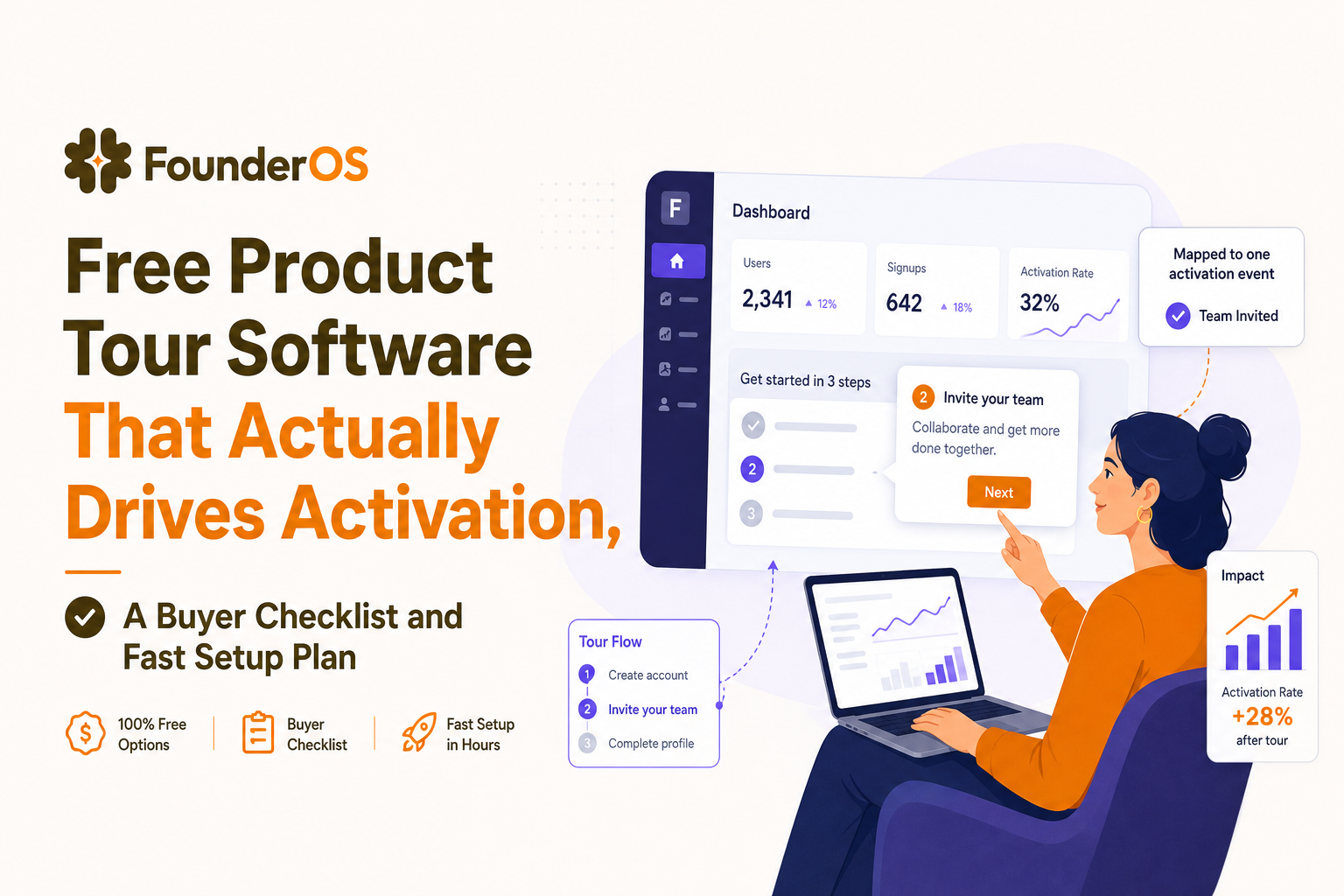
A Practical Recommendation, Founder OS as the Activation-First Option
How to map common free-plan constraints to an activation-first rollout
If your evaluation shows that your current free product tour software cannot pass segmentation, triggers, and step analytics, you have two choices: accept that it is only for a superficial tour, or switch to a tool designed to connect onboarding to outcomes. Founder OS is built around shipping interactive tours quickly with no-code editing, then measuring completion and drop-off by step so you can iterate toward activation.
A quick-start rollout that stays focused on outcomes
In our experience working with B2B SaaS founders, the fastest rollout is: install a browser-based builder, create one activation tour, target only new users on the key URL, and publish immediately so you can collect data in the first 48 hours. Then you layer in conditions like “show only if user has not completed activation,” and you use the analytics view to rewrite the step with the highest drop-off.
What to compare against your current tool
Use this comparison lens: does your tool help you build the tour, or does it help you improve activation? If you want to go deeper on evaluation criteria, this guide to product onboarding tools and this shortlist of best product tour software can help you pressure-test the decision.
| Decision point | What to check on a free plan | What “good” looks like |
|---|---|---|
| Targeting | Can you target by role/plan and behavior? | Attribute + event-based segments with AND/OR logic |
| Triggers | Can you start tours on actions, not only URLs? | Event or UI-state triggers with frequency controls |
| Analytics | Do you get step drop-off and segment filters? | Step-level funnel plus impact on activation event |
| Iteration | Can you preview, publish, and roll back safely? | Fast publish without engineering, plus versioning |
| Governance | Can multiple teammates collaborate securely? | Roles, approvals, audit history as you scale |
FAQ about free product tour software
If you want an activation-first approach without a long setup, Founder OS is worth evaluating: you can build no-code tours via a Chrome extension, target by user attributes and behavior, publish instantly, and then use completion and drop-off analytics to iterate toward measurable activation.

Product Analytics Platforms Compared: FounderOS vs Mixpanel
Compare product analytics platforms: Founder OS vs Mixpanel on setup time, learning curve, scalability, integrations, and cost-per-output.
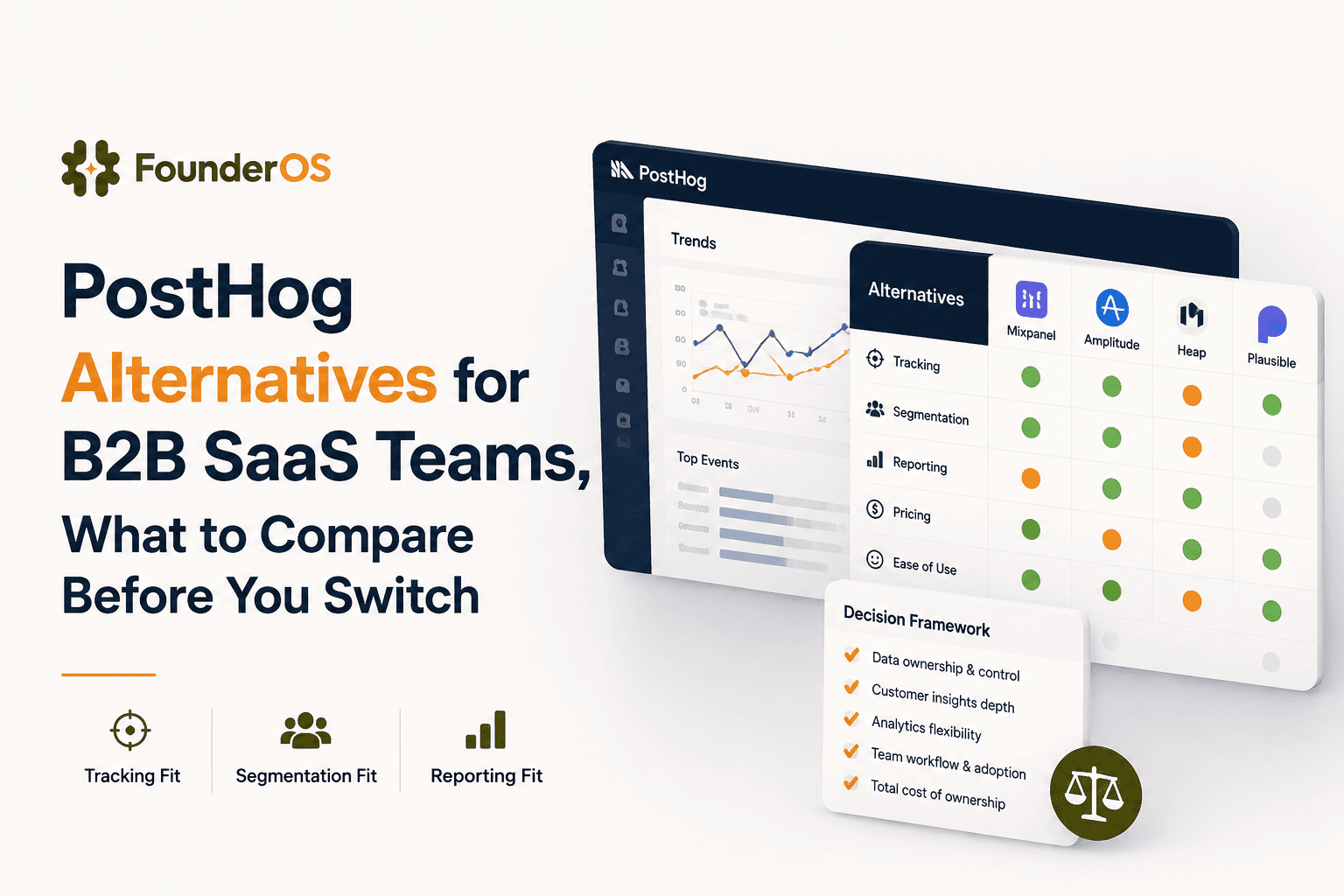
PostHog Alternatives for B2B SaaS Teams, What to Compare Before You Switch
Compare PostHog alternatives for B2B SaaS teams using tracking depth, segmentation, reporting clarity, and workflow fit.
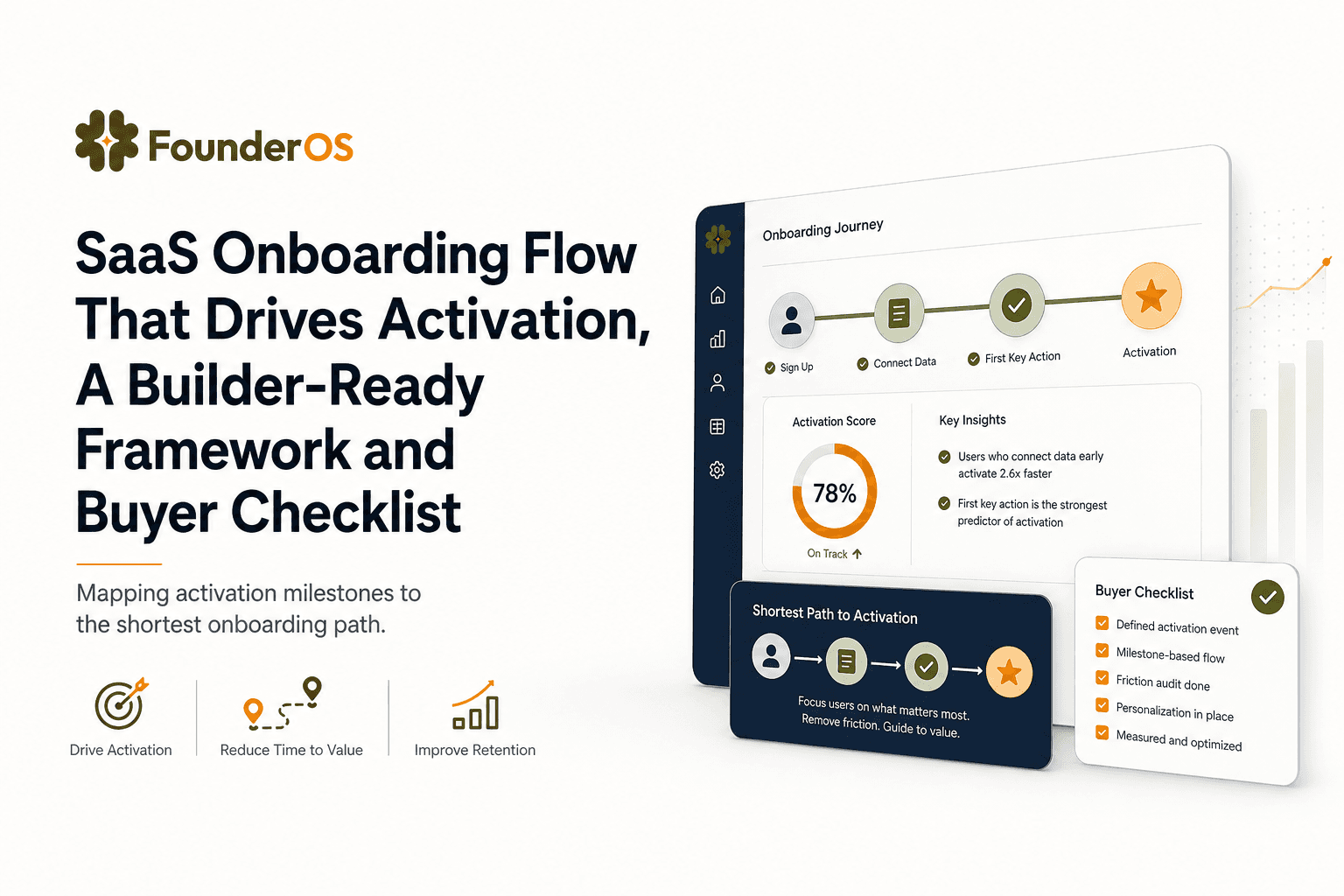
SaaS Onboarding Flow That Drives Activation, A Builder-Ready Framework and Buyer Checklist
Build a saas onboarding flow that drives activation with segments, triggers, tracking, and a buyer checklist for no-code flow builders.
