
SaaS Onboarding Flow That Drives Activation, A Builder-Ready Framework and Buyer Checklist

A high-performing saas onboarding flow is not a product tour, it is a measurable path to activation that adapts to who the user is and what they do (or do not do) inside your app.
- Define activation as 1 to 2 measurable milestones, then design the shortest path that gets most users there.
- Architect your saas onboarding flow with segments, behavior triggers, and fallbacks for stalls, not a single linear tour.
- Choose a no-code builder based on targeting depth, analytics quality, experimentation, and long-term maintainability.
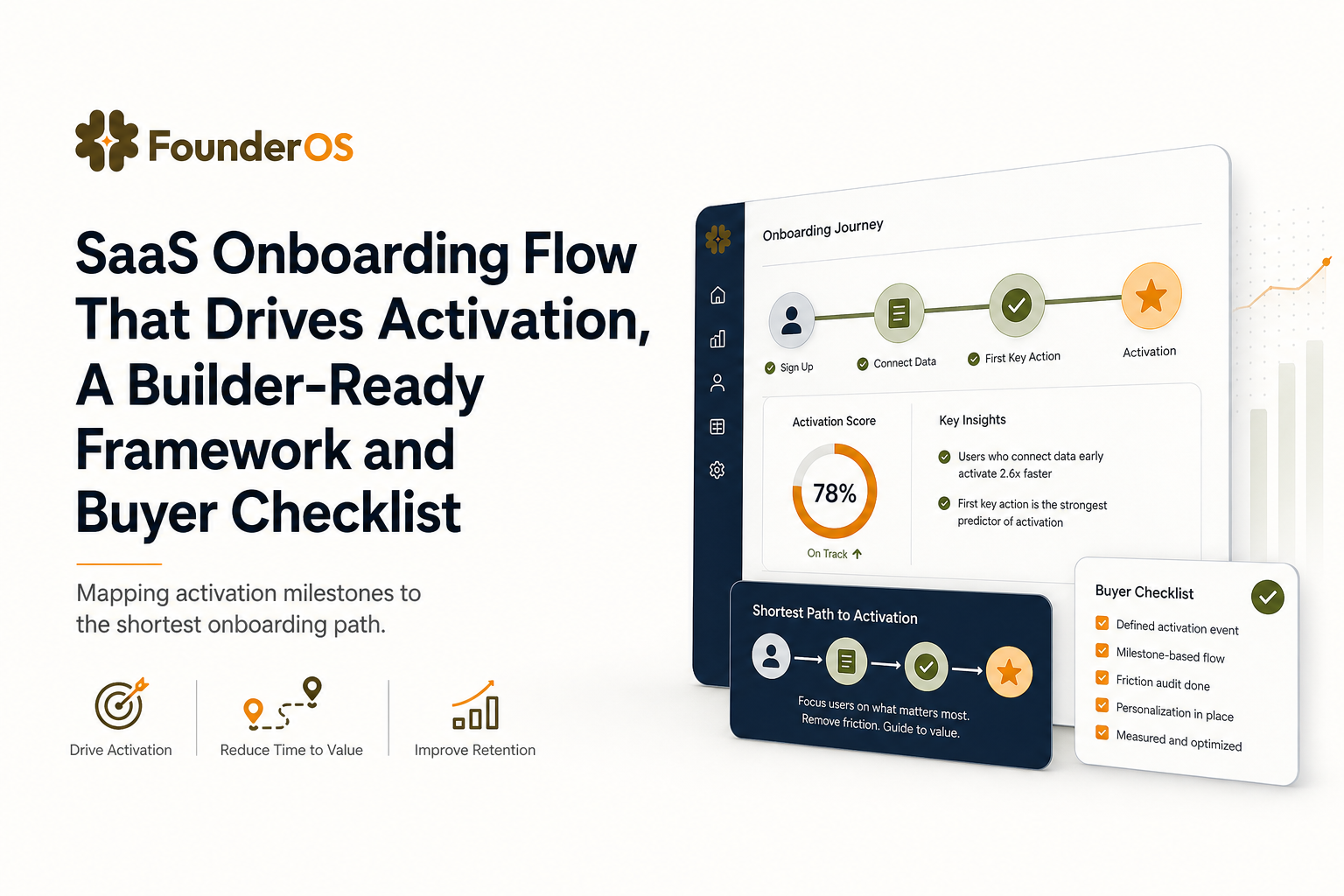
Define your activation outcome and map the shortest path to it
The most common onboarding failure mode I see is teams optimizing for “tour completion” instead of activation. Completion is a vanity metric unless it reliably predicts the first value moment and the user keeps coming back. The fix is to define activation as a small set of observable milestones, then design the shortest path that makes those milestones likely.
Step 1: Pick 1 to 2 activation milestones you can measure
Use this rule: activation milestones must be (a) event-based, (b) achievable in the first session or first day, and (c) strongly correlated with retention in your data. Examples:
- Collaboration products: “Created a workspace” + “Invited 1 teammate”
- Analytics products: “Installed snippet” + “Saw first chart with real data”
- CRM tools: “Imported 50 contacts” + “Sent first email”
Step 2: Derive the critical path, then delete everything else
Write the path as a sequence of user actions, not UI screens. A simple template:
- Prerequisite: what must be true (account created, permissions granted, data connected)
- First value action: the smallest action that produces a visible result
- Reinforcement: one follow-up action that increases stickiness (save, share, schedule, invite)
Then do a ruthless cut: if a step does not directly enable the milestone, it belongs in later lifecycle education, not day-one onboarding.
Step 3: Translate the path into onboarding assets
Match each step to the lightest in-app pattern that can move the user forward:
- Modal: announce the “one thing to do next” and set context
- Tooltip: point to a specific control at the moment of need
- Speech bubble: guide multi-step actions with minimal friction
- Survey: ask one question to segment the user and personalize the next steps
If you want a deeper framework for structuring onboarding flows, keep the focus on “what must happen for activation,” not “what features we want to show.”
Design the saas onboarding flow architecture with segments, triggers, and fallbacks
A linear tour assumes every user is the same and every user is ready. An activation-first saas onboarding flow is an architecture: multiple entry points, branching logic, and a plan for what happens when users stall. The goal is to deliver the right nudge at the right time, then get out of the way.
Entry points: where onboarding starts (and restarts)
Define 3 entry points and design for each:
- First login: one question max, then a single recommended next action
- Feature entry: contextual help when a user reaches a key page (for example, /dashboard, /settings/integrations)
- Re-entry: when a user returns after 24 to 72 hours without activating
Segments: role-based and intent-based (minimum viable set)
Start with 2 to 4 segments you can identify reliably. Common segment axes:
- Role: founder, marketer, analyst, admin
- Company size: solo, SMB, mid-market (use self-reported or enrichment)
- Use case intent: “track activation,” “reduce churn,” “ship onboarding”
In our experience working with early-stage B2B SaaS teams, self-reported intent from a single in-app question outperforms guessing based on industry, because it maps directly to the user’s first job-to-be-done.
Triggers: behavior-based beats time-based
Time-based nudges (for example, “show step 2 after 10 seconds”) are fragile. Prefer behavior triggers tied to events and states:
- Event trigger: user clicks “Connect integration”
- State trigger: integration not connected AND user visited dashboard twice
- Progress trigger: user completed step 1 but not step 2 within the same session
If you want concrete patterns, this guide on behavior triggers is a useful reference for designing conditions that move activation instead of inflating completion rates.
Fallbacks: what happens when users stall
Every branch needs a fallback, otherwise your flow silently fails. Use this simple ladder:
- Contextual hint: tooltip on the blocked control
- Alternative path: offer “Skip for now” and route to a lighter milestone
- Human assist: prompt to contact support or book a call once high intent is detected
To keep the system coherent, document your customer onboarding process flow as a map of triggers and fallbacks, not as a slide deck of screens.
Instrument and score the flow, what to track beyond tour completion
If your analytics only tell you “users finished the tour,” you cannot diagnose why activation is flat. Instrumentation for a saas onboarding flow should answer three questions: Where do users drop? How long does it take to reach value? Which segments improve (or regress) after a change?
Event taxonomy: a practical naming system
Use a small, consistent event schema so you can query it later without rewriting dashboards:
- onboarding_shown (properties: flow_id, step_id, segment, trigger_type)
- onboarding_completed (properties: flow_id, completion_time_sec)
- activation_milestone_reached (properties: milestone_id, time_to_value_min)
- blocked_action (properties: reason, page, required_permission)
KPIs: the 5 numbers that actually help you iterate
- Activation rate: % of new users reaching milestone within X hours/days
- Time-to-value (TTV): median minutes to first value action
- Step drop-off: % who view a step but do not perform the next required action
- Assist rate: % who activate after receiving a fallback nudge
- Support deflection: change in tickets tagged “how do I…”
Scoring: a lightweight activation score you can segment by
Create a 0 to 100 activation score composed of milestone completion and leading indicators. Example weighting:
- 50 points: reached milestone 1
- 30 points: reached milestone 2
- 10 points: completed key setup step (integration connected, data imported)
- 10 points: returned within 48 hours
What surprised our team was how often “return within 48 hours” predicted week-one retention even when the user did not complete every onboarding step, so we started treating re-entry experiences as part of the onboarding system, not as lifecycle messaging.
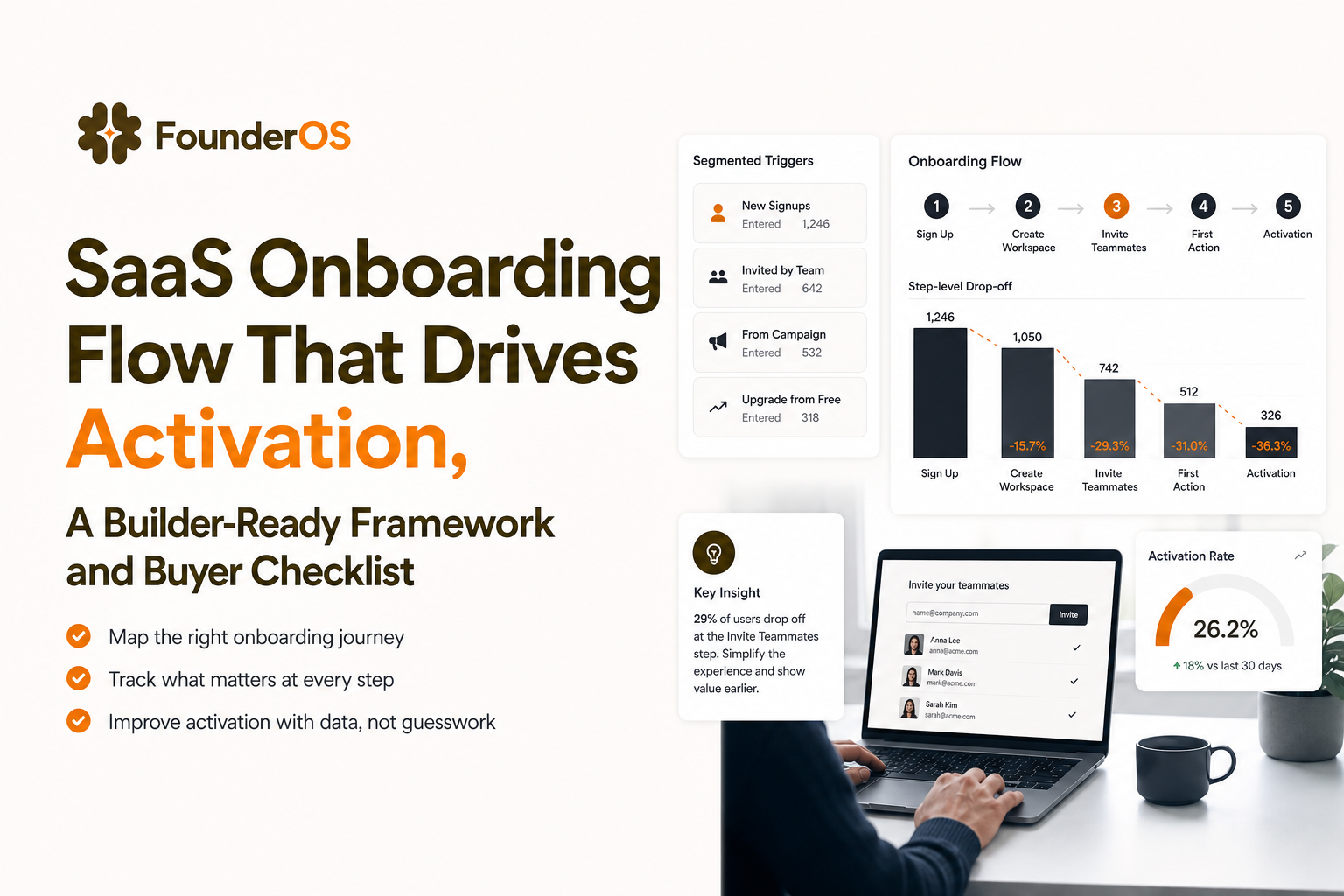
Flow builder buyer checklist, what to look for in no-code onboarding tools
Once you know your architecture, you can evaluate whether a no-code builder can deliver it without engineering. Use the checklist below to avoid tools that are easy to launch but hard to maintain. This is especially important when your saas onboarding flow needs branching, segmentation, and measurement, not just UI overlays.
Buyer checklist: 12 criteria that matter in practice
- Targeting depth: URL rules plus user attributes plus event-based conditions
- Branching logic: AND/OR logic, nested conditions, and exclusions
- Segmentation: dynamic segments that update as behavior changes
- Trigger reliability: works with SPAs, route changes, and delayed UI rendering
- Step analytics: per-step drop-off, not just flow completion
- Impact measurement: ties flows to activation and retention KPIs
- Experimentation: A/B tests or at least holdouts and versioning
- Governance: approvals, audit history, and rollback
- Maintainability: reusable components, templates, and easy editing
- Localization: basic language support if you serve multiple markets
- Performance: minimal script weight and no UI lag
- Total cost of ownership: pricing scales with MAUs, seats, and feature gates
Red flags that show up after month one
- You cannot target by behavior without engineering extra events.
- Analytics are limited to “views” and “completions,” so you cannot prove activation lift.
- Flows break whenever your frontend changes because selectors are brittle.
- There is no clean way to pause, rollback, or version onboarding changes.
Minimum viable onboarding system you can launch in 7 days
You do not need a perfect onboarding program to learn. You need a minimum viable onboarding system: one activation path, two segments, three triggers, and a weekly iteration loop. The plan below is designed for a small team and assumes you want to ship quickly without sacrificing measurement.
Day-by-day plan
- Day 1: Define 1 to 2 activation milestones and list the critical path actions.
- Day 2: Draft segments and write the “one question” you will ask to classify intent.
- Day 3: Build the first flow: welcome modal, 3 to 5 guided steps, and a clear “next action.”
- Day 4: Add behavior triggers for the top two “stuck” states and design fallbacks.
- Day 5: Instrument events and create a dashboard for activation rate, TTV, and step drop-off.
- Day 6: Run an internal QA checklist: SPA routing, permissions, empty-state handling, mobile responsiveness.
- Day 7: Launch to 10 to 20% of new users, compare activation vs. holdout, and log the top three drop-offs.
Governance: keep it from turning into chaos
Adopt two rules: (1) every onboarding change must specify the KPI it is expected to move, and (2) every flow must have an owner and a review date. If you want a practical structure for keeping steps consistent, use an onboarding checklist that is tied to behavior and segments, not assumptions.
Where Founder OS fits for teams that want tracking, segmentation, and onboarding in one stack
If your plan requires both product analytics and in-app guidance, the main decision is whether you want a stitched stack (analytics tool plus onboarding tool plus CRM) or a single platform that covers the loop. Founder OS is a fit when you want to build a saas onboarding flow with no-code tours, target by segment and conditions, and then measure completion and drop-off by step while tying it back to activation.
Fit and non-fit decision cues
- Likely fit: you need a no-code builder that connects to your live product, supports conditional targeting, and gives you both onboarding analytics and user segmentation in the same place.
- Likely non-fit: you only need a static, one-time tour and do not plan to instrument activation milestones or iterate weekly.
What to validate in a demo
Ask to see three things end-to-end: (1) building a tour directly on a live page without code changes, (2) setting AND/OR conditions for who sees it based on attributes and behavior, and (3) reporting that shows step-level drop-off plus how the flow impacts activation over time. If your team is specifically shipping a guided product tour as the first iteration, this validation sequence will quickly reveal whether the tool can support your next three experiments, not just the first launch.
| Decision area | What “good” looks like | What to test in 15 minutes |
|---|---|---|
| Targeting and segments | Rules based on URL, attributes, and events with AND/OR logic | Create a segment and exclude activated users from the flow |
| Behavior triggers | Triggers fire on real actions, not timers | Trigger a tooltip only after a failed attempt or repeated visit |
| Analytics and impact | Step drop-off plus activation lift and TTV reporting | Find the worst step and correlate it with milestone completion |
| Maintainability | Versioning, rollback, and easy editing when UI changes | Update a selector or UI anchor without breaking the flow |
FAQ
If you want to implement this activation-first approach quickly, Founder OS is built to help you launch a no-code onboarding experience, segment users, and track how each saas onboarding flow affects activation and retention. Start by mapping your milestones, then validate the targeting and step analytics in a demo or free build.

Written by Sophia Nguyen
Growth Product | Helping founders build products users love.
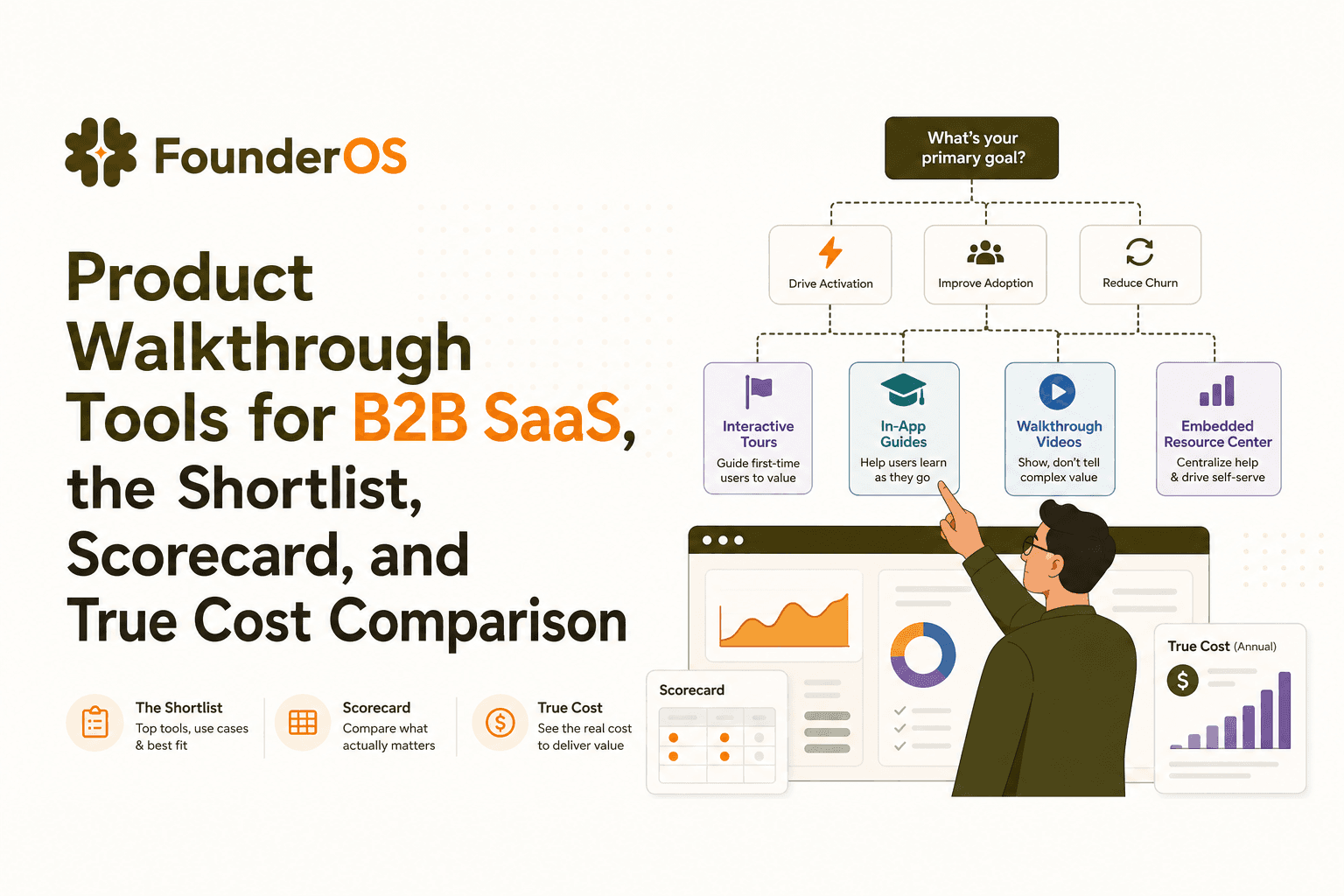
Product Walkthrough Tools for B2B SaaS, the Shortlist, Scorecard, and True Cost Comparison
Compare product walkthrough tools for B2B SaaS with a shortlist, success scorecard, and true cost scenarios for 2k, 10k, and 50k users.

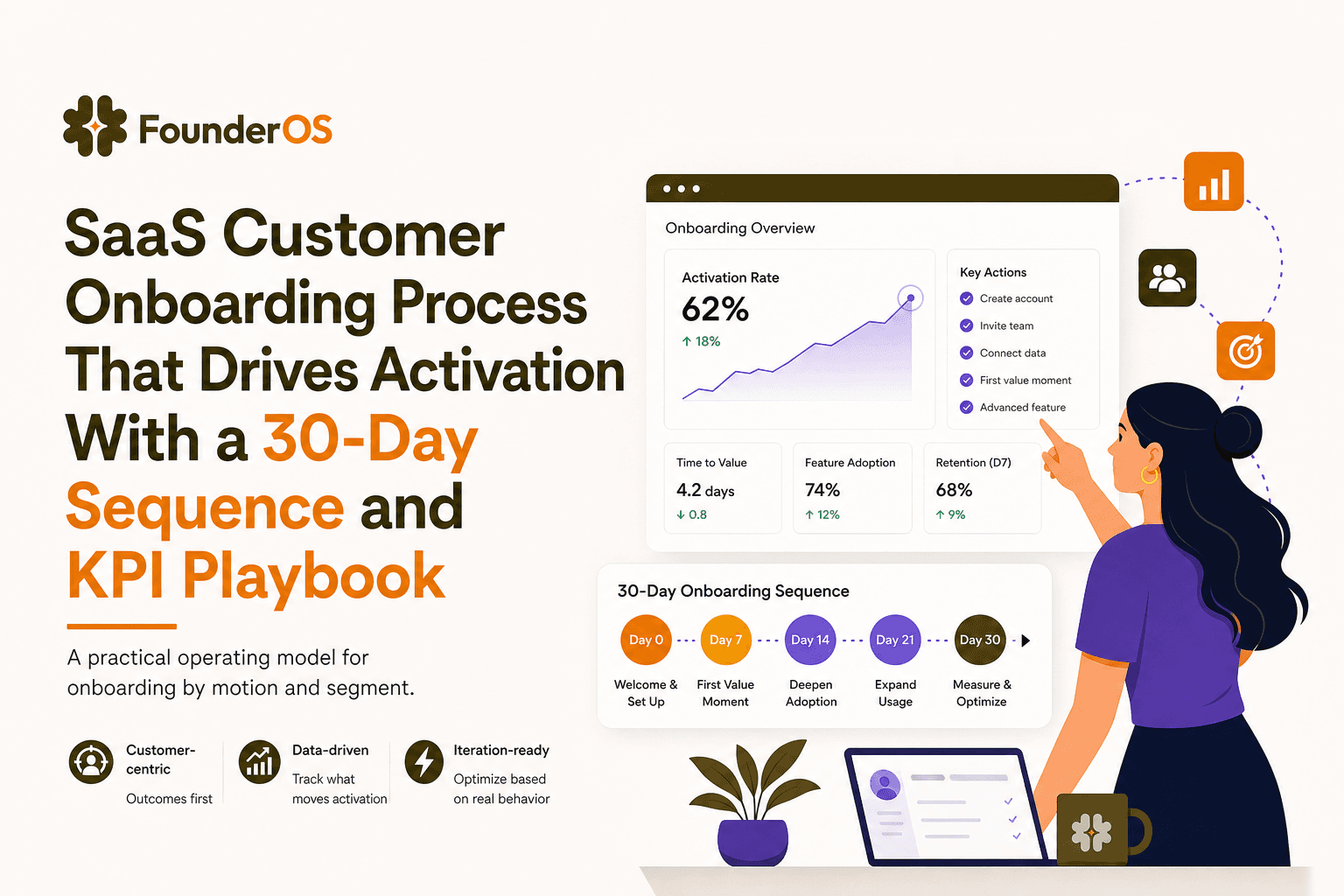
SaaS Customer Onboarding Process That Drives Activation With a 30-Day Sequence and KPI Playbook
Build a saas customer onboarding process with a 30-day sequence, triggers, RACI ownership, and KPI formulas to reach activation faster.

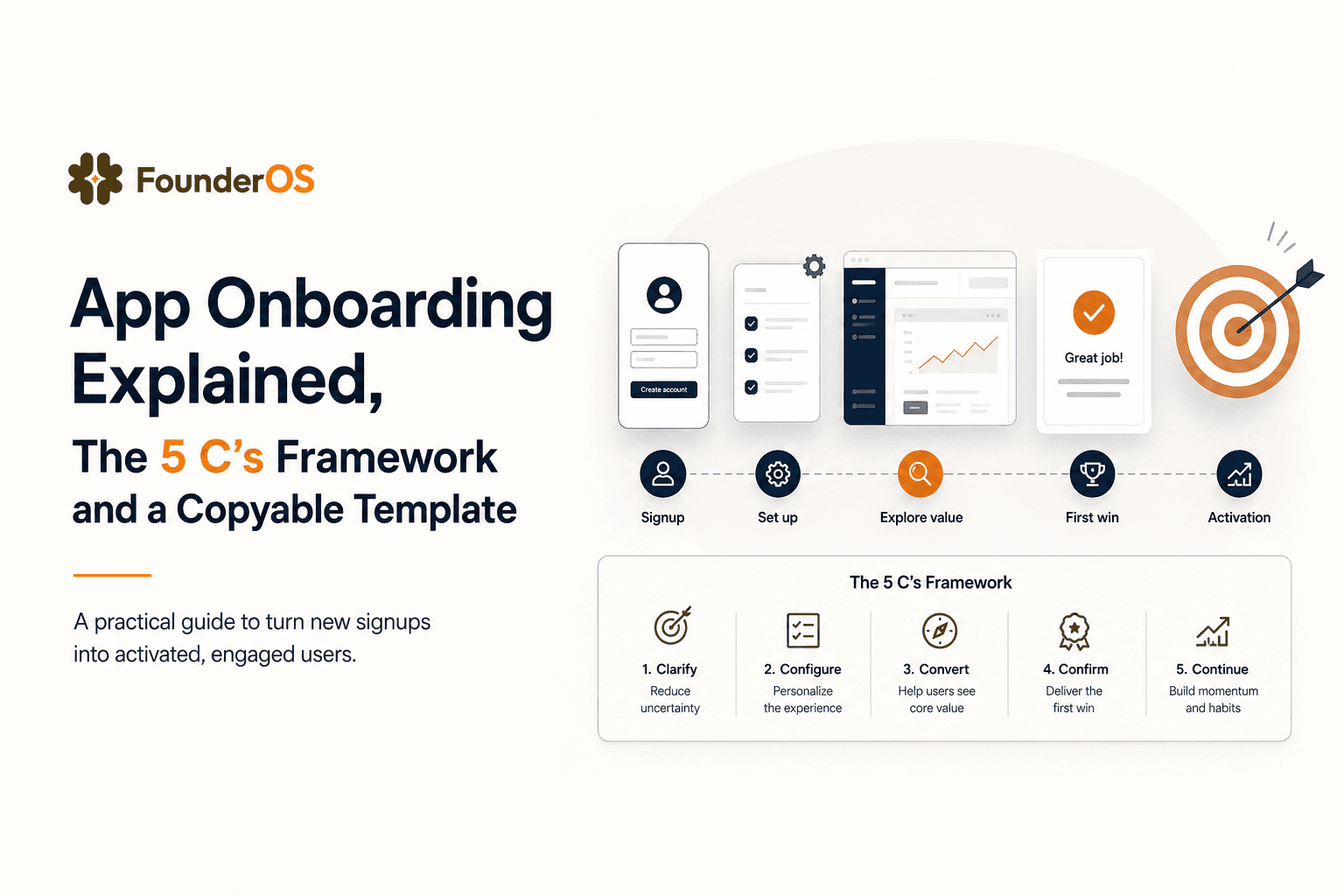
App Onboarding Explained, The 5 C’s Framework and a Copyable Template
Learn app onboarding with the 5 C’s framework, a copyable flow template, and a measurement plan to improve activation and time-to-value.