
Product Onboarding Best Practices That Improve Activation, A KPI-Driven Playbook
Product onboarding best practices work only when they are tied to a measurable activation path, instrumented end to end, and iterated based on drop-off data rather than UI opinions.
- Start by defining “first value” and an activation path, then derive onboarding steps from that sequence instead of building tours first.
- Instrument onboarding like a funnel: event taxonomy, time-to-value, step drop-off, and segment-level conversion rates.
- Ship onboarding in phases (30-60-90) so in-app guidance, lifecycle messaging, and expansion prompts match user intent and maturity.
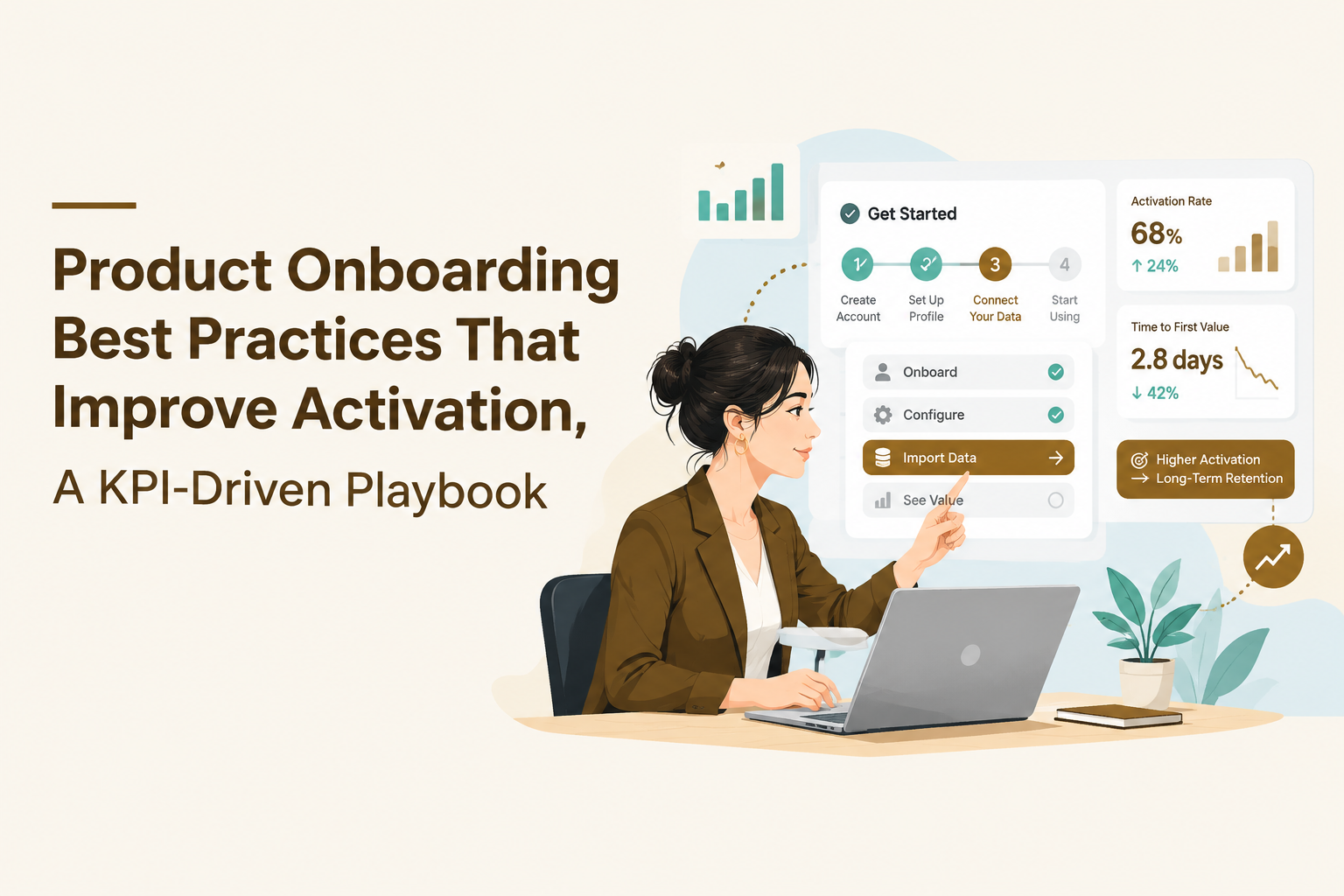
Start With Outcomes, Not Tours - Define First Value and Your Activation Path
Product onboarding best practices start with a single outcome definition: the earliest user action that reliably delivers first value, plus the shortest repeatable path to reach it.
1) Map JTBD to a measurable “first value” event
Write one sentence that links the user’s job-to-be-done (JTBD) to an observable in-product event: “A user gets first value when they do X because it produces Y outcome.” If you cannot observe X in events, the onboarding scope is too vague to measure.
- Good first value definition (observable): “A workspace admin gets first value when they invite one teammate and assign a role, because collaboration can start.”
- Bad first value definition (not observable): “User understands the product.”
In my own onboarding audits, the fastest way to reduce debate is to force this into an event name and properties. The moment the team tries to instrument it, hidden ambiguity shows up immediately.
2) Define activation as a threshold, not a feeling
Activation is the minimum behavioral threshold that predicts a user will return with intent. Choose one primary activation event and (optionally) 1 to 2 supporting events, then set a time window. Examples:
- Primary activation: Completed “Create first project”
- Supporting signals: Added 3 items to the project, invited teammate
- Window: within 1 day for PLG, within 7 days for sales-led implementations (depends on product and buying motion)
Decision rule: if activation needs more than 3 distinct user actions, you probably have not isolated first value, you have defined “onboarding complete” instead.
3) Derive your activation path as a short sequence (3 to 7 steps)
Create a linear “activation path” that lists only the steps required to reach the activation threshold. Keep it deliberately incomplete: anything not required to reach first value becomes post-activation education.
- Account created
- Workspace created
- Core object created (project, dashboard, campaign, repo, etc.)
- Core object configured (minimum viable config)
- First successful output (report generated, message sent, task completed)
Each step should map to an event you can instrument. If the product has multiple “aha” moments by persona, you can maintain multiple activation paths, but each persona should still have one dominant path for the first session.
4) Convert the path into onboarding assets (and keep them modular)
Now decide which assets support each step: checklist item, tooltip, interactive walkthrough step, empty-state prompt, or email. Treat assets as “modules” you can recombine by segment.
- Checklists work best when users benefit from progress visibility across multiple required tasks.
- Walkthroughs and guided steps fit when the UI is unfamiliar and the user needs sequential, contextual direction.
- Tooltips fit when a single control is commonly missed but the user is already in the right context.
Best Practices That Actually Move Metrics - Segmentation, Progressive Disclosure, and Interactive Guidance
Product onboarding best practices move activation when they reduce cognitive load for the right user segment at the right moment, using the lightest in-app pattern that still changes behavior.
Segmentation rules that are simple enough to ship this week
Start with 3 segmentation inputs you can reliably know early, then expand later:
- Role: admin vs member vs viewer
- Use case: selected goal at signup, or inferred from landing page / pricing page path
- Product state: empty vs partially configured vs active (derived from events)
Decision rule: if a segment cannot be assigned within the first session, do not build onboarding branches for it yet. Build a default path and add branching only after you can detect it.
Progressive disclosure as a measurable constraint
Progressive disclosure means you only show the next needed instruction once the previous prerequisite is complete. Make it concrete by enforcing these constraints:
- One primary call-to-action per screen in the activation path.
- One new concept per step in an interactive flow (avoid stacking definitions and actions together).
- Stop teaching once first value is reached, then switch to habit nudges and feature discovery later.
Practically, this prevents “tour bloat”, the common failure mode where a tour becomes a UI documentary that users dismiss instantly.
Choose the pattern by risk and reversibility
Use this matrix to decide between checklist, tooltip, walkthrough, modal, or survey. The goal is to match the user’s risk and your confidence, not your design taste.
- High risk action (irreversible), low confidence user: walkthrough + inline validation + option to skip.
- Low risk action, user already on the right page: tooltip or speech bubble anchored to the control.
- Multi-step setup, user must do 3+ actions: checklist with deep links to the right screens.
- Announcement or context reset: modal, but only with a single action and a clear dismiss state.
- Ambiguous intent or missing data: micro-survey (1 question) to route to the correct path.
Make interactive guidance earn its place with a KPI
Attach a success metric to every onboarding element. Examples:
- Checklist success: checklist-start rate, checklist-completion rate, activation conversion among checklist users vs non-users.
- Walkthrough success: step completion rate, step-level drop-off, time from start to activation event.
- Tooltip success: click-through to target action within the same session.
If an element cannot be evaluated with events, it becomes unmaintainable over time. That is why measurement-first product onboarding best practices outperform “best-looking” onboarding.
The Onboarding Measurement Kit - KPIs, Event Taxonomy, and a Funnel Dashboard You Can Implement
A measurement kit turns product onboarding best practices into an engineering-light system by standardizing KPIs, event names, properties, and a dashboard that answers “where do users stall?”
KPI table with definitions and formulas
| KPI | What it answers | Definition / formula | Notes |
|---|---|---|---|
| Time-to-Value (TTV) | How fast users reach first value | Median(time of FirstValueEvent - time of Signup) | Use median to reduce outlier distortion |
| Activation rate | What % reaches activation threshold | ActivatedUsers / NewUsers (within window) | Define the window explicitly (24h, 7d) |
| Onboarding start rate | Do users engage with your guidance | UsersWhoStartFlow / EligibleUsers | Eligibility must be defined (segment + trigger) |
| Flow completion rate | Does the flow hold attention | UsersWhoCompleteFlow / UsersWhoStartFlow | Track by segment and device |
| Step drop-off | Where users abandon | 1 - (StepNCompletes / StepNStarts) | Focus fixes on top 1 to 2 steps |
| Activation uplift (directional) | Does guidance correlate with activation | ActivationRate(flow users) - ActivationRate(non-flow eligible) | Use A/B tests for causal proof when possible |
Event taxonomy example for a common B2B SaaS workflow
Below is a minimal taxonomy for a “create first project and invite a teammate” activation path. The key is consistency: one event name per user intent, and properties that let you segment outcomes.
- signup_completed (props: plan_type, signup_method)
- workspace_created (props: workspace_id, industry_selected)
- project_created (props: project_type, template_used)
- project_configured (props: config_depth = minimal|advanced)
- invite_sent (props: invites_count, role_assigned)
- first_value_reached (props: value_type)
- activated (props: activation_path = A|B)
Instrumentation rule: the onboarding UI itself should also emit events (flow_started, step_completed, flow_dismissed). Otherwise you cannot tell whether the problem is the UX pattern or the underlying product step.
Dashboard views that answer the only three questions that matter
- Path funnel: signup_completed → workspace_created → project_created → first_value_reached → activated, split by persona.
- TTV distribution: median and percentiles by segment (P50, P75, P90), so you see long tails.
- Drop-off by step: top steps by abandonment, with drill-down to session replays or support tickets if you have them.
If you want a deeper baseline on what to track and how to interpret it, the activation metrics guide can help you sanity-check whether your activation event is actually predictive.
The 30-60-90 Onboarding Rule for SaaS - What to Ship In-App vs Email at Each Phase
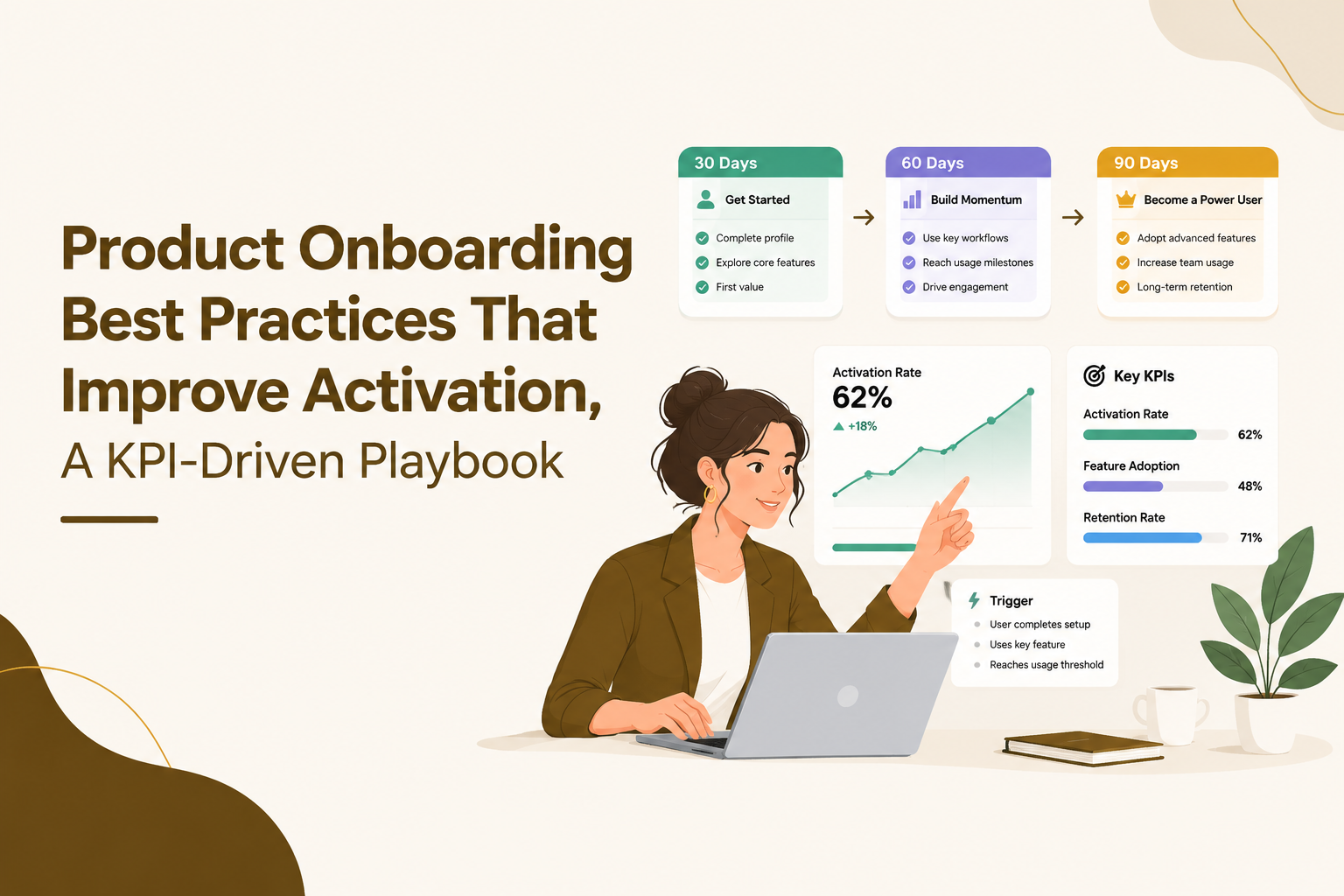
The 30-60-90 rule operationalizes product onboarding best practices by splitting onboarding into activation (days 0 to 30), habit (days 31 to 60), and expansion (days 61 to 90), each with distinct triggers and KPIs.
Days 0 to 30: Activation, remove friction and drive first value
- Goal: reach first value fast, then hit activation threshold.
- In-app to ship: persona routing question, activation checklist, 1 guided flow for the critical path, contextual tooltips on the top 2 missed controls.
- Email to ship: 2 to 4 short nudges tied to incomplete prerequisites (not generic “tips”).
- KPIs: TTV, activation rate, step drop-off, flow completion rate.
I usually recommend shipping one “golden path” walkthrough before building a library of tours. The first one reveals whether your event model and triggers are correct, and it forces the team to agree on what activation actually is.
Days 31 to 60: Habit, reinforce the loop that brings users back
- Goal: create a repeatable weekly usage pattern tied to value.
- In-app to ship: task reminders inside the product, empty-state prompts that appear only when value is at risk, lightweight check-ins (1 question survey) to detect blockers.
- Email to ship: behavior-based follow-ups (e.g., “you created a project but did not invite anyone”).
- KPIs: weekly active users per account, repeat of the core value event, retention curves by segment.
Days 61 to 90: Expansion, introduce secondary value and upgrade moments
- Goal: broaden adoption to adjacent features and roles, and align upgrade prompts to genuine intent.
- In-app to ship: feature discovery prompts triggered by readiness signals, role-based tours for teammates, upgrade gates only after users experience value.
- Email to ship: use-case playbooks for advanced workflows, admin rollout guidance for larger accounts.
- KPIs: feature adoption (per feature), seats added, expansion conversions, support ticket rate for advanced features.
Templates by Business Model - Freemium PLG, Free Trial, Sales-Led, and Subscription
Product onboarding best practices differ by business model because the user’s motivation, time horizon, and tolerance for friction change depending on whether they can pay later, must decide fast, or need procurement.
Freemium PLG template: prove value, then earn depth
- Primary constraint: users can leave forever without paying, so first value must be extremely fast.
- Flow template: (1) single goal selection → (2) guided creation of first artifact → (3) immediate output preview → (4) nudge to invite or share.
- Upgrade timing: gate scale, collaboration, or advanced controls after the user has produced at least one successful output event.
Free trial template: compress time-to-decision without overwhelming
- Primary constraint: decision window is fixed, so onboarding must expose proof quickly.
- Flow template: (1) role routing → (2) import or template to skip blank states → (3) success criteria checklist that mirrors evaluation rubric → (4) scheduled reminder to complete remaining steps.
- Upgrade timing: surface pricing only after the user crosses an “evaluation milestone” (activation threshold) to avoid early churn.
Sales-led template: optimize for implementation readiness
- Primary constraint: multiple stakeholders and setup complexity.
- Flow template: admin checklist (SSO, roles, integrations) + member quick-start (do first task) + manager proof (report/dashboard).
- Upgrade timing: expansion prompts should target admins and champions when adoption reaches breadth signals (multiple active users, multiple projects).
Subscription self-serve template: reduce early support load
- Primary constraint: users pay immediately, so confusion becomes tickets and churn risk.
- Flow template: (1) minimal setup path with validation → (2) contextual hints at the moment of action → (3) in-app support hooks for common errors.
- Upgrade timing: offer annual plans or add-ons after users reach stable weekly usage, not during the first session.
To make these templates measurable, pair them with a behavior-aware onboarding checklist rather than a static list that every user must complete.
Common Onboarding Mistakes and Fast Fixes - What to Remove, Shorten, or Personalize First
The fastest improvements to product onboarding best practices come from removing steps that do not move the activation path, then personalizing the remaining steps based on where users actually drop off.
Mistake 1: Measuring “tour completion” instead of activation movement
Symptom: high tour completion but flat activation rate.
Fix: add step-level event tracking and tie each step to a prerequisite event. If step 3 is “click settings” but activation does not require settings, remove it from the activation flow and move it to a later feature discovery nudge.
Mistake 2: Front-loading every concept in the first session
Symptom: high dismiss rate on modals or long walkthroughs.
Fix: split your onboarding into an activation flow and a post-activation “habit” flow. If you need to explain a concept, attach it to the moment the user needs it, not at signup.
Mistake 3: No branching, so the onboarding is relevant to no one
Symptom: users take different paths but receive identical prompts.
Fix: ask one routing question (goal or role), then show only the 3 to 5 checklist items that matter. Personalization does not require complex machine learning, it requires discipline about prerequisites.
Mistake 4: Fixing the wrong step because it “feels” broken
Symptom: lots of redesign effort, little movement.
Fix: prioritize using a simple impact score: Impact = drop-off rate at step × number of users reaching step. Start with the highest impact step, then run a small A/B test (copy, default values, fewer fields) before rebuilding the UI.
Mistake 5: Treating in-app and lifecycle messaging as separate worlds
Symptom: emails nudge actions that the product is not guiding, or in-app prompts ignore prior email context.
Fix: share the same event triggers and segment definitions across channels. If a user completes the prerequisite event, suppress the email and advance the in-app checklist automatically.
| Problem | What the data usually shows | Fastest fix |
|---|---|---|
| Users stall on setup | High drop-off between workspace_created and project_created | Template/import option, reduce required fields, checklist deep links |
| Users dismiss tours | High flow_started but low step_2 completion | Shorten to 3 to 5 steps, anchor to UI, delay until intent signal |
| Activation happens but retention is weak | Activation rate ok, repeat value event low in week 2 | Habit nudges days 31 to 60, reminders tied to incomplete loops |
| Teams do not expand | Many accounts with 1 active seat | Invite teammate prompts after first value, role-based onboarding for members |
FAQ
If you want to implement this measurement kit and 30-60-90 rollout quickly, Founder OS combines product tracking, user segmentation, GTM reporting, and a no-code onboarding flow builder so you can ship in-app guidance and measure activation impact without waiting on a release cycle.
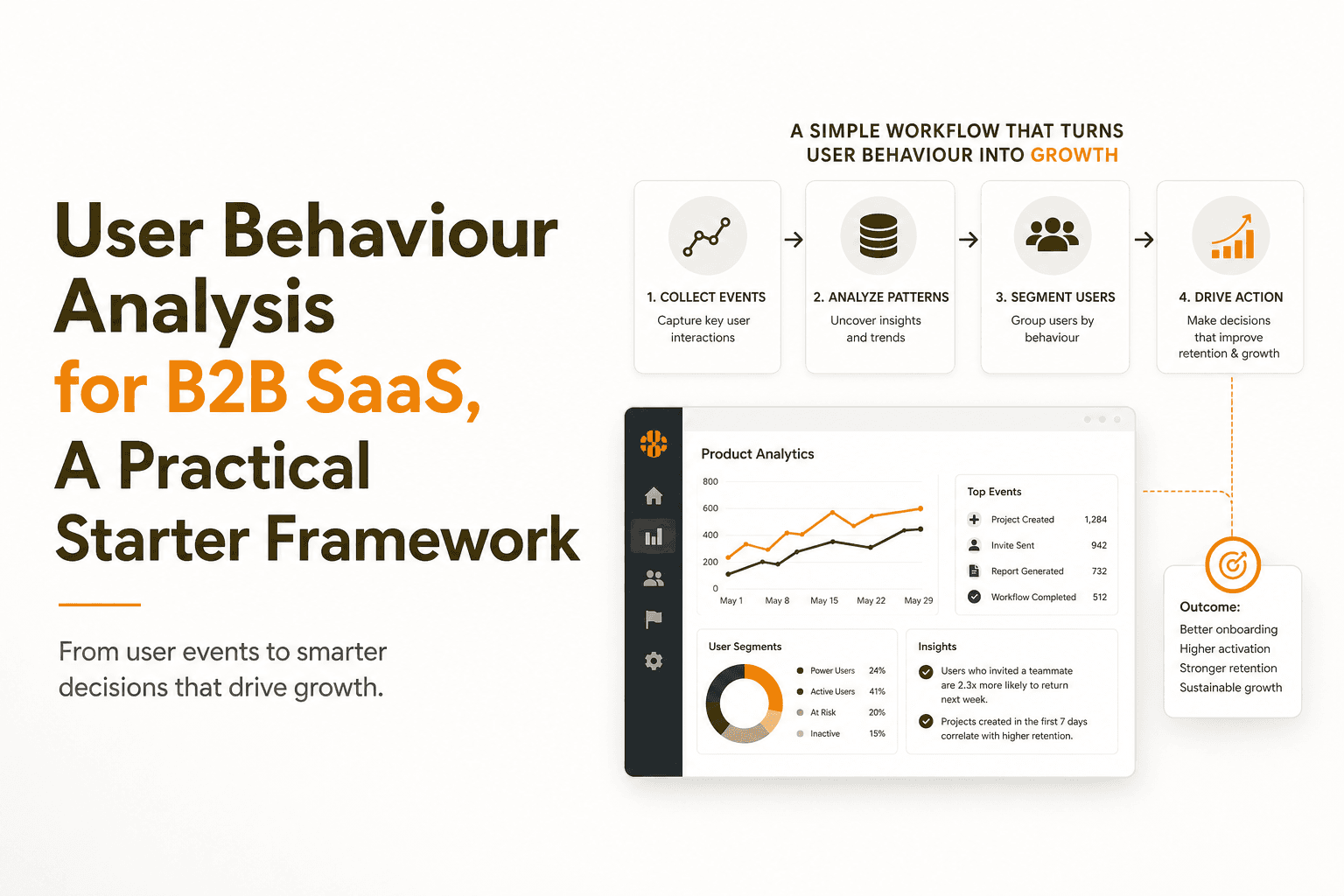
User Behaviour Analysis for B2B SaaS, A Practical Starter Framework
Learn user behaviour analysis for B2B SaaS with a practical framework: what to track first, core analyses, pitfalls, and how to turn insights into growth.
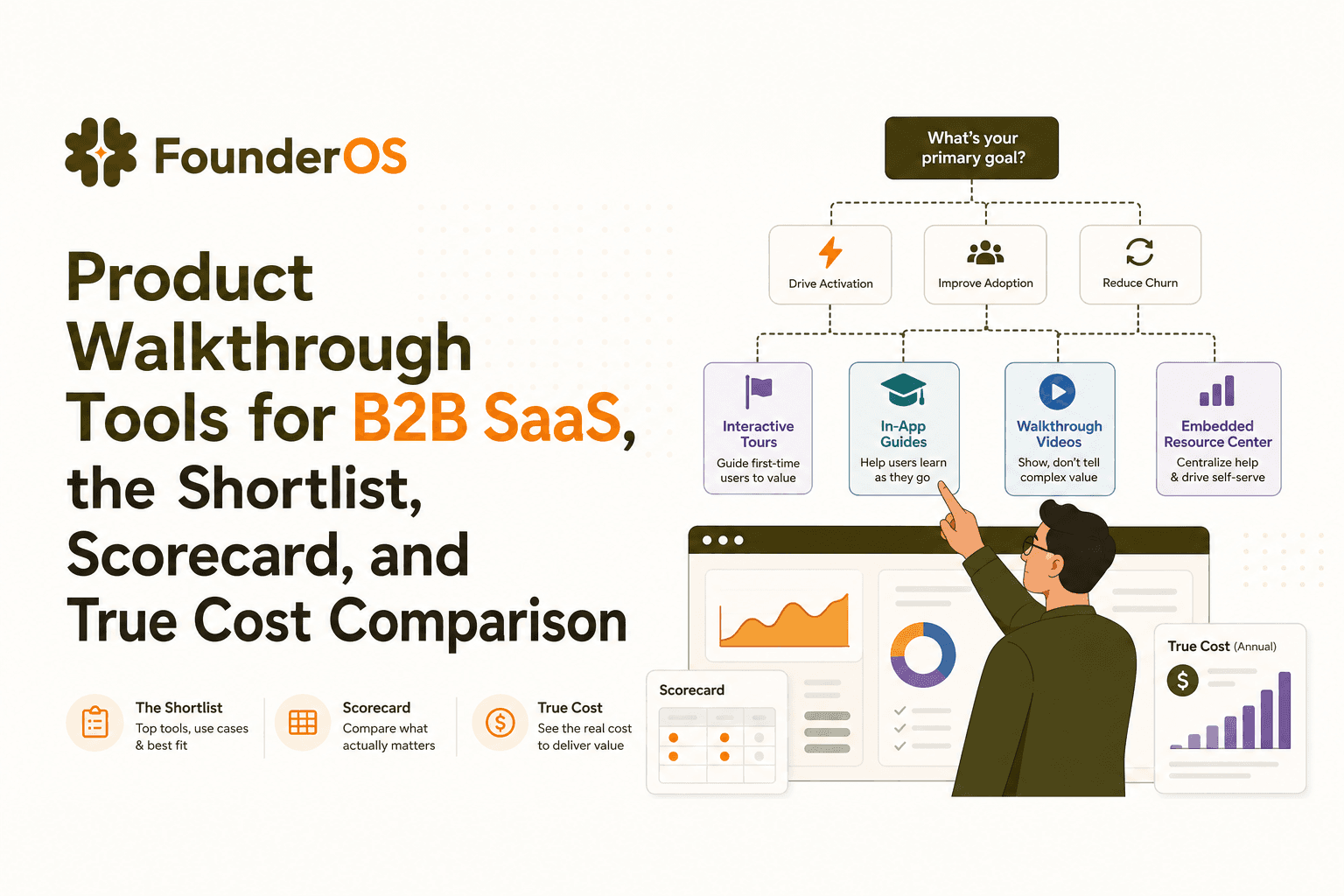
Product Walkthrough Tools for B2B SaaS, the Shortlist, Scorecard, and True Cost Comparison
Compare product walkthrough tools for B2B SaaS with a shortlist, success scorecard, and true cost scenarios for 2k, 10k, and 50k users.

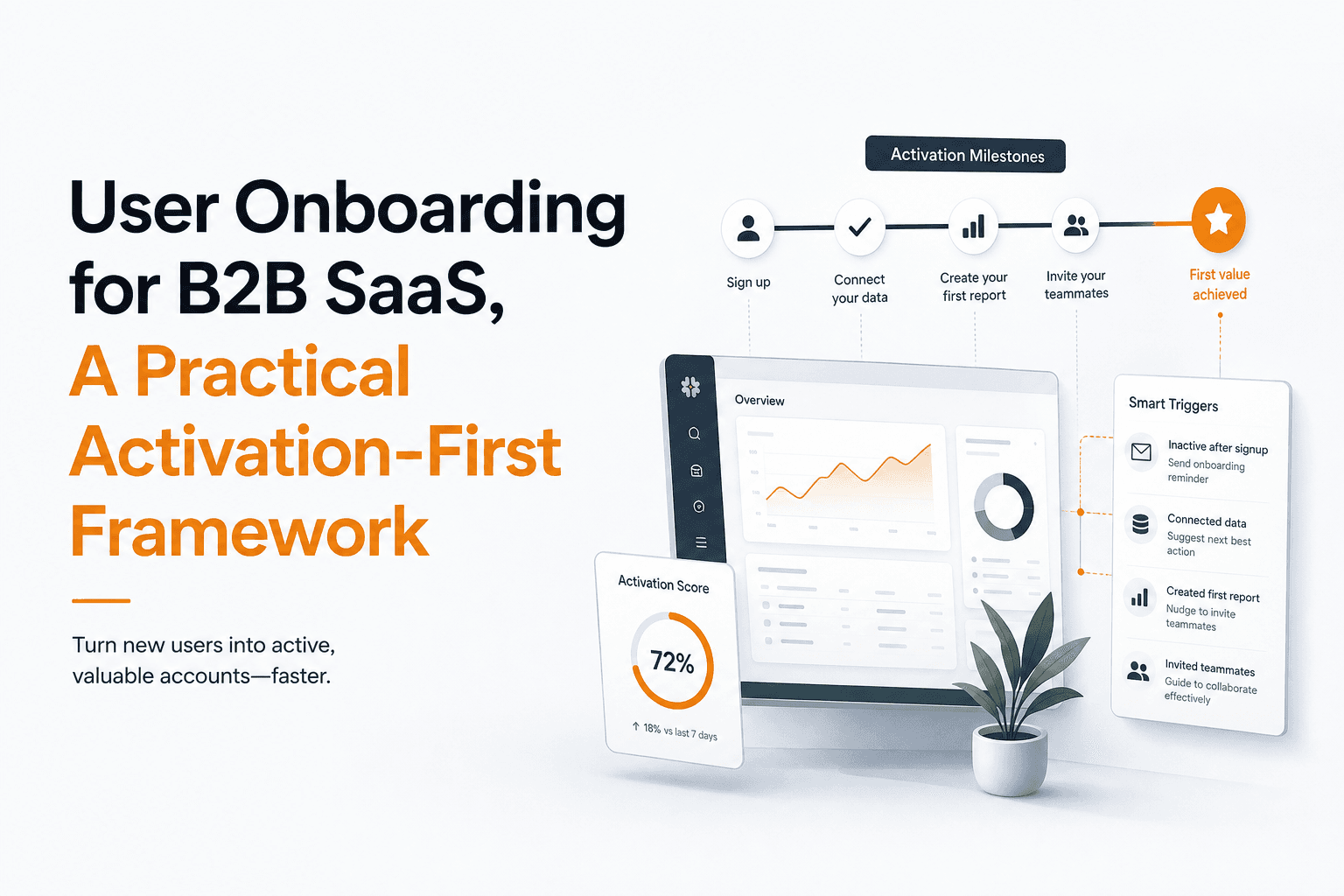
User Onboarding for B2B SaaS, A Practical Activation-First Framework
Learn user onboarding as an activation system: what to build, when to trigger it, and how to measure time-to-value for B2B SaaS.