
User Onboarding SaaS Explained, A Reusable Blueprint and Checklist
Learn user onboarding saas with a practical blueprint: stages, UI patterns, checklist, and a simple measurement plan to improve activation.

User onboarding saas is the set of in-product and off-product steps that move a new user from “just signed up” to their first meaningful outcome (the “aha moment”) fast enough that they actually adopt and keep using your product.
- Define one measurable “aha moment” per primary use case, then design onboarding to reach it in the fewest credible steps.
- Use reusable UI patterns (checklists, tooltips, modals, and surveys) triggered by role, context, and behavior, not by a rigid timeline.
- Measure onboarding with a minimal event taxonomy and one dashboard: activation funnel, time-to-value, and step drop-off by segment.
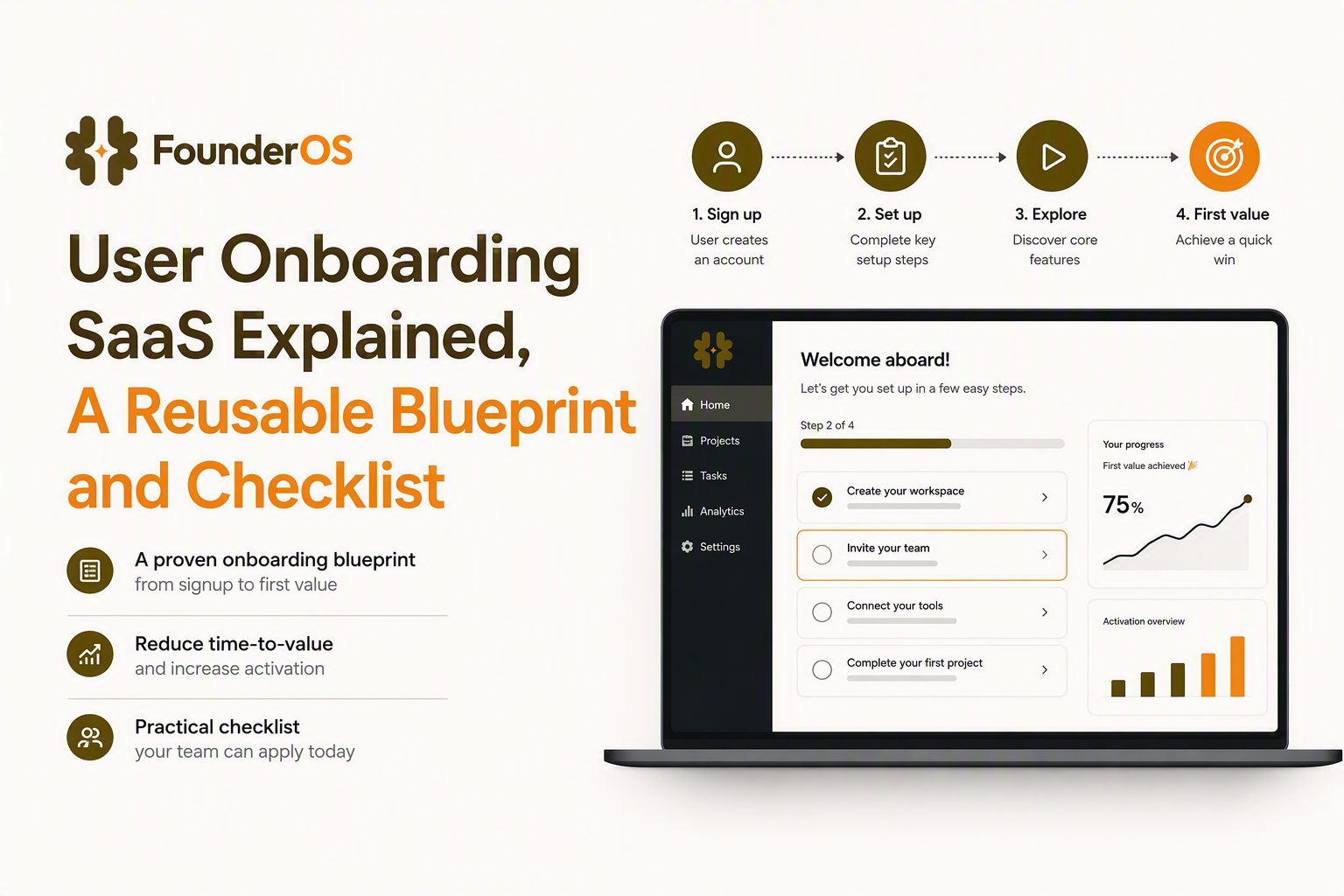
What User Onboarding Means in SaaS and Why It Drives Activation
User onboarding in SaaS drives activation by reducing time-to-value, clarifying next steps, and helping users reach a specific “aha moment” tied to retention.
Plain-language definitions you can align the whole team on
- User onboarding (SaaS): everything you do to help a new user successfully complete the first job they came to your product for, including in-app guidance, emails, docs, and human support.
- Activation: the moment a user completes a small set of actions that predicts ongoing use (your “activation event” or “activation criteria”).
- Time-to-value (TTV): time between signup and the first meaningful outcome. Track both median and p75 because long-tail users often drive support load.
- Retention cohorts: groups of users who signed up in the same period; you compare them over time to see whether onboarding changes improved sustained usage.
- Aha moment: the first time the user experiences the core value of your product, stated as an observable outcome, not a feeling.
Aha moment formula (use this to avoid vague onboarding goals)
Define your aha moment as: persona + job-to-be-done + observable output + timeframe.
- Example (B2B reporting tool): “An ops manager exports their first weekly report that matches last week’s spreadsheet within 15 minutes.”
- Example (collaboration SaaS): “A teammate is invited and comments on a shared item within 24 hours.”
In our experience working with early-stage B2B SaaS teams, the fastest wins come from rewriting the aha moment until it is objectively measurable and unambiguous, then deleting onboarding steps that do not help reach it.
Why onboarding affects retention (the practical mechanism)
Onboarding influences retention through three levers you can design for:
- Clarity: the user understands what to do next without guessing.
- Confidence: the user feels safe taking action (undo, preview, examples, and guardrails).
- Progress: the user can see momentum (checklists, completion states, and quick wins).
The 5 Stages and 5 C’s of Effective SaaS User Onboarding
Effective user onboarding saas can be shipped as a repeatable sequence of five stages mapped to the 5 C’s: compliance, clarification, confidence, celebration, and connection.
Stage 1: Signup and first session (Compliance + Clarification)
Goal: reduce friction and get the user into a “ready to act” state.
- What to build: short signup, SSO when possible, email verification only when necessary, and a 1-question welcome screen to route users by role/use case.
- Success signal: user reaches the primary workspace or dashboard with required context (role, company size, use case) captured.
- Common trap: asking 8 questions up front “for personalization” and creating drop-off before value.
Stage 2: Orientation (Clarification)
Goal: show the “map” of the product and the next best action.
- What to build: a short “first 2 minutes” path, a persistent checklist, and a single primary CTA per screen.
- Success signal: user completes 1 to 2 prerequisite actions required for the aha moment (for example: connect data, create first object, import a file).
Stage 3: First value (Confidence + Celebration)
Goal: help the user complete the activation criteria and notice the result.
- What to build: guided steps inside the product (tooltips, bubbles), default examples, and a confirmation moment that makes value explicit.
- Success signal: activation event completed and confirmed on-screen (not hidden in a settings page).
Stage 4: Habit setup (Connection)
Goal: connect the product to the user’s workflow so usage repeats.
- What to build: reminders/notifications tied to user intent, saved views, scheduled reports, integrations, and templates.
- Success signal: second use within a defined window (often 3 to 7 days) OR a recurring configuration set (schedule created, integration connected).
Stage 5: Expansion onboarding (Connection)
Goal: guide users from “core use” to “breadth of value” without overwhelming them.
- What to build: contextual nudges for second-order features, role-based tours, and use-case playbooks.
- Success signal: adoption of 1 additional feature linked to retention or expansion (invite teammates, set permissions, automate a workflow).
5 C’s mapped to touchpoints (quick reference)
| C | What it looks like in SaaS | Best touchpoints | Measurable signal |
|---|---|---|---|
| Compliance | Account created, permissions understood | Signup, SSO, security prompt | Signup completion rate |
| Clarification | Clear next step and why it matters | Welcome screen, checklist, first-run tour | Checklist step 1 completion |
| Confidence | Safe to act, low fear of mistakes | Inline guidance, previews, undo | Error rate on key action |
| Celebration | Value is acknowledged and visible | Success modal, progress state | Activation event completion |
| Connection | Product fits the user’s routine and team | Integrations, invites, reminders | Second session within target window |
SaaS Onboarding UI Pattern Library You Can Reuse
SaaS onboarding patterns work best when each UI element is tied to a specific job step, triggered by context, and measured by completion and drop-off.
1) Welcome screen (role and intent routing)
Use when: you have multiple personas or use cases.
Avoid when: you only serve one narrow job and the question adds friction.
Microcopy template: “What are you here to do today?” options: “Track usage”, “Invite my team”, “Set up reporting”.
Trigger: first login only, and re-ask if user skips or changes workspace.
2) Onboarding checklist (persistent progress)
Use when: the aha moment requires 3 to 7 steps across multiple screens.
Avoid when: you cannot reliably detect completion (false positives erode trust).
Checklist rules:
- Cap at 5 items visible; hide advanced steps behind “More”.
- Every item must end in a screen state you can verify (event or attribute).
- Include at least one “quick win” that completes in under 60 seconds.
Microcopy examples: “Connect your data source”, “Create your first project”, “Invite a teammate”, “Publish your first report”.
When we tested reducing a checklist from 9 steps to 5 and removed one “optional but nice” step, the biggest improvement was not vanity completion, it was fewer stuck users asking support what to do next.
3) Tooltips and hotspots (contextual hints)
Use when: the UI is dense and the user needs “what is this?” guidance in the moment.
Avoid when: you are trying to teach a multi-step workflow; use a guided sequence instead.
Trigger: show on first hover/click, or when a user fails an action twice.
Microcopy template: “Tip: Start with [recommended default] so you can see results immediately.”
4) Step-by-step product tour (bubbles anchored to UI)
Use when: you can reliably predict the first workflow and the UI layout is stable.
Avoid when: users land in many different places (tours break if the anchor element is missing).
Design rules:
- Keep to 3 to 6 steps; each step should cause an action, not just a read.
- Include “Skip” and “Remind me later” to prevent resentment.
- End with a success state that shows value (a created object, a chart, an export).
For a structured plan, use this product walkthrough template as a step map plus KPI plan.
5) Modals (announcements and gating)
Use when: the message is truly high priority (trial ending, required setup, major feature launch).
Avoid when: you are interrupting core work every session.
Microcopy template: “2 minutes to get your first result: connect X, then we will generate a starter dashboard.”
6) In-app surveys (diagnose friction quickly)
Use when: a user drops after a key step and you need to know why.
Avoid when: you show surveys too early; get at least one meaningful interaction first.
Two effective questions:
- After skip: “What stopped you from finishing setup today?” (multiple choice + other)
- After activation: “What would you do next if you had 10 more minutes?” (open text)
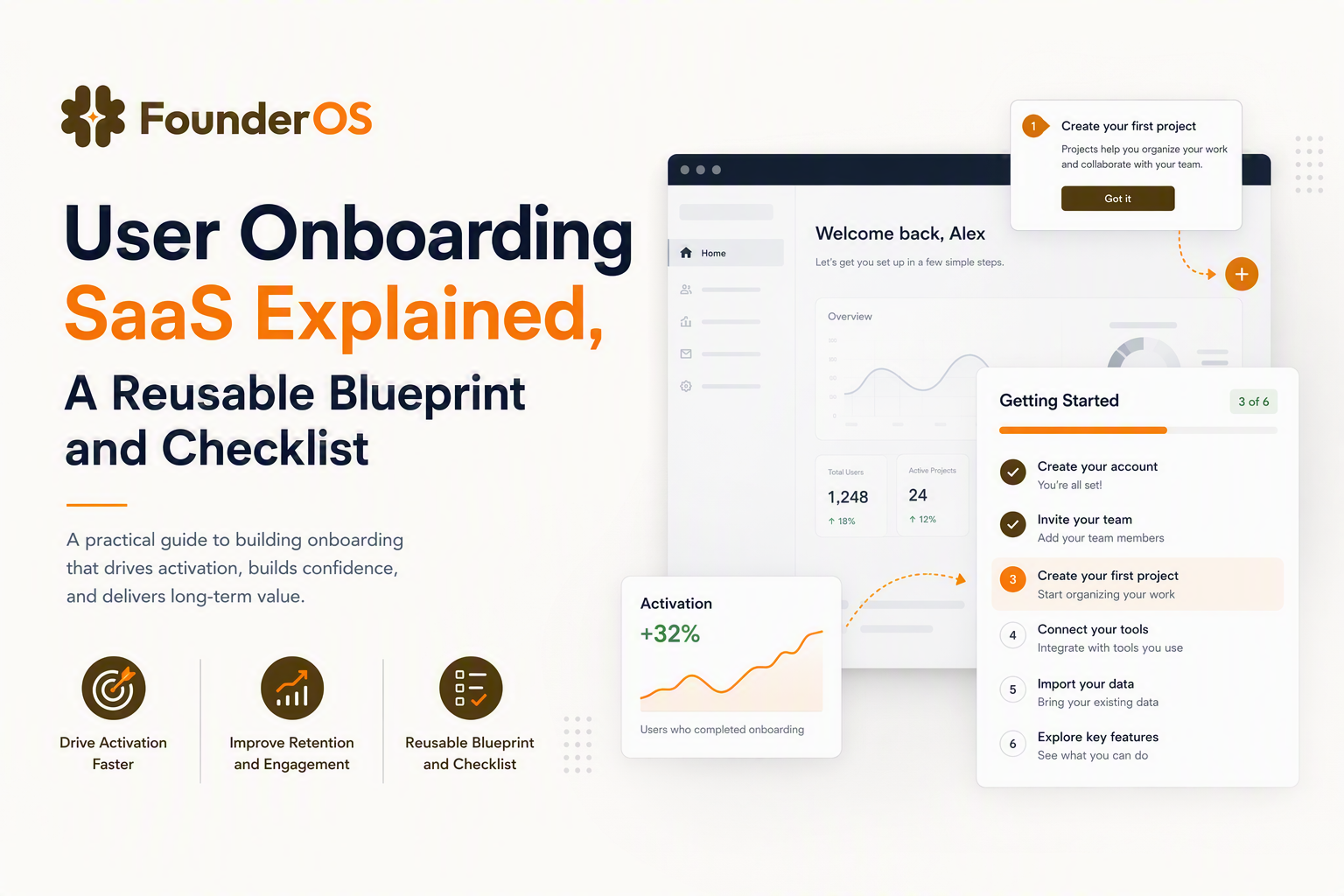
A Copy-Paste SaaS User Onboarding Checklist Template
A copy-paste onboarding checklist works when it is role-based, time-based (Day 0, Day 1, Week 1), and includes separate paths for single-user trials and B2B account onboarding.
Step 0: Define your activation criteria (before you write any steps)
- Activation event: the one event that best represents first value (example: “report_exported”, “first_workflow_published”).
- Required prerequisites: 1 to 3 events that must happen before activation (example: “data_source_connected”).
- Target TTV: a realistic median TTV goal (set an initial baseline first, then improve).
Day 0 checklist (first session)
| Persona | Checklist item | In-app pattern | Completion proof |
|---|---|---|---|
| Solo trial user | Pick a use case | Welcome screen | Attribute: use_case_selected |
| Solo trial user | Create first object (project/report/workspace) | Guided bubble + template | Event: object_created |
| Admin (B2B) | Set workspace basics (name, permissions default) | Checklist + tooltip | Event: workspace_configured |
| Admin (B2B) | Invite 1 teammate | Checklist + modal nudge | Event: invite_sent |
Day 1 to Day 3 checklist (drive first value)
- Solo: “Complete activation event” (tour that ends on the value screen).
- Admin: “Get teammate to complete one action” (role-based tour for invited members).
- All: “Save a default view/template” (habit setup).
Triggered messages (keep them behavioral, not calendar-only):
- If object_created but no activation_event within 30 minutes: show an in-app hint pointing to the next required step.
- If invite_sent but no invite_accepted within 24 hours: prompt admin with a short email copy they can forward.
Week 1 checklist (reduce confusion and expand value safely)
- Offer 1 advanced feature based on use case (not a feature buffet).
- Ask a 1-question survey after activation: “What are you trying to achieve next?” and tag users for follow-up.
- Add a lightweight “help” affordance at the point of friction (inline docs, short video, or chat link).
If you want a more detailed framework for sequencing and gating steps, this user onboarding flow guide can help you map steps to activation outcomes.
How to Measure Onboarding Success, An Instrumentation and Dashboard Plan
Onboarding measurement becomes manageable when you track a minimal set of events, build one activation funnel, and slice it by the segments that change behavior.
Minimal event taxonomy (start here, expand later)
Define events in three categories and keep names consistent:
- Account events: signed_up, email_verified, workspace_created, invite_sent, invite_accepted
- Core object events: object_created, object_configured, object_published (rename “object” to your domain noun)
- Value events: activation_event_completed, value_viewed (for example: report_viewed, export_completed)
Properties to attach (the ones that matter in user onboarding saas): role, plan, acquisition_source (if known), use_case_selected, company_size_band, and “is_admin”.
One onboarding dashboard (what to put on it)
- Activation funnel: signed_up → workspace_created → object_created → activation_event_completed.
- Median and p75 TTV: time from signed_up to activation_event_completed.
- Step drop-off: completion rate per onboarding step (tour step completion if you have it).
- Segment comparison: by role (admin vs member), use case, and company size band.
Operational rule: tie every onboarding change to a hypothesis
Use this lightweight format:
- Change: “Replace 6-step tour with 4-step tour that ends on export screen.”
- Expected effect: “Increase activation_event_completed rate.”
- Primary metric: activation conversion.
- Guardrail: support tickets tagged “setup” or error rate on activation step.
After running onboarding audits across multiple products, the pattern was clear: teams over-instrument early and still cannot answer “where do users get stuck?”, so starting with one funnel plus TTV usually beats a sprawling event list.
For a KPI-first approach to naming and structuring events, see analytics events tracking.
How No-Code Flow Builders Fit Into a Modern Onboarding Stack
No-code flow builders fit best in user onboarding saas when you need to iterate on in-app guidance weekly without waiting on engineering releases.
Use no-code for the “last mile” of guidance
- Best for: tours, checklists, tooltips, announcements, and surveys that depend on UI context and user segment.
- Less suited for: complex permissions, core product logic, data model changes, and performance-critical UI.
Selection criteria (what to look for without getting tool-driven)
- Targeting: can you trigger by URL, role, attributes, and behavior with AND/OR logic?
- Analytics: can you see completion and drop-off by step and segment?
- Speed to publish: can non-engineers preview and publish without deployments?
- Governance: versioning, approvals, and the ability to pause a flow quickly.
Where Founder OS fits (one practical mention)
A platform like Founder OS can be useful when you want to combine no-code onboarding flows with product tracking and segmentation so your activation funnel, user profiles, and tour performance live in one place.
Common SaaS Onboarding Mistakes and Quick Fixes
Most onboarding failures come from a small set of fixable anti-patterns that increase confusion, inflate time-to-value, and hide the true aha moment.
Mistake 1: Teaching features instead of leading to an outcome
- Symptom: long tours that click through menus without producing a result.
- Quick fix: end the flow on a screen that proves value (created item, generated output, shared asset).
Mistake 2: One onboarding path for every persona
- Symptom: admins and end users see the same steps, so one group gets irrelevant tasks.
- Quick fix: route by role and “job”; maintain separate checklists for admin vs member.
Mistake 3: Hard-coded timelines instead of behavior-based triggers
- Symptom: users get nags even when they already completed the action.
- Quick fix: trigger nudges based on missing prerequisites or stalled funnels (for example: object_created but no activation within 30 minutes).
Mistake 4: No visibility into where users get stuck
- Symptom: arguments about opinions, not data.
- Quick fix: instrument the 4 to 6 events in your activation funnel, then add step drop-off for tours and checklists.
Mistake 5: Forcing setup before trust exists
- Symptom: users abandon at “connect everything” screens.
- Quick fix: provide a sandbox example, sample data, or a “do this later” route that still demonstrates value.
| Onboarding asset | Owner | Ship time (typical) | Measure with |
|---|---|---|---|
| Aha moment definition + activation criteria | PM or founder | 1 to 2 hours | Activation funnel conversion |
| Role-based checklist (5 items) | PM or CS | Half day | Checklist completion + TTV |
| 4-step guided tour | PM or growth | Half day | Tour completion + step drop-off |
| Stall survey (1 question) | CS | 30 minutes | Qualitative reasons + segment tags |
FAQ about SaaS user onboarding
What is the difference between activation and onboarding?
Onboarding is the set of experiences you design to help users succeed; activation is the measurable milestone users reach when onboarding works (your chosen activation criteria).
How many steps should a SaaS onboarding flow have?
Most in-app flows work best at 3 to 6 steps for a single tour, plus a short checklist (up to 5 visible items) for multi-screen setups. If you need more, break it into role-based modules.
How do you handle B2B multi-user onboarding?
Split onboarding into an admin path (workspace setup, permissions, invites) and a member path (first contribution). Measure both: admin setup completion and first member action after invite acceptance.
What should I track first for onboarding analytics?
Start with a simple funnel (signup to activation), median and p75 time-to-value, and drop-off at the step right before activation. Add segmentation by role and use case before adding more events.
If you want to ship this user onboarding saas blueprint faster, you can implement the checklist and UI patterns using a no-code onboarding builder; Founder OS is one option that pairs in-app flows with product tracking and segmentation so you can iterate and measure without heavy engineering cycles.
Read Next
View all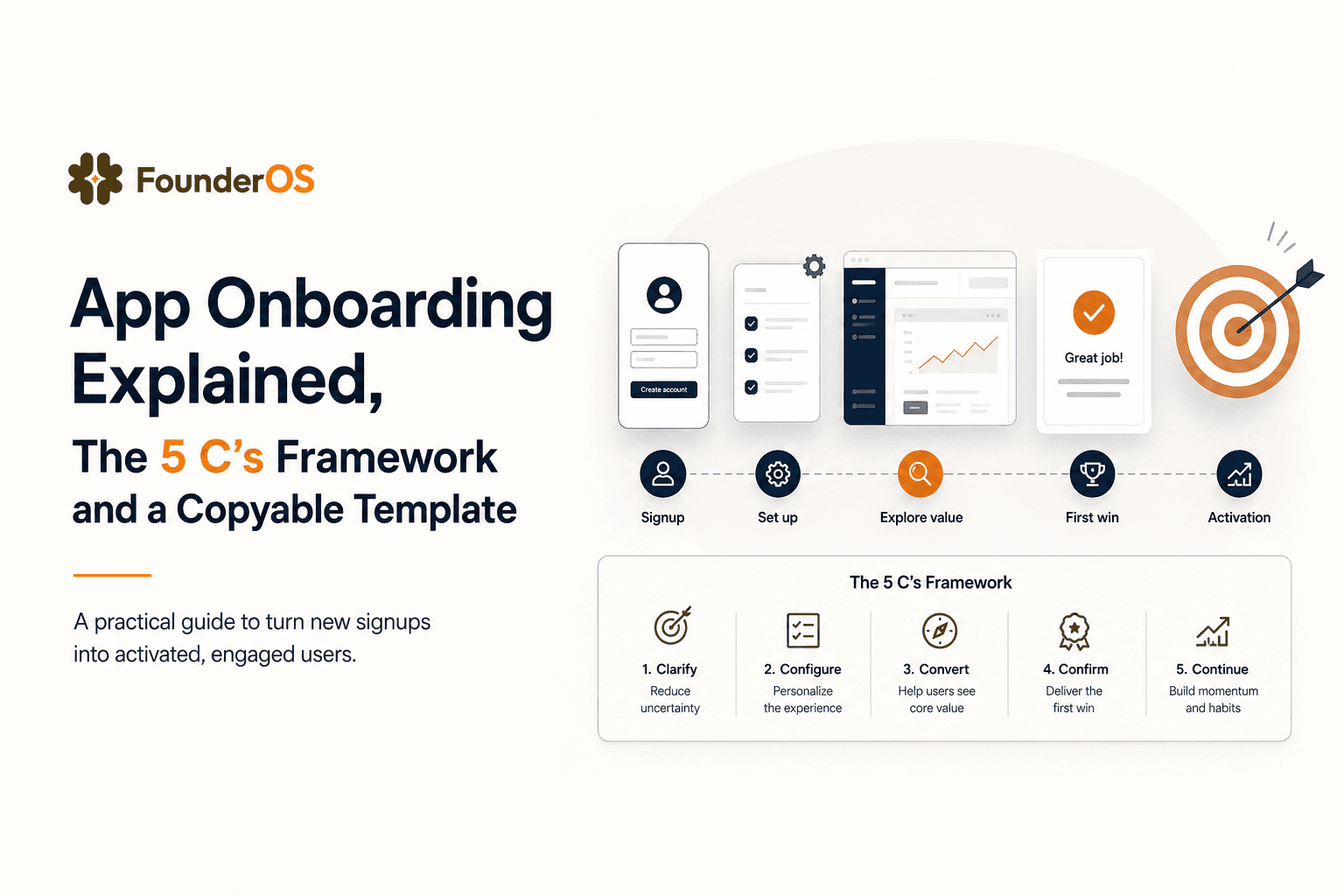
App Onboarding Explained, The 5 C’s Framework and a Copyable Template
Learn app onboarding with the 5 C’s framework, a copyable flow template, and a measurement plan to improve activation and time-to-value.
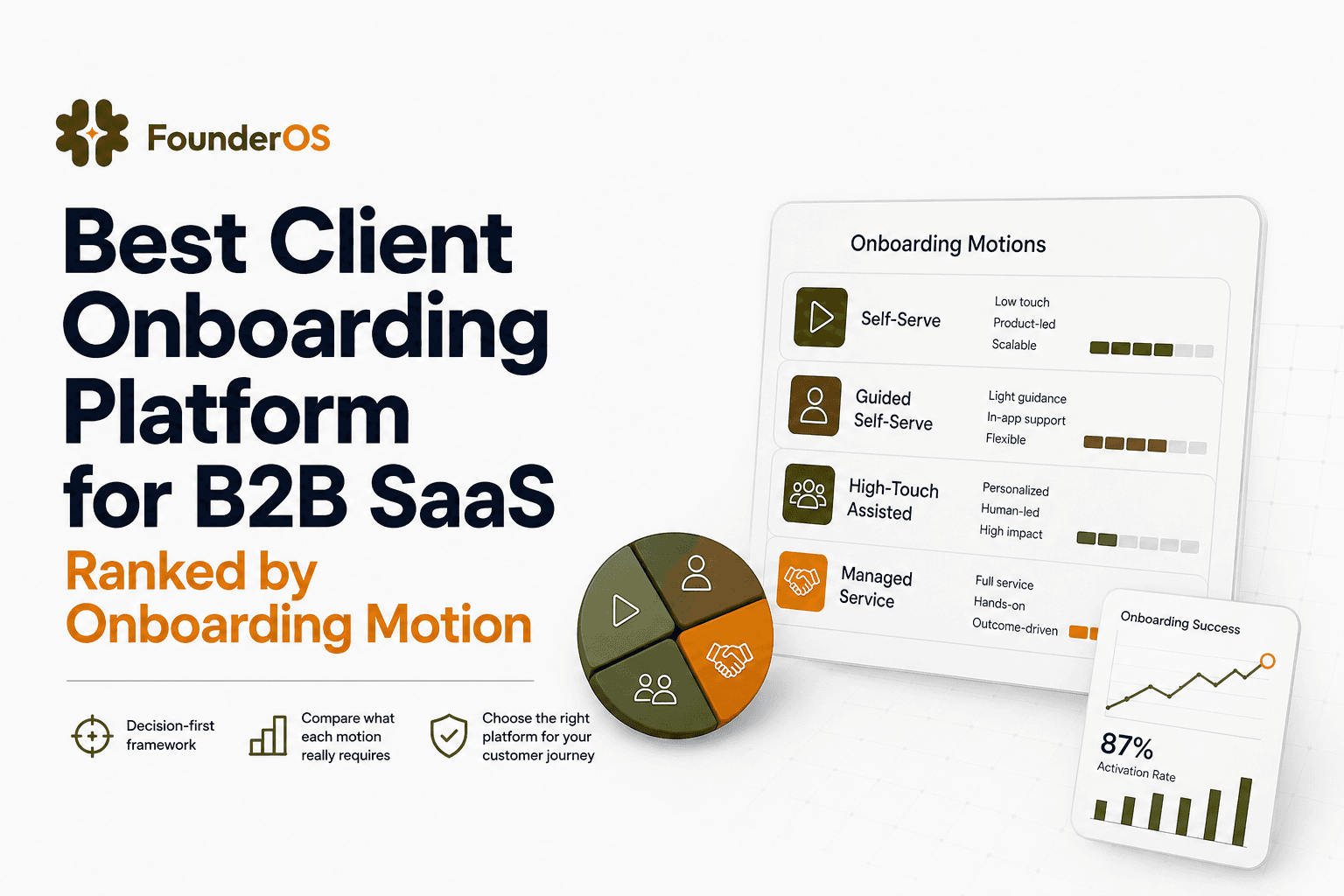
Best Client Onboarding Platform for B2B SaaS Ranked by Onboarding Motion
Choose the best client onboarding platform for B2B SaaS by onboarding motion. Compare fit scenarios, criteria, and a 30-minute shortlist filter.
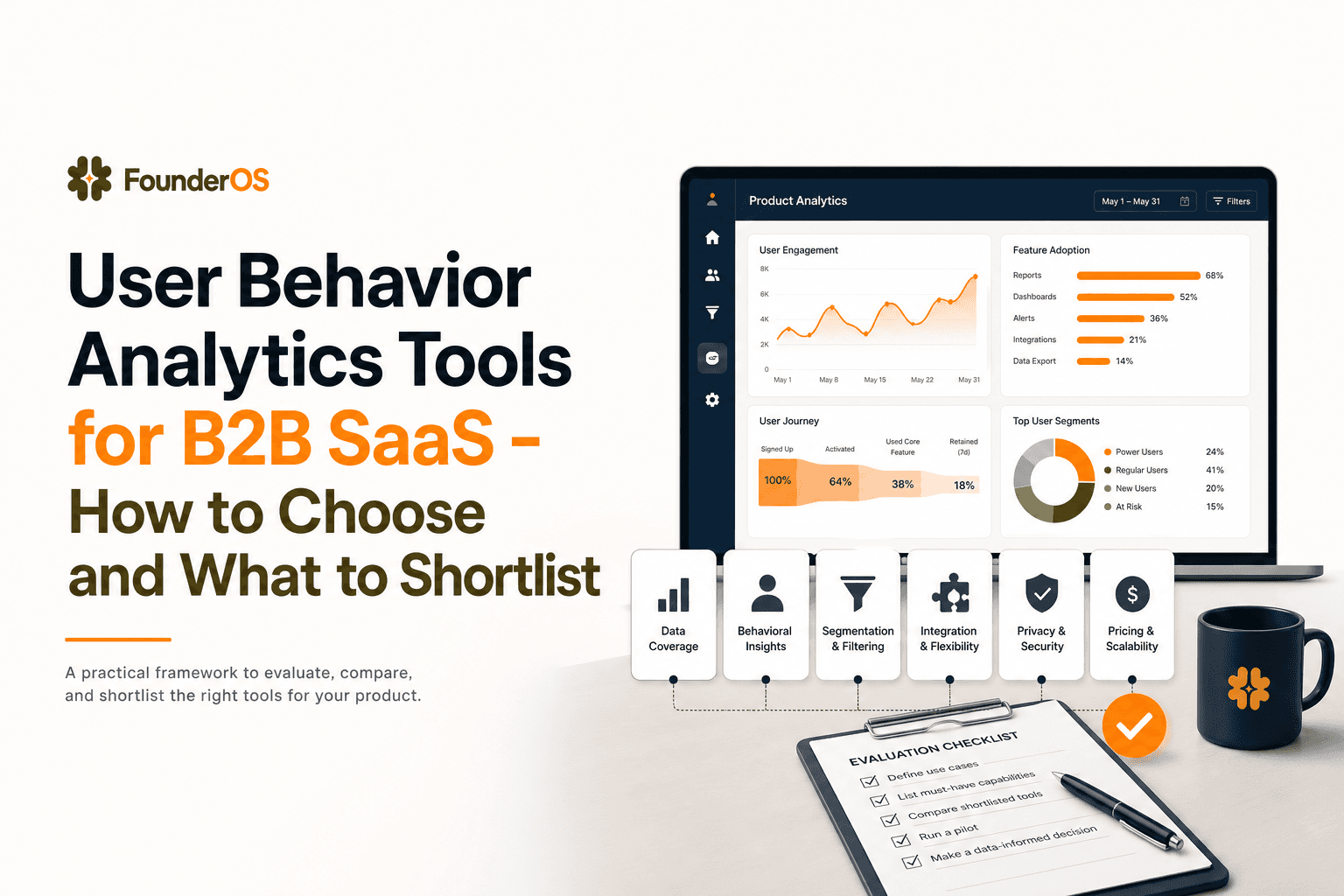
User Behavior Analytics Tools for B2B SaaS - How to Choose and What to Shortlist
Learn how to shortlist user behavior analytics tools for B2B SaaS using criteria tied to activation, funnels, and revenue outcomes.