
Customer Insights Analytics Explained, How B2B SaaS Teams Turn User Data Into Growth Decisions
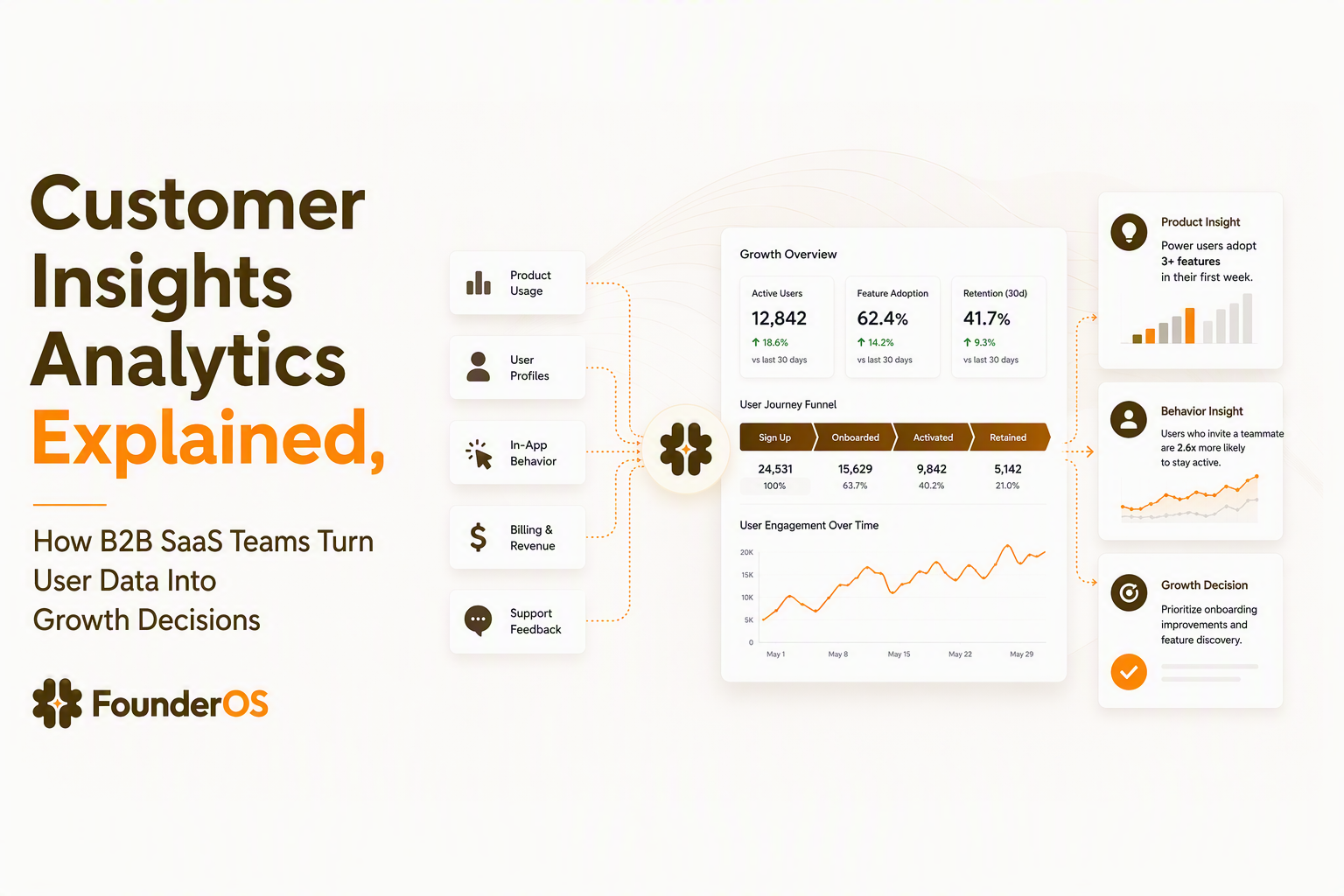
Customer insights analytics helps B2B SaaS teams transform user behavior data into practical growth decisions by connecting product activity, customer profiles, conversion paths, and revenue signals. Instead of only measuring what happened, teams use customer insights analytics to understand why users activate, where they struggle, and which actions lead to long-term value. A clear analytics foundation allows founders and product teams to move from assumptions to evidence-based improvements.
- Customer insights analytics connects events, user profiles, segments, funnels, and revenue signals into one decision-making system.
- A simple tracking framework starts with important user actions, measurable growth questions, and repeatable analysis workflows.
- SaaS teams improve faster when analytics focuses on behavior patterns instead of isolated vanity metrics.
What Customer Insights Analytics Means for B2B SaaS Growth
Customer insights analytics is a system for interpreting customer behavior data and turning it into actions that improve acquisition, activation, retention, and revenue outcomes. Unlike basic reporting, which usually answers questions like "how many signups happened," customer insights analytics explains the customer journey behind those numbers.
For a B2B SaaS company, useful insights come from connecting several questions:
- Which actions show that a new user is becoming an active customer?
- Where do users stop progressing during onboarding?
- Which product behaviors are common among retained accounts?
- Which customer groups generate meaningful revenue signals?
Basic dashboards often separate these answers into different reports. A stronger approach combines product behavior and business outcomes so teams can prioritize changes with confidence. For example, a signup increase does not automatically indicate growth if new users never reach a core feature. The important signal is the relationship between an event and a valuable customer outcome.
We initially assumed that tracking more activity would automatically create better decisions, but our team found that a smaller set of meaningful user actions created clearer priorities. The pattern was simple: useful insights came from connecting behavior to business questions, not collecting unlimited data points.
A practical definition for SaaS teams
A practical customer insights analytics framework has four layers:
- Behavior data: clicks, page views, feature usage, and completed actions.
- Customer context: account details, user profiles, roles, and lifecycle stages.
- Analysis methods: segmentation, conversion analysis, and retention measurement.
- Business outcomes: activation, expansion, renewal, and revenue impact.
This structure helps teams avoid treating analytics as a passive reporting function. The goal is not simply collecting data. The goal is creating a repeatable process where every important customer behavior can lead to a product or go-to-market decision.
The Key Data Sources Behind Useful Customer Insights
Useful customer insights come from combining product events, user profiles, segments, conversion paths, and revenue signals into a connected data model. Each source answers a different part of the customer story.
1. Product events reveal what users actually do
Product events are the foundation because they capture specific actions instead of relying on assumptions. Examples include creating a project, inviting a teammate, completing setup, or using a key feature. A well-designed analytics events tracking plan focuses on actions connected to customer value.
A practical event checklist includes:
- Event name and description
- User or account associated with the action
- Date and frequency of activity
- Business question the event helps answer
2. User profiles add customer context
Events become more useful when teams know who performed them. User profiles connect behavior history with attributes such as customer type, account size, plan level, or lifecycle stage.
Our experience working with SaaS growth workflows showed that behavioral context often changed priorities. A feature with low overall usage could become important when analysis showed that high-retention customers adopted it early.
3. Segmentation and funnels expose patterns
Segmentation helps teams compare groups instead of looking at averages. Effective user segmentation can separate new users, power users, inactive accounts, and customers with expansion potential.
Meanwhile, funnel analysis shows where progress breaks. A signup-to-activation path may include account creation, onboarding completion, and first value action. Measuring each step helps teams identify the exact point requiring improvement.
A Simple Framework for Turning Customer Data Into Growth Actions
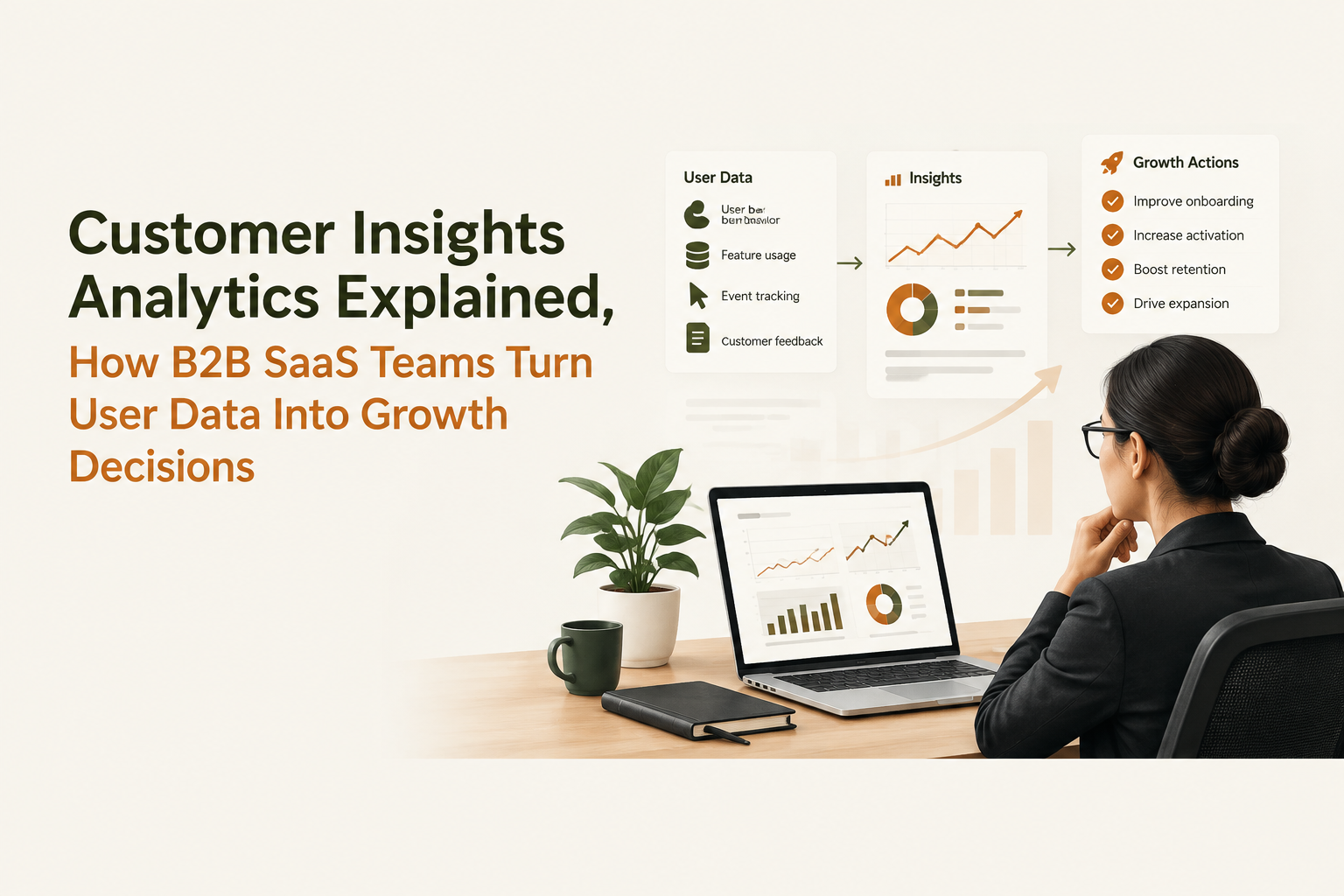
A four-step framework turns customer insights analytics from a reporting activity into a repeatable growth process: define questions, track signals, analyze patterns, and prioritize actions.
Step 1: Start with growth questions
The strongest analytics projects begin with decisions, not dashboards. A founder might ask, "Why do users fail to activate?" A product manager might ask, "Which feature predicts retention?" Each question determines what data matters.
A useful starting checklist:
- What customer behavior indicates value?
- What action should happen more often?
- What customer problem needs explanation?
- What decision will this insight influence?
Step 2: Build a focused tracking foundation
Teams should begin with critical events instead of tracking everything. A simple first version may include signup completion, onboarding milestones, core feature usage, collaboration actions, and subscription events.
Tools with Product Tracking capabilities can help founders capture user activity without creating complex data workflows. Founder OS supports this type of foundation by helping teams track product usage, understand user journeys, and organize behavioral data into clearer insights.
Step 3: Analyze behavior patterns
After collecting data, teams can compare behaviors between successful and unsuccessful customer journeys. Common analysis methods include:
- Cohort comparisons to measure changes over time
- Behavior segments to identify customer groups
- Conversion paths to locate drop-off points
- Revenue connections to understand business impact
A cohort retention curve can help teams see whether users continue engaging after their first experience. Retention patterns often reveal more than acquisition volume alone.
Step 4: Convert findings into experiments
Insights become valuable when they lead to action. Teams can test onboarding changes, improve feature discovery, adjust messaging, or create targeted customer journeys.
For example, if data shows that retained users complete a setup step within the first week, a team can redesign onboarding to encourage that behavior earlier.
Common Customer Insights Analytics Mistakes SaaS Teams Avoid
Customer insights analytics becomes less effective when teams collect disconnected metrics, prioritize vanity numbers, or ignore the relationship between behavior and revenue.
Mistake 1: Tracking too many metrics
More data does not always create better decisions. A practical measurement system should separate important signals from background activity.
| Measurement approach | Problem | Better practice |
|---|---|---|
| Tracking every possible event | Creates noise and slows analysis | Track actions linked to customer value |
| Monitoring only signups | Misses activation quality | Connect acquisition with product behavior |
| Reviewing averages only | Hides different user patterns | Use segments and cohorts |
Mistake 2: Focusing on vanity metrics
Metrics such as traffic or registrations can provide context, but they rarely explain customer success alone. SaaS teams should prioritize indicators that connect to product value, including activation rate, feature adoption, engagement frequency, and retention behavior.
Mistake 3: Separating product and revenue data
Product usage and revenue signals should be reviewed together. A customer who uses a feature repeatedly may represent expansion potential, while declining activity may indicate retention risk.
When we tested analytics reviews that combined product events with customer outcomes, our team spent less time debating numbers and more time deciding which experiments to run next.
How SaaS Founders Can Start Building a Customer Insight Workflow
A beginner-friendly customer insight workflow starts with one customer journey, a small event set, and a clear improvement goal. Founders do not need a complex analytics department to begin learning from user behavior.
A 30-day starting plan
- Week 1: Define activation goals and track essential user actions.
- Week 2: Create segments for new, active, and inactive users.
- Week 3: Review conversion paths and identify drop-off points.
- Week 4: Run one product or onboarding improvement experiment.
The goal is a repeatable learning cycle where customer data supports better decisions. A strong foundation can later expand into more advanced product analytics, customer scoring, and revenue forecasting workflows.
Frequently Asked Questions About Customer Insights Analytics
Founder OS helps B2B SaaS founders build a practical customer insights workflow with Product Tracking, User Profile Tracking & User Segmentation, and GTM Report capabilities. Start with a simple tracking foundation, understand how users engage with your product, and create a clearer path from customer behavior to growth decisions.
How To Analyze Marketing Data for B2B SaaS and Connect Channels to Revenue
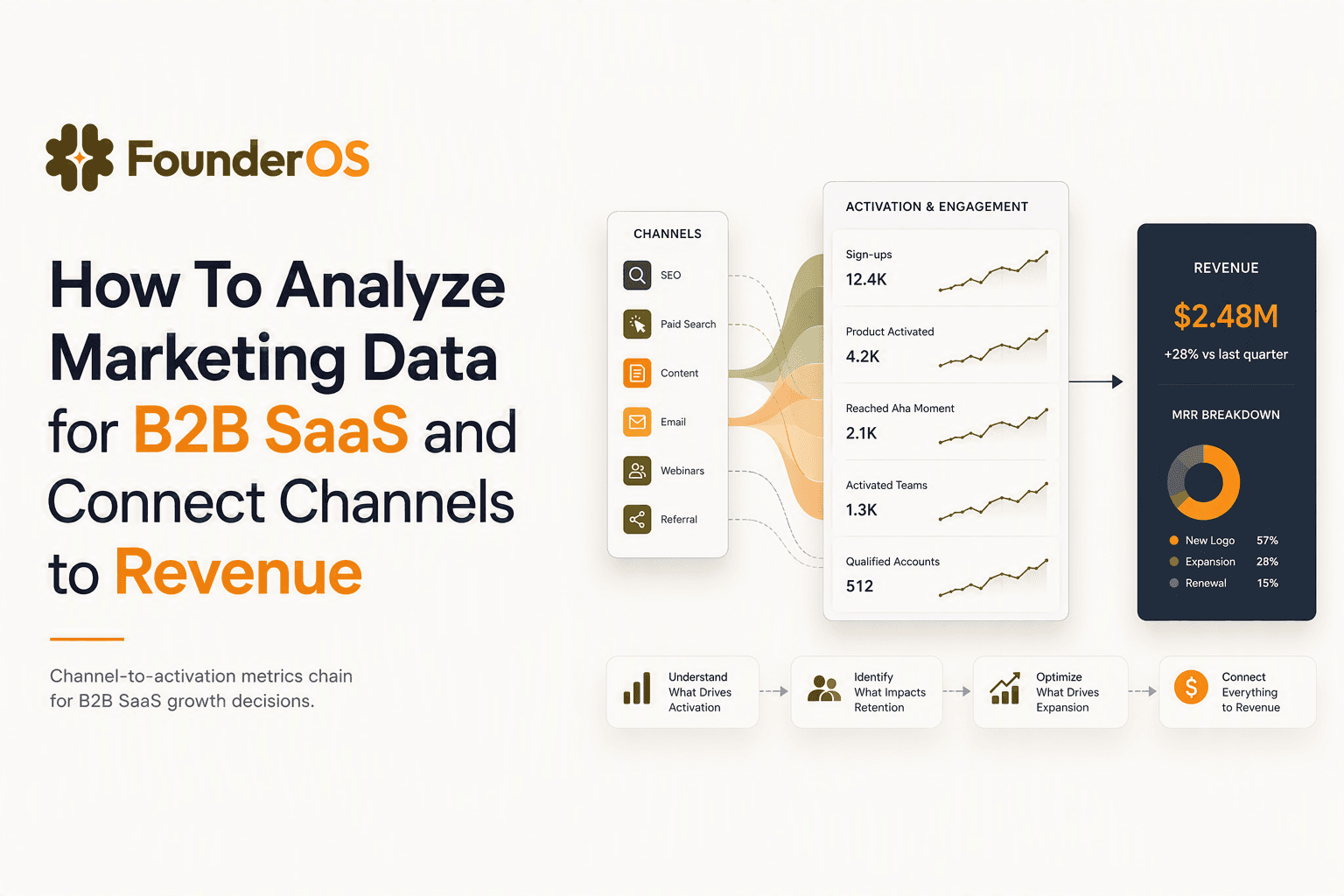
Learn to analyze marketing data by linking channels to activation, retention, and revenue with a weekly workflow and decision rules for B2B SaaS.
Mixpanel Product Analytics vs Modern Alternatives, What Actually Matters for B2B SaaS
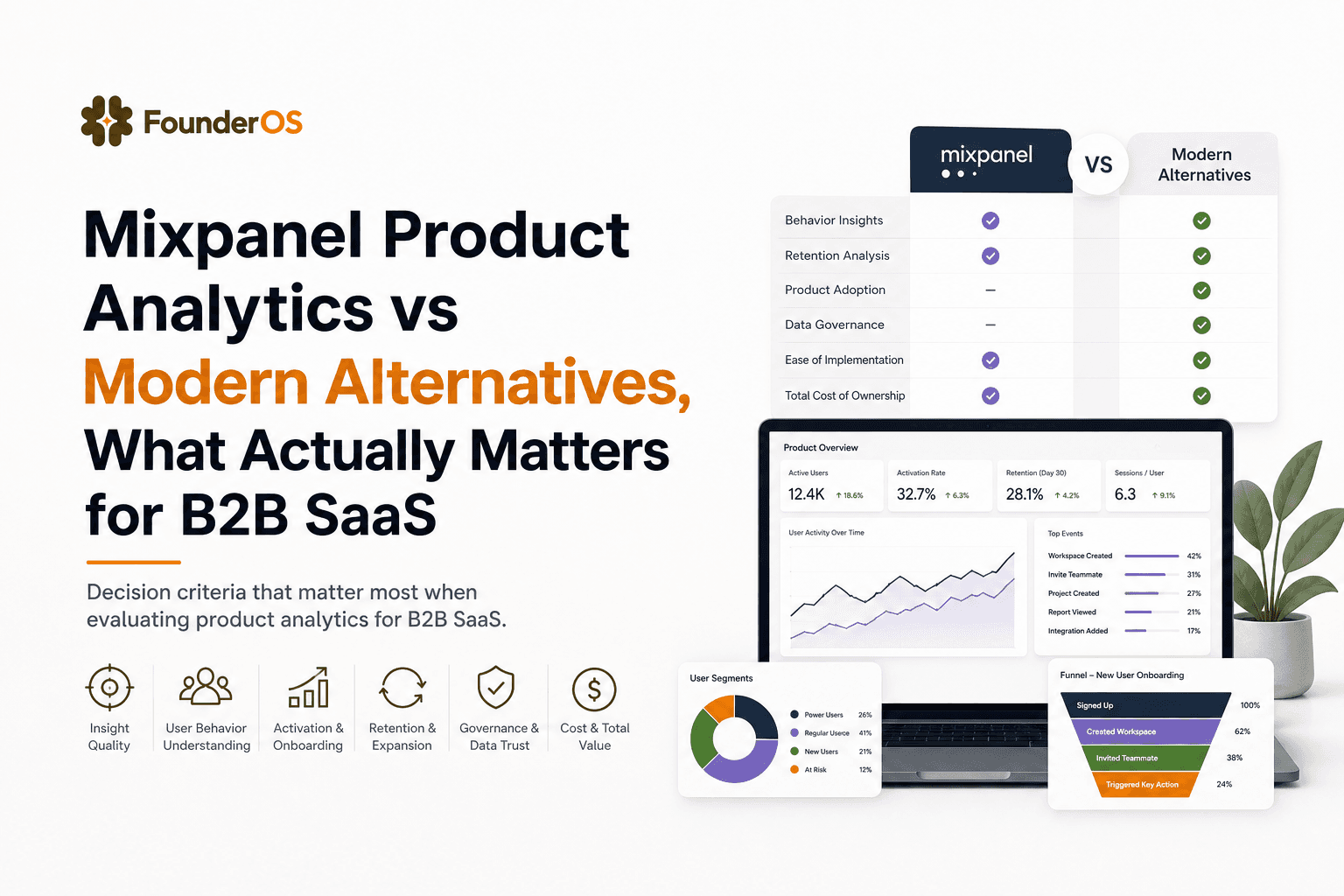
Learn how to evaluate mixpanel product analytics vs modern alternatives using tracking fit, identity, cost predictability, and activation workflows.
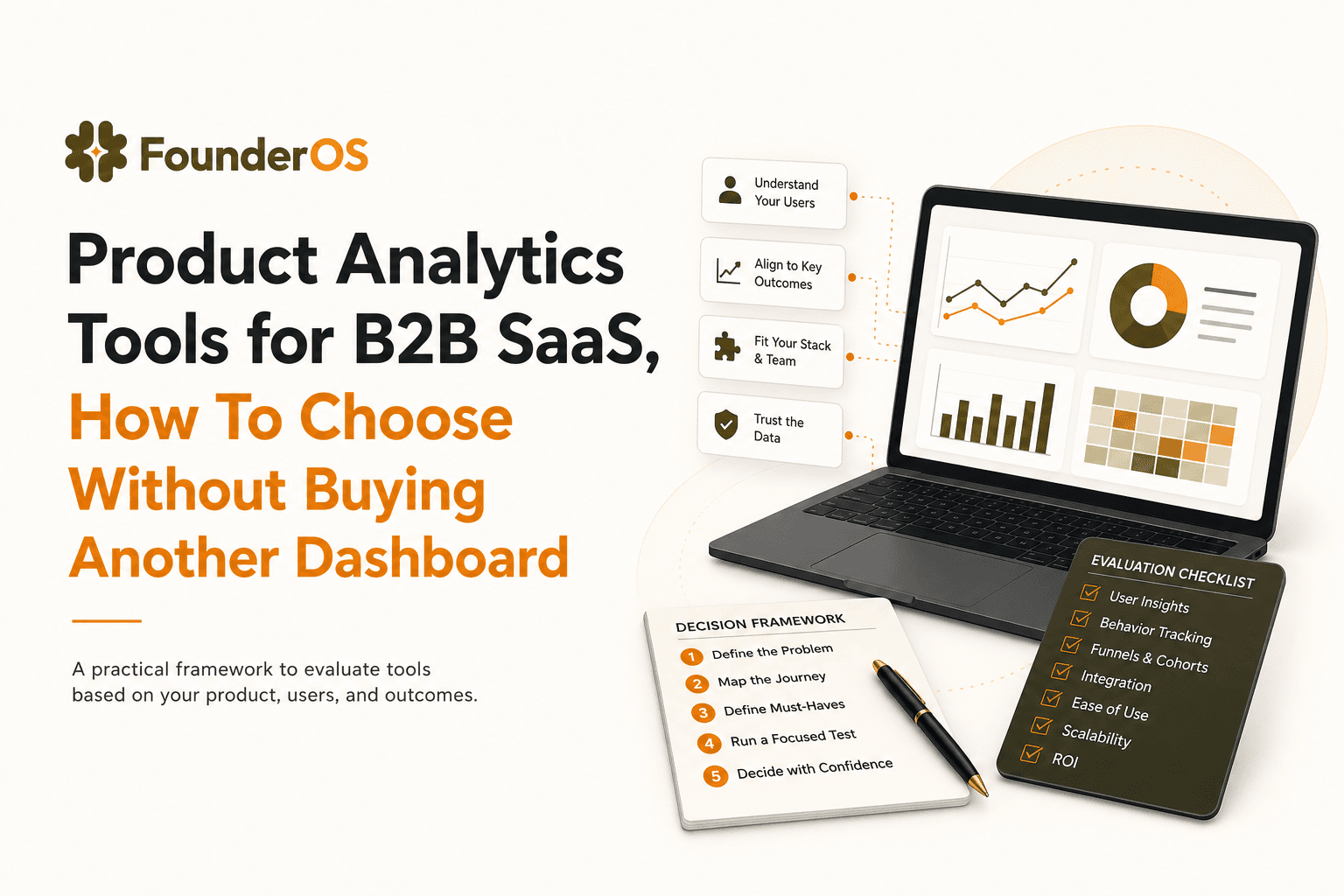
Product Analytics Tools for B2B SaaS, How To Choose Without Buying Another Dashboard
A practical guide to choosing product analytics tools for B2B SaaS: data model, funnels, identity, and revenue insights without dashboard bloat.