
Guided Walkthrough Strategy for SaaS Activation, A Build-Measure-Iterate Playbook
A guided walkthrough drives SaaS activation when it reliably gets a new user to one measurable first-value outcome, not when it simply “finishes a tour.” The playbook below shows how to pick that outcome, design a flow with branches, personalize triggers, instrument activation metrics, and iterate weekly without rewriting your UI.
- Define one first-value outcome with clear entry criteria and a binary “done” event, then build the walkthrough around that, not around features.
- Design the guided walkthrough as a flow with branches, fallbacks, and stop rules so different user intents still reach value.
- Measure completion-to-value and time-to-value, then run a weekly debugging loop that fixes triggers, step friction, and dead ends.

Pick the one outcome your guided walkthrough must deliver
A guided walkthrough performs when it is accountable to a single “first value” action that predicts activation for your product. If you try to teach everything, you usually get polite completion and weak adoption.
Define the first-value action with a simple activation contract
Write an “activation contract” in one sentence:
- Persona: who is this for (role or job-to-be-done)?
- Context: what product state must be true (account created, integration connected, data present)?
- First value action: the user action that produces a tangible output.
- Proof: the screen state or artifact that confirms success.
Example activation contract: “For a first-time Admin with no data, activation means connecting a data source and seeing the first report populated.”
Set entry criteria so the walkthrough never starts “too early”
Most walkthroughs fail before step 1 because they launch before the user can succeed. Define entry criteria as a checklist you can enforce with triggers:
- User has completed sign-up and email verification (if required)
- User is on the correct page or has access to the required UI
- Blocking prerequisites are either already true or can be completed inside the flow
- User has not already achieved the first-value action
In our experience, tightening entry criteria reduces “walkthrough spam” and increases the percent of users who reach the proof state because fewer people see steps they cannot complete.
Make “done” binary, measurable, and tied to product usage
Avoid ambiguous success like “clicked Next” or “saw modal.” Define done as one event or state change you can track, such as:
- Created a project, workspace, or first record
- Invited a teammate and assigned a role
- Connected an integration and received first sync
- Published a report, dashboard, or campaign
Rule of thumb: if support could not verify success from logs, your “done” definition is too soft.
Design the walkthrough as a flow, not a script
A guided walkthrough should behave like a decision tree that adapts to user intent and product state, not like a linear slideshow. Linear tours assume every user needs the same steps in the same order, which is rarely true.
Use a flow map with three lanes: happy path, branches, fallbacks
Start with a one-page flow map. We typically draw three lanes:
- Happy path: the shortest route to the first-value outcome
- Branch steps: alternate routes based on role, intent, or current state
- Fallbacks: what you show if the user cannot proceed (missing permissions, missing data, blocked integration)
Keep the happy path ruthlessly short. If a step does not directly increase the probability of reaching the outcome, cut it or move it to a post-activation nudge.
Write step rules, not step copy, first
Before you write UI text, define the rules each step must satisfy:
- Target: the exact UI element or page state the step anchors to
- Expected action: what the user must do next (click, select, type, connect)
- Success signal: the event or state change that confirms progress
- Timeout: how long before the step is considered stalled
- Exit: where to send the user if they skip or fail
Then write copy that supports the action in one sentence plus a clear call to action. If copy needs two paragraphs, the step is probably doing too much.
Add stop rules to avoid over-onboarding
Stop rules prevent your guided walkthrough from overstaying its welcome:
- Stop on value: immediately end when the first-value event is detected
- Stop on mismatch: if the user navigates away to a different intent, end and offer a “resume later” entry point
- Stop on repeat friction: after N failed attempts, switch to a help fallback (docs, checklist, or support)
We initially assumed “more guidance” would increase success, but observation showed the opposite: long flows drove more skipping, and users who skipped were less likely to hit the proof state later.
Personalize with segments and real-time user context
Personalization makes a guided walkthrough feel helpful instead of intrusive because the user sees only the steps that match their role and current state. You do not need heavy AI to do this, just consistent rules tied to user attributes and behavior.
Segment by role, lifecycle stage, and goal
Use three segment types and keep each definition auditable:
- Role segment: Admin vs Member vs Viewer, or Sales Ops vs Marketing Ops
- Lifecycle segment: first session, onboarding week, post-activation, returning after inactivity
- Goal segment: inferred from first clicks or selected “what are you here to do?” answers
Each segment should map to a different first-value outcome or a different route to the same outcome. If you cannot explain the segment in one line, it will be hard to maintain.
Trigger by behavior and state, not by time alone
Time-based triggers (like “after 10 seconds show tour”) are easy and often wrong. Prefer triggers that indicate intent or friction, such as:
- Visited a key setup page but did not complete the setup event
- Clicked an advanced feature before completing prerequisites
- Returned to the same page multiple times without progressing
A useful pattern is “intent plus stall”: start the walkthrough only after the user demonstrates intent and then stalls for long enough to justify an intervention. For deeper patterns, see behavior triggers that correlate with activation rather than simple completion.
Use branching questions sparingly to disambiguate intent
If user intent is genuinely unclear, add a single question near the beginning:
- “What are you trying to do first?” with 2 to 4 options
- Route to the smallest flow that reaches a proof state for that option
This is where an interactive walkthrough format tends to outperform a passive tour because users actively choose a path.

Measure guided walkthrough performance with an activation-first scorecard
Measurement makes a guided walkthrough improvable because you can see whether it produces activation, not just clicks. The scorecard below is designed to catch the most common false positive: high completion with low value delivered.
The activation-first scorecard (what to track every week)
Track these metrics per segment and per walkthrough version:
- Walkthrough started: users who saw step 1
- Walkthrough completed: users who hit the final step
- First-value achieved: users who triggered the “done” event
- Completion-to-value rate: % of completers who achieve first value within a window (for example, same session or 24 hours)
- Time-to-value: median time from walkthrough start to “done” event
- Step drop-off: where users abandon or stall
Guardrail: track support deflection proxies like reduced visits to help pages or fewer repeated error events, but keep activation as the primary outcome.
Instrument events as a minimal, testable schema
You only need a small event schema to start iterating:
walkthrough_startedwith properties: flow_id, version, segmentwalkthrough_step_viewedwith step_idwalkthrough_step_completedwith step_idactivation_donealigned to your activation contract
Then add one or two product events that represent the critical prerequisites. If you want a concrete activation planning template for events and copy blocks, use a product walkthrough map to keep tracking and UX aligned.
Interpretation rules that prevent misleading wins
Use simple decision rules so you do not celebrate the wrong metric:
- If completion is high but completion-to-value is low, the tour is entertaining but not enabling; shorten and add state checks.
- If started is low, your triggers or entry criteria are off; audit targeting and intent signals.
- If drop-off clusters at one step, treat that step like a broken UI: simplify, re-anchor, or add a fallback.
- If time-to-value is high with decent value rate, remove waiting steps and bring prerequisites earlier.
Iterate weekly with a walkthrough debugging playbook
A weekly iteration loop turns a guided walkthrough from a one-time project into a compounding activation asset. The key is to debug like an engineer: isolate failure modes, apply the smallest fix, and ship a new version.
Run a 60-minute weekly walkthrough review
Agenda that works in practice:
- Scorecard review (15 min): started, completed, value, completion-to-value, time-to-value
- Top 2 drop-off steps (15 min): identify the step and the suspected cause
- Replay and reproduction (15 min): reproduce friction in the product with fresh accounts or test users
- Ship list (15 min): commit to 1 to 3 changes, each tied to one metric
After running several of these audits, the pattern was clear: the best improvements came from removing steps and adding state-aware branches, not from rewriting copy.
Diagnose the five most common failure modes
- Overlong flow: too many steps before value; fix by cutting to the shortest path and moving education post-activation.
- Wrong trigger: flow starts with low intent; fix by requiring an intent event plus a stall window.
- Dead-end step: user cannot proceed due to permissions or missing prerequisites; fix by adding a fallback route or a “request access” action.
- Weak anchoring: tooltips attach to unstable UI elements; fix by anchoring to persistent selectors and adding page-state checks.
- Segment mismatch: users see the wrong path; fix by refining segment definitions and excluding already-activated users.
Versioning rules to keep experiments interpretable
Keep changes small enough that you can attribute impact:
- Change one of: trigger logic, step count/order, branch rules, or copy, per version where possible.
- Document each version with: hypothesis, expected metric movement, and affected segments.
- Compare against a baseline window with similar traffic and segment mix.
If you need a structured build plan for a measurable flow in a short cycle, the guided product tour blueprint is a useful companion to the weekly debugging loop.
Implement a no-code guided walkthrough workflow using Founder OS
A no-code workflow works when the guided walkthrough builder, segmentation, and activation measurement share the same definitions and can be updated without an engineering release. The goal is not tool sprawl, it is faster iteration from insight to a shipped flow.
A lightweight one-week setup you can actually maintain
- Day 1: define the activation contract and the “done” event, then name 1 to 2 prerequisite events.
- Day 2: draft the flow map with branches and fallbacks, then write step rules and stop rules.
- Day 3: implement the walkthrough in a no-code builder and add targeting conditions by role and lifecycle state.
- Day 4: instrument the scorecard events and validate them with test accounts.
- Day 5: publish to one segment, review drop-offs, and ship the first fix.
What to look for in tooling to support the scorecard loop
- Flow builder that supports branches, conditions, and previewing against a live product UI
- User profile tracking that keeps role and lifecycle attributes consistent
- Segmentation you can use for both targeting and reporting
- Product analytics that can tie walkthrough exposure to activation events and time-to-value
Founder OS combines a product onboarding tool for building flows, user segmentation tied to user profiles, and Mixpanel-like product tracking plus a GTM report so the same activation definitions power both targeting and measurement.
| Scorecard metric | What it tells you | Most likely fix |
|---|---|---|
| Started rate | Trigger and targeting quality | Tighten entry criteria, switch to intent plus stall triggers |
| Completion-to-value rate | Whether the flow actually delivers first value | Shorten happy path, add branches for different states, add fallbacks |
| Median time-to-value | How quickly users reach proof of value | Move prerequisites earlier, remove waiting steps, simplify step actions |
| Step drop-off concentration | Where friction or mismatch is highest | Re-anchor UI, rewrite to one action, or split the step into a branch |
FAQ
If you want to implement this scorecard-and-iteration loop quickly, Founder OS can help you build the guided walkthrough flow, target it with segmentation, and measure activation impact in one place so your team can ship improvements weekly.
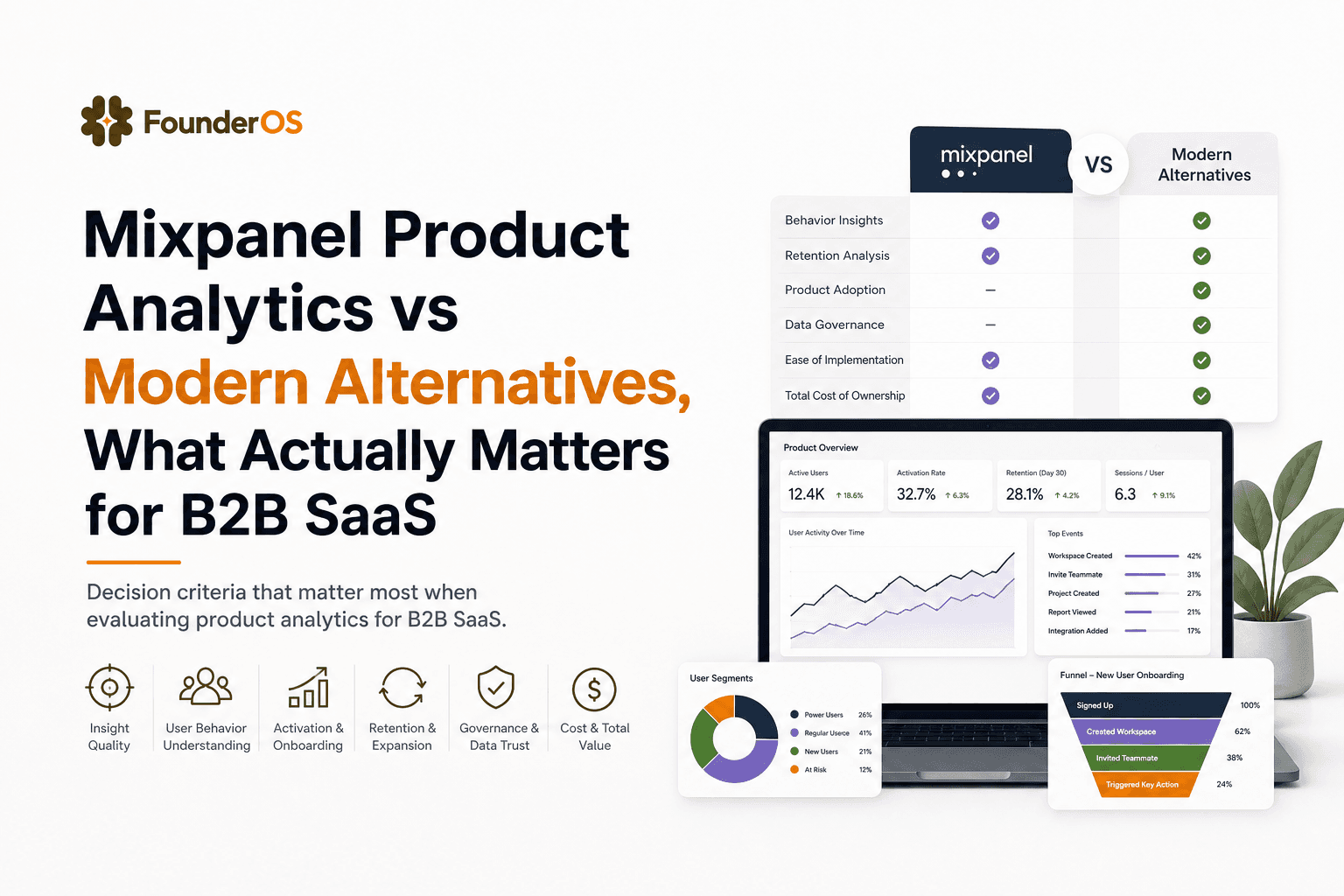
Mixpanel Product Analytics vs Modern Alternatives, What Actually Matters for B2B SaaS
Learn how to evaluate mixpanel product analytics vs modern alternatives using tracking fit, identity, cost predictability, and activation workflows.
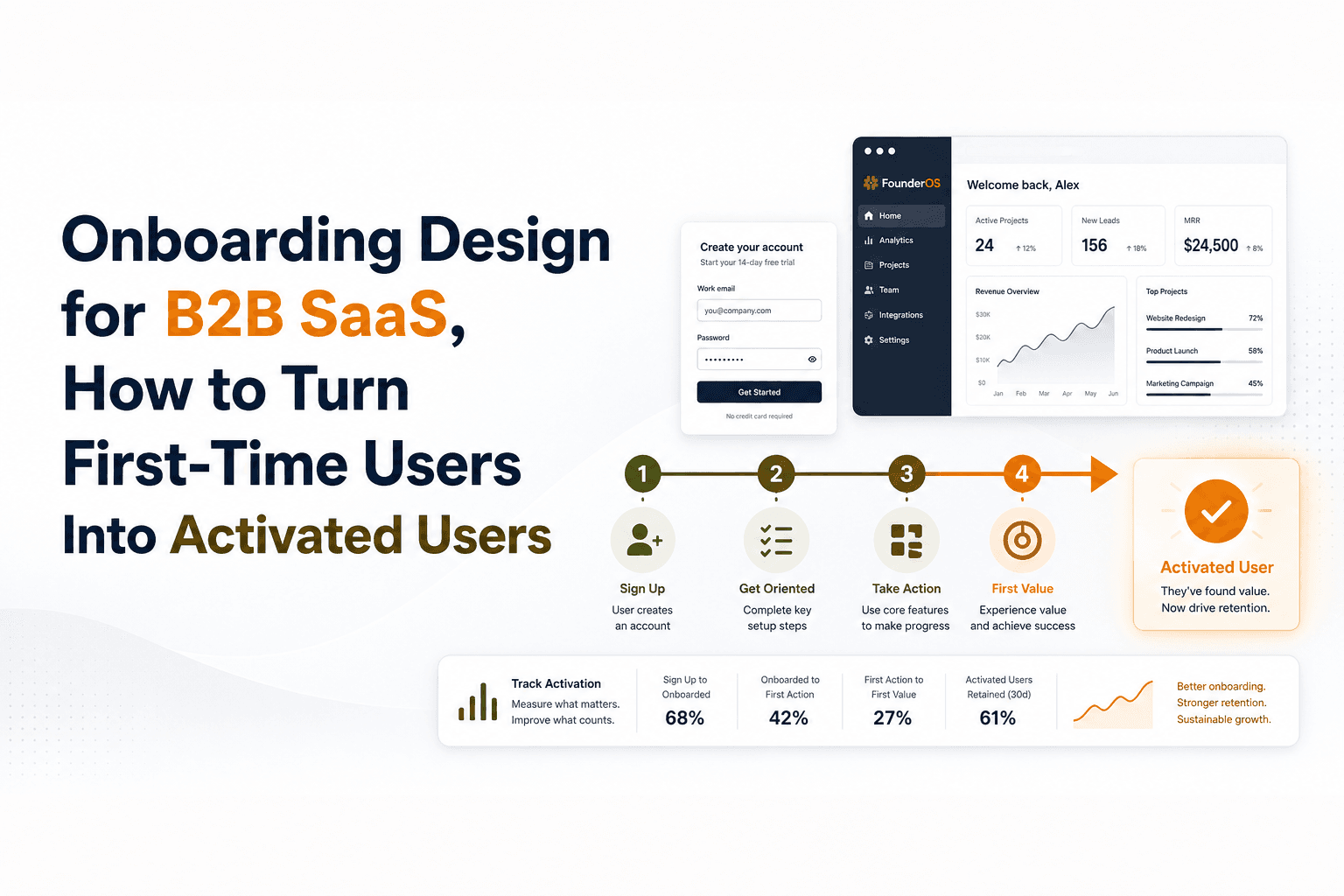
Onboarding Design for B2B SaaS, How to Turn First-Time Users Into Activated Users
Learn onboarding design for B2B SaaS: define activation, build flows and prompts, reduce friction, and measure time-to-value with simple metrics.
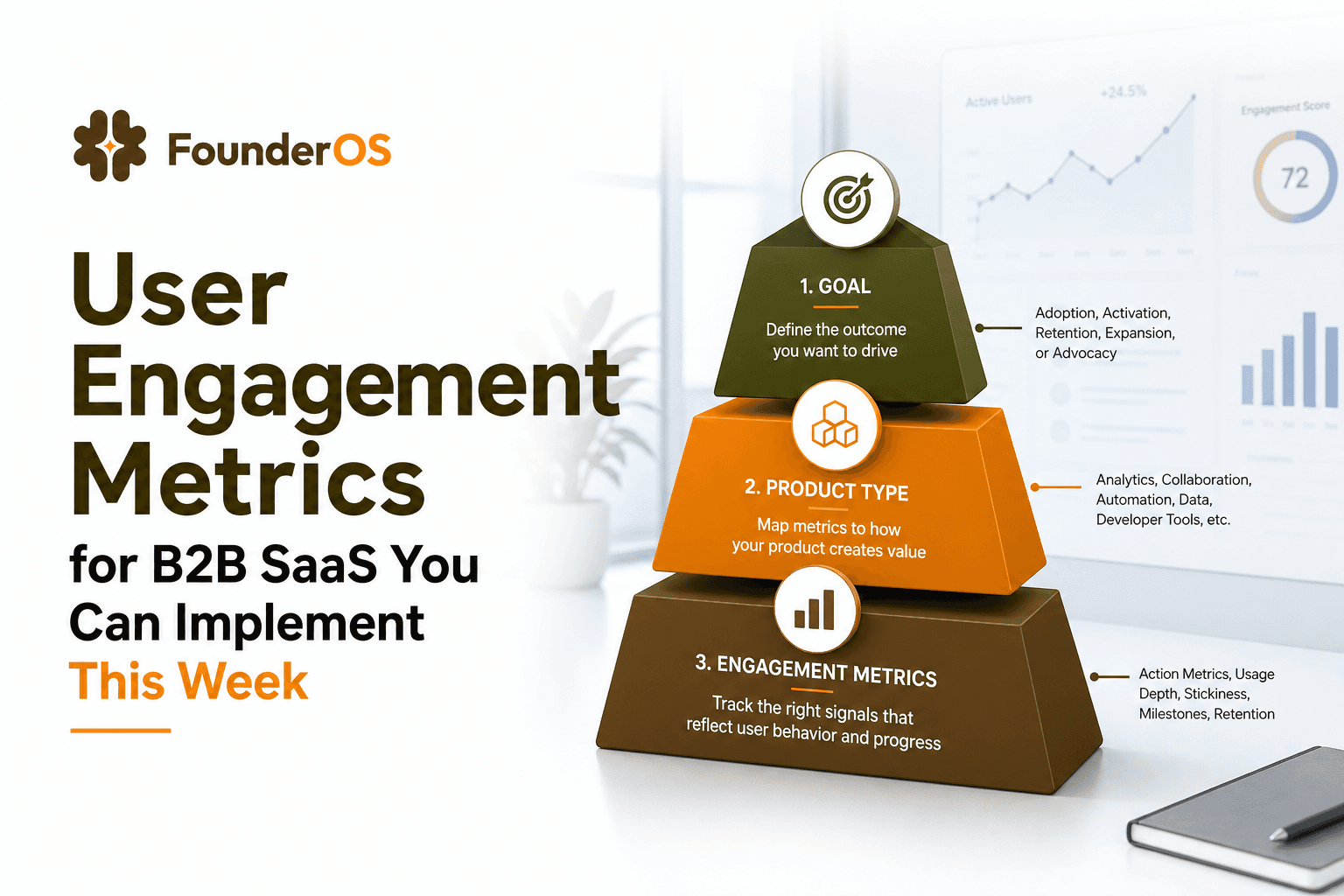
User Engagement Metrics for B2B SaaS You Can Implement This Week
A practical framework to choose user engagement metrics, instrument them in GA4 and product analytics, and turn signals into activation and retention wins.