
Mobile App Onboarding Explained, A Simple First-Run Framework for SaaS Teams
Mobile app onboarding is the first-run experience that helps new users understand a SaaS product, complete important actions, and reach value faster. A strong onboarding experience connects the welcome screen, product education, and activation steps into a clear path instead of leaving users to discover everything alone. For SaaS teams, effective mobile app onboarding can improve early engagement by reducing confusion and showing users the next meaningful action.
- Successful onboarding focuses on helping users reach their first value moment quickly, not explaining every feature.
- A simple flow uses progressive steps, relevant guidance, and measurable activation goals.
- Teams should track completion, activation, and drop-off points to improve onboarding after launch.
What Mobile App Onboarding Means in a SaaS Product
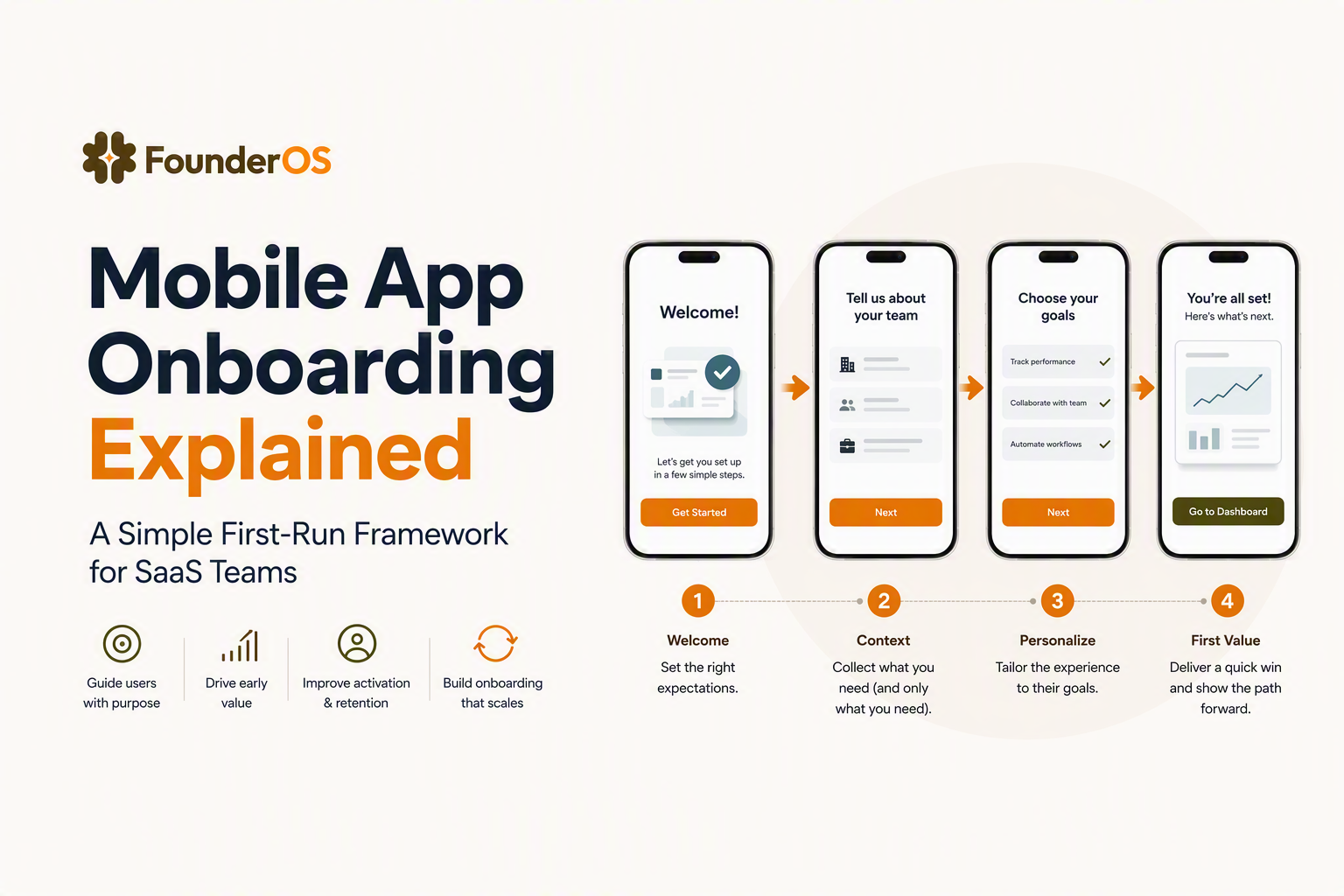
Mobile app onboarding is the structured first experience that introduces users to a product and guides them toward successful usage. The main goal is not to provide a complete product tour. The goal is to help a user complete the smallest set of actions needed to understand why the product matters.
A useful way to think about onboarding is through three connected stages:
1. Welcome and orientation
The first screen should answer three questions: What is this product? Who is it for? What should I do next? A clear value statement and one primary action usually work better than multiple competing choices.
2. Guided setup
The setup stage removes uncertainty by helping users complete tasks such as creating a workspace, importing information, or selecting preferences. Good onboarding design focuses on the user’s immediate goal rather than the company’s feature list.
3. First value moment
Activation happens when users experience the product solving a meaningful problem. For a project management app, that might mean creating a project and assigning a task. For analytics software, it might mean seeing the first useful report.
The difference between a basic tutorial and a successful user onboarding flow is the connection between education and action. Users rarely remember every explanation, but they remember completing a useful outcome.
Why Mobile Onboarding Matters for Activation and Retention
Mobile onboarding matters because early product experiences influence whether users continue exploring or abandon the product before discovering value. The strongest onboarding experiences reduce time-to-value by removing unnecessary decisions during a user’s first session.
SaaS teams often measure onboarding success through activation rather than simple signups. A signup only shows interest. Activation shows that a user completed a meaningful action connected to future retention.
Key activation factors to monitor
- Completion rate: The percentage of users who finish the intended onboarding steps.
- Time-to-value: The time required for a new user to experience the product benefit.
- Drop-off location: The exact step where users stop progressing.
- Feature adoption: Whether users discover important capabilities after onboarding.
In our experience working with SaaS onboarding projects, users usually do not leave because a product lacks features. They leave because the first experience does not make the next action obvious. Clear guidance often has a larger impact than adding more educational content.
A practical app onboarding process should therefore begin with the activation goal and work backward. Teams should ask: What action proves that the user understands the product?
The Core Flow From Welcome Screen to First Value
A successful first-run flow usually follows a sequence of welcome, setup, guidance, action, and confirmation. The sequence keeps users moving while avoiding unnecessary information overload.
Step 1: Introduce the outcome
The opening screen should communicate the result users can achieve. Instead of saying “Explore our features,” a stronger message explains what users can accomplish.
Step 2: Ask only essential questions
Every question creates friction. Collect information only when it changes the user experience. For example, asking a team size question can personalize recommendations, but requesting unnecessary profile details can slow activation.
Step 3: Guide the first important action
The first action should be simple enough to complete quickly. Product tours, tooltips, and contextual messages can help users understand where to click and why the action matters.
Step 4: Confirm progress
Users need feedback that they are moving forward. Completion indicators, success messages, or visible results reinforce confidence.
We initially assumed longer walkthroughs would create better understanding, but testing showed that shorter guidance connected to real actions created stronger engagement. The pattern was clear: users prefer achieving something useful over watching a long explanation.
A practical onboarding design framework is: identify the first value action, remove unnecessary steps, guide completion, and measure results.
The Decisions That Reduce Friction on Mobile
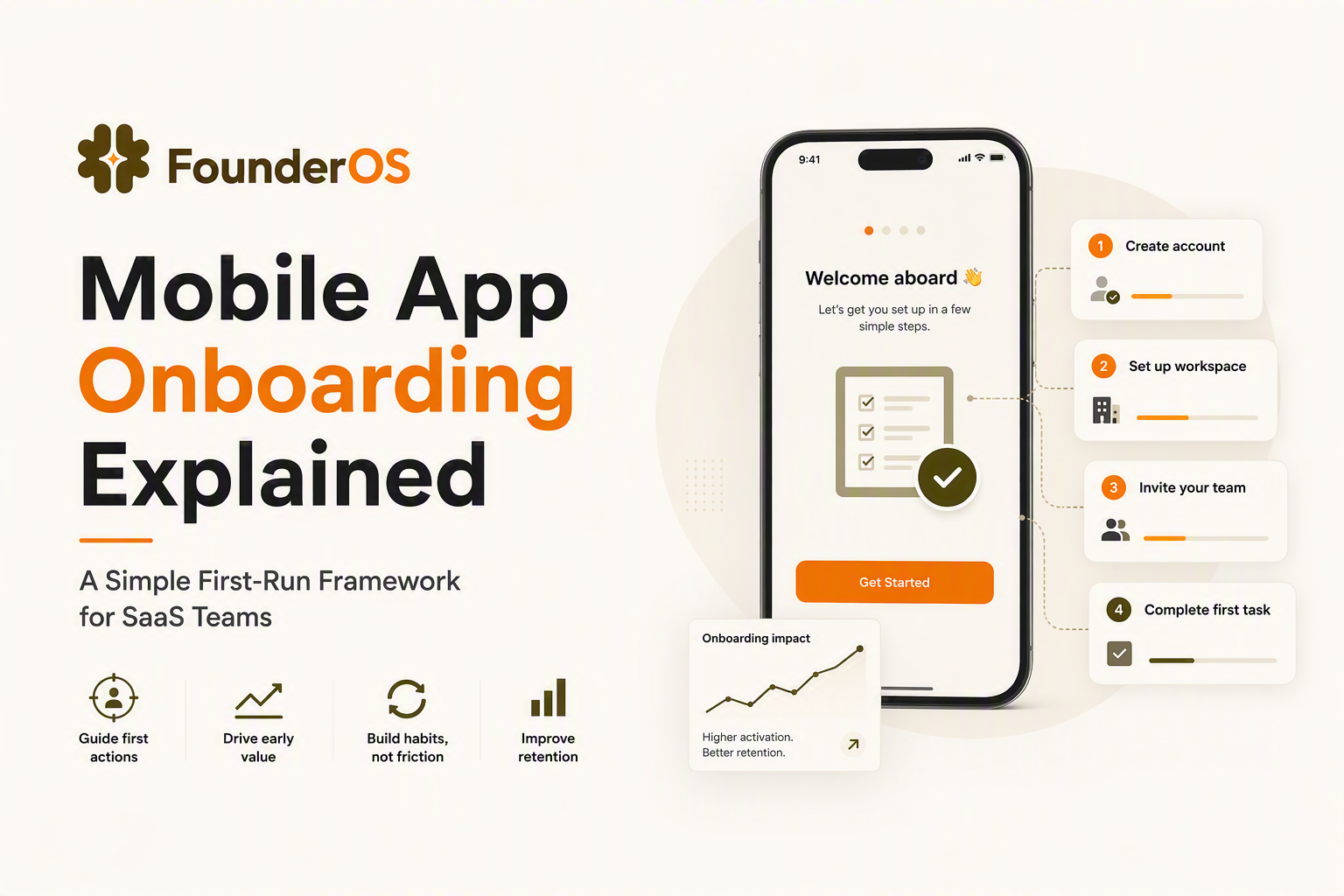
Reducing friction requires teams to make deliberate choices about signup, permissions, personalization, and information timing. Every additional decision can increase the chance that users leave before reaching value.
Signup decisions
Signup should request only information required to begin. Common approaches include:
- Allowing users to start before completing optional profile details.
- Explaining why information is requested.
- Using single sign-on options where appropriate.
Permission decisions
Permission requests should appear when the feature needs them, not immediately after installation. A user is more likely to approve notifications after understanding the benefit.
Personalization decisions
Personalized onboarding works best when personalization changes the journey. Asking whether someone is a manager, developer, or analyst is useful only if each group receives different guidance.
Progressive disclosure
Progressive disclosure means revealing complexity gradually. New users should see what helps them succeed today, while advanced options can appear later.
Common Onboarding Mistakes That Break Completion
Most onboarding failures come from unnecessary complexity, unclear goals, or guidance that appears at the wrong moment.
Mistake 1: Explaining everything at once
Feature overload creates cognitive pressure. A better approach is to introduce features when users have a reason to use them.
Mistake 2: Measuring only completion
A completed walkthrough does not guarantee activation. Users can finish every step and still fail to understand the product value.
Mistake 3: Ignoring user segments
Different users often need different paths. A first-time founder and an experienced operations manager may have different goals inside the same SaaS product.
Our team found during onboarding audits that unclear next steps were often a bigger problem than missing documentation. Improving the path between screens helped teams identify where users needed support.
A useful onboarding checklist should include goals, user segments, required actions, success signals, and measurement plans.
How to Measure Onboarding Success After Launch
Measuring onboarding success requires tracking user behavior after the first experience, not just whether users completed the flow.
Essential metrics
| Metric | What it shows |
|---|---|
| Completion rate | Whether users finish planned onboarding steps |
| Activation rate | Whether users reach the first meaningful product outcome |
| Time-to-value | How quickly users experience product benefits |
| Cohort drop-off | Where different user groups stop progressing |
Teams should review these metrics together. A high completion rate with low activation may mean the onboarding flow teaches users but does not help them succeed.
Analytics tools can help teams connect onboarding events with later behavior. Founder OS combines Product Tracking, User Profile Tracking and User Segmentation, and onboarding tools so teams can understand user actions and improve activation paths.
A Simple Checklist for Your First Mobile Onboarding Flow
A first mobile onboarding flow can start with a small checklist instead of a large redesign project.
- Define the first value moment before creating screens.
- Choose the minimum actions required to reach that moment.
- Create guidance for each important step.
- Remove unnecessary questions and permissions.
- Track completion, activation, and drop-off.
- Review user behavior and improve regularly.
Teams do not need a complex system to begin improving onboarding. A clear objective, measurable steps, and the right feedback loop are enough to create a stronger first experience.
Frequently Asked Questions About Mobile App Onboarding
If you're ready to build and measure your first mobile onboarding flow without stitching together separate tools, start with Founder OS. The platform helps SaaS teams create product onboarding experiences, understand user behavior, and improve activation with connected tools.
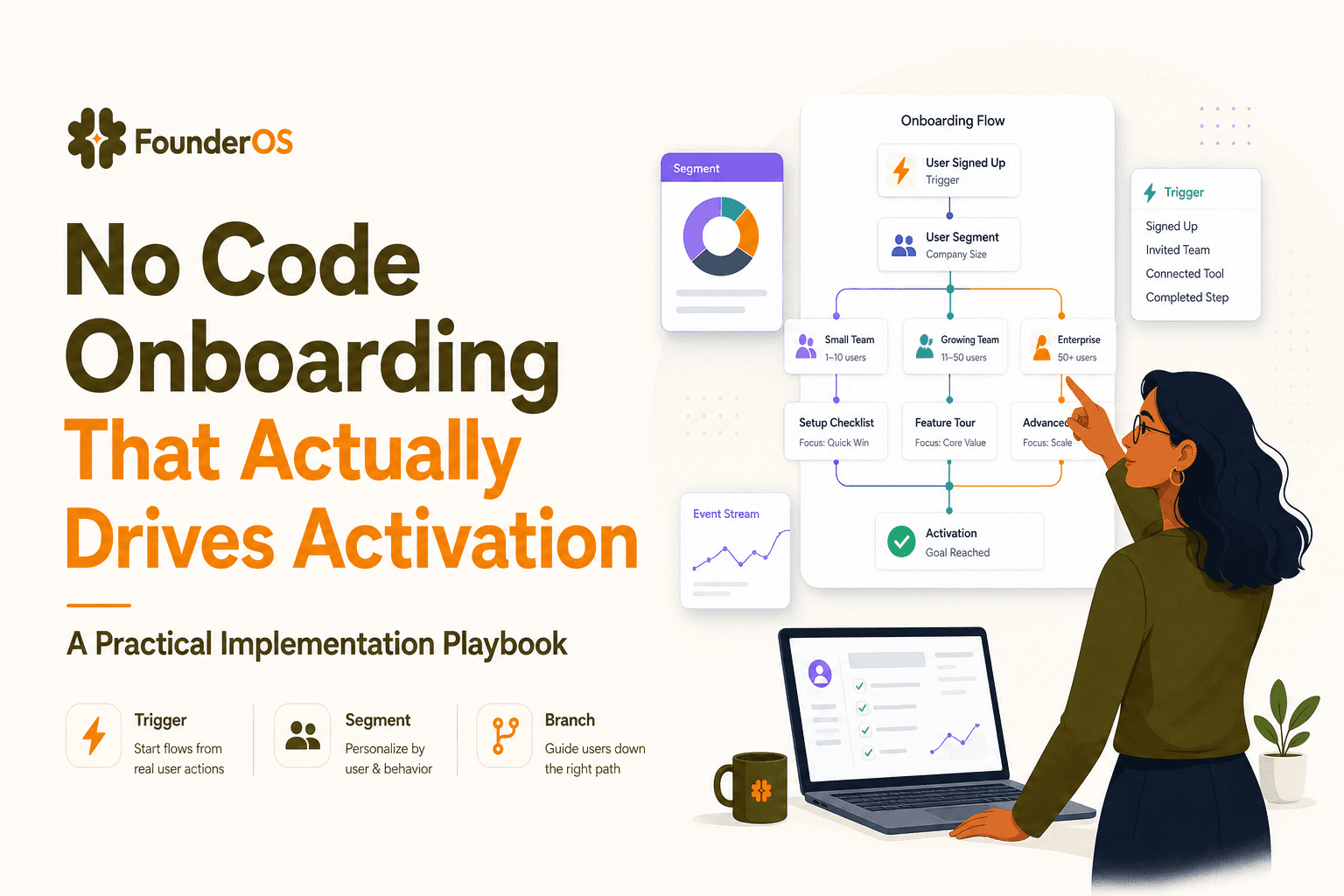
No Code Onboarding That Actually Drives Activation - A Practical Implementation Playbook
A practical playbook for no code onboarding that proves activation lift with targeting, triggers, instrumentation, and safe rollout in B2B SaaS.

PostHog vs Mixpanel Pricing Reality, Setup Risk, and the Decision Checklist
posthog vs mixpanel compared on true cost, setup risk, identity, and rollout. Use a pricing worksheet and 7-day trial checklist to decide fast.

Building Sales Funnels for B2B SaaS, A Simple 5-Stage Model and Free Template
Learn building sales funnels for B2B SaaS with a simple five-stage model, free setup, KPI formulas, tracking plan, and copyable examples.