
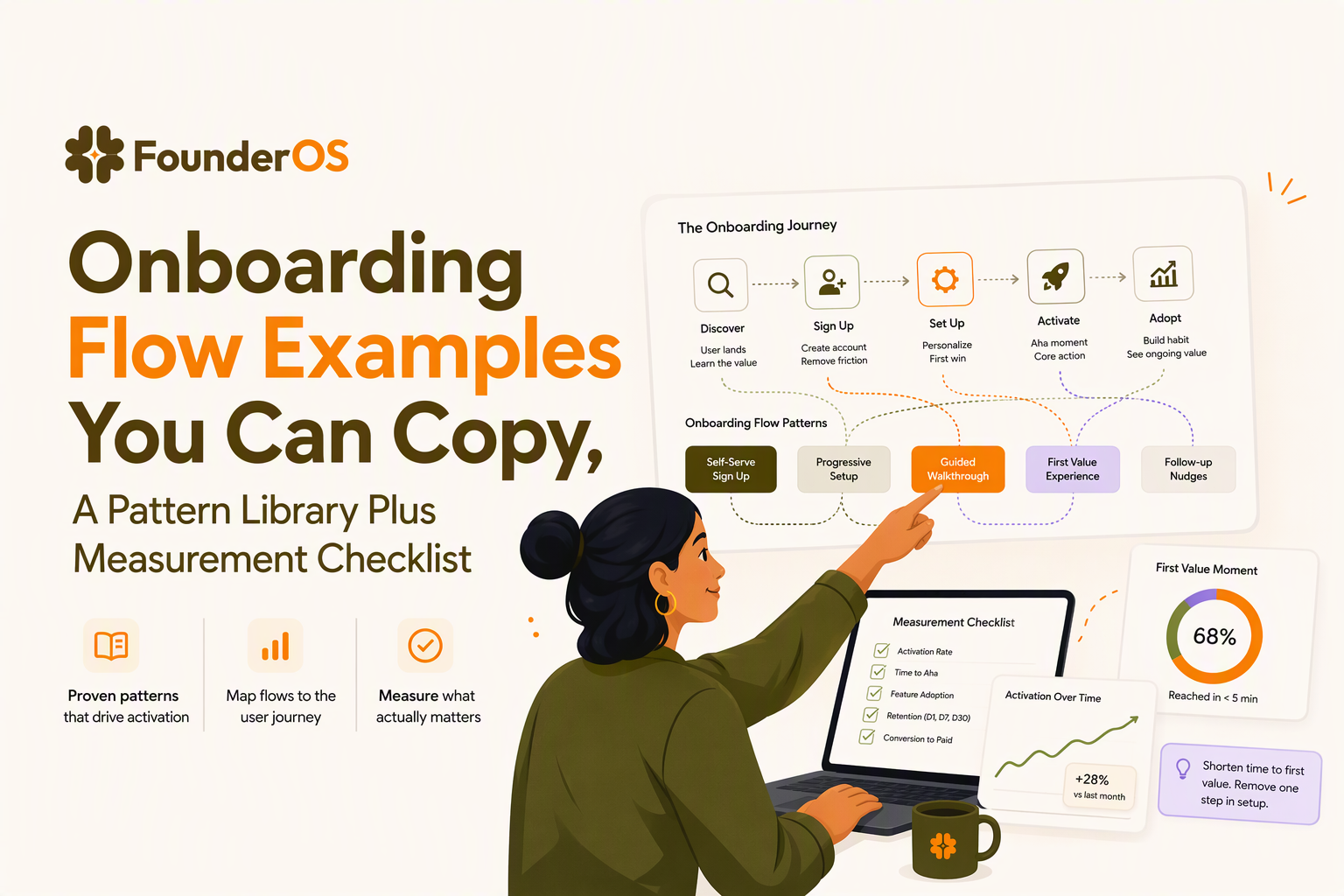
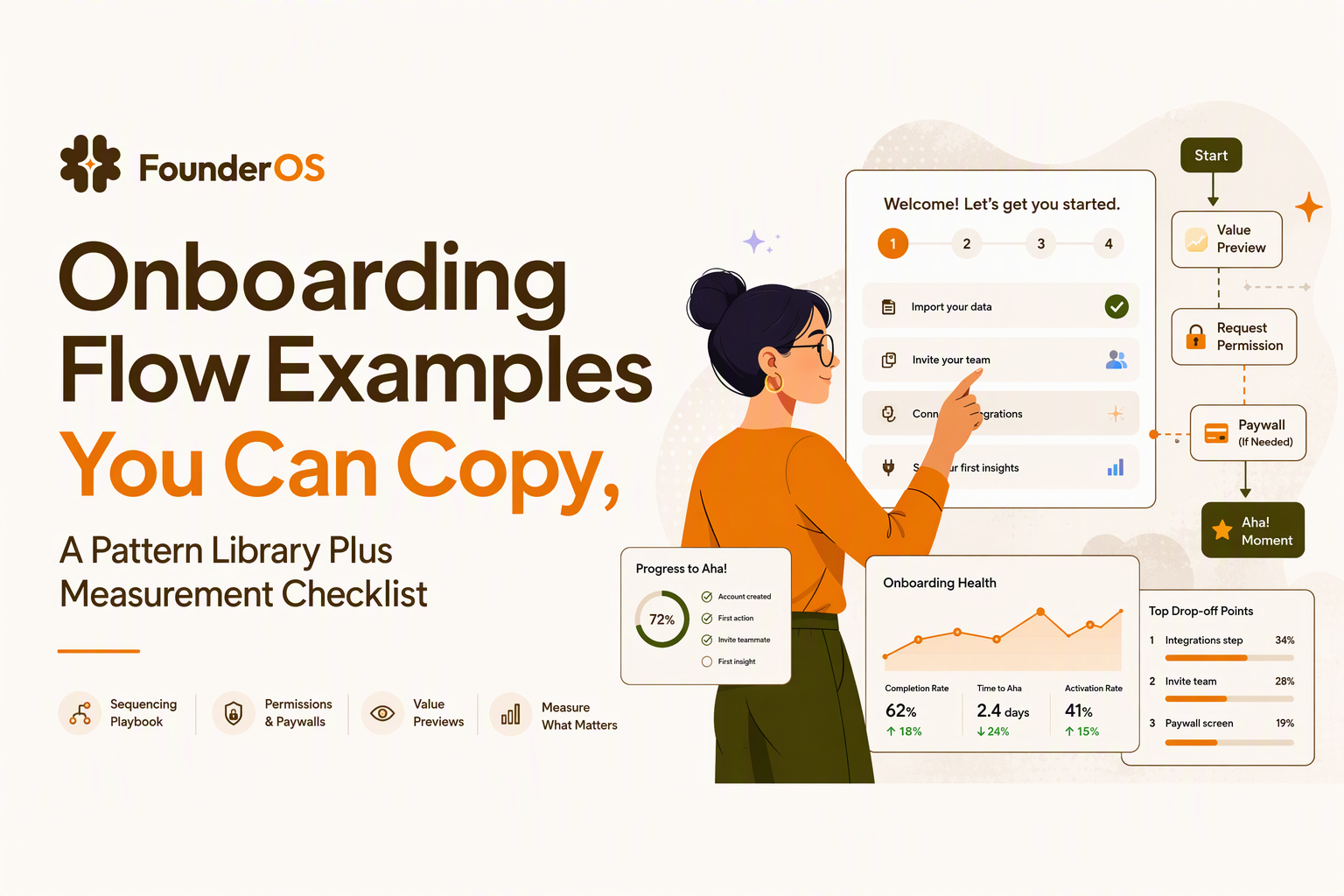
Onboarding Flow Examples You Can Copy, A Pattern Library Plus Measurement Checklist
Onboarding flow examples are only useful if you can reliably choose the right pattern for your product, your users, and your first value milestone, then measure whether the flow actually reduces time-to-value. The fastest way to stop debating “good onboarding” is to standardize how you select patterns, sequence asks (permissions, paywalls), and instrument drop-offs.
- Pick onboarding patterns based on a single target behavior (first value action), not aesthetics or “best practice.”
- Sequence permissions and paywalls with value-first gating, using microcopy that explains the immediate user benefit.
- Measure onboarding as a funnel plus time-to-value, then run a small set of high-leverage tests to iterate.
Onboarding flow FAQs that actually set up the examples
Onboarding flow examples should answer one question: “What is the smallest guided path that gets a new user to their first meaningful outcome with confidence?” If an example does not specify outcome, audience, and success metric, it is inspiration, not a reusable flow.
What “onboarding flow” means in practice
An onboarding flow is the ordered set of screens, prompts, and nudges between signup and the first value moment, including what you do not show (skipped steps, delayed asks). Treat it as a product funnel you can instrument: entry point, steps, completion, and downstream activation.
What a “good” onboarding process looks like
A good process has three properties you can audit in 15 minutes: (1) one primary first value action, (2) one dominant friction, and (3) one clear decision on when to ask for data, permissions, or payment. If you cannot name those three, your flow will grow by accretion and become hard to optimize.
The 4 Cs, applied as a quick diagnostic
- Clear: the user can restate what happens next in one sentence.
- Contextual: guidance appears at the moment of need (not a long upfront tour).
- Connected: each step moves toward the first value action, not feature discovery.
- Confirmed: the user sees feedback that they did the right thing (success state, preview, sample output).
What “best onboarding” actually means
“Best” depends on your product’s value shape: immediate (consumer utility), compounding (collaboration), or delayed (regulated, data-heavy). Use the examples below as a library of tradeoffs: speed vs. certainty, self-serve vs. assisted, and breadth vs. depth.
A taxonomy of onboarding flow patterns, and when each one wins
Onboarding flow examples become copyable when you name the pattern, the job it does, and the condition under which it outperforms alternatives. The taxonomy below is the selection method we use to avoid “tour first” defaulting.
Pattern library with selection criteria
- Welcome plus 1-step commitment (best when value is immediate): one question or toggle that personalizes the next screen.
- Checklist onboarding (best when value is multi-step): 3 to 5 tasks with visible progress and a clear reward.
- Contextual tooltips and hotspots (best when UI is discoverable): nudge only when the user is near the action.
- Guided setup wizard (best when configuration is required): sequential steps with save-and-resume.
- Template-first (best when blank state is scary): start from a prebuilt artifact (dashboard, report, project).
- Demo data sandbox (best when real data is hard): let users explore outcomes before integrating.
- Role-based branching (best for multi-persona SaaS): different paths for admin vs. end user.
How to choose a pattern in 4 decisions
- Define the first value action: one event that signals value was experienced (not “created account”).
- Identify the gating constraint: data, permissions, collaboration, or trust (regulated).
- Decide guidance density: proactive (wizard) vs. reactive (tooltips) based on UI complexity and user intent.
- Pick the personalization lever: role, use case, industry, or lifecycle stage.
Pitfalls to avoid when copying flows
- Front-loading education: long tours before the user attempts anything increase skip behavior and do not prove comprehension.
- Asking for irreversible commitment too early: payment, permissions, and team invites before value increases drop-offs.
- Measuring only completion: a 90% tour completion rate can correlate with lower activation if users are passive.
After running onboarding audits across different SaaS products, the pattern was clear: the highest-performing flows were the ones that reduced user decisions, not the ones that explained the most features.
Onboarding flow examples by context, using a standard teardown template
Onboarding flow examples are easiest to operationalize when every example is evaluated with the same teardown template: goal, steps, primary friction, what to copy, and what to measure. Use the contexts below to map patterns to reality without copying UI pixels.
The teardown template (copy-paste)
- Context: mobile, web app, B2B SaaS, regulated, marketplace
- First value action: the one behavior that matters
- Flow steps: 4 to 7 steps, max
- Friction: the biggest “why would I do this now?”
- Pattern: checklist, wizard, template-first, tooltip-first, sandbox
- Instrumentation: events, properties, segment definitions
Mobile consumer app example (permission-sensitive)
- First value action: user sees a personalized result (feed, recommendation, summary).
- Steps: (1) value promise screen, (2) 1 preference choice, (3) show preview result, (4) request permission only if needed for improvement.
- Friction: permission skepticism.
- What to copy: ask permission after preview, with “enable to improve accuracy” copy tied to the screen they just saw.
- Measure: permission accept rate by step, and time-to-first-result.
Web self-serve SaaS example (blank-state heavy)
- First value action: user produces an artifact (report, dashboard, doc) they can reuse.
- Steps: (1) choose use case, (2) pick template, (3) customize 1 field, (4) generate artifact, (5) save/share.
- Friction: “I do not know how to start.”
- What to copy: template-first plus a single forced choice that prevents a blank canvas.
- Measure: template pick rate, artifact generated, artifact saved.
B2B SaaS example (multi-persona)
- First value action: admin completes setup that unlocks value for the team (integration connected, workspace configured).
- Steps: (1) role selection (admin vs member), (2) wizard to connect core data source, (3) show “working” preview, (4) invite 1 teammate optional, (5) contextual tooltips for first workflow.
- Friction: setup feels risky and time-consuming.
- What to copy: preview before invite, and “save and finish later” for integration steps.
- Measure: integration start vs complete, preview viewed, invite sent.
Fintech or regulated example (trust-first)
- First value action: user verifies identity and completes a safe first transaction or simulation.
- Steps: (1) explain why verification is required, (2) progressive disclosure KYC, (3) confirmation and next-step guidance, (4) low-risk first action (small transfer, simulated outcome).
- Friction: trust and compliance fatigue.
- What to copy: “why we need this” microcopy for every sensitive field and clear expected time to complete.
- Measure: KYC drop-off by field group, retry rate, and time between start and approval.
Marketplace example (two-sided chicken-and-egg)
- First value action: one side completes a listing or request that triggers supply or demand.
- Steps: (1) choose side, (2) create minimum viable listing/request, (3) show estimated match likelihood, (4) prompt for optional enhancements to improve match.
- Friction: uncertainty about response.
- What to copy: show match expectation immediately after the minimum listing, not after a long profile.
- Measure: listing created, first message sent/received, time to first match.
Permissions and paywall timing, a practical sequencing playbook with copy patterns
Permissions and paywalls convert best when the user has already seen a concrete preview of value and understands the tradeoff. If you want higher acceptance, sequence “value proof” before “big ask” and keep each ask tied to an immediate benefit on the current screen.
A decision tree for when to ask
- Is the ask required for the first value action? If yes, ask early but explain “why now” and show progress steps.
- Does the ask improve the first value outcome? If yes, delay until after a preview, then ask with “improve results” framing.
- Is the ask mainly for your business model? If yes, gate after the user has produced an artifact or reached a usage limit they understand.
Value-first gating patterns that work
- Preview then permission: show a sample result, then ask for access to personalize it.
- Soft paywall after output: let users generate once, then paywall to save, export, or share.
- Progressive profile: ask 1 field at a time at moments it unlocks something specific.
Copy blocks you can adapt (permission, payment, integration)
- Permission: “Enable notifications to get alerts when [specific event] happens. You can change this anytime in Settings.”
- Integration: “Connect [data source] to auto-fill your dashboard. Takes about [time] and you can disconnect anytime.” (Only add a time estimate if you can keep it accurate.)
- Paywall: “You have created your first [artifact]. Upgrade to save, export, and invite teammates.”
What surprised our team was how often acceptance improved simply by moving a permission request from step 1 to the moment right after the user saw a preview, without changing the permission text at all.
How to measure and improve any onboarding flow, instrumentation and A-B tests
Onboarding flow examples only become growth levers when you can prove they reduce time-to-value and increase activation, not just “tour completion.” The measurement checklist below is designed to work across web, mobile, and complex B2B onboarding.
Define activation as a behavior, not a feeling
- Activation event: the first value action (example: “created first report” or “connected integration and viewed preview”).
- Time-to-value: time from signup to activation event; track median and distribution, not only average.
- Quality guardrail: a downstream event within 1 to 7 days (example: “returned and used feature again” or “shared artifact”).
Instrument onboarding as a funnel plus properties
- Events: signup complete, onboarding started, step viewed, step completed, skipped, error, activation achieved.
- Properties: role, acquisition channel, plan, device, country (if relevant), use case selection, template chosen.
- Segments: new users by persona, by intent (use case), by integration readiness.
Five high-leverage experiments to run first
- Replace upfront tours with a checklist for multi-step products; success metric is activation, not completion.
- Template-first vs blank-state: measure artifact creation rate and time-to-value.
- Permission timing: before preview vs after preview; measure accept rate and activation impact.
- Wizard length: 3 steps vs 5 steps; measure drop-off by step and support tickets tagged “setup.”
- Branching question: one early use-case question vs none; measure activation by segment to ensure it helps more than it harms.
In our experience working with multi-persona SaaS, segmenting the funnel by role usually reveals that “one universal flow” is really two different flows with different bottlenecks, even if the UI looks similar.
| Pattern | Best when | Primary metric | Common failure mode |
|---|---|---|---|
| Checklist onboarding | Value requires multiple actions | Checklist task completion to activation | Tasks are feature-driven, not value-driven |
| Guided setup wizard | Configuration is required | Wizard completion and preview viewed | Too many mandatory fields up front |
| Template-first | Blank state causes paralysis | Artifact generated and saved | Templates do not match real intents |
| Contextual tooltips | UI is mostly self-explanatory | Feature adoption after tooltip | Too many prompts become noise |
| Demo data sandbox | Real data takes time to connect | Sandbox engagement then integration start | Users never transition to real setup |
FAQ
If you want to implement these onboarding flow examples quickly, use the pattern table to pick one flow, then ship and measure it with Founder OS using in-app flows plus event tracking and segmentation-based variants so you can see which path actually improves activation and time-to-value.
Related reading: user onboarding examples, product walkthrough, saas customer onboarding process, onboarding checklist, and behavior triggers.
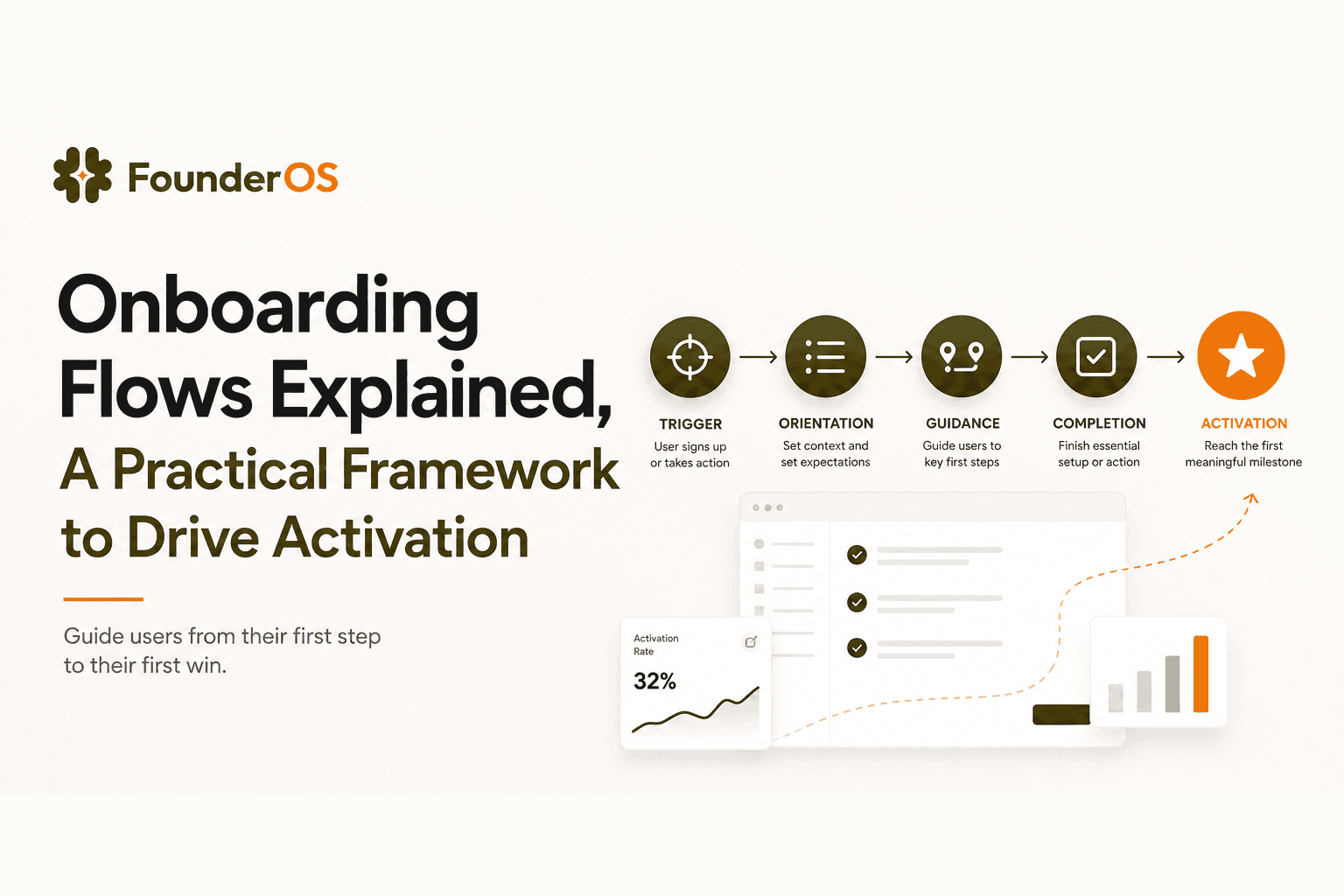
Onboarding Flows Explained, A Practical Framework to Drive Activation
Learn onboarding flows for B2B SaaS with a practical framework to design, segment, and measure flows that improve activation, not just completion.
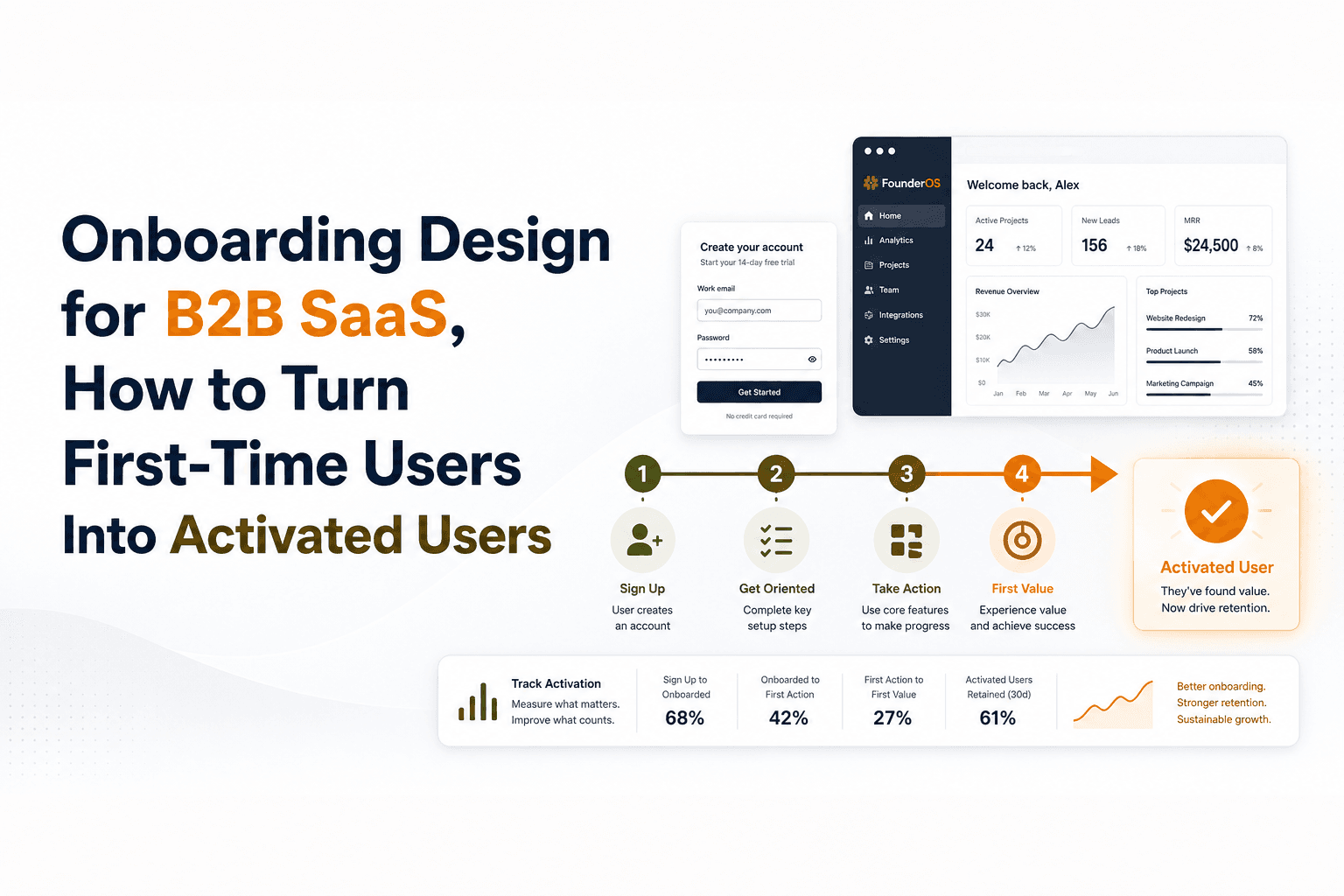
Onboarding Design for B2B SaaS, How to Turn First-Time Users Into Activated Users
Learn onboarding design for B2B SaaS: define activation, build flows and prompts, reduce friction, and measure time-to-value with simple metrics.
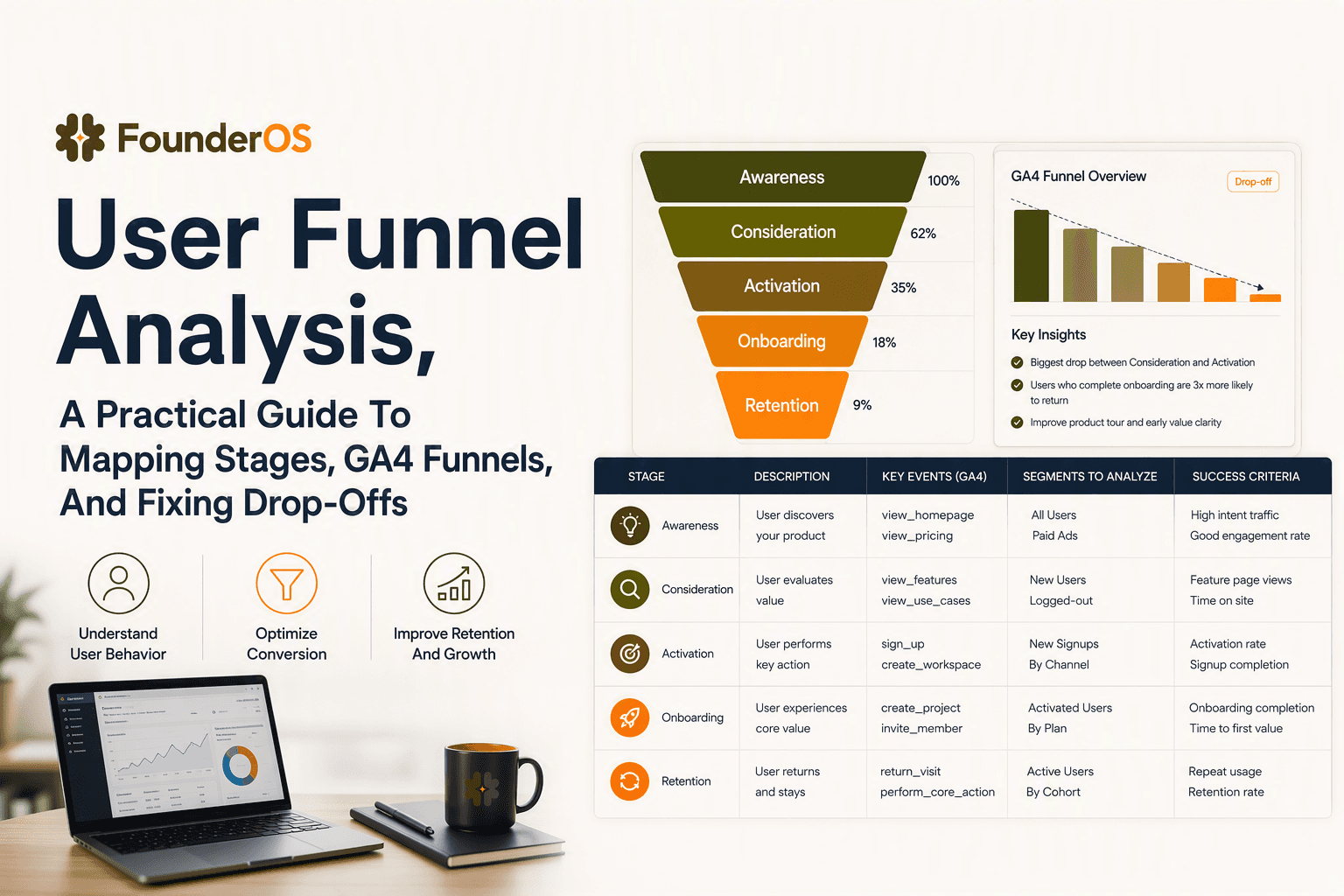
User Funnel Analysis, A Practical Guide To Mapping Stages, GA4 Funnels, And Fixing Drop-Offs
Learn user funnel planning, GA4 funnel exploration, SQL patterns, and how to turn drop-offs into experiments and fixes.