
Product Analytics Software for B2B SaaS, 12 Tools Compared With a Buyer-Ready Checklist
Product analytics software decisions get easier when you compare tools on time-to-first-insight, governance, and true cost to run for 3 years, not on feature checklists. Below is a buyer-ready shortlist of 12 tools, a standardized comparison table, and a practical path to choose, trial, and implement this week.
- Prioritize time-to-first-insight (instrumentation + query workflow) and governance (PII controls, retention, access) before “cool” features.
- Normalize pricing pressure points: events/MTU, seats, data retention, and exports are the most common forced-upgrade triggers.
- Use a 7-day rollout plan with an activation funnel, a small event taxonomy, and one weekly decision cadence to prove ROI fast.
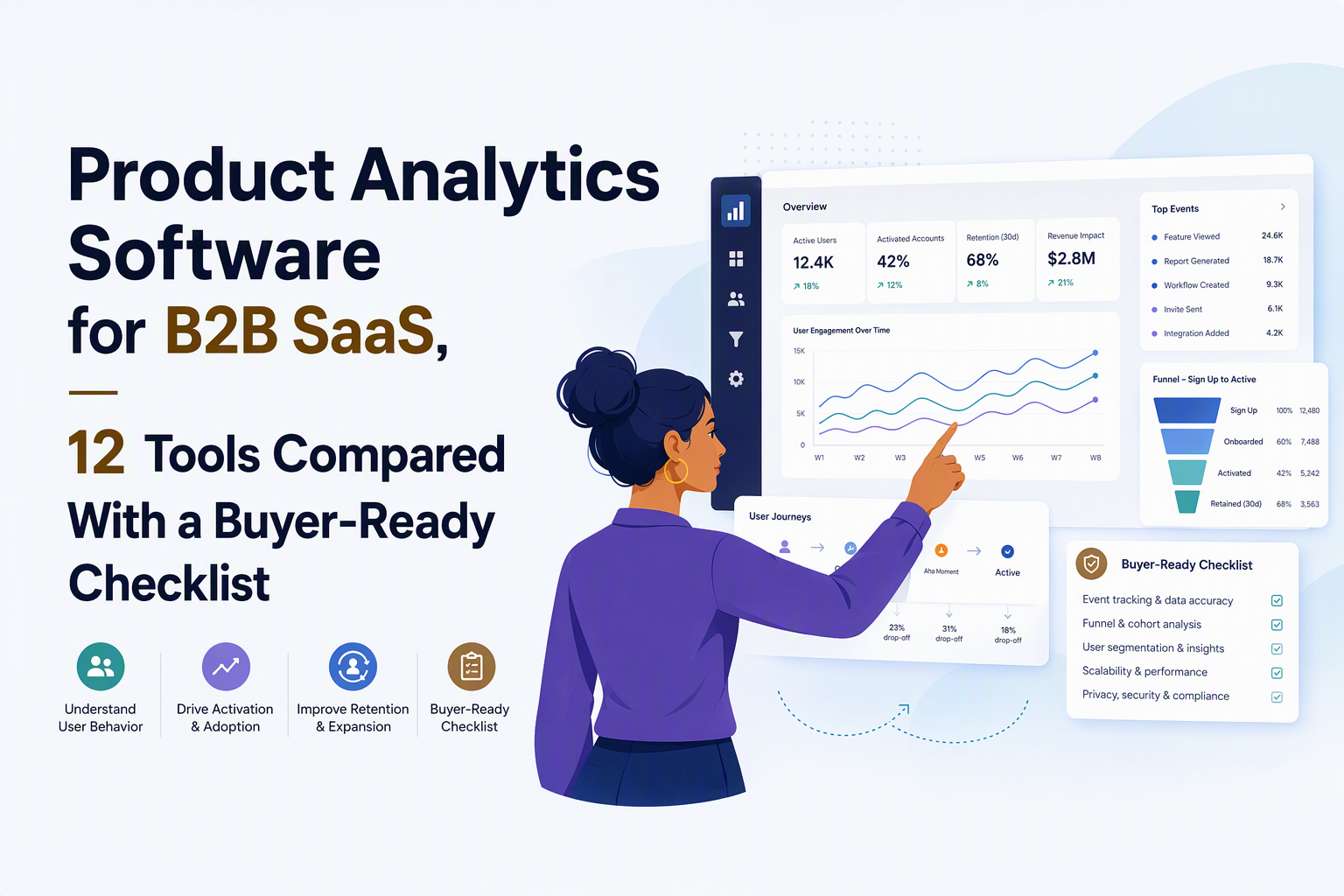
What good product analytics software must do for B2B SaaS growth teams
Good product analytics software helps a B2B SaaS team connect user behavior to activation, retention, and revenue decisions with minimal instrumentation debt and clear governance. The non-negotiables below are the checks I use when a team wants to stop debating tools and start shipping changes tied to measurable outcomes.
Non-negotiable 1: Event tracking that survives real product changes
- Supports both auto-capture and intentional custom events: auto-capture gets you moving; custom events keep analysis meaningful.
- Identity and aliasing: handles anonymous-to-known user stitching (pre-signup to post-signup) without breaking funnels.
- Schema governance options: ability to validate, block, or alert on unexpected properties so dashboards do not silently drift.
Non-negotiable 2: Funnels that answer “where did momentum break”
Funnel capability should include step ordering, time windows, cohort comparison, and drill-down to the users who dropped at a step. If a tool can only show aggregate conversion but cannot quickly answer “which segment dropped and what did they do instead,” you will end up exporting to SQL or giving up.
If you want a deeper operational playbook, see funnel analysis for B2B SaaS.
Non-negotiable 3: Segmentation that is behavioral, not just demographic
For B2B SaaS, segments that matter are typically behavioral and recency-based: “invited 3 teammates in 7 days,” “ran report twice this week,” “created first integration,” or “no core action in 14 days.” Look for real-time or near-real-time segment refresh and the ability to compose event sequences, not only filters on user traits.
Non-negotiable 4: Cohorts and retention that drive product and lifecycle work
Retention needs to be cohort-based and interpretable: day-1, week-1, week-4 return rates, with the ability to slice by acquisition channel and by early behaviors. I typically treat retention as a diagnostic tool, not a vanity chart: the output should be a list of “what retained users did in the first week” that you can turn into onboarding steps.
Related: cohort retention analysis frameworks help prevent churn work from becoming guesswork.
Non-negotiable 5: Governance, privacy, and data portability
- PII controls: ability to redact, block, or hash sensitive fields at ingestion.
- Role-based access: analysts and PMs should not all have the same export permissions.
- Retention controls and deletion: clear data retention settings, plus user deletion support for compliance workflows.
- Export and API access: if you cannot get your data out, you do not fully own your analytics posture.
Non-negotiable 6: Revenue linkage without turning into a BI project
The fastest revenue linkage is usually “account and plan on user profile” plus basic source attribution, then slicing activation and retention by plan or segment. If a tool requires a full warehouse model before you can answer “do activated users convert to paid,” it may be the wrong first step for a lean team.
Side-by-side comparison table of 12 product analytics tools using standardized criteria
The fastest way to shortlist product analytics software is to compare each tool on the same buying criteria: instrumentation effort, core analysis strength, governance posture, and integration surface. The table below avoids vendor marketing language and instead uses buyer-centric columns you can validate in a trial.
How to read this table (and how I validate it in trials)
- Time-to-first-insight: how quickly you can get a trustworthy activation funnel and one segment you can act on.
- Instrumentation burden: ongoing cost to keep event definitions clean as the product changes.
- Governance/privacy: whether the platform supports controlled access, PII handling, and retention settings in a practical way.
- Best fit: the team shape where the tool tends to be a natural default.
How to choose fast with a weighted scoring model and a stage-based decision tree
A weighted scoring model is the quickest way to stop opinion-driven tool debates and pick product analytics software based on what will actually ship insights in your team. The model below is designed for B2B SaaS teams that want a tool decision in days, not quarters.
Step 1: Use a 100-point scoring rubric (copy-paste)
- Time-to-first-insight (25 points): can you build a reliable activation funnel and segment within 1 to 2 days of install?
- Instrumentation and change management (20 points): schema tooling, event QA, identity stitching, and how brittle dashboards are after UI changes.
- Core analysis depth (20 points): funnels, paths, retention cohorts, and drill-down to user/session detail.
- Governance and privacy (15 points): RBAC, PII redaction, retention controls, deletion workflows, auditability.
- Integrations and export (10 points): warehouse, reverse ETL, CRMs, CDPs, and API coverage.
- 3-year total cost of ownership (10 points): pricing metric alignment plus operational overhead (people-hours) to keep it accurate.
Step 2: Run a two-path decision tree
- Path A: “Speed-first” teams (small product org, limited data engineering). Choose tools that provide quick instrumentation, built-in funnels/cohorts, and low schema overhead. Your risk is data chaos, so governance must still be adequate.
- Path B: “Governance-first” teams (regulated space, enterprise buyers, or heavy internal compliance). Choose tools that support strict PII handling, access control, and clear data ownership, even if setup is slower.
Step 3: Match the tool to company stage (practical heuristics)
- Pre-PMF to early PMF: weight time-to-first-insight and instrumentation highest; choose a platform where PMs can self-serve without SQL.
- Scaling growth: add weight to governance, exports, and integration with lifecycle tools; you will run more experiments and need consistent definitions.
- Enterprise motion: governance and auditability become non-negotiable; you also need account-level views and reliable identity stitching.
In practice, the scoring exercise surfaces a counterintuitive truth I have seen repeatedly: teams rarely regret a tool that gets them to a clean activation funnel quickly, but they often regret choosing a “future-proof” stack that takes months to produce a decision-quality dashboard.
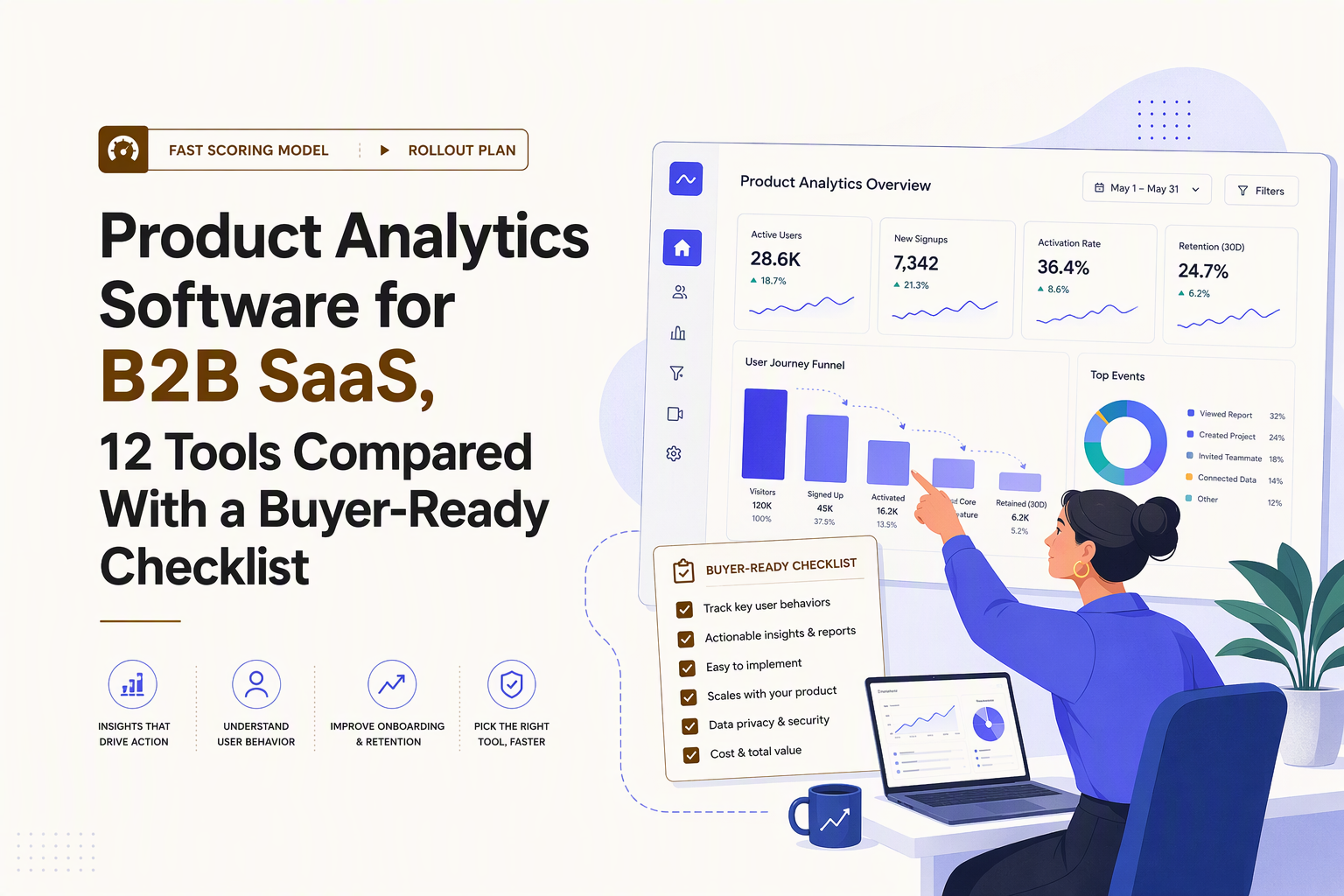
Free vs freemium vs trial what you actually get and when you will be forced to upgrade
Free tiers for product analytics software are usually designed to help you install, track a subset of behavior, and feel value quickly, then push you to upgrade once usage or collaboration grows. You should assume the first forced upgrade will be driven by one of the triggers below, so bake them into your trial checklist.
Common forced-upgrade triggers to watch for
- Event volume or MTU/MAU ceilings: once real usage starts, event counts rise faster than expected because UI interactions create many events.
- Seat limits: free plans often restrict collaboration, which blocks PM, growth, and CS from working in the same workspace.
- Data retention limits: you cannot run meaningful cohort comparisons if history truncates too aggressively.
- Export and advanced integrations: CSV/API/warehouse export is a frequent paywall because it reduces vendor lock-in.
- Governance features: RBAC, audit logs, and PII controls are commonly gated to higher tiers.
A simple way to normalize free plans during evaluation
- Estimate 30-day event volume from your top 10 actions: signups, logins, key feature actions, settings changes, invites, billing events.
- Decide your minimum retention window: if you need to compare onboarding changes month-over-month, you need enough history to see it.
- List your “must-export” artifacts: user lists for lifecycle campaigns, account health flags, and raw events for audits or warehouse.
If you are currently choosing between the mainstream category leaders, the deep comparison in amplitude vs mixpanel is useful, but I still recommend doing your own upgrade-trigger math because pricing pressure often shows up first in exports and retention, not in dashboards.
Implementation proof a realistic 7-day rollout plan from events to decisions
A 7-day rollout is enough to prove whether product analytics software will change decisions in your team, as long as you keep scope tight and commit to one weekly decision ritual. The plan below is built around one activation funnel, one retention cut, and one segment that routes into action.
Day 1: Install and verify identity basics
- Install SDK or snippet and confirm events are flowing in a live stream.
- Define identity rules: anonymous vs known users, and how you alias on signup.
- Add two required profile fields: account_id and plan (or trial vs paid) to support revenue slicing.
Day 2: Start with a small event taxonomy (10 to 15 events)
Use a KPI-first taxonomy: events exist to answer a decision question. If you want a structured method, follow this analytics events tracking framework.
- Acquisition: Signup Started, Signup Completed
- Activation: Workspace Created, First Project Created, Core Feature Used
- Collaboration (common in B2B SaaS): Invite Sent, Invite Accepted
- Value moments: Report Exported, Integration Connected, Automation Enabled
- Lifecycle: Trial Started, Upgrade Clicked, Payment Succeeded
Day 3: Build one activation funnel that your team agrees is “real”
Pick a single definition of activation and stick with it for two weeks. Example funnel for a B2B SaaS product:
- Signup Completed
- Workspace Created
- Core Feature Used (within 24 hours)
- Invite Sent (within 7 days)
I have found that adding the “within X time” constraint is what turns funnels from reporting into diagnosis, because it highlights friction that users might eventually overcome, but not fast enough to prevent drop-off.
Day 4: Create two segments you can act on immediately
- New activators: completed step 3 in the past 24 hours.
- At-risk trials: signed up 7+ days ago and have not completed the core feature event in the last 3 days.
The point is not segmentation for its own sake; the point is building lists that map to action. If your tool cannot easily produce “who is in this segment” for outreach, onboarding, or product changes, the workflow will stall.
Day 5: Run one retention cut that answers a product question
- Create weekly cohorts of new signups.
- Measure week-1 return (any meaningful event) and week-4 return.
- Slice by a single early behavior: “sent an invite in first week” vs “did not.”
Day 6: Tie analysis to a decision and ship a small change
- Pick one funnel step with the largest drop-off.
- Watch a handful of sessions or inspect event sequences for drop-offs.
- Ship one change: onboarding copy, checklist step, empty-state CTA, or in-app guide.
Day 7: Create a weekly operating cadence
- One dashboard: activation funnel conversion by cohort.
- One segment review: at-risk trials list, owners, and next action.
- One experiment log: what changed, what metric should move, and when you will check.
Why Founder OS for product analytics plus GTM reporting and onboarding fit setup and next steps
Founder OS is a practical pick when you want Mixpanel-like tracking speed plus a tighter loop from insight to go-to-market action and onboarding, without turning implementation into a multi-sprint engineering project. The differentiator to evaluate is not “more charts,” but whether your team can install once, see the full journey, and route real-time segments into activation work quickly.
Where Founder OS fits best in the shortlist
- Founder-led and lean product teams: teams that need visibility fast and cannot afford long instrumentation cycles.
- Activation-focused growth: teams improving signup-to-value conversion and early feature adoption.
- Teams that want one platform loop: track events, understand drop-offs, then trigger onboarding changes using the same system.
What to test in a 60-minute evaluation
- Install and confirm auto-captured behavior: verify page views, clicks, and form events appear quickly after install.
- Build your activation funnel: signup to one core feature to a collaboration action (like invites) and compare cohorts.
- Create a live segment: disengaged users based on recency and event sequences, then confirm it updates in real time.
- Validate workflow to action: confirm the segment can feed an onboarding intervention and your GTM reporting needs.
Concrete setup steps for a fast start
- Paste the single snippet to start capturing behavior without code changes.
- Add one line of code for 5 to 10 custom events that represent value moments.
- Define your activation funnel and pin it to a shared dashboard.
- Create two behavioral segments: new activators and at-risk trials.
- Use the onboarding tool to address the biggest funnel drop-off with a guide or checklist.
If you are still benchmarking broader options, the internal comparison of product analytics platforms can help you sanity-check where Founder OS sits against a familiar baseline.
| Tool | Best for | Time-to-first-insight | Instrumentation burden | Governance posture | Notes to validate in trial |
|---|---|---|---|---|---|
| Founder OS | Fast activation and onboarding loop for B2B SaaS | Fast (snippet install, real-time dashboards) | Low to medium (auto-capture + minimal custom events) | Confirm PII controls and access roles in your workspace | Build activation funnel, create live segments, route into onboarding and GTM report |
| Mixpanel | Event analytics with strong self-serve exploration | Medium | Medium | Confirm retention, exports, and governance features by plan | Validate identity stitching, cohort slicing, and export needs |
| Amplitude | Analytics depth for product orgs with mature workflows | Medium | Medium to high | Confirm admin controls and enterprise requirements | Validate how quickly non-analysts can answer questions |
| Heap | Auto-capture heavy teams that want broad behavior coverage | Fast to start | Medium (governance and definition work moves later) | Confirm PII redaction and event definition workflow | Test how you convert raw capture into stable definitions |
| PostHog | Teams wanting product analytics + experimentation options | Medium | Medium | Confirm deployment model and privacy settings | Validate data ownership, export, and feature flags fit |
| Pendo | In-app guidance with analytics for product-led motions | Medium | Medium | Confirm governance and role controls for larger teams | Test guide creation tied to segments and funnel steps |
| FullStory | Qualitative session replay plus product signals | Fast for UX diagnosis | Low to medium | Confirm masking and privacy controls | Use to explain funnel drop-offs, not as primary metrics layer |
| Smartlook | Session replay for smaller teams | Fast for UX issues | Low | Confirm masking, retention, and access controls | Validate whether it complements or replaces event analytics |
| Google Analytics 4 | Top-of-funnel and web analytics with basic product events | Fast for web | Medium | Confirm data limits and export strategy | Test event model fit for app-level funnels and identity |
| Matomo | Privacy-focused web analytics | Medium | Medium | Privacy-friendly positioning, validate configuration | Check whether product-level funnels/cohorts meet your needs |
| Hotjar | Heatmaps and qualitative feedback | Fast for UX feedback | Low | Confirm masking and consent needs | Use to supplement quantitative product analytics software |
| Snowplow | Warehouse-first, fully owned tracking pipelines | Slow to start | High | Strong control, but you own operations | Validate staffing, pipeline maintenance, and modeling time |
FAQ on choosing and implementing product analytics software
If your goal is to pick product analytics software and have decision-grade funnels running this week, book a demo with Founder OS and bring your scoring rubric. You can validate fit quickly by installing once, building your activation funnel, creating two real-time segments, and confirming the workflow from insight to onboarding and GTM reporting without waiting on an engineering sprint.
Written by Ivy Tran
Founder of FounderOS, sharing practical insights on SaaS growth, product analytics, and user activation.
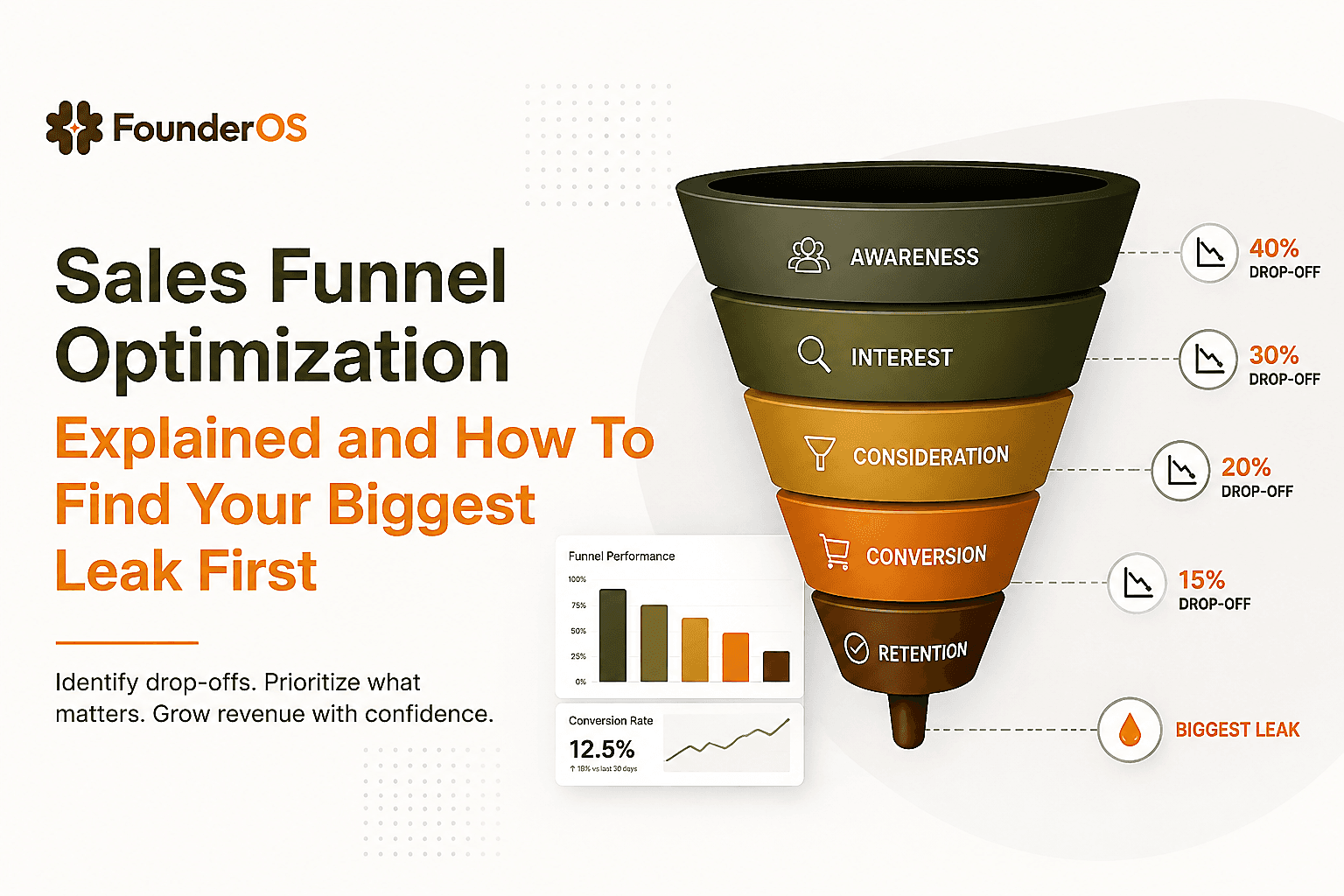
Sales Funnel Optimization Explained and How To Find Your Biggest Leak First
Learn sales funnel optimization with simple diagnostics, formulas, and a reusable worksheet to fix the biggest leak before buying more traffic.
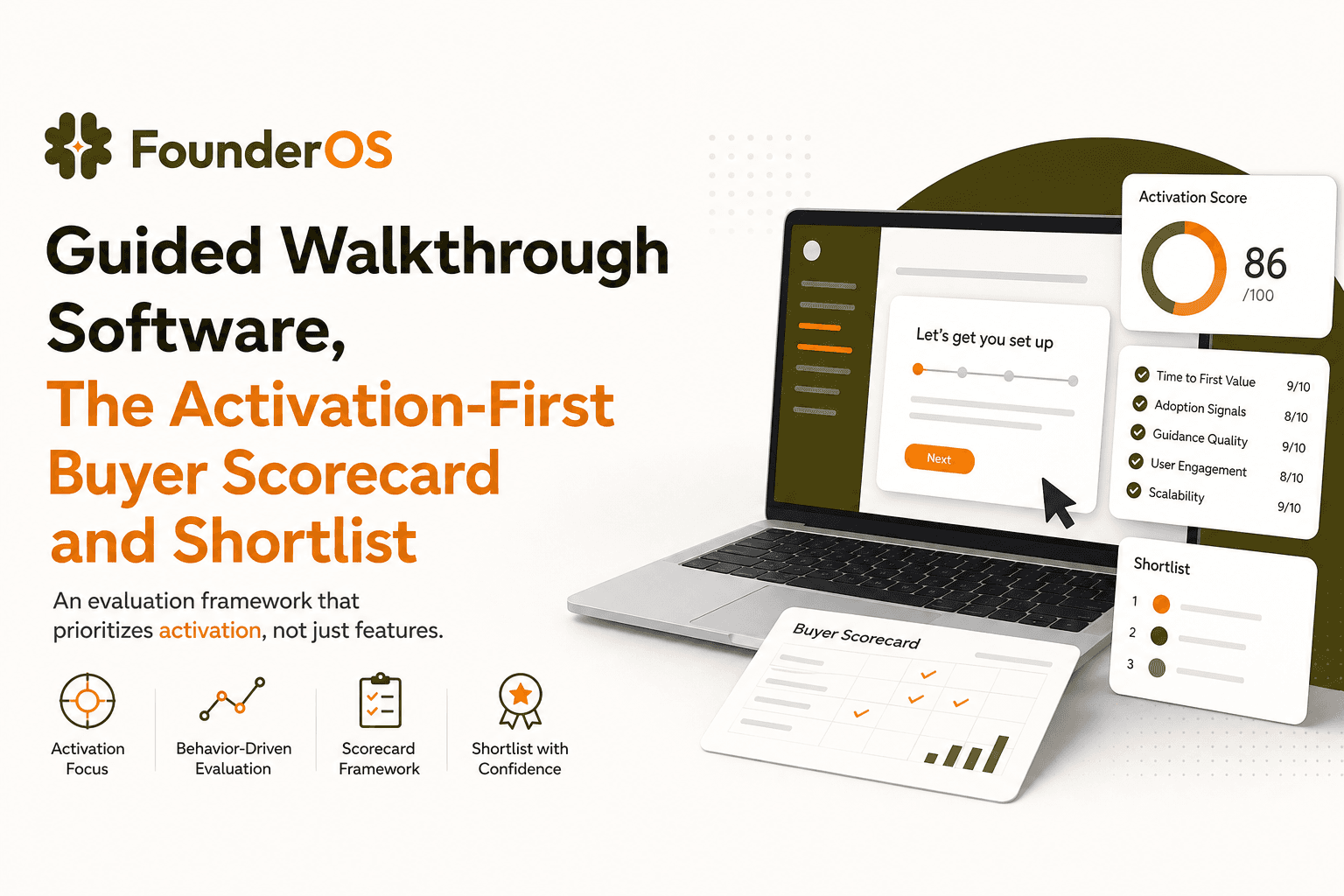
Guided Walkthrough Software, The Activation-First Buyer Scorecard and Shortlist
Compare guided walkthrough software with an activation-first scorecard, tool categories, analytics proof, and a 7-day pilot plan.
Revenue Attribution For B2B SaaS, A Practical Framework You Can Implement This Week
Build revenue attribution for B2B SaaS with identity, product events, and a defensible multi-touch model plus QA checks you can run weekly.