
Mixpanel Free Plan Explained, Limits, Event Math, And A Clear Upgrade Decision
Mixpanel free plan decisions come down to one practical question: will your team stay under 1M events per month while still tracking the actions you need to improve activation and retention.
- Use MAU × events per user (not “pageviews”) to estimate whether the 1M events/month boundary will force an upgrade.
- The free tier can work for early-stage teams, but predictable friction shows up around collaboration, governance, exports, and event-volume creep.
- If you need B2B account-level visibility and a single GTM view (segments + reporting + onboarding), plan your next step before you hit the limit mid-quarter.
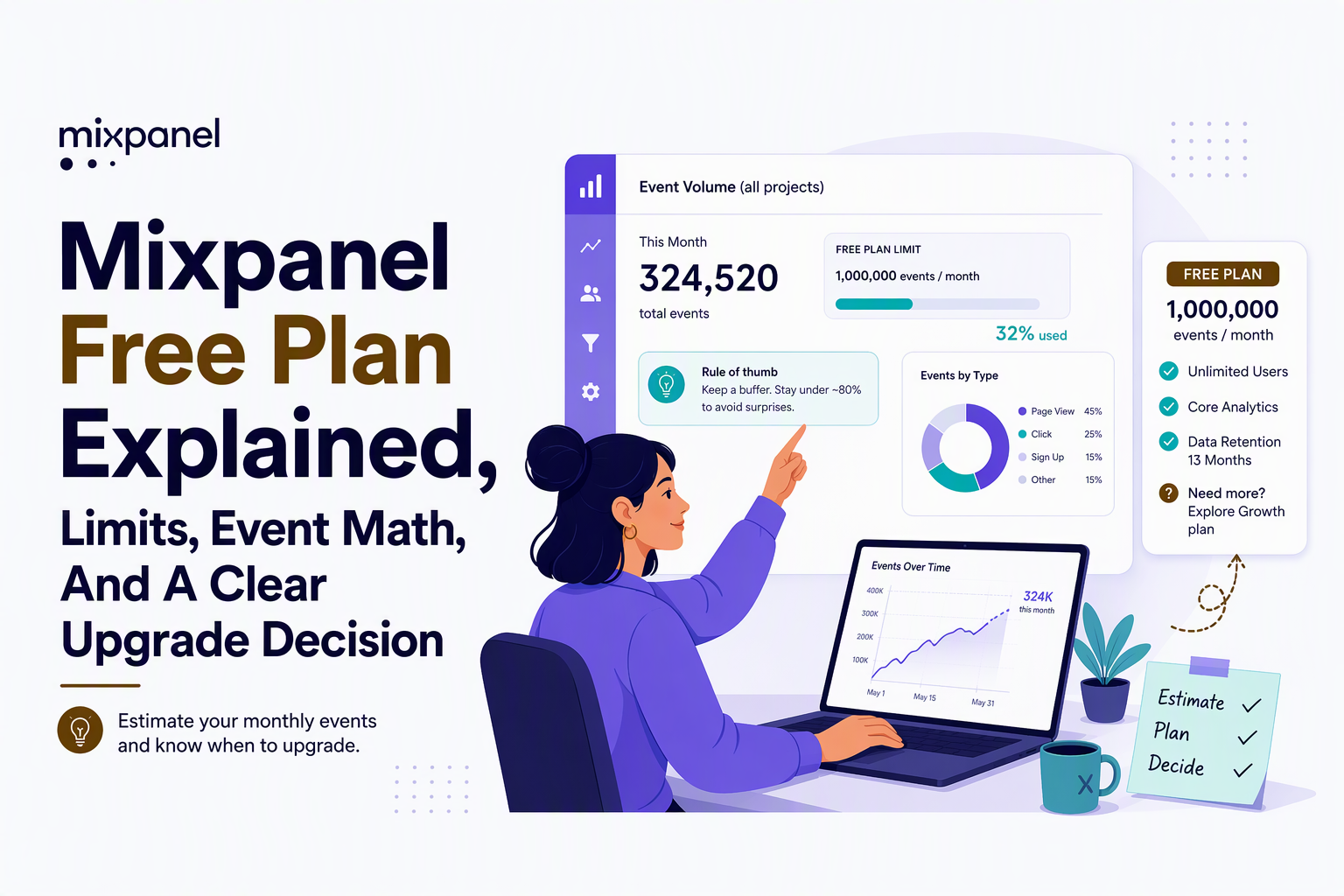
Mixpanel Free Plan Limits, Verified And What Actually Matters
Mixpanel free plan evaluation should start with the only limit that reliably dictates everything else: the monthly event cap (commonly referenced as 1M events/month), because it determines whether your instrumentation stays stable or becomes a constant “what do we stop tracking?” debate.
Last-verified note and how to verify fast
Mixpanel pricing and free-tier inclusions change over time, and old blog posts often cite limits that are no longer accurate. The verification-first workflow I use is simple: (1) open Mixpanel’s current Pricing page, (2) confirm the exact free-tier event cap and any project/user/report constraints, and (3) screenshot or paste the relevant lines into an internal decision doc so finance and product are aligned. For the canonical source, start at Mixpanel’s pricing page and verify the current wording before you commit your instrumentation plan.
What “actually matters” operationally for B2B SaaS
- Event cap behavior: whether data stops ingesting, gets sampled, or features degrade when you exceed the cap. This impacts trust in dashboards and weekly reviews.
- Collaboration and governance: how many teammates can view/edit, what controls exist around who can change definitions, and whether you can keep metric definitions consistent across the company.
- Data portability: whether exports, warehouse sync, or APIs are usable enough to avoid vendor lock-in once your KPIs become “company metrics.”
- B2B analytics shape: whether you can analyze at both person level and account level (company, workspace, org). Many B2B teams need both, and the free tier may not be designed for that depth.
Common outdated claims to ignore (and what to check instead)
- “Free is enough for years.” Check your event math (next section) and how many tracked surfaces you have (web app, marketing site, docs, admin panels).
- “We only track a few events.” In practice, auto-capture and click tracking can multiply events quickly unless you intentionally limit noise.
- “We can always fix it later.” Re-instrumentation later is not free: renaming events, redefining funnels, and rebuilding reports takes real team time.
What 1M Events Per Month Really Supports, A Quick SaaS Estimator
The 1M events/month boundary is easiest to reason about with a two-variable estimate: monthly active users (MAU) multiplied by average events per active user per month.
The estimator and what counts as an event in practice
Estimator: Monthly events ≈ MAU × events per user per month. An “event” is any tracked action you send: page views, button clicks, feature usage, API actions, background pings, and in some setups even auto-captured interactions. If you instrument your product like a B2B SaaS team typically does, events per user can range from 20 to 500+ depending on whether you track only milestones or every interaction.
Five concrete scenarios (with interpretation)
| Scenario | MAU | Events per user/month | Monthly events | What it means for free-tier planning |
|---|---|---|---|---|
| Early MVP with milestone tracking | 2,000 | 30 | 60,000 | Comfortably below 1M; focus on clean taxonomy. |
| Product-led signup flow + onboarding | 10,000 | 60 | 600,000 | Likely viable, but one new surface (docs, admin) can push you over. |
| Sales-led B2B with deep usage | 5,000 | 250 | 1,250,000 | Predictable upgrade wall; you will need a plan before a growth spike. |
| High-frequency workflow product | 20,000 | 120 | 2,400,000 | Free tier will break quickly unless you aggressively reduce event noise. |
| Small MAU, heavy admins power users | 1,500 | 800 | 1,200,000 | Even low MAU can exceed 1M if you track every interaction. |
How to pick “events per user” without guessing
- List your “must-answer” questions (activation step completion, feature adoption, conversion drop-offs, retention by cohort).
- Map those questions to 8 to 15 milestone events (Signup Completed, Workspace Created, Invite Sent, First Report Created, Integration Connected, etc.).
- Add 5 to 20 supporting events only where you need diagnosis (Error Shown, Validation Failed, Billing Attempted).
- Avoid auto-capturing everything by default unless you know the free-tier cap can handle it.
In my experience, teams that start with milestone events stay under the cap far longer and still get clear funnels. Teams that start with “track every click” often spend their first quarter deleting events instead of learning from them.
A Practical Free Plan Review, What You Can Build And Where You’ll Get Stuck
Mixpanel free plan is usually sufficient for proving a few activation and retention hypotheses, but it tends to get painful when you need durable collaboration, consistent metric definitions, and repeatable reporting that survives team growth.
What you can build reliably on free (if you keep scope tight)
- Activation funnel: a step-by-step path from Signup to First Value Moment, as long as your event taxonomy is stable and you are not flooding events.
- Retention cohorts: weekly or monthly return behavior tied to key actions, especially useful for onboarding experiments.
- Feature adoption trends: whether Feature A usage rises after a UI change, assuming you have one clean “Feature A Used” event.
Where teams typically get stuck (workflows that break)
- Funnel diagnosis needs more than aggregate charts: once you see drop-off, you want to click into specific users and sessions, compare segments, and share stable “source of truth” reports without constant edits.
- Saved reports and sharing become a bottleneck: free tiers often limit how much you can save, schedule, or govern, so dashboards turn into one person’s private workspace instead of a team asset.
- B2B account analysis is the hidden requirement: many B2B teams need “company-level” rollups (per workspace/org) alongside person-level behavior. If your decisions are made by account health, not individual activity, you will feel the ceiling fast.
- Exports and downstream usage: once sales, success, and marketing ask for segments in other tools, you need dependable ways to move audiences and metrics out of analytics.
A concrete workflow test to run this week
- Pick one activation funnel (e.g., Signup Completed → Workspace Created → Integration Connected → First Key Action).
- Define one “good” segment and one “bad” segment (e.g., users who reach First Key Action in 24 hours vs those who do not).
- Try to operationalize it: can you share the funnel, keep it stable, and reuse the segment across reports without rewriting filters each time?
- Check the collaboration pain: if only one person can safely manage the reports, your analytics is already fragile even if event volume is fine.
If you want a deeper comparison of what matters beyond charts, see mixpanel product analytics and how modern tools treat segmentation, governance, and implementation risk.
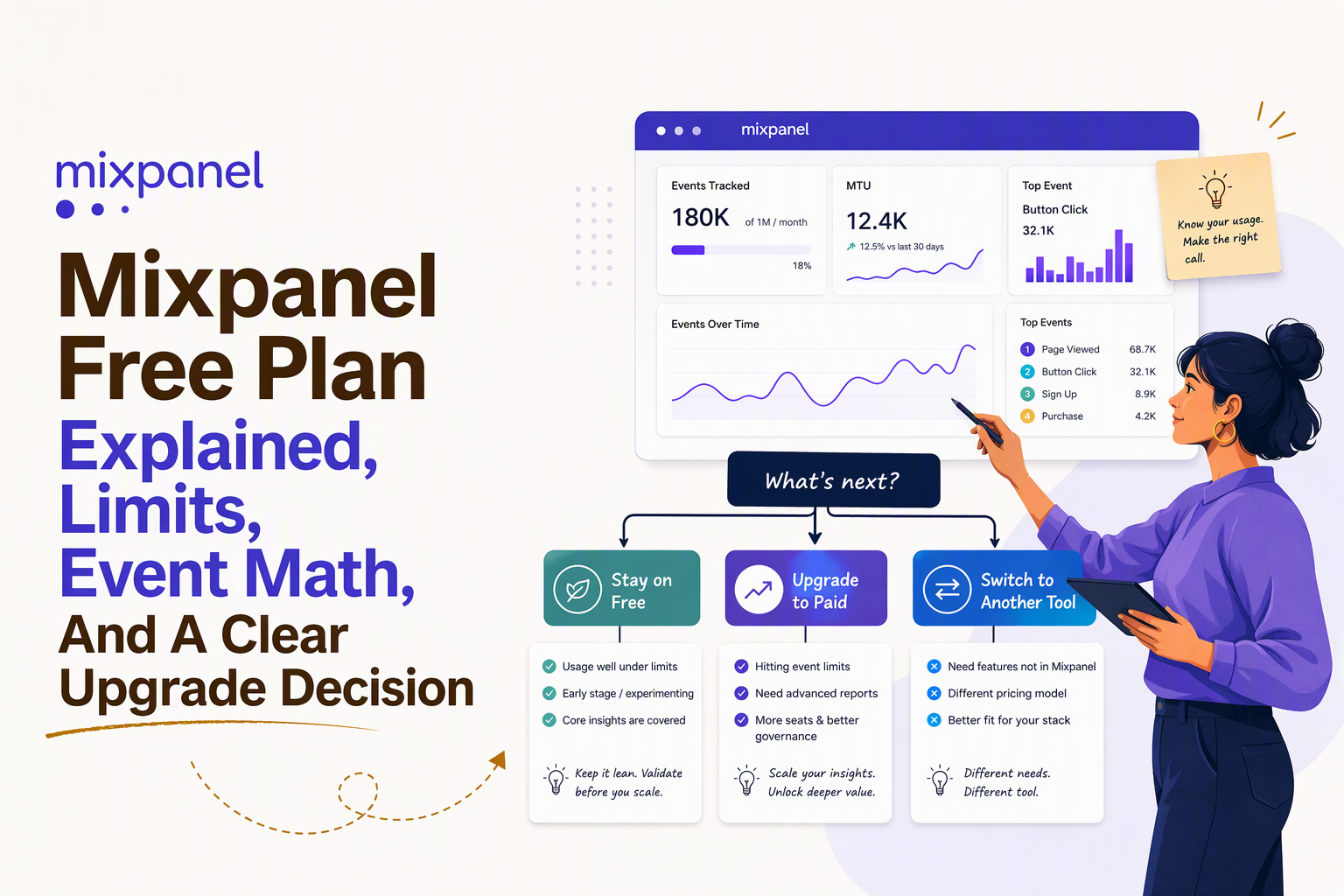
Stay On Free Or Upgrade, A Decision Tree For B2B SaaS Teams
Mixpanel free plan is the right call only if you can answer your core product questions without exceeding the event cap and without needing advanced governance, exports, or account-level analytics.
A yes-no decision tree you can use in 10 minutes
- Are you confidently under 1M events/month for the next 90 days?
- If yes, continue.
- If no, plan an upgrade or a switch now, before a growth spike forces rushed decisions.
- Do you need account-level views (company/workspace) to run the business?
- If yes, validate whether your current plan supports that cleanly; many B2B teams outgrow person-only analysis.
- If no, continue.
- Do you need exports or downstream activation (CRM, email, onboarding) based on behavior?
- If yes, you are likely past “free analytics” and into “analytics as infrastructure.”
- If no, continue.
- Does your team need governance and stable definitions?
- If yes, evaluate upgrade requirements around permissions, auditability, and shared metric definitions.
- If no, free can work longer.
Upgrade triggers that are predictable (and often underestimated)
- Event volume crosses the cap two months in a row after a release adds new tracked surfaces.
- Sales and success ask for “account health” based on product usage, not just user activity.
- Leadership wants weekly reporting that cannot break when someone edits a saved report.
- Teams want “one segment everywhere” across analytics, onboarding nudges, and GTM reporting.
I have seen teams stay on free longer by tracking fewer, higher-signal events, but I have also seen the opposite: one “track everything” sprint pushed them over the boundary and forced a mid-quarter rebuild of dashboards and funnels.
The True Cost Of Free, Instrumentation Time And Event-Volume Creep
Mixpanel free plan can look costless on a pricing page, but the real cost shows up as engineering and analytics time spent managing event noise, renaming events, and revalidating reports when the taxonomy drifts.
A simple implementation cost checklist (use it to estimate your “free” spend)
- Instrumentation pass: define event names, properties, user identity rules, and account mapping.
- QA pass: validate events fire once, with correct properties, across environments.
- Governance: decide who can create/rename events, how to document definitions, and how to avoid duplicate events.
- Reporting maintenance: rebuild funnels when steps change, and keep “core metrics” consistent across releases.
Where event-volume creep actually comes from
- Auto-capture: click and pageview capture can multiply events per session dramatically if left unfiltered.
- Background events: polling, heartbeats, and UI refreshes create “invisible” event load.
- Over-instrumentation: tracking every UI interaction when only 10 to 20 milestones drive decisions.
Tactics to stay under the cap without losing insight
- Adopt a KPI-first event taxonomy: track only events that answer a decision question. If you need a practical framework, see analytics events tracking.
- Collapse noisy events into milestones: track “Report Created” rather than every click inside the report builder.
- Use properties for detail, not new events: one “Integration Connected” event with an
integration_typeproperty beats five separate events. - Set an event budget per feature: before shipping, estimate how many new events the release adds and whether you can afford them under 1M.
If Mixpanel Free Is Not Enough, Your Fastest Path Forward
Mixpanel free plan becomes a liability when the cap or governance limitations block decisions, and the fastest path forward is choosing one of three routes based on how entrenched your instrumentation already is.
Path 1: Upgrade (fastest if you want to keep everything as-is)
- Best when: your taxonomy is clean, stakeholders trust the dashboards, and you mainly need more volume and collaboration.
- Watch-outs: make sure the upgraded plan covers exports, permissions, and the B2B account model you need, not just more events.
Path 2: Re-instrument (best when your event setup is the real problem)
- Best when: you are over the event cap because you tracked noise, or you have inconsistent naming and duplicate events.
- What to do first: define 10 to 20 milestone events that map directly to activation, adoption, and retention decisions. Then rebuild your funnels from those milestones.
Path 3: Switch (best when you need B2B GTM visibility, not just charts)
- Best when: you need person and account views, live segmentation you can actually use, and reporting that connects to onboarding and GTM workflows.
- How to de-risk: run both tools in parallel for 2 to 4 weeks with a shared event dictionary, then cut over once metrics match on the core funnels.
For a broader vendor comparison, this guide on product analytics platforms walks through decision criteria that usually matter more than feature checklists.
If you are specifically evaluating switching, this mixpanel alternative buyer’s guide can help you avoid re-instrumentation traps.
And if your shortlist includes self-hosted options, this posthog vs mixpanel checklist is useful for stress-testing setup risk and long-term costs.
| Situation | What breaks first | Fastest next step |
|---|---|---|
| You will exceed 1M events/month within 1 to 2 releases | Data completeness, trust in dashboards | Upgrade or reduce event noise immediately |
| You need account-level (company/workspace) reporting | GTM alignment, success workflows | Validate account modeling, then upgrade or switch |
| Your taxonomy is messy and nobody trusts metrics | Decision velocity | Re-instrument with milestone events first |
| You need segments to drive onboarding and GTM actions | Operational use of analytics | Choose a stack that connects segments to action |
Mixpanel Free Plan FAQs Buyers Ask Right Before Choosing
If you have outgrown the mixpanel free plan because you need B2B account insights and a clearer GTM view, Founder OS is designed to keep event tracking and user segmentation connected to reporting and product onboarding in one stack. Start free to validate your core activation funnel, then book a demo when you are ready to migrate without losing your KPI definitions.
Written by Ivy Tran
Founder of FounderOS, sharing practical insights on SaaS growth, product analytics, and user activation.
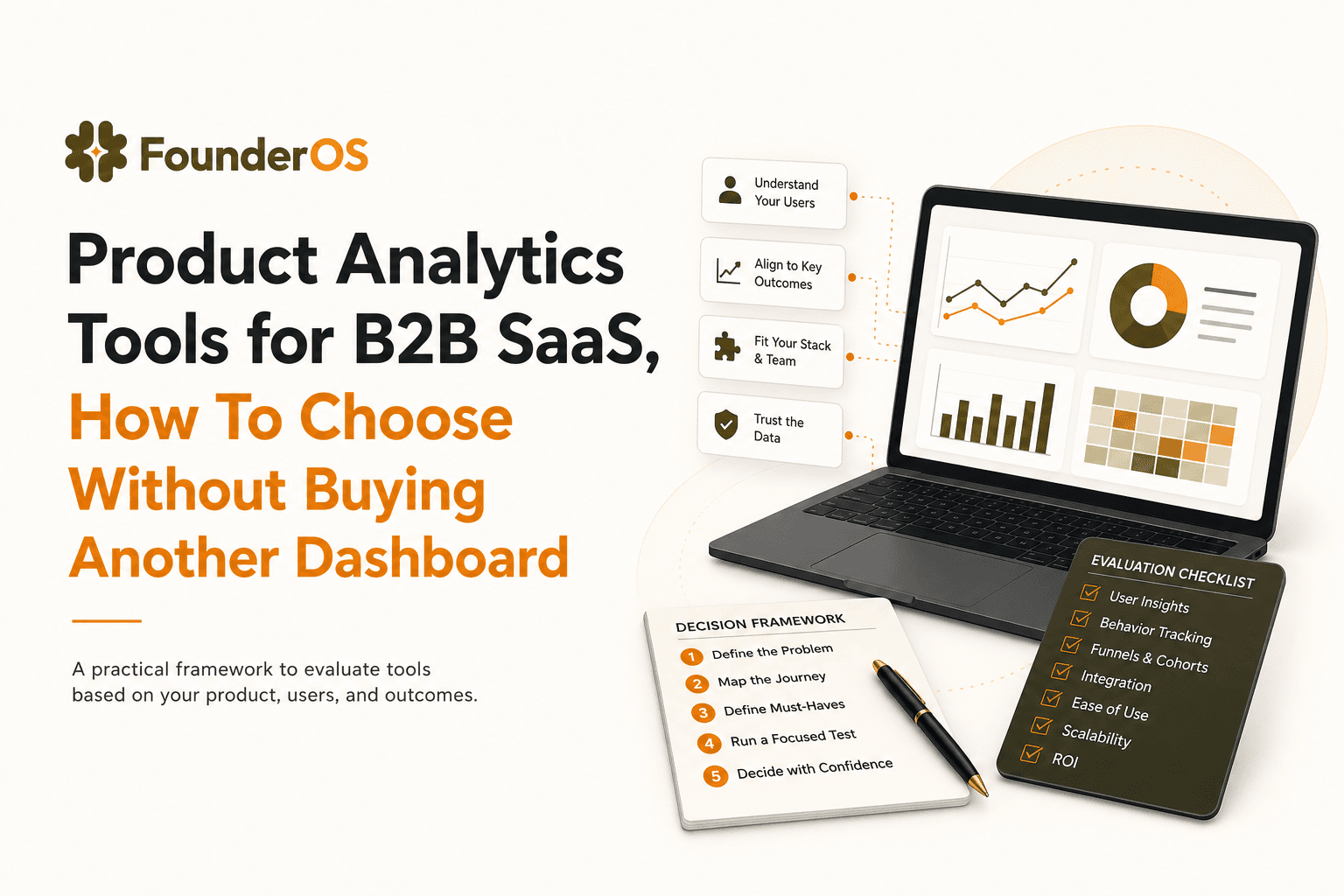
Product Analytics Tools for B2B SaaS, How To Choose Without Buying Another Dashboard
A practical guide to choosing product analytics tools for B2B SaaS: data model, funnels, identity, and revenue insights without dashboard bloat.

Product Manager Analytics, Two Meanings, One Practical Playbook
Product manager analytics explained in two tracks: Analytics PM career vs PM analytics practice, with weekly cadence, templates, and a worked example.
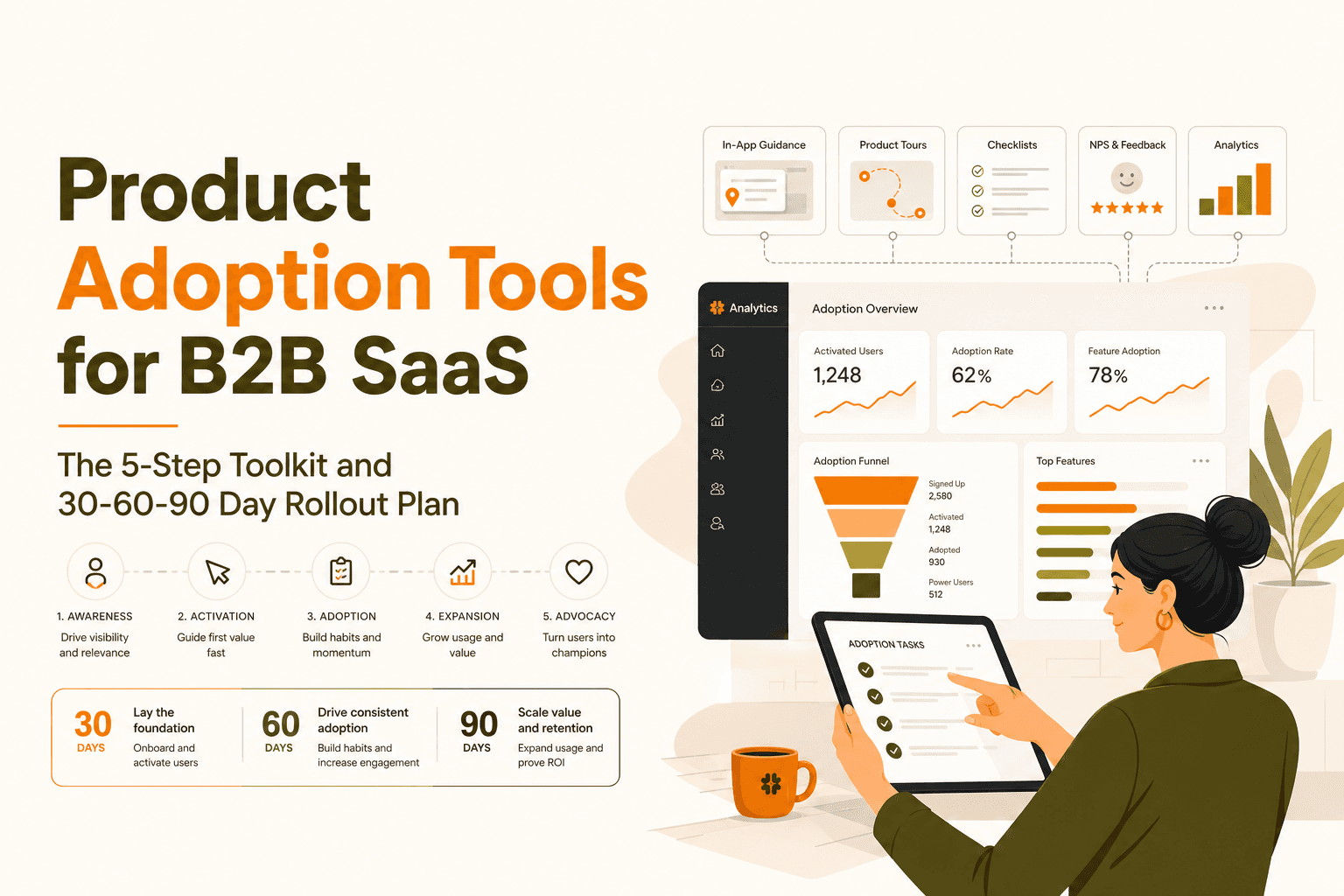
Product Adoption Tools for B2B SaaS, The 5-Step Toolkit and 30-60-90 Day Rollout Plan
A decision-ready guide to product adoption tools for B2B SaaS, plus a practical 30-60-90 day rollout plan tied to activation and retention.